Customer Ratings & Reviews



- Model:
- B0CJM1GNFQ
- SKU:
- 6560339
Rating by feature
- Value
Rating 4.8 out of 5 stars
- Quality
Rating 4.8 out of 5 stars
- Ease of Use
Rating 4.8 out of 5 stars
Customers are saying
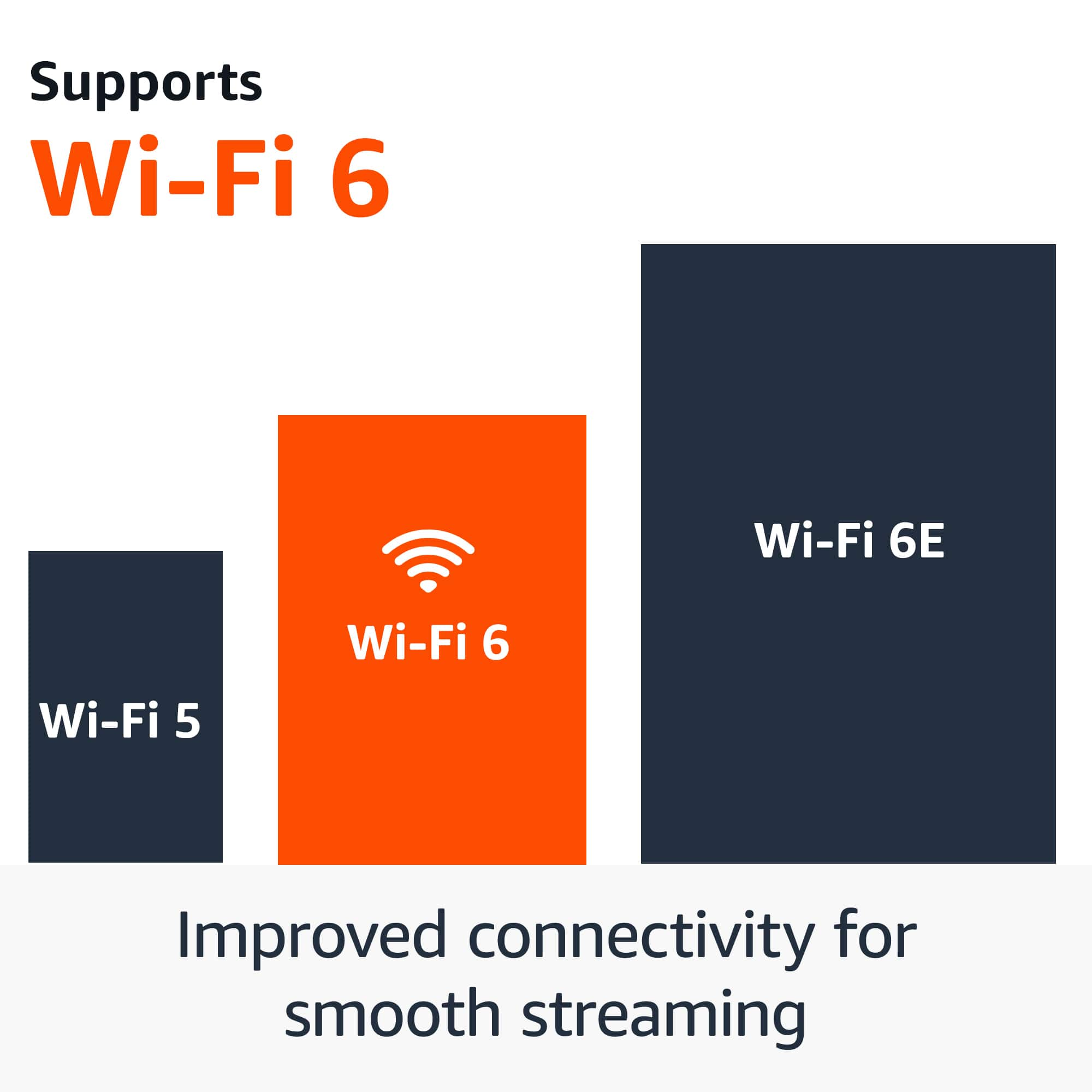
Customers love the Fire TV Stick 4K for its overall performance and ease of use. Users appreciate its speed and simple setup, finding it perfect for streaming. The device's 4K capabilities and Wi-Fi 6 support are also well-received. Some customers mentioned experiencing lag, but overall satisfaction is high.
This summary was generated by AI based on customer reviews.
?
||Posted . Owned for 3 weeks when reviewed.This reviewer received promo considerations or sweepstakes entry for writing a review.i did not buy it for me. it was a gift for someone else
I would recommend this to a friendBrand response from Amazon Devices Customer Support
Posted .Hello LeonardR, thank you for taking the time to gift the Amazon Fire TV Stick 4K streaming device. We hope the person who received the gift is enjoying their Amazon Fire TV Stick 4K streaming device, this device will give them endless amount of entertainment consisting of free as well as paid content and gaming. Have an amazing day!

Best Buy Bad Return Policy Amazon Fire TV
||Posted . Owned for 3 months when reviewed.This reviewer received promo considerations or sweepstakes entry for writing a review.It was turning off all the time. Best buy did not took it back.
I would recommend this to a friendBrand response from Amazon Devices Customer Support
Posted .Hello FrankC! I am so sorry to hear that your Fire Stick seems to be faulty and is turning off and on. We would love the opportunity to see what we can do to assist in resolving this issue. Please reach out to Amazon Customer Support at 888.280.4331 for additional assistance and troubleshooting and to explore what options may be available for you. Thank you so much for your time and feedback and I hope you have a terrific day!
sucks
||Posted . Owned for 3 weeks when reviewed.This reviewer received promo considerations or sweepstakes entry for writing a review.it really sucked and I could not get it to work with my TV
No, I would not recommend this to a friendBrand response from Amazon Devices Customer Support
Posted .Hi SamF,
I am sorry your having trouble setting up your Fire TV Stick 4K. Here are some steps to try and get your Fire Stick working:
-Put the batteries into the remote.
-Connect the power cable to the power adapter and the Stick.
-Plug in the Stick to the TV's HDMI port. Use the HDMI extender cable if it's difficult to plug the Stick into the TV's HDMI port.
-Plug in the power adapter to the wall. Avoid plugging the USB cable directly into the TV.
-Turn on your TV and switch to the correct HDMI input.
Tip: Use the remote that came with your TV to select the HDMI source or input.
Use your mobile phone to scan QR code to automatically add Wi-Fi settings and complete registration or use the remote instead to set up manually. If you choose to use the remote instead, follow the on-screen instructions to connect to Wi-Fi and sign in with your Amazon account. Use your mobile phone or computer to visit the on-screen web address (amazon.com/code) and enter the activation code.
-Follow the on-screen questions to set up equipment control for devices like soundbars.
If these steps do not help and you are still experiencing issues, you can reach out to Amazon Customer Support 24/7 at 1-888-280-4331.
Hope this helps, have a nice day!
It is Ok
||Posted . Owned for 3 weeks when reviewed.This reviewer received promo considerations or sweepstakes entry for writing a review.It has a habit of trying to contact to my ild internet.
I would recommend this to a friendBrand response from Amazon Devices Customer Support
Posted .Hello RoxanaH,
Sorry to hear about your trouble with the Fire TV Stick. I hope I can provide some information to help you resolve these issues. Here are some steps you can try to troubleshoot Wi-Fi connection issues with your Fire TV:
1. Use Fire TV's network status tool to identify problems with your connection and learn how to fix them. Select Settings > Network from the Fire TV menu, then Play/Pause on your remote, and follow the recommended steps.
If the connection issue persists try the following:
1. Use the connectors and cables that came with your Fire TV device.
2. Confirm that you are using a Wi-Fi password and not an Amazon account password.
3. Store your Fire TV out of enclosed areas such as closets that block your Wi-Fi signal.
4. Restart your Fire TV device and any home network devices like modems or routers.
5. If the issue persists, reset your Fire TV device to factory settings.
I hope these options help to resolve the issue you're having. If not, you can call Amazon customer support at 1-888-280-4331Thank you again. Your feedback is valuable to us as we continue to improve and grow our products for additional support. Have a great day!
firestuck
||Posted . Owned for 1 month when reviewed.This reviewer received promo considerations or sweepstakes entry for writing a review.This item consumed nearly 10 hours to configure. This item has too much spyware. Very disappointed
No, I would not recommend this to a friendBrand response from Amazon Devices Customer Support
Posted .Hi Retiredcabinetmaker,
The Fire TV Stick 4K has absolutely no spyware, as it is designed to protect your privacy. If you need additional help with set up, which takes most customers a few minutes, please call us. If your Wifi connection is not strong enough, this can cause longer downloading times, streaming issues etc. and is most likely the cause of your issues. An active Amazon account with current login credentials is also required.
Amazon customer service is available 24/7 for assistance on the device. You can reach us at 1-888-280-4331.
Hope that helps!
No curbside pickup
||Posted . Owned for 6 months when reviewed.This reviewer received promo considerations or sweepstakes entry for writing a review.I enjoy ordering items online but when I ask for curbside for the convenience and instead I have to go in the store to retrieve my item it is annoying.
No, I would not recommend this to a friendGARBAGE
||Posted . Owned for 2 months when reviewed.This reviewer received promo considerations or sweepstakes entry for writing a review.Slow, regularly disconnects itself. Software glitches. Cannot be used with any other software. Ruins the TV experience. Unreliable garbage. You will spend countless hours messing with this device.
No, I would not recommend this to a friendstopped working after one year
||Posted . Owned for 11 months when reviewed.This reviewer received promo considerations or sweepstakes entry for writing a review.stopped working after one year, i turn on the tv and it doesn't recognize the device.
No, I would not recommend this to a friendBrand response from Amazon Devices Customer Support
Posted .Hello, bige1995. I am sorry to hear about the issue you are having with your Fire TV Stick 4K. I have some recommendations to try and help. 1. Restart your Fire TV Stick 4K by unplugging it from power, waiting 15 seconds, and plugging it back in. 2. Try a different HDMI port on your TV to see if it recognizes the device. 3. Ensure your Fire TV Stick is plugged directly into a wall outlet, not a USB port on the TV. If these steps do not help, and you are still having functionality issues, call Amazon customer service at 1-888-280-4331. They are available 24/7. I hope this information is helpful. Thank you!
Fire stick K4
||Posted . Owned for 2 weeks when reviewed.This reviewer received promo considerations or sweepstakes entry for writing a review.Did not like the fire stick K4 it would not update
No, I would not recommend this to a friendBrand response from Amazon Devices Customer Support
Posted .Hi ArbutusL.
Thanks for the feedback on the Fire TV stick 4K Streaming Device. I am sorry to hear you are having trouble. Here are some tips that might help force the update.
To check for updates:
Go to Settings > My Fire TV > About
Select "Check for Updates"
If this does not work, you might need to:
Reset the remote completely by pressing the Left + Menu + Back buttons for 12 seconds. If this doesn't help you can contact Amazon Customer service 24/7 at 1-888-280-4331. I hope this information helps, have a great day!
Useless Buttons
||Posted . Owned for 1 month when reviewed.This reviewer received promo considerations or sweepstakes entry for writing a review.I absolutely hate that they changed the buttons on this remote. They took off useful buttons and put a peacock button and some other useless buttons.
No, I would not recommend this to a friendRemote doesn’t work
||Posted . Owned for 1 month when reviewed.This reviewer received promo considerations or sweepstakes entry for writing a review.Remote doesn’t work took out of case doesn’t work at all
No, I would not recommend this to a friendBrand response from Amazon Devices Customer Support
Posted .Hello CristalW! I am so sorry that your remote is not working right out of the box. Usually they come paired to your device already. If, for some reason, it isn't recognizing it, a couple of things you can doublecheck are as follows. First, make sure that the batteries are good and inserted properly. You can check this by inserting other AA batteries to see if it fixes the problem. Second, when your Fire Stick is powered on and on screen (probably during the setup portion if you were unable to move past these initial screens), try to put your remote in pairing mode. You can do this by just pressing the Home button for 10 seconds. You should see a light flash briefly on your remote if the batteries are good. Lastly, if this doesn't work, you can try to hard reset your remote. You can accomplish this by pressing and holding simultaneously the Home button, Go Back button, and Left on the directional circle for a full 30 second count. This usually gets your remote to start working again right after. If none of these options resolve your issue, then I would recommend contacting Amazon Customer Support at 888.280.4331 for further troubleshooting and to explore your options. I do hope these tips help fix your problem and improves your experience with your Fire Stick. Thank you again for your time and have a great day!
Junk
||Posted .This reviewer received promo considerations or sweepstakes entry for writing a review.Overpriced!!!!!!!!!!!!!!!!!!!!!!!!!!!!!!!!!!!!!!!!!
No, I would not recommend this to a friendBrand response from Amazon Devices Customer Support
Posted .Hi BrianA,
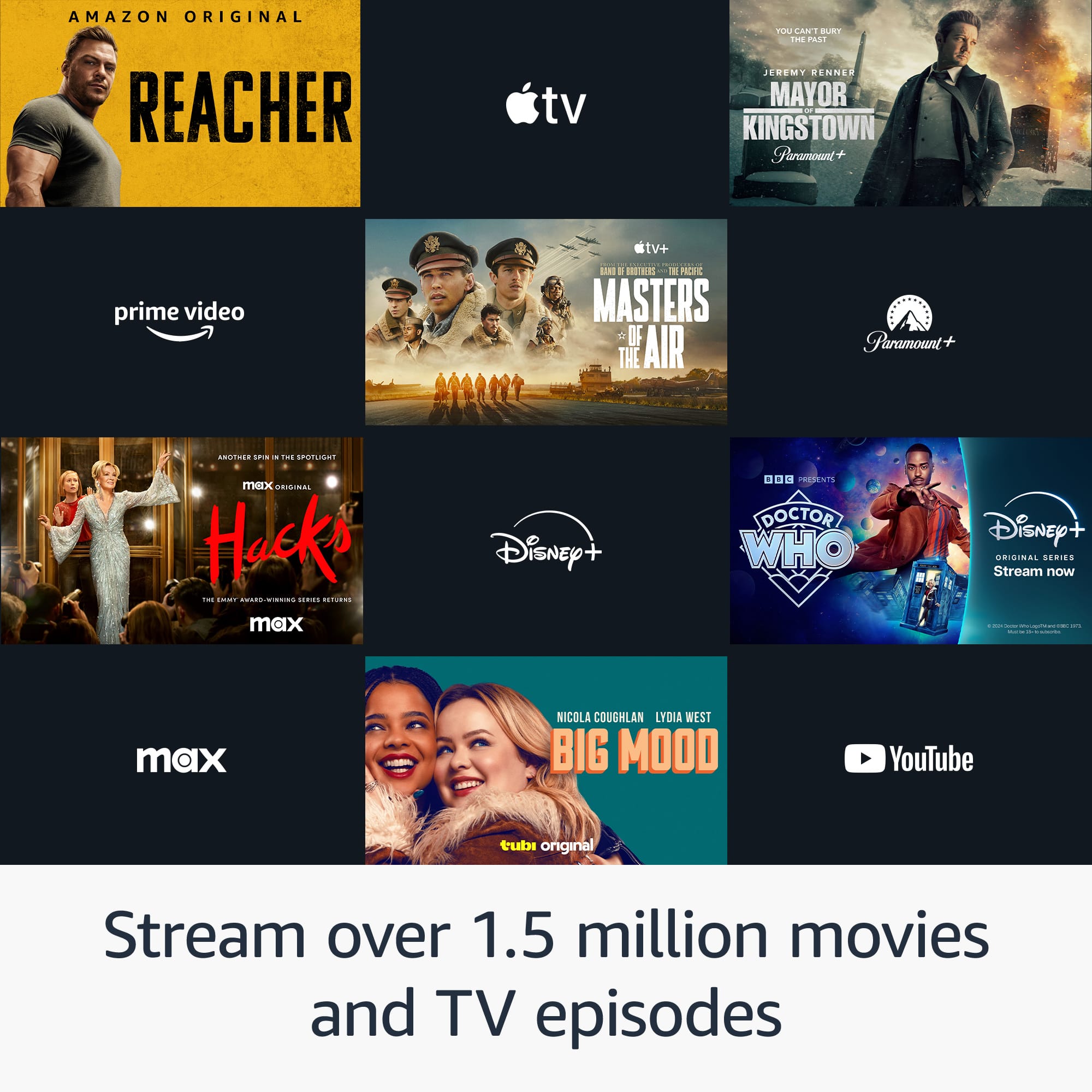
We are sorry you are not enjoying the new Fire TV Stick 4K. This device is under $50 dollars and brings great value to any home. You can stream more than 1.5 million movies and TV episodes. Watch favorites from Netflix, Prime Video, Disney+, Max, and more. Subscription fees may apply.
You can also access over 300,000 free movies and TV episodes from popular ad-supported streaming apps like Fire TV Channels, Amazon Freevee, Tubi, and Pluto TV. If you have any further questions about setting up the device or need assistance, don't hesitate to reach out! You can call Amazon customer service, available 24/7 for assistance on the device. You can reach us at 1-888-280-4331.
Hope that helps!
- Pros mentioned:Ease of use, Setup
Great Product
Posted .This reviewer received promo considerations or sweepstakes entry for writing a review.Great product was very easy to setup this replaced an older firestick that quit working.
I would recommend this to a friend Hood while it lasted.
||Posted . Owned for 8 months when reviewed.This reviewer received promo considerations or sweepstakes entry for writing a review.Was good while it worked. After about 4 months it stopped working
No, I would not recommend this to a friendBrand response from Amazon Devices Customer Support
Posted .Hello, Vtyler. I'm sorry to hear that you're having issues with your Fire TV Stick 4K. I have a few recommendations to try and get your device back up and running.
1. Check the HDMI input. Make sure the device is plugged in and try plugging it into a different HDMI port.
2. Use a direct power source. Ensure you're using the power adapter that came with your device and plugging it directly into a wall outlet.
If you have any questions or need assistance, I recommend calling Amazon customer service, available 24/7, for help with the device. You can reach them at 1-888-280-4331. I hope that helps. Have a great day!
Firestick
||Posted . Owned for 3 weeks when reviewed.This reviewer received promo considerations or sweepstakes entry for writing a review.I don't like it because the back falls off of it very low quality. I wanna recommend it to anybody
No, I would not recommend this to a friendBrand response from Amazon Devices Customer Support
Posted .Hello Leezettecamacho! Thank you for providing feedback on the experience you are having with this Fire Stick. I presume you are referring to the Alexa Voice Remote for your Fire Stick as the Fire Stick should not be coming apart at all. This should not be happening to your remote. If you are still within your exchange policy with the store you purchased it from, I would recommend exchanging for another one. If you are currently outside of the exchange policy, I would recommend reaching out to Amazon Customer Support at 888.280.4331 to explore your options and troubleshoot further. Thank you for your feedback and I hope you have a tremendous day!
Fire Stick
||Posted . Owned for 1 month when reviewed.This reviewer received promo considerations or sweepstakes entry for writing a review.I’m disappointed because the fire sticks did not sync easily to the internet.
No, I would not recommend this to a friendBrand response from Amazon Devices Customer Support
Posted .I am sorry you are having this issue with your Fire TV Stick 4K. Let's make sure you're using the included power adapter, and that the adapter is plugged into the Fire TV Stick (and not the TV). Some TVs feature powered USB ports, but they are not recommended for use with Fire TV Stick.
Physical objects can block your Wi-Fi signal. We recommend using the HDMI extender or adapter included with your Fire TV Stick. It optimizes the physical location of your device and can improve Wi-Fi connectivity.
Disconnect the Fire TV device from the HDMI port then plug it back in. Try replacing your HDMI cable with a new one.
Restart your Fire TV device and any home network devices like modems or routers.
To restart or power cycle your modem and router, unplug the power adapter on each for several minutes.
Reconnect power to your modem first.
When the modem is connected to your Internet service again, plug in your router.
Restart other connected devices after your router and modem have fully restarted.
Also, check for any potential router firmware updates. If these steps do not help and you are still experiencing issues, you can reach out to Amazon Customer Support 24/7 at 1-888-280-4331. Thank you for your feedback. I hope this information is useful.
Dead on arrival
||Posted . Owned for less than 1 week when reviewed.This reviewer received promo considerations or sweepstakes entry for writing a review.Returned it as it was dead in the box. No fixes would work had to return it!
No, I would not recommend this to a friendFirestick Remote
||Posted . Owned for 3 weeks when reviewed.This reviewer received promo considerations or sweepstakes entry for writing a review.This remote did not work but about one month. Not a good product.
No, I would not recommend this to a friendBrand response from Amazon Devices Customer Support
Posted .Hi VJoyM,
We are sorry to hear that you are not pleased with your Fire TV Stick 4K. The device requires a current Amazon Account and connection to Wi-Fi for optimal functionality. You can call Amazon customer service, available 24/7 for assistance on the device. You can reach them at 1-888-280-4331! Hope that helps!
Owner
||Posted . Owned for 3 weeks when reviewed.This reviewer received promo considerations or sweepstakes entry for writing a review.Wont work! Sales was great, just gave me wrong unit.
No, I would not recommend this to a friendBrand response from Amazon Devices Customer Support
Posted .Hello JoeM, seems as if your Amazon Fire TV Stick streaming device is not working for you and you were given the wrong unit. If you are within your return period you are able to exchange through the same channel of purchase and receive the correct device you wanted, which can give you a better experience with the device. Hope this helps and solves your case. Have an amazing day!
Firestick
||Posted . Owned for 2 weeks when reviewed.This reviewer received promo considerations or sweepstakes entry for writing a review.It didn’t connect to my internet and I’ve tried multiple times
No, I would not recommend this to a friendBrand response from Amazon Devices Customer Support
Posted .Hello PreciousM! Thank you for taking the time to review your experience and provide feedback. I am terribly sorry you are having trouble getting your Fire Stick connected to your internet. There are a number of ways to troubleshoot this and we would love the opportunity to work through it with you further to see if we can resolve your issue. Please reach out to Amazon Customer Support at 888.280.4331 for further assistance with this. I hope we can help and that you have a terrific day!