Customer Ratings & Reviews
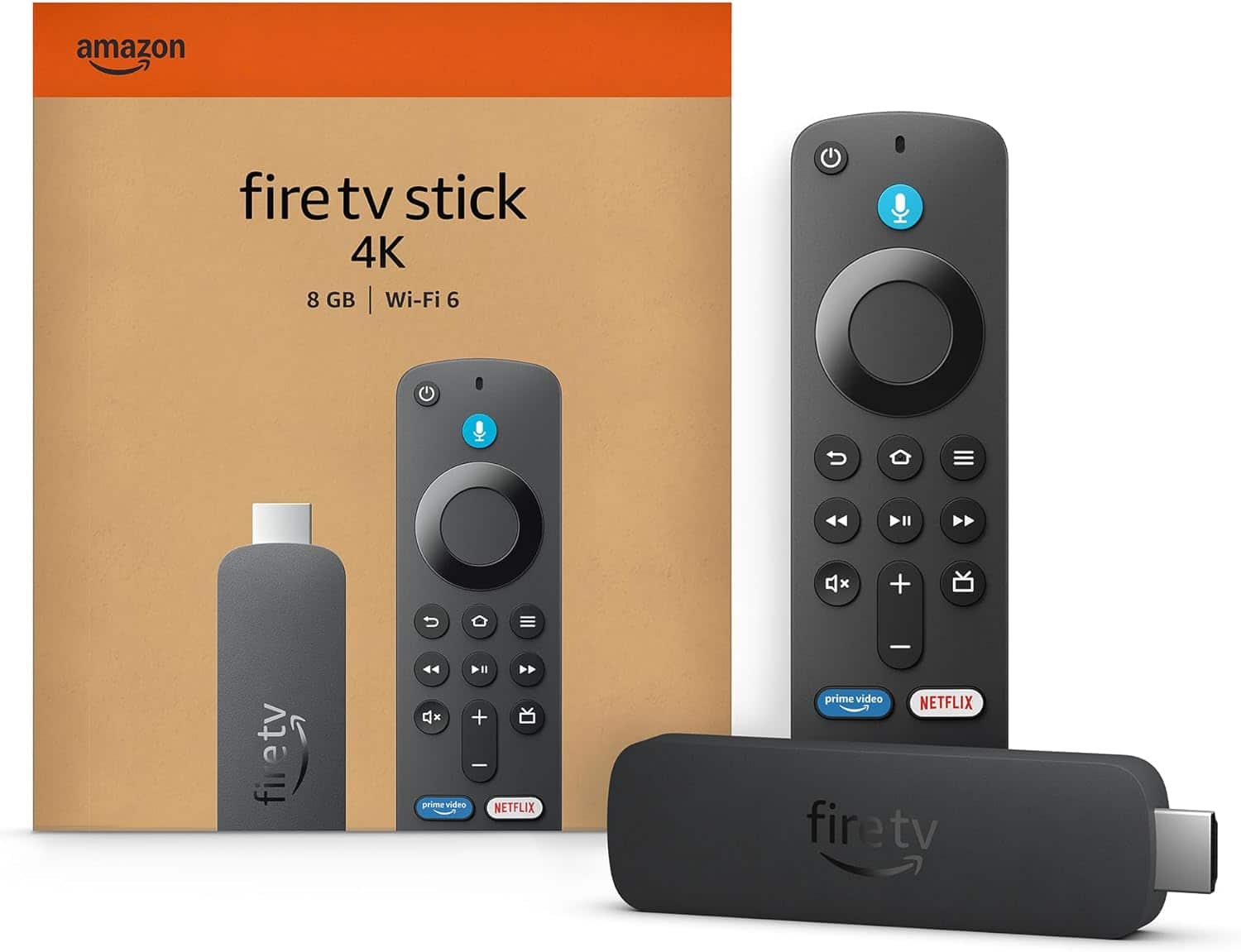
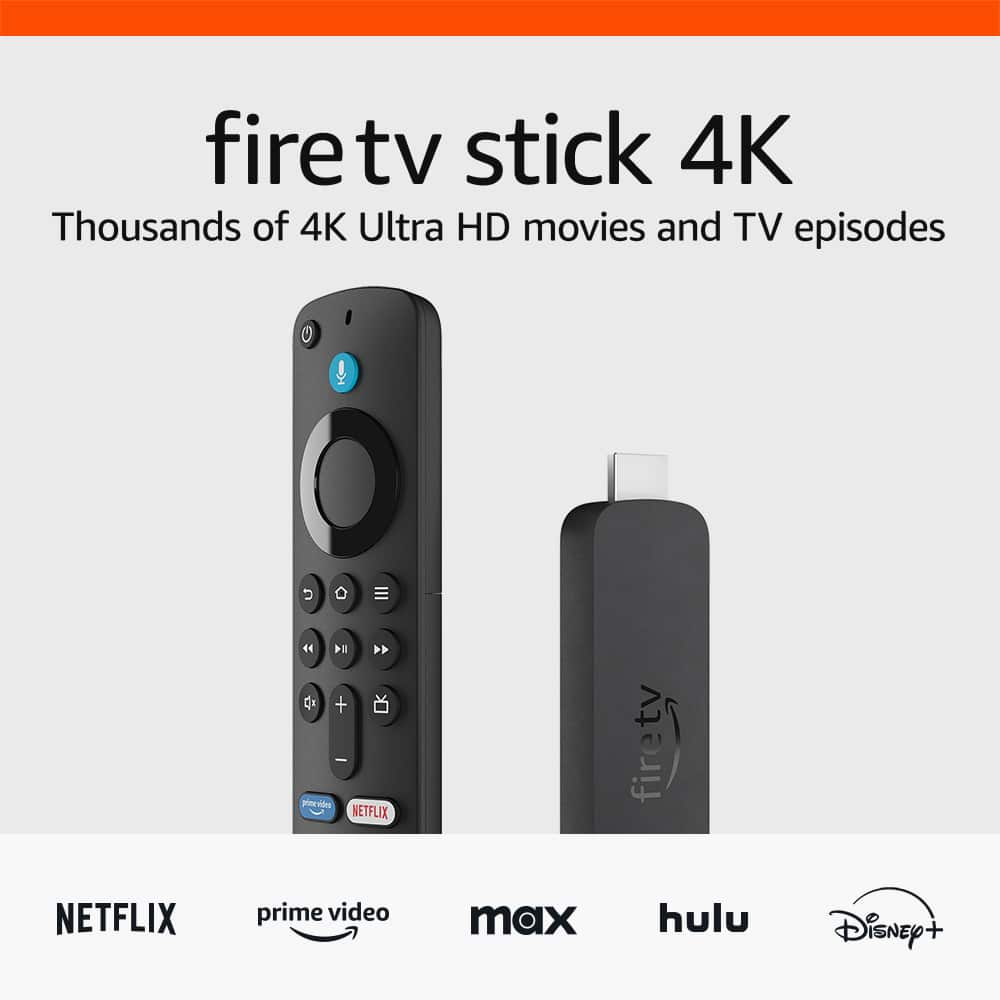




- Model:
- B0CJM1GNFQ
- SKU:
- 6560339
Rating by feature
- Value
Rating 4.8 out of 5 stars
- Quality
Rating 4.8 out of 5 stars
- Ease of Use
Rating 4.8 out of 5 stars
Customers are saying
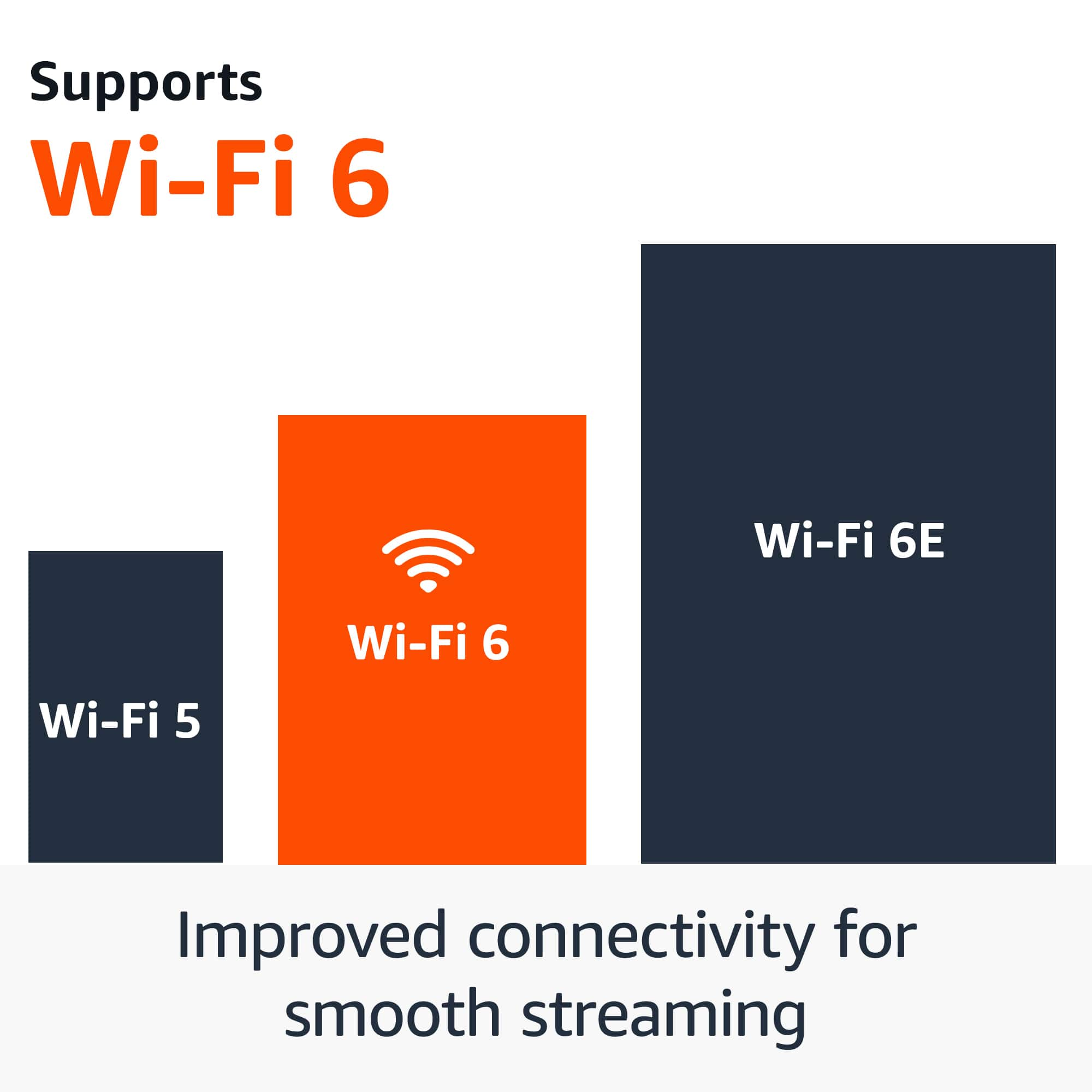
Customers love the Fire TV Stick 4K for its overall performance and ease of use. Users appreciate its speed and simple setup, finding it perfect for streaming. The device's 4K capabilities and Wi-Fi 6 support are also well-received. Some customers mentioned experiencing lag, but overall satisfaction is high.
This summary was generated by AI based on customer reviews.
Fire junk
||Posted . Owned for 3 weeks when reviewed.This reviewer received promo considerations or sweepstakes entry for writing a review.Not a fan. Horrible to use. Perfer roku. Wouldnt recommended to anyone.
No, I would not recommend this to a friendnot happy with fire stick
||Posted . Owned for 3 weeks when reviewed.This reviewer received promo considerations or sweepstakes entry for writing a review.It's new and has Update issue, app store choice are limited
No, I would not recommend this to a friendBrand response from Amazon Devices Customer Support
Posted .I am sorry to hear about the issues you are experiencing with the Fire TV Stick 4K. Here are some troubleshooting steps to try to help resolve the issue with updating. 1. Check that your Fire TV device is connected to the Internet. 2. Go to Settings, and then select Network. 3. Press Play/Pause on your remote to test your connection. If your device has connectivity issues, restart your home networks devices, such as your modem or router. 4. Unplug your Fire TV device. Wait one minute and then plug your device back in. 5. Confirm that your Fire TV device has enough available storage to download the update (at least 500 MB): Go to Settings on your Fire TV. Select My Fire TV or Device & Software. Select About. Select Storage. Tip: To increase your available storage, uninstall apps by going to Settings on your device. If these steps do not help, and you are still having functionality issues you can call Amazon customer service, available 24/7 for assistance on the device. You can reach them at 1-888-280-4331. I hope this information is helpful, thank you!

Poor
||Posted . Owned for 3 weeks when reviewed.This reviewer received promo considerations or sweepstakes entry for writing a review.Does a lot of buffering unless I'm within one room of my router
No, I would not recommend this to a friendBrand response from Amazon Devices Customer Support
Posted .Hello Mike,
I am sorry to hear of the issues you are having with your Fire TV 4K Stick. Here are some other troubleshooting steps to consider: Make sure that your Fire device is within range of your wireless router and has a good connection. Check that your Fire device is away from any devices that cause interference (such as microwaves, baby monitors, or other electronic devices).
If you have several devices connected to your Wi-Fi network, try removing some of them to reduce congestion.
If you have a dual-band router: The network name (or SSID) is different for both the 2.4 GHz and 5 GHz band. If using a 2.4 GHz network, channels 1, 6, and 11 are the best channels to use with your Echo device.
Connect your Fire device to the 5 GHz band of your router (if available).
Restart your Fire device and your Internet router and/or modem. If these steps don't work, you can reach Amazon Customer support 24/7 to assist with your device. You can reach them at 1-888-280-4331. I hope this information helps, have a great day!
Bad software
||Posted . Owned for 3 weeks when reviewed.This reviewer received promo considerations or sweepstakes entry for writing a review.Full screen auto play ads she on my TV everyone I go to use the Firestick
No, I would not recommend this to a friendTax
||Posted . Owned for 1 month when reviewed.This reviewer received promo considerations or sweepstakes entry for writing a review.A lot of monthly fees. Majority of access is asking monthly fee
No, I would not recommend this to a friendOver priced
||Posted . Owned for 1 week when reviewed.This reviewer received promo considerations or sweepstakes entry for writing a review.Found online much chePer. The customer seevice was horrible
No, I would not recommend this to a friend- Pros mentioned:Ease of use, Setup
TLane
Posted .This reviewer received promo considerations or sweepstakes entry for writing a review.Found fire stick pretty much all i expected. Easy setup and lots of channels.
I would recommend this to a friend Firestick
||Posted . Owned for 1 month when reviewed.This reviewer received promo considerations or sweepstakes entry for writing a review.Doesnt work with youtube tv. I cant use it this way
No, I would not recommend this to a friend- Pros mentioned:Overall performance
Great, but no infrared
Posted .This reviewer received promo considerations or sweepstakes entry for writing a review.This just works and is faster than the old one. I'm taking one start off as it no longer supports IR control for remotes so I have to have another remote to control my audio (yes I know that HDMI-ARC deals with this, but the audio receiver lacks HDMI.)
I would recommend this to a friend - Pros mentioned:Overall performance
Excellent
Posted .This reviewer received promo considerations or sweepstakes entry for writing a review.Excellent excellent excellent excellent excellent excellent
I would recommend this to a friend - Pros mentioned:Ease of use, Overall performance, Price
Firestick
Posted .This reviewer received promo considerations or sweepstakes entry for writing a review.Good quality and price was excellent. Easy for you to use.
I would recommend this to a friend - Pros mentioned:Overall performance
Firestick
Posted .This reviewer received promo considerations or sweepstakes entry for writing a review.Great for everyday use. I have one in every room of my house.
I would recommend this to a friend - Pros mentioned:Overall performance
Good quality
Posted .This reviewer received promo considerations or sweepstakes entry for writing a review.This is high quality fire stick to convert your tv to smart tv.
I would recommend this to a friend Great Gizmo
Posted .This reviewer received promo considerations or sweepstakes entry for writing a review.As a registered "geezer" I was able to get this great device up and running. I like the increased program options. I like the commercial-free programs. It good for additional sports events
I would recommend this to a friendGreat Product!!
Posted .This reviewer received promo considerations or sweepstakes entry for writing a review.Purchased this to replace an older Fire Stick that was no longer working properly. Programs took forever to load and would often reboot randomly. This new one is fast and works better on all my streaming services. Also got it at a great price during Best Buys Black Friday sale. If you dont have a smart TV this Amazon 4k fire stick will get you access to your favorite streaming services without having to upgrade your TV.
I would recommend this to a friend- Pros mentioned:Ease of use
Fire stick
Posted .This reviewer received promo considerations or sweepstakes entry for writing a review.Easy to use. Clear directions. Found favorites easily
I would recommend this to a friend - Pros mentioned:Overall performance
Firestick
Posted .This reviewer received promo considerations or sweepstakes entry for writing a review.The Fire stick works really great that’s all I to say
I would recommend this to a friend - Pros mentioned:Ease of use, Speed
Amazing
Posted .This reviewer received promo considerations or sweepstakes entry for writing a review.Works fantastic!! Easy to install and set up. Lightning fast and zero buffering.
I would recommend this to a friend - Pros mentioned:Overall performance
fire stick
Posted .This reviewer received promo considerations or sweepstakes entry for writing a review.just subscribe beautiful picture fast remote control
I would recommend this to a friend - Pros mentioned:Ease of use, Overall performance
Great little device
Posted .This reviewer received promo considerations or sweepstakes entry for writing a review.Easy to set up and use, picture quality and wifi connectivity work well.
I would recommend this to a friend