Customer Ratings & Reviews
- Model:
- B0CQMRKRV5
- |
- SKU:
- 6602198
Customer reviews
Rating 4.8 out of 5 stars with 1223 reviews
(1,223 customer reviews)Rating by feature
- Value4.8
Rating 4.8 out of 5 stars
- Quality4.8
Rating 4.8 out of 5 stars
- Ease of Use4.8
Rating 4.8 out of 5 stars
Customers are saying
Customers find value in the Fire TV Stick HD's overall performance as a streaming device and its ease of use. Users appreciate the simple setup process and the wide selection of compatible apps. The device also offers easy connectivity to various TVs.
This summary was generated by AI based on customer reviews.
Rated 2 out of 5 stars
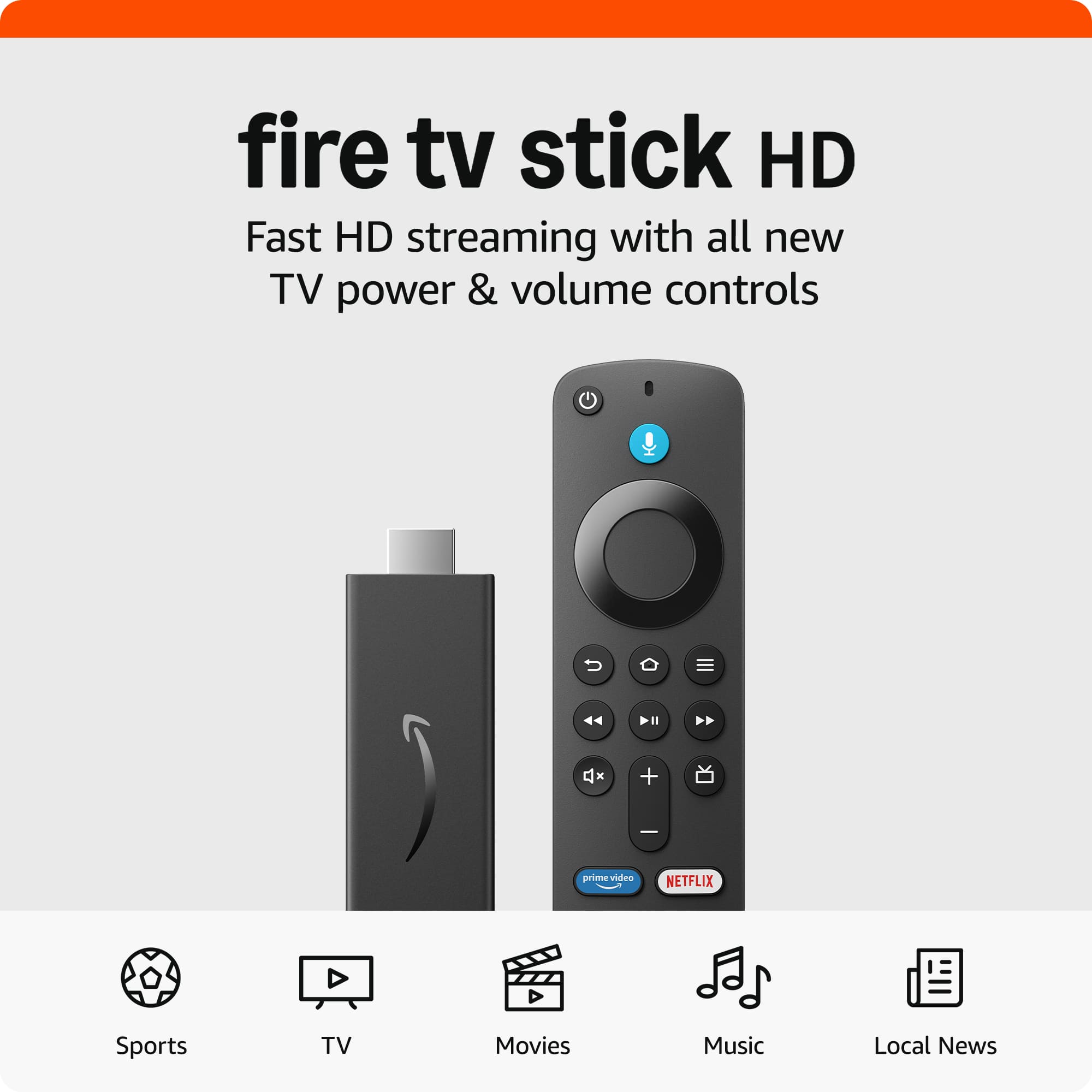
Amazon - Fire TV Stick HD
||Posted . Owned for 2 months when reviewed.This reviewer received promo considerations or sweepstakes entry for writing a review.I bought it. But not that much happy with it. Every time I should keep log in, which is really irritating. Instead I bought cable and enjoy watching my favorite shows.
No, I would not recommend this to a friendRated 1 out of 5 stars
Leave this on the shelf.
||Posted . Owned for 4 months when reviewed.This reviewer received promo considerations or sweepstakes entry for writing a review.Did not function. Swapped out batteries with know good ones. Unit is bad right out of the box. Save your cash for real merchandise.
No, I would not recommend this to a friendBrand response from Amazon Devices Customer Support
Posted .Dear BenW,
We're very concerned that your Fire TV Stick was non-functional right out of the box. A device that doesn't work upon first use is completely unacceptable.
While we support your right to return the device to Best Buy, if you'd like to try resolving this:
Our technical support team can help verify if it's a hardware or setup issue
We can arrange an immediate replacement if needed
We can troubleshoot any specific error messages you're seeing
Please contact our support team at 1 800-280-4331 for immediate assistance. We stand behind our products and want to make this right.
Best regards,
Rated 1 out of 5 stars
Dissatisfied
||Posted . Owned for 3 weeks when reviewed.This reviewer received promo considerations or sweepstakes entry for writing a review.For some reason the firestick would not recognize the remote. I had my Xfinity service technician to set it up and he found the same problem. I've set up several firesticks without any problems but I purchased them from Amazon. This is my first bad experience with a firestick.
No, I would not recommend this to a friendBrand response from Amazon Devices Customer Support
Posted .Hello Dissatisfied,
I am sorry to hear your Fire TV Stick remote was not working. Here are a few things to try to get it to work: start by unplugging and restarting both the Fire TV device and the remote. After powering them back on, press and hold the Home button until the LED light flashes (on third-gen remotes, it should blink blue rapidly). If that doesn't work, reset the remote by holding the Left, Menu, and Back buttons together for 12 seconds. Then remove the batteries, plug the Fire TV back in, and reinsert the batteries. Alternatively, use the Fire TV app as a remote to navigate to settings and manually pair your remote. If these steps do not help and you are still experiencing issues, you can reach out to Amazon Customer Support 24/7 at 1-888-280-4331. Have a nice day!
Rated 1 out of 5 stars
No good
||Posted . Owned for 7 months when reviewed.This reviewer received promo considerations or sweepstakes entry for writing a review.Too complicated for no reason, I would not recommend
No, I would not recommend this to a friendBrand response from Amazon Devices Customer Support
Posted .Thank you for your feedback JairoS.
Rated 1 out of 5 stars
Not worth and bad product
||Posted .This reviewer received promo considerations or sweepstakes entry for writing a review.Item is not working as expected. It’s too slow when I click on any button
No, I would not recommend this to a friendBrand response from Amazon Devices Customer Support
Posted .Hi Anonymous,
Thank you for your feedback on the Amazon Fire TV Stick HD. I am sorry to hear it is running slow. A few thing to try are a restart, clearing cache/storage, or app management (uninstalling unused apps, force-stopping background ones) to improve performance, but ensuring the device has sufficient storage, updated software, and a strong Wi-Fi signal also helps maintain smooth HD playback. If these steps do not help and you are still experiencing issues, you can reach out to Amazon Customer Support 24/7 at 1-888-280-4331.
Rated 2 out of 5 stars
Not worth it
||Posted . Owned for 1 month when reviewed.This reviewer received promo considerations or sweepstakes entry for writing a review.it's okay...kind of cumbersome to use. Tried this item to stream from my peleton to the screen. Ended up bringing it back since it was too difficult to use.
No, I would not recommend this to a friendBrand response from Amazon Devices Customer Support
Posted .Hi AMBuik,
We are sorry you are not enjoying the Fire TV Stick HD. If you need further help troubleshooting, you can call us. The Peleton App may have a better user experience for you if you download it to your television and utilize it from the TV. Amazon customer service is available 24/7 for assistance on the device. You can reach us at 1-888-280-4331.
Hope that helps!
Rated 2 out of 5 stars
Applesauce
||Posted . Owned for 1 month when reviewed.This reviewer received promo considerations or sweepstakes entry for writing a review.Firesticks just get the job but are most definitely the lesser so cheaper but you buy more over all
No, I would not recommend this to a friendBrand response from Amazon Devices Customer Support
Posted .Hi Mollyb, thank you for taking the time to review the Amazon Fire TV Stick HD! I’m sorry to hear it hasn’t met your expectations. I wanted to share that you can actually explore a ton of free streaming options on your Fire Stick! Apps like Tubi, Pluto TV, Amazon Freevee, and The Roku Channel offer a great mix of movies, TV shows, live TV, and news—all without needing to pay for additional subscriptions. I hope this helps you enjoy your device even more. Thanks again for your feedback!
Rated 1 out of 5 stars
Ms
||Posted . Owned for 2 weeks when reviewed.This reviewer received promo considerations or sweepstakes entry for writing a review.Your store has terrible employees that do not want to work & are rude to customers. How are you still in business?
I would recommend this to a friendRated 1 out of 5 stars
review of Total Tech
||Posted .This reviewer received promo considerations or sweepstakes entry for writing a review.Being a Total Tech I need to have someone set this stuff up for me(not tech saavy) that is the whole reason I am a member back when I signed up they sent geeks to house to set up items for seniors now its not worth signing up for Total Tech
No, I would not recommend this to a friendBrand response from Amazon Devices Customer Support
Posted .Hi Risha,
We are sorry about your experience. If you have any specific questions about our device or need help with set up, please call us! Amazon customer service can be reached at 1-888-280-4331!
Hope that helps!
Rated 1 out of 5 stars
Racism
||Posted . Owned for 1 month when reviewed.This reviewer received promo considerations or sweepstakes entry for writing a review.A lot of racism when visiting store. Brought it to their attention and never heard from management or CEO and never appreciated apology.
No, I would not recommend this to a friendRated 1 out of 5 stars
Not Recommended
||Posted . Owned for 2 months when reviewed.This reviewer received promo considerations or sweepstakes entry for writing a review.This thing was hard to set up, needed additional power from an outlet, and didn't even have Hulu or Crunchyroll access anymore. Not recommended.
No, I would not recommend this to a friendBrand response from Amazon Devices Customer Support
Posted .Hello DanielD! Thank you for your time and review on your experience with your new Fire Stick. I am sorry that you had difficulty in the setup of your Fire Stick. We take pride in our ease of use and setup and instructions on screen but sometimes complications can occur making the experience suboptimal. I would recommend utilizing the on screen Help features in the Settings menu as well as contacting Amazon Customer Support directly at 888.280.4331 for any further troubleshooting. As for Crunchyroll and Hulu support, there are sometimes 3rd party apps that get updates or changes directly from the companies that develop them. But as of writing this response, both of those services are up and running and compatible with all of our current and most previous Fire Stick devices. There are individual apps for each as well as Hulu can be found in the Disney Plus app. Lastly, Crunchyroll even has a Prime Channels subscription option that allows for you to use it directly within the Fire TV interface of channels (instead of the separate app) and comes with a free trial for new subscribers. So I am confused as to why they are not showing as available for your device. For that, I would also recommend contacting Amazon Customer Support directly through the number above. Thank you again for your time and feedback and I hope you have a fantastic day!
Rated 1 out of 5 stars
beware of store and their policies
||Posted . Owned for 2 weeks when reviewed.This reviewer received promo considerations or sweepstakes entry for writing a review.rubbish product and store experience, where un opened item has not provided back money to my card and Gift certificate, even store rep taking return hasn't provided required info, so never recommend store and product to anyone
No, I would not recommend this to a friendRated 1 out of 5 stars
Waste of Money and time
||Posted . Owned for 3 weeks when reviewed.This reviewer received promo considerations or sweepstakes entry for writing a review.Work 1 day and then stopped working was shocked because it suppose to be so good that’s a joke
No, I would not recommend this to a friendBrand response from Amazon Devices Customer Support
Posted .Hello BonnieO. Thank you so much for providing a review and feedback on your experience with your new Fire Stick. I am so sorry to hear that yours stopped working. We would love the opportunity to try to resolve your issues so you can begin enjoying your product the way it was intended. Please contact Amazon Customer Support directly at 888.280.4331 for further assistance. I hope this helps get you the help you need and that you have a great day!
Rated 1 out of 5 stars
Interruptions of viewing
||Posted . Owned for 1 month when reviewed.This reviewer received promo considerations or sweepstakes entry for writing a review.Disappointed! Many interruptions because of buffering, freezing etc.
No, I would not recommend this to a friendBrand response from Amazon Devices Customer Support
Posted .Hi JoranC,
I am sorry to hear about the problems you are having with the Fire TV stick. Those interruptions sound extremely frustrating! If your Fire TV Stick is experiencing frequent buffering and freezing issues, there are several troubleshooting steps you can try:
Check your internet connection:
Run a speed test on another device
Ensure you have at least 3-5 Mbps for SD content, 5-8 Mbps for HD, and 25 Mbps for 4K
Restart your devices:
Unplug your Fire TV Stick, router, and modem for about 30 seconds, then plug them back in
Clear cache and data:
Go to Settings > Applications > Manage Installed Applications
Select the app causing issues and clear its cache and data
Update your Fire TV Stick:
Go to Settings > My Fire TV > About > Check for Updates
Check for app updates:
Open the Amazon Appstore and update all your apps
If these steps do not help, and you are still having functionality issues you can call Amazon customer service, available 24/7 for assistance on the device. You can reach them at 1-888-280-4331. I hope this information is helpful, thank you!
Rated 1 out of 5 stars
Outrageous purchase cap
||Posted .This reviewer received promo considerations or sweepstakes entry for writing a review.Ridiculous how am told i can only buy 3. This shoyis be made public to all.
No, I would not recommend this to a friendBrand response from Amazon Devices Customer Support
Posted .Hi User328200,
We are sorry you are not happy with this policy. If you wish to discuss further, you can reach Amazon customer service, available 24/7 for assistance. We can be reached at 1-888-280-4331.
Hope that helps!
- Pros mentioned:Ease of use, Setup
Rated 5 out of 5 stars
So far so good
Posted .This reviewer received promo considerations or sweepstakes entry for writing a review.Just got this for my roku tv that has been slowing down and is old. Great upgrade and easy setup
I would recommend this to a friend - Pros mentioned:App compatibility, Overall performance
Rated 5 out of 5 stars
Anthony Simbeye
Posted .This reviewer received promo considerations or sweepstakes entry for writing a review.Very good with picture enhancement with a good portfolio of apps in the app gallery
I would recommend this to a friend - Pros mentioned:Overall performance
Rated 5 out of 5 stars
Want be disappointed!
Posted .This reviewer received promo considerations or sweepstakes entry for writing a review.Increased the picture. I was surprised with performance. This is my third fire stick and this one has out last the other two. Easy set up. Happy about purchase.
I would recommend this to a friend - Pros mentioned:Ease of use, Overall performance
Rated 5 out of 5 stars
Great product.
Posted .This reviewer received promo considerations or sweepstakes entry for writing a review.Great product. Overall works really well, super fast to set up and easy to use.
I would recommend this to a friend - Pros mentioned:Ease of use, Overall performance
Rated 5 out of 5 stars
No pay cable subscriptions.
Posted .This reviewer received promo considerations or sweepstakes entry for writing a review.Worked as promised, easy installation, now I can stream all kinds of channels without purchasing a subscription from a cable company, therefore saving money monthly.
I would recommend this to a friend