Customer Ratings & Reviews
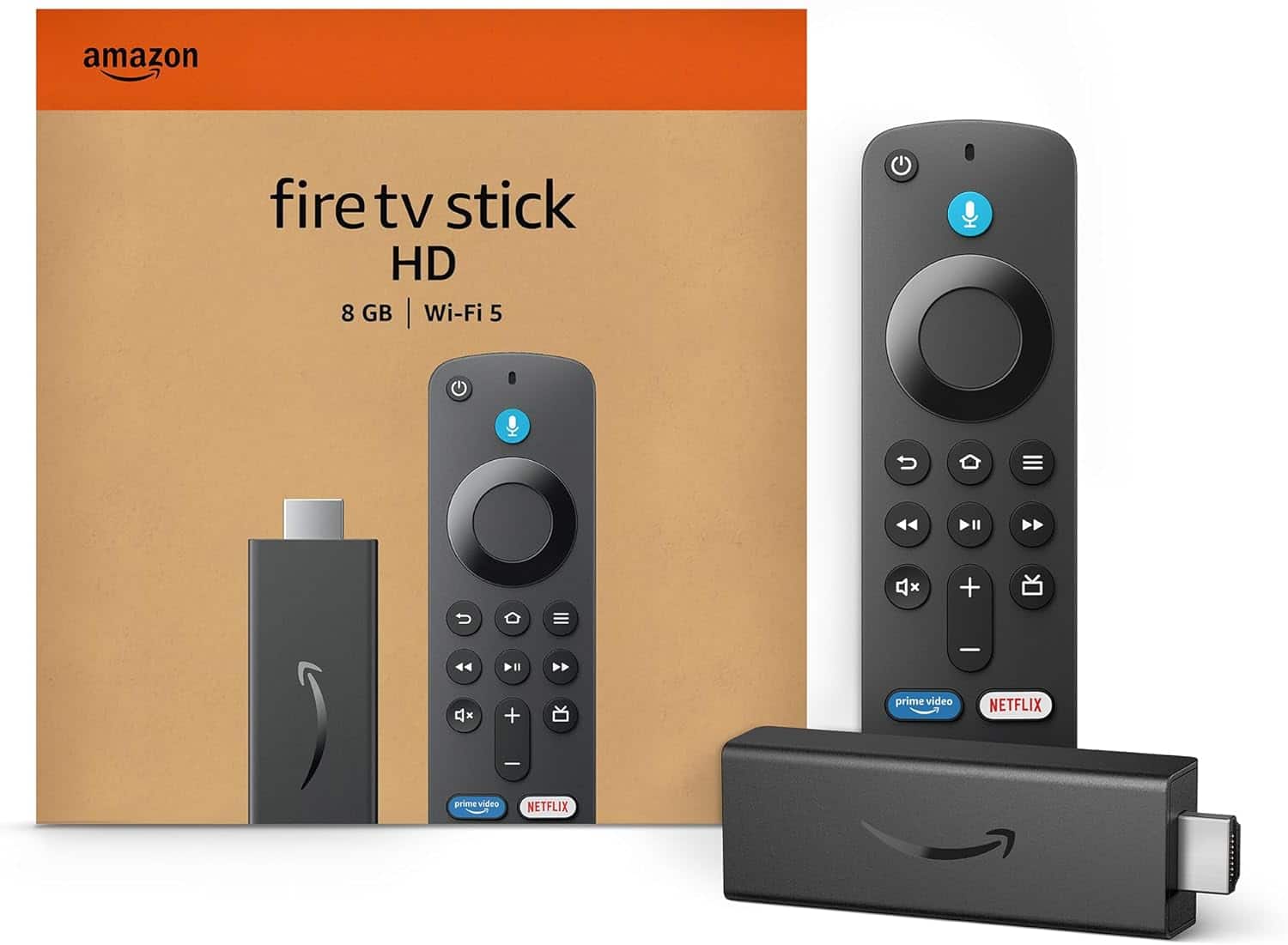
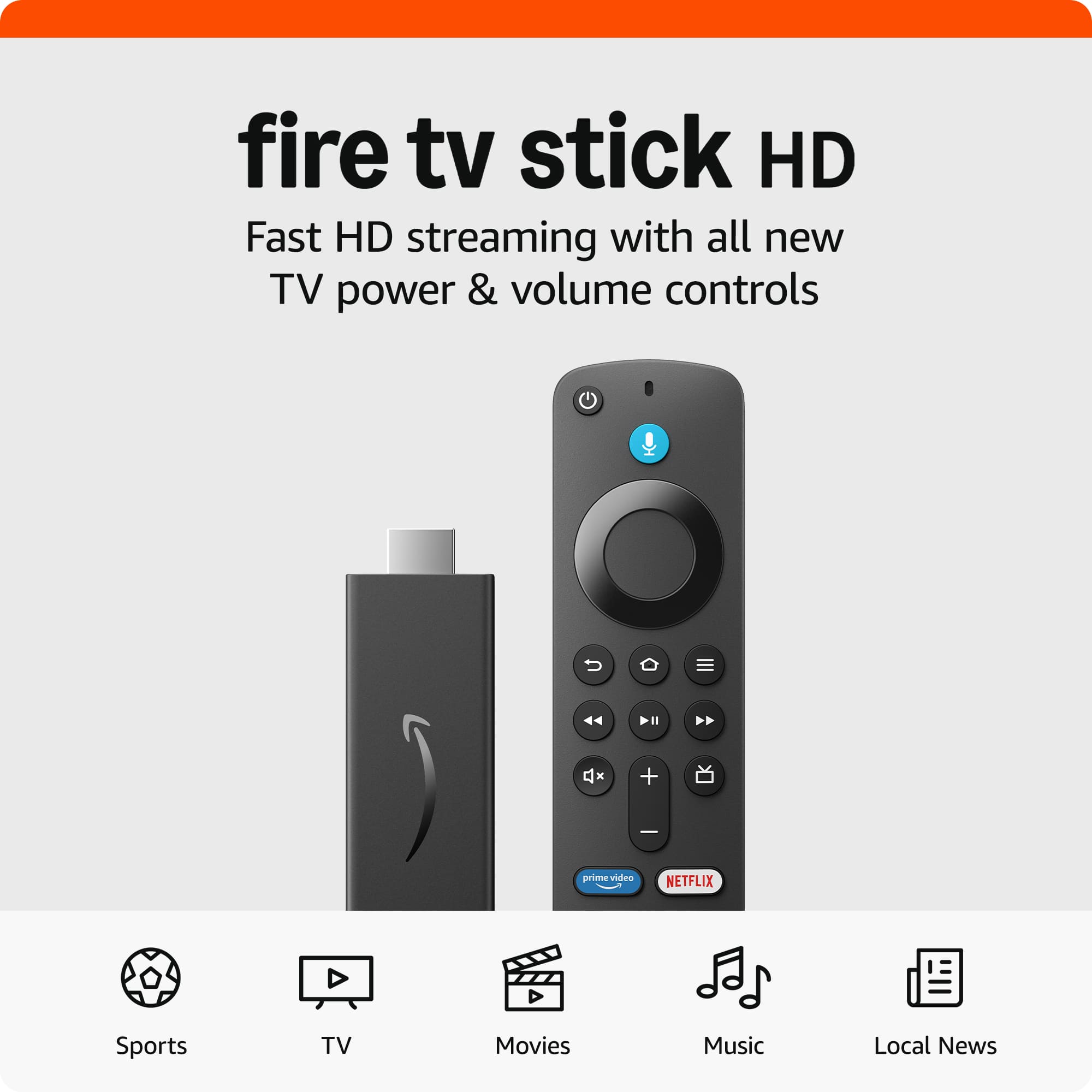
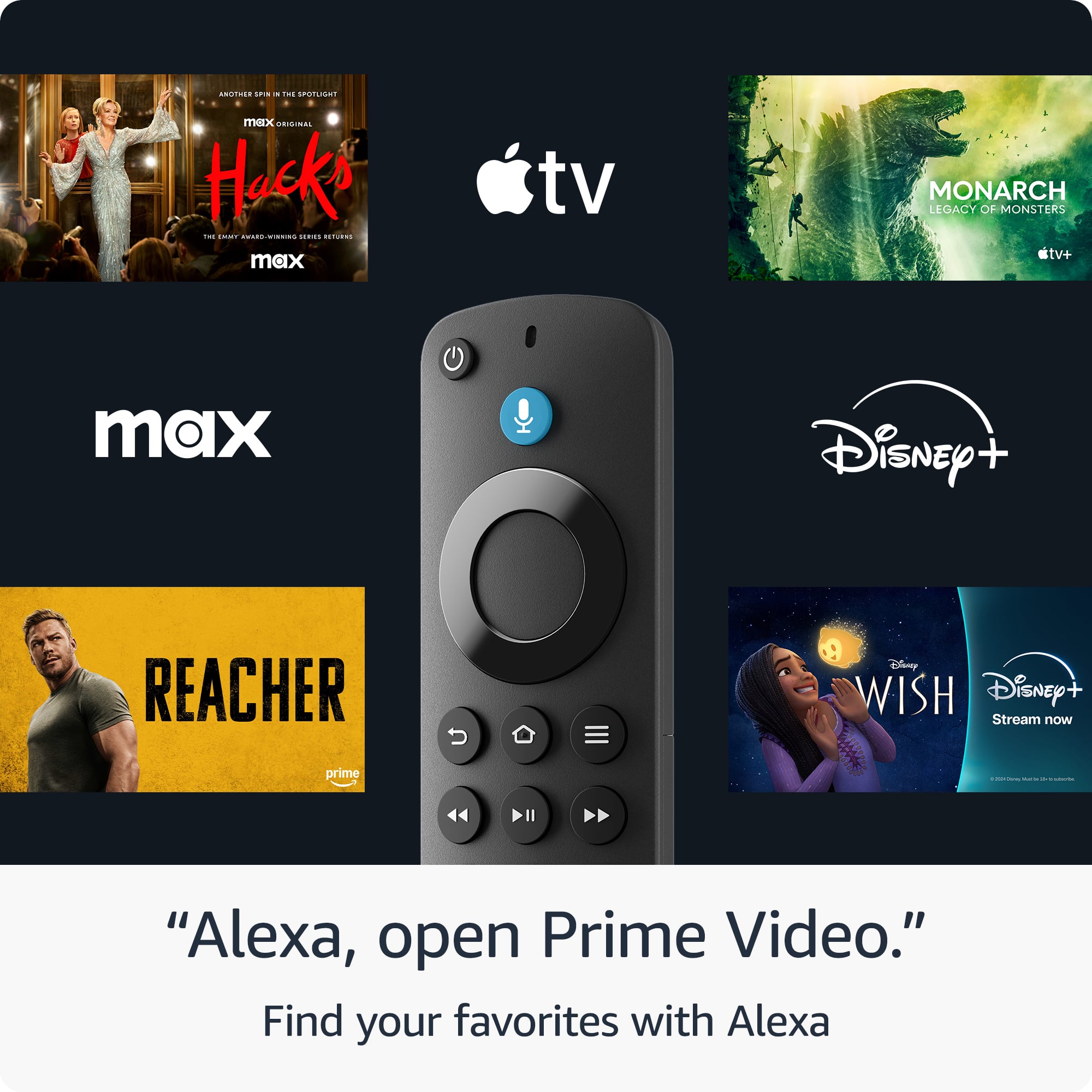
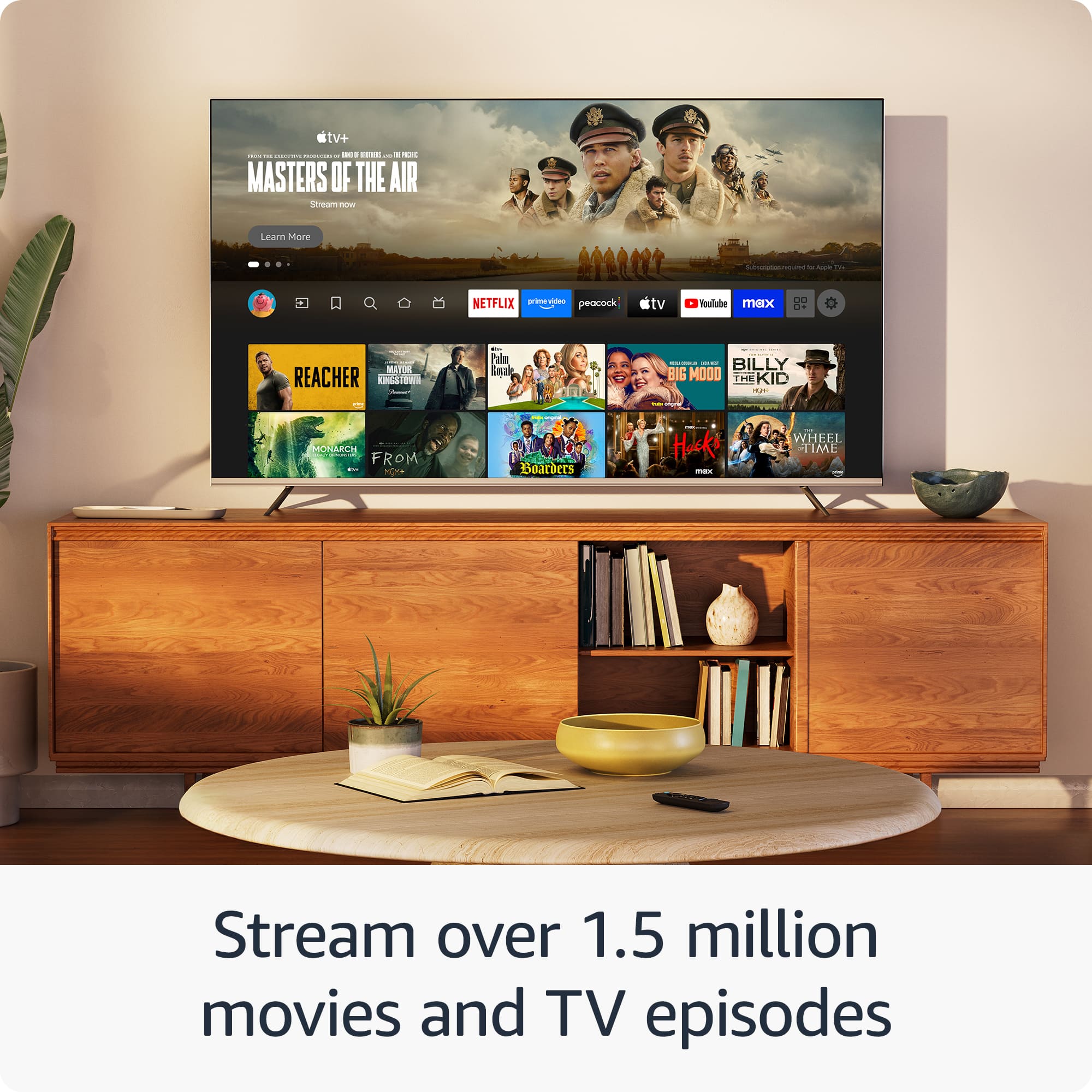
- Model:
- B0CQMRKRV5
- SKU:
- 6602198
Rating by feature
- Value
Rating 4.8 out of 5 stars
- Quality
Rating 4.8 out of 5 stars
- Ease of Use
Rating 4.8 out of 5 stars
Customers are saying
Customers commend the Fire TV Stick for its overall performance. Users find it easy to use with their TVs.
This summary was generated by AI based on customer reviews.
Prime over Roku
||Posted . Owned for 1 month when reviewed.This reviewer received promo considerations or sweepstakes entry for writing a review.I prefer the Fire Stick to the Roku one, as it actually has a home page with some previews.
I would recommend this to a friendAmazin firestick
||Posted . Owned for 3 weeks when reviewed.This reviewer received promo considerations or sweepstakes entry for writing a review.Good product. Good value for money. Should have bought the HD one for better quality
I would recommend this to a friendRoku Alternative
||Posted . Owned for 1 year when reviewed.This reviewer received promo considerations or sweepstakes entry for writing a review.It's a fire stick, nothing special about it other than to just be Roku Alternative but sold by Amazon
I would recommend this to a friendDisappointed
||Posted . Owned for 2 months when reviewed.This reviewer received promo considerations or sweepstakes entry for writing a review.Worked great. Connected to the network, provided all the services we wanted/needd. However, not sure exactly when it lost connection, but will not connect. I tried everything recommended. So disappointed. Might give Roku a try instead of the fire stick.
No, I would not recommend this to a friendBrand response from Amazon Devices Customer Support
Posted .Hi Joek,
We are sorry you are having this issue! We are happy to help and hope that you do call us for further assistance! Amazon customer service is available 24/7 for assistance on the device. You can reach us at 1-888-280-4331.
Hope that helps!
Fire stick
||Posted . Owned for 1 month when reviewed.This reviewer received promo considerations or sweepstakes entry for writing a review.I hear good things but just moved into a new place and haven't used it yet. if it works fine.. then I won't update. If it if it gives me problems, I'll keep you posted.
I would recommend this to a friendAmazon Firestick
||Posted . Owned for 3 weeks when reviewed.This reviewer received promo considerations or sweepstakes entry for writing a review.Good, like interface, but seems to have some delays and not as smooth as Roku
I would recommend this to a friend?
||Posted . Owned for 3 weeks when reviewed.This reviewer received promo considerations or sweepstakes entry for writing a review.Easy to use. Easy to install by a non-technical individual.
I would recommend this to a friendBrand response from Amazon Devices Customer Support
Posted .Hi JennyB,
We are happy to hear your installation of the Fire TV Stick HD in your home was quick and easy! Streaming has never been easier with access to over 300,000 free movies and TV episodes from ad-supported streaming apps like Amazon Freevee, Tubi, Pluto TV, and more.
If you have any further questions or need assistance, call us! Amazon customer service is available 24/7 for assistance on the device. You can reach us at 1-888-280-4331.
Hope that helps!
Fire stick
||Posted . Owned for 3 weeks when reviewed.This reviewer received promo considerations or sweepstakes entry for writing a review.Price was very reasonable love them…but I was given FuboTV for 30 days and it will not let me download it for the 30 days
I would recommend this to a friendJust okay not great
||Posted . Owned for 2 weeks when reviewed.This reviewer received promo considerations or sweepstakes entry for writing a review.I works okay but just does have enough storage space really seems overrated
No, I would not recommend this to a friendBrand response from Amazon Devices Customer Support
Posted .Hi AndrewJ,
Thank you for your feedback on the Fire TV Stick HD. I am sorry to hear there is not enough storage.
You can try clearing the cache and delete unused apps from your Fire Stick. This would free up lot of storage. You can do this by going to Settings > Applications > Manage Installed Applications > [APP] > Clear Data. If these steps do not help and you are still experiencing issues, you can reach out to Amazon Customer Support 24/7 at 1-888-280-4331. I hope this information is helpful.
Fire stick
||Posted . Owned for 1 week when reviewed.This reviewer received promo considerations or sweepstakes entry for writing a review.I love my firestick from best buy. They make sure to answer any questions i have
I would recommend this to a friendAmazon sticķ
||Posted .This reviewer received promo considerations or sweepstakes entry for writing a review.Good price and good service ,good quality and information
I would recommend this to a friendStream, streamer! LOL
||Posted . Owned for 3 weeks when reviewed.This reviewer received promo considerations or sweepstakes entry for writing a review.Fire stick is always reliable for streaming with high quality
I would recommend this to a friendFire Stick HD
||Posted .This reviewer received promo considerations or sweepstakes entry for writing a review.It’s nice but I’m not a fan of the limited internet access and blockers
No, I would not recommend this to a friendBad accessibility to apps
||Posted . Owned for 1 month when reviewed.This reviewer received promo considerations or sweepstakes entry for writing a review.very hard to add apps and use them, to much time at the queue with not update
No, I would not recommend this to a friendBrand response from Amazon Devices Customer Support
Posted .Hello CesarRdz. Thank you for your feedback on the Amazon Fire TV Stick HD. I'm sorry to hear you're experiencing difficulty adding and using apps, along with spending too much time in the queue without updates. When Fire TV devices have trouble with app installation or experience delays, this can often be resolved by ensuring your device has a strong internet connection, restarting your Fire TV Stick by unplugging it from power for 30 seconds then plugging it back in, checking that your device has the most current software version through Settings and My Fire TV, and clearing the cache for problematic apps through Settings, Applications, and Manage Installed Applications. If apps are stuck in a download queue, try canceling the downloads and restarting them one at a time, or restart the device to refresh the queue, and you can enable automatic app updates through Settings and Applications to ensure apps stay current without manual intervention. I hope these steps help improve your app installation and usage experience.
Firestick
||Posted . Owned for 3 weeks when reviewed.This reviewer received promo considerations or sweepstakes entry for writing a review.Good for streaming. Pricing to high for the product
I would recommend this to a friendFire stick defective
||Posted . Owned for 6 months when reviewed.This reviewer received promo considerations or sweepstakes entry for writing a review.Burns out the batteries if you leave them in when you turn off the tv.There are even videos about the fire stick burning batteries.
No, I would not recommend this to a friendBrand response from Amazon Devices Customer Support
Posted .Hello, Frugalcustomer. Thank you for taking the time to leave a review on the Fire TV Stick HD. I am sorry to hear about the issues you are experiencing with the device and have some recommendations to try and help with the issue. First, I recommend making sure that your device is on the latest software. Go to Settings > My Fire TV > About > Check for Updates. Second, I recommend resetting your Fire TV remote:
Unplug your Fire TV from the power supply and HDMI input, then wait 60 seconds.
Press and hold the Left button and Menu button at the same time. Hold them for 12 seconds.
Release the buttons and wait 5 seconds.
Remove the batteries from your remote.
Plug in your Fire TV and wait for the on-screen remote detection error message. Put the batteries back in your remote. Press the Home button on the remote.
Your remote should be paired now. If your remote hasn't paired, press the Home button for 10 seconds. If you have any questions or need further assistance with the device, I recommend contacting Amazon Customer Support at 888-280-4331. Thank you again, have a great day!
Some Regrets, Fire TV Stick
||Posted .This reviewer received promo considerations or sweepstakes entry for writing a review.It would've been nice to know I had to use my Amazon account to login to my Fire TV Stick.
I would recommend this to a friendFailed after a few uses
||Posted . Owned for 2 months when reviewed.This reviewer received promo considerations or sweepstakes entry for writing a review.bougth it in December at best buy. purpose was during travelling use netflix , prime video etc if my hotel does not have a smart tv. used it a coupe of times but then it started to crash. sometimes it last half an gour sometimes a a few minutes. wanted to retur/ exchange at best buy, but they did not give me an option. so the item is now useless for me se if i have more luck with a roku. i am very disappointed in the way it was handled by Best Buy
No, I would not recommend this to a friendBrand response from Amazon Devices Customer Support
Posted .Good Morning HeinzC, Thank you for your feedback on the Fire TV Stick HD. I’m sorry to hear of the issues you are experiencing.. Let me help you troubleshoot your Fire TV Stick. Here are some steps to try in order:
First, perform a basic restart:
Unplug your Fire TV Stick from power
Wait 30 seconds
Plug it back in
If that doesn't help, check for overheating:
Make sure the Stick has proper ventilation
Consider using the HDMI extender that came with it to move it away from the TV
Clear app cache and data:
Go to Settings > Applications
Select Manage Installed Applications
Clear cache and data
Update your Fire TV Stick:
Go to Settings > Device & Software
Check for System Update
If these steps don't resolve the issue:
Try a factory reset (Settings > Device & Software > Reset to Factory Defaults
If you are still experiencing issues you can contact Amazon Customer service 24/7 at 1-888-280-4331. I hope this information helps, have a great day!
Not the best for what I have
||Posted . Owned for 1 month when reviewed.This reviewer received promo considerations or sweepstakes entry for writing a review.Fire Stick was fine but has limited capacity. Fine if you have a few apps. Not great if you have a lot of channels you use
No, I would not recommend this to a friendBrand response from Amazon Devices Customer Support
Posted .Hello DarrylC! Thank you so much for your time and review of your experience with the Fire Stick HD. This is our base entry level model that comes equipped with 8GB of storage available which is typically more than enough for most viewers to enjoy their apps and streaming services. The Fire Stick 4K Max and Fire TV Cube both come with 16GB of storage if you require more. They also come with a number of additional features and benefits such as faster processor, higher resolution, better Wi-Fi connections, etc. I can understand the frustration that can come with not having enough storage for what you wanted so perhaps you can explore a possible exchange (if available) if one of the other choices sounds better suited for you. Thanks again for your time and feedback and I hope you have a fantastic day!
Old one died after just two years
||Posted . Owned for 3 weeks when reviewed.This reviewer received promo considerations or sweepstakes entry for writing a review.It was difficult to install and I had to login to all of my services again. The old one just died.
No, I would not recommend this to a friend