Customer Ratings & Reviews
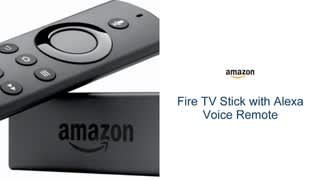
- Model:
- B00ZV9RDKK
- |
- SKU:
- 5477500
Customer reviews
Rating 4.7 out of 5 stars with 60236 reviews
(60,236 customer reviews)Rating by feature
- Value4.7
Rating 4.7 out of 5 stars
- Quality4.7
Rating 4.7 out of 5 stars
- Ease of Use4.7
Rating 4.7 out of 5 stars
Customers are saying
Customers are positive about the Fire TV Stick's ease of use, streaming capabilities, and its affordability. Many appreciate the extensive app selection, performance, and the convenience of voice control and Alexa integration. However, some customers express concerns regarding the remote's battery life. A few also mention occasional lag, though it's generally described as minor.
This summary was generated by AI based on customer reviews.
Rated 4 out of 5 stars
Amazon firestick
||Posted .This reviewer received promo considerations or sweepstakes entry for writing a review.Turns your tv into a smart tv. Had to go on you tube to download the apps. Not as user friendly and some apps have fees.
No, I would not recommend this to a friendRated 4 out of 5 stars
Clear picture and better contact
||Posted .This reviewer received promo considerations or sweepstakes entry for writing a review.This helped connect air waves to the Television(2) and two fire sticks to Many stations.
I would recommend this to a friendRated 4 out of 5 stars
Good
||Posted .This reviewer received promo considerations or sweepstakes entry for writing a review.Less is my new best friend she will even tell you what the weather is lol
I would recommend this to a friendRated 4 out of 5 stars
Good for affordable tv viewing
||Posted .This reviewer received promo considerations or sweepstakes entry for writing a review.Very good for tv viewing and affordable Alexa is great added feature
I would recommend this to a friendRated 4 out of 5 stars
makes good product better with alexa addition.
||Posted .This reviewer received promo considerations or sweepstakes entry for writing a review.Playback its stable and buffering its fast. Happy with purchase.
I would recommend this to a friendRated 4 out of 5 stars
Excellent to watch movies and tv shows
||Posted .This reviewer received promo considerations or sweepstakes entry for writing a review.I really enjoy watching my favorite shows & movies
I would recommend this to a friendRated 4 out of 5 stars
Nice product
||Posted .This reviewer received promo considerations or sweepstakes entry for writing a review.Delivered on time newest version on the device works excellent
I would recommend this to a friendRated 4 out of 5 stars
Great streaming device
||Posted .This reviewer received promo considerations or sweepstakes entry for writing a review.Shipping was quite fast customer service is always good!
I would recommend this to a friendRated 4 out of 5 stars
LOVE IT!!!
||Posted .This reviewer received promo considerations or sweepstakes entry for writing a review.Love the Fire Stick, more TV than you can watch!!!
I would recommend this to a friend- Pros mentioned:Ease of use
Rated 4 out of 5 stars
Liked it, But Didn't Love It
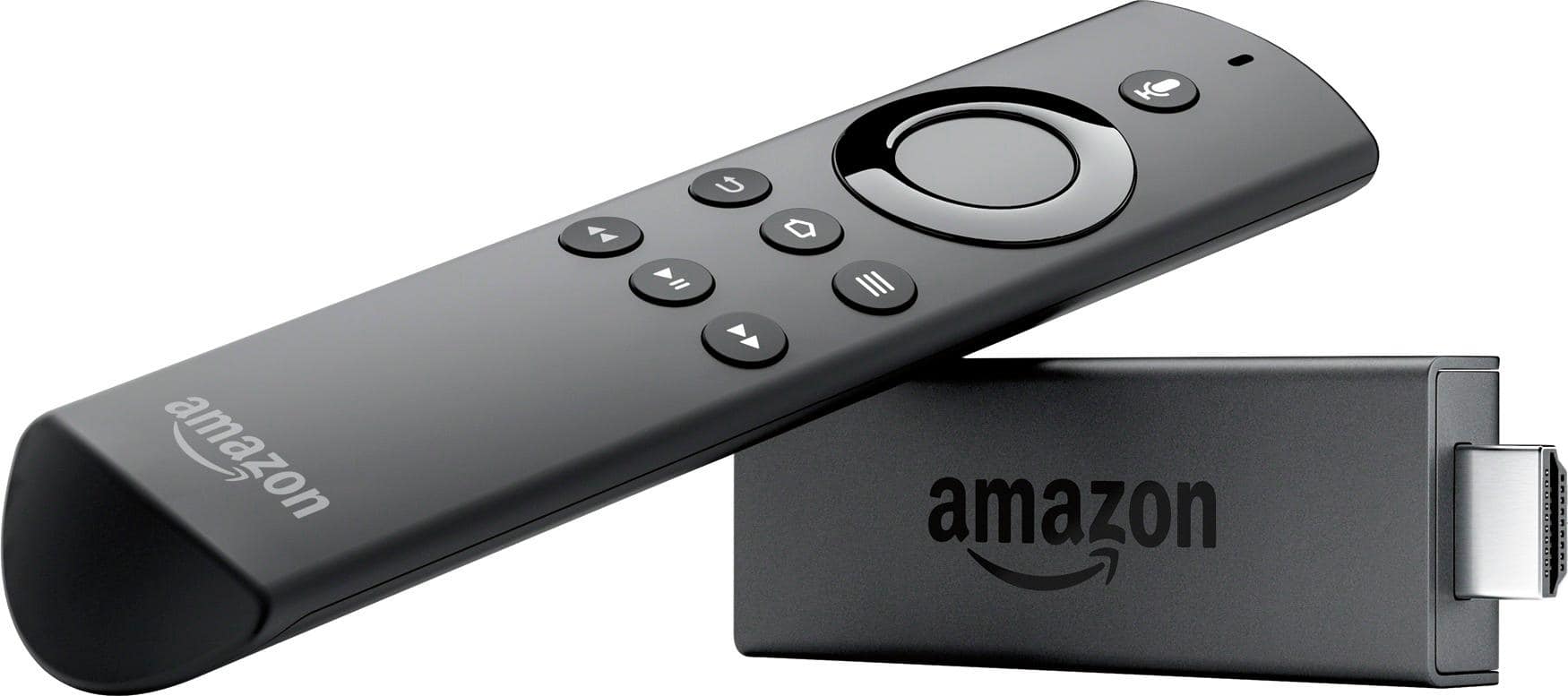
||Posted .This reviewer received promo considerations or sweepstakes entry for writing a review.I had never tried a streaming stick before installing this Amazon FireTVstick. You plug the stick into the back of your TV through an HDMI port, plug the dongle into that, plug the power cable into that, then plug the power cable into an outlet. Once you update the software using your wi-fi network, the rest is handled through on-screen instructions which are pretty easy to follow. You have to click through a few menus to get to the apps you like, as there are no shortcut buttons on the remote. There is no volume control either, so keep your TV remote handy. Set up takes only a little while, but you'll need all your usernames and passwords to log into your favorite apps. That does take a while using those hunt and peck letter/number menus. But you only do that once. Downloads are about as fast as most android apps and function pretty much the same once installed. From there you can log in to your favorite apps (Netflix, Amazon Video, YouTube, TED, Fandango Now, Movies Anywhere, etc.) and easily download any others you want. There's also access to music apps (Pandora, iHeart Radio, Amazon Music). Many require you to log into the app online using your computer, tablet, or android phone for confirmation codes, so keep those handy, too. Downloads were fairly quick and everything can be installed over your wi-fi router. Clicking through the menu was quick and responsive with large icons which can be customized for position. The remote is quick and responsive too, however the interface was a bit convoluted. You have to start at the Main Page and be exposed to a suggested movie to get to the category you want, then the app you want, then the video you want. It's not point-and-click. The apps work fine, but don't be fooled by the large number of video icons packed onto the stick from major broadcasters. These apps do not include free TV broadcasts by themselves. In many cases you can open the app, and maybe even watch a couple sample shows, but if you try to watch anything like a network show (ABC, CBS, NBC, CW, TCM, SYFY, etc.), most of them will require you to sign in with your (paid) TV service provider to actually watch anything. Sure, you can watch some old shows on apps like Pluto, Popcorn and TubiTV, but you'll need a paid TV app like Playstation Vue, YouTube TV, Sling, Hulu, Dish Network or Direct TV Now to watch live TV. Many of these are offered in the form of free 7-day trials, so they do make it easy. The stick also comes with Amazon Prime Photos that downloads all the photos saved to Google so you can access them on your TV. It also has an All Screen Receiver so you can cast straight from your cell to your TV screen. Some say the FireTVstick favors Amazon apps, but only the prominent image on the main page. Everywhere else, the Amazon apps are there, but no more prominent than all the others. I liked the minimalist look of the remote. Even with a couple of AA batteries it's rather small and light compared to most TV remotes but it fits the hand nicely and clicking it felt solid, perhaps a bit too firm but it seems like will last a long time. The ring style clicker is easy to use, but it’s also easy to drift your thumb off the four point directional position, clicking up when you meant left, which can be annoying at times. Picture quality is another matter. It seemed like most every app looked a bit grainy, like the pixels weren't registering quite right. Starting each app requires several seconds to load, and although there's no real video lag or stutter, videos buffer for several seconds before they rise to full clarity. Yet even then, 1080p images just didn't look as crisp as broadcast TV. Even using Direct TV Now, TV shows took 10-20 seconds to load each channel. So I began to wonder whether some other streaming stick might be a better alternative, A week after buying the FireTVstick, I got a Roku Streaming Stick free for signing up with Direct TV Now, with a 2-month commitment. With the Roku, you do get a rather ordinary-looking remote, but you get access to the same apps. They load faster, menu navigation is simpler and smoother and video quality was beautiful, as clear as broadcast TV, even comparable to blu-ray at times. The dedicated buttons on the Roku also let you click directly to Netflix, Direct TV Now, Fandango Now or Pandora without having to cascade through the Home page. And with a volume control on the side, there's no need to keep your TV remote handy. I liked the Amazon FireTVstick overall, but if you can afford the Roku - nearly twice the price of the Amazon stick, it’s well worth the price jump to get the better picture quality and convenience of operation.
No, I would not recommend this to a friend Rated 2 out of 5 stars
I really like the Amazon Fire Stick
||Posted .This reviewer received promo considerations or sweepstakes entry for writing a review.I really like the Amazon Fire Stick, I have three. But the last one i bought around Nov 2016 with Alexa on the remote has stopped connecting to the remote. After checking online there were other that had the same problem with that model. Is there a known defect with Alexa remote for the Amazon Fire Stick?
No, I would not recommend this to a friendRated 3 out of 5 stars
Good product
||Posted .This reviewer received promo considerations or sweepstakes entry for writing a review.A good option for those considering cable cutting!
I would recommend this to a friendRated 2 out of 5 stars
Didn't last a year before it stopped working
||Posted .This reviewer received promo considerations or sweepstakes entry for writing a review.I got this in March 2017 and the remote stopped working. The return policy is good for 15 days. Not good. I feel things should last at least a year! And to replace the remote cost as much as the whole unit.
No, I would not recommend this to a friendRated 2 out of 5 stars
Build Quality
||Posted .This reviewer received promo considerations or sweepstakes entry for writing a review.The interface works great. The problems are they over heat a lot and one of the 2 I purchased has just stopped working altogether out of nowhere.
No, I would not recommend this to a friendRated 5 out of 5 stars
New Fire TV Stick Is Better..Stronger..Faster..
Posted .This reviewer received promo considerations or sweepstakes entry for writing a review.Pre-ordered the new 2nd Generation Amazon Fire TV Stick a week ago so that I'd receive it on its introduction date 10/20/16. Received promptly and quickly noticed the new ergonomic packaging that looks like the Fire TV Stick with Voice packaging but the is actually completely different. The packaging now folds out like a swiss army knife and the contents are displayed to you like a TV dinner. A packaging scientist had to come up with the new design. Kudos!! The stick looks and feels the exact same as the original (why mess up a good thing) however it now includes the voice remote, which I like better anyways as its larger and easier to hold and manipulate than the original. Stick itself was easy to set up and manage. WiFi is MUCH better and it was pretty good in 1st Gen. Stick seems to be at least 100% faster than the 1st gen and it could be faster than that. Menu selections are extremely fast. Streaming selections pop up without hesitation. I've watched 2 movies and 3 television episodes and the stick does not heat up or glitch like the original. If you travel with your stick you will need to order a larger case to accommodate your now larger remote. I had absolutely NO problems with the stick whatsoever, and I would consider myself highly knowledgeable with all aspects of the stick (read between the lines programmers). The redesign definitely deserves 5 stars!!! I just hope they keep them stocked up this go around. If you're on the fence considering Chr0mec@st or R0ku, "forgetaboutit" and get the New Amazon Fire TV Stick.
I would recommend this to a friendRated 5 out of 5 stars
Highly recommended!
||Posted .This reviewer received promo considerations or sweepstakes entry for writing a review.The Amazon Fire Stick is an amazing device. Television services are moving away from cable and satellite and are moving toward internet based streaming formats. These internet based services work from apps (software packets) and the AFS (Amazon Fire Stick) provides you with these apps. In fact, it provides you with every kind of app you can think of and the AFS does it at an affordable price. The AFS plugs into the HDMI jack on your television and also comes with a power adapter that plugs into the wall. The AFS is controlled by a remote control that comes with the device. In order to receive signals, the AFS requires WIFI or a local hot spot with speed requirements of around 5 Mbps for HD broadcasts. Movies and shows displayed by the device are typically in HD quality with good picture and sound quality. It is easy to set up and use and I was up and running in minutes. Many television channels you receive through cable or satellite services, like the History Channel for example, offer programming over the internet. In order to watch these shows on a television, you need a hardware device that converts these shows into a format the television can use (HDMI plug). It also has to be loaded with a software packet for the particular channel you want to watch. The AFS is a device that provides you with both the hardware and software needed to watch such shows and it bundles everything together nicely so it is extremely easy to use. Shows available to watch on the AFS vary how they can be accessed for viewing. Some apps (channels) are free and they offer limited programming on demand from shows they aired in the past. Others require monthly fees. Some apps like Sling, Hulu, PlayStation Vue, etc. offer multiple channels all on the same app. PlayStation Vue (the one I signed up with) offers bundled packages of channels just like cable or satellite services and they are live broadcasts! PS Vue displays a guide with many channels to choose from and comes with a DVR recorder so programs can be recorded and watched later. The amazing thing with Vue is you can go into the guide, pick a show that was aired, say, two hours ago that you missed and watch it in its entirety! The AFS gives you the tools you need to receive such programming. Another sweet thing about using the AFS for television viewing is no installer has to come to your house to set up your equipment and when you’re finished with their service nothing has to be returned. All you need is provided by the AFS. Also, no service contracts are required and services can be cancelled at any time with no penalties. I hope this was useful.
I would recommend this to a friendRated 1 out of 5 stars
Frozen
||Posted .This reviewer received promo considerations or sweepstakes entry for writing a review.At first remote worked fine however after 1 week the programs buffered then immediately the screen was frozen. It wasn’t due to WiFi but in fact this product. Will try another stick but must return this faulty device back to Bbuy!
No, I would not recommend this to a friend- Pros mentioned:Ease of use
Rated 4 out of 5 stars
Buck Well Spent
||Posted .This reviewer received promo considerations or sweepstakes entry for writing a review.The device itself couldn’t be easier to use. Simply plug it into your TV, and you’re good to go! With this device, you’ll be able to use apps such as Netflix, Pandora, HBO, and even Amazon prime (provided you’re a prime member). You will of course need accounts for all of the previously mentioned apps, but if you do not, you can also use YouTube through this device, which has hours of content on it by itself! If you’re an Amazo Prime member, you will already have access to thousands of TV shows and Movies… just in case you didn’t know! The All New Amazon Fire TV Stick features some changes that are worth mentioning, but if you’re not too tech-savy, just know that this stick performs faster than the older model. This is due to a stronger processor, a 1.3ghz quad core processor vs a 1ghz dual core processor from older models. I WAS a bit disappointed to see that the All-New Fire TV Stick did not upgrade to 2gb of Ram. While 1gb is plenty for streaming in most cases, users may find occasional lag on the home screen, especially when first booting the device up. I’ve found that if I turn on my firestick, and go do something else for a few minutes, or just allow the device some time to boot up, I do not run into this issue. While there has not been an update in ram, I have noticed that navigating the fire stick is MUCH quicker than previous models, which will make anybody happy. Perhaps the biggest change from the previous Fire TV Stick is the remote control. While all of the buttons are the same, you now have a “Voice Control” button on top of the remote control. By pressing this button, you are allowed access to wide range of commands that take all of the grunt work out of browsing your streaming device. For instance, you can ask Alexa to “Find horror movies”, “play music from pandora”, “fast forward 5 minutes”, etc. This feature is ESPECIALLY useful given the difficulties surrounding the use of streaming devices with a remote control that doesn’t have a keyboard or mouse. It is also worth mentioning that the buttons are now made of a soft rubber material, and are easier to use. To conclude, If you’re looking for a portable, depdnable, and easy to use streaming device, this is it. At just under $40.00, It’s hard to say no to perhaps the least expensive streaming device on the market. While I do wish that this model featured 2gb of ram for quicker browsing, 1gb is plenty for what most people will be using this device for; streaming. All in all, I would very much recommend this device!
I would recommend this to a friend - Pros mentioned:Price
Rated 5 out of 5 stars
Great streaming device
||Posted .This reviewer received promo considerations or sweepstakes entry for writing a review.If you’re an Amazon Prime member, getting a Fire Stick is an almost necessary companion. Obviously you can get by without it fine, but it maximizes your Prime world much more by being able to open your TV/entertainment system to its offerings. Pros: I like the plug and play aspect of this - a little easier to plug and go than the Apple TV. (I haven’t used Chromecast, so no comparison to that.) Picture quality is pretty good all the way around (could be better, but no real complaints). The price point in comparison to Apple TV makes this a no brainer (if you’re a Prime member, and are trying to decide between the two). The remote is pretty decent, nothing to put it on the Con list. Cons: I mentioned picture quality as a Pro above, but it’s also a Con when compared to Apple TV. There is a slight difference, and since it’s lower than the Apple TV I have to put it as a Con (but take into account what I mentioned above). The Alexa voice command feature isn’t as friendly as Apple TV’s - at least not in my estimation. I haven’t used it a whole lot, but that’s mainly due to its underwhelming performance for me. That’s pretty much it. The navigation is obviously different than Apple’s, but that’s to be expected and in no way is a negative. Once you get used to it, it works well. I use this in conjunction to my Apple TV, and it gives me a great way to access and use my Prime benefits. Bottom Line: If you want something cheaper and are an Amazon Prime member, this is the way to go. It’s still a great way to go even if you’re not a Prime member but want something at a lower cost.
I would recommend this to a friend - Pros mentioned:Ease of use, Streaming
Rated 5 out of 5 stars
Simple to use and works great
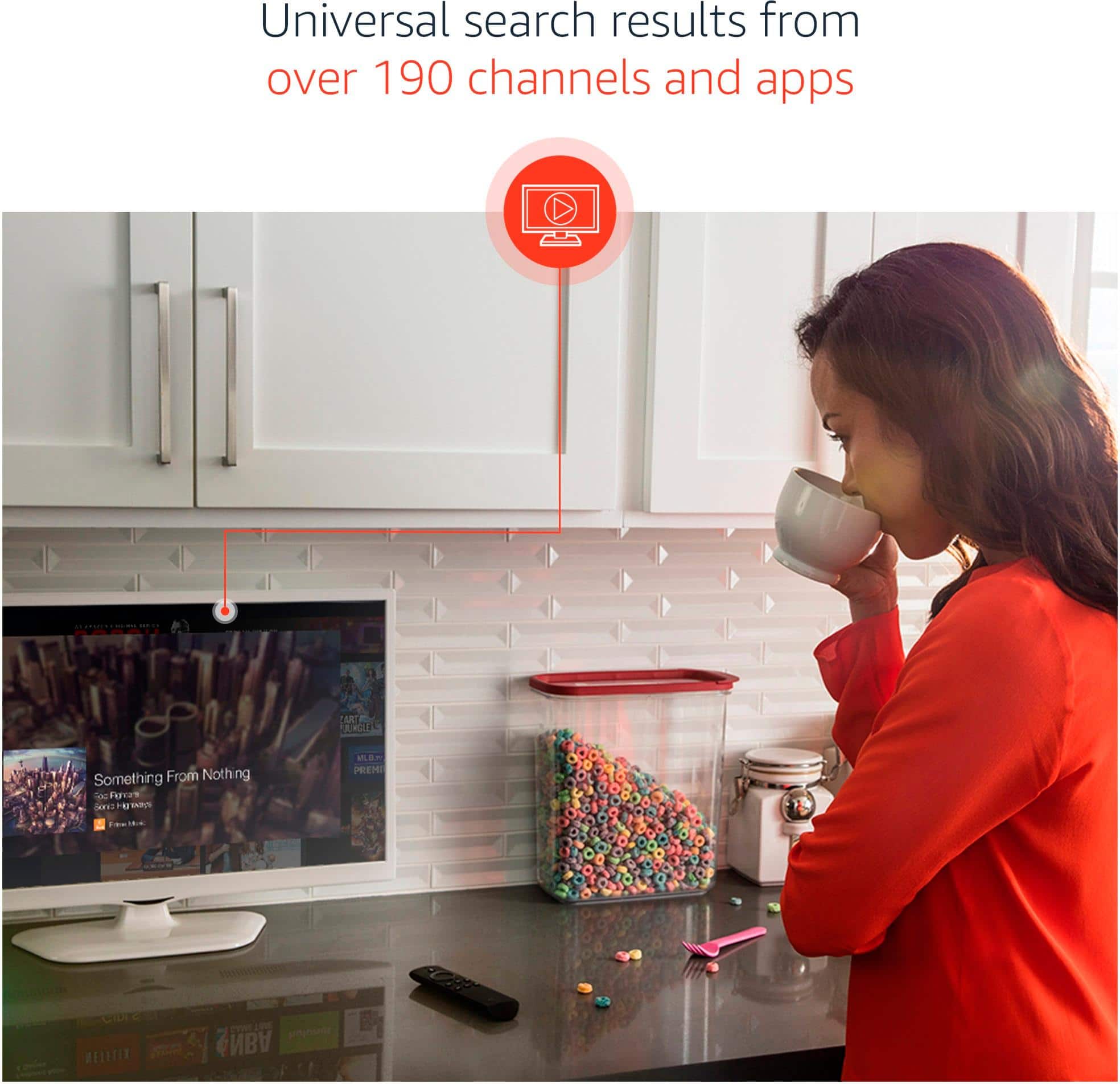
||Posted .This reviewer received promo considerations or sweepstakes entry for writing a review.We were using our gaming system to access streaming services on our main TV before we purchased the Fire Stick. This has made the process much simpler. All of our streaming services are easily accessible. Alexa is available on this model for searches. The system can even tell you which of your streaming services offers the show or movie you want to watch so you don't have to open them all.
I would recommend this to a friend