Customer Ratings & Reviews
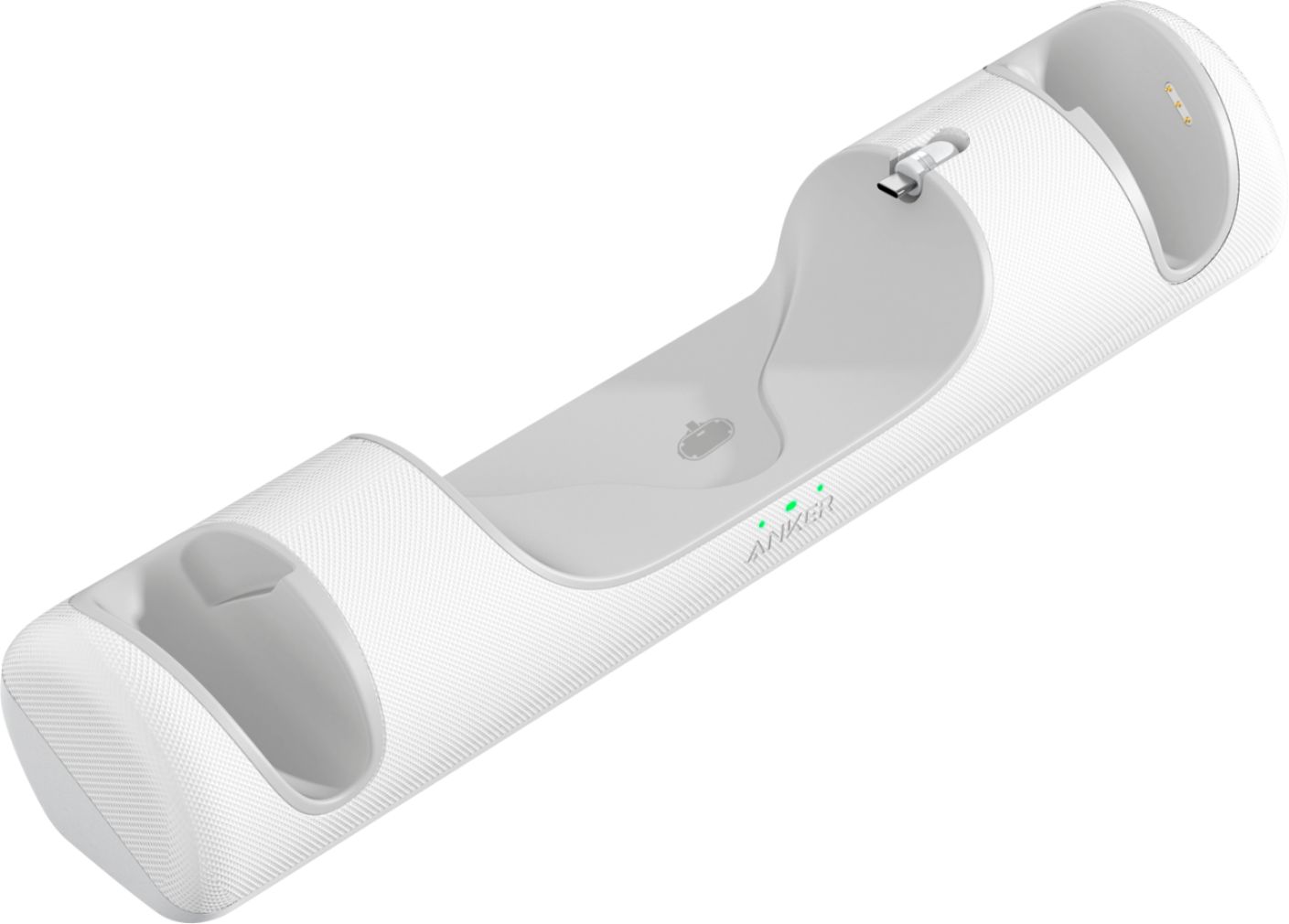
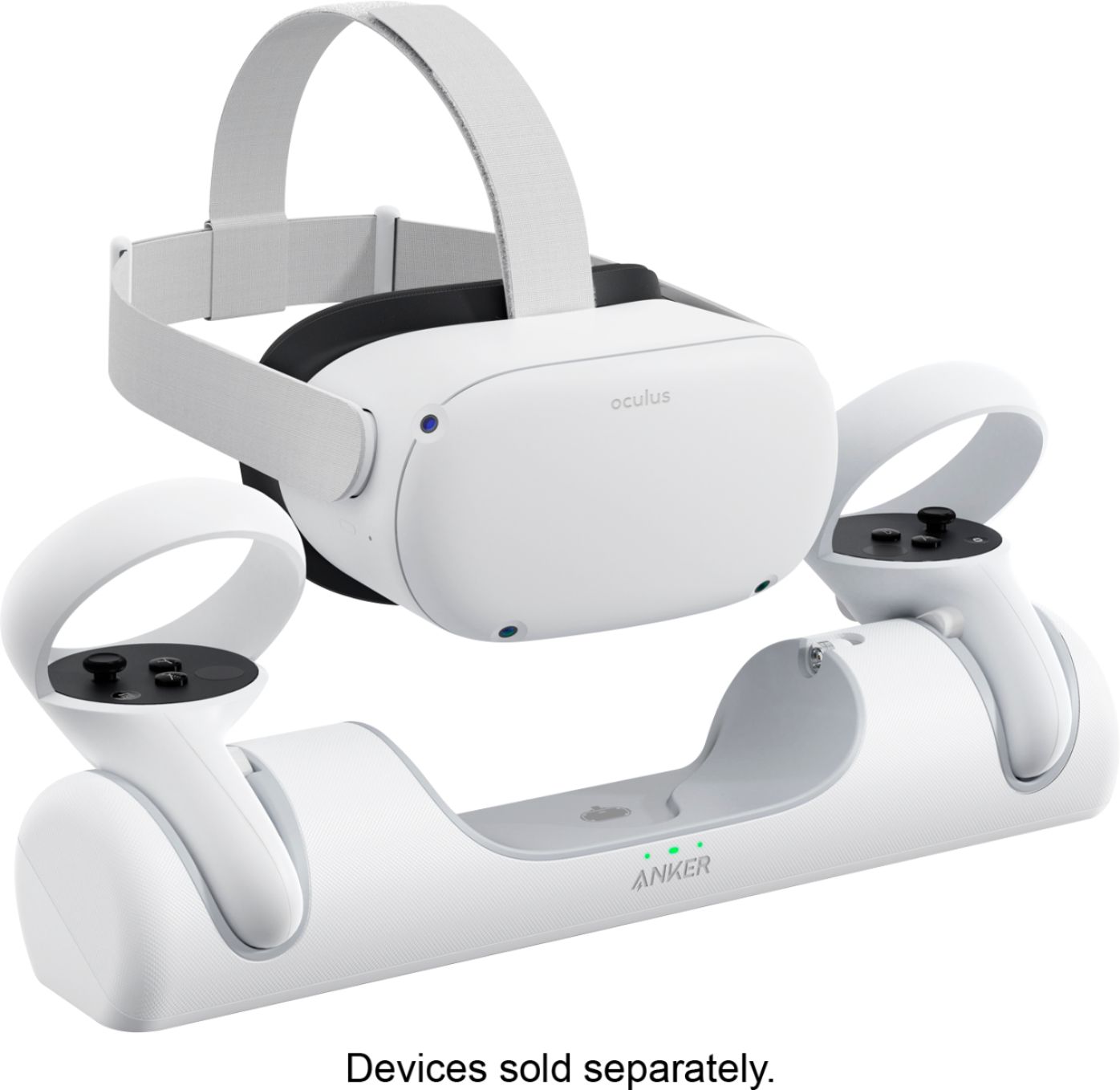
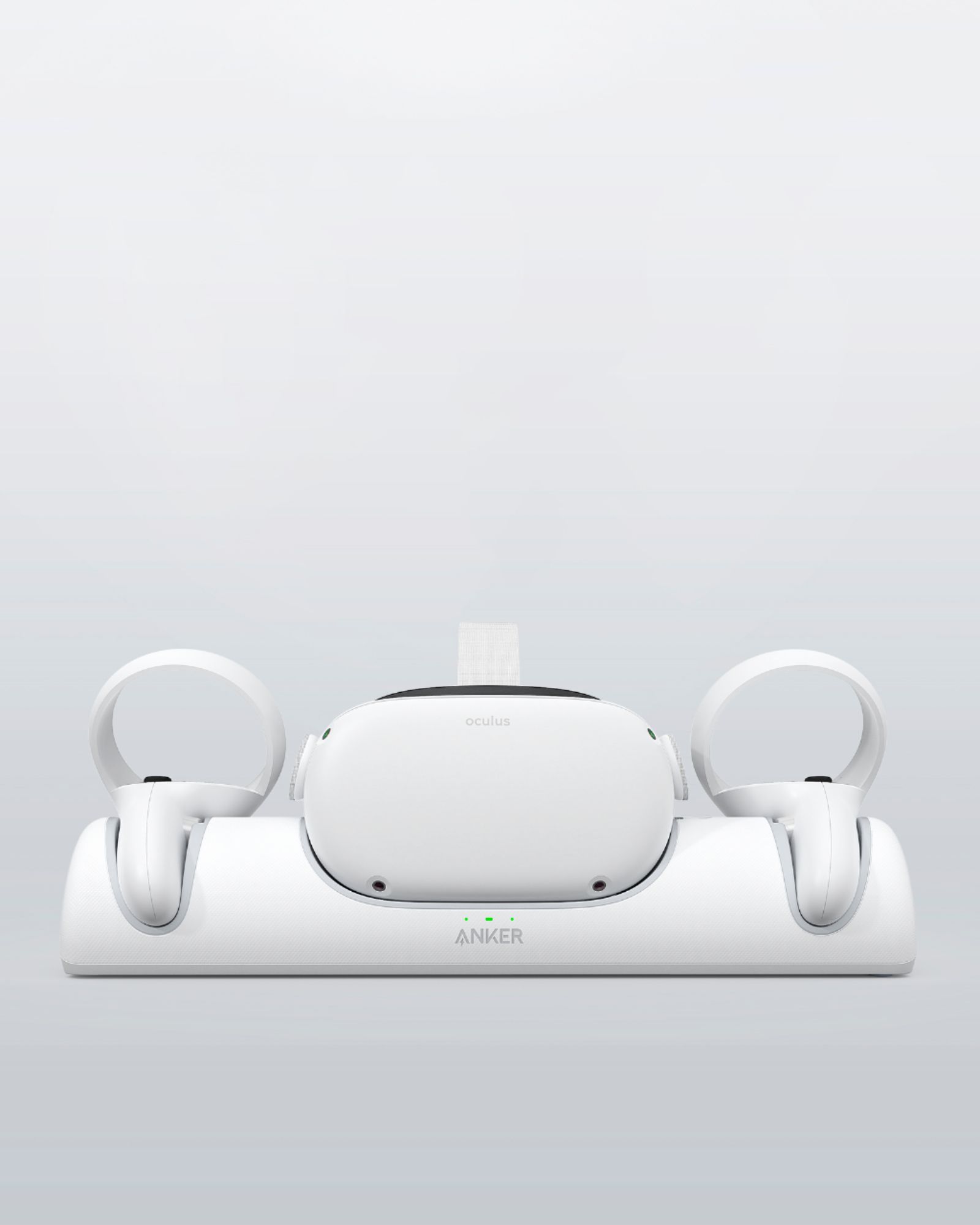
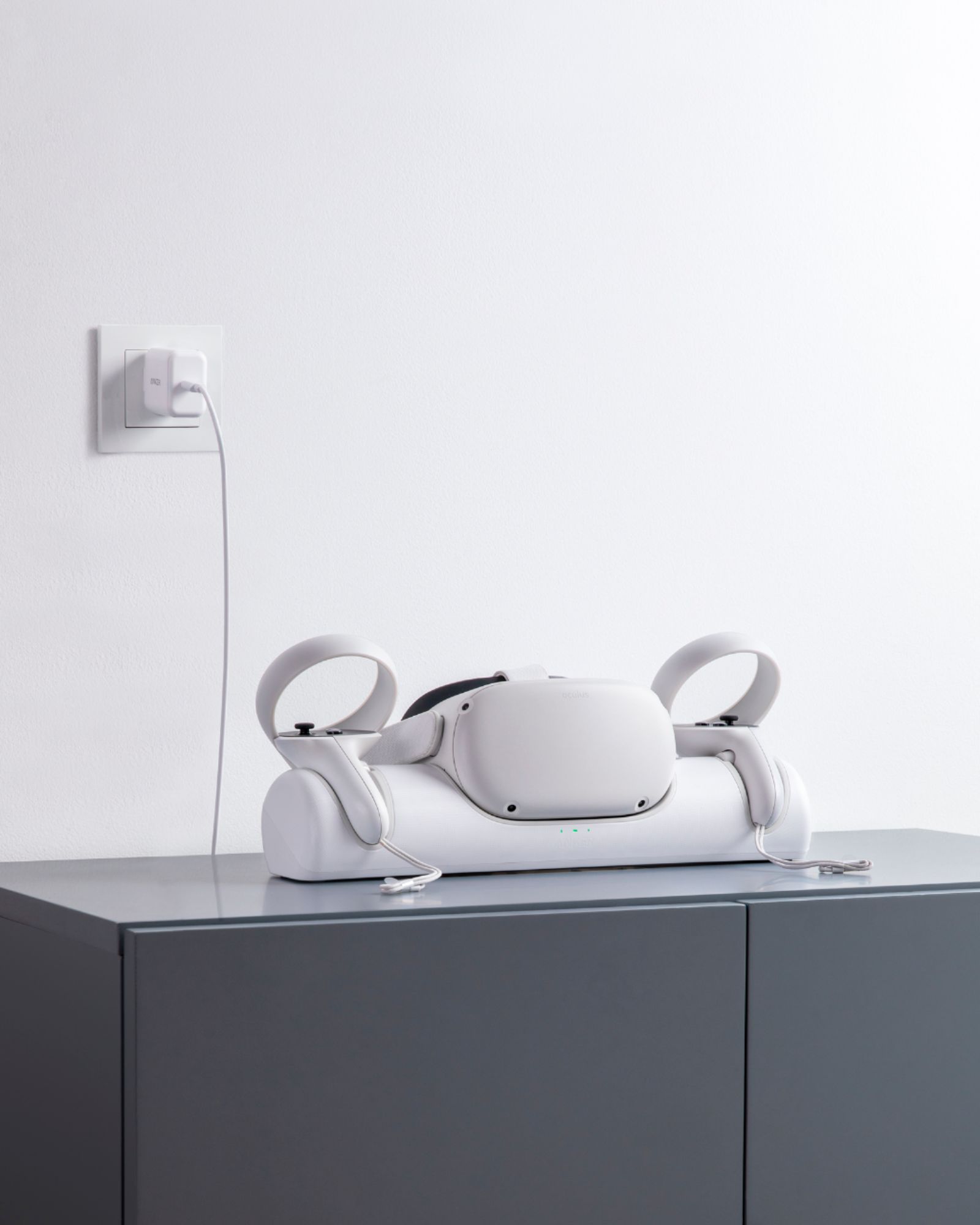
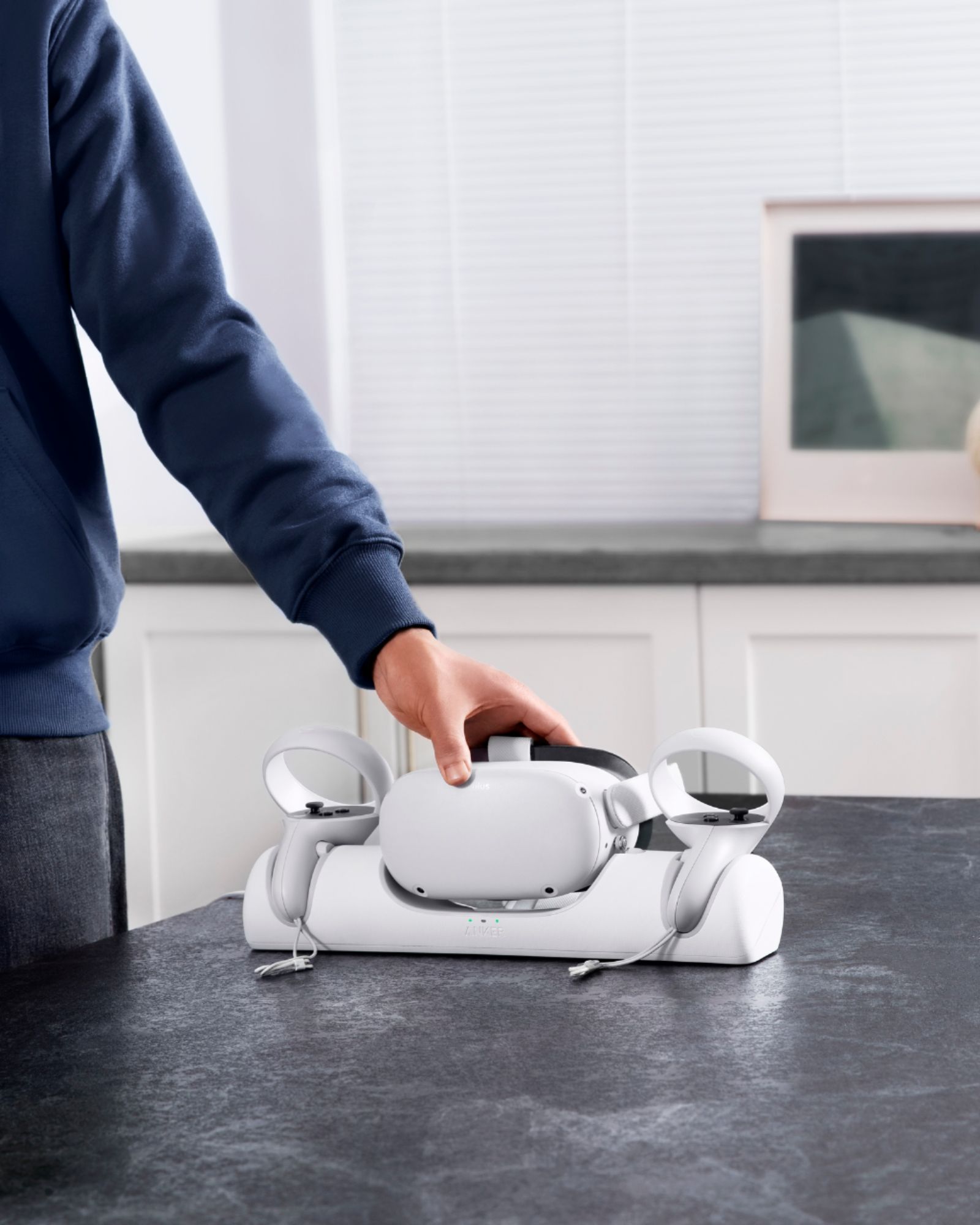
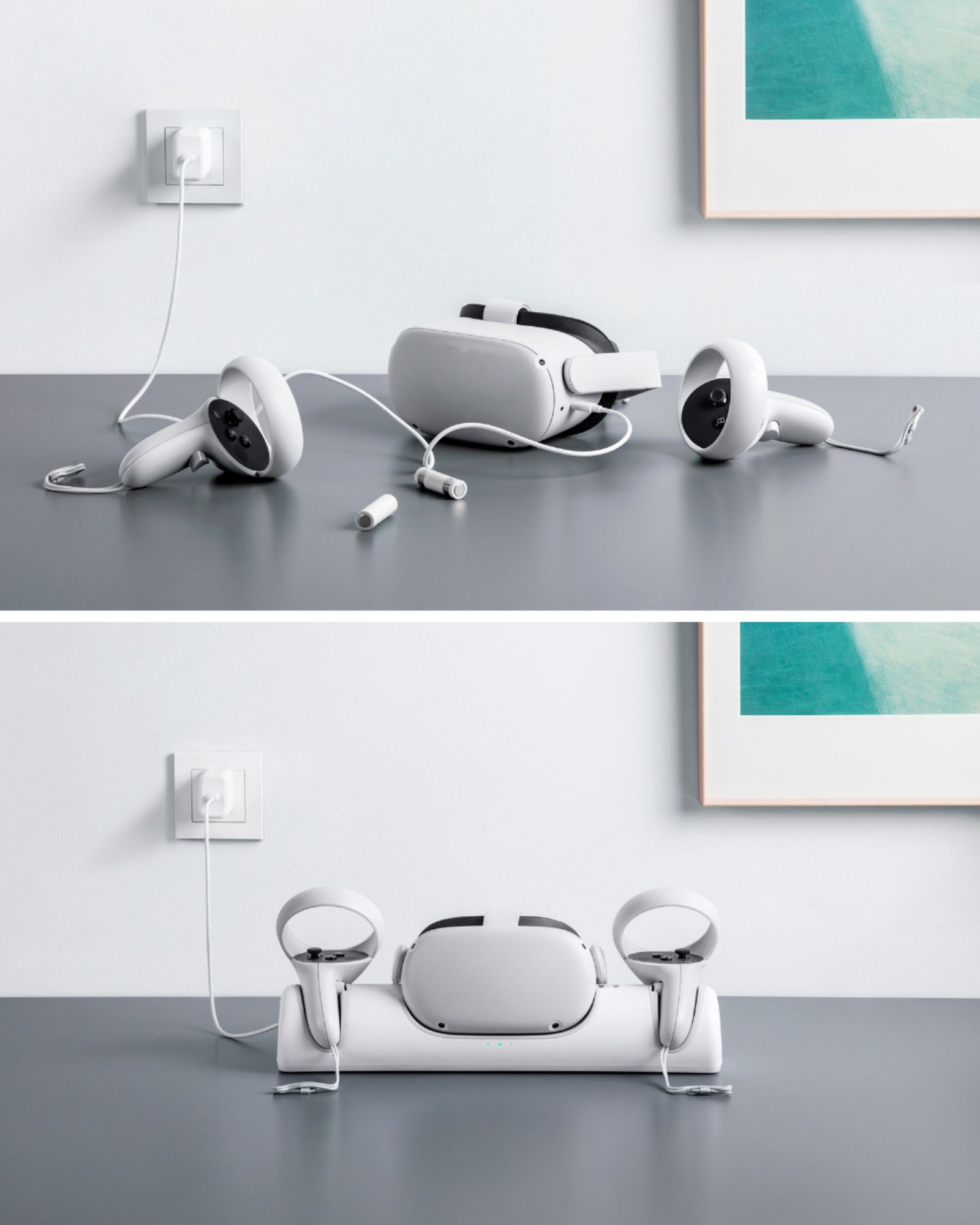
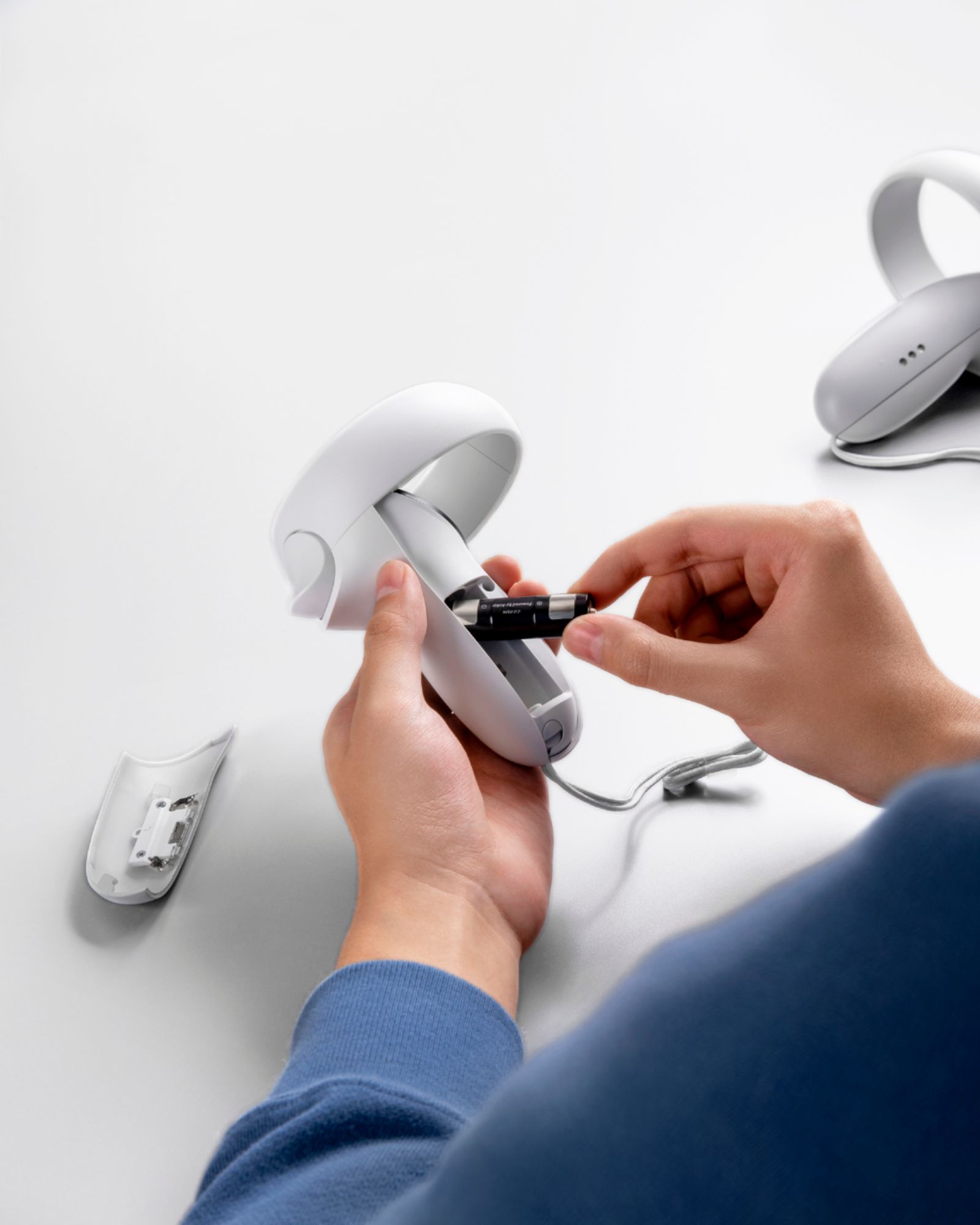
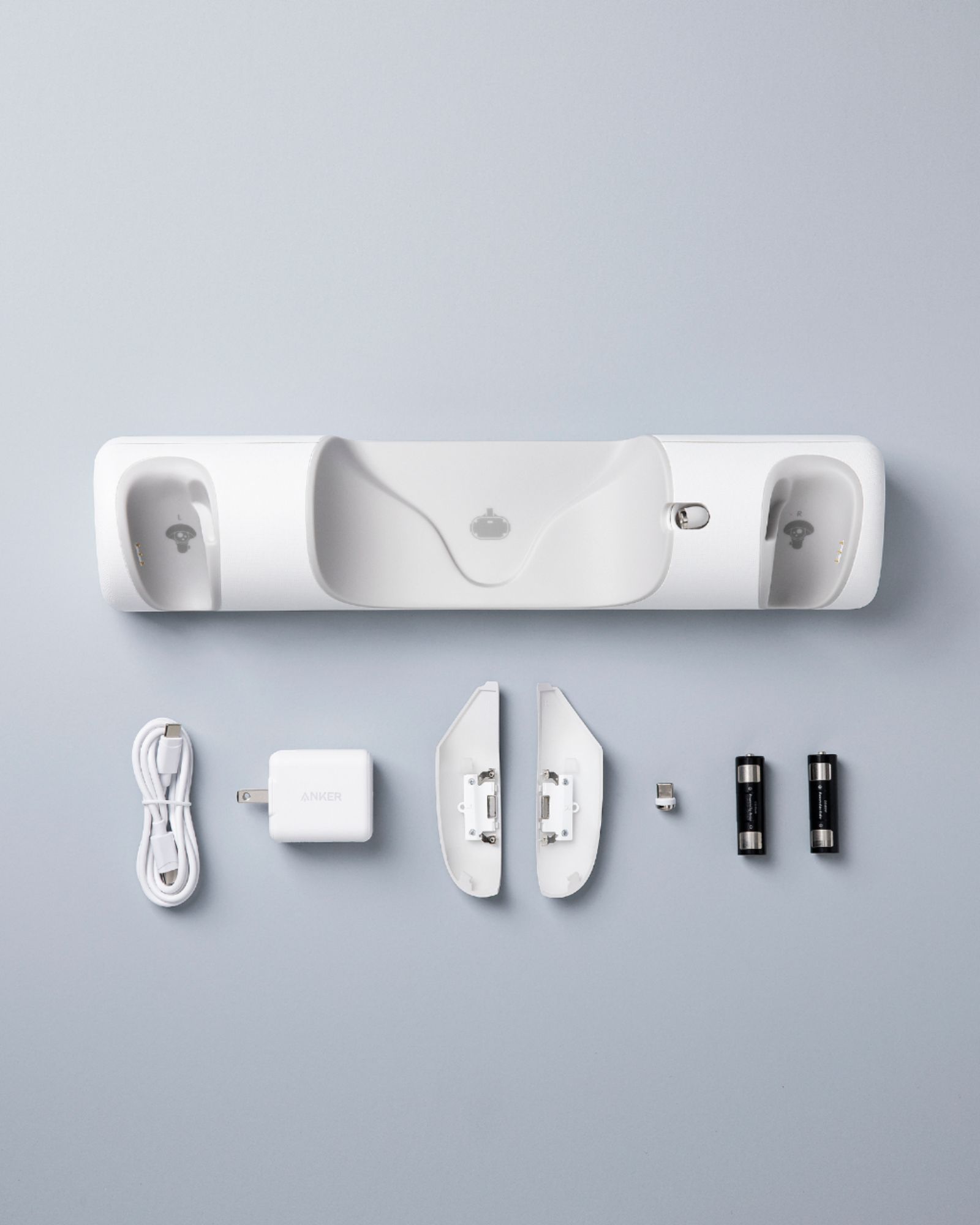
- Model:
- Y1010121-1
- SKU:
- 6450166
Rating by feature
- Value
Rating 4.4 out of 5 stars
- Quality
Rating 4.6 out of 5 stars
- Ease of Use
Rating 4.6 out of 5 stars
Customers are saying
Customers are satisfied with the fast charging capabilities, ease of use, and the sleek design of this charging dock for their Meta Quest 2 VR headsets and controllers. Many appreciate how it keeps everything organized and neatly displayed, while also providing convenient access to fully charged devices. A few users noted some minor compatibility issues with certain accessories and occasional connection problems. However, the overwhelmingly positive feedback points to a well-designed and functional product.
This summary was generated by AI based on customer reviews.
Issues charging headset
Posted .This reviewer received promo considerations or sweepstakes entry for writing a review.Purchased for oculus 2 with elite strap, problems right off the bat, controlles kept blinking red, had to constantly open battery doors and remove insert batteries in the aligned position, could not get it to link with the head set. Would not recharge it. Removed strap and tried putting headset only on and still would not connect and charge. Got it to light up once for about 2 seconds then went off again Will be returning. Maybe a malfunctionin unit
No, I would not recommend this to a friendBrand response from Anker Team
Posted .Dear Customer,
I am truly sorry to hear that you are experiencing this issue. We understand how frustrating it can be and we appreciate your patience.
Please rest assured that we stand behind our products and are willing to provide assistance within our capacity. We are committed to ensuring your satisfaction and resolving your concerns promptly.
You can reach out to us via support@anker.com or call us at +1 (800) 988 7973. Our customer service team is always ready to help you.
We look forward to your message so we can address your issue as soon as possible. Thank you for bringing this to our attention and giving us the opportunity to make things right.
Best Regards,
Title
Posted .This reviewer received promo considerations or sweepstakes entry for writing a review.Looks great, travels well but finicky when charging controls allingment is critical & batteries spin inside control losing contacts
I would recommend this to a friendCharging dock
Posted .This reviewer received promo considerations or sweepstakes entry for writing a review.This was marked at meta quest and its not its for a different brand
I would recommend this to a friendreview of Anker charger
Posted .This reviewer received promo considerations or sweepstakes entry for writing a review.one of the batteries will not charge. The rest seems to be good.
I would recommend this to a friendKinda worthless possibly damaging.
Posted .This reviewer received promo considerations or sweepstakes entry for writing a review.Mine seems faulty. Headset when sitting on the dock simply blinks orange which the manual just indicates “working improperly” I’ve taken the magnetic usb-c adapter out rubbed/cleaned it more times than I can count. I’ve tried other usb c cables, I’ve tried the original cable, it doesn’t charge the headset. I’ve never had a single problem charging My oculus until I tried using this dock. Because it was not charging the headset I went and plugged it in instead like I have been for 6 months and it wouldn’t charge. I had to reset the headset a few times to finally get the regular cable to work. I thought maybe something was up with the headset so I tried the dock again since it was now charging with the cable. Blinking orange, repeat the entire process over again. The oculus is now charging on the regular usb cable and I will not be trying the dock again. Will be returning tomorrow. If this damaged my headset I will be very angry.
No, I would not recommend this to a friendBrand response from Anker Team
Posted .Thank you so much for sharing your experience. We're really sorry you've encountered this issue!
If possible, please try the following steps to see if the issue persists:
- Check if the controllers have been placed properly on the Charging Dock, make sure the charging ports on the Battey Cover and the Charging Dock connect properly.
- Check if the battery has been installed as instructed, make sure the contacts on the battery case are touching the metal tabs on the batteries.
If those don't help, please reach out to us via support@anker.com or call us at +1 (800) 988 7973. We are more than happy to assist you further.
We offer an 18-month warranty for this product, plus lifetime technical support. Our standard for responding to email quests is less than 24 hours, and we look forward to hearing from you!
- Cons mentioned:Connection
Stopped charging main headset
Posted .This reviewer received promo considerations or sweepstakes entry for writing a review.After 2 months it was difficult to get connections to make proper contact. After 6 months the main connectors dont respond anymore.
No, I would not recommend this to a friendBrand response from Anker Team
Posted .Thank you so much for sharing your experience. We're really sorry you've encountered this issue!
To help us better understand the problem, please let us know if any of the following troubleshooting tips prove helpful:
- Confirm if the magnetic USB-C connector is broken.
- Confirm if the magnetic USB-C connector is inserted into the headset securely in place.
- Confirm if the headset charges properly with the Oculus wall charger directly.
- Take off the magnetic USB-C headset connector from the headset and plug it into another USB-C device, then connect the device with the Dock to see if it charges.
We are dedicated to ensuring your 100% satisfaction. Please reach out to us via support@anker.com or call us at +1 (800) 988 7973. We are more than happy to assist you further.
We offer an 18-month warranty for this product, plus lifetime technical support. Our standard for responding to email quests is less than 24 hours, and we look forward to hearing from you!