Customer Ratings & Reviews
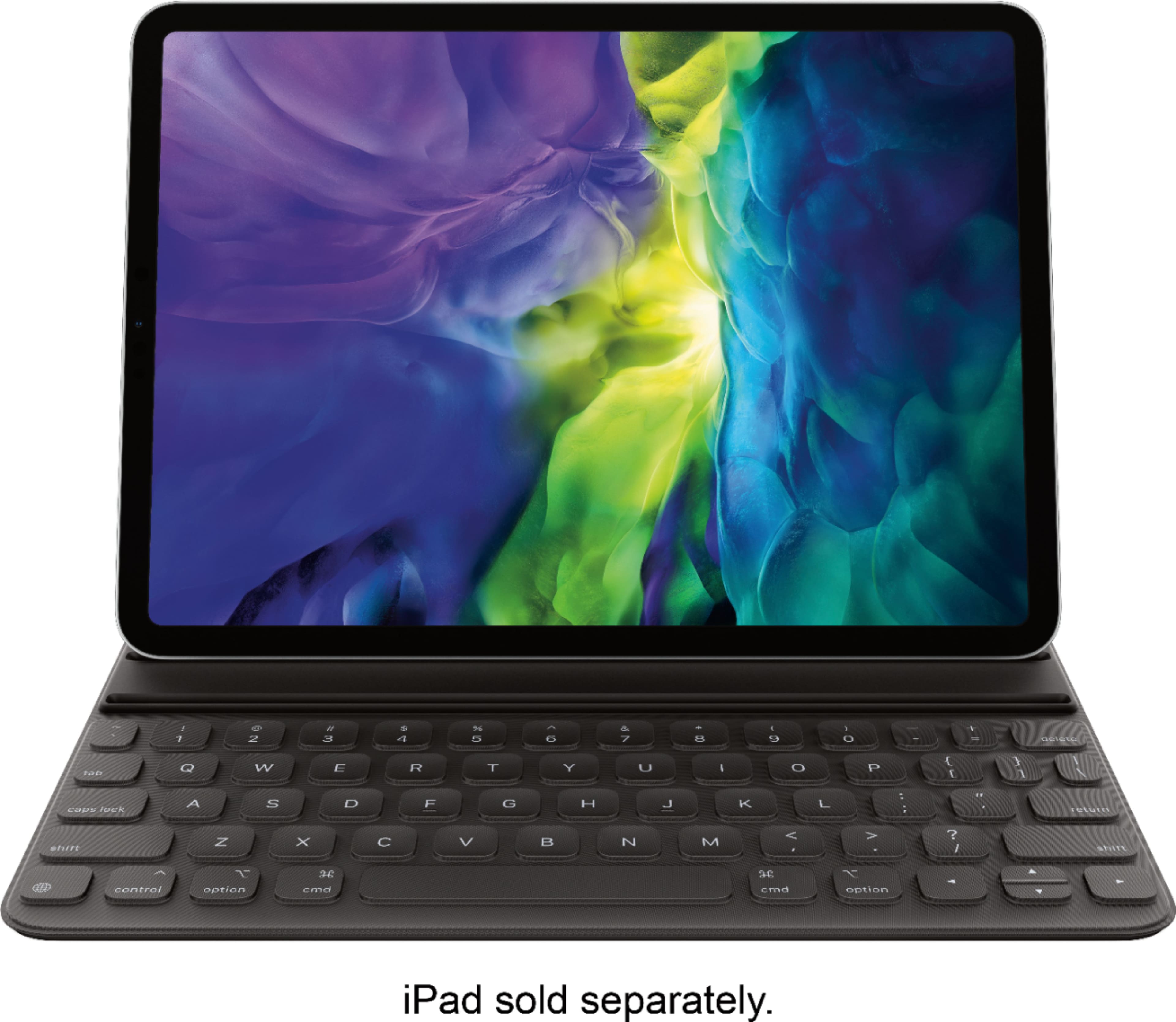
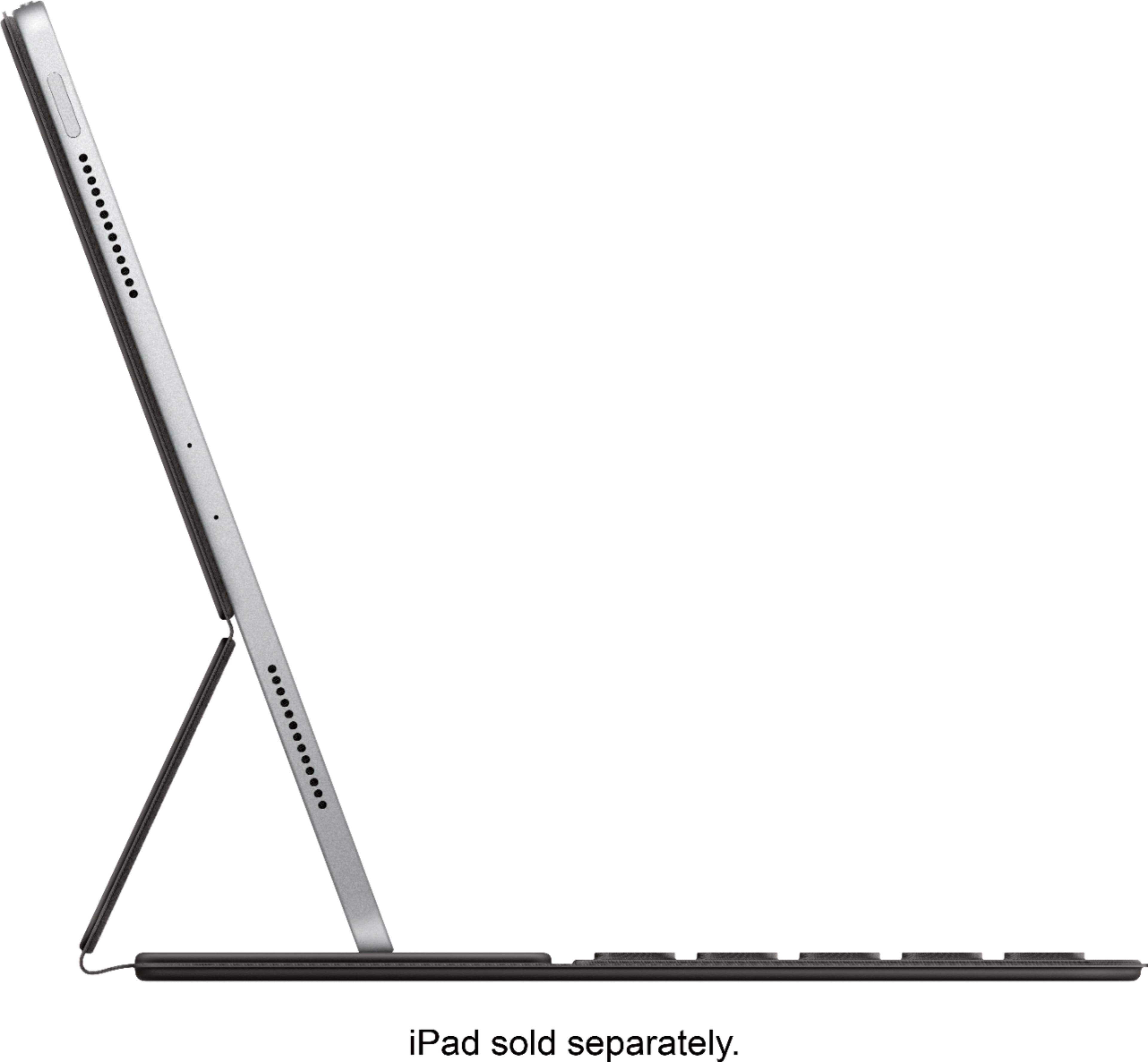
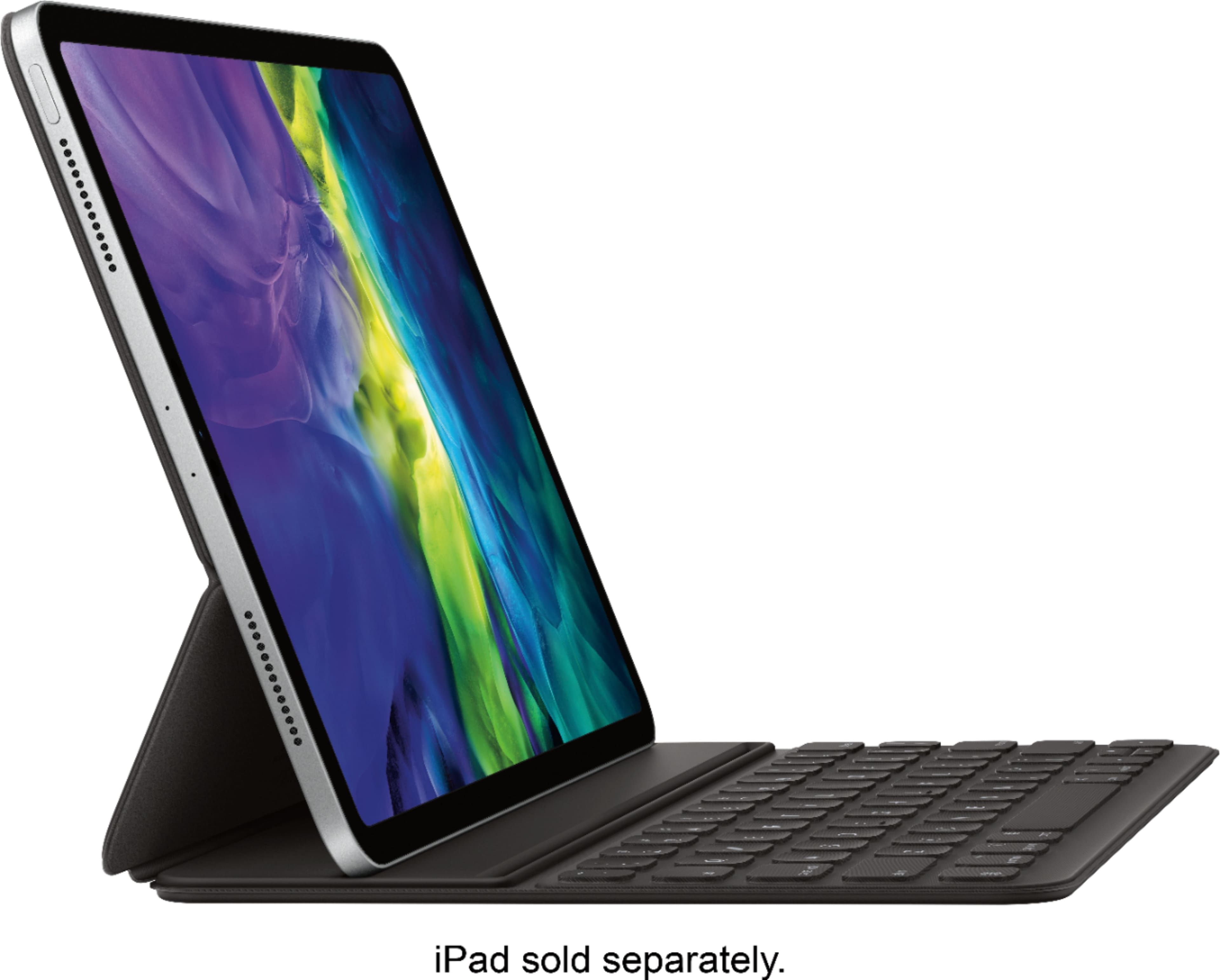
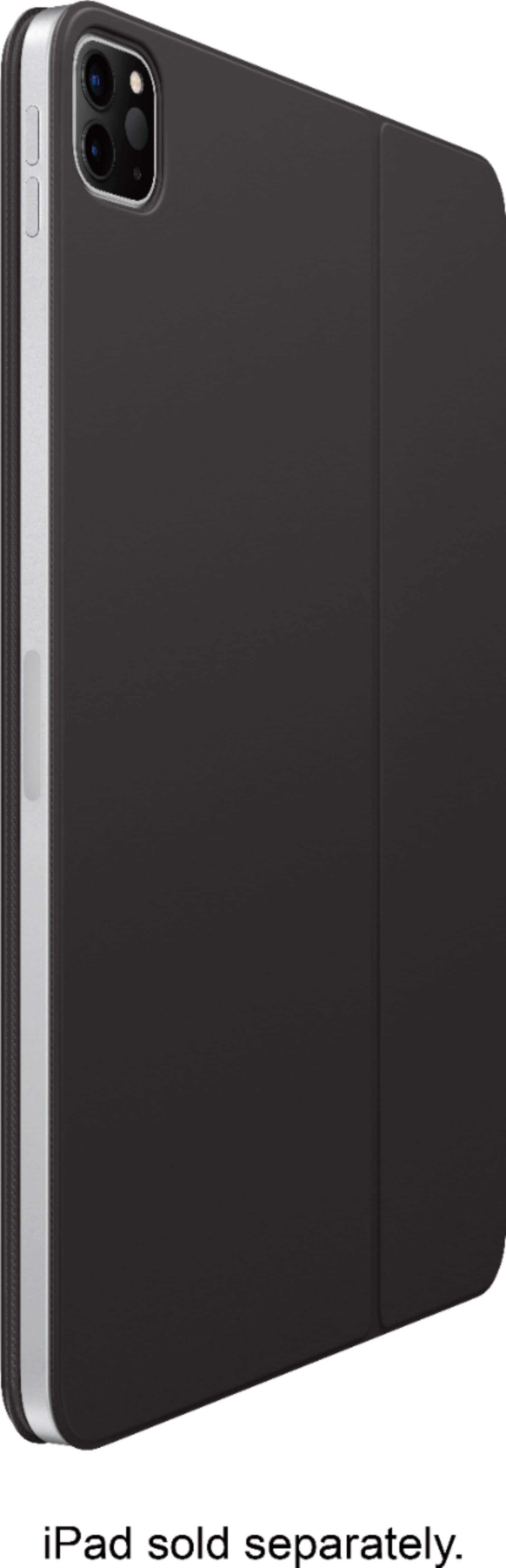
- Model:
- MXNK2LL/A
- |
- SKU:
- 6340372
Customer reviews
Rating 4.6 out of 5 stars with 1073 reviews
(1,073 customer reviews)Rating by feature
- Value4.4
Rating 4.4 out of 5 stars
- Quality4.7
Rating 4.7 out of 5 stars
- Ease of Use4.7
Rating 4.7 out of 5 stars
Customers are saying
Customers commend the Smart Keyboard Folio's high-quality keyboard, ease of use, and lightweight design. Many appreciate its protective qualities and how well it fits the iPad. However, some find the price to be expensive and wish the magnets were stronger. The keyboard's spill-proof feature and long battery life (or lack of need for charging) are also frequently praised.
This summary was generated by AI based on customer reviews.
Rated 5 out of 5 stars
Love this keyboard
||Posted . Owned for 1 month when reviewed.This reviewer received promo considerations or sweepstakes entry for writing a review.Very responsive and acts like a case when closed. GreAt purchase
I would recommend this to a friendRated 4 out of 5 stars
No touchpad
||Posted . Owned for 1 week when reviewed.This reviewer received promo considerations or sweepstakes entry for writing a review.Everything is great with this keyboard, except this has no touchpad on it
I would recommend this to a friendRated 3 out of 5 stars
Scuffs up easily
||Posted . Owned for 5 months when reviewed.This reviewer received promo considerations or sweepstakes entry for writing a review.I love using this but the only downside is that the case gets scuffed up easily and is hard to clean.
I would recommend this to a friendRated 1 out of 5 stars
Wrong unit
||Posted . Owned for 3 weeks when reviewed.This reviewer received promo considerations or sweepstakes entry for writing a review.The keyboard I was sold at Best Buy wasn’t even the correct one and really didn’t and don’t care for it. I didn’t know it wasn’t the correct unit until this request for a review came. I will have to check back with the store.
No, I would not recommend this to a friend- Pros mentioned:Ease of use, Protection, Weight
Rated 5 out of 5 stars
Great case for iPad
||Posted . Owned for 1 month when reviewed.This reviewer received promo considerations or sweepstakes entry for writing a review.For how I use my iPad this keyboard and case combination works great for me. It is light weight but gives pretty good protection to the iPad. Not the best drop protections but some. Like that you don't have to charge it and it just works. I did buy an open box one, which is one of the first times I have done that. Very happy with what I got and the condition was great.
I would recommend this to a friend - Pros mentioned:Ease of use, Keyboard quality, Weight
Rated 4 out of 5 stars
It's not very smart, but it works.
||Posted . Owned for 2 months when reviewed.This reviewer received promo considerations or sweepstakes entry for writing a review.What I like about this keyboard is that it’s sturdy, not flappy. In a weird sort of way, I can use it has a holder to have more grip on the iPad. As far as it being a keyboard – it works. It’s not the best feeling keyboard out there, but it’s not uncomfortable either. I personally chose this over the Smart Folio keyboard I like that it flaps all the around the back making it more portable, and it’s much lighter. Seeing is how the iPad is touch screen too, I never needed nor used the trackpad feature. If I need a mouse, I have an MX Master 3 that I can use. And I also prefer this one over the Logitech keyboard because the Logitech is great, but it’s also very flappy too. Overall, I think this is the best keyboard that you can get for your tablet. Could be much cheaper though.
I would recommend this to a friend - Pros mentioned:Keyboard quality, Protection, Weight
Rated 4 out of 5 stars
nice keyboard case
||Posted . Owned for 1 month when reviewed.This reviewer received promo considerations or sweepstakes entry for writing a review.Wasn't interested in a touch pad so this light weight keyboard case is perfect. Keyboard works without any issues, nice feel for typing, seems to protect the iPad for carrying in a bag (but maybe not if you drop it), and it has two viewing position angles. However, both those positions are horizontal. This case does not offer a portrait mode option if you want to type or use the case/keyboard to hold up the iPad. You can take the keyboard off the case (which is easy since it's just a magnet holding it on) or stand/hold the whole thing up on its side. Since there are still so many apps that only work in the portrait mode this can be a little frustrating because you cannot put the iPad in the portrait position to type. Additionally, the keyboard does not light or glow, but at least it doesn't drain your iPad to light it up. Overall a good choice for what it is.
I would recommend this to a friend - Pros mentioned:Ease of use, Keyboard quality, Protection
Rated 5 out of 5 stars
Love this keyboard!
||Posted . Owned for 1 month when reviewed.This reviewer received promo considerations or sweepstakes entry for writing a review.The Apple Smart Keyboard Folio is light weight, easy to carry, protective of the IPad, and works silently and quickly when typing. It is also very comfortable for my wrists!
I would recommend this to a friend - Pros mentioned:Keyboard qualityCons mentioned:Price
Rated 3 out of 5 stars
It’s ok, but....
||Posted . Owned for less than 1 week when reviewed.This reviewer received promo considerations or sweepstakes entry for writing a review.I recently purchased the iPad Pro 11” a few months ago. This is around the same time hype for the Magic Keyboard with trackpad support was starting as well. To be honest I was just as hyped and was enthralled by the prospective functionality, and the “WOW” factor. But then my more rational mind came through and I realized I don’t spend a great deal of time typing or using my IPad Pro as a production workhorse, per se. While I do a decent amount of typing, I have easily survived with a Logitech portable Bluetooth keyboard for my occasional heavy typing needs. Coupled with the Magic Keyboard being a 1st edition and reports of battery drain on iPads when connected, I opted to purchase the Smart Keyboard Folio to stand in the gap until better keyboard and trackpad options become available. I had considered 3rd party keyboards, but what got me to spend the additional coin compared to much cheaper options is the direct interface through the smart connector and not having to worry about batteries or recharging the keyboard. After a few days of use, and currently using to type this review, my opinion is an above average “Meh...”. It’s not something that I get excited to use, though typing on it has grown on me a little bit; it works well in most areas. I know there is a lot of hype about the Magic keyboard and the scissor keys, but if I’m being honest, I don’t hate typing on the Smart Keyboard Folio as much as other reviewers have complained about with the flat and short key travel. There is zero lag when typing as the smart connector works pretty flawlessly once the iPad is mounted on the back cover. I find that the keys are pretty responsive and don’t require any additional effort to accurately type on despite the fabric material that encases all of the keys and top of the keyboard. I’m not sure if Apple’s intent was to provide some measure of protection (and I wonder how much if it does at all) against spills, dust, crumbs, etc, or because of it’s aesthetic appearance. Time will tell as to how durable the fabric holds up, as I have seen quite a few reviews on 1st Gen keyboards that the print on the keyboard wears off and or becomes faded. The magnets that hold the back cover in place are just adequate. I’m not sure if that is the iPad’s fault or the keyboard. But the magnets that hold the iPad down onto the keyboard are almost too strong to the point that the back cover separates from the iPad before the iPad does from the keyboard when closing it up. This may be problematic and pose a risk to dropping the iPad if one is not careful and being done without the iPad is still stationed on a flat surface. It holds up pretty decent when using it on your lap. It’s a little top heavy and wants to tip backwards when you don’t have your hands on the keyboard if you don’t have the right angle on your lap; but it is functional. The keyboard itself is sturdy for the most part and doesn’t flex considering how thin it is compared to other 3rd party keyboards. The overall form factor is compact and lightweight when its closed and folded up, and isn’t bulky or obscenely awkward when using it in your lap. While there is zero protection to the iPad edges, it is convenient to pull the iPad off and hold in your hand if you need to. There are a few things that I do not like about this keyboard. First as with just about every other review, this keyboard offers absolutely zero protection to the iPad. There are third party iPad cases such as the i-Blason Halo v2.0 that accommodate the Smart Keyboard Folio configuration, though I can’t yet speak to how well that works and what the bulk factor is like. Another thing I don’t like is that there is no protection or additional cover to hold the pencil to the iPad while in transit inside a backpack or bag. If there is one accessory that I use more than anything is the pencil to take all of my notes at work. I rarely use pen and paper. That said, having to dig around in my bag to find my pencil if/when it is jarred loose is a minor annoyance, and I would worry about it becoming damaged. Again, this is a problem solved using a third party case such as the Halo v2.0 that includes a pencil retention slot built into the case. Lastly, is the price. For $180 I don’t believe this is a “premium” experience that can’t otherwise be had by third party keyboard folios, and if there is a justification it is the use of the smart connector; which no one else has made use of... yet. One thing that I would love to see for the iPad Pro is a Logitech Slim Combo like setup that is available only for the iPad Air 3rd Gen. Supposedly Apple is working with Logitech to come out with more 3rd party case and keyboard applications at lower price margins for the iPad Pro, but until this happens and if you can work past the price and shortcomings of overall iPad protection this is a decent keyboard folio.
I would recommend this to a friend - Pros mentioned:Ease of use, Keyboard quality, Weight
Rated 5 out of 5 stars
Love this folio!
||Posted . Owned for 1 week when reviewed.This reviewer received promo considerations or sweepstakes entry for writing a review.I was so excited to get my smart keyboard folio for my iPad Pro. I love the feel of the keys and the way the smart connector works! There’s no fiddling with Bluetooth, as the smart connector speaks to your iPad Pro keyboard immediately. I like having two angles as well. It is light! Very portable.
I would recommend this to a friend - Pros mentioned:Ease of use, WeightCons mentioned:Price
Rated 4 out of 5 stars
Best in class lacks features others have
||Posted . Owned for 1 month when reviewed.This reviewer received promo considerations or sweepstakes entry for writing a review.Light and fully functional and is what I wanted but it lacks features that Logitech offers and that’s a bummer. Like a Home Screen button and is too pricey. I need something quick so I couldn’t take the risk of getting something that wouldn’t work on an extended trip and this performed perfectly. I would like to try the Logitech still though.
I would recommend this to a friend - Pros mentioned:Keyboard quality, Protection, Weight
Rated 5 out of 5 stars
Apple Smart Keyboard Folio
||Posted . Owned for 1 month when reviewed.This reviewer received promo considerations or sweepstakes entry for writing a review.This keyboard makes the iPad truly useful as a laptop replacement. Keyboard charges from the iPad without additional cords. The tactile feel of the keyboard is awesome! I particularly like that the folio protects the iPad both front and back. Folio is relatively lightweight when compared to similar features from other vendors.
I would recommend this to a friend - Pros mentioned:Ease of use, Keyboard quality
Rated 3 out of 5 stars
Great keyboard, but lacks long term durability
Posted .This reviewer received promo considerations or sweepstakes entry for writing a review.Pros - Nice feel and sizing for daily use Easy for transition to emoji’s or to international keyboards Easy snap in magnets Cons - Also easy to bump and have magnet give way and drop iPad Costly Cover Lacks durability (see photo of cover peeling off after 12 months Hinge lacks durability (controls failing as hinge is elongating after 12 months) After 24 months of daily but careful use, I am now ready to buy my 3rd keyboard on this iPad
I would recommend this to a friend - Pros mentioned:Ease of use, Keyboard qualityCons mentioned:Price
Rated 5 out of 5 stars
Great keyboard for the iPad.
||Posted . Owned for 3 weeks when reviewed.This reviewer received promo considerations or sweepstakes entry for writing a review.Very nice keyboard and case for those who want to bet able to still use their iPad as a tablet without the need to remove the cover. Open box attach keyboard to your iPad and you are up and typing. More expensive than the knockoffs but it works as you would expect coming from Apple.
I would recommend this to a friend - Pros mentioned:Keyboard qualityCons mentioned:Price
Rated 4 out of 5 stars
Keyboard case
||Posted . Owned for 2 weeks when reviewed.This reviewer received promo considerations or sweepstakes entry for writing a review.As with most Apple products, it is nice, sleek, functional but it is overpriced. A keyboard and "cover" should not cost $179.00. I haven't used keyboards with any of my prior iPads, so I'm not sure why I opted to purchase one this time. I occasionally find it useful if I'm typing out a long email and not on my computer and not losing part of the screen to the onscreen keyboard is a plus. I do find it awkward when I have to go from keyboard to screen to select something. I considered the magic keyboard, which is often on sale for not much more than this, but opted against it because of the added weight. The lack of protection to the sides and corners is a big issue. I am willing to sacrifice a bit for a proper cover similar to the prior models where you actually put the iPad into the case. It didn't add a ton of bulk (which is a big drawback with some of the other brands available)) and you felt that the iPad would survive a short drop. I often find that the magnetic case is getting dislodged from the back when I close the cover. I had the iPad slip out once and land on the floor. The issue continues to happen and I have to pay close attention when I am folding it up. I'm sure there's some trick that I haven't seen or mastered. In the end, it's okay quality but overpriced.
I would recommend this to a friend - Pros mentioned:Keyboard quality
Rated 5 out of 5 stars
Best keyboard for 2020 Ipad Pros
||Posted . Owned for 2 weeks when reviewed.This reviewer received promo considerations or sweepstakes entry for writing a review.I was looking for a keyboard for my new 2020 Ipad Pro and did lot of research. Magic keyboard looks first choice but its too expensive at 299 ( for 11 inches). I did check 3rd party keyboards like Logitech slim and Brydge and they do have their own advantages. After lot of research I settled down with this ( Apple Smart Keyboard Folio). I feel its perfect VFM. There is no charging or battery life thingy as it charges itself via smart connector at back of Ipad. Typing is easy and quick though it do take some time to transition from regular keyboard.
I would recommend this to a friend - Pros mentioned:Ease of use, Keyboard qualityCons mentioned:Price
Rated 5 out of 5 stars
Love it!!!
||Posted . Owned for 3 weeks when reviewed.This reviewer received promo considerations or sweepstakes entry for writing a review.A perfect add-on. Makes typing so much better a getting homework done fast and even comes with mouse control pad.... its just a little on the expensive side.
I would recommend this to a friend - Pros mentioned:Ease of use, Fit, Keyboard quality
Rated 4 out of 5 stars
Perfect
||Posted . Owned for 1 month when reviewed.This reviewer received promo considerations or sweepstakes entry for writing a review.Really easy to use. Fits the iPad perfectly and keyboard has raised letters for better feel.
I would recommend this to a friend - Pros mentioned:Ease of use, Keyboard quality
Rated 5 out of 5 stars
Perfect For An Everyday User
||Posted . Owned for 5 months when reviewed.This reviewer received promo considerations or sweepstakes entry for writing a review.this is not the most functional, feature-rich keyboard, but like all Apple products, its dead on point! let me explain, no, it doesn't have the most clicky, tactile, backlit keys or a trackpad, no, it doesn't protect the corners of the iPad, no, you can't stand up your iPad in all different angels, but, it is thin, it is light, It folds incredibly compact, you can switch between typing and holding the iPad very easily, it's just so easy and user friendly! I can't get enough of it!
I would recommend this to a friend - Pros mentioned:Protection, Weight
Rated 4 out of 5 stars
Nice accessory to the Ipad
||Posted . Owned for 3 weeks when reviewed.This reviewer received promo considerations or sweepstakes entry for writing a review.Works as advertised! A little flimsy but that is expected to keep the weight light. 4 stars instead of 5 because you need to buy the UAG case which fits over the Ipad + Keyboard combo - and then that 3 piece combo becomes heavy quickly. Would like to see Apple design a little heavier and more all round protection keyboard. If customers are already paying an arm and leg for the Ipad and this keyboard, they will most probably pay a little more if the keyboard case is more robust and provides additional protection. However, if all your Ipad is doing is lounging around the house and there is no heavy travel or usage otherwise, this is a great product.
I would recommend this to a friend