Customer Ratings & Reviews
- Model:
- MJYR2LL/A
- |
- SKU:
- 4539100
Customer reviews
Rating 4.5 out of 5 stars with 2120 reviews
(2,120 customer reviews)Rating by feature
- Value4.0
Rating 4.0 out of 5 stars
- Quality4.4
Rating 4.4 out of 5 stars
- Ease of Use4.4
Rating 4.4 out of 5 stars
Customers are saying
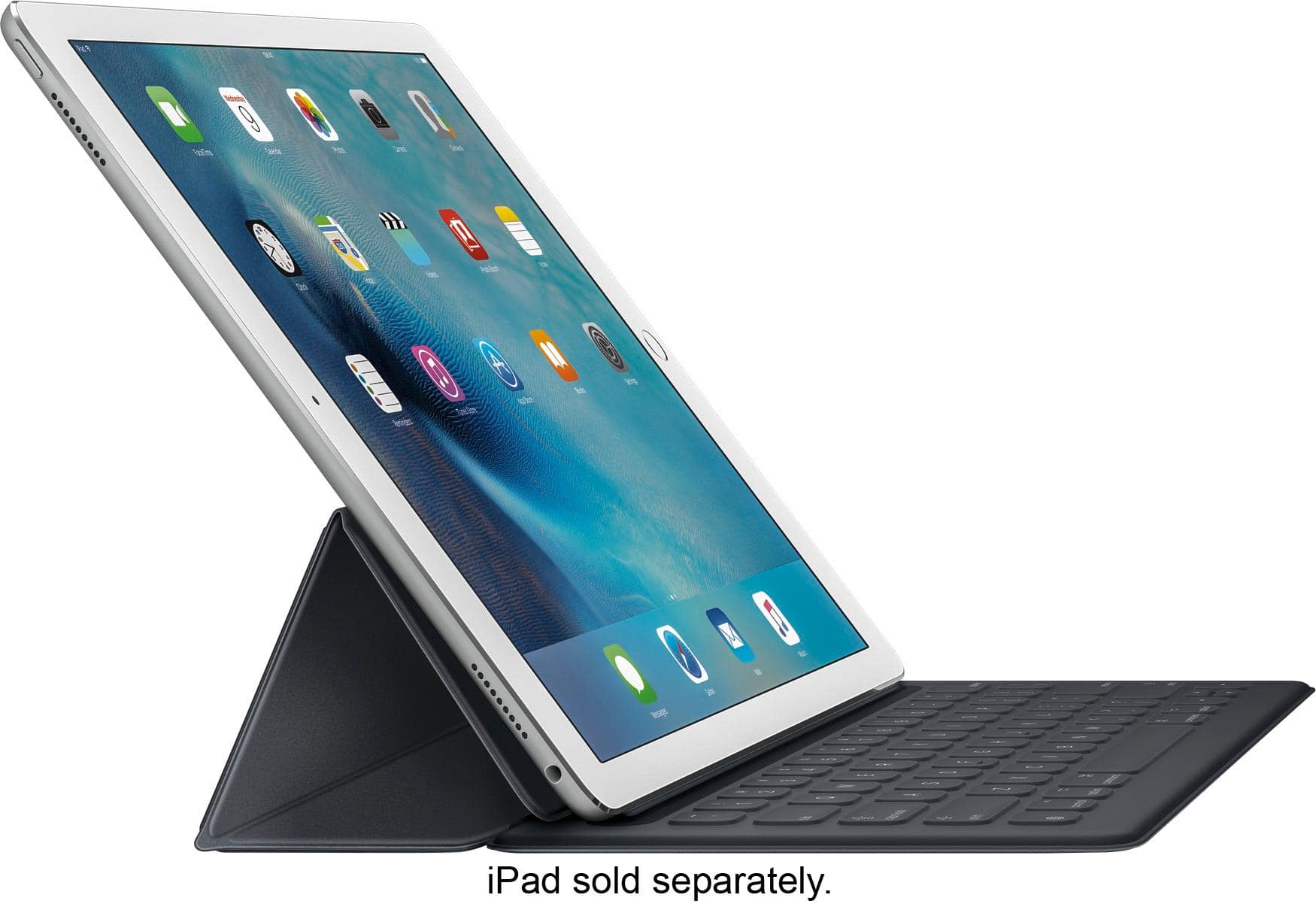
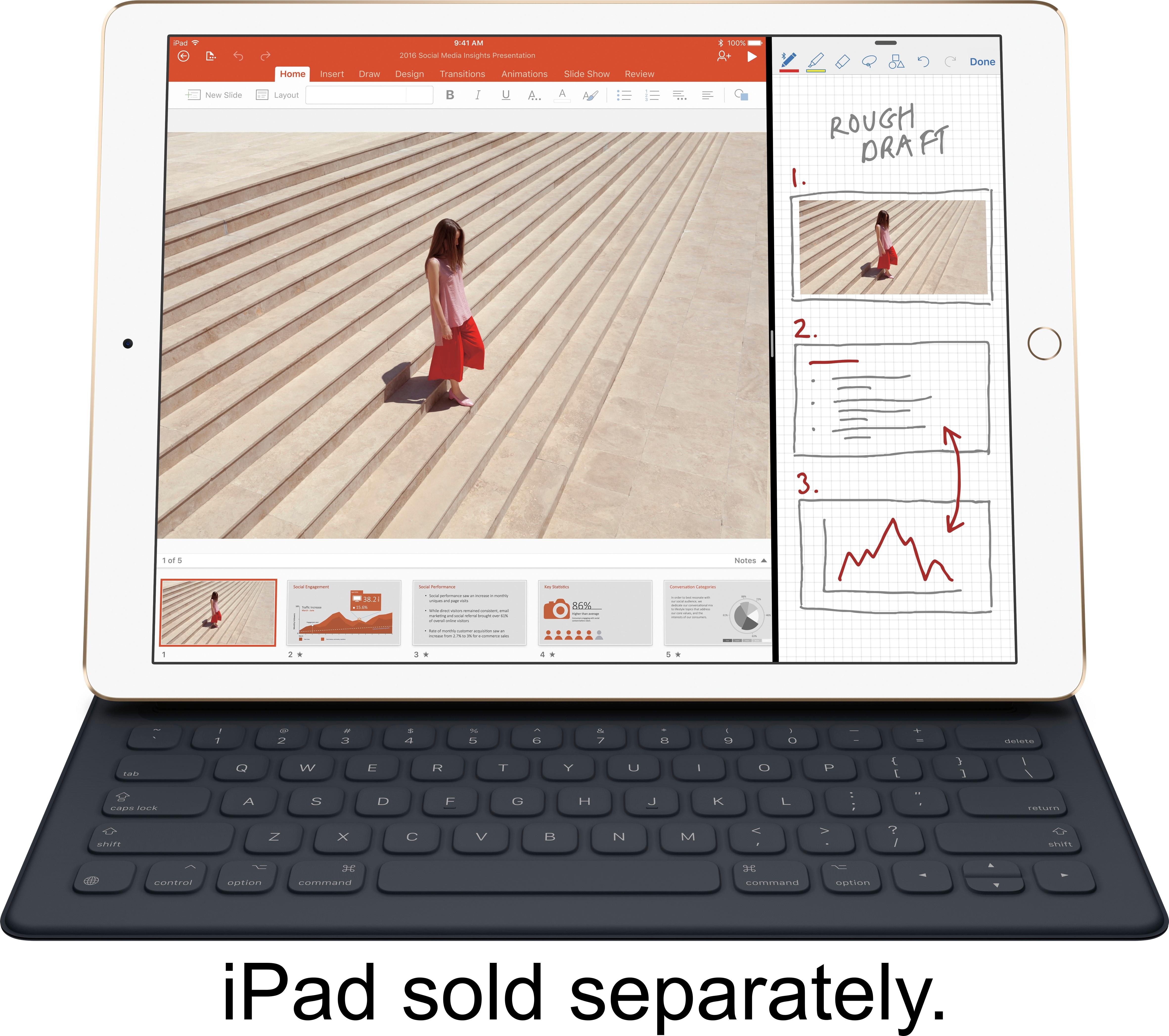
Customers value the Smart Keyboard for 12.9-Inch iPad Pro's high-quality keyboard, ease of use, and lightweight design. Many appreciate its convenient size and long battery life, along with the added protection it offers the iPad. However, some customers find the price to be high and have experienced occasional connection issues. A few also noted concerns about the magnet's strength and compatibility with certain iPads.
This summary was generated by AI based on customer reviews.
Rated 1 out of 5 stars
keyboard does not connect properly
||Posted .This reviewer received promo considerations or sweepstakes entry for writing a review.the case is nice and works well but the keyboard does not work. I was not able to get the devise to connect to the ipad in order to have the keyboard actually work....this was my second one as I returned the first one for the very same reason...it does not work
No, I would not recommend this to a friendRated 2 out of 5 stars
Just fine
||Posted .This reviewer received promo considerations or sweepstakes entry for writing a review.The iPad itself has many keyboards, so do not use it much.
I would recommend this to a friendRated 1 out of 5 stars
Poor Reliability
||Posted .This reviewer received promo considerations or sweepstakes entry for writing a review.This device is way too expensive and is poorly designed. The conductive tape beneath the delt cover will soon separate thus breaking the connection to the keyboard. This is a known problem but Apple will not replace or repair or it. DONT BUY!!!
No, I would not recommend this to a friendRated 5 out of 5 stars
Expectations were low, but thoroughly impressed
Posted .This reviewer received promo considerations or sweepstakes entry for writing a review.I was initially not a fan of the Smart keyboard. I had gone to the Apple Store and did some testing and playing around on it, but the 5 minutes of playing couldn't have given me an accurate time frame of what it would feel like to continually type on it. Because I wanted to take advantage of the smart connector and didn't want to have to fiddle with Bluetooth keyboards and keeping them charged all the time, I decided to give this one a shot. I have been using it for 3 days now and it is great. The size of the keyboard is just right, it feels very familiar, the click feel of each key is a nice confirmation of your keystrokes as well. I paired this with the UAG iPad Pro case and it works just perfectly. Unlike the Surface Pro 3, I like that the keyboard itself folds back into the felty side of the cover instead of being against the screen. This is one of my biggest complaints about the Surface Pro 3 keyboard, was that the keys directly touched the screen. This is a problem because as humans, our hands naturally get oily, which transfers to the keyboard and leaves squares all over the Surface Pro 3 screen. So I am glad Apple decided to do their own way and keep it off the screen. My only "complaint" and I guess you could say this is more of a wish and not a complaint, is that the keyboard isn't backlit. That would make it perfect. It would however burn through additional battery life, so it would be a win/lose situation. Overall, I am very please with the keyboard and would definitely recommend this to anyone that is on the fence.
I would recommend this to a friend- Pros mentioned:Weight
Rated 5 out of 5 stars
The best keyboard for iPad Pro yet
Posted .This reviewer received promo considerations or sweepstakes entry for writing a review.Let me start this review by saying that I tried the Logitech Create Keyboard, it was a great keyboard for typing, but was a little too bulky for my taste. The Apple Keyboard is the best keyboard for the iPad Pro that I have tried so far. It does not type as well as others, but is good enough and once you get used to it, it's actually pretty good. However it is the thinnest and lightest keyboard made. This means that it is very mobile and good for travel. To me that is the key feature, it is light enough for it to stay on the iPad all the time without making it unusably heavy. It also alternatively folds so that it can be a Smart Cover and stand. For the record this entire review was written on the iPad Pro Smart Keyboard.
I would recommend this to a friend Rated 1 out of 5 stars
No backlight, a bit flimsy
||Posted .This reviewer received promo considerations or sweepstakes entry for writing a review.The main issue I have is there's no backlight. Unless you're at Starbucks or in bright lighting, you'll have a hard time using this efficiently. I returned it and got the Create by Logitech one, which I HIGHLY recommend over this one.
No, I would not recommend this to a friendRated 1 out of 5 stars
Disappointing
||Posted .This reviewer received promo considerations or sweepstakes entry for writing a review.The keyboard does not protect the iPad Pro, comes off frequently and is a total disappointment as well as wasted money. I expected to get a quality product for my iPad and was very unhappy with this keyboard.
No, I would not recommend this to a friendRated 1 out of 5 stars
It broke
||Posted .This reviewer received promo considerations or sweepstakes entry for writing a review.The iPad pro keyboard broke after 1 year of use. The typing feel is something to get used to. No back lit keyboard either. I prefer the new logitech keyboard for the ipad pro better.
No, I would not recommend this to a friendRated 1 out of 5 stars
Frustrating
||Posted .This reviewer received promo considerations or sweepstakes entry for writing a review.I'm not technologically challenged but I couldn't seem to figure out how to quickly and easily attach the keyboard and it simply would not stay on the iPad.
No, I would not recommend this to a friendRated 1 out of 5 stars
It doesn’t work
||Posted .This reviewer received promo considerations or sweepstakes entry for writing a review.Initially it worked every so often but now it’s an iPad Pro stand. Apple should offer something better. I’ll try to return it tonight.
No, I would not recommend this to a friendRated 1 out of 5 stars
Not easy to operate
||Posted .This reviewer received promo considerations or sweepstakes entry for writing a review.This keyboard isn't easy to operate at all. And it didn't come with instructions. So I returned it and got another type of keyboard.
No, I would not recommend this to a friendRated 5 out of 5 stars
Great!
Posted .This reviewer received promo considerations or sweepstakes entry for writing a review.I'm disappointed that Apple didn't add backlit keys but that of course would increase the thickness. Besides, the screen lights up the keys enough to see by. I thought the key travel would be too shallow like they are on the MacBook but they're actually "clicky" & feel very good. I'm able to type very easily with the keyboard. I tried the Logitech & loved the keyboard but hated the weight & thickness of the cover. Really glad I tried Apple's as I love it. It's also sturdy enough to put on my lap & has a viewing angle for just watching videos, etc. Nice microfiber cloth on the part that covers the screen.
I would recommend this to a friend- Pros mentioned:Ease of useCons mentioned:Price
Rated 2 out of 5 stars
Cool but unimpressive keyboard
Posted .This reviewer received promo considerations or sweepstakes entry for writing a review.I'll probably be returning this keyboard. Smart concept of using this smart connector so you're not draining the battery VIA bluetooth but I am very unimpressed with this keyboard. I am giving this 2.5/3 stars. Here is why: PRICE & QUALITY: Very expensive for what it is. It doesn't feel like of anything of quality. I'm sorry Apple, but if you're gonna be charing $169, you should of used your "leather" material on the outside. The keyboard surface itself, it say's it's also Polyurethane BUT to me the texture feels like those cheap vinyl table clothes sold at party stores...I mean is it just me? Perhaps it's of higher quality grade but it feels like it to me. DOESN'T WORK WITH DODO CASE (Or similar book cases). My DoDo Case is AMAZING! It does have a slot for the magic connector showing BUT it certainly won't work with this keyboard. I mean this isn't Apple's fault by any means nor is it Dodo Case, but you're stuck having to buy a clear plastic case if you want a full cover protection (or you could buy Apple's Silicone case for $79 on top of this $169 keyboard). FUNCTIONALITY: Despite my personal quirks with this, it does work very well. It better work well since it's Apple's own product. I can't draw comparisons either with the Logitech one but as stated by previous owners, not a deal breaker but it would have been cool to have it illuminate along with having the CAPS Lock key with a green indicator light showing its on. Overall, I am 90% sure I will be returning this item. I ordered it to test it but I don't think I'll be using it. As an artist and designer, I'm not really typing papers to begin with. For professionals, you may want to look into this if you're looking for a keyboard that does work with your new iPad Pro. But otherwise, I would tell you to save your $169 if you're not going to be typing papers or reports, etc. 2.5/3 Stars from me personally. An Ok/Good Product but just not for me and the price is just too high for what it is. I mean let's be real Apple, if this item costs $99 and your pencil was $69, I think those are realistic price points for what these two accessories should be. I do enjoy the Apple pencil but they keyboard, not so much.
No, I would not recommend this to a friend Rated 1 out of 5 stars
This keyboard is disappointing
||Posted .This reviewer received promo considerations or sweepstakes entry for writing a review.If you must have a laptop computer . Do not waste your money on this piece of crap
No, I would not recommend this to a friendRated 1 out of 5 stars
Didn't care for this keybard
||Posted .This reviewer received promo considerations or sweepstakes entry for writing a review.Keyboard didn't have much protection for the IPad. I didn't like the feel of the keys.
No, I would not recommend this to a friendRated 4 out of 5 stars
Great keyboard for IPad Pro
Posted .This reviewer received promo considerations or sweepstakes entry for writing a review.I originally had the Logitech create keyboard before I was able to get my hands on the smart keyboard. The smart keyboard can be frustrating to type on at first but it becomes very easy and I actually like it. The biggest reason I bought it is because it is light an compact. It comes off the iPad easily or wraps around back when you do not want to use it anymore. My biggest cons and reason for not giving it 5 stars is that it is not backlit. I type in dark rooms a lot and it makes it very difficult to type. Other then that and the price it is a great keyboard.
I would recommend this to a friendRated 1 out of 5 stars
Poor apple product i ever bought..i returned it
||Posted .This reviewer received promo considerations or sweepstakes entry for writing a review.Poor apple product..i returned it after a week of used.
No, I would not recommend this to a friendRated 1 out of 5 stars
wasnt happy with it
||Posted .This reviewer received promo considerations or sweepstakes entry for writing a review.i didnt like the way you can only use it in one direction.
No, I would not recommend this to a friendRated 1 out of 5 stars
Doesn't fit
||Posted .This reviewer received promo considerations or sweepstakes entry for writing a review.iPad Pro tablet does not fit on this keyboard excessary.
No, I would not recommend this to a friend- Pros mentioned:Keyboard quality
Rated 2 out of 5 stars
Not worth the money
Posted .This reviewer received promo considerations or sweepstakes entry for writing a review.I must agree with other reviewers the quality and functionality of this keyboard does not align with the price of the keyboard. To put it in context: The Apple TV is less expensive than this keyboard and there is a lot more technology in the Apple TV. Apple is taking advantage of loyal customers and I for one am not too happy about that. Now for the review: Pro's: 1) Connects easily - the magnets are very strong 2) Nice full keys with decent tactile feedback (not as much as a regular keyboard but good enough) Con's: 1) Price - See intro 2) Keys are loud when typing fast and I am not hammering on them. 3) No backlight - for this price it should have been included 4) No option to use in portrait mode - some apps, including ones from Apple don't support landscape and then you have to type on the screen. The reason I have a keyboard is so I don't have to. 5) The material just feel cheap - I know a lot of manufacturers uses something similar, but this really just feels cheap.
No, I would not recommend this to a friend