Customer Ratings & Reviews


- Model:
- A701 ROG DELTA II/WHT
- |
- SKU:
- 6637821
Customer reviews
Rating 4.5 out of 5 stars with 149 reviews
(149 customer reviews)Rating by feature
- Value4.2
Rating 4.2 out of 5 stars
- Quality4.6
Rating 4.6 out of 5 stars
- Ease of Use4.5
Rating 4.5 out of 5 stars
Customers are saying
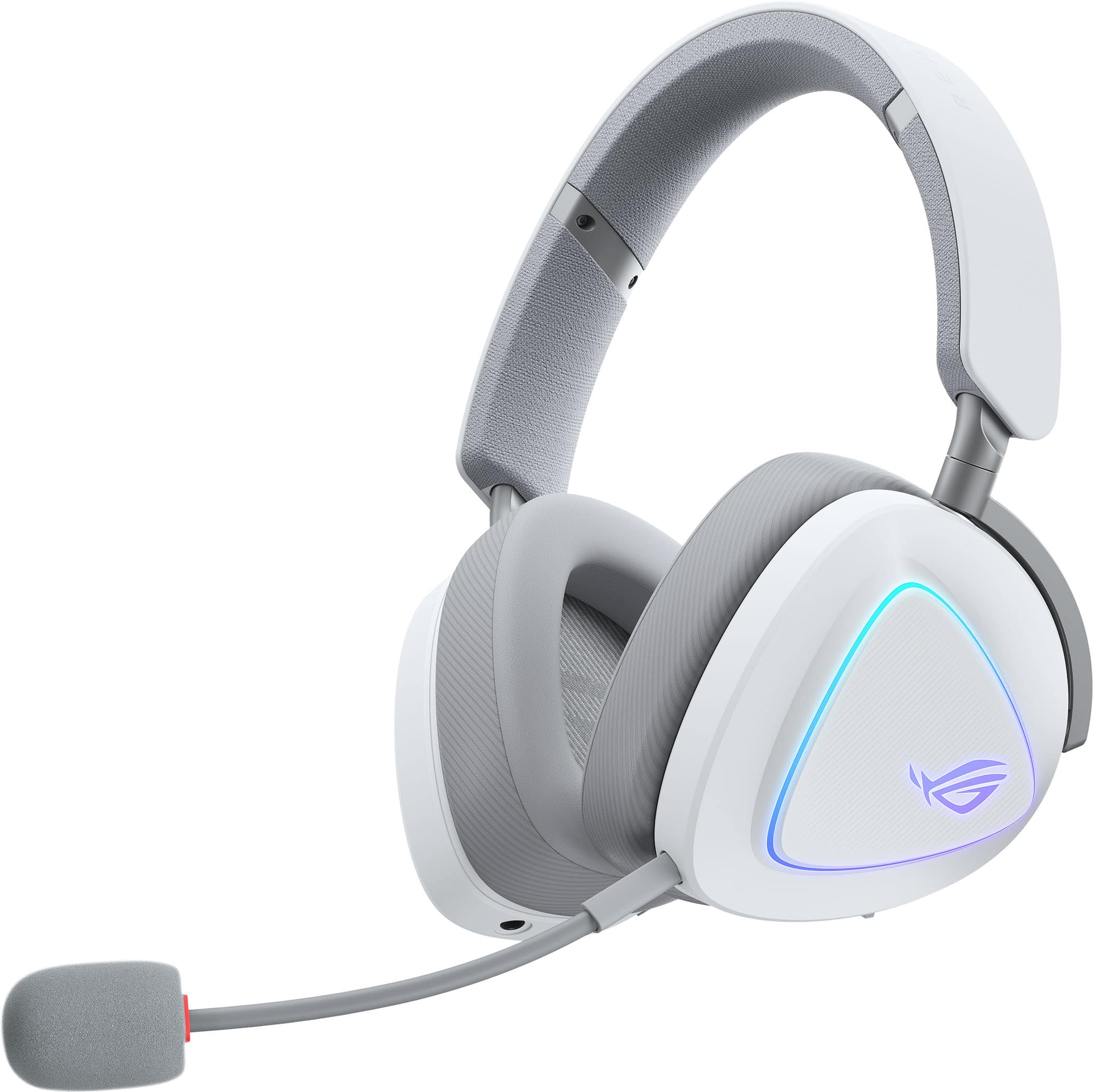
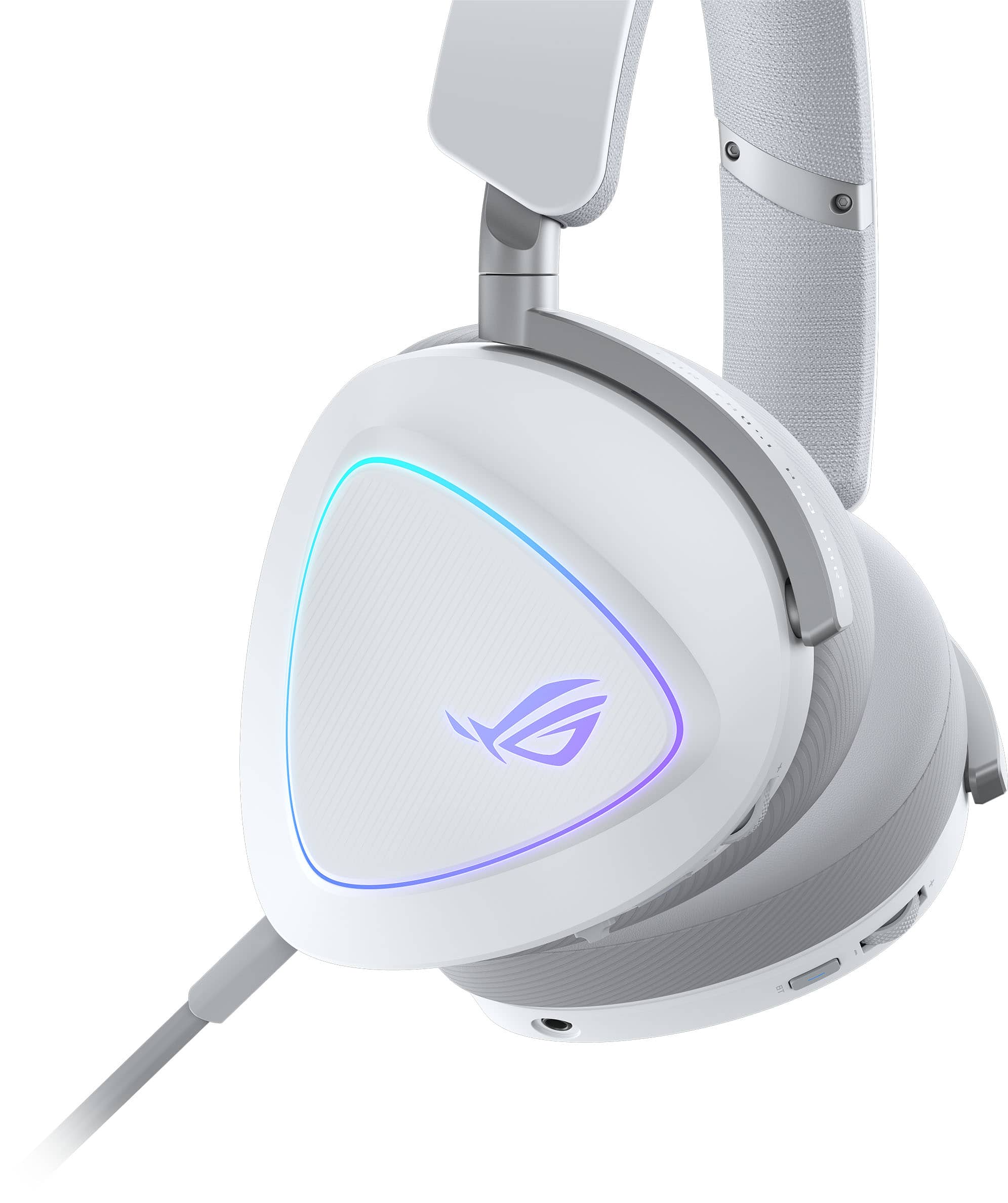
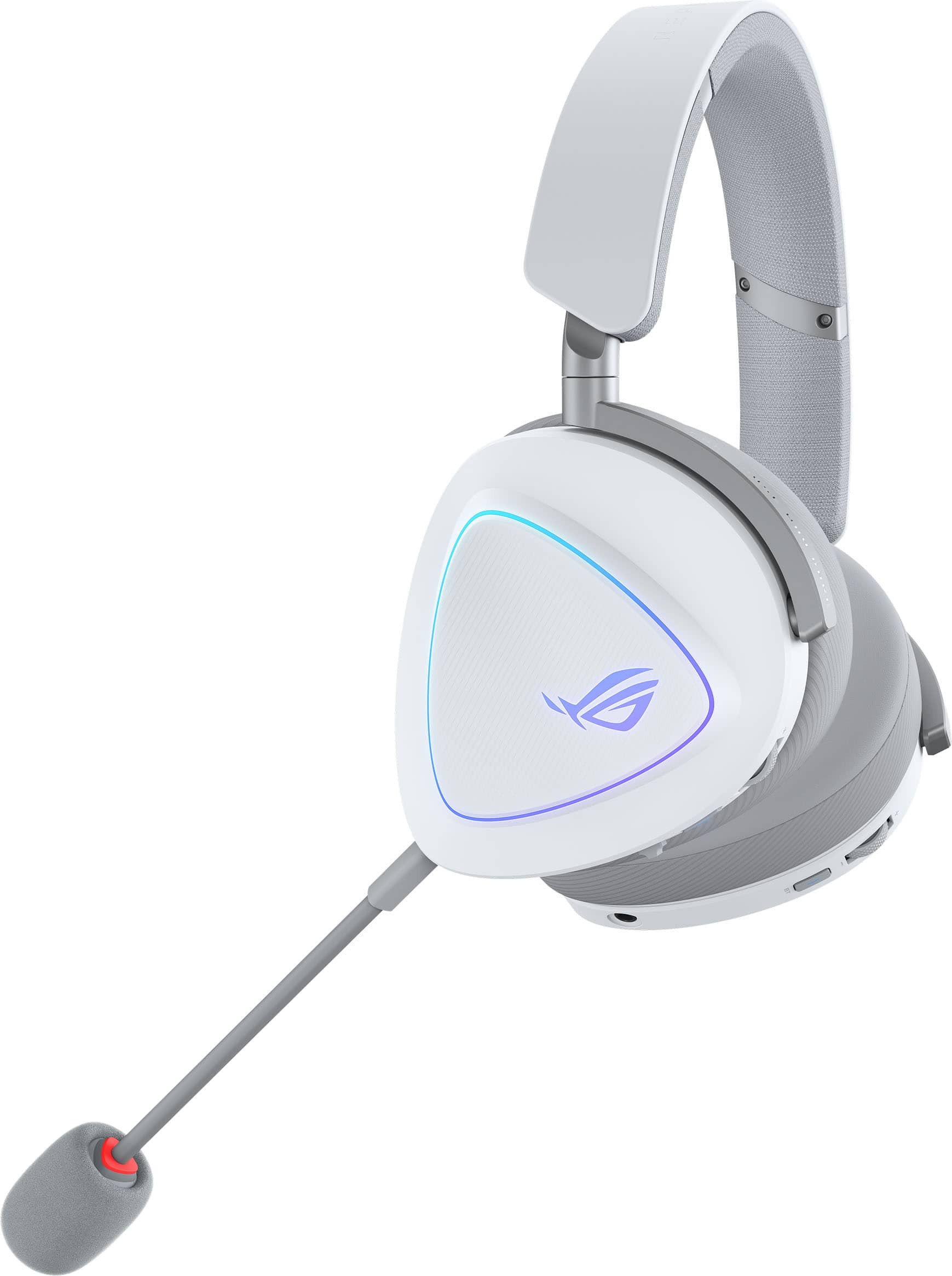
Customers frequently mention the superb Sound Quality and excellent Comfort as major strengths of the product. They also highly value its practical Connectivity, impressive Battery Life, and lightweight design. Additionally, features like its good Design, cool RGB lighting, and deep Bass are noted, though a few customers have found the fit to be a bit loose.
This summary was generated by AI based on customer reviews.
- Pros mentioned:Sound quality
Rated 5 out of 5 stars
One of a kind headset
||Posted . Owned for 3 weeks when reviewed.This reviewer received promo considerations or sweepstakes entry for writing a review.This is one of a kind headset sounds amazing. You cant beat it i compared it to the astro a50 gen 5. It sounds better than those. No harse sounding hear every detain in the games foot steps to. The volume get loud to which is awesome.
This review is from ASUS - ROG Delta II Wireless RGB Gaming Headset for PC/Mac, Xbox, PS5, PS4 and Switch - Black
I would recommend this to a friend - Pros mentioned:Sound quality
Rated 5 out of 5 stars
Great for Gaming
||Posted . Owned for 2 weeks when reviewed.This reviewer received promo considerations or sweepstakes entry for writing a review.Great audio quality, good for hearing steps on FPS games.
This review is from ASUS - ROG Delta II Wireless RGB Gaming Headset for PC/Mac, Xbox, PS5, PS4 and Switch - Black
I would recommend this to a friend Rated 5 out of 5 stars
Great headset
||Posted . Owned for 1 month when reviewed.This reviewer received promo considerations or sweepstakes entry for writing a review.Did my research and found that his fits better on bigger heads, needless to say, I’m not disappointed on the fit, quality or cost.
This review is from ASUS - ROG Delta II Wireless RGB Gaming Headset for PC/Mac, Xbox, PS5, PS4 and Switch - Black
I would recommend this to a friend- Pros mentioned:Sound quality
Rated 5 out of 5 stars
Great
||Posted . Owned for 1 month when reviewed.This reviewer received promo considerations or sweepstakes entry for writing a review.Very easy to set up and use. Sound quality is very good.
This review is from ASUS - ROG Delta II Wireless RGB Gaming Headset for PC/Mac, Xbox, PS5, PS4 and Switch - Black
I would recommend this to a friend - Pros mentioned:Sound quality
Rated 5 out of 5 stars
Great find!
||Posted . Owned for 1 week when reviewed.This reviewer received promo considerations or sweepstakes entry for writing a review.Great headset for the price. Very immersive sound. Will by one for my wife.
This review is from ASUS - ROG Delta II Wireless RGB Gaming Headset for PC/Mac, Xbox, PS5, PS4 and Switch - Black
I would recommend this to a friend - Pros mentioned:Sound quality
Rated 5 out of 5 stars
microphone
||Posted . Owned for 1 week when reviewed.This reviewer received promo considerations or sweepstakes entry for writing a review.got it at a great price. qulity of sound is very good. would recommend to anyone
This review is from ASUS - ROG Delta II Wireless RGB Gaming Headset for PC/Mac, Xbox, PS5, PS4 and Switch - Black
I would recommend this to a friend - Pros mentioned:Sound quality
Rated 5 out of 5 stars
Asus Headset
||Posted . Owned for 3 weeks when reviewed.This reviewer received promo considerations or sweepstakes entry for writing a review.Great product, quality piece of equipment with quality sound
This review is from ASUS - ROG Delta II Wireless RGB Gaming Headset for PC/Mac, Xbox, PS5, PS4 and Switch - Black
I would recommend this to a friend - Pros mentioned:Sound quality
Rated 5 out of 5 stars
Good miscrophone
||Posted . Owned for 2 weeks when reviewed.This reviewer received promo considerations or sweepstakes entry for writing a review.good microphone quality, good sound. Better then using their wired headphones
This review is from ASUS - ROG Delta II Wireless RGB Gaming Headset for PC/Mac, Xbox, PS5, PS4 and Switch - Black
I would recommend this to a friend - Pros mentioned:Comfort
Rated 5 out of 5 stars
Very Comfortable
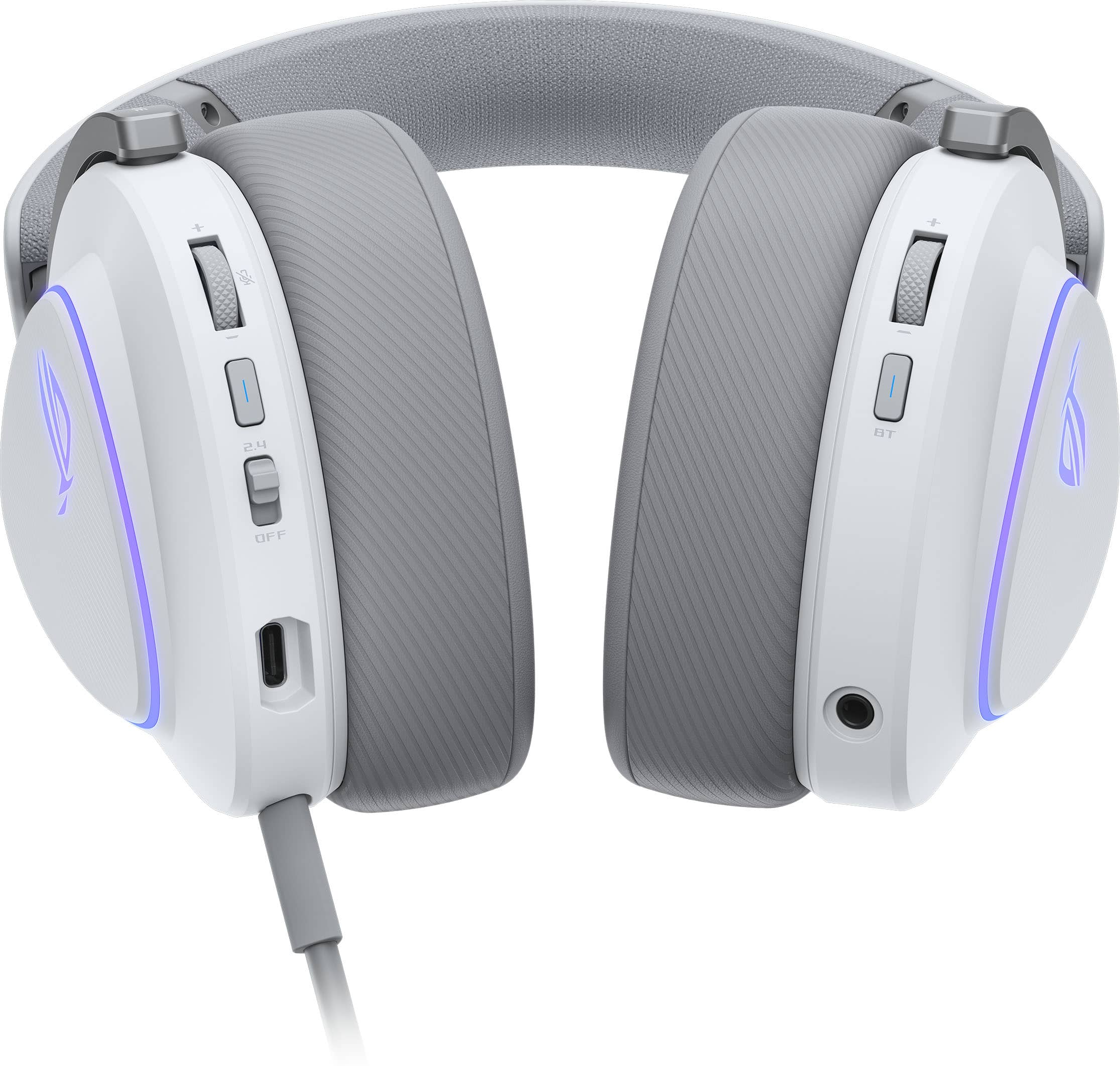
||Posted . Owned for 1 month when reviewed.This reviewer received promo considerations or sweepstakes entry for writing a review.one of the most comfortable headsets on the market. The designated Bluetooth control on the right is a plus.
This review is from ASUS - ROG Delta II Wireless RGB Gaming Headset for PC/Mac, Xbox, PS5, PS4 and Switch - Black
I would recommend this to a friend - Pros mentioned:Sound quality
Rated 5 out of 5 stars
Man these are nice
||Posted .This reviewer received promo considerations or sweepstakes entry for writing a review.Mannn eq on flat nothing else you here literally everything
This review is from ASUS - ROG Delta II Wireless RGB Gaming Headset for PC/Mac, Xbox, PS5, PS4 and Switch - Black
I would recommend this to a friend Rated 5 out of 5 stars
Great Headset!
||Posted . Owned for 6 months when reviewed.This reviewer received promo considerations or sweepstakes entry for writing a review.Headset match my PC setup perfectly! Its works with my phone in duel mode .
This review is from ASUS - ROG Delta II Wireless RGB Gaming Headset for PC/Mac, Xbox, PS5, PS4 and Switch - Black
I would recommend this to a friend- Pros mentioned:Sound quality
Rated 5 out of 5 stars
Great sound quality
||Posted . Owned for 2 weeks when reviewed.This reviewer received promo considerations or sweepstakes entry for writing a review.The headphones out of the box with asus software sound great and i like that you can mutli use bloothtooth with the dongle.
This review is from ASUS - ROG Delta II Wireless RGB Gaming Headset for PC/Mac, Xbox, PS5, PS4 and Switch - Black
I would recommend this to a friend Rated 5 out of 5 stars
Rog Delta ll
||Posted . Owned for 2 weeks when reviewed.This reviewer received promo considerations or sweepstakes entry for writing a review.Had a few problems setting them up at first but after i sorted that they have been one of the best ive ever had.
This review is from ASUS - ROG Delta II Wireless RGB Gaming Headset for PC/Mac, Xbox, PS5, PS4 and Switch - Black
I would recommend this to a friend- Pros mentioned:Sound quality
Rated 5 out of 5 stars
Awesome sound quality
||Posted . Owned for 2 weeks when reviewed.This reviewer received promo considerations or sweepstakes entry for writing a review.Great head set very crisp sound had to turn down volume compared to other head sets
This review is from ASUS - ROG Delta II Wireless RGB Gaming Headset for PC/Mac, Xbox, PS5, PS4 and Switch - Black
I would recommend this to a friend - Pros mentioned:Sound quality
Rated 3 out of 5 stars
ROG IS PRETTY GOOD
||Posted . Owned for 3 weeks when reviewed.This reviewer received promo considerations or sweepstakes entry for writing a review.Head band is weak and headset falls off when laying down. Sound is good but better after adding Dolby Atmos app.
This review is from ASUS - ROG Delta II Wireless RGB Gaming Headset for PC/Mac, Xbox, PS5, PS4 and Switch - Black
No, I would not recommend this to a friend - Pros mentioned:Sound quality
Rated 5 out of 5 stars
Great headset!
||Posted . Owned for 2 weeks when reviewed.This reviewer received promo considerations or sweepstakes entry for writing a review.High quality build and speakers are pretty loud. Asus always comes through.
This review is from ASUS - ROG Delta II Wireless RGB Gaming Headset for PC/Mac, Xbox, PS5, PS4 and Switch - Black
I would recommend this to a friend - Pros mentioned:Sound quality
Rated 5 out of 5 stars
I'm happy to use it
||Posted .This reviewer received promo considerations or sweepstakes entry for writing a review.Absolutely perfect sound and microphone. Perfect quality!
This review is from ASUS - ROG Delta II Wireless RGB Gaming Headset for PC/Mac, Xbox, PS5, PS4 and Switch - Black
I would recommend this to a friend - Pros mentioned:Sound quality
Rated 5 out of 5 stars
Comfortable
||Posted . Owned for 2 weeks when reviewed.This reviewer received promo considerations or sweepstakes entry for writing a review.I upgraded and got this delta 2. The volume is louder and the sound is crisp.
This review is from ASUS - ROG Delta II Wireless RGB Gaming Headset for PC/Mac, Xbox, PS5, PS4 and Switch - Black
I would recommend this to a friend Rated 5 out of 5 stars
Absolutely Worth it
||Posted .This reviewer received promo considerations or sweepstakes entry for writing a review.Son absolutely loves his headset! Great quality and features for the price. I plan to buy another set for my other son for his upcoming birthday.
This review is from ASUS - ROG Delta II Wireless RGB Gaming Headset for PC/Mac, Xbox, PS5, PS4 and Switch - Black
I would recommend this to a friendRated 5 out of 5 stars
Great product
||Posted . Owned for 1 month when reviewed.This reviewer received promo considerations or sweepstakes entry for writing a review.The sound was perfect for gaming also a great fit around my head and ears great battery life easy to set up
This review is from ASUS - ROG Delta II Wireless RGB Gaming Headset for PC/Mac, Xbox, PS5, PS4 and Switch - Black
I would recommend this to a friend