Customer Ratings & Reviews
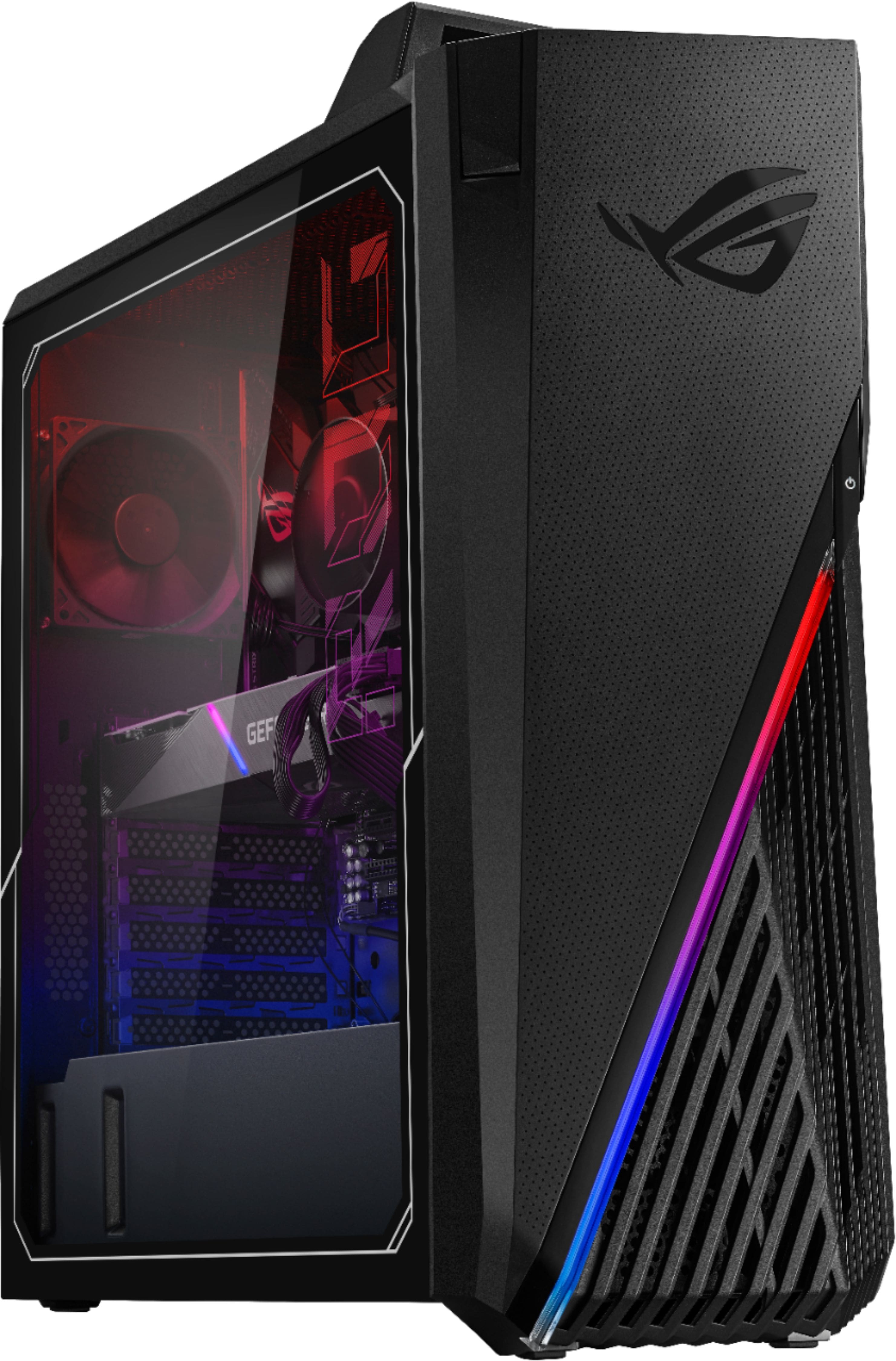
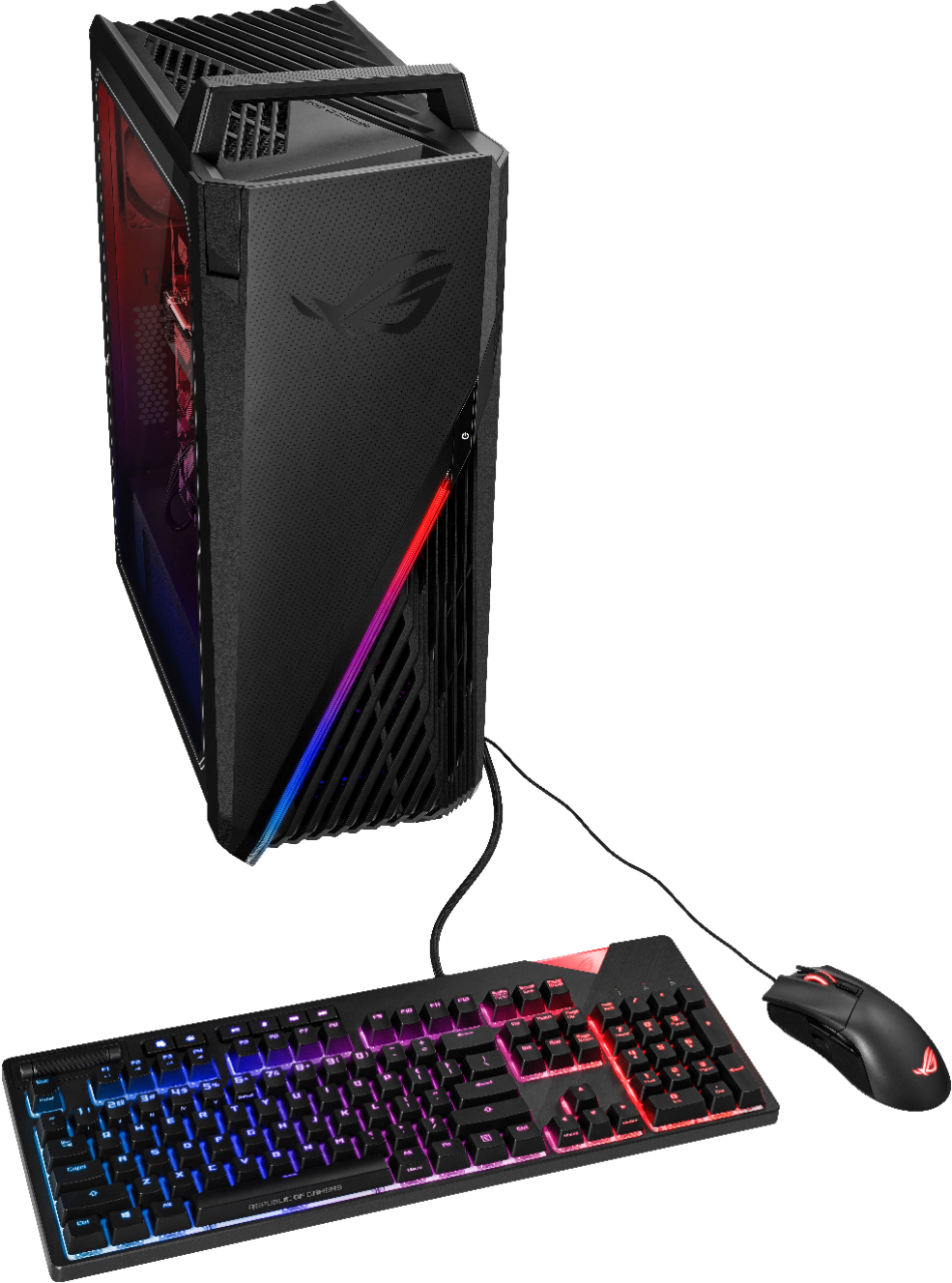
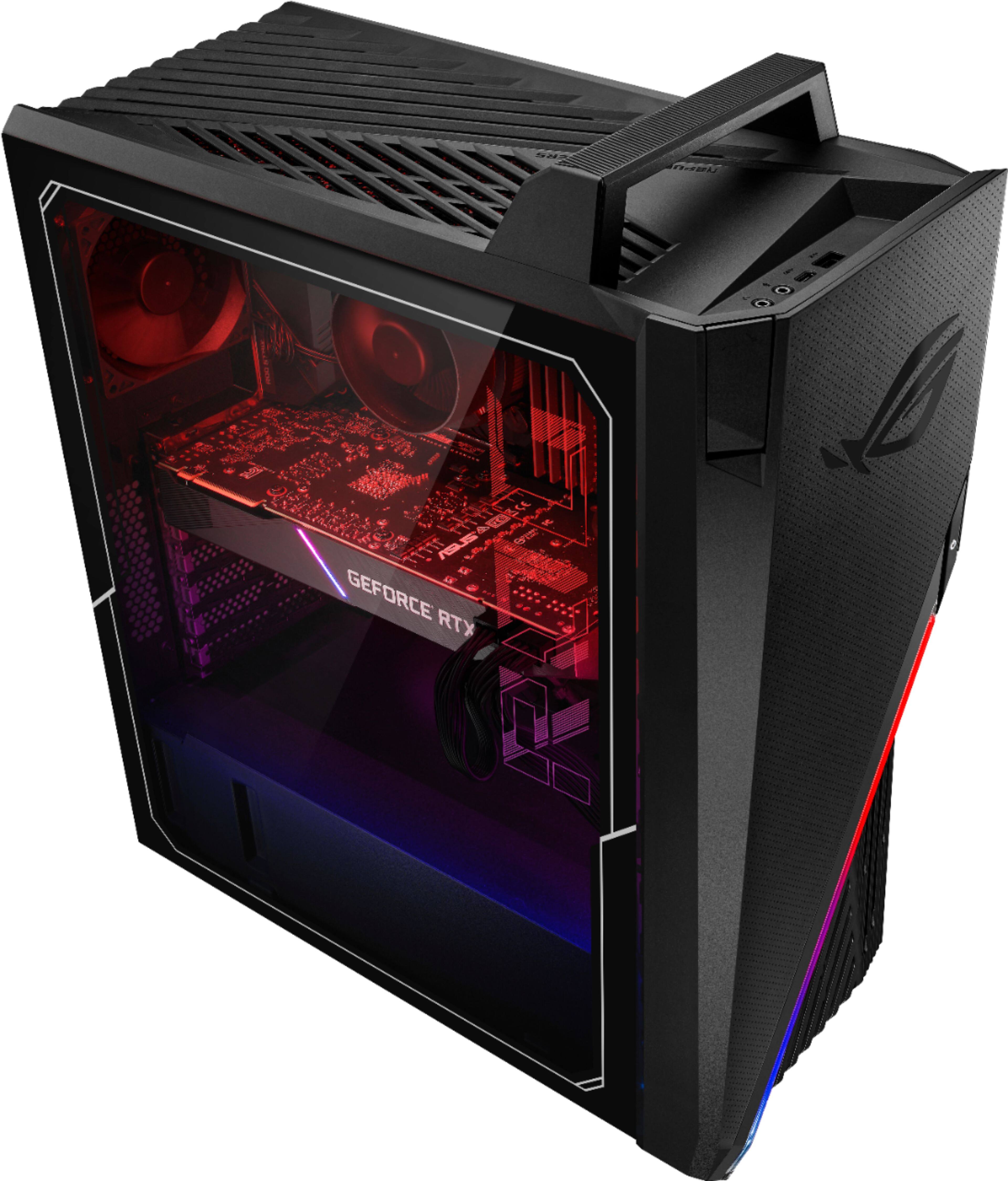
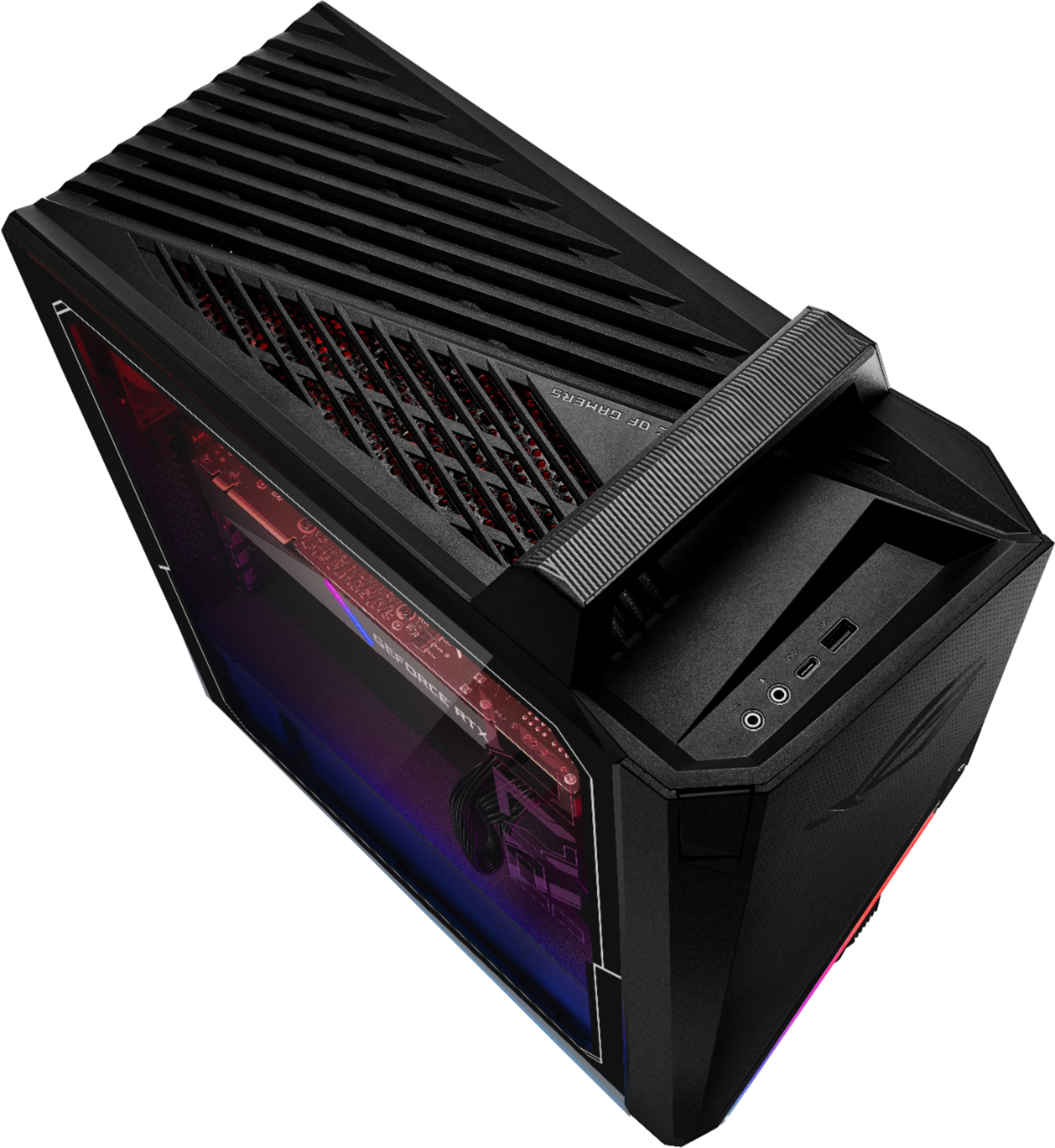
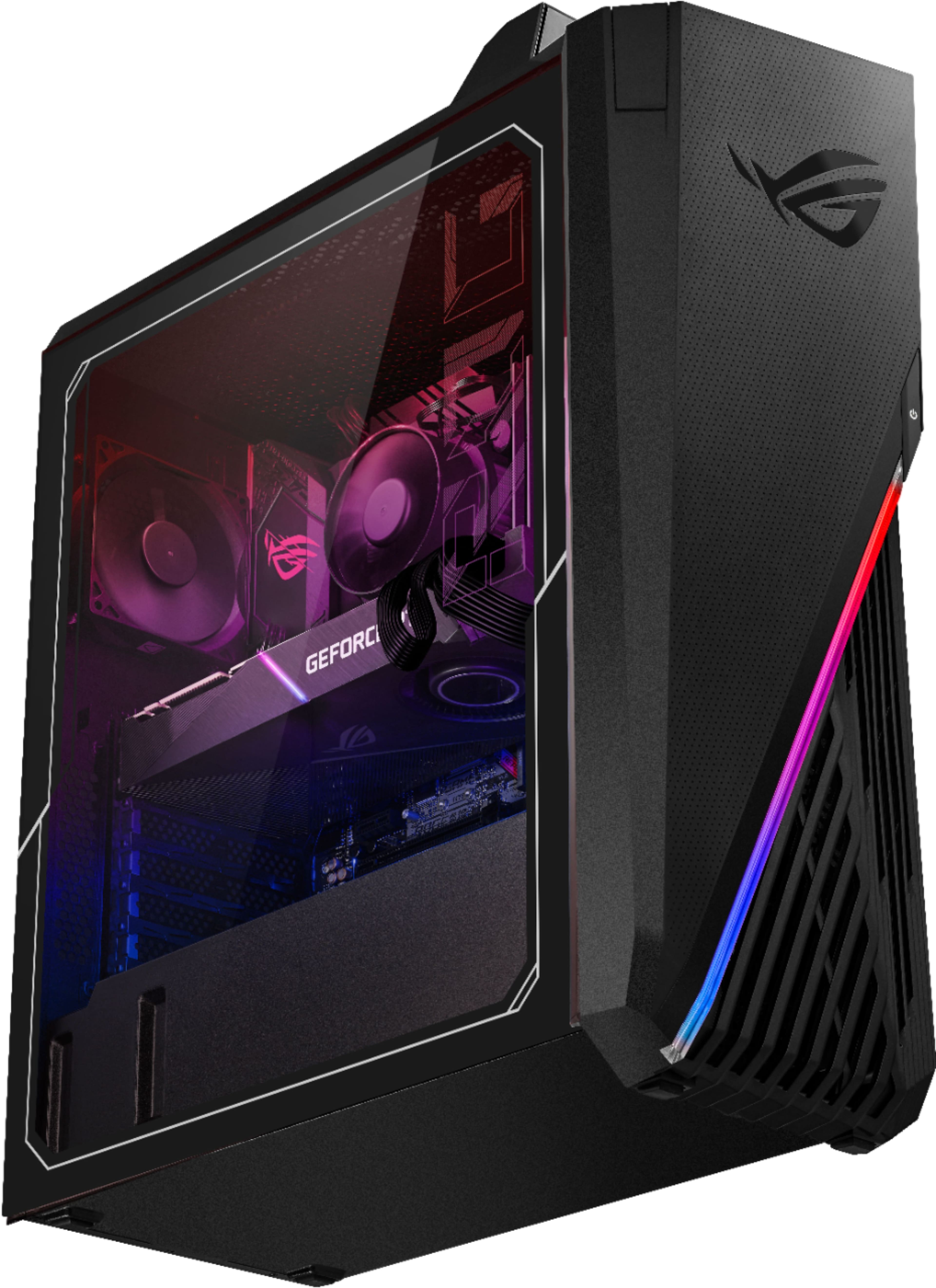
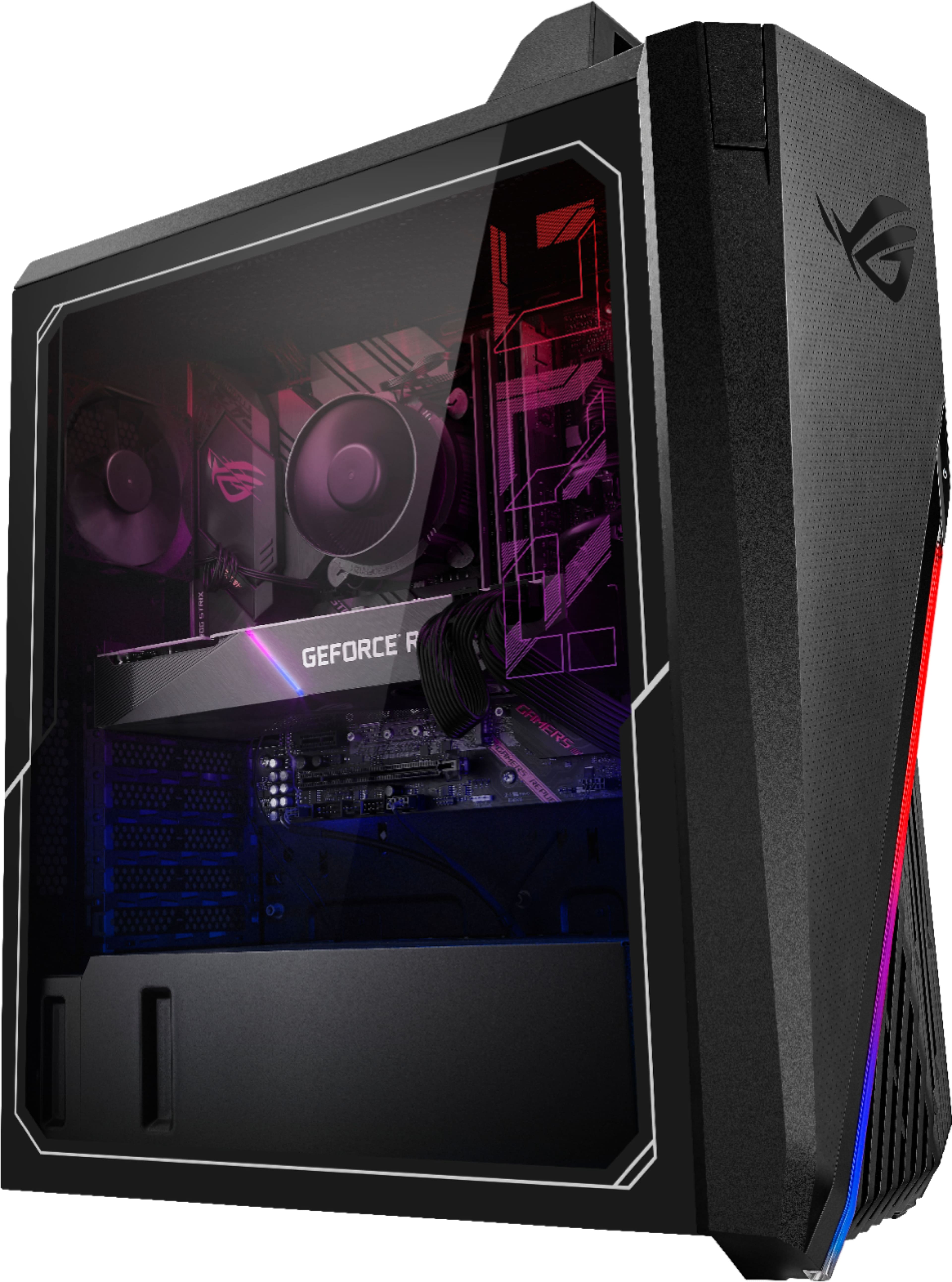
- Model:
- G15CE-B11
- SKU:
- 6455824
Rating by feature
- Value
Rating 4.1 out of 5 stars
- Quality
Rating 3.6 out of 5 stars
- Ease of Use
Rating 3.8 out of 5 stars
Customers are saying
Customers value the powerful GPU and excellent performance of the ROG Gaming Desktop, frequently praising its performance and price. However, many customers express concerns regarding the cooling system, citing excessive noise and inadequate cooling as significant drawbacks. The case design also receives mixed reviews.
This summary was generated by AI based on customer reviews.
- Pros mentioned:RamCons mentioned:Cooling
Good System on round 2
||Posted . Owned for less than 1 week when reviewed.This reviewer received promo considerations or sweepstakes entry for writing a review.First of all, I had a bad experience with the power supply tripping my home circuit breaker at random, even when sitting idle, so I know it wasn't overloading the circuit. I had a newer Circuit Breaker with Arc Fault Circuit Interrupter (AFCI). I know it was the AFCI tripping the breaker since it has an indicator on it. Support is through Best Buy's Geek Squad and not ASUS. I ended up getting a run around about not being able to do anything in store and that it would have to be sent in and on my dime if they couldn't find anything even though I just bought it. Fortunately after several calls, I was able to get them to send me a replacement instead of dealing with sending it in for service. The replacement worked flawlessly. So I am assuming it was a bad PSU. I normally don't buy pre-built PC's because the hardware is usually kind of hit or miss. This PC had pretty much everything I would have gotten if I had built it myself with a few exceptions. I probably would have gotten a case with better cooling options/capabilities like and AIO setup, 32 GB RAM (2 x 16 GB Dual Channel DIMMS) with Cooling Fins, and a better quality power supply. They had a deal of the day that I couldn't pass up since it was only a couple hundred dollars more than the GPU (RTX 3080) alone. After sorting out the issues it is a great computer for what I paid.
I would recommend this to a friendBrand response from ASUS Answers
Posted .Dear Valued Customer,
We're sorry to hear about the PSU in your Desktop causing issues. This is not the quality of service expected from ASUS. It's unfortunate that this model does not meet your expectations, this is absolutely not the experience we want you to have.
We are glad that you were able to receive a replacement unit from your place of purchase to resolve the issue.
If you should have any other concerns or feedback feel free to reach out to us at customerloyalty@asus.com. We'll be happy to provide a quick resolution to your case. Please refer to this case number (N2107020733-0091) for us to better assist you.
Thank you for choosing ASUS!
Best Regards,
Ramon,
ASUS Customer Loyalty US Support
- Pros mentioned:GpuCons mentioned:Cooling
High value + power, compact, needs cooling upgrade
||Posted . Owned for 1 month when reviewed.This reviewer received promo considerations or sweepstakes entry for writing a review.Amazing system at an unbeatable price, but clearly needs better cooling, as many other reviewers have already stated. For it's lack of cooling however, the cpu and gpu seem to stay rather cool as long as you're not doing heavy multitasking or high-end gaming. But heavy multitasking and high-end gaming are exactly what this cpu and gpu are for, so better cooling is recommended. Luckily it is very easy to get inside the case and make modifications, despite its compact size, and I like how it takes up less space than a typical mid-tower case. The only downside to the compact size is that you might have to get a little bit creative with adding more fans, as other reviewers have mentioned. Zip ties may be necessary depending on how many fans and where you want to put them. The handle on the top is also a surprisingly great feature, as I have had to move this thing around a lot, and it has been the easiest computer to lift and move around. Now I wish every computer that I lift had a handle, lol. The GPU is exactly what I'd hoped for (ASUS TUF-RTX3080-10G-GAMING), which cools itself good enough on its own.
I would recommend this to a friend - Cons mentioned:Cooling, Noise
Loud, edit fan in bios, run Armoury Crate, cooling
||Posted . Owned for less than 1 week when reviewed.This reviewer received promo considerations or sweepstakes entry for writing a review.Review mainly to address the noise issue, cooling is just not great. Out of the box, it's loud even after the edits to the fan settings to silent in the BIOS as mentioned in the previous comments. For some reason after editing the fan settings for the first time, it became even louder with marginal improvements to the temperatures. I had to use Sony noise cancelling headphones to drown out the noise. I took the panel off, still loud and no change in temperature. RGB is nice and all but I really don't need it so I looked up how to turn it off - run the Armoury Crate program and set the aura effects to dark = turn off. I have to take down a point for ease of use. Why not just name it off? The instructions that came with the box don't include anything for the RGBs and don't really include much at all. After reading the reviews about cooling concerns I kept an eye on the temps and was disappointing like everyone else here. Now for some reason after running Armoury Crate and turning off the RGBs, the fans kicked up again for a few seconds but since then the noise has gone down to normal noise levels, !! no more jet fighter noise !! . I was actually worried one of the fans died because of how much quieter it got but everything is still spinning my refrigerator is back to being the dominant noise maker in the house. So great, noise issue has been resolved but this should lose a point in the quality category. What if I never bothered to look in the reviews or bothered to turn off the RGB? I think there are a few buyers who were like this and returned it because they couldn't resolve the noise issue on top of the cooling problem. Ok whatever about noise and fans - how are the temps? They are the same, maybe a degree lower? and I've kept the side panel off in the mean time. It's actually getting a bit warmer in my part of the world and VRAM was a few degrees higher in the late afternoon. To be on the safe side I shut it off for an hour or two until the temps dropped after sunset. I can't imagine how this will perform as it is during Summer. To fully utilize the 3080, get a new case and cooler.
No, I would not recommend this to a friendBrand response from ASUS Answers
Posted .Dear Octopath,
We certainly value your feedback on this matter, and I will be letting the related department know about the issues you are experiencing for continuous improvements to the product line. Please know that all ASUS products undergo intensive quality control testing and inspections, this is a random problem. ASUS provides warranty coverage in order to fix or repair any product that may stop working prematurely under normal usage. If you need any assistance, feel free to contact me at cl-adrian@asus.com, and I will help you to the best of my abilities. I am here to assist our customers with our products and dedicated in bringing a resolution to all issues that they may come across. Your case for reference is N2107005272-0026.
Thank you for choosing ASUS!
Best Regards,
Adrian
ASUS Customer Loyalty – US Support
- Pros mentioned:GpuCons mentioned:Case, Cooling
Buy if willing to spend more to make it usable
||Posted . Owned for 2 weeks when reviewed.This reviewer received promo considerations or sweepstakes entry for writing a review.What a hot box! Excellent components ruined by some bad choices and a horrible case an cooler. First up, why pair a 11700KF with a B560 board? Just put the 11700f in there. B560 doesn't let you OC but let's the CPU run at unlocked power limits so a 11700f and 10700kf aren't going to be much different on a B560 board. Now, the cooler. They have a tiny little air cooler with an 80 mm fan cooling a CPU that pulls in over 200W of power. GPU is amazing and really the only reason to buy this crap but now let's talk the case. Good Looking compact case with ZERO airflow. The GPU and CPU run hot and limit performance. For 2100+tax, I'd have to spend 250 bucks on top to make this PC usable. At that point, I'd rather just pay the scalper price. This will be going back.
No, I would not recommend this to a friendBrand response from ASUS Answers
Posted .Dear Valued Customer,
Certainly, we understand your disappointment with the desktop. What you've experienced was not intentional and this was a random case. What is the average temp on idle? Have you tried to use it in different areas? Do all the fans work? I'm happy to look into this matter with you, feel free to reach out to me at customerloyalty@asus.com and provide this link for reference. I'll do my best to provide a quick resolution to your case. Your feedback is important as it helps with improvements to ASUS Support channels.
Thank you for choosing ASUS!
Best Regards,
Jamalie,
ASUS Customer Loyalty US Support
- Pros mentioned:PerformanceCons mentioned:Cooling
Good for me
||Posted . Owned for 6 months when reviewed.This reviewer received promo considerations or sweepstakes entry for writing a review.Given I do not know a lot about computers in a technical sense, thankfully for my friend we've gotten this to run at a good 38C on idle. We've added fans, going to add more fans and change some parts out, got this knowing I would have to because after reading all the reviews I was 100% about getting this for what it was at the price it was at when I bought it. I don't know enough to build one myself so this was my go at getting something when my old ASUS 960gtx era laptop finally died, and I wanted something good ASAP. So far so good and I even upgraded my monitor and the computer is keeping up with everything I'm playing, but still plan on adding a couple more fans for sure. Was even playing stray on my 52in tv the other night with everything maxed out. Despite having to add fans I'm still overall happy with this, we'll see what it can handle in the future. Always watching that CPU temp...
I would recommend this to a friend - Cons mentioned:Case, Cooling, Noise
High quality parts but not good airflow
||Posted .This reviewer received promo considerations or sweepstakes entry for writing a review.Good quality, standard parts! Not the customized/cheap parts like other OEM use. The handle is really convenient. The case is relatively small and airflow is not great. The exhaust fan is small and can be quite loud when it spins fast (it was really loud when it turns on for the first time).
I would recommend this to a friend - Cons mentioned:Case, Cooling
Great core for cheap!
||Posted .This reviewer received promo considerations or sweepstakes entry for writing a review.Great value for a non-LHR Asus TUF RTX 3080 and Core i7-11700KF. The rest of the build is very lackluster, but you get what you pay for. The CPU cooler is unimpressive but serviceable. The thermal paste is hard and crumbling and replacing it does wonders for the noise and temps. It still winds up under load but idle noise and temps are just fine. The motherboard is the Strix B560-G, which is a micro ATX form factor. RAM is basic 3200MHz with no heatspreaders. The machine will sometimes fail to post out of the box. Fans will be 100% with no USB power and no display shows. Turn off the PSU power until the lights on the motherboard go dark, turn on the PSU, click the bios button on the I/O area of the motherboard. Power it on. Have had 2 of 3 machines do this and these steps fixed it. Once booted, it restarts fine. No issues with post failures. Other notes: no thumb screws for the case panels or the GPU slot. Case is terrible... plastic tabs break easily if disassembling (only way to add fans) and there is only 1 space with fitment for a 120mm (bottom inside of front). At that, it may require a slim fan to fit because of the GPU. Would strongly recommend this as an alternative to buying a scalped RTX 3080. The CPU+GPU combo are a good core to build a high end gaming PC. Replace literally everything else. Would not recommend overclocking in this case, though both the CPU and GPU are made for it.
I would recommend this to a friendBrand response from ASUS Answers
Posted .Dear Valued Customer,
It's unfortunate to hear about your multiply issues with the unit. This is absolutely not the kind of experience we want any of our customers to have. Have you tried to use different power outlets and update the BIOS? What is your normal temp on idle? For further troubleshooting, feel free to reach out to me at customerloyalty@asus.com and provide this link for reference. I'll do my best to provide a quick resolution to your case. Your feedback is important as it helps with improvements to ASUS Support channels.
Thank you for choosing ASUS!
Best Regards,
Jamalie,
ASUS Customer Loyalty US Support
- Pros mentioned:Gpu, RamCons mentioned:Fans
Not bad at all.
||Posted . Owned for 1 month when reviewed.This reviewer received promo considerations or sweepstakes entry for writing a review.I've had this PC for a month now. First thing I did was upgrade the CPU cooler with the Vetroo V5 from Amazon, you will see this on most of the reviews. I also added 2 - Be-Quiet 120mm intake fans in the front and 2-90mm exhaust fans on top. The stock 82mm fan in the back is LOUD at max speed but it works. You can swap it out if you want, super easy to do. You will need to get creative with mounting the fans by using zip-ties, it sucks but it works. Be very careful when removing the front plastic cover as there are tiny cables attached to it. The stock ram is decent but I upgraded that with 2-16gb Corsair Vengeance. After you go to your Bios, change your fan curves and enable XMP. Overall, very happy with my PC.
I would recommend this to a friend Good build, not far from being great.
||Posted . Owned for 1 month when reviewed.This reviewer received promo considerations or sweepstakes entry for writing a review.Good build. I didn't have the heating issues that many others have said they've had. Mine idled around 43C and went close to 80C under load, which isn't terrible. However, my previous pc had similar heat levels and over time some of the parts started to deteriorate as a result. So I did some work on this one. I installed the Corsair H100i Elite AIO which helped my heating issues. It dropped the idle temps down to about 36C and under-load was around 60C. After that, I moved everything into the Lian Li Liancool 205 Mesh case. Now I idle around 30C often below it and under-load it rarely goes above 60C. And for those of you who are new to working on a pc, don't be. I hadn't done any kind of pc hardware maintenance like re-applying thermal paste or swapping cases before this pc. There are lots of great youtube tutorials that make it really easy to follow along and not screw something up. I'm a beginner and I moved all the parts to a new case, added a water cooler, and re-applied thermal paste two or three times. Haven't had any real isues after doing those things either.
I would recommend this to a friend- Pros mentioned:Gpu, PriceCons mentioned:Cooling
Buy 2 at a time and return one.
||Posted . Owned for 1 month when reviewed.This reviewer received promo considerations or sweepstakes entry for writing a review.Sigh... should be a 2.5 star. I've bought 6 of these so far and 3 have been returned due to various issues. 3 worked brilliently. One would shut off when CPU hit 100%, on one the 3080 thermal throtteled at really low temps, and the last one worked for a month, then started shutting off randomly and eventually stopped turning on. The 3080 is obviously the big attraction here, and the price is fantastic. As most of the reviews mention, these run very hot. Either take off the side panel, or change up the fans and other cooling. And as the title says, to hedge your bets, buy 2 and return whichever doesn't perform to your standards.
I would recommend this to a friendBrand response from ASUS Answers
Posted .Dear Valued Customer,
It's unfortunate to hear that you had to return the unit. This is absolutely not the kind of experience we want any of our customers to have. Please attempt the steps below:
Right-click over the Windows desktop and select "NVIDIA Control Panel" -> from the NVIDIA Control Panel, select the "Manage 3D settings" from the left column -> click on the Power management mode drop down box and select "Prefer Maximum Performance"
Open the System section and scroll down on the Display tab, and click ‘Graphics settings’ at the bottom and enable hardware accelerated GPU scheduling. Once you’ve enabled the setting, restart your PC.
For further troubleshooting, feel free to reach out to me at customerloyalty@asus.com and provide this link for reference. I'll do my best to provide a quick resolution to your case. Your feedback is important as it helps with improvements to ASUS Support channels.
Thank you for choosing ASUS!
Best Regards,
Jamalie,
ASUS Customer Loyalty US Support
- Cons mentioned:Case, Cooling
It would be very nice PC,IF YOU WOULD: ....
||Posted . Owned for 3 weeks when reviewed.This reviewer received promo considerations or sweepstakes entry for writing a review.Purchased this PC,and I already knew,that I would have to do some work with it,before I can fully load it... So,If you ready to: 1.Puchase a new case with a nice air flow, 2.Purchase and add 240 or 360mm AIO, 3.Adding a few more 120mm fans, So,after all of that it will be a monster... Its a very nice components,which was packed to a very bad case. Without cooling upgrades,this PC is unusable(at least for me),bur after all of the above(at least $300+),this is a very nice,and very powerfull PC. BUY ONLY,IF YOU COULD AFFORD TO SPEND $300+ for the upgrades.
No, I would not recommend this to a friend - Cons mentioned:Cooling, Noise
Good and Bad?
||Posted . Owned for 2 weeks when reviewed.This reviewer received promo considerations or sweepstakes entry for writing a review.Not a terrible PC for those wanting to get themselves a great value PC. There is some pros and cons but as with most pre builts there is quite a few more downsides than positive things to say. Listing some cons may provide some insight for those looking to purchase and what to be aware of Cons- Cheap Great Wall PSU Very ugly and not very functional CPU Cooler The two fans it does have rev-up like a sports bike often Thermals are not ideal but not the worst possible, but still bad Very cheap feeling case for the 2k price point. Cable managment room is non existent. RGB's have an issue every so often, maybe needs an update
I would recommend this to a friend - Pros mentioned:GpuCons mentioned:Case
Need to upgrade cpu cooler
||Posted . Owned for 2 months when reviewed.This reviewer received promo considerations or sweepstakes entry for writing a review.In order to get a 30 series graphics card, I had to buy this desktop computer.The cpu and graphics card are worth it. But like most people's complaints, its heat dissipation is a problem. And due to the small size of the case, it is impossible to install a large-size Liquid Cooler. Noctua-D15 is too big, don’t buy it. The motherboard is B560-g, not full-size. Only one M.2 SSD is allowed to be added. The motherboard sound card component is too close to the graphics card. They can cause circuit filtering problems. When you listen to songs, running other software or web pages will make noises. There may be a power issue. I haven't solved it yet. If you don’t want to buy a high-priced graphics card, you can buy this computer. Then modify some parts yourself.
I would recommend this to a friend - Cons mentioned:Case, Cooling
good components bad case
||Posted . Owned for 1 week when reviewed.This reviewer received promo considerations or sweepstakes entry for writing a review.the computer mostly good but if really want it to be great you need to replace the case and cpu cooler. the case because the form factor is not standard so after market cpu coolers will not fit. you could maybe get away with putting some fans in it but it is a real pain to deal with taking the front cover off and getting it back on. but if you run it with the side panel off it does cool it down about 10 degrees which means it goes from 95c to 97c to 85c to 87c so there is that. when you don't have a game open so doing web browsing and such it sits around 51c. i knew this going into it and planned on switching cases and cooler when i bought it. other than that the computer is not bad out of the box .
I would recommend this to a friend - Pros mentioned:PerformanceCons mentioned:Cooling
Great PC except the thermals
||Posted .This reviewer received promo considerations or sweepstakes entry for writing a review.This PC is great because it is one of the few ways to get a non-overpriced RTX 3080. The build is reasonably priced, considering the MSRP of the rest of the parts. In addition, the Asus TUF 3080 is one of the better AIB variants. The build has some issues, namely the poor airflow case and that the CPU cooler is inadequate for the 11700KF, but that can be fixed with a relatively inexpensive airflow case and a better air cooler. In addition, the B560 motherboard does not allow the 11700KF to overclock, and the RAM is non-XMP and runs at 3200 CL 22, but those are minor issues on paper which does not significantly affect performance. Despite all that, if you are willing to put in some work to fix the thermals, you can have a near top-of-the-line PC at a fair price. Personally, I am very happy with mine.
I would recommend this to a friend - Pros mentioned:GpuCons mentioned:Case
Keeping It Real
||Posted . Owned for 2 weeks when reviewed.This reviewer received promo considerations or sweepstakes entry for writing a review.So Ima be honest with you, Temps are like laptop temps 60 Degrees celsius idles and around 85 to 90 depending on game possible even 100. Case is small almost no room for extra cooling. Motherboard is Micro ATX B560 G Motherboard that has a custom bios, that doesnt support overclocking with a K CPU. Graphics card is nice, regualar asus tuf rtx 3080 10gb Ram looks generic at 3200Mhz Bottom line if you want the pc to last longer and not worrying about if ur pc is gonna melt, i recommed buy a different prebuild or buy another case and an aio cooler. Pc boots up in 11sec Fortnite: I average 280 to 300 fps in Pubs and arena, it does drop to 180 while landing or in lobby before bus or landing at lazy until you touch the ground but its chill. Warzone: runs 140 to 189FPS Apex: 170 to 240 Plays games like a beast but with the temps doesn't feel like it will last long
No, I would not recommend this to a friendBrand response from ASUS Answers
Posted .Dear Valued Customer,
We appreciate you sharing your feedback on this model. We're sorry to hear about the unfortunate experience you're having with this model. Rest assured we will have this information passed on to our team for a review. We do value our customers and take negative customer service experience very seriously. This is not the quality of service expected from ASUS. We do stand behind our product and we continuously strive to improve our approach and processes in order to achieve customer service excellence.
For more information, you can reach out to us at our Official ASUS North America Support twitter at AsusHelpUS. We’ll do our best to provide a quick resolution to your case. Your feedback is important as it helps with improvements to ASUS Support channels. Please copy a link to this post as a reference.
Thank you for choosing ASUS.
Best Regards,
Joan
ASUS Customer Loyalty US Support
- Pros mentioned:Ram
Good but needs work
||Posted . Owned for 10 months when reviewed.This reviewer received promo considerations or sweepstakes entry for writing a review.Ok so I love it AND I hate it... I got this for streaming and it is great but I had to make some changes that were costly and a lot of work. Right out of the box it is SO LOUD! I got a better case, added fans, added ram, added water cooling and now it is fabulous!
I would recommend this to a friend - Pros mentioned:Gpu, PerformanceCons mentioned:Cooling
Good value for those looking for a high-end GPU
||Posted .This reviewer received promo considerations or sweepstakes entry for writing a review.This is the cheapest way to get an RTX 3080 GPU. So far it's performing pretty good and I'm happy that my computer came with a non-LHR RTX. I've added a couple of fans to the front of the case and it runs much cooler.
I would recommend this to a friend - Pros mentioned:GpuCons mentioned:Noise
great gaming desktop
||Posted . Owned for 7 months when reviewed.This reviewer received promo considerations or sweepstakes entry for writing a review.no issues to report after 6 months. the first cpu was bad and had no video output. the second one is working up to expectations. it can be noisy when it starts working hard but its manageable.
I would recommend this to a friend - Pros mentioned:GpuCons mentioned:Case, Cooling
Great machine just upgrade CPU cooler
||Posted . Owned for 2 months when reviewed.This reviewer received promo considerations or sweepstakes entry for writing a review.Awesome machine. If you are in the market for a 3080, this is gonna be the least expensive way to get it. I do not agree with some of the reviews here about the heating but for the sake of it I replaced the stock cpu cooler as it does get loud. I tried using the cooler master 212 hyper but the case is so small that you cannot close the side panel. Instead, if you are planning on using the same case, the only other cpu cooler that will fit perfectly is the vetroo V5.
I would recommend this to a friend