Customer Ratings & Reviews

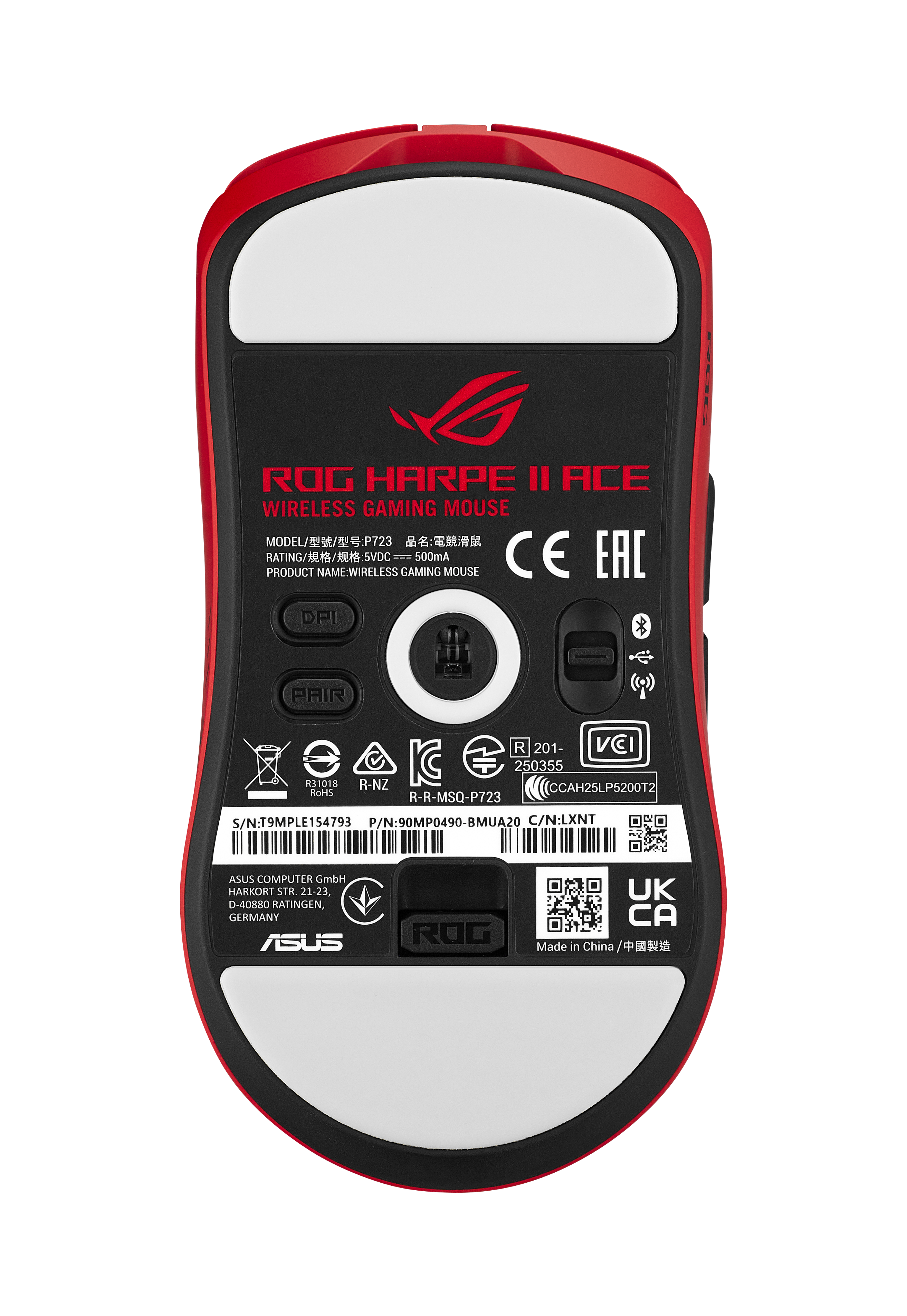
- Model:
- P723 ROG HARPE II ACE/RED
- SKU:
- 6650284
to a friend

Happy with mouse not so much with software
|Posted .This reviewer received promo considerations or sweepstakes entry for writing a review.I literally got attached to this mouse. There are adhesive finger and side grip pads that can be applied. When I applied them, well I did not fully apply and my mouse stuck yo my hand. My bad, no fault of the mouse. Control is very precise, for twitch or precision gaming. The mouse is on the light side. The battery life was surprising considering the weight of the mouse. I went a good 3 days before I charged the mouse. It probably would have lasted longer if I would turn it off when not using it. But that did not really hamper the battery life in my eyes. The wireless dongle extension will clip onto your mouse pad or sit firmly on your desk. I am marking this down one star. The 'app' for the mouse is online. There is no download. If Asus decides to stop updating the app or kills the web site. You are stuck with default settings. I am not a fan of MSAAS (Mouse Settings As A Service). Hardware and performance wise I highly recommend this mouse. Like I said, I am not a fan of web based hardware settings.
I would recommend this to a friendGreat lightweight, simple, awesome gaming mouse!
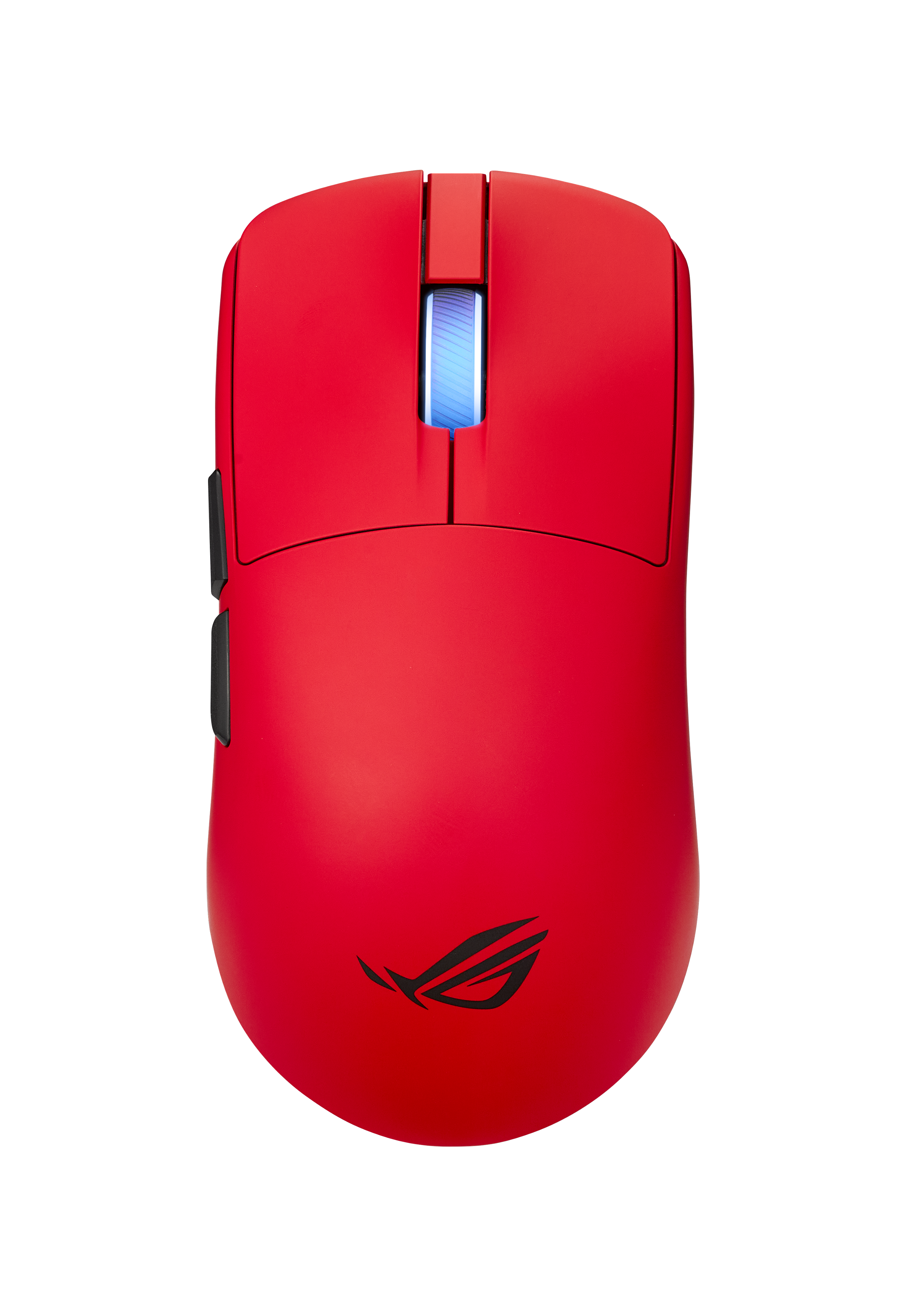
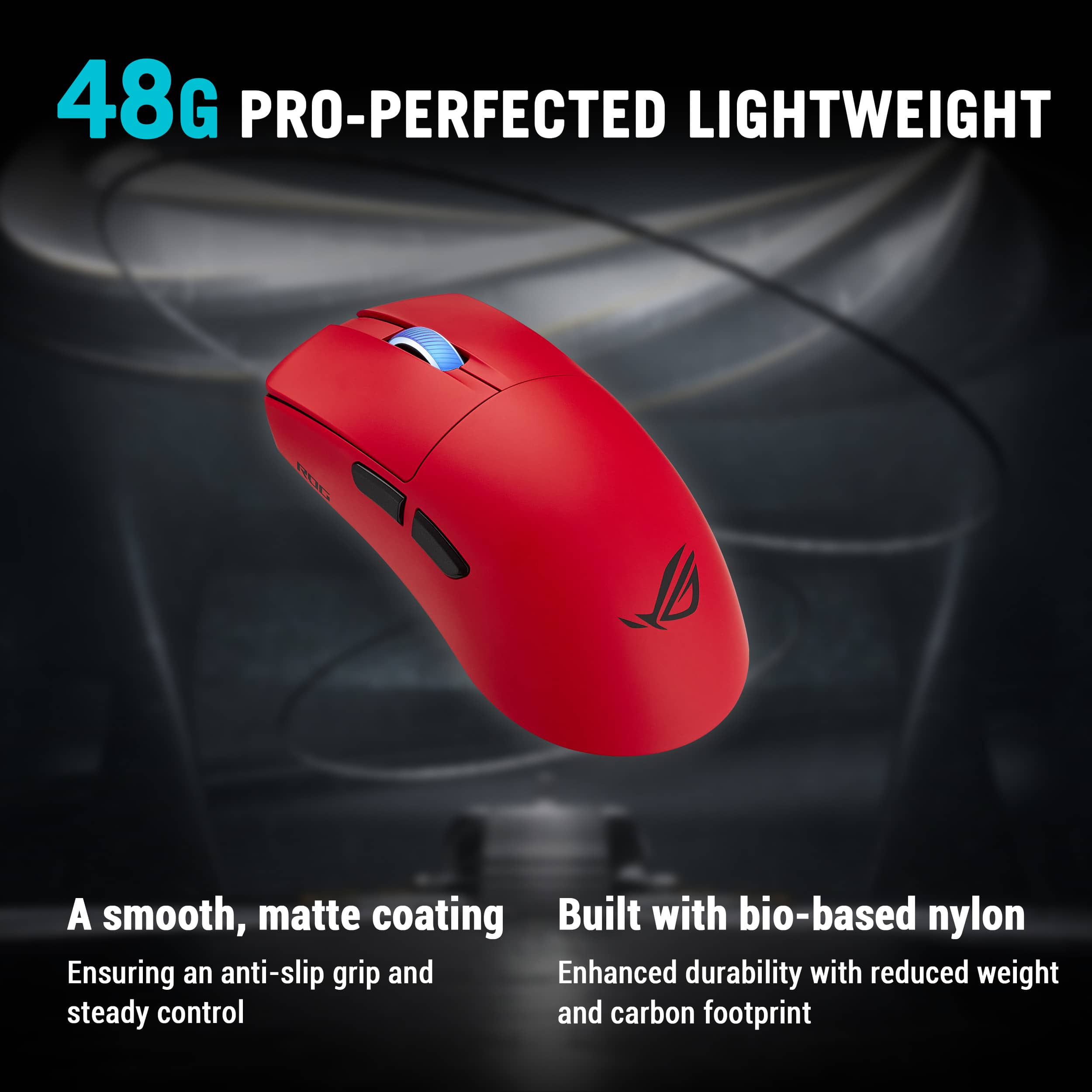
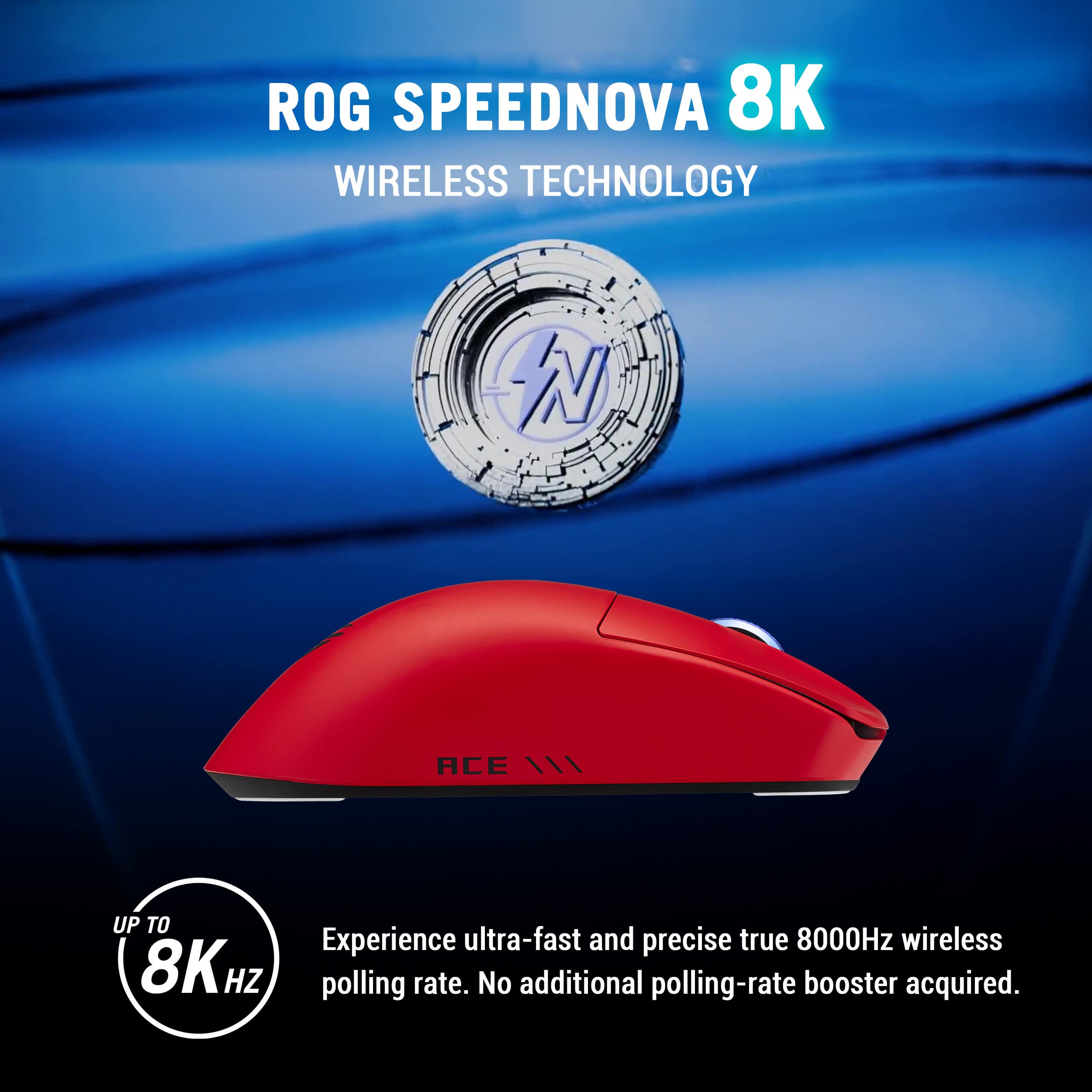
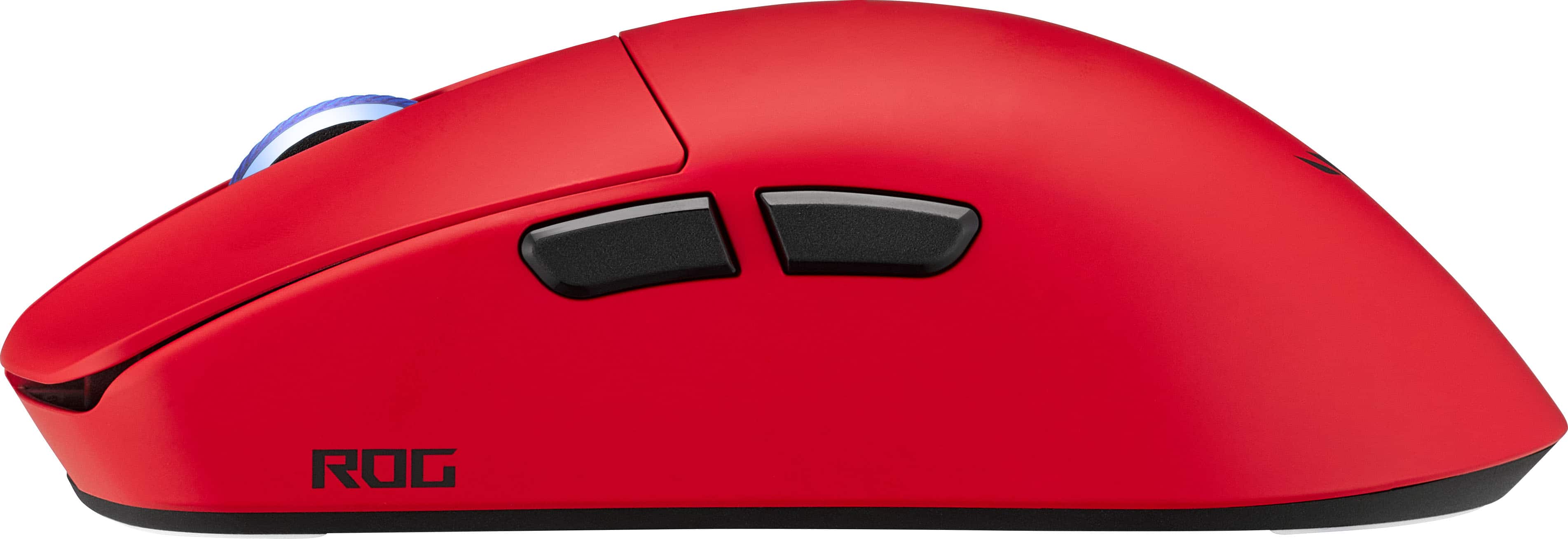
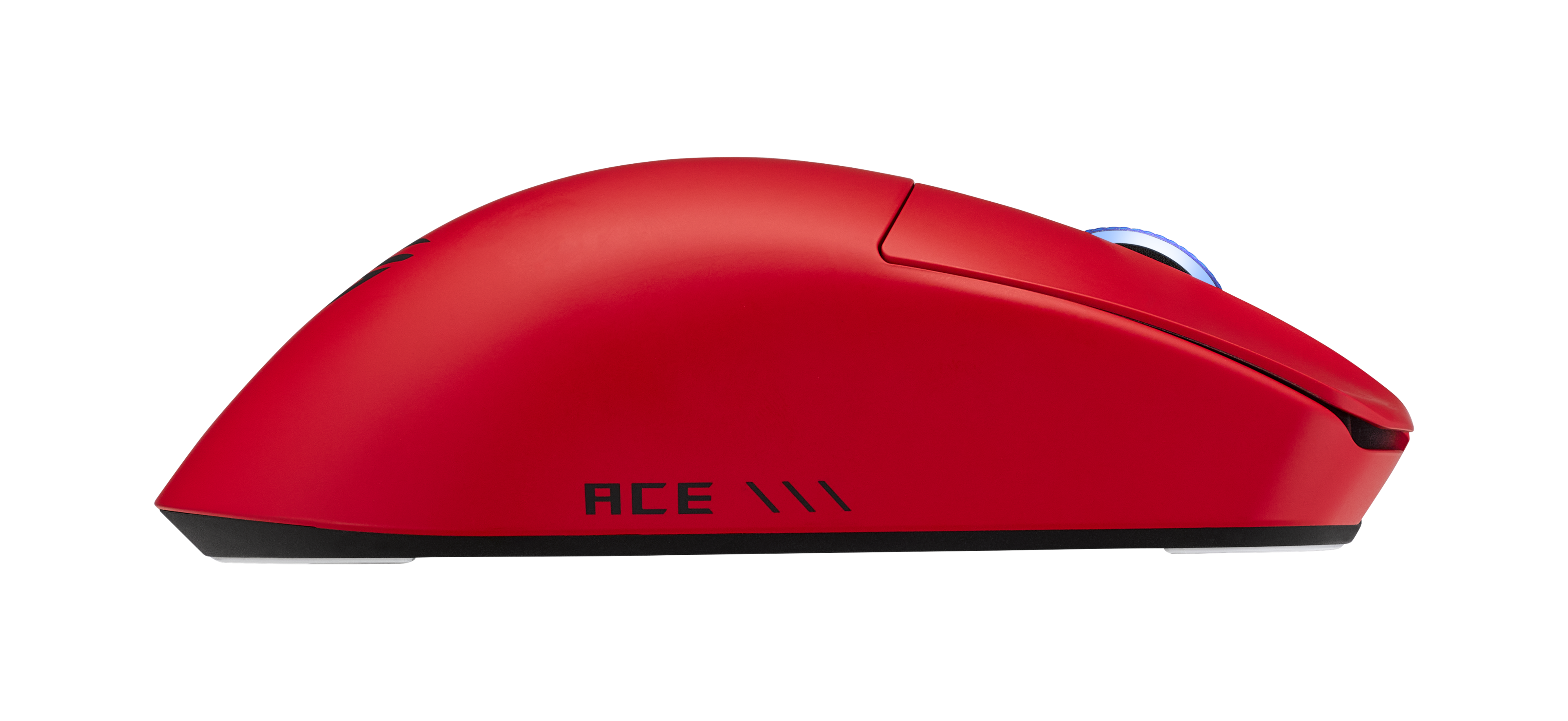
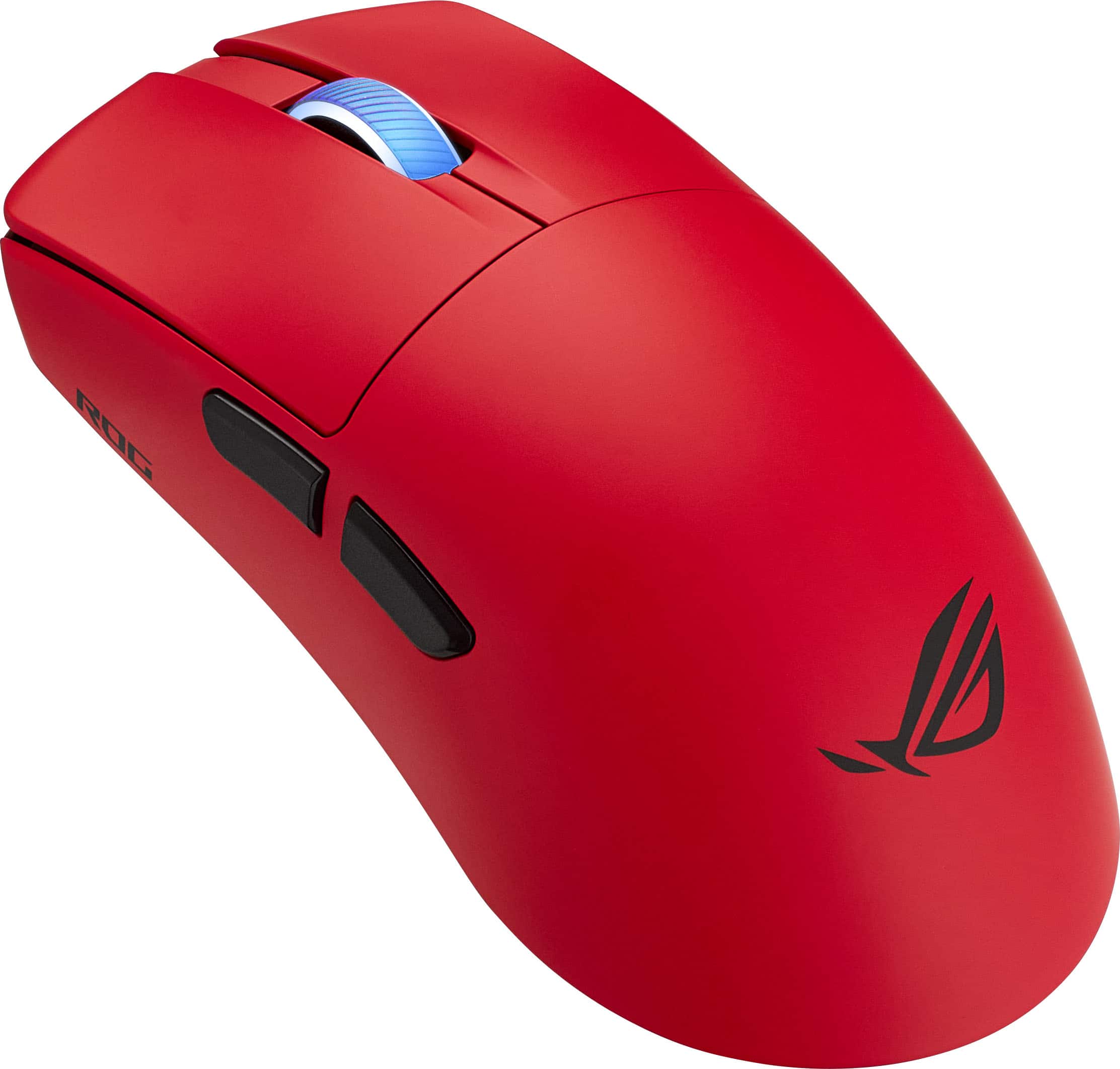
|Posted .This reviewer received promo considerations or sweepstakes entry for writing a review.When it comes to gaming mice, it seems that every company has the best idea for a design and puts that design out there. Whether it is an extreme amount of buttons, lots of LED lighting, super-fast optical clicking, or modifiable weighting, we've pretty much seen it all by now. Sometimes, a mouse just needs to be a simple mouse. But even with that, if being very lightweight is a priority/preference, the ASUS ROG Harpe II Ace Gaming Mouse has a very good entry for that! Improving on the weight from the previous generation, the Harpe II Ace comes in at 48 grams (6 grams less). When I first pulled it out of the box, I started to wonder if they forgot to include some of the components or even the battery inside. The box it came in even weighs a lot more. The overall size is just right for me, just a little longer than some of the other gaming mice we have (but still a lot lighter), so it feels like a nice fit in my medium-large size hand. When I said this was a simple mouse, it only has the two regular side buttons (typical locations to the generic forward/back buttons), and a clickable scroll wheel. There is minimal LED lighting (just a glowing scroll wheel, and even though I'm not a big fan of all the LED lighting, I am good with this). Even the USB "dongle" has a small profile. It does come with a USB A to C cable, and a small port that can be added to the end of the cable to plug the dongle in. In addition to the 2.4GHz Wireless USB connection, it can also be wired USB or connected via Bluetooth. With using the 2.4GHz wireless connection or the wired USB, the polling rate can be set as high as 8000Hz. While the mouse can be configured through ASUS's Amoury Crate application (which I was having issues with getting it to come up to the configuration page after upgrading), they have also come out with a lightweight (see, everything about the mouse is very light) web browser based application called Gear Link (https://gearlink.asus.com). This will prompt to select the wireless dongle to connect after granting permissions (not sure if this will work via Bluetooth or wired), then all the available configuration points are available. Every mouse button/scroll direction can be configured. The angle/motion direction can even be set up to a +/- 20° rotation starting point. When finally getting into gameplay, this mouse behaves great! While I really don't have an issue with playing with much heavier mice (like my normal everyday mouse), the lightweight-ness of this mouse does make is slightly less effort for any constant picking up to reposition while playing. And the overall design makes it easy as well. While I had no issues with the fairly smooth grip contact areas, they do provide anti-slip tape (with a non-plain design to them) if it is felt like it is needed. Also, it even comes with extra glide feet pads (a lighter blue set), supposedly in case the original pads wear out before the buttons do. OK, so one less simple design aspect for this mouse, it does use ROG brand exclusive optical switches, which they say can last through 100 million clicks (and I am OK with that not being so simple the way we wear out the mice buttons). If you are looking for a nicely designed, very lightweight mouse that should be useable for a very long time, this should be at the top of your list!
I would recommend this to a friendLightweight, simple, good configuration software
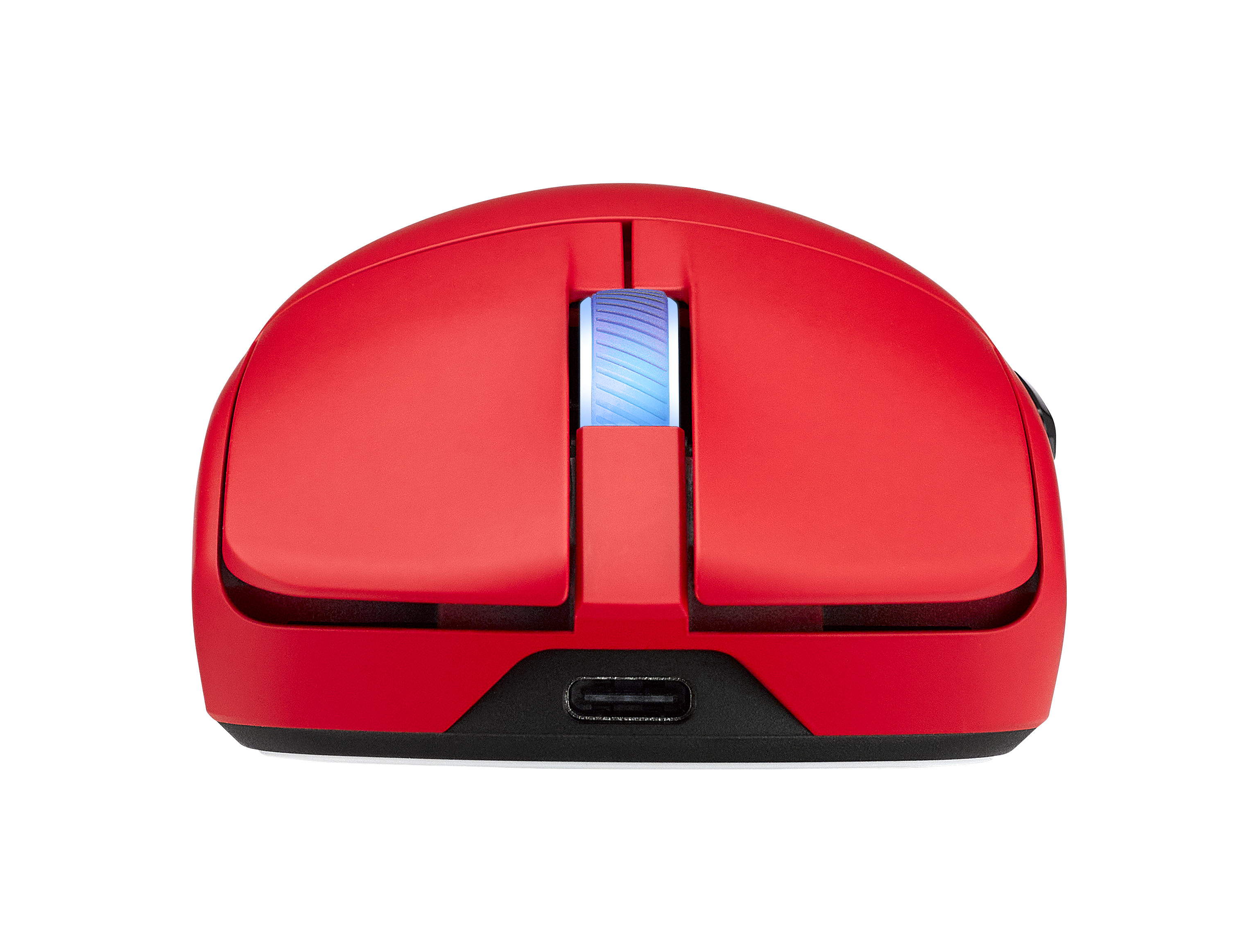
|Posted .This reviewer received promo considerations or sweepstakes entry for writing a review.I'm going to open this by saying that my initial experience with the mouse was a bit rough. Until I updated the firmware on the mouse and dongle, I kept having an issue where it would aggressively go to sleep and lose connection from the computer until fully power-cycling it. This problem went away as soon as I updated, so I'm going to highly recommend that you do this as soon as you hook the mouse up to your computer. Speaking of software, I was expecting the mouse to be adjustable through Armoury Crate, but no - it uses a web tool called Gear Link instead. Armoury Crate actually will just redirect you to Gear Link, it doesn't even load an onboard version of the tool - I kind of wish it did, but not a big deal. This has some interesting implications - namely, if the tool runs through Chrome this means it should work on Linux. I don't have a bare-metal Linux machine to test this on at this time, but considering the rise of gaming systems that run on Linux I think this is a really good thing! Especially as I believe settings appear to be stored on the device. This should also be helpful for using the hardware with systems that run on ARM and tend to have problems with drivers not supporting them. As far as the mouse itself goes, rather than the software that allows you to configure it, I overall like it. The shell is a bit of a magnet for oil, so you may want to clean it regularly, but I've got no other complaints. The USB-C port is at the top of the mouse and not sunk into it, so any cable will do if you lose or break the provided one. The holder for the dongle is much more secure than it looks - I actually had trouble getting it out. The scroll wheel and switches are fine and responsive, and the mouse glides smoothly enough across the surfaces I've tested it so far such as glass, wood, mousepads, and bedsheets. While I think it would have been neat if the ROG logo lit up, it's honestly a lot smarter for the RGB to be in the scrollwheel - that way, it'll be in a place where you can actually see it instead of a spot covered up by hands. The battery life is pretty good even despite the RGB - I haven't needed to charge it after quite a few gaming sessions, and when I checked Gear Link before writing this review it showed my charge was at 93%. Bluetooth, the dongle, and wired have all been pretty responsive after doing that firmware update I mentioned earlier, and I haven't really noticed any issues with latency or missed inputs. There aren't a ton of buttons, but you can set a key to give buttons secondary functions. Overall, I like this mouse, and I would absolutely recommend it as long as you like lightweight mice and don't need a whole ton of extra keybinds on your mouse.
I would recommend this to a friendExcellent Lightweight Gaming Mouse!
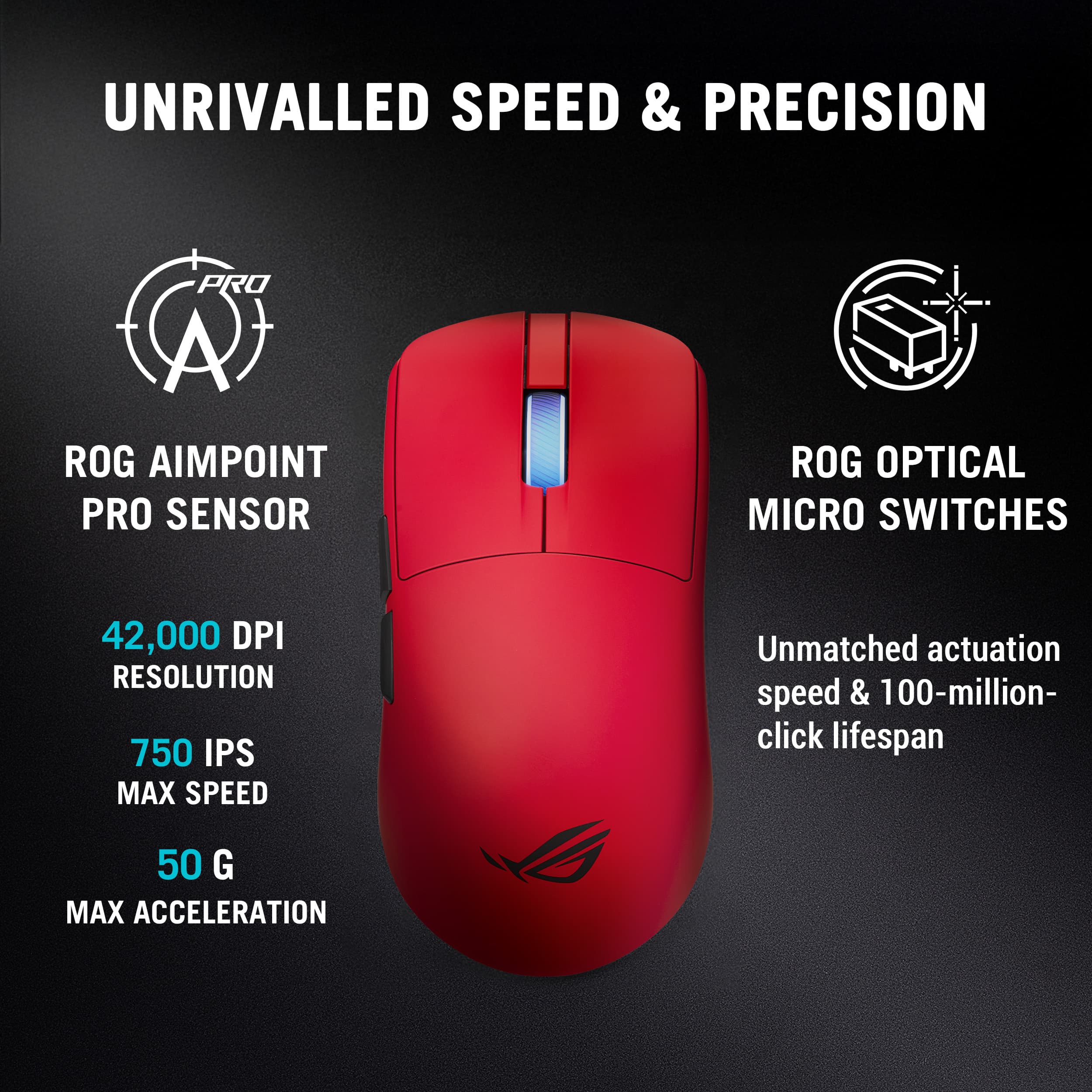
|Posted .This reviewer received promo considerations or sweepstakes entry for writing a review.I’ve been using the ASUS ROG Harpe II Ace for a bit now and it’s one of the best gaming mice I’ve ever tried. The lightweight design and great ergonomics make it a serious contender for competitive gamers. ASUS suggests that it works best for claw or fingertip grip users. The SpeedNova wireless connection has been flawless so far. It feels super responsive, even at higher polling rates. Tracking has been very precise, likely thanks to the 42K DPI sensor, and the mouse clicks are crisp. While I haven’t had any issues, it does come with an extender if you need to get the dongle closer to the mouse to reduce any interference. I like the Zone mode feature, which changes the mouse to maximum performance (8K polling, RGB off, heightened sensor response), but I do not like that I have to remember the hotkey to enable it or disable it (Hold DPI + Forward + Backwards buttons) I really like the direction ASUS is going with their web-based configuration tool, called Gear Link. Being able to configure the mouse without having to install any ASUS software on my machine is a huge plus. As a Linux gamer, I was really hoping it would finally give me the ability to configure my gear without booting into Windows, but it looks like it’s not supported at this time. I was unable to get it to function in either Arch or Fedora. However, whatever settings I made in Windows do get saved to the mouse’s onboard memory and that configuration was usable in Linux. There are five profiles and there is a hotkey to switch between them (click DPI + scroll wheel). The mouse can also be configured with Gear Link on macOS. One thing to note, however, is that it is Gear Link only, it cannot be configured with ASUS’ Armoury Crate software. Battery life has been good so far; it lasts longer than I typically game for. 8K polling will likely reduce battery life significantly. The only other downside I really found is the gaming mouse I had been using has a tilt wheel and the Ace does not, making it less useful for productivity work like scrolling spreadsheets. Pros: Super Lightweight Glides Effortlessly 42K DPI Sensor Bluetooth or 2.4 Ghz with up to 8K Polling Gear Link Web-based Configuration Includes dongle extension. Cons: No-tilt wheel Overall – This is my new favorite mouse for FPS games. It’s lightweight and incredibly responsive.
I would recommend this to a friendA perfect pair for your ROG gaming laptop
|Posted .This reviewer received promo considerations or sweepstakes entry for writing a review.If you enjoy Matryoshka dolls, the unboxing of this mouse is a great experience. Each larger box that the mouse is wrapped in reveals a smaller, lighter package. Until you reach the mouse where you discover a surprisingly comfy sock to the touch mouse that performs as well as it feels with your hand wrapped around it. The mouse ships with a second pair of rubber feet and an optional RF adapter that supports both USB-C and USB-A connections. The mouse supports Bluetooth, Rf, or wired pairing. The included USB cable is a braided USB-C to the mouse and USB-A to the computer. I have big hands so I love what I would describe as a elongated design which feels like the correct a count of grip and balance without bending my wrist in award angles. Coupled with the feather-like weight of the mouse it makes for a comfortable experience. I don’t make money playing games, so I can’t speak to the how 42,000 dpi or Speednova is going to make the difference between me winning my formula war with Microsoft Excel, but I can say that the scroll wheel works great for my daily countless scrolling through junk email. I hopped into my normal crop of daily distractions: Age of Empires, Tomb Raider, Fortnight, and GTA IV and found a pleasant experience using the mouse. I’m pairing the mouse with an ROG gaming laptop. I was happy to see Armory Crate integration between the mouse of the computer. While this mouse supports configuration without requiring the installation of additional software I just like having a central control app for the entire experience. Overall I’m glad to have this mouse as my daily driver for my long computing days.
I would recommend this to a friendSolid mouse!
|Posted .This reviewer received promo considerations or sweepstakes entry for writing a review.I have had this Asus Ultralight Optical gaming mouse for over a week and I absolutely love it! There are a lot of great qualities about this mouse. First of all, the mouse is large but is still light. I like the fact that the mouse is large as it makes it more comfortable for my larger hands. I also really like the way that the mouse feels. It feels really solid and like it won’t slip from my grip. I am also super impressed by the battery life. With the week that I have been using this, I haven’t had to charge it once even after several hours of use. The inputs feel very solid but not too light where I’d accidentally double click. I’ve been using this mouse without using the software and so far I can say that it's incredible. I do feel like the software is useful especially for those who use a specific DPI. I’m also very glad that they added additional grips and feet for the mouse in the packaging. Asus has made sure that you get the complete package when you purchase this mouse. Overall, I am extremely satisfied and I highly recommend it if you are in the market for a new gaming mouse that won't break the bank.
I would recommend this to a friendExcellent ultralight offering with a few caveats
|Posted .This reviewer received promo considerations or sweepstakes entry for writing a review.The Harpe II Ace makes a compelling case for itself in the ultralight gaming mouse space, offering all the twitchiness and functional minimalism one could expect while still sneaking in a few of the bells and whistles the ROG branding is known for. Unfortunately while it makes an excellent first impression it does run into a couple of technical hiccups that make me hesitate to give it a full throated endorsement. When it comes to design, features, and overall usability I have no complaints. As one would expect the mouse is light enough to feel almost insubstantial, which when paired with the low latency link and high DPI sensor makes it one of the most responsive mice I've used. What I particularly liked about this design though is the fact that it doesn't compromise on any of the other features you generally find in wireless mice to meet the weight limit. It's still got an option to use it with Bluetooth, integrated dongle storage for travel, dedicated on-device controls for pairing and DPI adjustment, and even a bit of RGB flair. They also took things a step further and packed it with an alternative set of low-friction feet and a very nice set of rubber skins that can be used to provide a bit of extra grip in key areas in exchange for a few added grams of weight. Also included was one of the most practical sticker sheets I've seen, which included custom-fit labels for the ASUS dongles allowing you to identify which one is used for the mouse and which one is used for a keyboard (which is pretty much a must if you plan to use it with other ROG wireless devices at this point. It all speaks of a very thoughtful design process that's trying its best to incorporate user feedback to address a lot of minor QOL issues, and for the most part I think it's succeeded. Unfortunately, there was one persistent issue that I ran into which ultimately made me knock it down a star. When connected via the RF dongle provided, which I think should be the default choice given how much better it generally works. When used with the provided extension cable, the dongle seemed very reliable. But when I tried to use it just plugged into my laptop's side USB ports, which I usually do to deal with limited desk space, it would periodically lose connectivity. I suspect this may be a known issue, as there as a note included in the box that emphasized using the extender is recommended, but it is nonetheless a little disappointing these days to see this kind of issue in a premium mouse and makes me hesitant to recommend to anyone who isn't planning to use it exclusively for gaming in optimal conditions.
I would recommend this to a friend