Customer Ratings & Reviews
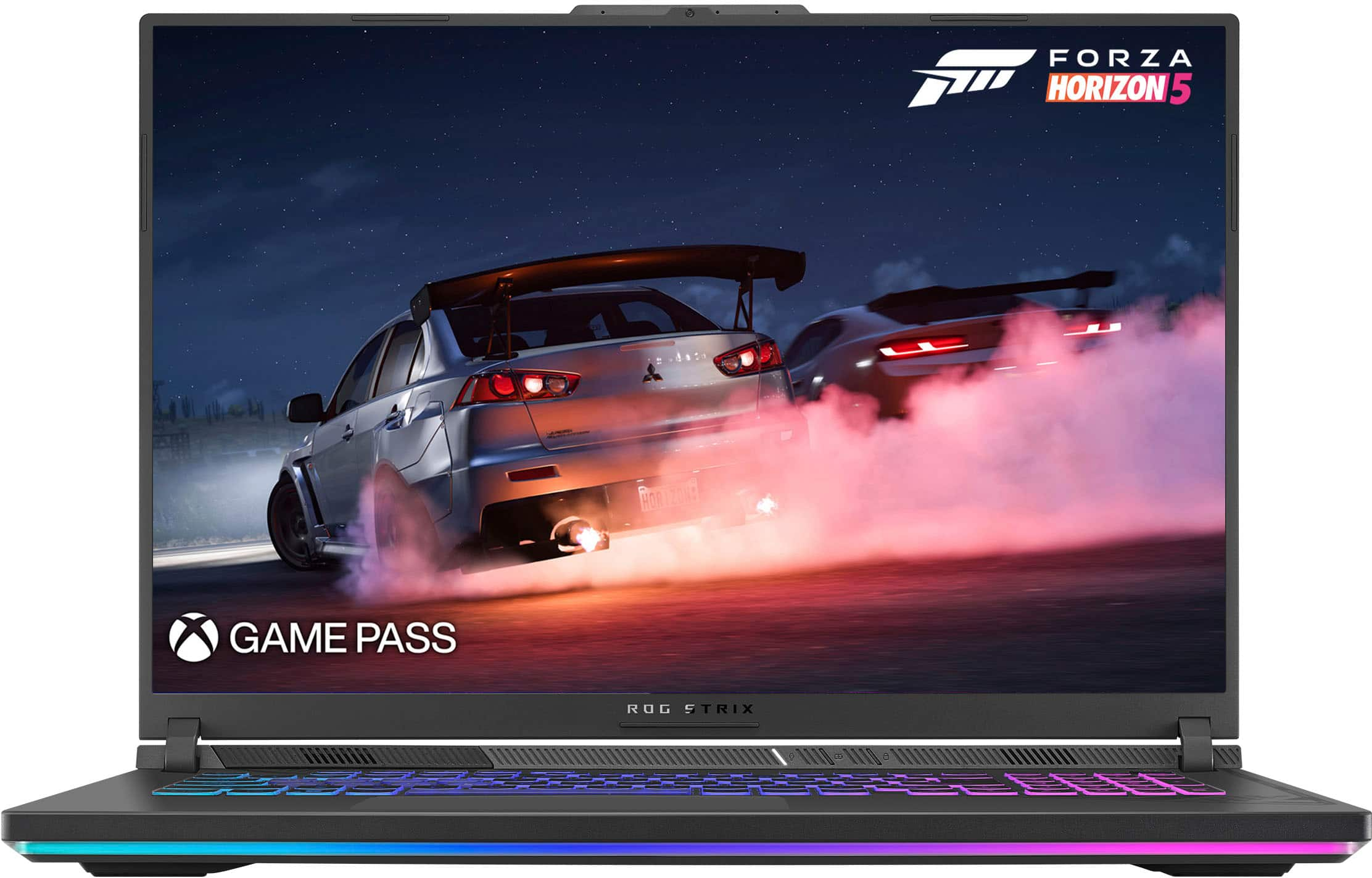
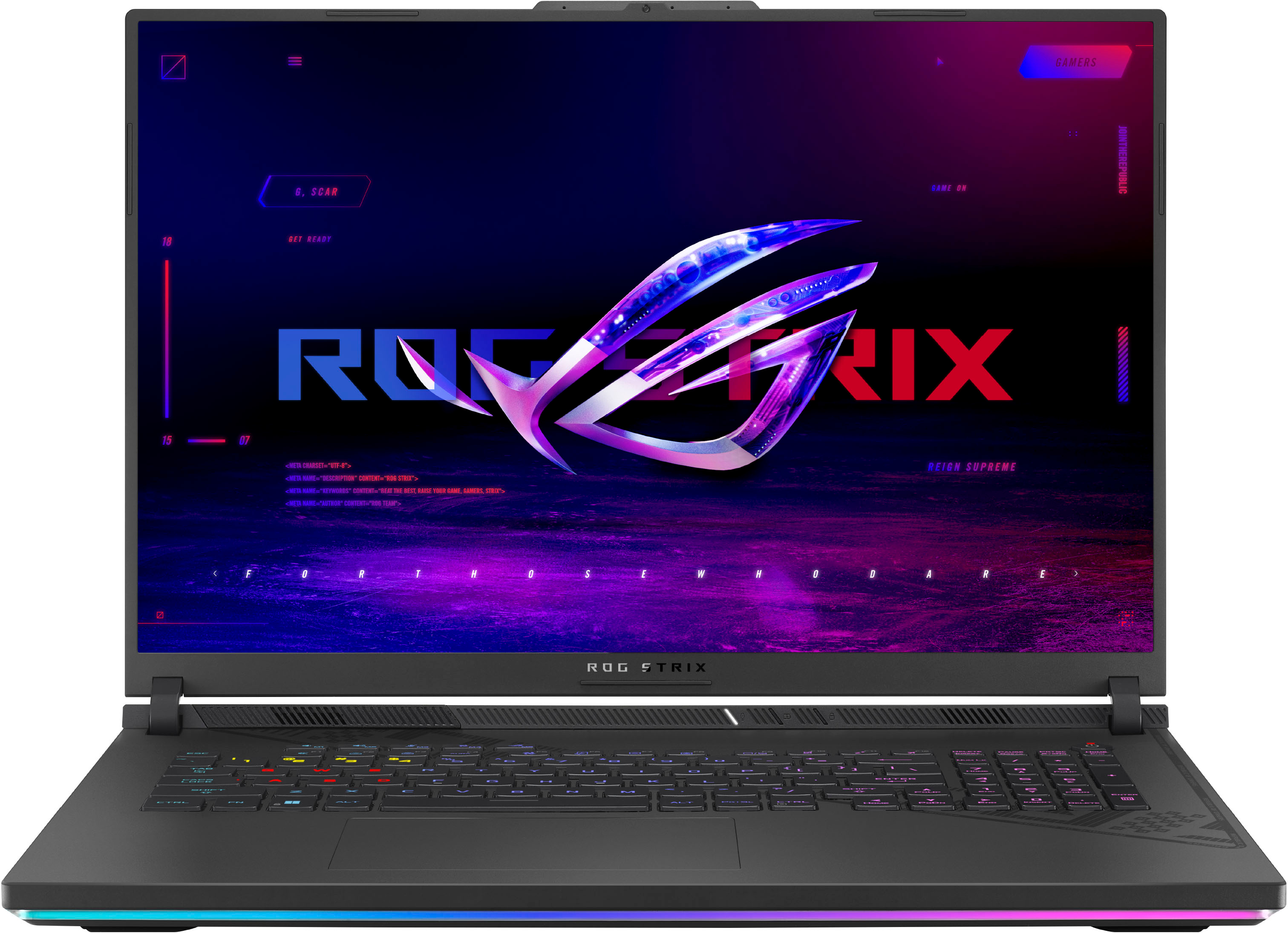
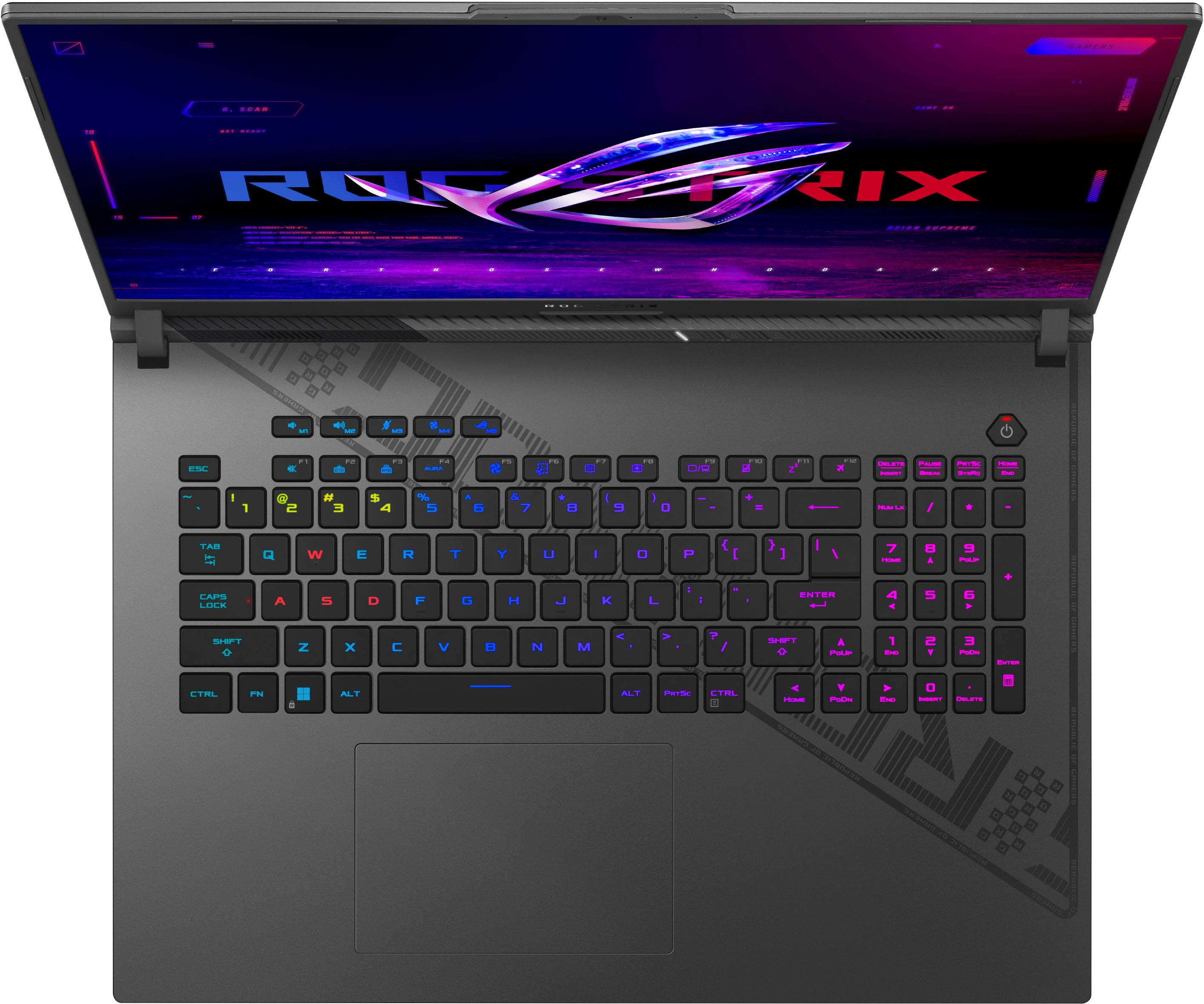
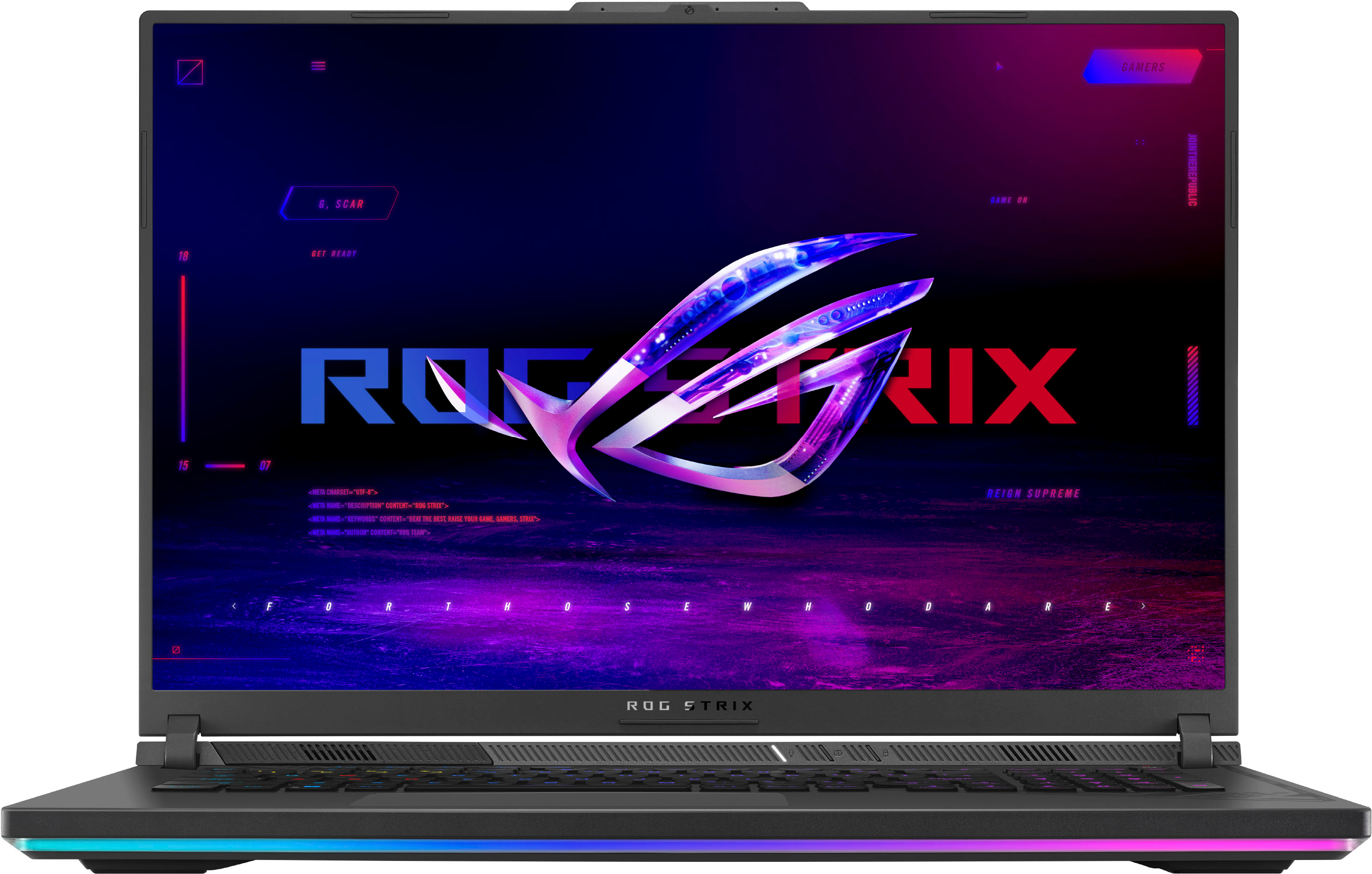
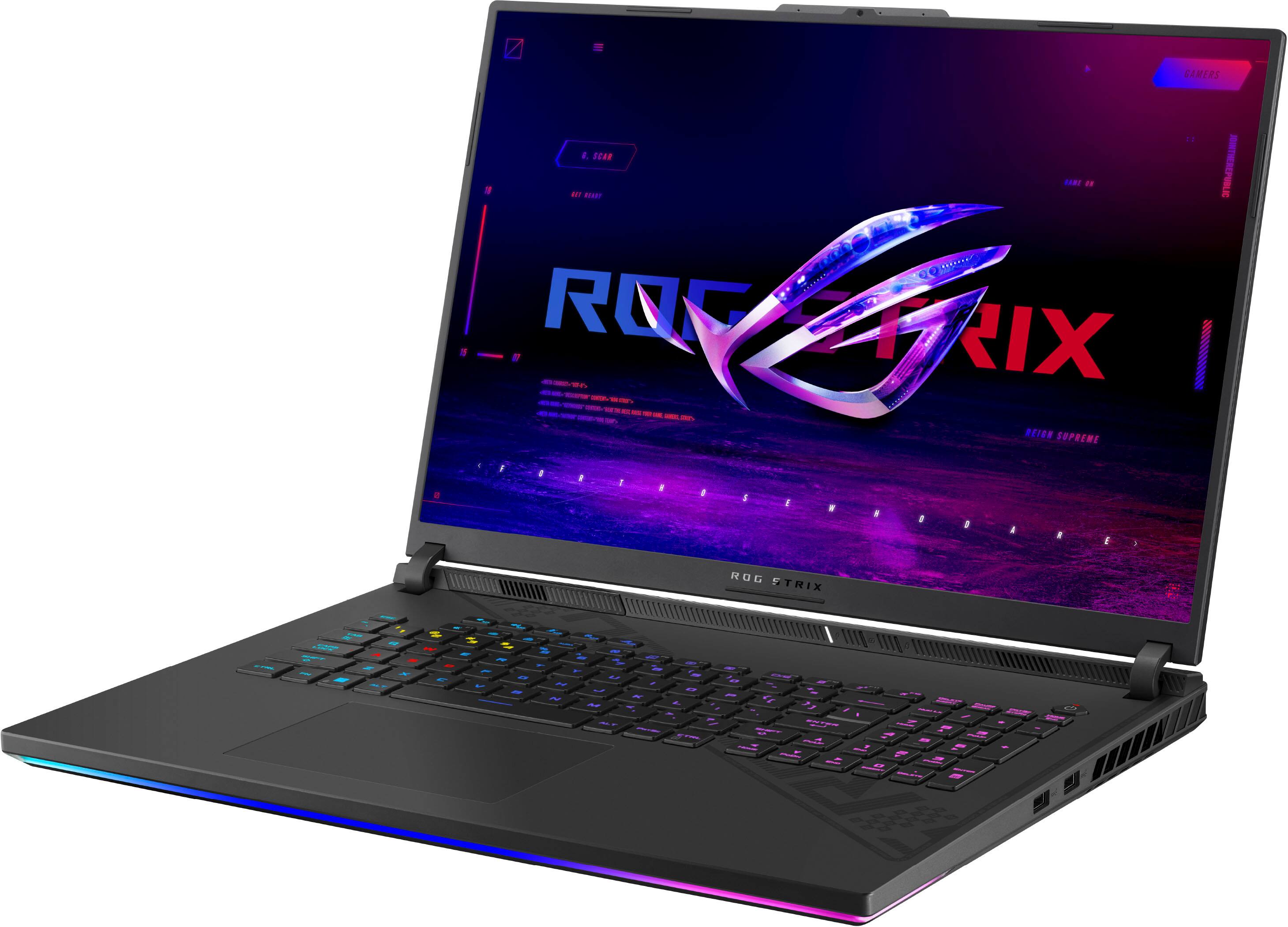
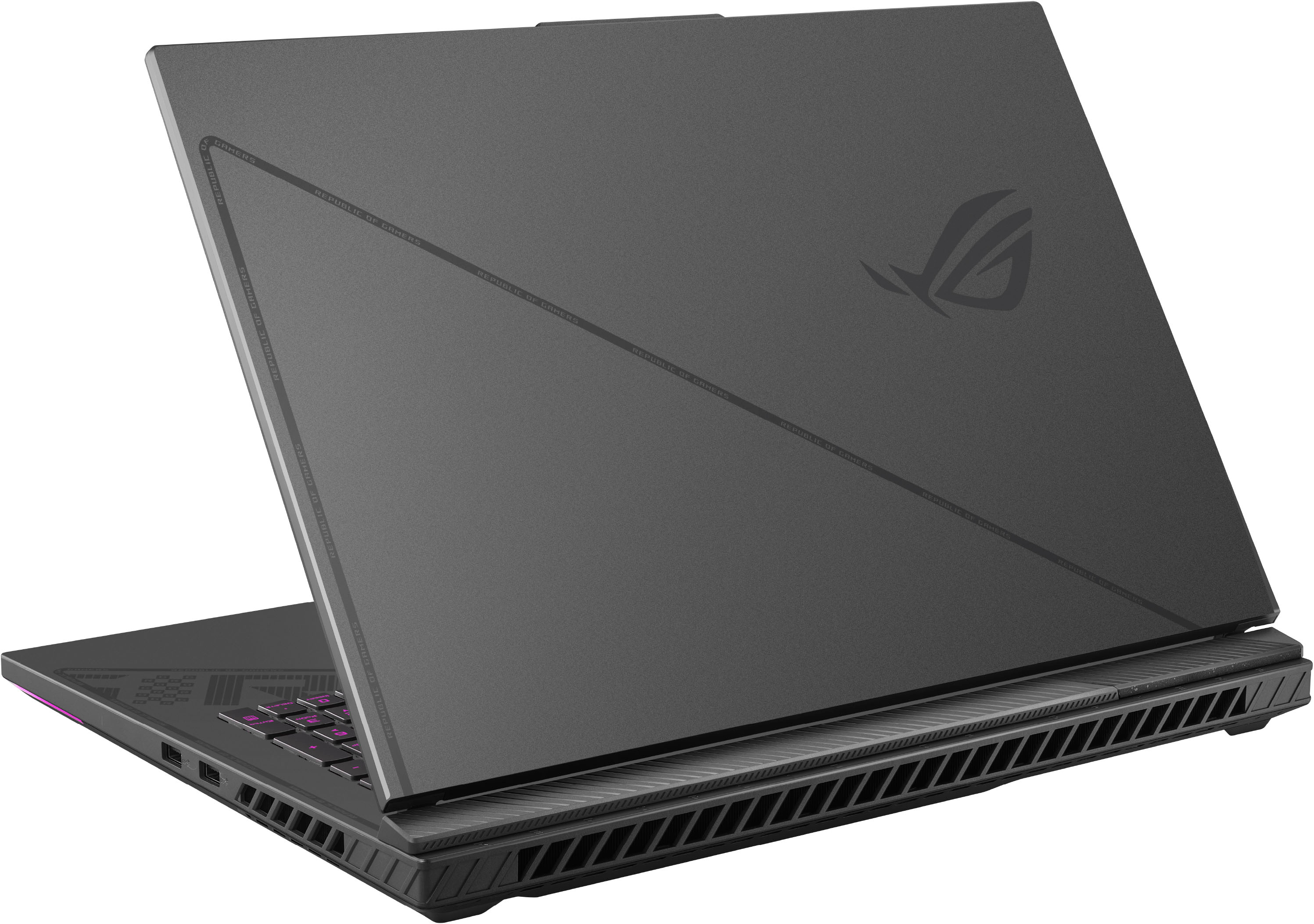
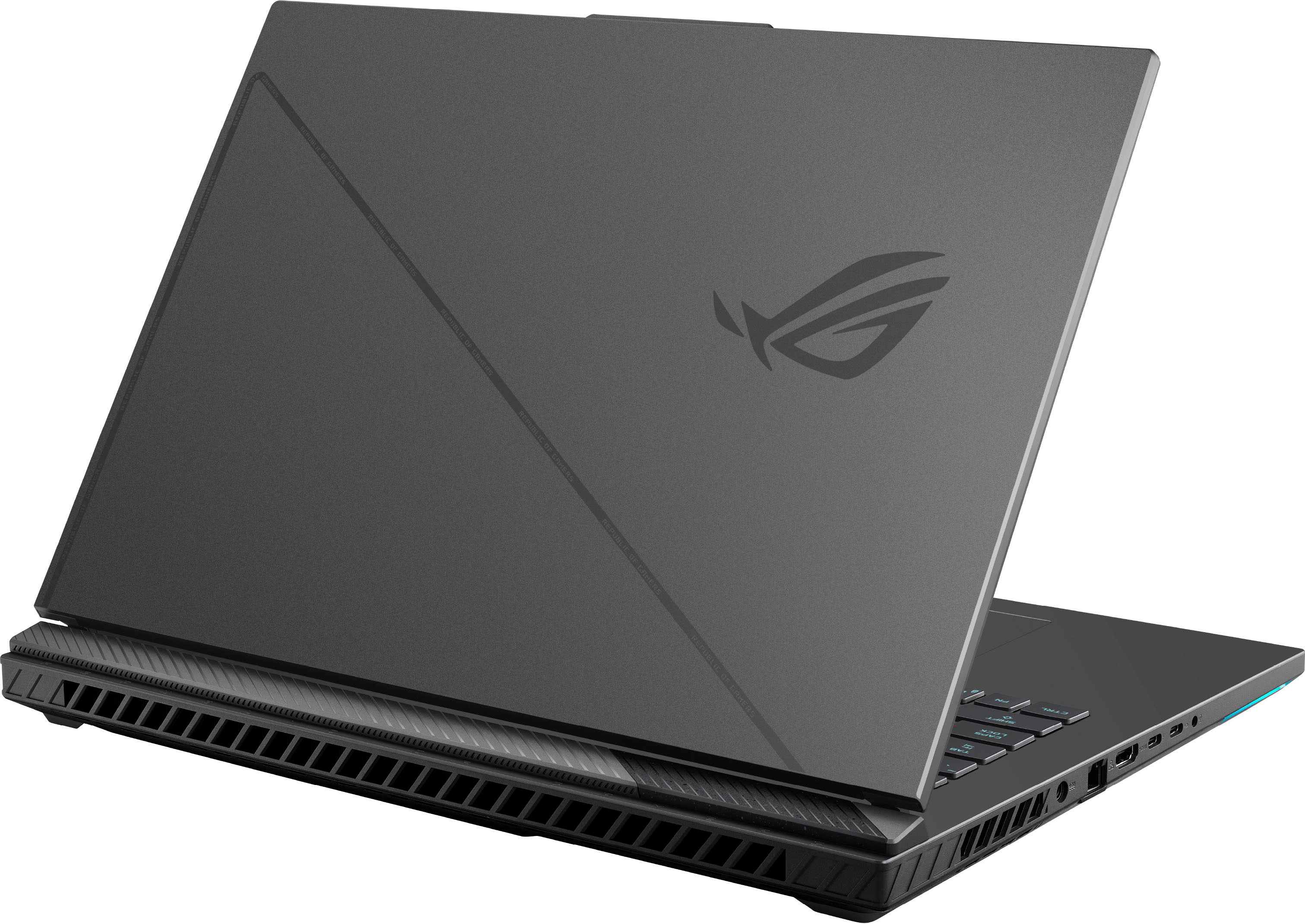






- Model:
- G814JZ-G18.I94080
- SKU:
- 6531333
Rating by feature
- Battery Life
Rating 3.8 out of 5 stars
- Speed
Rating 4.8 out of 5 stars
- Display
Rating 4.6 out of 5 stars
Customers are saying
Customers are delighted by the ROG Strix 18" gaming laptop's impressive performance, large screen size, and high refresh rate, which contribute to an immersive gaming experience. However, some users have noted issues with backlight bleed, battery life, and fan noise. While many praise the build quality and graphics capabilities, concerns about coil whine and heat generation have also been raised. Overall, the laptop receives positive feedback for its powerful performance but some users experienced minor drawbacks.
This summary was generated by AI based on customer reviews.
- Pros mentioned:Screen sizeCons mentioned:Backlight bleed, Battery life
Beast gaming laptop
||Posted . Owned for 1 week when reviewed.This reviewer received promo considerations or sweepstakes entry for writing a review.This laptop is a beast. Huge screen great graphics. Get a laptop cooler to protect your laptops longevity. It does have a poor battery life but that is to be expected with such a powerful machine. It runs Red Dead at max seamlessly. If you have issues with the backlite bleed just squeeze the corners of the screen with your fingers lightly while going up and down and it will fix the issue. Seems like their is a problem with assembly but super easy to fix rather returning until you get a perfect one with no backlite bleed. Mine has 0 backlite bleed after I did my trick. Overall very happy with this purchase.
I would recommend this to a friend - Pros mentioned:PerformanceCons mentioned:Backlight bleed, Coil whine
Solid for the price
||Posted . Owned for 1 month when reviewed.This reviewer received promo considerations or sweepstakes entry for writing a review.My laptop's screen does not have the same severe backlight bleed others have experienced. As you can imagine, whether yours does unfortunately dumb luck; You may win the lottery or lose it. The Best Buy return window should certainly be taken advantage of in these scenarios. **Random freezes -possible fix** I've seen a few people mention random freezes, which my laptop has also experienced. There was no rhyme or reason to the freezes and they occurred once or twice per day. My Reliability History showed hardware failures rooted to nvlddmkm.sys, which is usually Nvidia driver related. I went to Asus' website and downloaded the EXACT Nvidia driver they list for the G18 - the driver is from January 2023, I believe. Since then, hardware failures and freezing have not occurred (been around 1 week). I'd highly recommend uninstalling your Nvidia drivers and downloading the driver recommended by Asus if you experience intermittent freezing. Hopefully this is a software issue that can be resolved by future updates. If I was not as tech savy as I am, this laptop would have been returned due to the freezes. Performance is exactly as expected - blazing fast in nearly every way. My laptop's screen is beautiful - 1600k and 240hz is nice. Only 16GB of RAM leaves a bit to be desired, as running multiple programs and a game maxes it out. It sounds like upgrading RAM isn't as simple as it should be with the system not booting with certain types. I have yet to upgrade to 32GB but plan to in the future. This gaming laptop is excellent by strict performance measures and far exceeds anything from last generation. My laptop has a bit of coil whine during gaming but it isn't particularly noticable. Once the fans kick on, the coil whine is inaudible. This also appears to vary based on the genetic lottery. The overall risk when deciding to purchase this laptop is quality control. Backlight bleed, coil whine, and freezing may impact your unit more than others'. While I'm keeping this laptop, I can see why it's so aggressively priced. The old saying holds true in that we often get what we pay for.
I would recommend this to a friend - Pros mentioned:Performance, Speed
ASUS ROG Strix G814 18" 240hz QHD Intel Gen12 i9
||Posted . Owned for 1 month when reviewed.This reviewer received promo considerations or sweepstakes entry for writing a review.The ASUS ROG Strix G814 is a fast, effective, beautiful laptop loaded with great hardware and software features. Replacing a 6 year old HP Omen that was also a great investment, so there was a high bar for performance. Note that my 6 year old Omen still works, and has relevant performance but is getting wonky with age. This is why we buy quality gaming laptops instead of business or economy grade. The 240hz refresh rate display is amazing. NVidia GeForce RTX is exactly why we buy gaming grade laptops in the first place. The Intel i9 Gen13 CPU is effortless even gaming or streaming. My Omen still runs games fine too; but the sound is not as good as it was new; this new ASUS still sounds excellent even without external speakers. The 6year old 120hz Omen refresh rate was adequate, cant recall ever having any lag. The new ASUS 240hz QHD display simply delivers amazing; with higher resolution and a better display with greater contrast. Raising the bar vs the Omen is no small task, I love that Omen, but was worried about it dying as it is in laptop terms ancient at 6 years of age; have never had a laptop last more than 9 years before failure. The RGB of the Asus is nicer as we have individual key RGB vs the old Omen where the entire keyboard was red only (the HP Omen theme color).
I would recommend this to a friend - Pros mentioned:Ram, Speed
Passes my expectations
||Posted . Owned for 1 week when reviewed.This reviewer received promo considerations or sweepstakes entry for writing a review."I can't express how thrilled I am with the 2023 ASUS ROG Strix G18 RTX 4080 laptop! This powerhouse of a machine has exceeded all my expectations. The RTX 4080 graphics card delivers breathtaking gaming performance, and the high-refresh-rate display ensures every frame is buttery smooth.The build quality is top-notch, and the design is sleek and futuristic. The keyboard is a pleasure to type on, and the RGB lighting adds a cool aesthetic touch. The cooling system is exceptional, keeping temperatures in check even during intense gaming sessions.The overall performance is mind-blowing, and multitasking is a breeze with its powerful processor and ample RAM. The fast SSD storage ensures quick load times for games and applications. I can confidently say that this laptop has become the center of my gaming and productivity setup.The sound quality is fantastic, and the immersive audio experience further enhances my gaming and media consumption. Connectivity options are abundant, and I appreciate the inclusion of USB-C and Thunderbolt ports.ASUS has truly outdone themselves with the ROG Strix G18 RTX 4080. It's not just a laptop; it's a gaming and creative powerhouse. If you're looking for the best in class, this laptop is the answer. I wholeheartedly recommend it to anyone in need of a high-performance laptop for gaming, content creation, or any demanding task. Worth every penny!"
I would recommend this to a friend - Pros mentioned:PerformanceCons mentioned:Backlight bleed, Coil whine, Heat
Would recommend
||Posted . Owned for 1 week when reviewed.This reviewer received promo considerations or sweepstakes entry for writing a review.Gets a little warm. But undervolt and run CPU at 45 watts and it stays nice and cool. Still runs everything at ultra settings 2k 144 fps even purposely gimped. No coil whine and no screen bleed I've read about
I would recommend this to a friend - Pros mentioned:Fps, Screen sizeCons mentioned:Backlight bleed, Fan noise
1st gaming laptop
||Posted . Owned for 1 month when reviewed.This reviewer received promo considerations or sweepstakes entry for writing a review.my first gaming laptop, i like how big the screen is. plays games at high to max 240fps. fans can get a bit loud. very solid laptop. little backlight bleed from screen on lower left and top. better than i thought it would be. screen is awesome. good colors.keyboard is OK as well touch pad. could be better
I would recommend this to a friend - Pros mentioned:SpeedCons mentioned:Battery life, Heat
Excellent laptop
||Posted . Owned for 3 weeks when reviewed.This reviewer received promo considerations or sweepstakes entry for writing a review.Runs really fast out the gate as expected for its components. Does tend to get a little hot under stress so I would recommend a cooling pad. Also plan for this to remain plugged in as the battery will be mostly gone within an hour, but again it's expected with what this is. Purchased this as a mobile workstation and handles moderate graphics demands well.
I would recommend this to a friend - Pros mentioned:Performance, RamCons mentioned:Backlight bleed
Actually a great machine - why all the hate?
||Posted . Owned for 2 weeks when reviewed.This reviewer received promo considerations or sweepstakes entry for writing a review.Too many people hating on this laptop. Adding a 5 star. Mine is great. No significant issues. After detailed setup including all BIOS, ASUS drivers, My ASUS, Armoury Crate, NVIDIA, Intel, Windows 11 / app updates and some tweaking of scheduled tasks... It's clean, super fast, 99th percentile benchmark. This laptop out of the box will have issues if you don't thoroughly take care of all the items listed above. If you lack the technical knowledge for setting up a machine like this, you may want to consider a different option. *Upgraded RAM to 64GB Crucial (2x32GB Kit) DDR5 4800MHz CT2K32G48C40S5. Documentation says 32GB max - that's a lie!! They mean 32GB max PER SLOT (there are two) *Upgraded SSD from single 1GB stock drive to two 2GB 990 Pro's (two M.2 slots) IMPORTANT: if you try to clone your stock SSD to 990 Pro or other high performance SSD. The stock drive has Bitlocker encryption enabled BY DEFAULT. you need to turn that off before doing data migration or it will fail and could end up having to re-install from RECOVERY partition. Sound / Audio / Speakers are impressive for the size. Display is great under normal use, there is some minimal screen bleed but not super noticeable. ASUS bloatware / software is mandatory, and a little flaked still, but you can modify the settings and scheduled tasks to dial it back a bit.
I would recommend this to a friend - Pros mentioned:Performance, Screen sizeCons mentioned:Battery life
Great, but nothing is perfect.
||Posted . Owned for 2 weeks when reviewed.This reviewer received promo considerations or sweepstakes entry for writing a review.Much about this laptop is great. The parts that aren't, are poorly thought out, stupid decisions. Let's go Pros & Cons: Pros: * Excellent performance all around (after my upgrade. More later). * Awesome screen. This I love. A LOT * Easy to upgrade (and essential with the SSD and RAM this version comes with). * Pretty darn quiet all things considered. I put HOURS into Diablo 4 and never had a crash or a problem. Cons: Unfortunately, the cons are big and ALMOST deal breakers. * Port placement. The USB ports are in such a place that if you don't have a ton of room for the thing, you'll be mousing right into any plugs. Including a Dongle. * USB ports are only on the Right Side. Congrats, South Paws. You got some pay back! * Limited number of ports. There aren't many. And none are in the back. This is for venting, and it makes sense. But still. It's frustrating. Particularly if this is a 'desktop replacement', which is what they boast. * The keyboard is just okay and the number pad is useless considering they put one of the arrow keys where you'd normally rest your thumb on the zero. If you can get past the cons, then this is a great laptop. Of all the 18" gaming laptops out there, I settled on this for a lot of reasons. I would not have been happy with the Alienware M18. The MSI version is stupid expensive. The Razor Blade version is all metal and conducts heat. I didn't talk about battery life because who cares? That's not what these are for. But if you are concerned, it won't last you very long. But pick your poison and go with what you can afford. Nothing can be perfect
I would recommend this to a friendBrand response from ASUS Answers
Posted .Dear darkrepast,
We truly appreciate the in depth review that you have provided on your ASUS laptop. All that you have said will definitely be taken into consideration and we would be happy to hear about potential changes that you believe would improve this product. We do stand behind our product and we continuously strive to improve our products and processes in order to achieve customer service excellence. For more information send us an email at customerloyalty@asus.com and provide the case number "N2302023876-0008" for reference. We’ll do our best to provide a quick resolution to your case. Your feedback is important as it helps with improvements to ASUS Support channels. Thank you for choosing ASUS.
Best Regards,
Leonardo
ASUS Customer Loyalty US Support
- Pros mentioned:Screen sizeCons mentioned:Backlight bleed, Coil whine, Fan noise
Excellent Laptop
||Posted . Owned for 3 weeks when reviewed.This reviewer received promo considerations or sweepstakes entry for writing a review.Excellent laptop. It has big great screen. The is no back bleeding. Coil whine sound very less, even you can’t hear it, fans are louder. Only cons, very loud while playing games. Speakers good for me. 4080 works great.
I would recommend this to a friend - Pros mentioned:Fps
Great computer... mine had a failure.
||Posted .This reviewer received promo considerations or sweepstakes entry for writing a review.Computer was incredible! It ran everything we threw at it. Graphics were smooth and fast, with Good FPS on all occasions. Seemed to run a bit warm on the CPU side of things 90 to 100c without much demand All in all build quality was very good, with a rigid frame, and impressive look and feel. This goes for the key board and touch pad as well. The only reason for the 4 star was after having it for 30days it would run for 4-5 minutes and then reboot. I figure it has to be a fluke as every manufacturer has a component go bad.
I would recommend this to a friend - Pros mentioned:Screen size

ASUS, More Like Ace for Us!
|Posted .This reviewer received promo considerations or sweepstakes entry for writing a review.The Strix laptop is awesome and to kick things off the aesthetic and design are super cool. I’ve had my share of gaming laptops and desktops and the kit keyboard and the different backlight profiles are similar to other laptops. My favorite is the twinkling star one which I have pictured. My second favorite feature are the keys up at the top. You have a button to switch profiles, adjust the system fan, and more. Unboxing it was an experience as well. It felt like finally someone was eco conscious and made an effort to use all of the cardboard to add versatility on how different accessories are boxed up. When you open the box and lift the lid it opens a small shelf with the items that come with the laptop. My previous laptop didn’t have multiple USB-C ports and this one does. You’ll see I was able to maximize my landscape and use three screens! In comparison to the large screens it made me realize ASUS knocked it out of the park with the laptop’s crisp and High Definition laptop screen. The Armour’s Crate is game central and think of it as the brain of your computer. It makes it easy to make adjustments to improve or make your gaming longer! I have been glued to my laptop after work and I’ve been avoiding the gym. For me that’s a sign I’m really enjoying screen time. Now to find a healthy balance so that I can keep exploring the enhancements I’ve yet to untap in the Strix!
I would recommend this to a friend - Pros mentioned:PerformanceCons mentioned:Battery life
Good laptop with poor battery life
||Posted . Owned for 1 month when reviewed.This reviewer received promo considerations or sweepstakes entry for writing a review.I bought it as an open box. It is new and I can`t differentiate it from the new one. I like the build of the laptop, more than msi equivalent. The computer is very good. I have no problem with the screen as some people here facing backlight issues. I have a problem with the battery though. It seems like can`t last 2 hours on battery even when I don`t play games. In the Windows battery check, the battery seems okay. I don`t know if this is an open-box issue. I expect a short battery life but this is almost unusable on battery.
I would recommend this to a friend - Pros mentioned:RamCons mentioned:Heat
enjoying it sofar
||Posted . Owned for 1 week when reviewed.This reviewer received promo considerations or sweepstakes entry for writing a review.very decent laptop, does have a loud coil wine but i cant live with that because i cant hear it over my semi (i am a truck driver and needed something i could use in my semi and this fit the bill nicely). the screen is almost too bright because i find my self turning the brightness way down in low light situations and running it at 3/4th the way up to max when in bright areas. i did open it up and it does have 2 nvme slots (one of them occupied by a 1tb nvme drive that i replaced with a 2tb one and put a 2nd one in). there are 2 ram slots both of them occupied by 16gb Samsung chips. It runs warm enough that so far while playing games i dont need to run my heater in my truck so keep that in mind if you plan on putting it on your lap, it can burn you! something i did find interesting is if you go to the ASUS website they don't have any of the drivers for this laptop (at least as of Saturday the 11th of feb 2023) and since windows install evidently cant see the nvme drives without some drivers you have to run the ASUS cloud installer from the bios to reinstall windows on it. over all a good laptop and it fits my old laptop's backpack (made for a 17 inch laptop). if you are on battery and not playing a game it seems to have decent battery life. i didnt realize i was unplugged and was useing it for about 2 hours before i realized it was unplugged and plugged it back in. it was only down to 30% battery at that point.
I would recommend this to a friend - Pros mentioned:Fps, PerformanceCons mentioned:Backlight bleed
ASUS ROG G18 so worth it!
||Posted . Owned for 1 month when reviewed.This reviewer received promo considerations or sweepstakes entry for writing a review.This is a great powerful laptop with no issues so far. Very pleased with how easy it was to upgrade the memory to 64gb and add an extra 2 Tb 980 NVMe SSD. The screen is bright and no back light bleeding at all. Getting in the 90's FPS playing BF2042 which is way better than the Alienware M17 R3 I was using which was so noisy and HOT!! The thermals on this laptop runs cool at half the db's. The CPU stays in the 70's playing any game. Also, the Armoury Crate software so much better than Alienware Command Center, much easier to use. AND, you can actually upgrade this laptop. Very happy I purchased an ASUS this time around. When I'm not playing games it is so quiet and you never hear the fans rev up for no reason. Also bought the ROG Chakram X mouse just wish they made a low profile keyboard like the G915. We will see.
I would recommend this to a friend - Pros mentioned:Ram, Screen sizeCons mentioned:Backlight bleed
Fantastic Laptop
||Posted . Owned for 3 weeks when reviewed.This reviewer received promo considerations or sweepstakes entry for writing a review.I've had this now for close to one month and I can say with confidence that this the best laptop I have ever owned. The screen is gorgeous & it performs like a beast. Many other comments complained of screen bleed and coil whine, neither of which I suffer from. The only critique is the amount of RAM it comes with & the internal storage. I upgraded both once I verified that the screen bleed is minimal/absent to a second M.2 2TB NVMe & 32GB RAM. That was a very simple process if you have a knack for tech. I play Starfield on it just fine at max settings as well as ESO & Eve Online. Zero complaints. I did get it at a discount during Black Friday deals for $500 off.
I would recommend this to a friend A beast!
|Posted .This reviewer received promo considerations or sweepstakes entry for writing a review.A beast! *** The Good *** It is a true beast in performance and size. Gaming and general processing performance are excellent for a laptop. The RTX 4080 (laptop version) kicks in for gaming or other GPU intensive tasks, but you also have the option to turn the RTX off completely and use the Intel graphics integrated into the CPU for power savings. The GPU features 12 MB of RAM, which should be plenty for even the most demanding games at the native resolution of the 18 inch 2560 x 1600 IPS LCD panel. CyberPunk 2077 in RayTracing-Ultra (with DLSS on) yielded 103.5 FPS while in “Performance” mode. The laptop also features 16 GB of DDR5-4800 RAM, and is properly configured in dual channel mode using two 8GB modules. The included SSD holds a spacious 1TB, but if you open the unit up, there is space for one additional M.2 SSD (it can fit just above the WiFi card). The only catch is that only 80mm long SSDs are supported, but those are the most common, so this should not be an issue. The battery is 90 Wh. I would have preferred larger, as there is room in the case, but this still not bad at all. The “Armoury Crate” software allows easy adjustment of the backlight on the keyboard (of course it is RGB), and the light strip under the front of the case. It also allows easy adjustment between three different power profiles: “silent,” “performance,” and “turbo.” “Silent” really is as its name promises, and “performance” makes some fan noise, but it is still rather quiet, and will roughly double the performance. However, “turbo” is to be avoided at all costs. It adds around 5% or so to the gaming performance, but the fans really start to whine and become obnoxious. Combine that with the increased wear on the fans and the extra dust ingestion, and there is little reason to ever choose the turbo mode. The Armoury Crate software also allows RTX GPU to be disabled entirely, and only use the integrated Intel graphics for extra battery life. However, it should be noted that an external display cannot be used. This is acceptable, since if you have a place to plug in a monitor, you should be able to plug in the laptop to power the GPU. The IO consists of, on the left side, power, HDMI, two USB-C ports (one supports Thunderbolt), and a 3.5mm audio jack. The right side has two USB-A ports. This is definitely serviceable, but I would have preferred to have one USB-A and one USB-C on each side. When using a mouse (I generally avoid touchpads unless forced to do so), any USB-A cables must be on the right side, getting in the way of using the mouse. This is a pretty minor point, but I thought that I should mention it. *** The OK *** This laptop is CHUNKY! Of course, that is to be expected. Including an 18” screen means that this is going to dictate a large laptop. Given the processing power, the CPU can consume a steady 50W, and the GPU can easily sustain 150W. That much power requires a fair bit of cooling, so this machine is also on the thick side. But that is just a given for a machine of this class, so this is not a bad thing, but just the way that it is. A thin laptop with these specifications is simply not possible. The physical design and construction of the case is just “OK.” It does have a very “gamery” aesthetic, which can be good or bad, depending upon your personality. The case, keyboard, trackpad, and webcam are all perfectly serviceable, but of unremarkable quality. The case is plastic, but solid. The keyboard does have RGB per key, and there is an RGB accent strip around the front bottom of the case. The trackpad is rather large, but otherwise unremarkable. The speakers are actually rather good for a laptop. The webcam is unremarkable, but plenty good enough for online meetings. A huge 330 watt charger is included. Yes, that is a LOT of power, but the CPU and GPU combined can easily hit over 200 watts, so this is to be expected. While one of the USB-C ports can also be used to power the unit, if gaming, this would only serve to slow the battery drain, as most USB-C chargers don’t support over 100 W. You can get the maximum battery life by putting the laptop into “silent” mode and then setting the GPU into “eco” mode where the onboard GPU is completely disabled (but this also removes the ability to use an external monitor). Once you do this, you can get around 3-12 hours of battery life showing a full-screen YouTube video at a moderate brightness. Obviously doing something like Word or Excel will allow longer battery life, but I just did this test to give a rough idea of the power. The laptop also has 16 GB of RAM. This is fine for gaming for now, but I would not be surprised if games in the next couple of years could really use more. Since both memory slots are filled, the existing RAM would have to be discarded and replaced with two 16 GB modules. But at least it is upgradable. Also, as a habit, I take any brand-new computer, and wipe the hard drive and do a fresh reinstall of Windows 11, so that I can control what goes on the system. The curious this is that the Windows Install media did not recognize the NVMe interface at all! The solution was to to go the Asus support web site for this product and download the “Intel Rapid Storage Technology Driver.” Just extract that, and put it on the flash drive holding the Windows 11 install, and load that driver when you get to the page for choosing where to install, and everything works fine after that. The WiFi won’t be recognized at that point, but the wired Ethernet jack will work just fine until all of the drivers are updated. *** The Bad *** But this laptop does have a few flaws. The first is what was omitted from the design. It is completely missing any sort of memory card reader, or fingerprint sensor. The other big omission is that there is no place to attach a cable lock. For a device at this price point, a cable lock would be a welcome addition, and its lack is a shame. Another curious quirk is that the BIOS screen only shows on the laptop display panel. While booting up, any attached external monitor will be blank until Windows is loaded. This is not, in and of itself, bad, but if during a reboot you get a message, such as the system wanting to update the firmware, this message will not be seen if the computer is docked and the lid is shut. Not a huge deal, but something to be aware of. Also, since I keep this laptop docked, I tend to have it on the desk with the lid shut. To turn it on, I just open the lid enough to get a finger on the power button, turn it on, and then shut the lid. But then after Windows boots up, the computer thinks that BOTH displays are active (laptop screen and external display) even though the laptop lid is shut. If I open and shut the lid, the laptop finally realizes that the built-in display should not be used. This is not a major problem, but I thought that it was curious enough to mention. One work-around is to just disable the built-in display in “display settings” while the other monitor is plugged in. Speaking of the BIOS, I had a few issues with that. First of all, when I first received the computer, I thought that it was broken because powering it on only yielded a black screen. A power cycle and a bit of patience seems to work wonders, and now this only seems to happen after a BIOS update. But as to updating the BIOS, BitLocker is on by default when you get the computer. This is a good thing. However, when I first powered it on (using the included Windows image), it wanted to update the BIOS to a later version. However, updating the BIOS often means needing the BitLocker recovery key (as the BIOS update screen was helpful to point out). So I skipped updating until I could disable BitLocker, intending to go back and update later. But that later never happened. After rebooting I was not offered the option to update the BIOS again. I had to manually download the plain BIOS file and use the EZ-Flash utility built into the BIOS setup screen. I have also had a couple of random crashes. But these happened while running gaming benchmarks and changing various GPU settings and power profiles, so this can probably be chalked up to nVidia drivers and/or game bugs. *** Conclusions *** If you NEED raw power and performance, combined with a huge screen, then this would be a fine choice. The chassis is good, but not excellent. There are better built laptops out there, but they cost more. Overall, I am quite happy with this, as it is more powerful than my previous desktop. It can be a true desktop replacement, once you add another M.2 SSD and more RAM.
I would recommend this to a friend- Pros mentioned:Performance, Screen sizeCons mentioned:Heat
Loving this laptop
||Posted . Owned for 1 month when reviewed.This reviewer received promo considerations or sweepstakes entry for writing a review.I’m loving this laptop, I do want to say that I use it for work, school and gaming. It has awesome resolution, bid screen for a laptop and I can play Destiny 2 in high settings with a 100 - 120 fps while doing missions. This like any other laptop will get hot while playing games so I recommend to play with an external keyboard and mouse or controller. The only downside I found to this laptop is that it only has 2 usb-a ports but also has 2 usb-c ports, not all external hardware is usb-c and if you have more than two peripherals that you want to connect like I do, you will require a usb hub.
I would recommend this to a friend Impressive Gaming Performance for the Price
|Posted .This reviewer received promo considerations or sweepstakes entry for writing a review.I typically game on a desktop but I can’t take that with me on road trips. At 6.5 pounds, the Asus ROG Strix G18 is not that heavy considering its screen size. Just a few years ago this laptop would be clocking in closer to 8-9 pounds. However, you’ll still need a bag made to accommodate at least a 17” laptop and its bulky 330 watt charging adapter. The screen is big, bright, and beautiful. Others may disagree, but I love the 16:10 aspect ratio on a gaming laptop, which gives you a little higher than QHD resolution at 2560x1600. The backlight bleed is very minimal, certainly better than the ASUS laptops I’ve had in years past. It’s very fast, at 240hz which you can get to on many games at lower settings. The display takes up most of the available space with minimal bezels. ASUS was even able to squeeze in a webcam, although it’s only 720p and doesn’t support Windows Hello for biometric login. The biggest downside to this otherwise perfect display is that it does not support HDR gaming. Besides the screen, the best benefit of such a large device is the cooling capability. There are seven heat pipes and three fans inside and while they do get loud it does a very good job of keeping the device cool. The entire rear of the laptop is exhaust along with about a fourth of each side. Unlike smaller laptops the keyboard deck does not get hot at all. There is even some venting through the keys which is important if you plan to use the laptop in clamshell mode as I noticed a slight dip in performance while running benchmarks on an external display with the lid closed. The performance is absolutely phenomenal. The i9 13980HX can max out at 5.6 Ghz which is screaming fast for a laptop. The Nvidia RTX 4080 Mobile would only be bested by a 4090 Mobile but in my experience the 4090 mobile is usually not worth the price premium for what is typically a modest increase in frames. Also keep in mind a 4080 Mobile is not the same as the desktop counterpart (same is true for the CPU). While cutting edge for a laptop the performance of this system is roughly equivalent to a last generation desktop. The GPU can use up to 175W of power which is why this laptop will score better than a smaller laptop with a 4080 that is probably limited to 150 or 125 TDP. Both the CPU and GPU have factory installed Thermal Grizzly Liquid Metal which is also helping to keep them cool. Gaming on this beast is impressive. Amazing performance. I played many matches of Fortnite, Halo, and the single player game Cyberpunk 2077 on this machine. With DLSS you can really crank out some impressive frame rates at the highest settings. All benchmarks in Turbo (aka Fans Max) mode, with GPU Power Savings set to Ultimate at native resolution: Geekbench Scores: 2702 Single Core and 15213 Multicore. TimeSpy: 18593 TimeSpy Extreme: 9133 Port Royale: 11744 Fortnite Average FPS Epic Preset (w/ DLSS Performance): 97 1% Lows: 46 High Preset (w/ DLSS Performance): 127 1% Lows: 60 Medium Preset (No DLSS): 154 1% Lows: 71 Cyberpunk 2077 Average FPS (Built-in Benchmark DLSS Enabled) Ray Tracing Ultra: 111.5 Ray Tracing Low: 138.7 Halo Infinite Multiplayer Avg FPS: Ultra Preset: 141 (1% Low 107) Low Preset: 189 (1% Low 124) F1 2022 (Highest Settings, Singapore Circuit, Wet, DLSS Quality): 138 FPS Shadow of the Tomb Raider (Built-in Benchmark @ Highest Setting): 176 FPS The keyboard is very good, with 1.9mm of travel and plenty of space on the large deck to spread the keys out and even include a number pad. It has per-key RGB which is customizable in Asus’ Armory Crate software, where you can also adjust fan speeds, GPU power settings, and more. The trackpad is big, but nothing that is extraordinary from others on the market. Battery life is about what you’d expect for a big gaming laptop. It drains pretty quickly, even if using it for non-gaming tasks. However, it does support 100w USB-PD charging, which is nice if you just want to charge it. The speakers are your typical Windows gaming laptop experience. Decent, will work in a pinch, but not impressive by any means. If you’re gaming, you’ll need headphones anyway as the fans will almost certainly drown out the sounds of your enemies' footsteps. One minor but important thing I noticed is the laptop not only has Bitlocker support, but has it enabled out of the box. I believe every laptop should have encryption turned on by default and with Windows Home it's up to the manufacturer on whether they will support it or not. Kudos Asus. SSD performance is good, it’s not the fastest PCI-e Gen 4 drive, but at least it is 1TB. There is also a second slot to install a second NVMe drive. Thankfully, no RAM is soldered on, meaning you can completely replace the 16GB DDR5. I should also note the listing says it has a microSD card reader, but I could not find one anywhere. I think that it is a mistake on the product page. Pros: Screaming Fast 24-core 13980HX up to 5.6Ghz! Nvidia 4080 Mobile @ 175W (w/ Dynamic Boost 2.0) Beautiful 240hz 2560x1600 16:10 screen Thin Bezels HDMI 2.1 Port USB-A 3.2 Gen 2 USB-C w/ Thunderbolt 4 and PD-charging (100w) MUX Switch / Advanced Optimus Fully Upgradable RAM and Extra NVMe Slot Wifi 6E and 2.5GbE Wired Networking Dedicated Mic Mute Key Bitlocker Support - Enabled Out of the Box Cons: Still big – especially with charger No HDR No Windows Hello No microSD card reader Not the fastest Gen 4 SSD Overall, the Asus ROG Strix G18 delivers incredible high-end gaming at an affordable price. If you are looking for the closest thing you can get to a desktop while still being portable, this is likely it.
I would recommend this to a friend- Pros mentioned:Performance, Screen size
Great laptop overall!
||Posted . Owned for 11 months when reviewed.This reviewer received promo considerations or sweepstakes entry for writing a review.Performs very well, build is solid, performance is good and have had no issues with temperatures nor software. Display is fast and light bleed is minimal. Only bad thing I don't really like are the speakers which are terrible so if you want to watch something on the go bring headphones. Also fan noise when gaming is quite loud but keeps the temperatures good enough considering the performance. My previous laptop was an Alienware x17r2 which constantly overheated so this feels like a solid upgrade.
I would recommend this to a friend