Customer Ratings & Reviews
- Model:
- XG27ACDMS
- SKU:
- 6638583
Rating by feature
- Display Quality
Rating 4.8 out of 5 stars
- Ease of Use
Rating 4.8 out of 5 stars
- Features
Rating 4.7 out of 5 stars
Customers are saying
Customers are enthusiastic about the exceptional color quality and the outstanding refresh rate of this product. Users also frequently highlight the impressive HDR performance and the sleek design as standout features. Additionally, the high contrast levels contribute to a vibrant visual experience that many find appealing.
This summary was generated by AI based on customer reviews.
- Pros mentioned:Color quality
Best monitor ever
||Posted .This reviewer received promo considerations or sweepstakes entry for writing a review.Best monitor i have ever used, clear and vibrant colors couldn't be happier
I would recommend this to a friend W ASUS
||Posted . Owned for 1 month when reviewed.This reviewer received promo considerations or sweepstakes entry for writing a review.I mean it’s ASUS what can you say colors pack a punch I was geeked when I first got it and it’s still holding up a month later best OLED monitor ever. ASUS glaze is real
I would recommend this to a friendQuality
||Posted . Owned for 4 months when reviewed.This reviewer received promo considerations or sweepstakes entry for writing a review.If you want to upgrade your quality when it comes to gaming this is definitely the way to go! Has tons of features comes with its own settings which allows you to custom yourself.
I would recommend this to a friendGreat gaming monitor
||Posted . Owned for 1 week when reviewed.This reviewer received promo considerations or sweepstakes entry for writing a review.Monitor does the job and looks great. Gave it a 4 because the true black is a little on the less vibrant side than my qd oled Alienware.
I would recommend this to a friendBest OLED out there
||Posted . Owned for 3 weeks when reviewed.This reviewer received promo considerations or sweepstakes entry for writing a review.The monitor is 10/10, the sensor feature is suprisngly good and pretty much the things advertised about the monitor is true. Only con about the monitor is how expensive it is but then again it’s ROG.
I would recommend this to a friendOled screen
||Posted . Owned for 1 month when reviewed.This reviewer received promo considerations or sweepstakes entry for writing a review.Great visual can’t wait to see more from the benefits it has to offer unfortunately I ordered the glossy screen but Best Buy sent it with no protection and was delivered with a bent cracked screen ….
I would recommend this to a friendOled vs Ips
||Posted .This reviewer received promo considerations or sweepstakes entry for writing a review.Amazing monitor for gaming. The colors are night and day between oled and ips. 100% would recommend to anyone who hasn’t had a oled yet. Also got mine on sale for Black Friday so it was definitely a no brainer for me.
I would recommend this to a friendBest Oled monitor
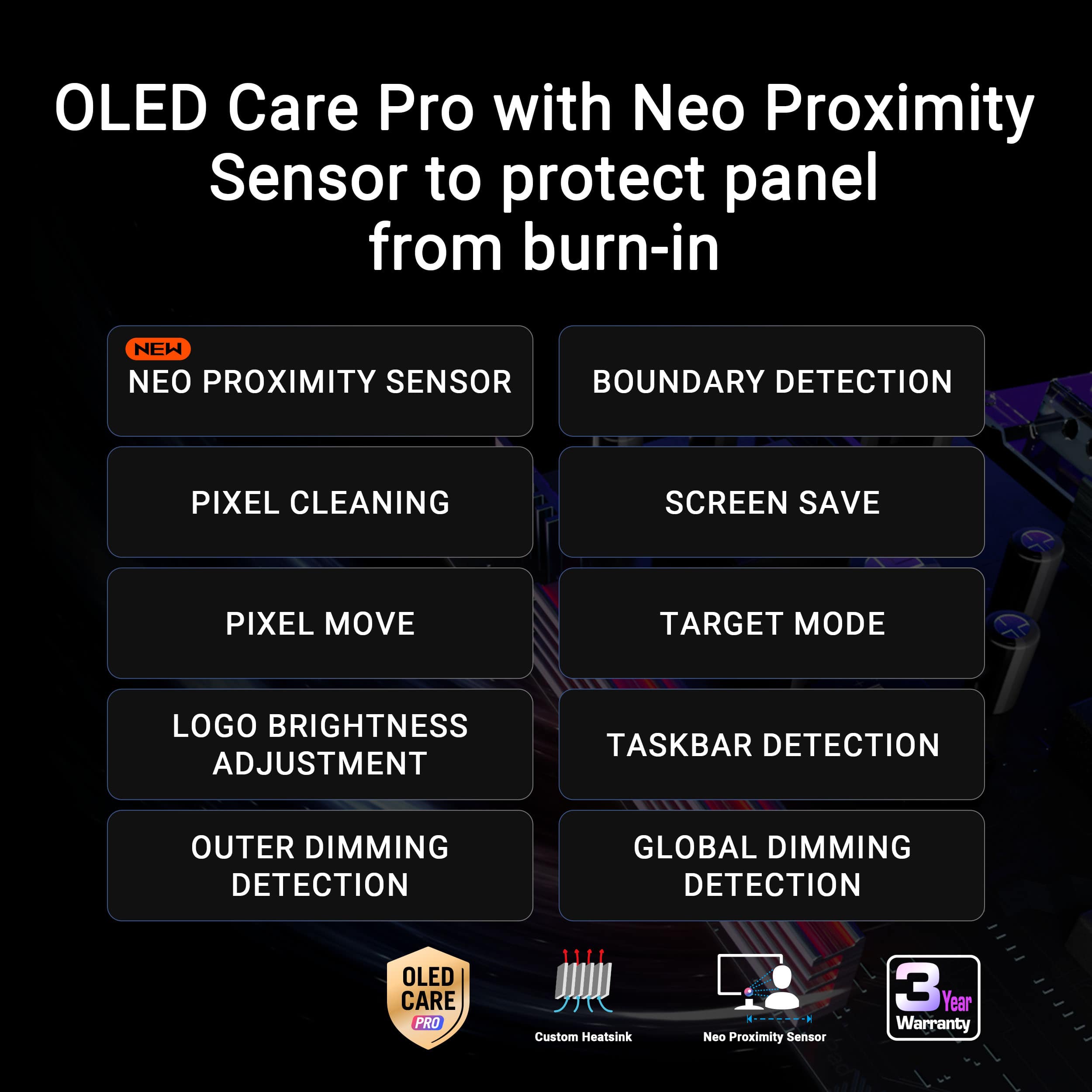
||Posted .This reviewer received promo considerations or sweepstakes entry for writing a review.This pc looks amazing oled really is the way to go also I like that the screen turns off with the proximity sensor to protect it from burn in.
I would recommend this to a friendGood monitor
||Posted . Owned for 3 weeks when reviewed.This reviewer received promo considerations or sweepstakes entry for writing a review.Very high quality OLED I have been spooked by it's dedicated rest mode a few times though
I would recommend this to a friendDon't think, trust me, BUY IT
||Posted . Owned for 3 weeks when reviewed.This reviewer received promo considerations or sweepstakes entry for writing a review.By far the best monitor I personally have owned and Ill never be able to go back.
I would recommend this to a friendExcellent product and service
||Posted . Owned for 3 weeks when reviewed.This reviewer received promo considerations or sweepstakes entry for writing a review.Excellent product, extreme quality, very good service, I highly recommend it
I would recommend this to a friendGood but could be better
||Posted . Owned for 1 week when reviewed.This reviewer received promo considerations or sweepstakes entry for writing a review.In most ways this satisfies what i want from a monitor. However, i have gad to go through the return and exchange process due to a defective model. Despite that, it has great contradt and true black hdr. Be careful to not pick at any dust particles with your nails at all, the coating is EXTREMELY sensitive.
I would recommend this to a friendPretty pricey, but also pretty awesome!
||Posted .This reviewer received promo considerations or sweepstakes entry for writing a review.Pretty great OLED monitor so far! Sharp image and beautiful color depth.
I would recommend this to a friendAmazing monitor
||Posted .This reviewer received promo considerations or sweepstakes entry for writing a review.Honestly looks amazing but screen gets dirty really quick so dont touch it much
I would recommend this to a friendGood Oled monitor
||Posted . Owned for 1 week when reviewed.This reviewer received promo considerations or sweepstakes entry for writing a review.Best monitor i got. My first oled monitor! Super Happy
I would recommend this to a friendThe best monitor
||Posted . Owned for 1 month when reviewed.This reviewer received promo considerations or sweepstakes entry for writing a review.The graphics look amazing and the response time is perfect.
I would recommend this to a friendAbsolute Nightmare - Misled by Staff & Refund Deni
||Posted . Owned for 3 weeks when reviewed.This reviewer received promo considerations or sweepstakes entry for writing a review."I ordered an ASUS ROG Strix 27" OLED monitor (BBY01-807152104573), which was marked as delivered on March 5th. However, the driver placed it in the wrong location and the item vanished. I even filed a Police Report (Theft of Mail #26-091415) with Honolulu PD. When I contacted support, Agent Austin misled me into paying for a second order (BBY01-807152909444) for a replacement, promising the original would be refunded. Then Agent Zimi caused more confusion by canceling the wrong order and stating the original couldn't be refunded. It took over 2 hours and an escalation to Manager Prince to get a Case ID (372401623) and a promise for a refund on both orders. As of now, my bank statement shows two charges of $628.26 but only one refund has been processed. I expect the second refund for the original lost item to be finalized immediately based on my HPD report and the manager's commitment."
No, I would not recommend this to a friendBrand response from ASUS Answers
Posted .Dear Cool,
Thank you for your feedback.
We do understand your dissatisfaction with the quality of your recent customer service experience from your vendor and the inconvenience this may have caused. Hopefully, the refund on the second monitor will be resolved as soon as possible. Should you need further assistance with ASUS products, please email me at cl-rodel@asus.com and I would be more than happy to help. Or you are most welcome to call Product Support Hotline at: 1(888) 678-3688. Also, you can chat with an ASUS live support agent from the link: https://www.asus.com/us/support/article/1135/.
Thank you for choosing an ASUS product.
Regards,
Rodel
ASUS Customer Loyalty
- Pros mentioned:Color quality, Design, Hdr performance

Super Smooth, Beautiful OLED Monitor
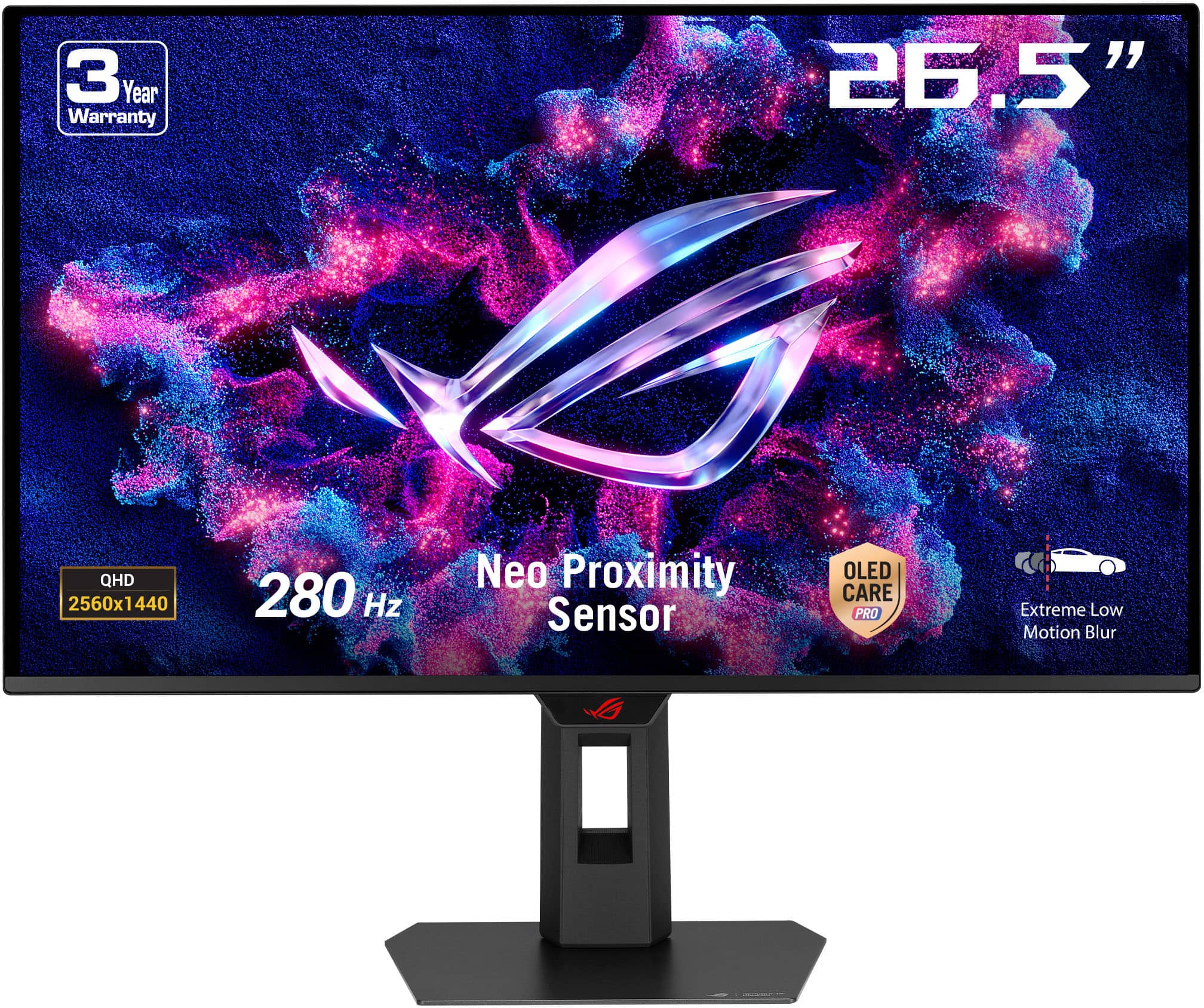
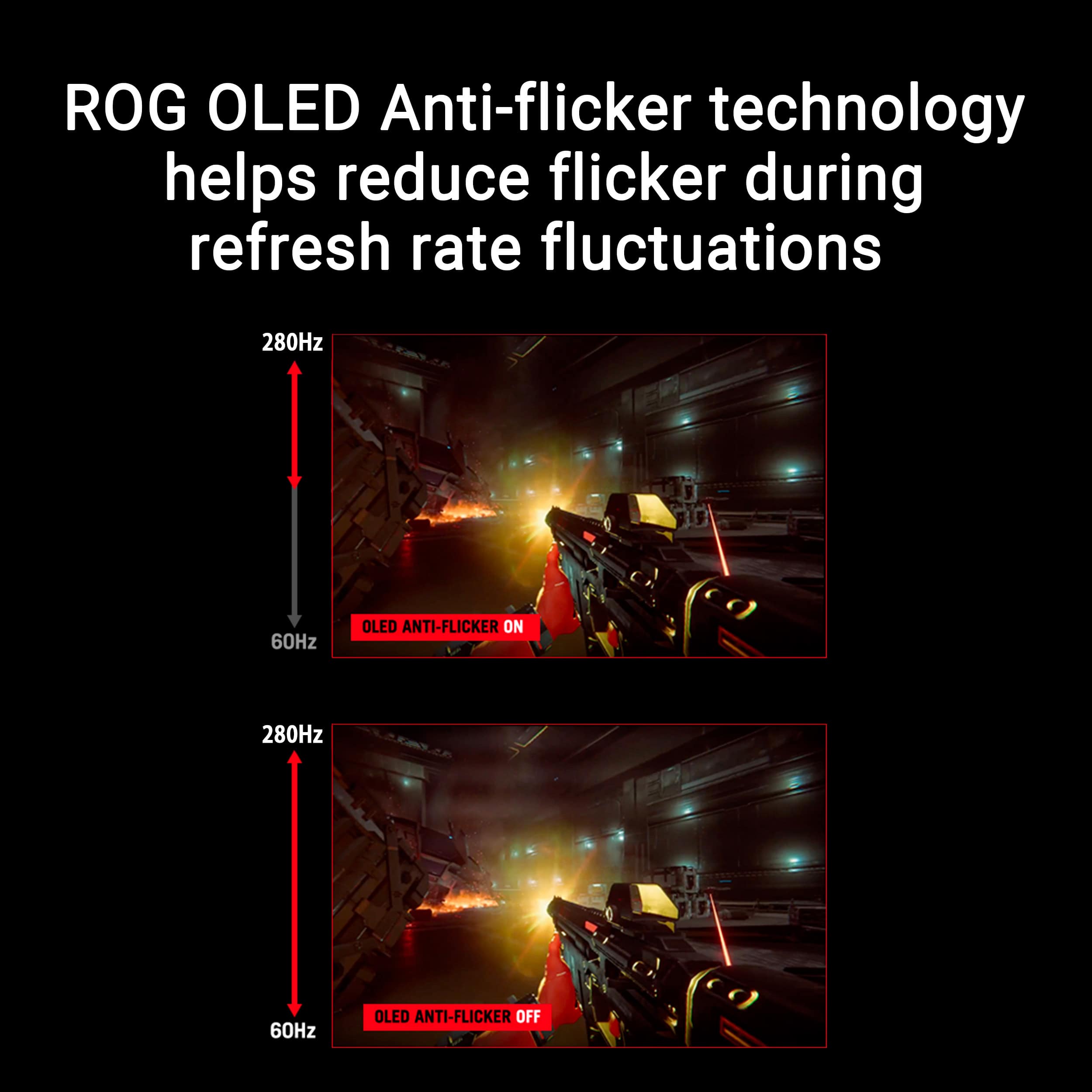
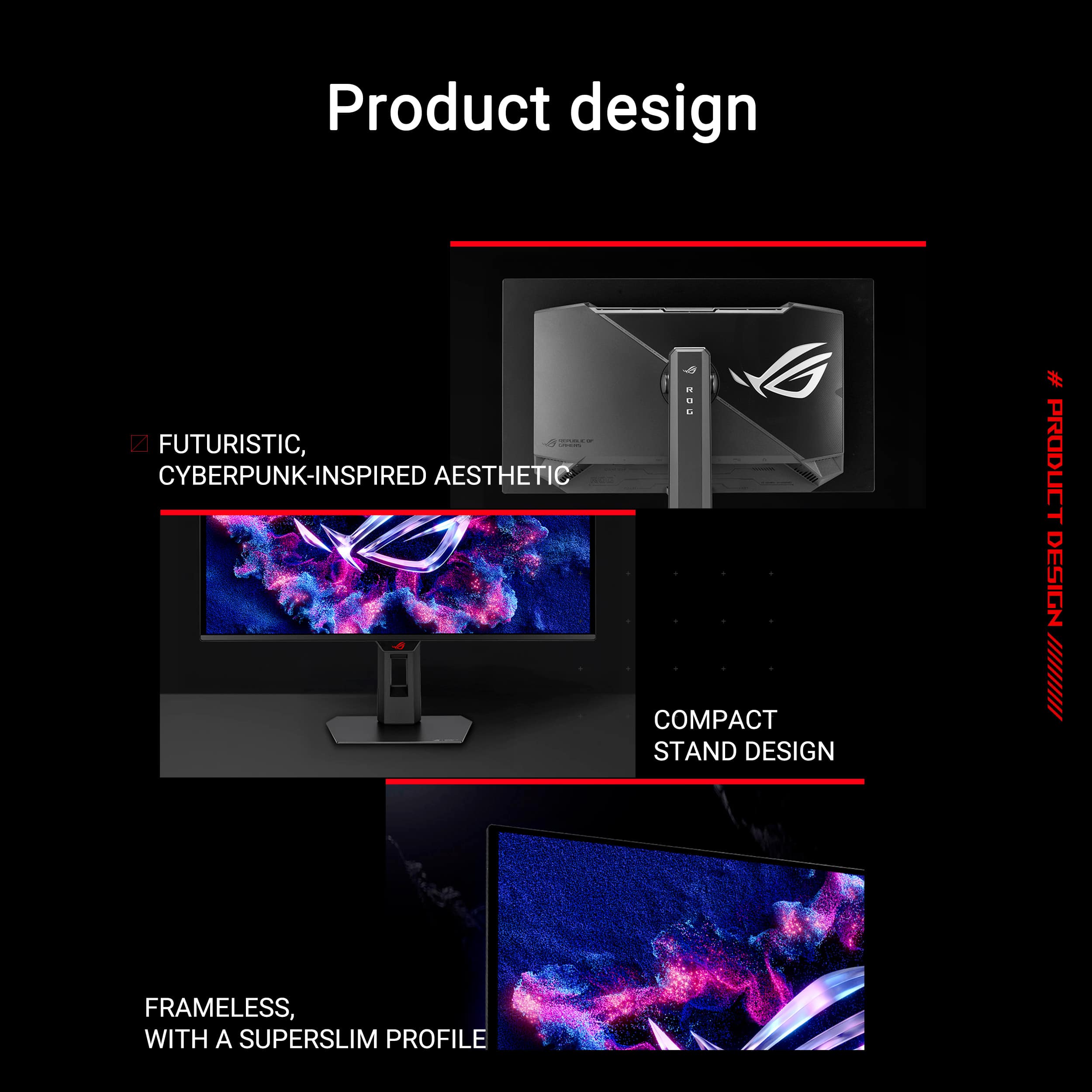
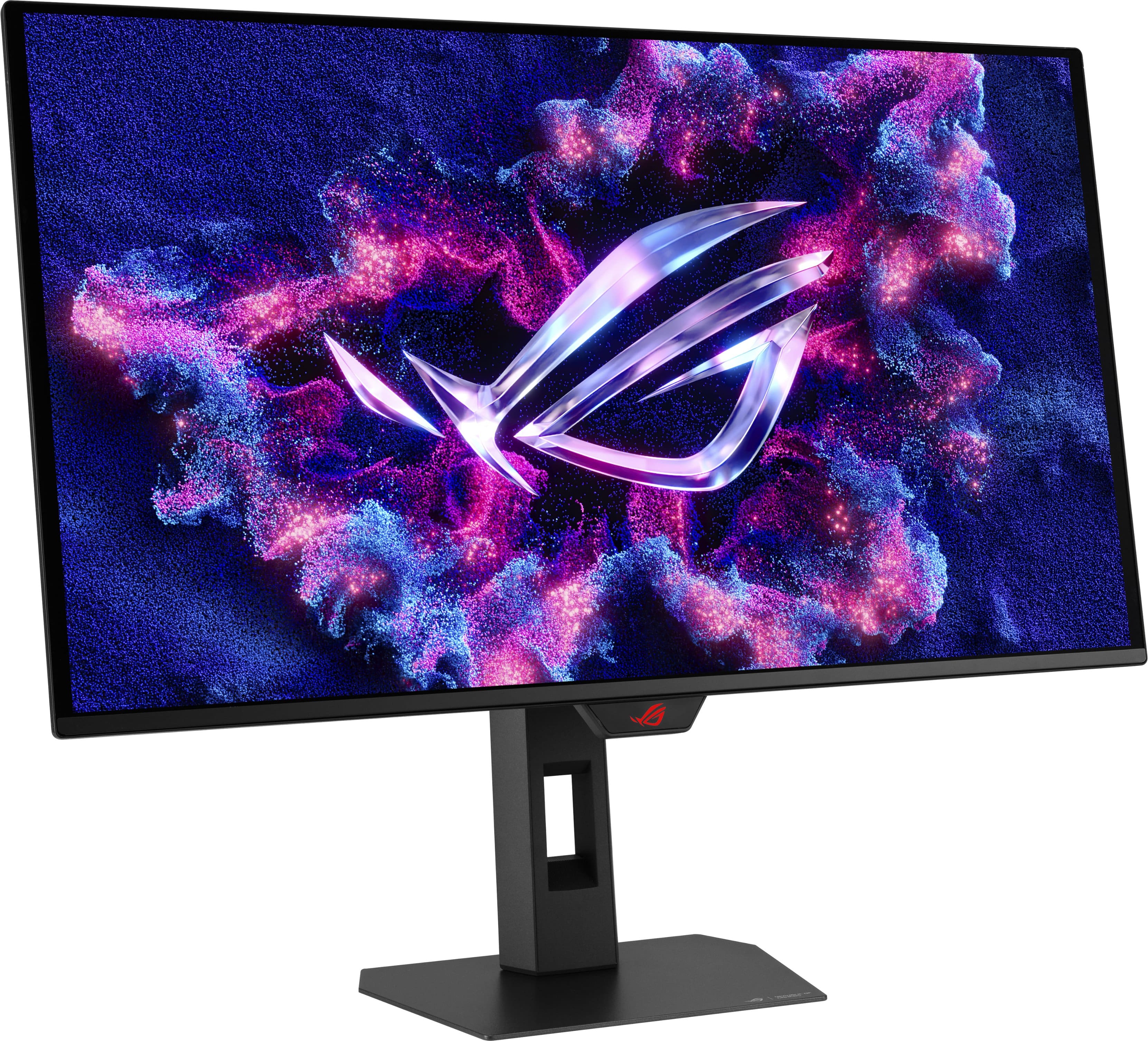
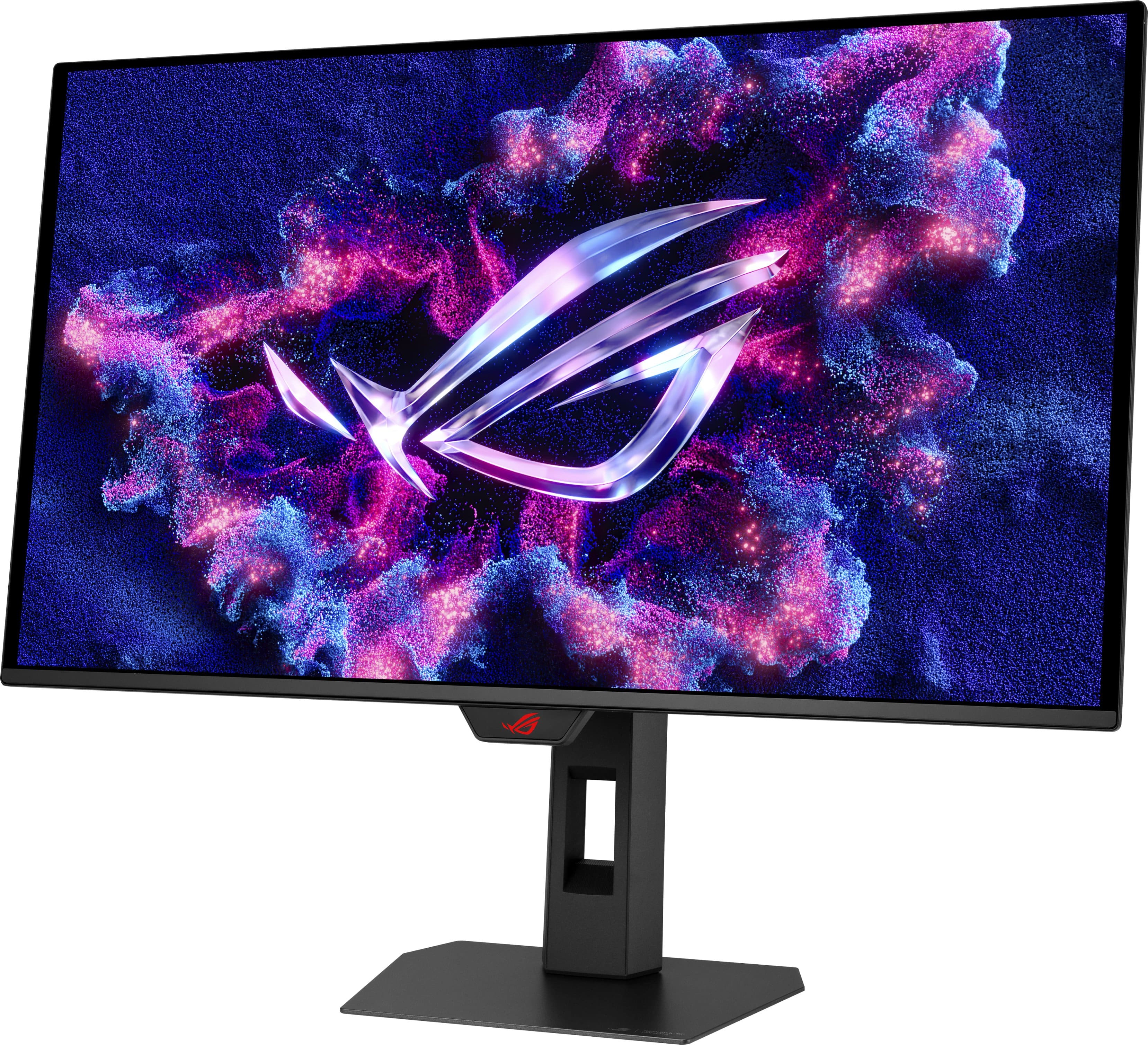
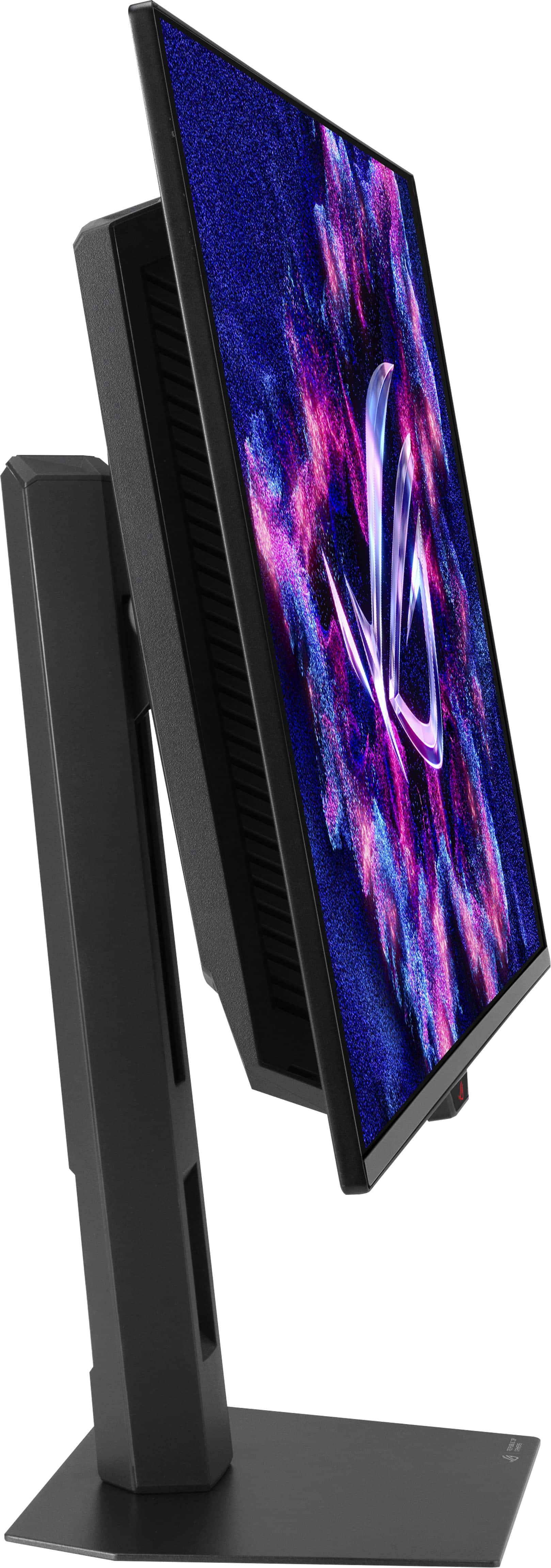
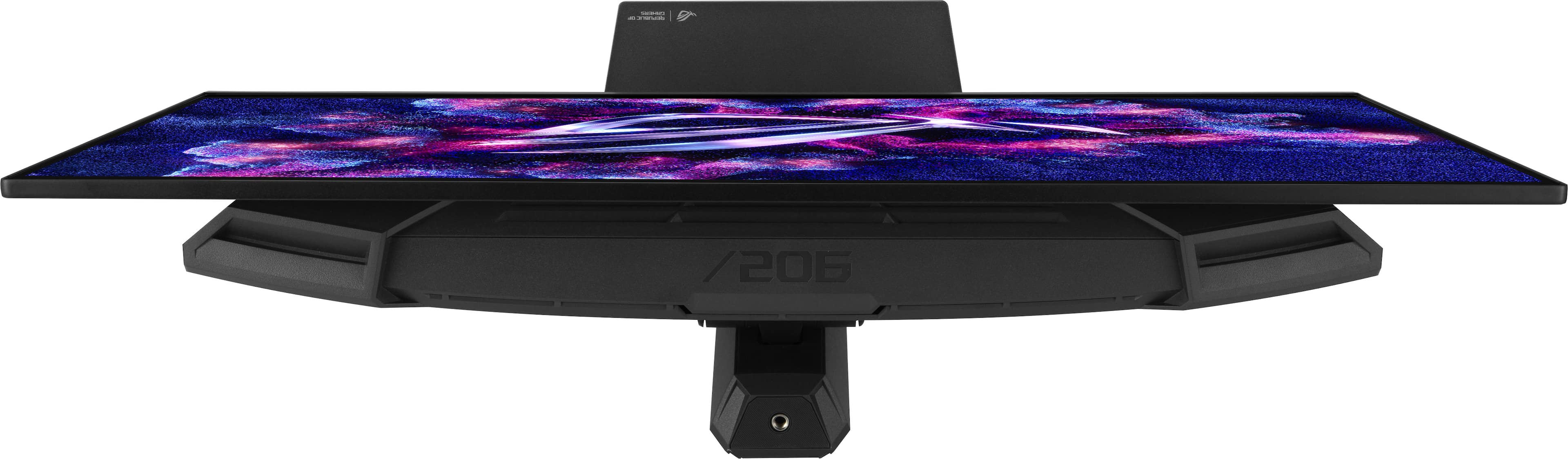
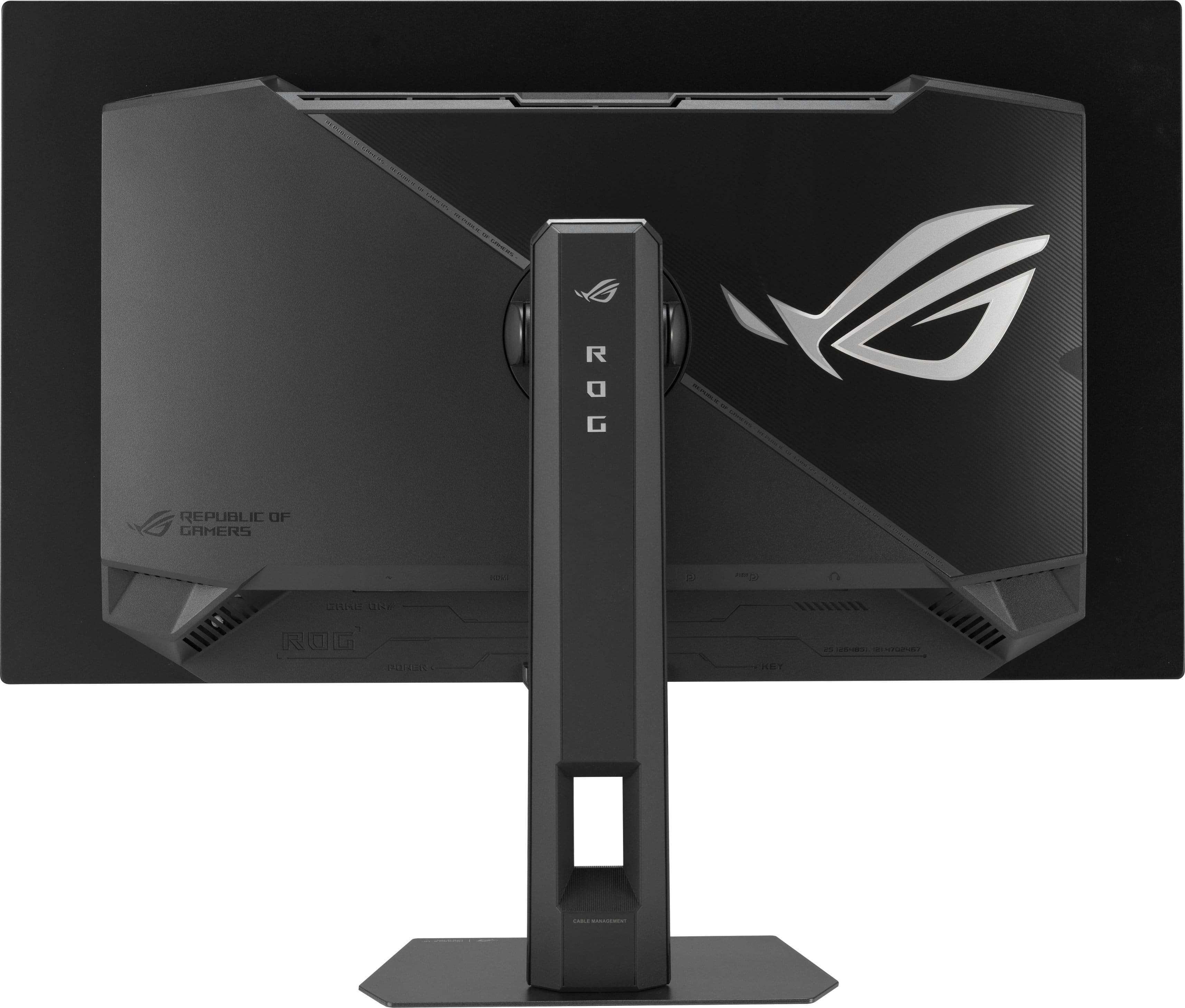
|Posted .This reviewer received promo considerations or sweepstakes entry for writing a review.This is a very respectable gaming monitor - bringing together a refresh rate up to 280hz and a decent 1440 resolution, all at my favorite size for advanced gaming. Deep blacks and punchy colors from its OLED make it especially well suited, with only a slight sub-pixel fidelity reduction when using it for productivity… I’ll explain more on that below. __ Design __ First off, I like the design here. Sure it’s a bit more chunky at the rear, but from the front and sides, it appears very clean and thin, with narrow (material) bezels. The actual screen is inset slightly, but the look is very modern and professional. I turned off the red light on the logo under the front edge to class it up a bit more, but even then, the amount of ‘gamer’ aesthetic from the front is minimal, which I appreciate. It’s not all that different than most monitors in appearance, but one unique feature is a threaded mount on the post, allowing easy attachment of streaming lights or cameras without a separate stand. Neat. __ Performance __ This monitor acts exactly as it should. It’s capable of very punchy colors and deep blacks that are inherent to most OLEDs, supports HDR and G-Sync/FreeSync Premium Pro. It’s a superior look that makes games look and feel all that much better. Even with that, the bulk of what you're buying in this particular model is in the fast response capabilities. When enabled (and capable, given the power of your machine) the faster refresh rates help games feel buttery smooth. For me, 280 Hz is more than generous, so choosing the even faster 500 Hz model seems unnecessary. But to each their own - some gaming enthusiasts may spring for more. The image is fantastic, and like I mentioned before, 1440 is somewhat of a sweet spot for performance in a gaming OLED at this size. Any lower resolution would make this noticeably poor for web searching or productivity as Windows becomes unable to smooth text well enough and legibility takes a hit. That’s the only gripe I have here. When comparing this side by side with an LCD panel, you can tell that text looks better on the LCD. This is just due to the sub-pixel layout of an OLED panel and the best way to improve it is usually to select a model with a higher pixel density. Again, that’s really just an issue for text. In games, none of that seems to matter - the image appears sharp and beautiful, but if you're more likely to want to make this an all-around monitor and don't really care about cutting edge refresh rates, your money may be better put toward a model with 4k resolution at 120-144hz. __ Overall __ This model has just about everything I’d want at this price point. Its OLED panel is beautiful and provides the fantastic image you’d expect. 1440p is good at 27”, but mainly for it's intended use for gaming, first and foremost. ASUS has a great design here, with a clean professional look from the front and the impression of thinness. The stand feels well crafted and sturdy, too. It’s easy to recommend for those who love gaming and are looking at 27” as their preferred size.
I would recommend this to a friend - Pros mentioned:Color quality, Contrast, Design
Incredible OLED best gaming monitor I’ve used
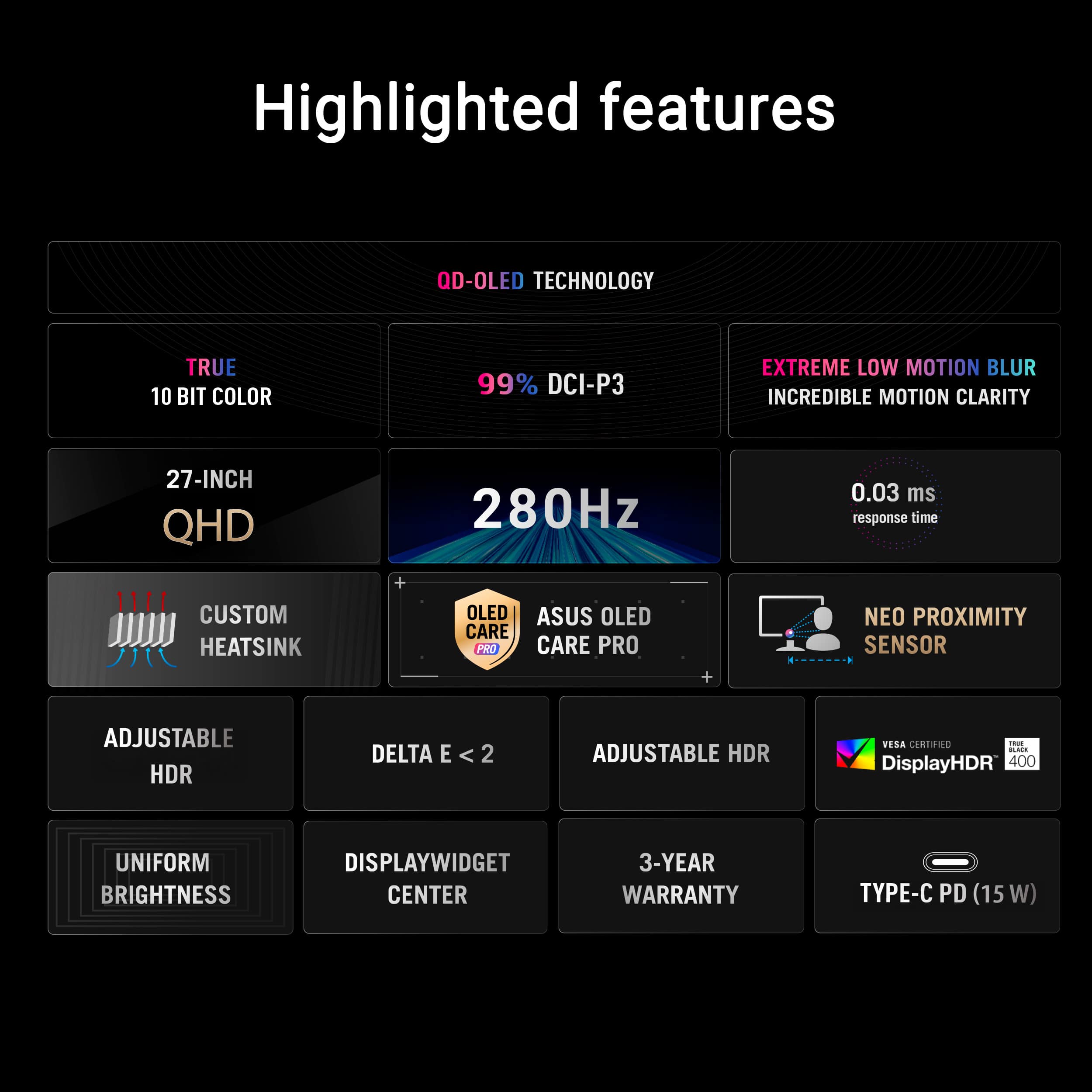
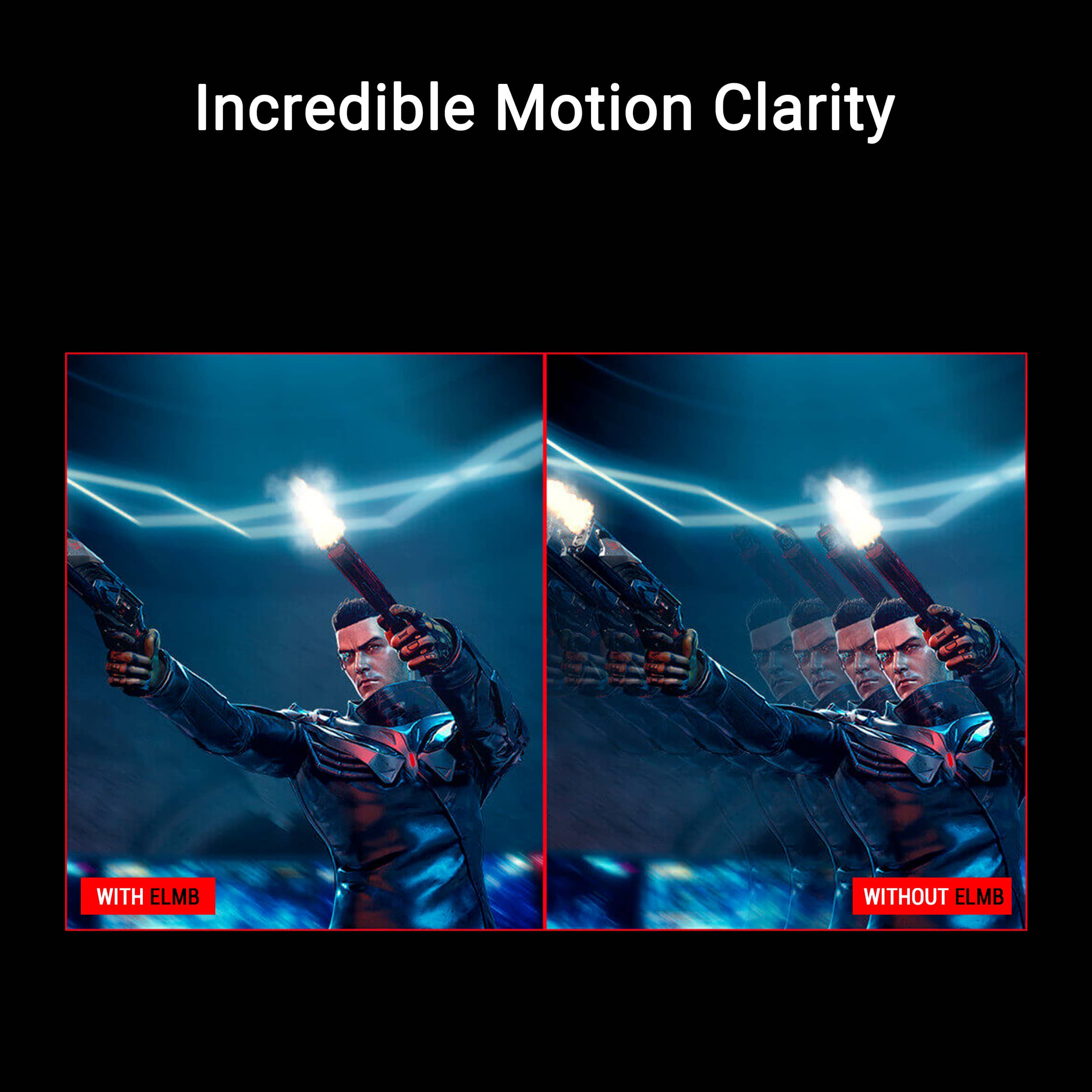
||Posted . Owned for 1 week when reviewed.This reviewer received promo considerations or sweepstakes entry for writing a review.: This monitor completely exceeded my expectations. The OLED panel looks absolutely stunning — colors are vibrant, blacks are truly deep, and the contrast makes everything pop, whether I’m gaming or watching content. The 280Hz refresh rate combined with the 0.03ms response time makes gameplay insanely smooth. Fast-paced games feel super responsive, and I haven’t noticed any ghosting or blur at all. G-SYNC/FreeSync support also keeps everything buttery smooth with no screen tearing. The 2K resolution at 27” is the perfect balance between performance and visual clarity. It’s sharp without being overly demanding on my system. HDR performance is also impressive and really enhances the experience in supported games. Build quality feels premium, and the design looks clean and modern on my desk. Setup was quick and straightforward. Overall, if you’re looking for a high-end gaming monitor with top-tier performance and amazing visuals, this is absolutely worth it.
I would recommend this to a friend - Pros mentioned:Color quality, Design, Refresh rate
No Lag, Clear Picture.
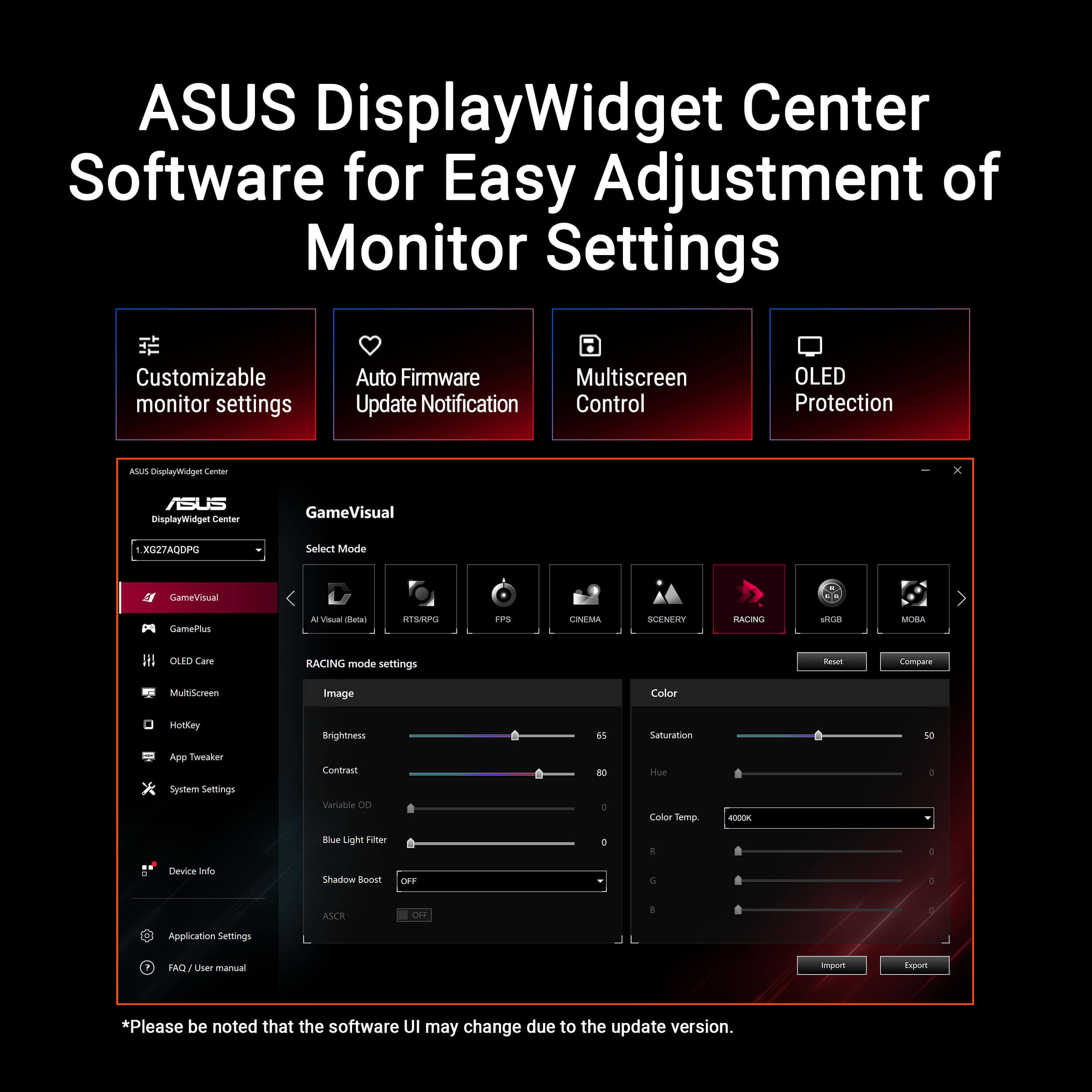
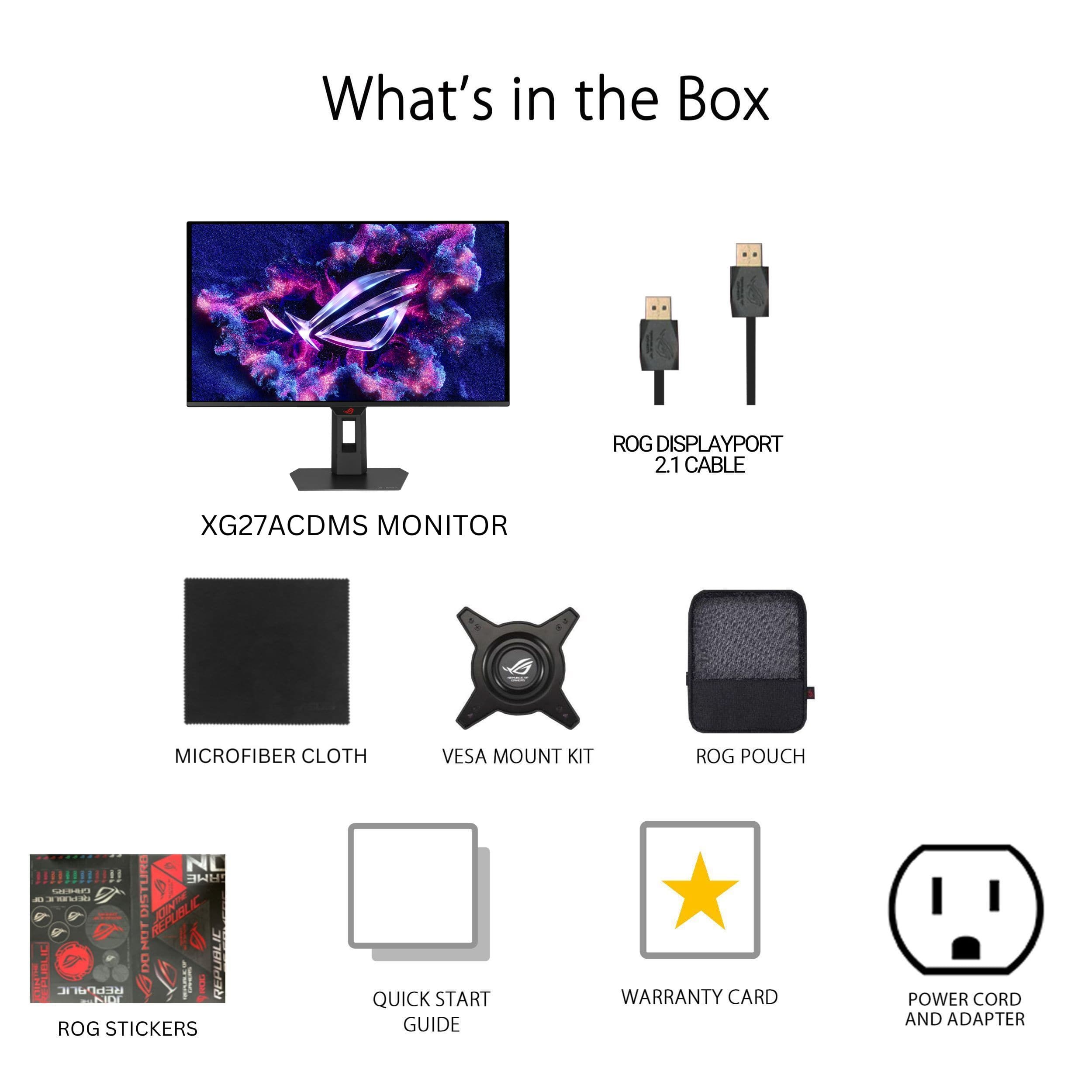
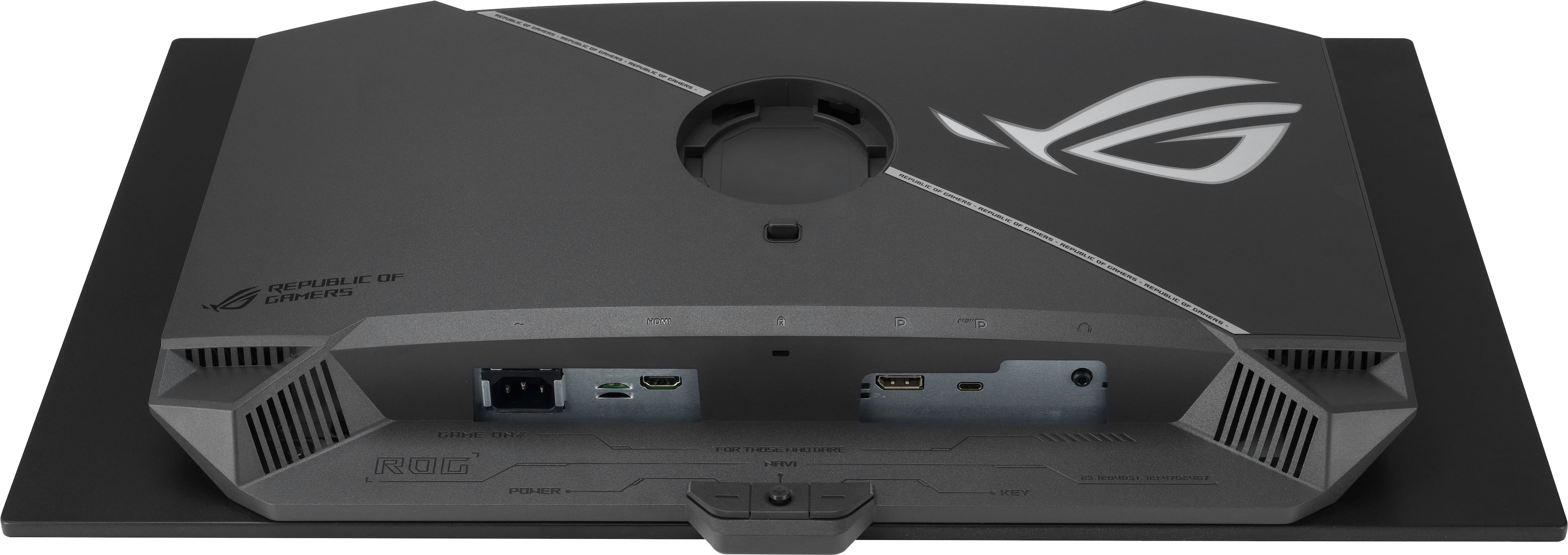
|Posted .This reviewer received promo considerations or sweepstakes entry for writing a review.The ASUS - ROG Strix 27" 2K OLED 280Hz 0.03ms Gaming Monitor with G-SYNC/FreeSync Premium Pro and HDR (DisplayPort, HDMI) - Black is my new favorite gaming monitor. The size is perfect for me whether I'm working or gaming. It was nice to have a display port included with the monitor. Luckily, I already owned a high end HDMI since HDMI is not included. The total number of ports is 4. They include HDMI, display port, USB-C, and headphone port. This is perfect since I use my monitor for working and then switching to gaming mode when I want to unwind. When using the ASUS Display Widget Center, I recommend going to the user manual first and playing all available videos to familiarize yourself with the application. ASUS Display Widget Center provides an easier monitor control center when gaming with a laptop or PC. The OLED Care center is especially convenient to use and provides peace of mind when it comes to burn-in prevention. The taskbar detection, boundary detection, outer dimming control, and global dimming control settings are automatically set to the on position. Also note that the High Dynamic Range content power setting is automatically set to off position when your laptop is running on battery. This is another good automatic setting in my opinion. The setting functions on the monitor itself are easy to use if you do not want to use the Display Widget Center application. The OLED monitor is glossy and has an awesome appearance. When gaming, the refresh rate is exceptional with no lag that I can detect. I tested the dark gaming scenes and the picture still gives excellent resolution. First person shooter games are great on this monitor. I can pick targets far away and the picture is clear. I also hooked the monitor directly to a DVD player on HDMI and the picture is awesome. I used my earbuds for sound connected to the headphone jack on the monitor. The volume was set to 50 and I could not figure out how to adjust. This is probably a feature that does not exist on the monitor. If you have a high end wired ROG headset, you will overcome this issue with volume control directly on the headset. In summary, I like the sleek design of the monitor. The controls are easy to use and the Display Widget Center is an added benefit to making specific setting adjustments. The picture quality for work, movies, and gaming is extremely clear. The 280Hz with 0.03ms input lag is next level.
I would recommend this to a friend