Customer Ratings & Reviews
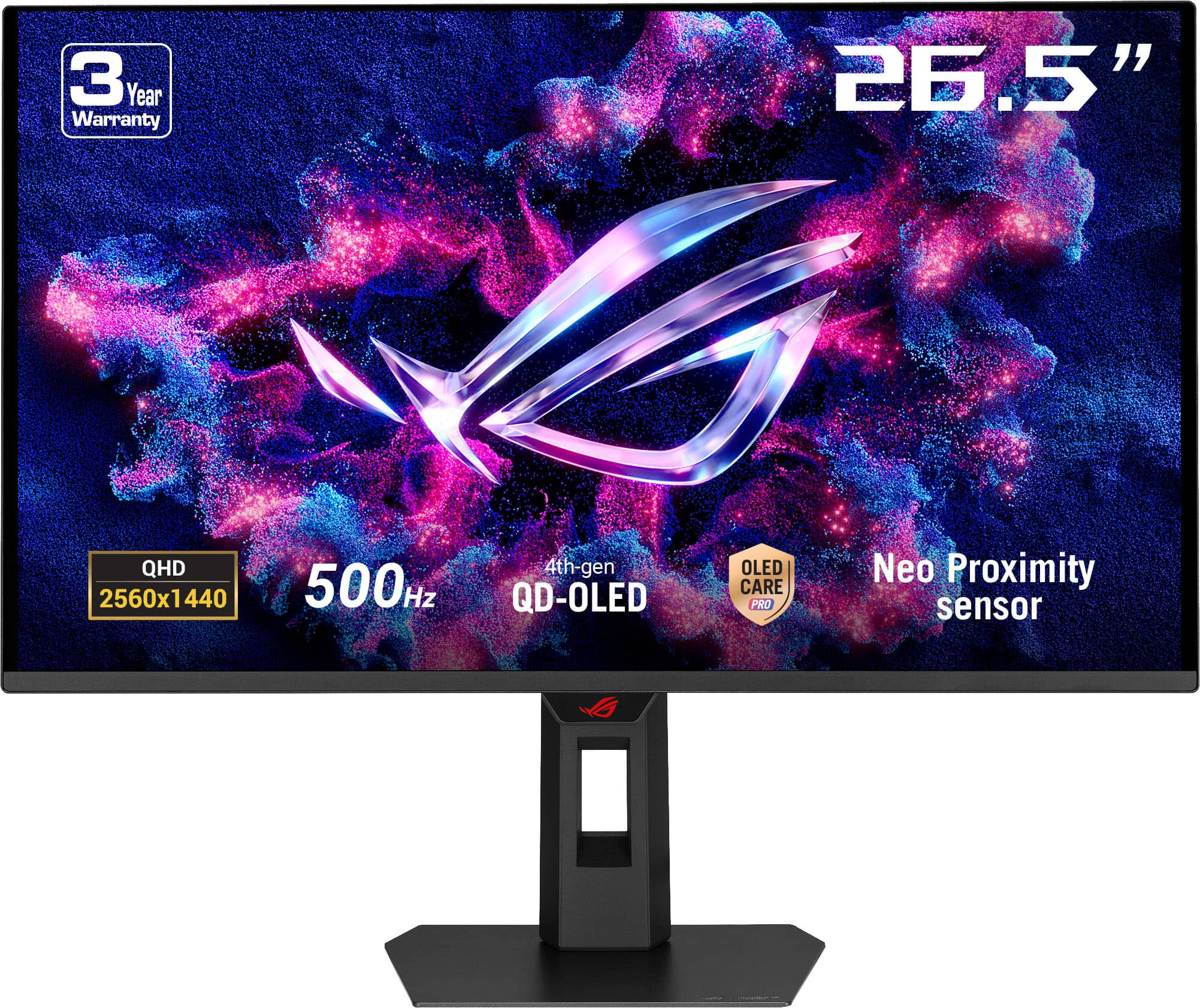
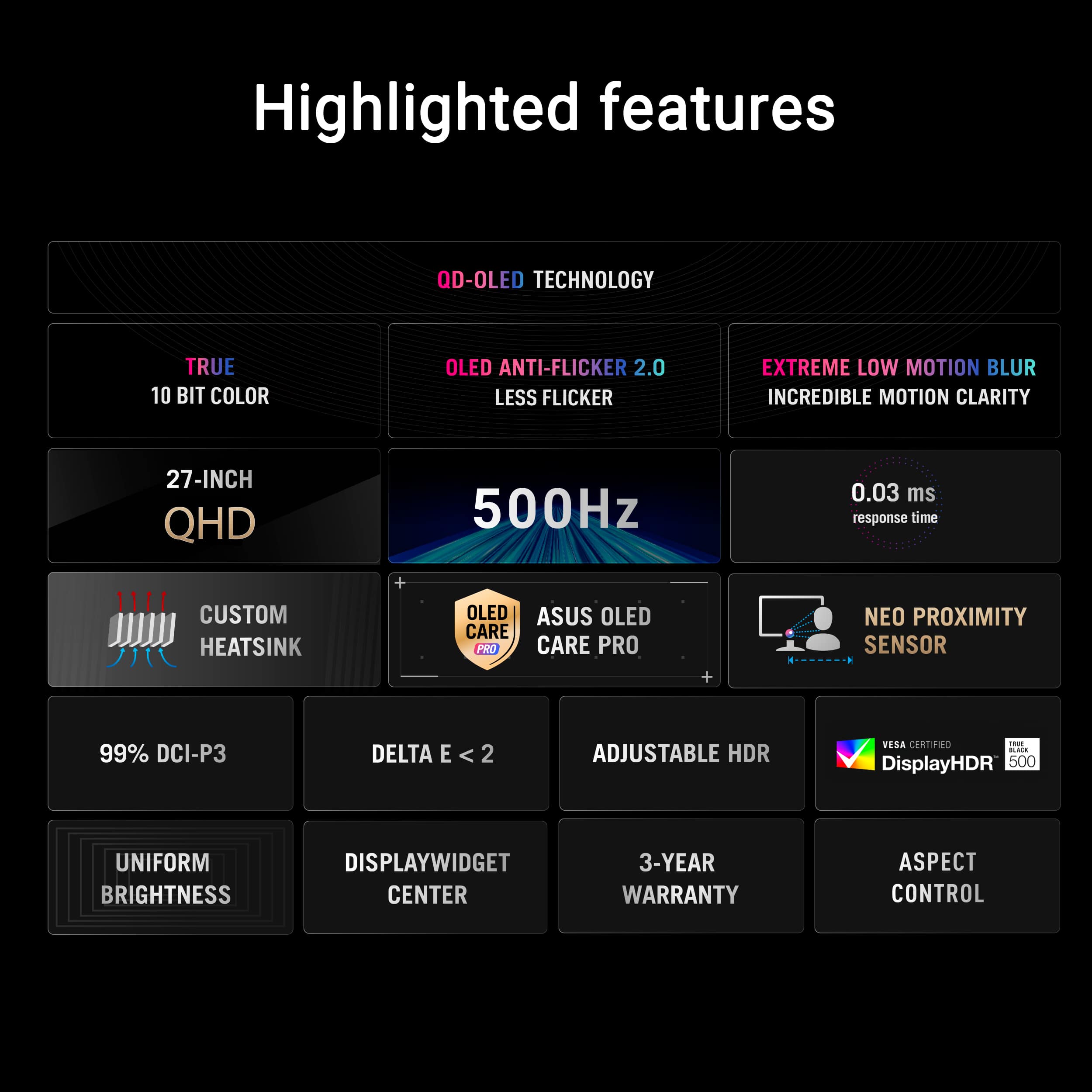
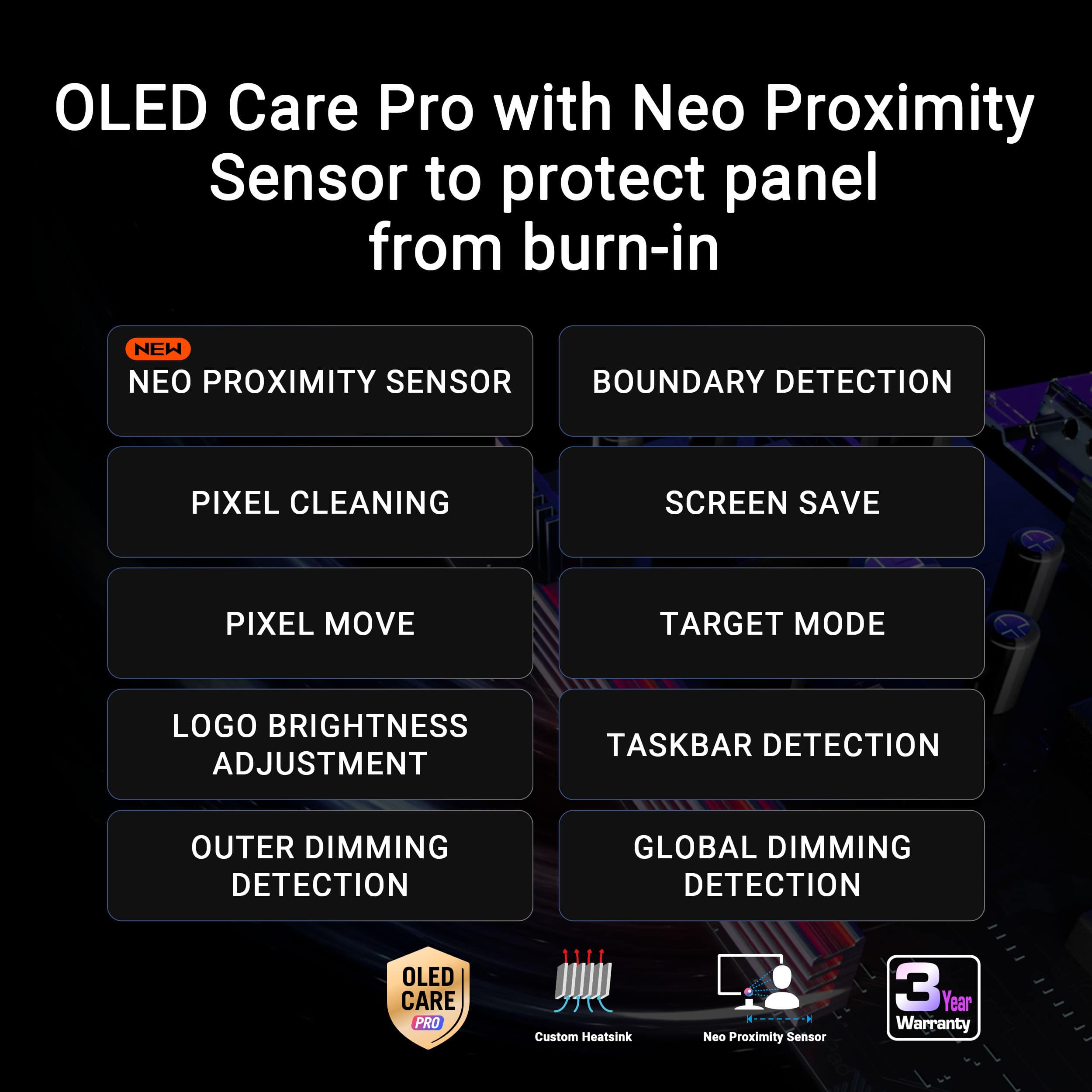
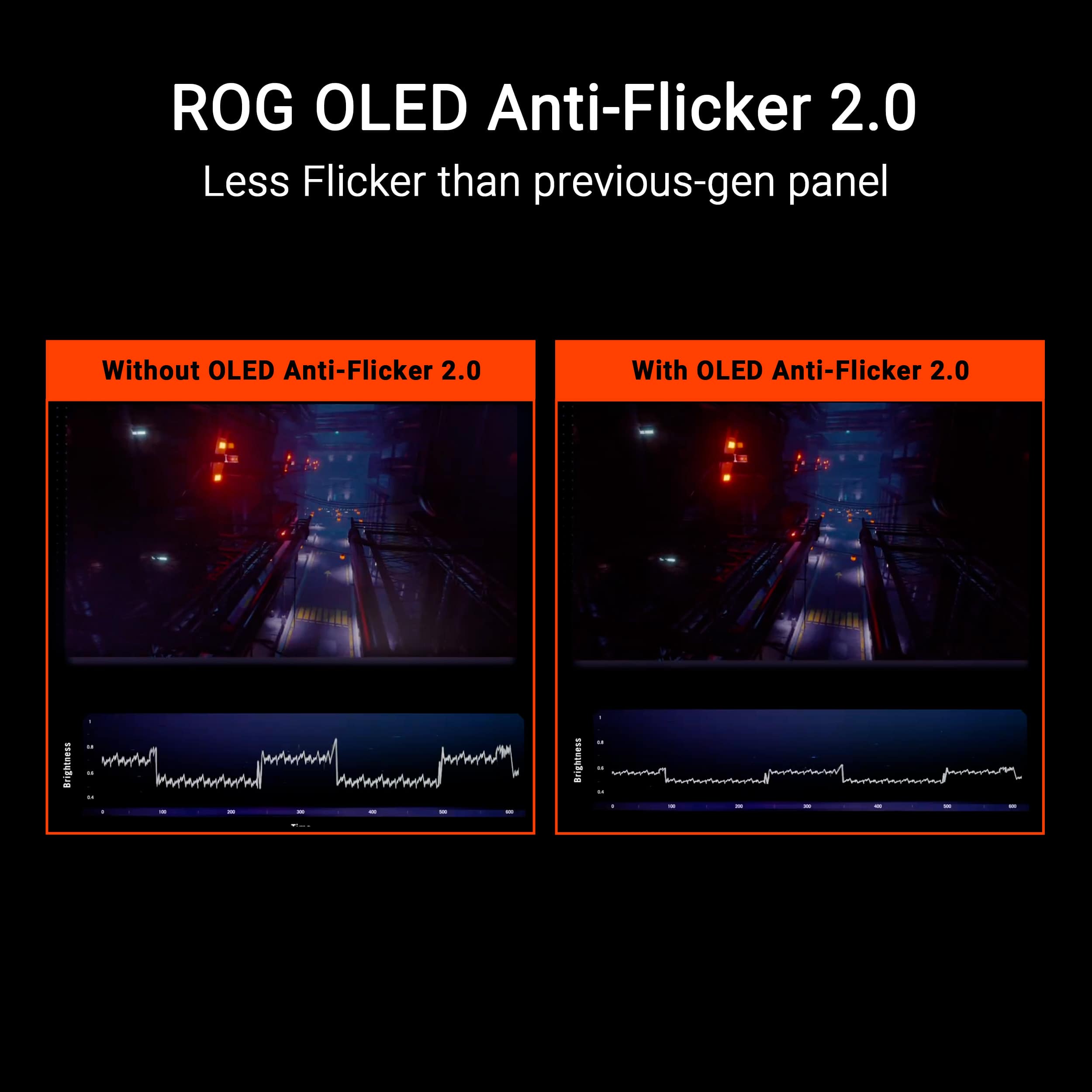
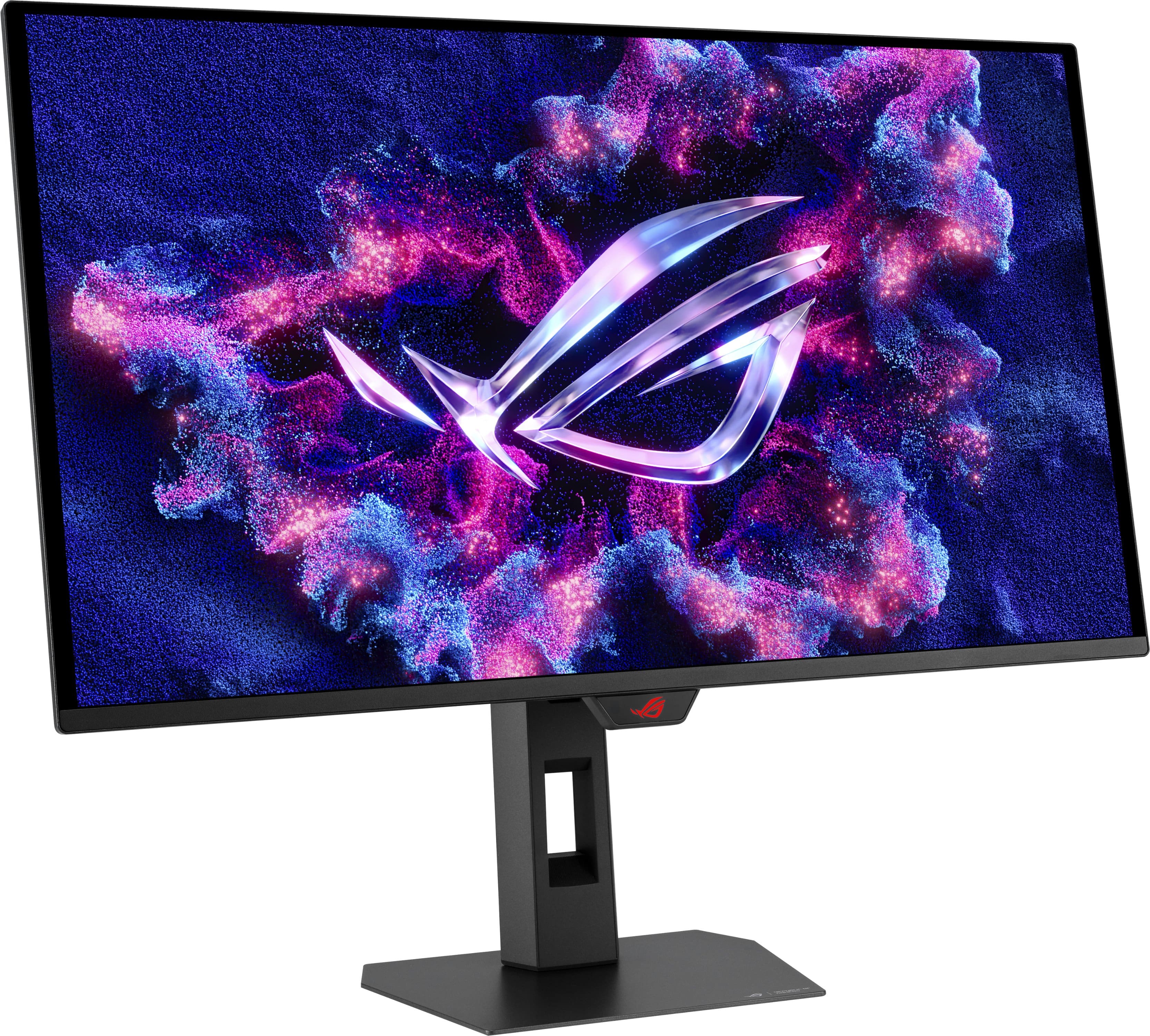
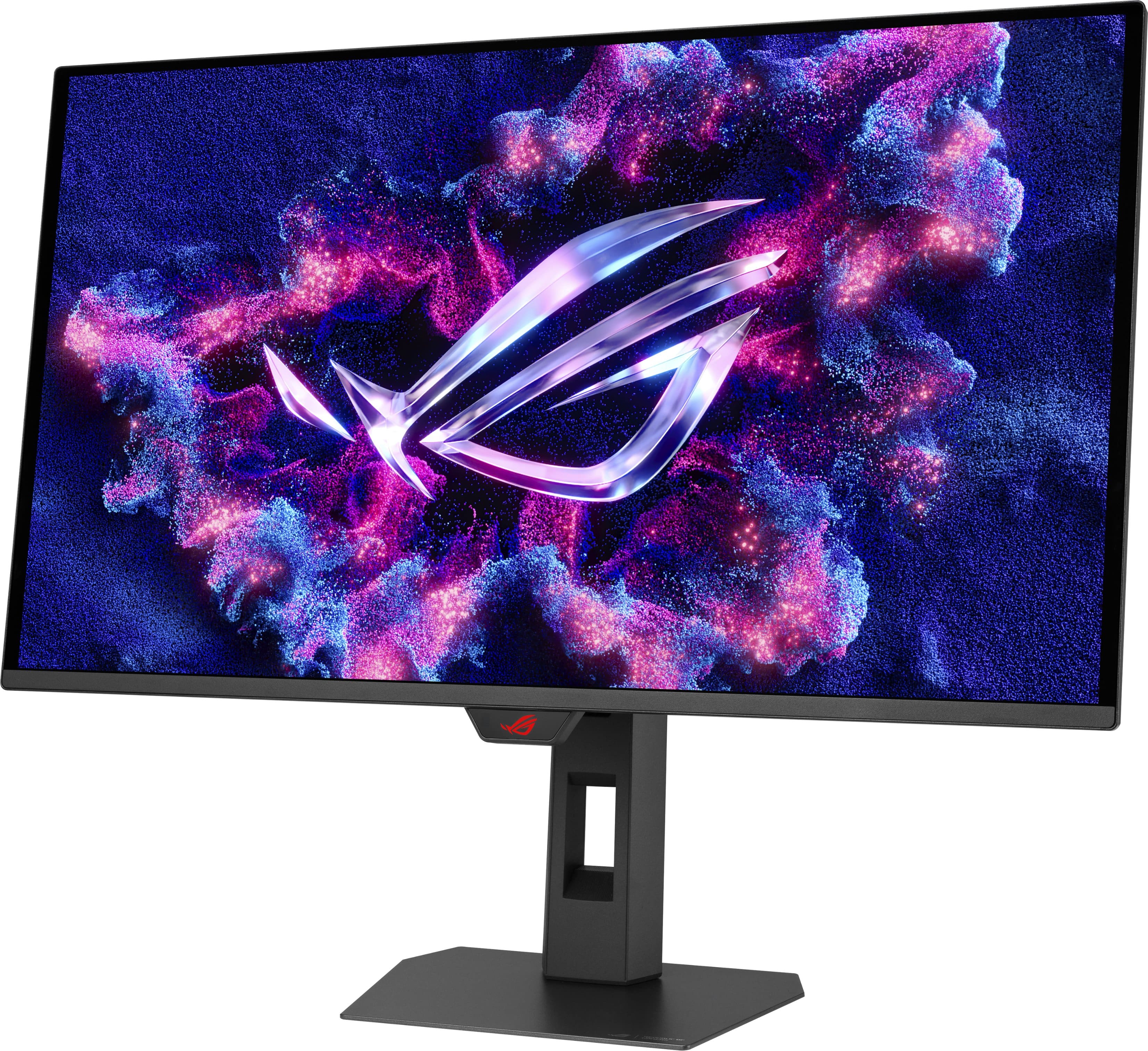
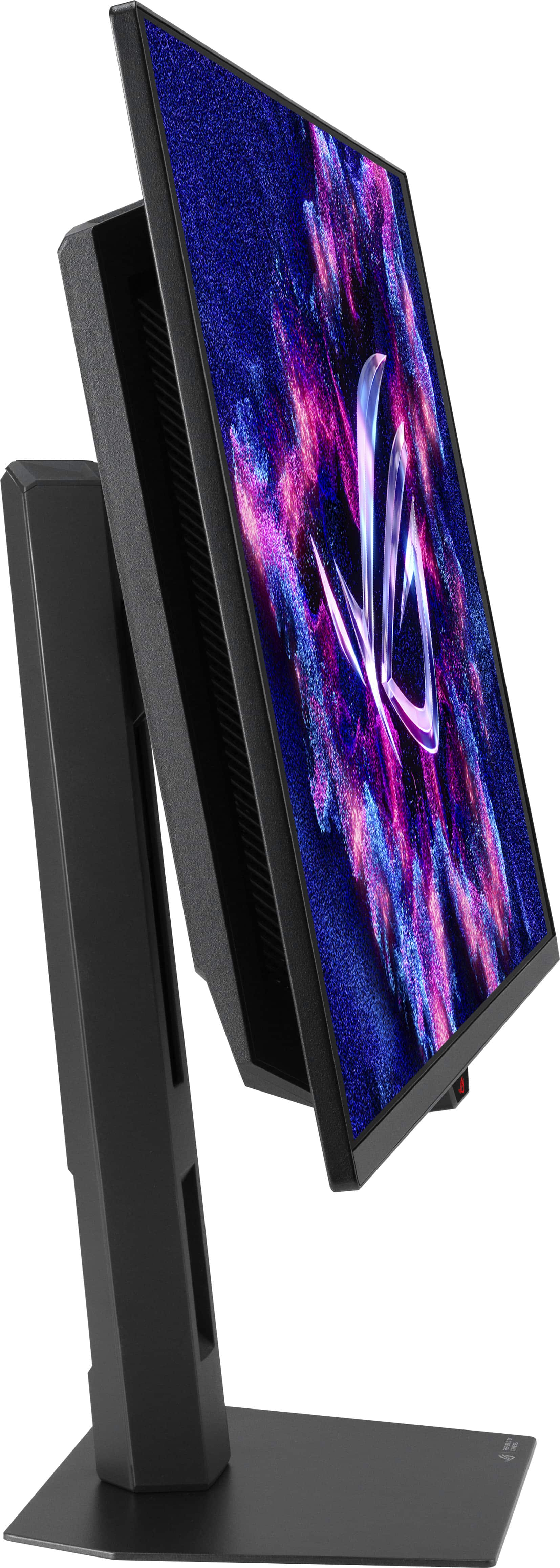
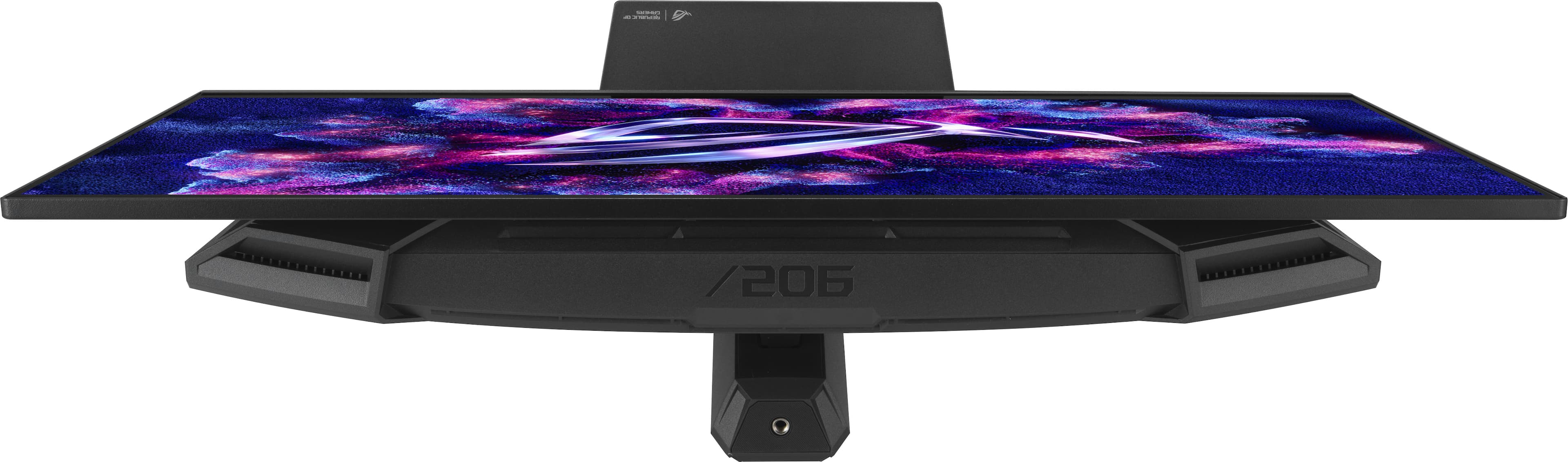
- Model:
- XG27AQDPG
- SKU:
- 6638580
Rating by feature
- Display Quality
Rating 4.9 out of 5 stars
- Ease of Use
Rating 4.8 out of 5 stars
- Features
Rating 4.9 out of 5 stars
Customers are saying
Customers are positive about several aspects of the product. They frequently praise its excellent color quality and brightness, along with the smooth refresh rate. Additionally, customers find the HDR performance surprisingly strong and appreciate its versatile connectivity options.
This summary was generated by AI based on customer reviews.
Stolen 800 dollar monitor
||Posted .This reviewer received promo considerations or sweepstakes entry for writing a review.Is sad to say the best buy costumer service is garbage my package got stolen from my door and nobody wants to take responsibility even know i have police report i hope best dont delete this be careful wen you order from best buy
No, I would not recommend this to a friendBrand response from ASUS Answers
Posted .Dear AlexisA,
We are truly sorry to hear that your package was stolen and that you had a deeply frustrating experience with Best Buy's customer service. This is an unacceptable situation, especially with a police report filed. We understand your disappointment stems from this entire ordeal. While the theft resolution is handled by the retailer, if you have any questions or need assistance with the ASUS monitor itself, please reach out to us directly at customerloyalty@asus.com. I am here to help. Kindly include a link to this post for reference.
Thank you for choosing ASUS!
Best Regards,
Adrian
ASUS Customer Loyalty – US Support
- Pros mentioned:Color quality, Refresh rate

Speed and Clarity That Delivers
|Posted .This reviewer received promo considerations or sweepstakes entry for writing a review.As a gaming enthusiast, I’ve gone through plenty of monitors chasing the right mix of speed and picture quality. The ASUS ROG Strix 27" OLED nails that balance. The OLED panel is the main reason to buy this monitor—deep blacks, vibrant colors, and HDR that makes both bright and shadowy scenes look more lifelike. Once you’ve played on OLED, it’s hard to go back to LCD. Add in the 500Hz refresh rate and 0.03ms response time, and this monitor goes from good to incredible. Motion blur is virtually gone, and tracking movement feels natural. The difference is noticeable in fast-paced games—whether it’s shooters, racing, or even just scrolling through menus, everything looks smooth. At 1440p, the resolution is sharp enough for a 27" screen, and I don’t miss 4K at all. For fluid play, speed matters more than pixel count, and this monitor is clearly built with that in mind. The design is straightforward but solid. The stand doesn’t hog desk space, and the overall look is clean with just enough gamer flair. It doesn’t have USB-C ports or built-in speakers, but for a desktop gaming setup, those aren’t really necessary. Most of us use headsets anyway, and DisplayPort/HDMI cover the basics. One thing to note: this monitor is focused on gaming first. It’s not trying to be a productivity hub or a docking station. If you’re looking for extras like USB-C or console-optimized features, you might feel limited. But if your priority is competitive PC gaming with OLED visuals, this monitor delivers exactly that. Overall, the ASUS ROG Strix 27" OLED is about one thing: speed and clarity with OLED quality. It doesn’t try to be everything, but what it does, it does extremely well.
I would recommend this to a friend - Pros mentioned:Color quality
Hard to fault. 500hz OLED for competitive gamers.
|Posted .This reviewer received promo considerations or sweepstakes entry for writing a review.To start off, I've been using the previous generation of these QD-OLED panels from a competitor brand, albeit my last one had a matte coating. This one is the standard glossy version which I overall prefer now after using both side by side. Color reproduction is similar on both when tuned to same brightness, but the glossy versions seems to unironically work better for me in "mid-lit" room environment, where stuff looks more shinny from reflections. With that said, this is more or less a input lag and slight brightness bump from the last gen version. Not much different of a monitor as a whole, but I consider this ASUS XG model the peak of what QD-OLED displays can do as far as raw speed goes. Subjectively, input feel/latency feels a lot tighter to me. I can also set my mouse to 500hz and more or less have a "sync" between how fast my mouse updates walling it off at 500hz. (adding latency, but it feels "right".. for a better lack of terms). This latency benefit extends even into games where you cant exactly hit 500 FPS. It's a subtle change but obviously there. I also don't think the majority of people need a OLED panel over 240hz. I would argue this model is designed for the competitive player more so than a casual. 240-280hz 1440p QD-OLED is like.. 95% of this monitor assuming same config and tuning from the manufacturer and faster innately compared to last gen IPS/TN panels hovering around 360-400hz.. so there is a clear level of diminishing returns unless you want absolute smoothness in your arena game of choice. I would recommend this monitor for people who own the current fastest AMD X3D CPU and play games like CS2, Valorant, and OW2 for example, granted, there is still a input lag benefit innately even if you cant hit 500+ FPS as I mentioned earlier. PROS: -Built well. Frame of monitor is steel design and steel base is the smallest I've used in recent times.. I absolutely LOVE this since I can position mouse pad without overlapping. -Proximity sensor works awesome when configured to your personal settings. Helps cut down on OLED wear when you step away from computer. -500hz means fast raw input delay since response delay is inherently around 0.2ms on OLED panels. 2.77s>2ms coming from 360hz OLED (raw frame latency = 1000/360 or 1000/500). -8 hour default auto refresh delay for cleaning.. Not sure of this is a pro or con, but it's half of competitor options at 4 hour cycles. I recommend letting monitor refresh by itself to prevent premature wear. CONS: -Still DP1.4, granted I haven't run into any DSC issues on my current GPU.. **ASUS PRIME 9070XT**. Would have liked to see DP2.1, but my card is limited to UHBR13.5 regardless. -XG is a cheaper line vs "PG", though I sort of like this model since it doesn't seem to have certain shortcomings of WOLED versions which are known to have a ton of random issues. Also avoids the larger base/legs. -QD-OLED text clarity at 1440p isn't the best due to pixel layout. This remains true on this version, but I'm sort of used to it as this point. Hoping next generation of panel can improve this. -No USB type-C ports. -Diminishing returns over 280-360hz options if value is a concern. OVERALL: I tried looking for faults or things I didn't like next to the previous gen 360hz model, but this has been nothing but a clear upgrade. Is 500hz overall? Yeah sort of.. I would only go for this model if you take something like CS2 or Valorant hyper competitively and want the absolutely lowest latency possible. Alternatives to this model are the older 480hz WOLED or newer Tandem WOLED 540hz versions which can be considered better or worse depending on who you ask. The QD version doesn't suffer from image retention or random greyscale banding issues that I've seen with WOLED versions. Given that I own a previous gen of this panel, I'm also pretty confident it wont happen on this ASUS XG model. So it's going to be a safe pick provided you're okay with what i mentioned above.
I would recommend this to a friend - Pros mentioned:Color quality
The Pinnacle of OLED Gaming
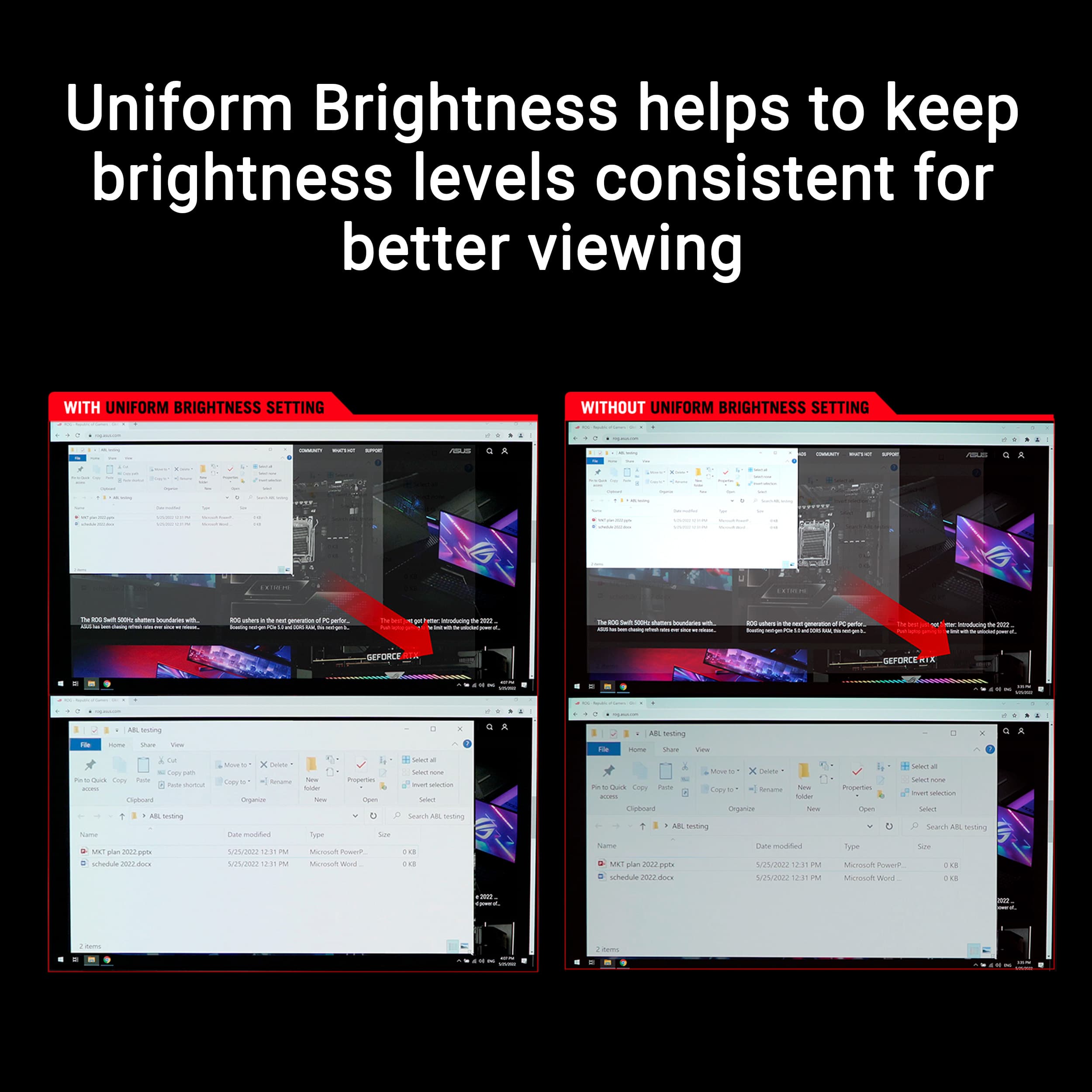
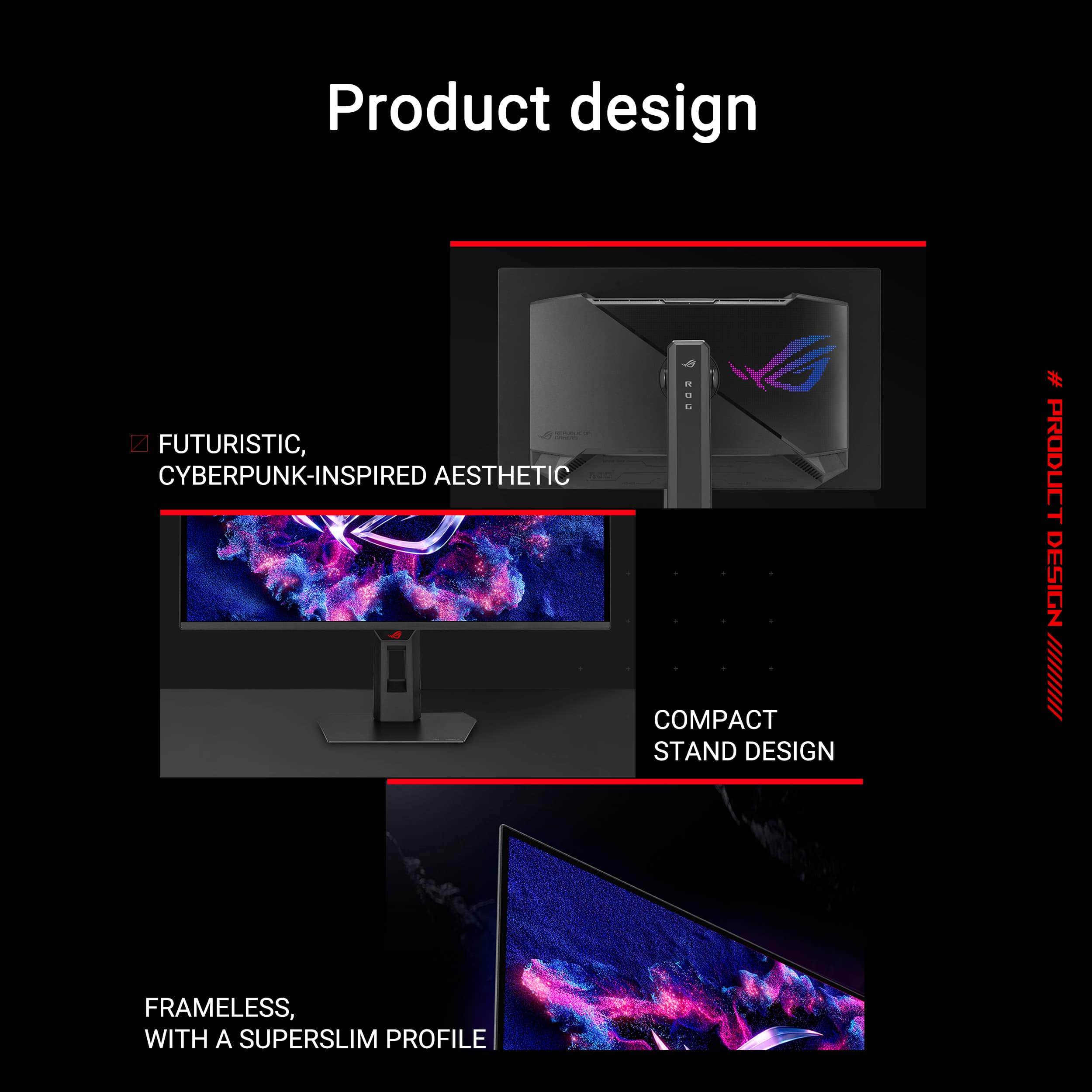
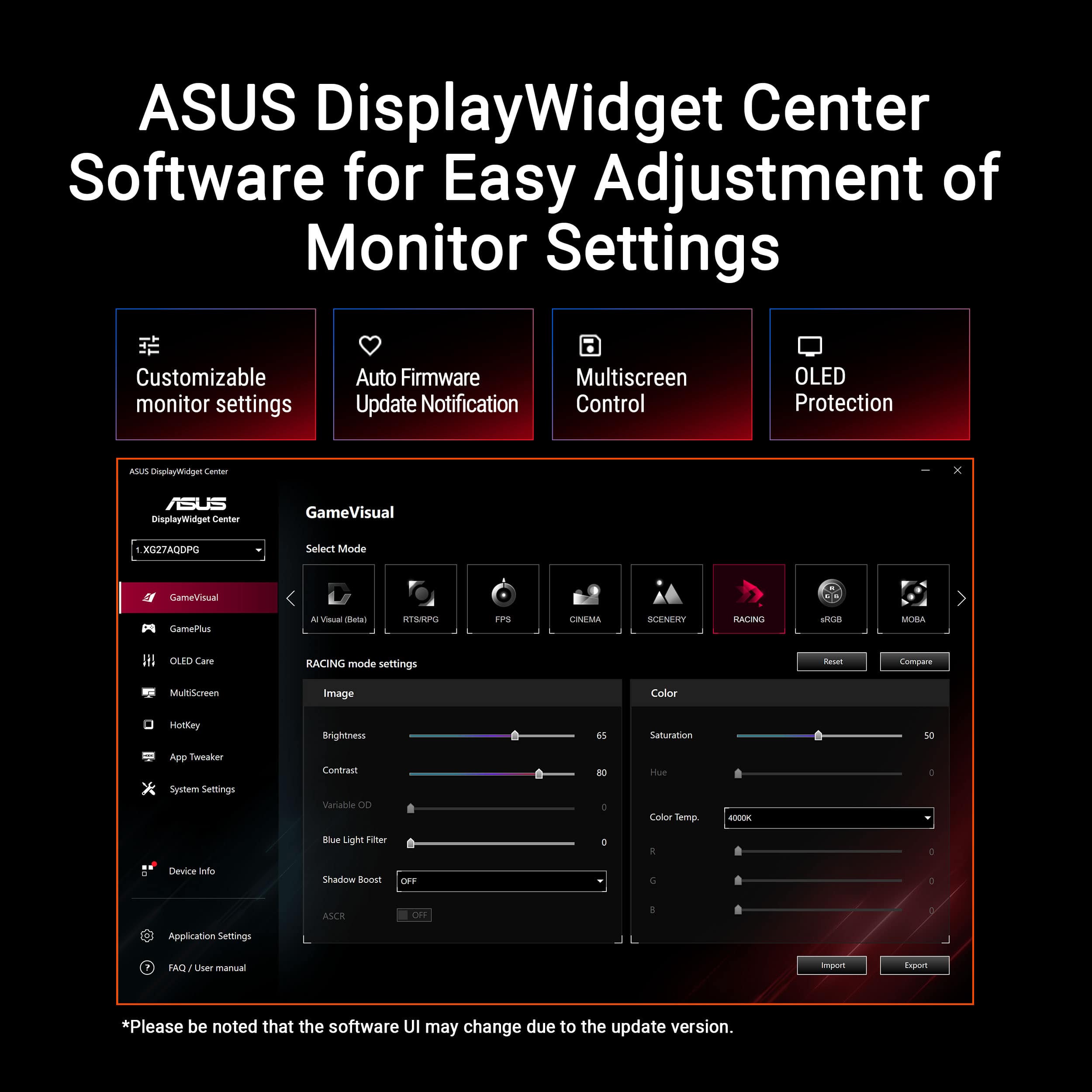
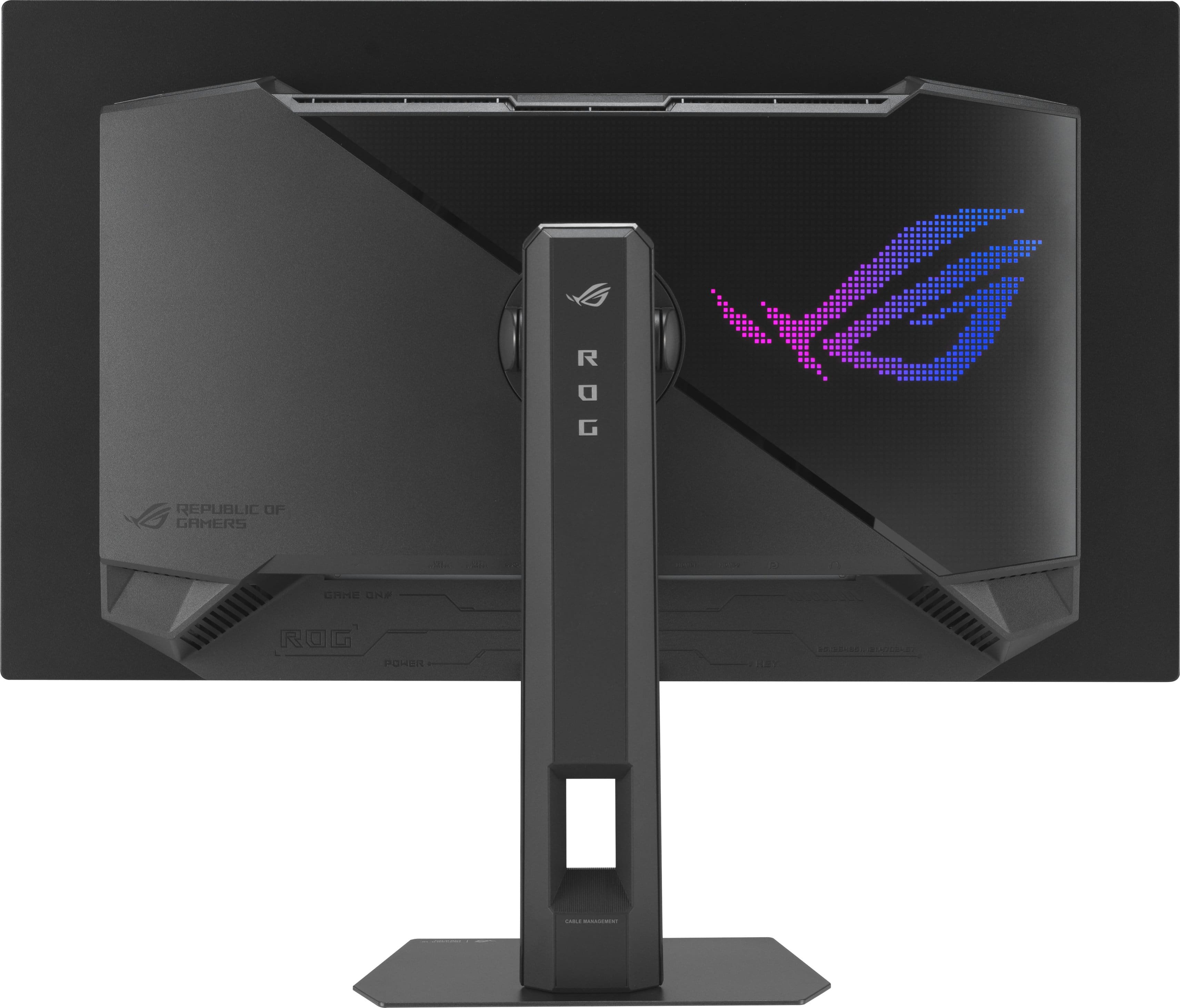
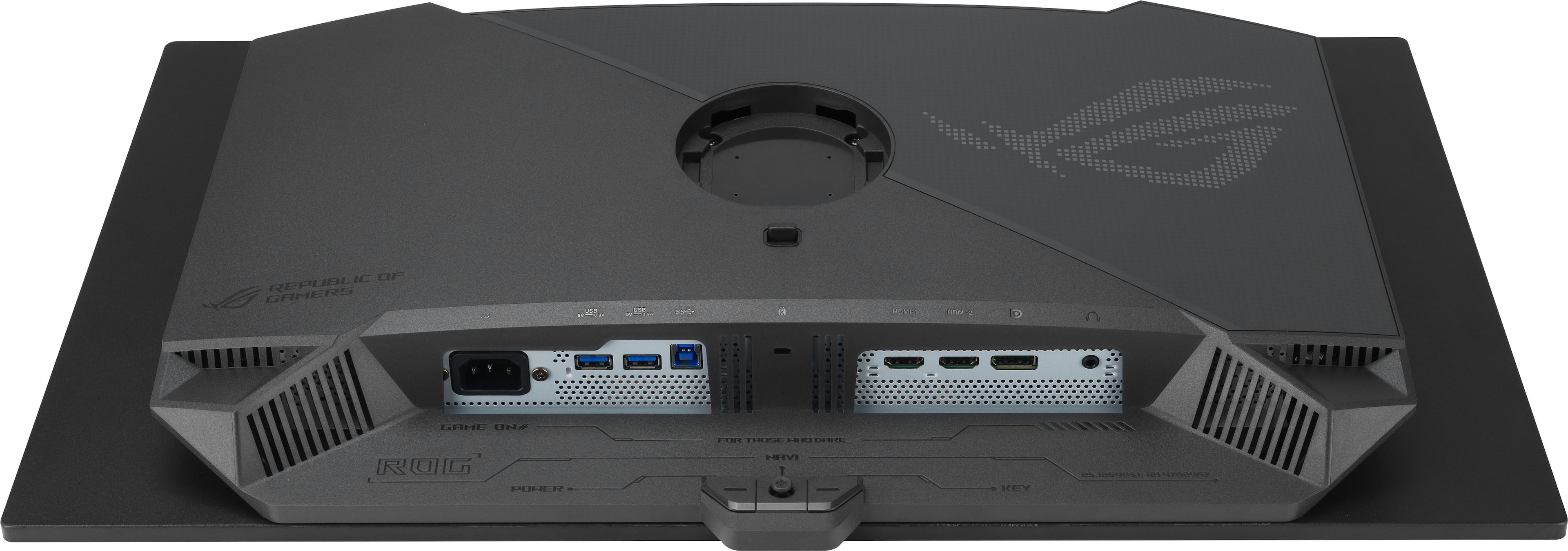
|Posted .This reviewer received promo considerations or sweepstakes entry for writing a review.THIS… Is the Asus ROG Strix 27" 2K OLED 500Hz Monitor with just about every feature under the sun packed into it. QD-Oled, 500hz and G-Sync / FreeSync! On paper, I am not really sure what beats this as the king of the jungle for competitive gamers… so let's take a look at what Asus has put together. Out of the box, setup is easy and doesn’t require any screws or tools to get started. Asus includes a compact footprint stand that moves in all the directions you would want as well as the option to use a vesa mount should you want to wall mount. Asus also did a really good job with cables, this monitor comes with a nifty bag containing every cable that you could want to get started. It is nice knowing that the cables I will be using are also certified to run this monitor. The Strix has several I/O options with 1 Displayport 1.4, 2 HDMI 2.1, a headphone jack and a usb hub to connect your devices to your pc through your monitor. Plugging the Strix in and turning on a game for the first time was great and continues to affirm why Asus is the top dog when it comes to monitors. The 3rd gen QD-Oled panel used on the Strix is phenomenal and packed with features. With vesa HDR 500 certification, 99% coverage of the DCI-p3 standard and a delta E less than 2 meaning that this monitor is extremely color accurate and gets bright enough for a good HDR certification (300cd avg / 1000cd peak). So not only is this a 500hz 0.03ms gaming monitor, but it's still enjoyable when you aren't gaming as well. I also appreciate that this is a 1440p monitor, so I can actually get close to the 500hz cap natively. Overall, you aren’t going to find a better monitor at this Hz without spending a significant amount more and sacrificing the color quality of QD-Oled. Past the screen, this is the strix line so while there isn’t the downshining logo onto your desk… you still have excellent build quality with decently thin borders. Asus calls them ‘super thin’ and… I would say decently thin. Something cool about this monitor (and most asus monitors) is that it has a proximity sensor that can sense when you step away to black out the screen to prevent burn-in. That's only the start of the oled safety and performance features. The strix has more features than I could list like AI shadow boost to enhance dim map areas, aspect control to be able to go down to 25”, blue light reduction and flicker free tech that actually makes it near impossible for me to see any flicker. This monitor screen does have an anti-reflection coating, though, it has no purpling on dark areas and really comes off as a glossy screen with no reduction in fine details. While it is ‘anti reflection’ I would still ideally keep this monitor out of the way from direct bright lights, though it doesn’t refract everything easily. On the bottom of the monitor there is 2 usb 3.2 type-a ports that work perfectly for organizing your desk and keeping cables sprawling from your desktop to a minimum. I have my usb hub under my desk plugged in running 5 USB ports with no issues. Asus uses DisplayWidget center, their software that comes with this monitor to expand your customization and control. It works good, nothing fancy but enough to do what you need to do and move on. This is where you will adjust your features like shadow boost and screen uniformity. It does have custom modes for your preference and an AI ‘buddy’ that will auto adjust the settings based on your current usage trend. I had to turn the AI buddy off though as it would sometimes oversaturate my game either at the beginning or randomly throughout (though most of the time right up front). Asus makes it hard to hate this monitor, and with a 3 year cross shipping warranty, they have eliminated almost all of the fears associated with owning an OLED. We are officially in the era where we don’t need to sacrifice viewing angles and features for HZ and where we are basically free of burn in. I have been personally maining the asus PG32UCDM carelessly for almost 2 years without a glance of burn in… so you would really have to try to actually burn in an image. I really don’t know what I would change on this monitor, and it really seems like the people at Asus making this monitor also USE this monitor. All the big ticket features are covered with a lot of nice to have creature comforts such as the USB hub, the AI suite and the nifty cable bag. It does all of this while also being relatively competitive on price. From gaming to content creation to entertainment, Asus has knocked it out of the park yet again with this monitor and makes it almost impossible to say no to. Until next time :)
I would recommend this to a friend - Pros mentioned:Connectivity
Overkill but it's still Great!
|Posted .This reviewer received promo considerations or sweepstakes entry for writing a review.Asus has been killing it with their monitors for the last couple of years. This one is no exception. Yes, I know what you are saying, "500Hz IS overkill!" I would agree, but it's still fine for those who want to up their game. Asus in my opinion puts out some of the best-looking OLED monitors. Asus also does OLED right with the glossy screens. I prefer this because you get a more lively and popping image. 2K will do you good for the next couple of years. You get Display Port 1.4, HDMI X2, and 2 USB-A 3.2 ports. The stand that comes with the monitor is lightweight and minimal. It doesn't take up[ much desk space. You get slim bezels. The monitor doesn't have gaming vibes so it would look good in an office environment. You get all the height adjustment, tilt, pivot, and swiveling that comes with most monitors. We have had OLED for a while now. So, people can relax on the burn-in. Asus provides plenty of tools to decrease this. Some of these features are Pixel Clearing and Screen Move. The biggest thing you can do is to remember to not leave static images of light pixels on the screen for large periods of time. The feature of a 4:3 aspect ratio is something new for gaming. Also, being able to drop to a 24.5-inch display is another feature. If you have not seen an image on OLED, I highly recommend you try it out. The deep rich Black. The lifelike pooping colors and the richness in clarity is something that has to be seen yourself!
I would recommend this to a friend - Pros mentioned:Color quality, Hdr performance, Refresh rate
BUY NOW
||Posted . Owned for 4 months when reviewed.This reviewer received promo considerations or sweepstakes entry for writing a review.Absolutely love this monitor—easy 5 stars. The ASUS ROG Strix 27” 2K OLED is insanely smooth at 500Hz, and the 0.03ms response time makes everything feel instant. Colors are vibrant, blacks are truly deep, and HDR looks incredible. G-SYNC and FreeSync work flawlessly with no tearing or stutter. Competitive gaming feels unfair in the best way, and even daily use looks amazing. Build quality is premium, setup was simple, and the design looks clean on the desk. If you want top-tier performance and visuals, this monitor is dope and worth every penny.
I would recommend this to a friend - Pros mentioned:Color quality, Refresh rate
ROG strix 27” OLED 500Hz
||Posted . Owned for 3 weeks when reviewed.This reviewer received promo considerations or sweepstakes entry for writing a review.I’m really impressed with this monitor. The smoothness is unbelievable, especially in Counter-Strike 2. Everything feels faster and more responsive compared to regular high refresh rate monitors. I use it with my ROG gaming PC and games like CS2, Call of Duty, Battlefield V, GTA V, and Forza Horizon 5 all run beautifully. Motion clarity is excellent and aiming feels much more precise. The colors, image quality, and overall build quality are also very good. Setup was simple, and once I enabled the full 500Hz refresh rate, the difference was very noticeable. Definitely one of the best upgrades I’ve made for gaming.
I would recommend this to a friend - Pros mentioned:Connectivity, Refresh rate
great monitor and display panel from LG
||Posted . Owned for 1 week when reviewed.This reviewer received promo considerations or sweepstakes entry for writing a review.all the other reviews are fool, its great but the normal customer does not care/tell what you have and pc people dont care how it looks its about how it works but i guess good for you guys and oh taking a pic of a screen does not make it look good at all, i for one have a oled tv so getting this was not a question The Asus ROG Strix 27'' is a 500 hz gaming display, that can do hdmi and display. there are three reason to have this display, one you have a oled and want a faster hz, two you are looking for a LG panel that is oled, and three want the best monitor in the market, and not a samsung panel which the new MSI MAG 500hz is, i have had it for about a week now and have played AAAA games and can say it looks really great there is no ghosting and every looks so fluid that i want to get a second one for everyday use, i love it and even got arms monitor arms to put them on, yes i said them i also have a LG UltraGear 27'' QHD 200hz HDR, and because both are a LG panel they work well in displaying everything, you can go wrong with this monitor, yes its over price, and thats because of ASUS but they really use LG panels so, i can complain, and for the normal customer PLS USE YOUTUBE! others can explain more then others so here is the guy i trus, he is a videophile as well, enjoy you purches because i know i have https://www.youtube.com/watch?v=JG0E0k94WBc
I would recommend this to a friend 1440p + 550HZ = Bliss
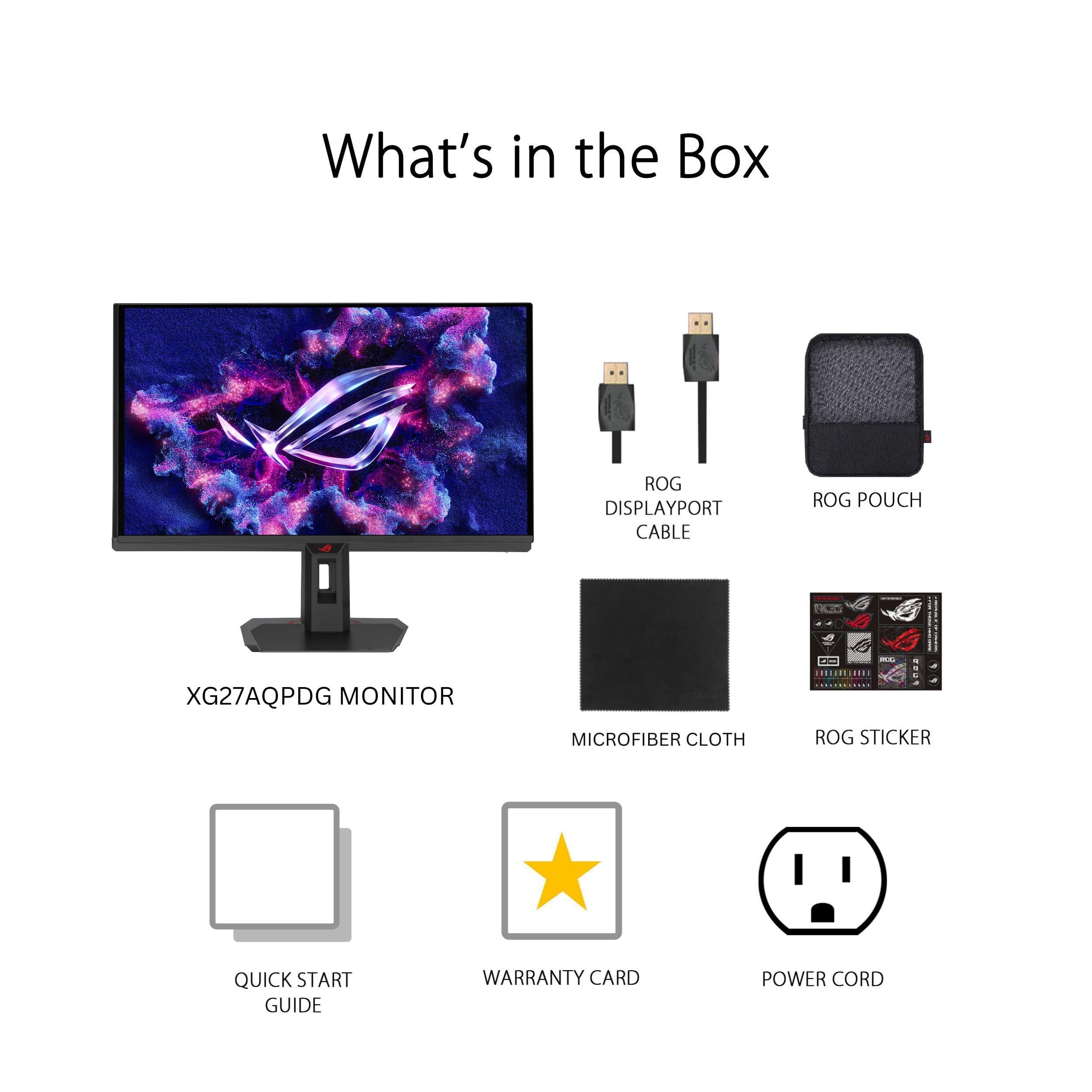
|Posted .This reviewer received promo considerations or sweepstakes entry for writing a review.I spend a bit of time gaming and a wonderful monitor helps get you in the zone, when you got an amazing monitor? It helps bring you in and bask in the environments built! The ASUS ROG Strix has some wild specs a 2K OLED 500Hz 0.03ms OLED beast! In the box you get the Monitor, Stand, VESA mount, and a little pouch that contains the DisplayPort cable, Power cord , USB A to B cable, Microfiber cloth, ROG pouch, ROG sticker plus Manual and Warranty Cards. There is 2 HDMI ports, 1 Display port, 2 USB A, USB B 3.0, plus a 3.5mm headphone jack. I did not use the quick release stand as I used the VESA mount on my desk, which the included mount is quite nice and very solid. I didn't do much calibration on this monitor, nearly straight out of the box, onto my desk and in to some games. I did change the monitor out of Power Saving mode, which it was by default, so I can take advantage of what the monitor has to offer! You can turn on VRR, Gameplus Features. Shadow Burst and Game Visuals. You can use the Asus DisplayWidget Center to tweak these settings rather then using controls on the monitor itself. OLED always produces an amazing range from the dark areas to the bright colors, I am always just a little iffy on gaming with an OLED wanting to avoid any sort of burn in with HUDs in games. There is a lot built in to these display now to avoid this, which is apparent by the whole OLED Care section to their Display Widget. So, I figured I would give it a try to take advantage of these specs! I have been stuck to Arc raiders for a bit and this display has been a beauty to play on! I have also been playing a bit of Dave the Diver but need to admire the scenery in Ghost of Tsushima next! I was using a slightly larger 4K QLED monitor before but they may come close, but hard to match those individually lit pixels. I have done some gaming but now I am going to fully enjoy this monitor with the days off for the holiday. This one is staying on the desk!
I would recommend this to a friend- Pros mentioned:Color quality, Refresh rate
Best OLED
||Posted . Owned for less than 1 week when reviewed.This reviewer received promo considerations or sweepstakes entry for writing a review.This monitor completely upgraded my gaming experience. The picture quality is sharp, vibrant, and incredibly detailed. Colors really pop, and the contrast makes everything look more immersive, whether I’m gaming or watching videos. The high refresh rate makes a huge difference. Gameplay feels extremely smooth, and I noticed better responsiveness right away, especially in fast-paced shooters. There’s no noticeable blur or lag, which gives it a competitive edge. The stand feels sturdy, and the overall design looks clean and modern on my desk. Setup was simple, and adjusting the display settings was easy. Overall, this is one of the best monitors I’ve owned. If you want top-tier performance and amazing visuals, this is absolutely worth it.
I would recommend this to a friend - Pros mentioned:Color quality, Refresh rate
Excellent
||Posted . Owned for 1 week when reviewed.This reviewer received promo considerations or sweepstakes entry for writing a review.Its the best monitor I've ever had, colors, refresh rate, brightness and style , they all look amazing. I would highly recommend this monitor if you are trying to buy an OLED monitor.
I would recommend this to a friend - Pros mentioned:Color quality, Refresh rate
The ONLY monitor you need for 1440p gaming!
||Posted . Owned for less than 1 week when reviewed.This reviewer received promo considerations or sweepstakes entry for writing a review.I have no regrets despite the price of this monitor. Bought it for $799 a couple days before Christmas, slight deal but still well worth considering saving $100! Let me tell you... This monitor is beautiful and so crystal clear even if its 2k. I previously had bought the Asus 4k WOLED 240hz variant but returned it because I could not get out of my head hearing how stunning QD-OLED was in person. Although the previous one was 4k, The colors and deep blacks really pop in this 2k monitor. I have ZERO regrets of making that switch and will keep this monitor until it dies on me. Afterall... this beast can do 500hz!
I would recommend this to a friend - Pros mentioned:Color quality, Refresh rate

Amazing!
|Posted . Owned for 2 weeks when reviewed.This reviewer received promo considerations or sweepstakes entry for writing a review.This is the greatest monitor in the market! 500hz along with outstanding visuals, it doesn’t get better than this.
I would recommend this to a friend - Pros mentioned:Color quality, Refresh rate
OLED is the way to go
||Posted .This reviewer received promo considerations or sweepstakes entry for writing a review.Absolutely loving this monitor so far. I finally decided to upgrade from a 165Hz monitor and oh man is there a difference. Everything runs so smoothly and the colors are amazing. It even had a built in feature to reset the pixels to prevent/slow down burn in. But if you're spending this much on a monitor, having a protection plan should be the first thing on your mind. The settings are a little bit overwhelming and I wish it had a remote, but these are small little things that don't take away from how good this monitor truly is.
No, I would not recommend this to a friend - Pros mentioned:Color quality, Refresh rate
Amazing
||Posted . Owned for 4 months when reviewed.This reviewer received promo considerations or sweepstakes entry for writing a review.Vibrant colors looks beautiful, 500hz is amazing feels way better then 360hz ovr just a great product probably never need to upgrade ever
I would recommend this to a friend The best gaming monitor I’ve ever owned
||Posted . Owned for 1 month when reviewed.This reviewer received promo considerations or sweepstakes entry for writing a review.upgraded to this monitor for my new gaming PC, and the difference was noticeable immediately. The OLED panel delivers incredible colors, perfect blacks, and outstanding image quality whether I’m gaming or just using the desktop. The 500Hz refresh rate makes gameplay feel incredibly smooth, especially in fast-paced competitive games. Combined with the 0.03ms response time, motion is extremely clear and responsive. I also appreciate the G-SYNC and FreeSync support, which keeps gameplay smooth without screen tearing. The monitor’s HDR performance and color accuracy have also exceeded my expectations. The stand is sturdy, setup was simple, and the on-screen menu is easy to navigate. I also like the OLED protection features that help reduce the risk of burn-in over time, which gives me extra peace of mind. The only thing I’d mention is that you’ll need a powerful PC to fully take advantage of a 500Hz display, especially at 1440p. If you already have a high-end gaming system, though, this monitor is absolutely worth it. Overall, I’m extremely happy with this purchase. It offers amazing picture quality, ultra-smooth performance, and premium build quality. I would definitely recommend it to anyone looking for a top-tier gaming monitor.
I would recommend this to a friend- Pros mentioned:Color quality, Refresh rate
500 fps monitor, ASUS
||Posted .This reviewer received promo considerations or sweepstakes entry for writing a review.Monitor runs great, quality is amazing, and the frames per second are wonderful. The colors and vibrance look great and it's very customizable.
I would recommend this to a friend - Pros mentioned:Color quality, Refresh rate
Best monitor of all time
||Posted . Owned for 2 months when reviewed.This reviewer received promo considerations or sweepstakes entry for writing a review.Color quality is excellent. Would you ever need a higher HZ than 500? I don't think so
I would recommend this to a friend - Pros mentioned:Color quality
Amazing colors and display
||Posted . Owned for 4 months when reviewed.This reviewer received promo considerations or sweepstakes entry for writing a review.I love the monitor and the different options it has for display care to prevent any burn in. So far have been using it consistently and have not noticed any gray banding, burn in, or abnormalities in general. I have it set to remind me do pixel cleaning every 4 hours although the standard 8 hours is probably more than enough. Obviously it doesn’t come with speakers, but not a problem for me since I am using headphones
I would recommend this to a friend - Pros mentioned:Color quality, Refresh rate
Huge Difference From IPS
||Posted . Owned for 3 months when reviewed.This reviewer received promo considerations or sweepstakes entry for writing a review.Quality unmatched performance is also top tier super smooth
I would recommend this to a friend