Customer Ratings & Reviews
- Model:
- XG27AQDPG
- SKU:
- 6638580
Rating by feature
- Display Quality
Rating 4.9 out of 5 stars
- Ease of Use
Rating 4.8 out of 5 stars
- Features
Rating 4.9 out of 5 stars
Customers are saying
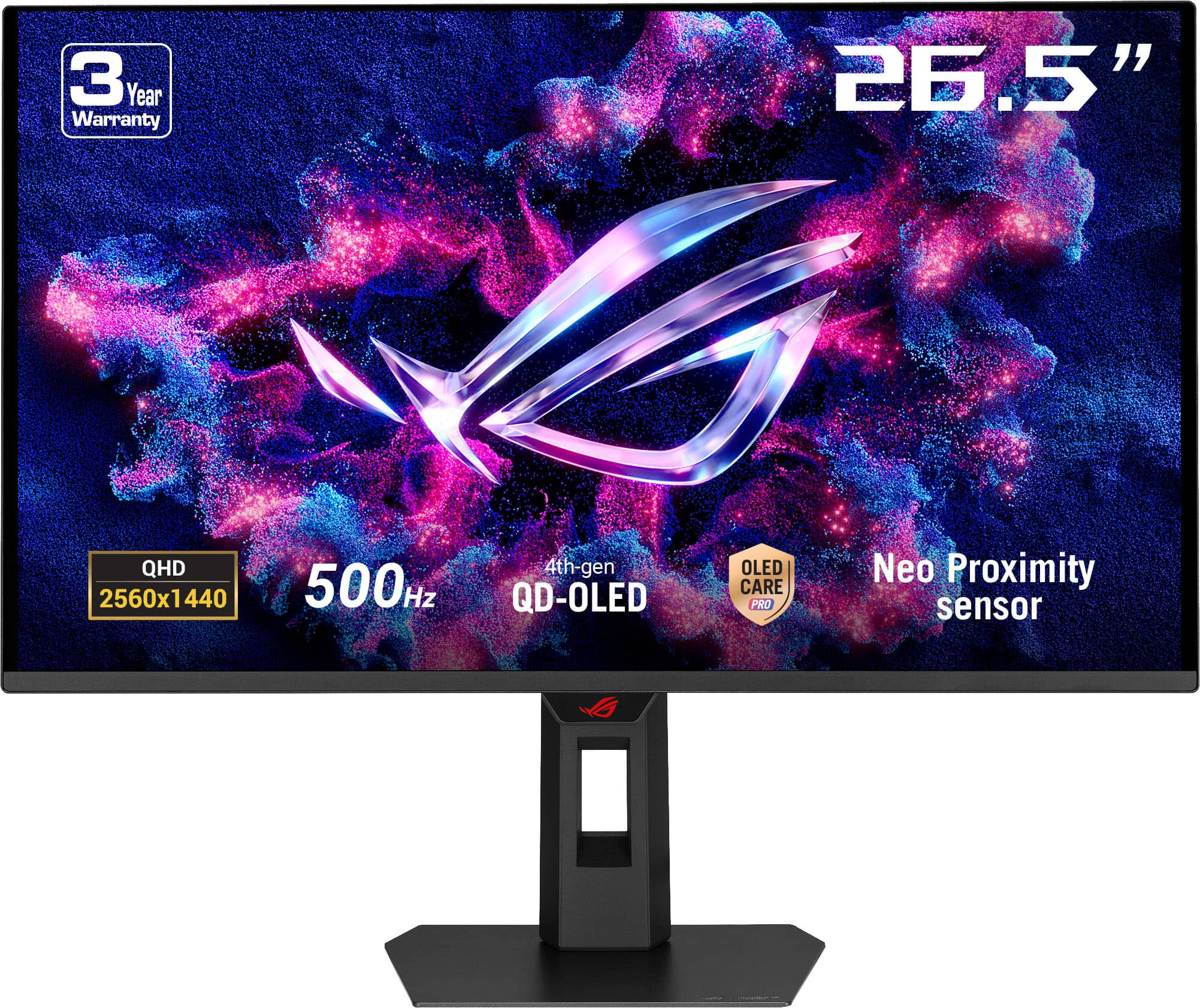
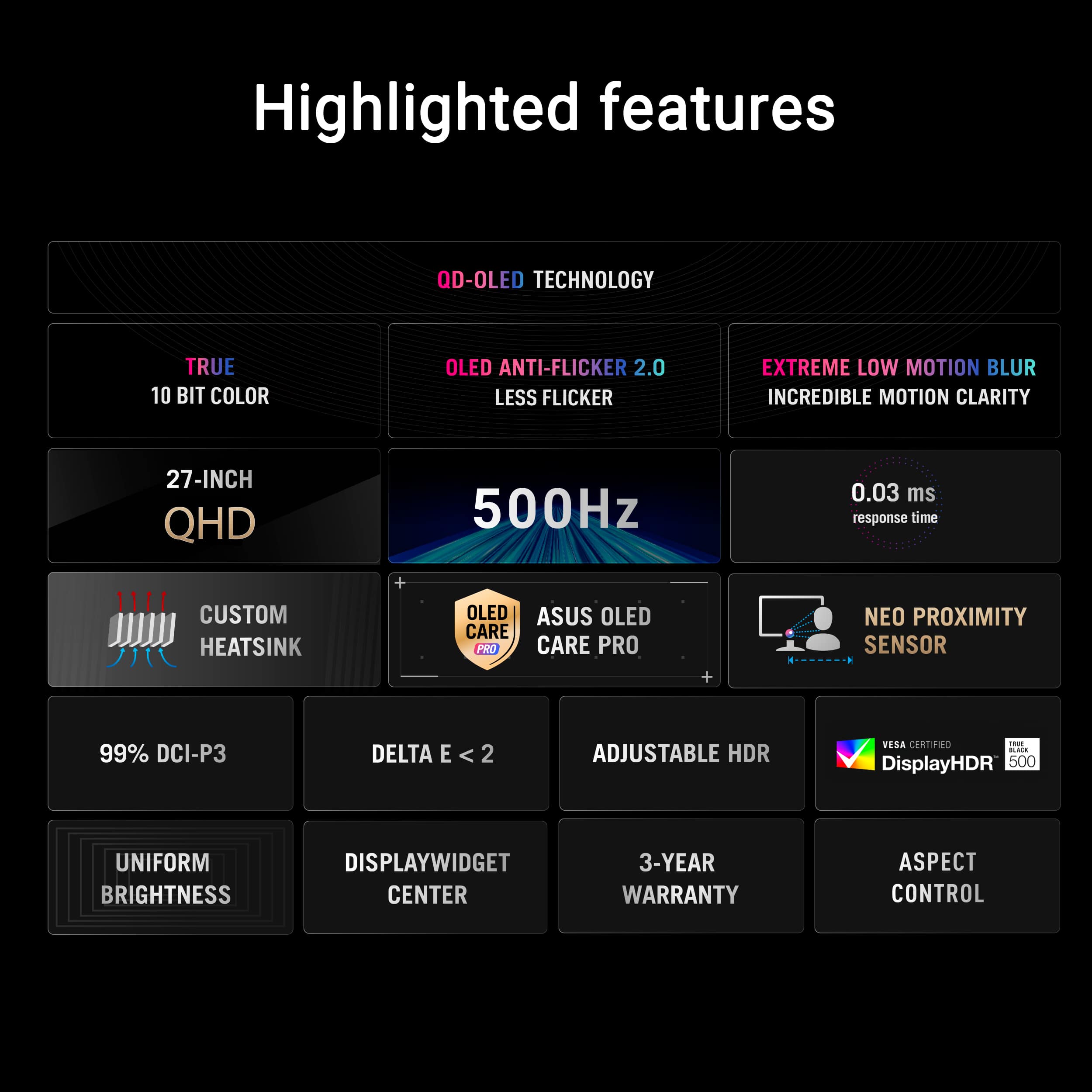
Customers are positive about several aspects of the product. They frequently praise its excellent color quality and brightness, along with the smooth refresh rate. Additionally, customers find the HDR performance surprisingly strong and appreciate its versatile connectivity options.
This summary was generated by AI based on customer reviews.
- Pros mentioned:Color quality
Greatly satisfied
||Posted . Owned for 3 weeks when reviewed.This reviewer received promo considerations or sweepstakes entry for writing a review.3 weeks in and no burn in, I use pixel refresh/cleaning once or twice a day as of now. 2k was definitely worth the jump. I have the monitor close to my face, so i can see the individual pixels on whites, but thats from like 2-3 inches away so its to be expected. Any further than that, and its unnoticeable. The auto brightness adjustment is awesome, especially when I turn my lights on and off. Oled care notifications set to every 8 hrs and isn't a bother. The AI person detection in front of monitor is a lifesaver. Just dont block the sensor with your mic like I did; Will cause monitor to sleep. No screen tearing issues. No ghosting. Build quality is solid by my standards and looks clean. My computer runs everything at 500 fps so I now only have myself to blame.
I would recommend this to a friend - Pros mentioned:Color quality
Amazing monitor, just be careful cleaning it.
||Posted . Owned for 2 weeks when reviewed.This reviewer received promo considerations or sweepstakes entry for writing a review.Awesome purchase. Unrealistically, I hope this thing last forever. Been super fun to just look at even! But gaming is where it peaks, I don’t kill the panel with high brightness and limit hdr usage so it will begin to fade much longer into the future. Blacks look very good, I was skeptical if the brightness on oled as I’m coming from ips and TN, wasn’t an issue at all. I can run this panel at 26-35 brightness and it’s still blinding in decently lit room. Only caveats are cleaning and trying not to scratch it. These come hand in hand. You must clean this with microfiber cloths. I just got some on Amazon and prepared one cloth with water and one dry. Worked well, didnt scratch.
I would recommend this to a friend - Pros mentioned:Color quality
Really good for fps gaming and amazing quality!
||Posted . Owned for 3 months when reviewed.This reviewer received promo considerations or sweepstakes entry for writing a review.If you’re a fps gamer this monitor is the one for you! I mainly play valorant and other fps shooters and it feels like a have a competitive edge on people. They are super vibrant and easy to see and everyone looks like they’re in slow motion and the clarity in all other games plus viewing is just perfection.
I would recommend this to a friend - Pros mentioned:Refresh rate
Amazing quality and picture quality
||Posted . Owned for 1 month when reviewed.This reviewer received promo considerations or sweepstakes entry for writing a review.The built quality on this monitor is phenomenal first off. Second off if your pc can consistently hit 500fps the refresh rate feels amazing im coming from a 280hz and i noticed the difference immediately. I have had ZERO issues with it and plan on continuing to buy from ROG from now on
I would recommend this to a friend - Pros mentioned:Refresh rate
Great 500hz Monitor
||Posted . Owned for 2 weeks when reviewed.This reviewer received promo considerations or sweepstakes entry for writing a review.its a great 500hz gaming montior with 4th gen oled, the second best option from the most recent release 540 hz monitor. I replaced my BENQ 240 with this and honestly this is a great upgrade.
I would recommend this to a friend - Pros mentioned:Color quality, Refresh rate
Worth every penny
||Posted .This reviewer received promo considerations or sweepstakes entry for writing a review.Amazing monitor. The colors and sharpness are on another level, and the 500Hz makes everything feel insanely smooth. Setup was quick and the build quality feels premium. Definitely pricey, but you can see and feel where the money goes. Super happy with it.
I would recommend this to a friend - Pros mentioned:Color quality
Best OLED monitor for competitive games
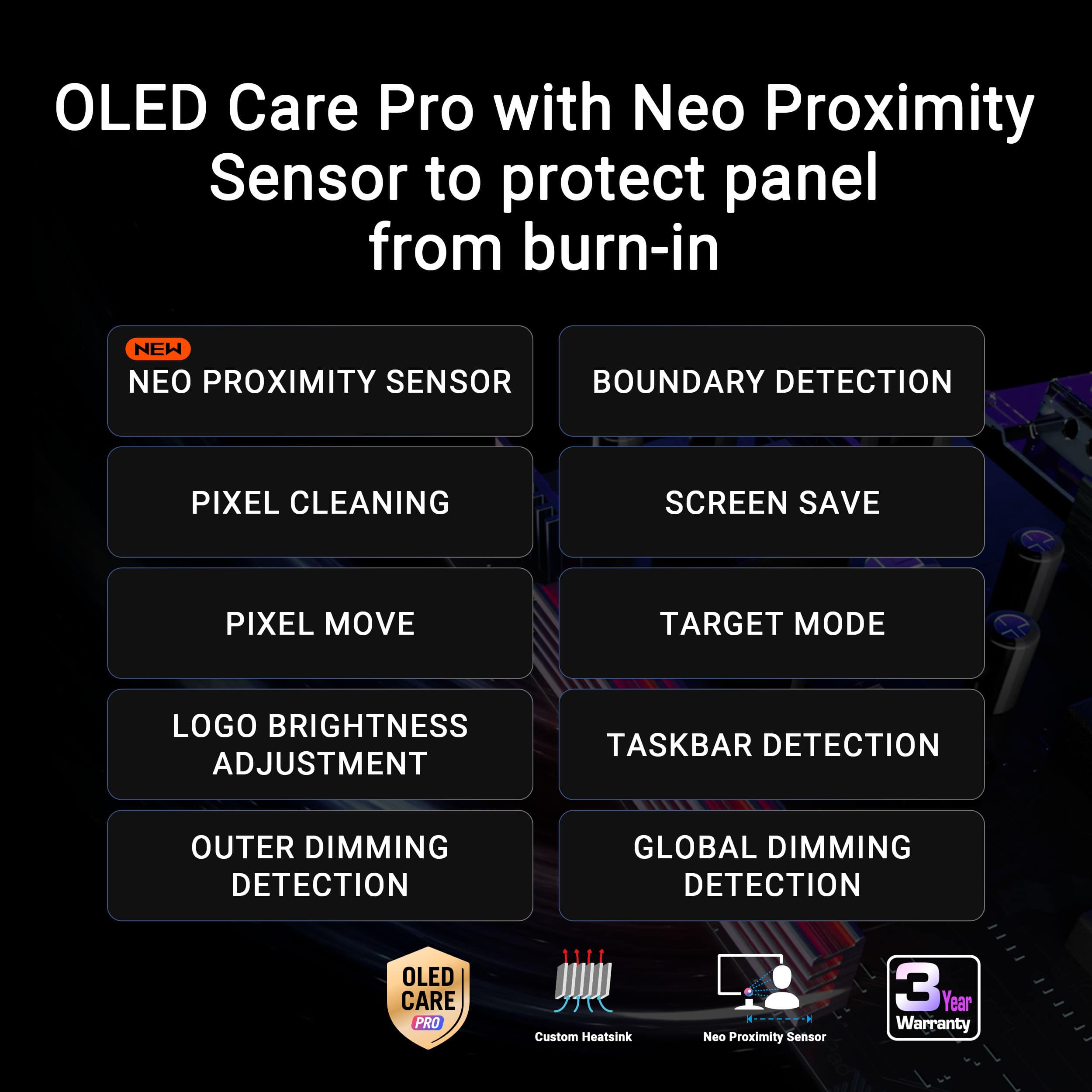
||Posted . Owned for 1 week when reviewed.This reviewer received promo considerations or sweepstakes entry for writing a review.I am coming from a 240hx 1080p Zowie monitor and immediately noticed the difference when using this monitor. Extremely smooth experience and a much more clear image thanks to 1440p, I was hesitant at first due to the increased monitor size but I quickly adjusted and love everything about this monitor. The OLED care features are some of the best you can get with the neo proximity feature being extremely helpful for when I walk away from the monitor it turns the screen off until I come back preventing any burn-in. Would definitely recommend this monitor if it is within your budget and you’re looking for a high refresh rate experience for competitive games.
I would recommend this to a friend - Pros mentioned:Refresh rate
Great Monitor for Competitive gaming
||Posted . Owned for 1 week when reviewed.This reviewer received promo considerations or sweepstakes entry for writing a review.I honestly didn't think human eyes could comprehend 500Hz, but I was wrong. Playing on this feels like peeling the protective plastic off new tech just pure, frictionless satisfaction. The 0.03ms response time means ghosting is effectively a myth now, and the OLED blacks are so incredibly dark that I legit thought my monitor disconnected during a loading screen. It is an absolute endgame display, assuming your PC is beefy enough to actually push enough frames to feed it.
I would recommend this to a friend - Pros mentioned:Refresh rate
Excellent for competitive gaming
||Posted . Owned for 3 weeks when reviewed.This reviewer received promo considerations or sweepstakes entry for writing a review.I love this monitor. The refresh rate and motion clarity are insane for fast-paced gaming, and it feels incredibly smooth in shooters. Input lag is basically nonexistent and it performs exactly how you’d want for competitive play. Text clarity could be a little better, but since I use this monitor almost exclusively for gaming, it’s a non-issue for me. Colors, response time, and overall performance more than make up for it. If your main use is gaming, this monitor is absolutely worth it.
I would recommend this to a friend - Pros mentioned:Color quality
Fantastic
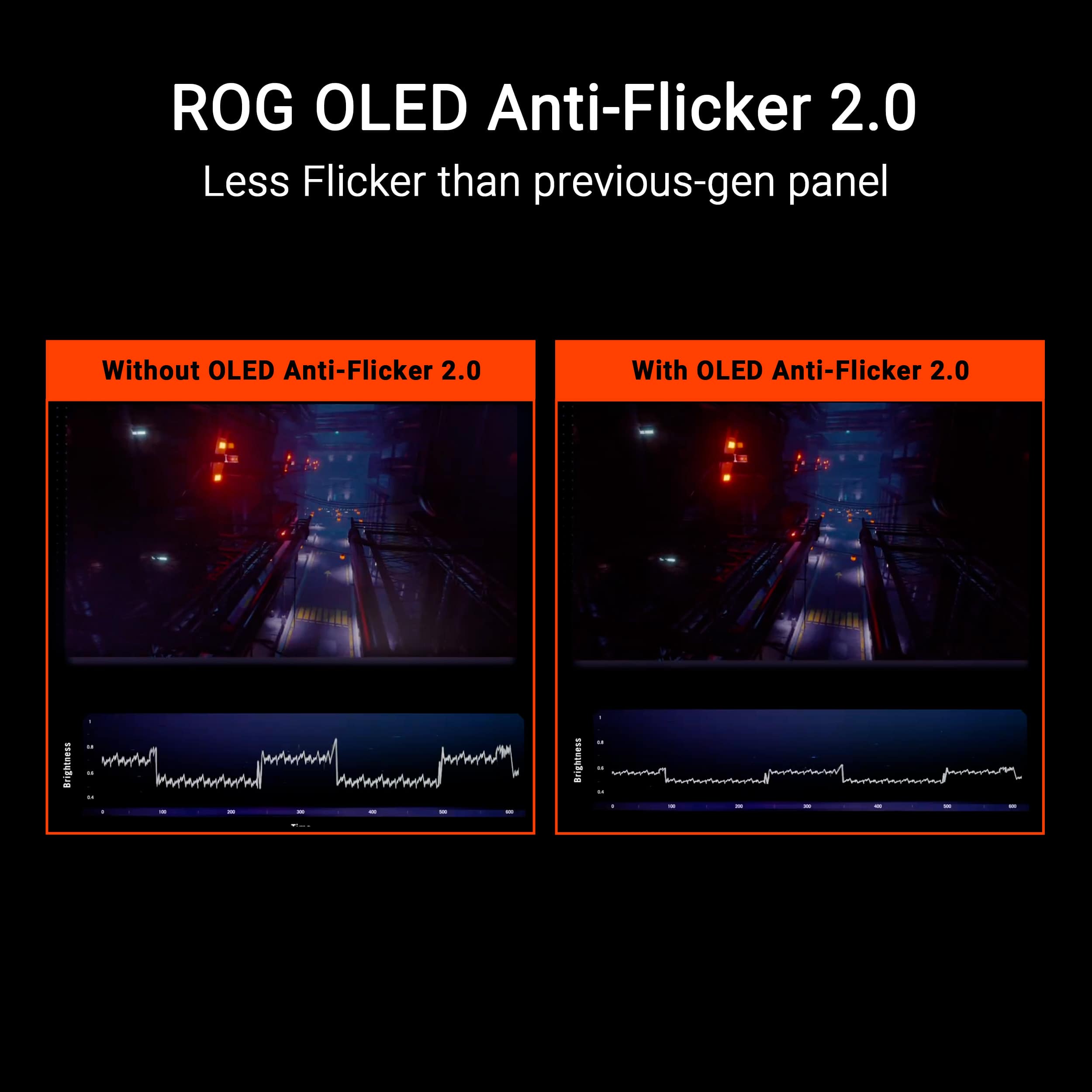
||Posted .This reviewer received promo considerations or sweepstakes entry for writing a review.This is it, fantastic HDR, insane clairty, nearly perfect color calibration out of box< even the gamma which often times is a miss on OLED. VRR Flicker is even very minimal using OLED Anti-Flicker 2.0. I also have an XG27UCDMG and it's perfect as well, but the FPS cost at 4K just wasn't worth it to me(9800X3D, heavily OC 5080), and I prefer the slightly higher brightness of this model.
I would recommend this to a friend - Pros mentioned:Color quality, Refresh rate
Niceee
||Posted . Owned for 2 weeks when reviewed.This reviewer received promo considerations or sweepstakes entry for writing a review.Very impressed, solid colors even compared to my VG259QM IPS panel, and 500hz is crazy
I would recommend this to a friend - Pros mentioned:Color quality
Great monitor
||Posted . Owned for 3 weeks when reviewed.This reviewer received promo considerations or sweepstakes entry for writing a review.Great monitor, beautiful images and the colors it displays are night and day compared to a non led monitor
I would recommend this to a friend - Pros mentioned:Color quality
Great Monitor!
||Posted . Owned for 1 month when reviewed.This reviewer received promo considerations or sweepstakes entry for writing a review.I bought the monitor to replace my old 1440p monitor i had and was shocked at the difference in color, sharpness, and vibrancy of everything. Truly a great experience. Unfortunately i had to return it, no fault of the monitor but rather personal reasons. I would recommend if the budget allows!
I would recommend this to a friend - Pros mentioned:Color quality
Amazing Quality
||Posted . Owned for 2 weeks when reviewed.This reviewer received promo considerations or sweepstakes entry for writing a review.Super nice colors, the colors are really vibrant, coming from a ips you wonder why you didnt upgrade sooner
I would recommend this to a friend - Pros mentioned:Color quality, Refresh rate
Best Oled
||Posted . Owned for 1 month when reviewed.This reviewer received promo considerations or sweepstakes entry for writing a review.The best OLED in the market. Colors are super vibrant. 500hz is a must.
I would recommend this to a friend - Pros mentioned:Color quality, Refresh rate
The best-looking OLED monitor right now
||Posted . Owned for 3 weeks when reviewed.This reviewer received promo considerations or sweepstakes entry for writing a review.It's insane how bright and clear this monitor is. The 500 hz makes a huge difference, super responsive super clean. Highly recommend.
I would recommend this to a friend - Pros mentioned:Color quality
Asus oled
||Posted . Owned for 1 month when reviewed.This reviewer received promo considerations or sweepstakes entry for writing a review.Best oled monitor I have used. Amazing colors, and views, great build.
I would recommend this to a friend - Pros mentioned:Color quality, Refresh rate
Incredible
||Posted .This reviewer received promo considerations or sweepstakes entry for writing a review.Amazing colors, 500fps at 1440p is reachable in certain titles
No, I would not recommend this to a friend - Pros mentioned:Refresh rate

Great product
|Posted . Owned for 1 month when reviewed.This reviewer received promo considerations or sweepstakes entry for writing a review.[Employee of bestbuy] Doing wonders for me at the moment. The DPI of the monitor is basically perfect. At 3 feet you still can’t even see pixelation. Big step up in frame rate too. 500hz is silky smooth.
I would recommend this to a friend - Pros mentioned:Color quality
Best Oled
||Posted . Owned for 2 months when reviewed.This reviewer received promo considerations or sweepstakes entry for writing a review.Its my second oled monitor its better than my 1st one. crisp and clear but i think it depends on your gpu. its expensive but its worth it.
I would recommend this to a friend