Customer Ratings & Reviews
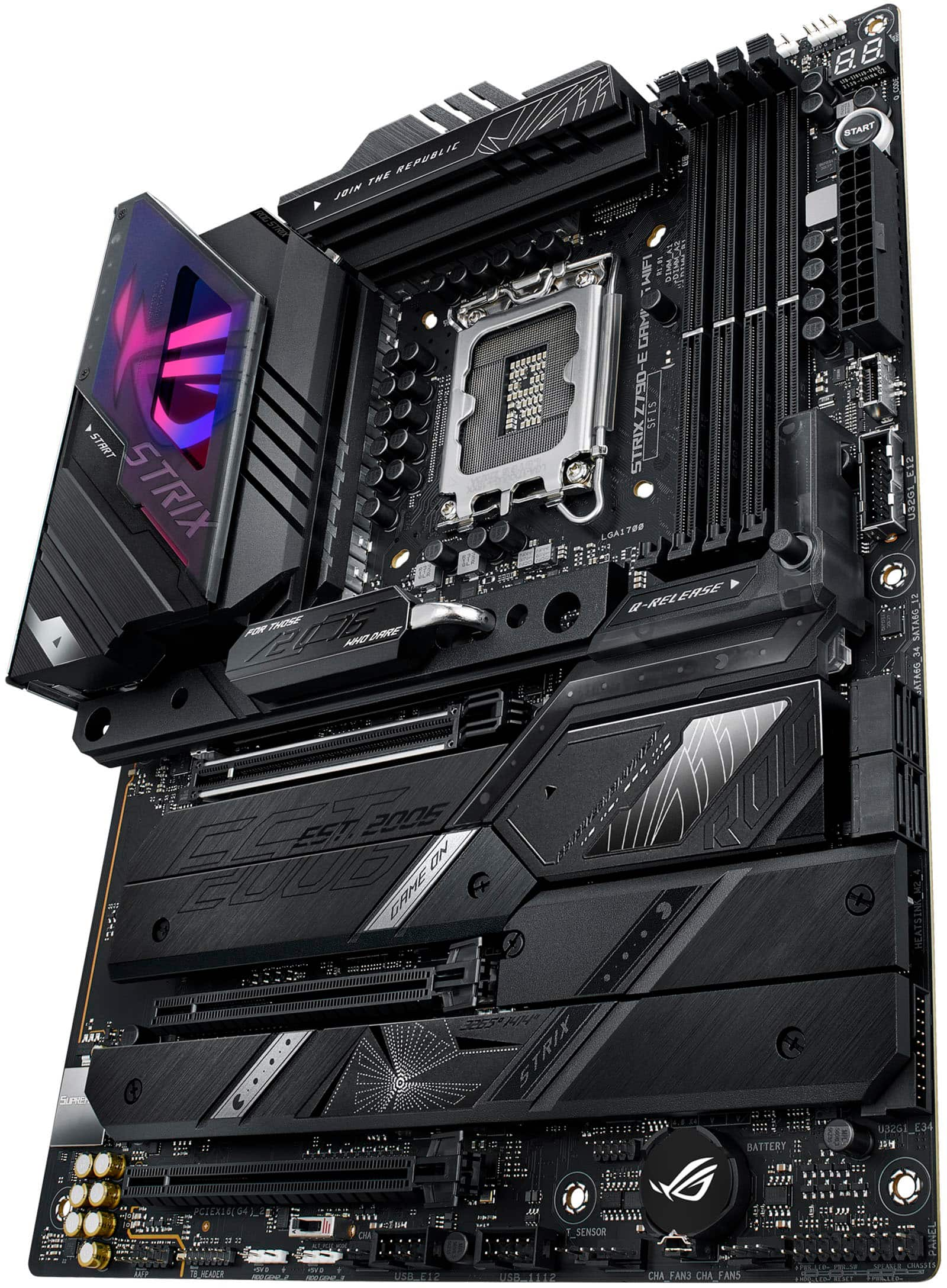
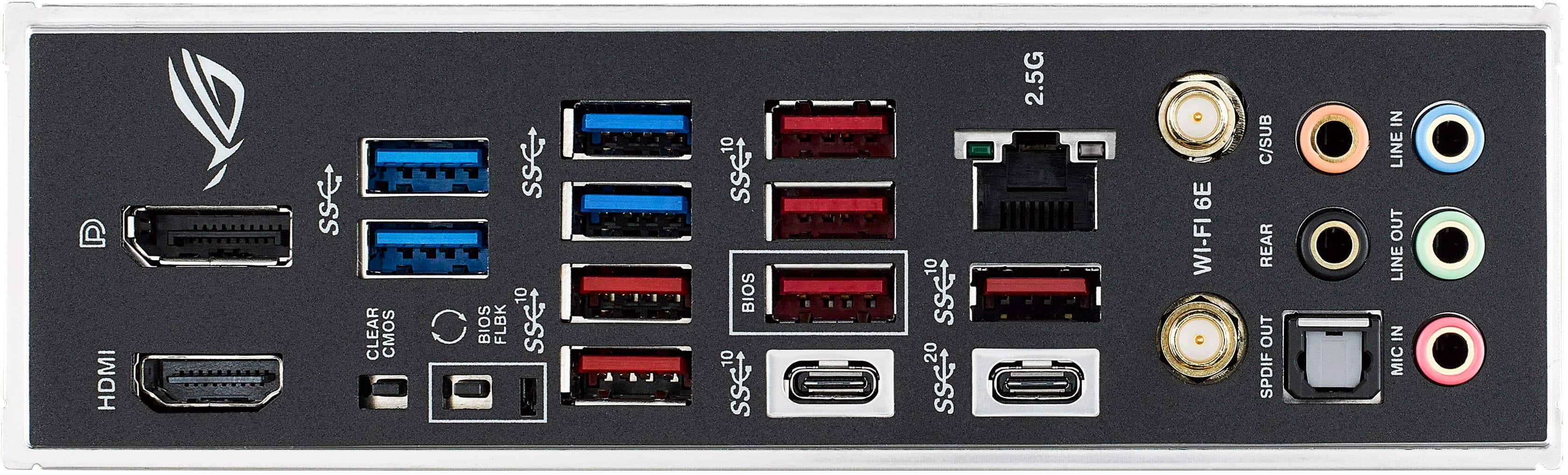
- Model:
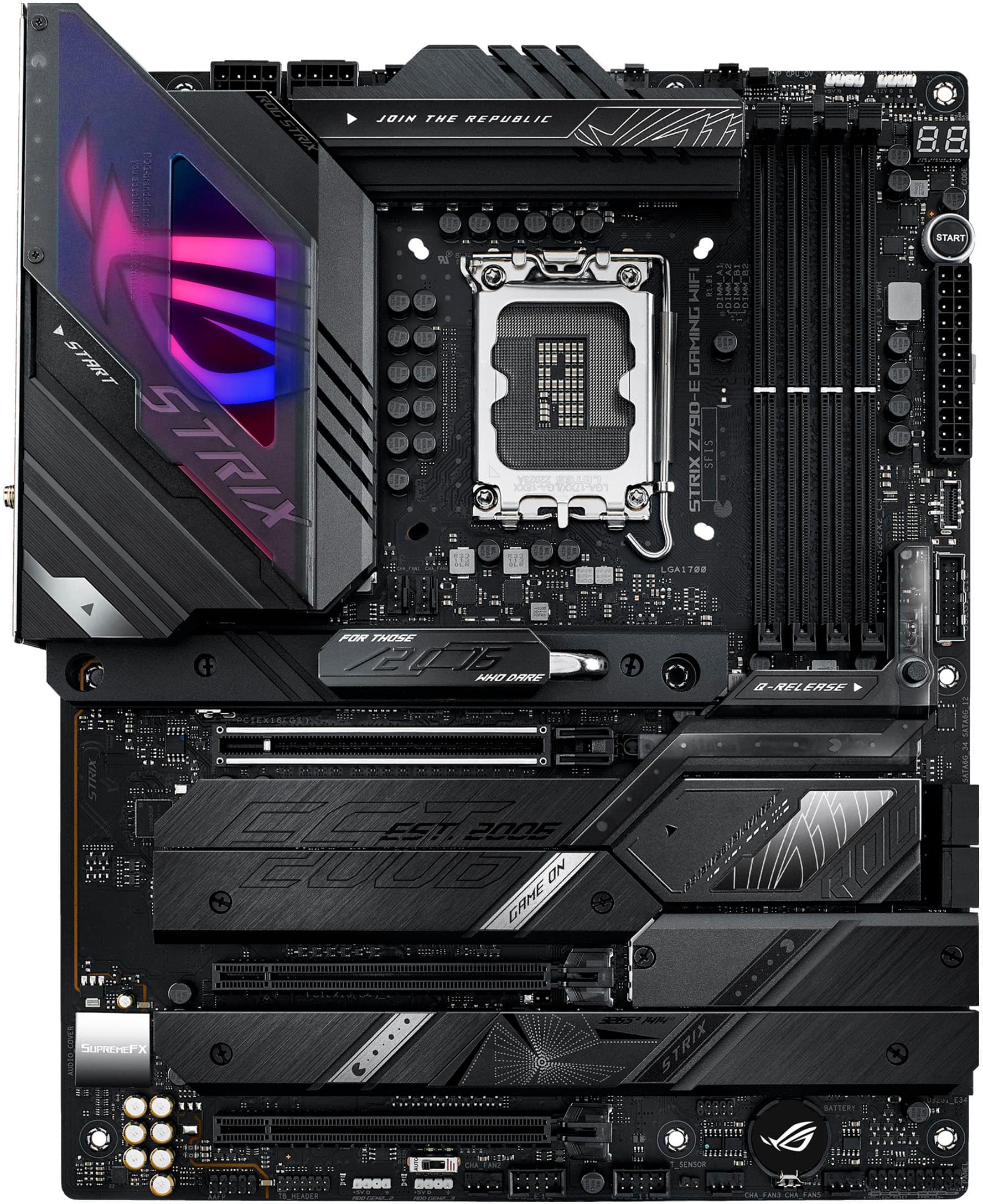
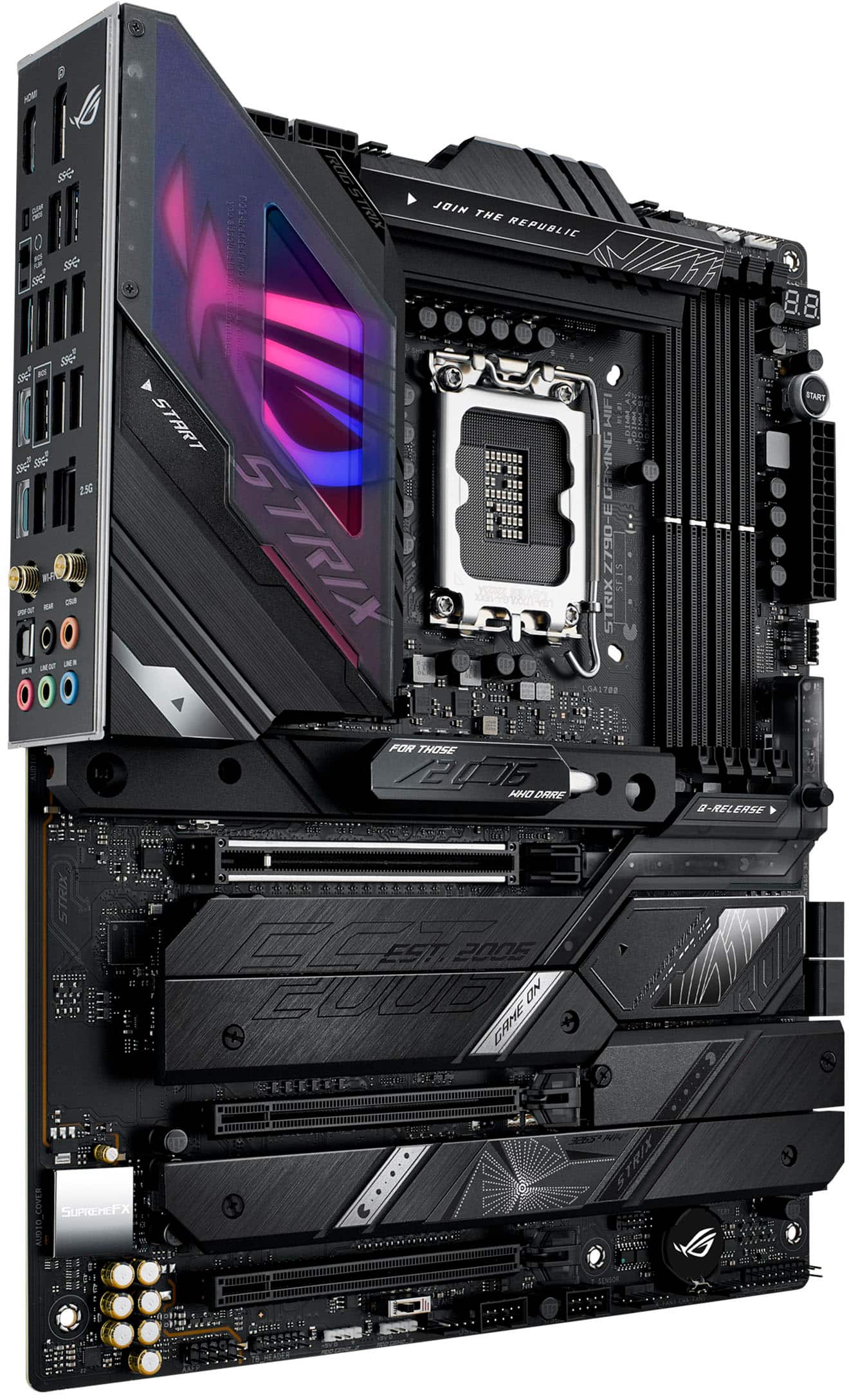
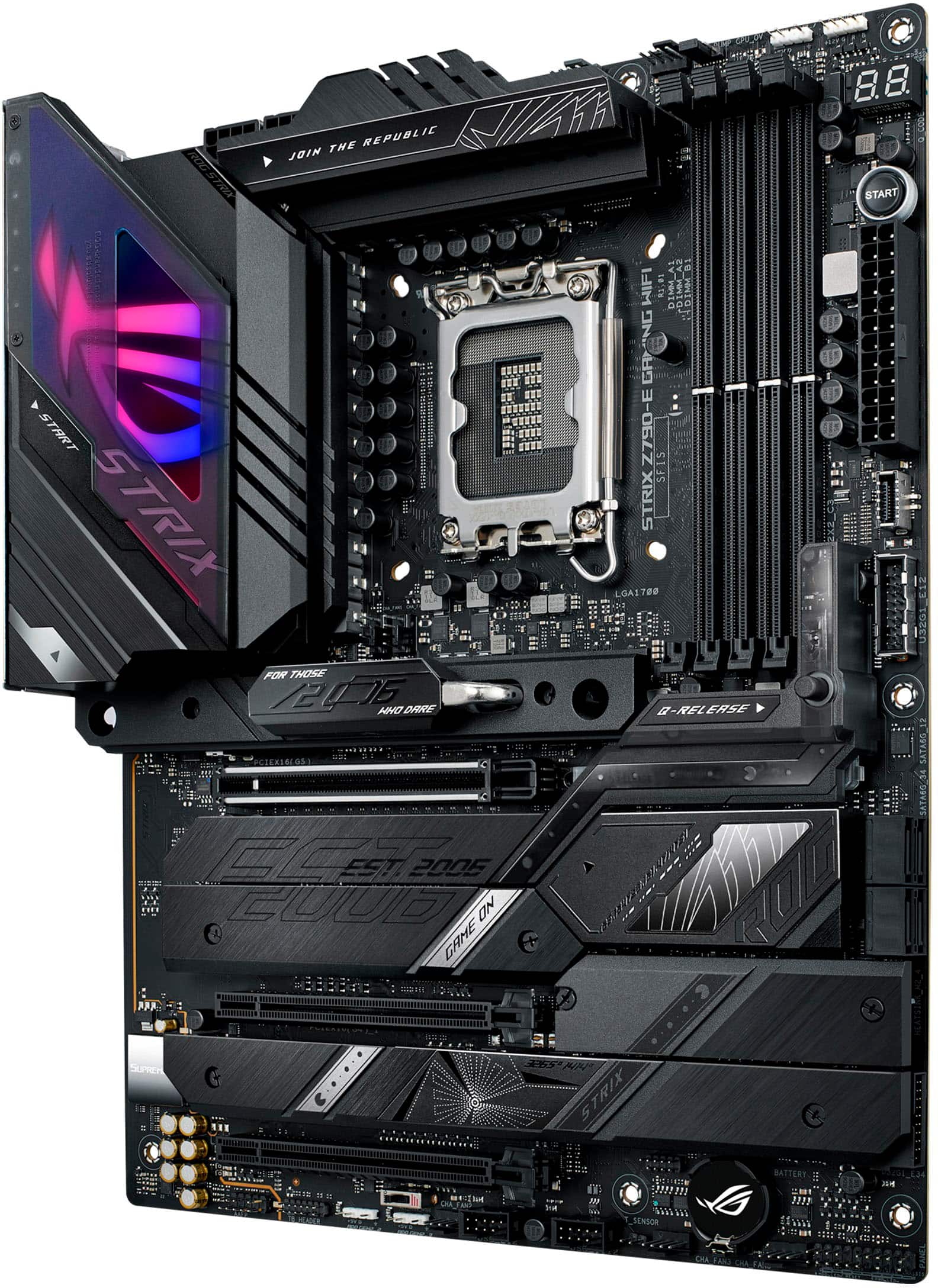
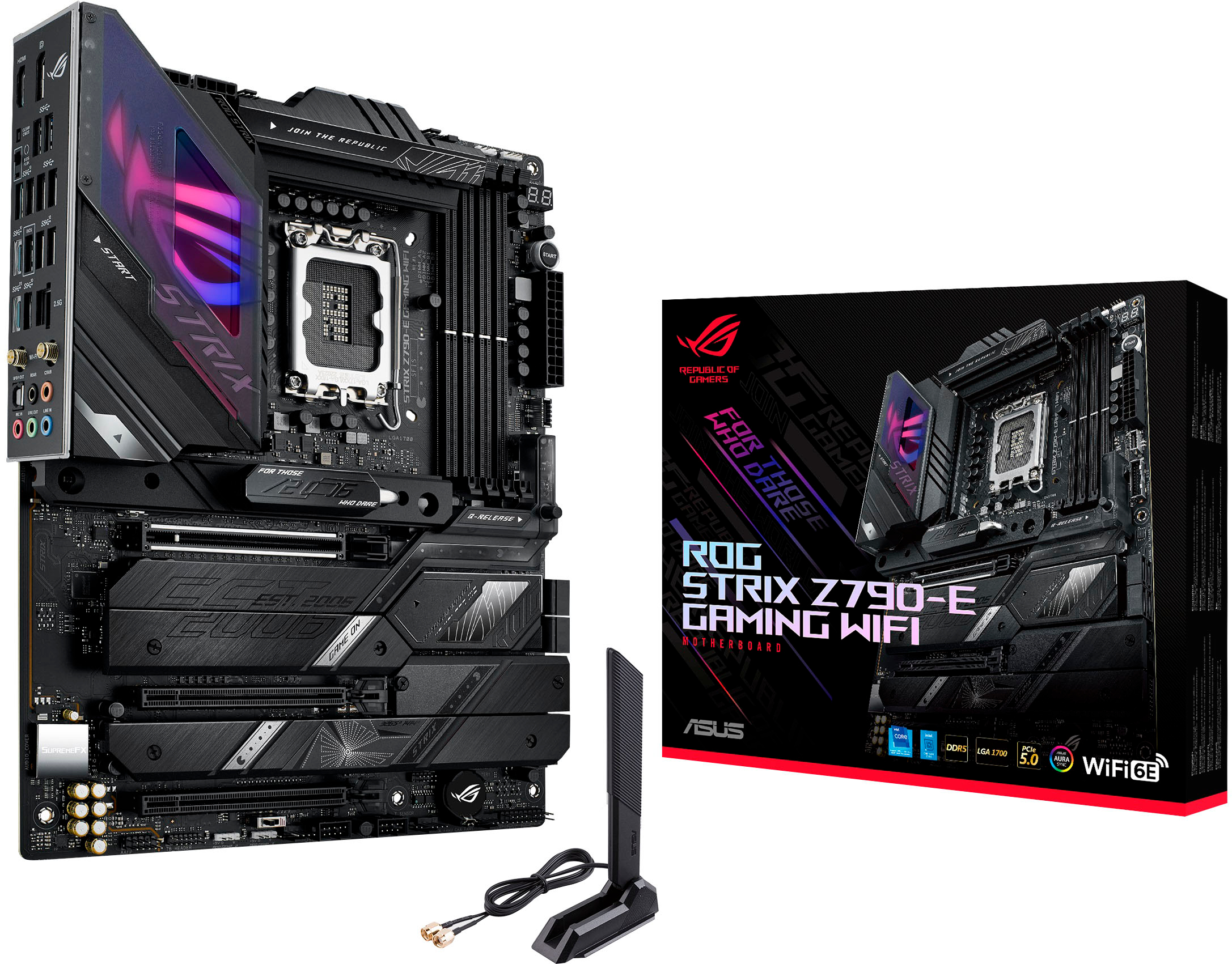
- ROG STRIX Z790-E GAMING WIFI
- SKU:
- 6523725
Rating by feature
- Value
Rating 4.4 out of 5 stars
- Quality
Rating 4.5 out of 5 stars
- Ease of Use
Rating 4.5 out of 5 stars
Customers are saying
Customers are enthusiastic about the ROG STRIX Z790-E GAMING WIFI motherboard's strong performance and user-friendly BIOS. Many also appreciate its ease of use, speed, and appealing aesthetics, including the well-integrated RGB lighting. However, some customers have noted difficulties with RAM installation and consider the board to be somewhat expensive.
This summary was generated by AI based on customer reviews.
- Pros mentioned:BiosCons mentioned:Ram
Great mobo, glad i didn't spend extra $hundreds
||Posted . Owned for 1 week when reviewed.This reviewer received promo considerations or sweepstakes entry for writing a review.Great job ASUS with this one, i read reviews on the other z790 boards and was initially about to buy the z790 with no letters that's way more expensive but there were RAM setup issues with that one. I went with ddr5600 dominator ram and dl the bios update to flash drive, in BIOS first turn on, there is EZ flash option and i installed the new bios firmware. Then after restart i enable xmp and ai overclocking, restart and 64gb DDR5600 posted (before bios flash it showed 64gb DDR4800) The mobo is running great, starts up windows instantly every time, no issues at all with this 5600 dominator ram, it's also running cool, approx 40c across its sensors while gaming while the cpu is closer to 55c. The included Armoury Crate software is a huge improvement from what i last dealt with, the RGB syncs very well across everything installed except the corsair dominator RAM, but that may be to reduce heat i dunno.
I would recommend this to a friend - Pros mentioned:Performance
Great board
||Posted . Owned for 1 month when reviewed.This reviewer received promo considerations or sweepstakes entry for writing a review.Great board with great features. Armory crate(asus software) is not the best. I have no complaints out of the performance of this board. OC hold stable. Holds my 14900k like a baby with the Thermal Grizzly contact frame.
I would recommend this to a friend - Cons mentioned:Ram
Strix z790-e gaming wifi
||Posted . Owned for 1 month when reviewed.This reviewer received promo considerations or sweepstakes entry for writing a review.this is the latest build that i did but encountered so much on it. i dont know if its an old stock but i had to flash the bios first even before i can install windows on it. second, drivers arent auto install while installing windows so i had to download manually. third, from a 64gb ddr5 max rams at 128gb but never boot. had to run 1 ram at a2 slot then disabling mrc fast boot at bios just for it to load 128gb.
I would recommend this to a friend - Pros mentioned:Bios
Feature-Packed and Built Like a Tank
||Posted .This reviewer received promo considerations or sweepstakes entry for writing a review.This board has everything I could want for a high-end Intel build. Plenty of ports, strong VRM cooling, and excellent BIOS options make overclocking breeze. The RGB accents look great without being over the top, and the Wi-Fi connection is rock solid. Definitely feels premium in both design and performance.
I would recommend this to a friend - Pros mentioned:BiosCons mentioned:Ram
Great for the value
||Posted . Owned for 1 week when reviewed.This reviewer received promo considerations or sweepstakes entry for writing a review.Great combo with the 13900k make sure and update to newest BIOS firmware version. Had some issues wi the XMP and x4 sticks of ram. I opted to return for x2 sticks and no issues since. Make sure you disable fast boot if you have any issues with startup after post.
I would recommend this to a friend - Pros mentioned:AestheticsCons mentioned:Ram
Asus z790e gaming WiFi problems
||Posted . Owned for 8 months when reviewed.This reviewer received promo considerations or sweepstakes entry for writing a review.the MB looks really pretty and fits the style of build I want but it’s just a pretty big let down seems to have a huge problem with ram support causing tons of crashes during gaming rendering my build useless pretty much at this point I have ram off the QVL still doesn’t want to work anywhere you look online this mb is plagued with stability and compatibility problems I’m not sure how it is rated so high mine must just be a defective model wish I noticed it sooner so I could have exchanged it out I wouldn’t recommend at its price for anyone to buy it in my opinion it’s a pretty high end price for a lackluster product
No, I would not recommend this to a friendBrand response from ASUS Answers
Posted .Dear ElijahC,
Thank you for your comment.
We do understand the inconvenience this may have caused if you are experiencing system crash or stability issues with your build. System crash or corruption in the System registry can either be a hardware or software related issue. With the hardware, this can be a RAM, Hardrive, CPU and the motherboard itself. If you are using RAM from the QVL lists, ensure these are working properly. Regarding the software, the system crash or stability issue is possibly caused by a driver or a software conflict. We recommend to install Windows clean or fresh from scratch using this motherboard with all updates installed, chipset and video drivers up to date and latest version or patch file for the games are installed. Updates for this motherboard are posted at: https://rog.asus.com/motherboards/rog-strix/rog-strix-z790-e-gaming-wifi-model/helpdesk_download/ . Furthermore, update the BIOS if this motherboard is running with an older version. Should you need further assistance with the product, please email me at cl-rodel@asus.com and I would be more than happy to help. Or you are most welcome to call Product Support Hotline at: 1(888) 678-3688. Also, you can chat with an ASUS live support agent from the link: https://www.asus.com/us/support/article/1135/.
Thank you for choosing an ASUS product.
Regards,
Rodel
ASUS Customer Loyalty
- Pros mentioned:Performance
Asus ROG Strix Z790-E Gaming Wifi
||Posted . Owned for 2 weeks when reviewed.This reviewer received promo considerations or sweepstakes entry for writing a review.Love Asus ROG. And the new mobo I just bought is a workhorse, with Intel Core i9 14900k (mobo with 14th gen ready), Nvidia Geforce RTX 3090 and 32GB 5200mhz of RAM installed. All powered by the Corsair RM1200e PSU
I would recommend this to a friend - Pros mentioned:Performance
Decent board despite the price point.
||Posted . Owned for less than 1 week when reviewed.This reviewer received promo considerations or sweepstakes entry for writing a review.Purchased this at my local best buy after a horrible experience with buying a z790 from MSI US, honestly glad i went with this board. Plenty of USB ports, pcie 5 compatible and 5 M.2 slots. Bios is very easy to understand and everything works great it complements my build well.
I would recommend this to a friend Excellent motherboard with plenty of features
||Posted . Owned for 9 months when reviewed.This reviewer received promo considerations or sweepstakes entry for writing a review.Case: Hyte ATX Y60 CPU: Intel i9 13th Gen 24-Core 3GHz Memory: G Skill Trident Z DDR5 32GB RAM GPU: Asus ROG RTX 4070 Ti 12GB SSD: Samsung 980 Pro Gen4 1 TB Power Supply: Seasonic Vertex GX-1000 Watts OS: Windows 11 Home 64-bit Peripherals: Mouse: Glorious Model-O Keyboard: Glorious GMMK compact mechanical w/ Lynx switches Display: 27" Gigabyte 1ms curved 144Hz Headphones: Logitech G435 Booted right form the box with no issues. Easy to set up. Plenty of NVME slots, 5 total. Built in Wi-Fi / Bluetooth
I would recommend this to a friend- Pros mentioned:Performance
Still tinkering
||Posted . Owned for 1 month when reviewed.This reviewer received promo considerations or sweepstakes entry for writing a review.First glance the ascetics are phenomal performance is absolutely unbound with this board its an ATX that was matched with a 4080 overclocked and i9-13900K makes sure if you do go with this build absolutely go with a full sized chasis! Overall expansion on this bord is that it has the space / ports for everything Thunderbolt usb-c ports living up to expectations as well love the board
I would recommend this to a friend - Pros mentioned:Bios, Ease of use
Easy set up, for first time builder
||Posted . Owned for 2 weeks when reviewed.This reviewer received promo considerations or sweepstakes entry for writing a review.We did have to udate bios and download a enthernet driver to get it all completed. But the whloe thing was easy
I would recommend this to a friend ROG MB
||Posted . Owned for 2 weeks when reviewed.This reviewer received promo considerations or sweepstakes entry for writing a review.Awesome MB, easy to install and armoured crate helps with installing drivers. Alot odf options for the price, and well built. Love the heat sinks for the M.2 slots, and the easy M.2 locking devices.
I would recommend this to a friendAttractive design, great product
||Posted . Owned for 1 week when reviewed.This reviewer received promo considerations or sweepstakes entry for writing a review.This is a great motherboard. Goes well with my full ROG Strix build. Instructions are excellent compared to competitors (such as Gigabyte). ASUS exceeded expectations yet again with this one. The RGBs on the motherboard can also be controlled by iCUE which was a huge +++ for me.
I would recommend this to a friendFlashy with performance
||Posted .This reviewer received promo considerations or sweepstakes entry for writing a review.If you are into flashy pc parts that are good for gaming and pc building friendly as well this is the motherboard to go with for a decent price compared to other it has all the bells and whistles bios flashback and clear cmos buttons a start button to test and a quick release button to make putting the gpu less of a hassle temps den great with all the heat sinks to max out on as much power as it can pull
I would recommend this to a friend- Pros mentioned:Aesthetics, Performance
Perfection
||Posted . Owned for 1 week when reviewed.This reviewer received promo considerations or sweepstakes entry for writing a review.Well worth the price! Performs amazing & looks awesome in my build
I would recommend this to a friend Be wary of memory issues
||Posted .This reviewer received promo considerations or sweepstakes entry for writing a review.This board was good while it lasted. Ran good for a year and then started getting Q code 53 after restarts, narrowed down the issue and found root cause was motherboards memory training. Apparently these Asus ROG higher end boards are finicky to memory training and start having issues on their own. Theres a whole thread on reddit and ROG Forums about this. I cant comprehend how the prime and tuf version of the Z790 boards are more stout than the premium higher end ROG boards. This is an amazing board but be wary about this board randomly having memory issues from one day to the next. Best of luck guys, cause i know its a beautfuk looking board but what good does it do you if it looks pretty and doesnt function properly.
No, I would not recommend this to a friendBrand response from ASUS Answers
Posted .Dear Louiienation,
Thank you for sharing your experience with the ASUS ROG STRIX Z790‑E GAMING WIFI motherboard. We apologize for the inconvenience you encountered with memory training and the Q‑code 53 issue. Your feedback is very important to us, and we will ensure it is passed along to our product team for review. For further investigation and to explore possible repair options, we encourage you to contact our support team directly at https://www.asus.com/us/support/callus/.
We stand behind our product and we continuously strive to improve our products and processes in order to achieve customer service excellence. For more information send us an email at customerloyalty@asus.com and provide the case number "N2311003860-0010" for reference. We’ll do our best to provide a quick resolution to your case. Your feedback is important as it helps with improvements to ASUS Support channels. Thank you for choosing ASUS.
Best Regards,
Chantae
ASUS Customer Loyalty US Support
Awesome motherboard, always been a fan of Asus ROG
||Posted . Owned for 2 months when reviewed.This reviewer received promo considerations or sweepstakes entry for writing a review.Awesome board, lots of options. Includes a couple extra thermal strips for SSDs plus has installed thermal strips on the heatsinks already as well. Expensive, but it's worth every penny! Neat that the Aura lighting has a plugin to function with Corsair iCue software.
I would recommend this to a friendRog strix z 790-E
||Posted . Owned for 1 month when reviewed.This reviewer received promo considerations or sweepstakes entry for writing a review.Best Buy's product offers an exceptional experience for technology enthusiasts. With a combination of elegant design and innovative features, this device stands out among the competition. Its reliable performance and versatility make it a solid choice for a variety of users. The intuitive interface makes it easy to use, while its technical specifications impress in terms of speed and efficiency. Additionally, Best Buy's quality guarantee backs product durability, giving consumers peace of mind. From purchase to everyday use, Best Buy product offers a complete and satisfying experience, living up to Best Buy's reputation as a trusted destination for quality electronics.
I would recommend this to a friendHigh quality and good layout
||Posted . Owned for 5 months when reviewed.This reviewer received promo considerations or sweepstakes entry for writing a review.Always liked rog strix brand and products this board is great quality good overclockablity amazing look and lighting and can be used for a lot of future upgrades
I would recommend this to a friend- Pros mentioned:Performance
The mobo that has every option
||Posted . Owned for 3 weeks when reviewed.This reviewer received promo considerations or sweepstakes entry for writing a review.It has tons of features and options for anything usb or m.2 drives or gpu wise and cpu wise but i recommend pairing with an i9 cpu and a 40 series gpu for best performance with this board
I would recommend this to a friend