Customer Ratings & Reviews
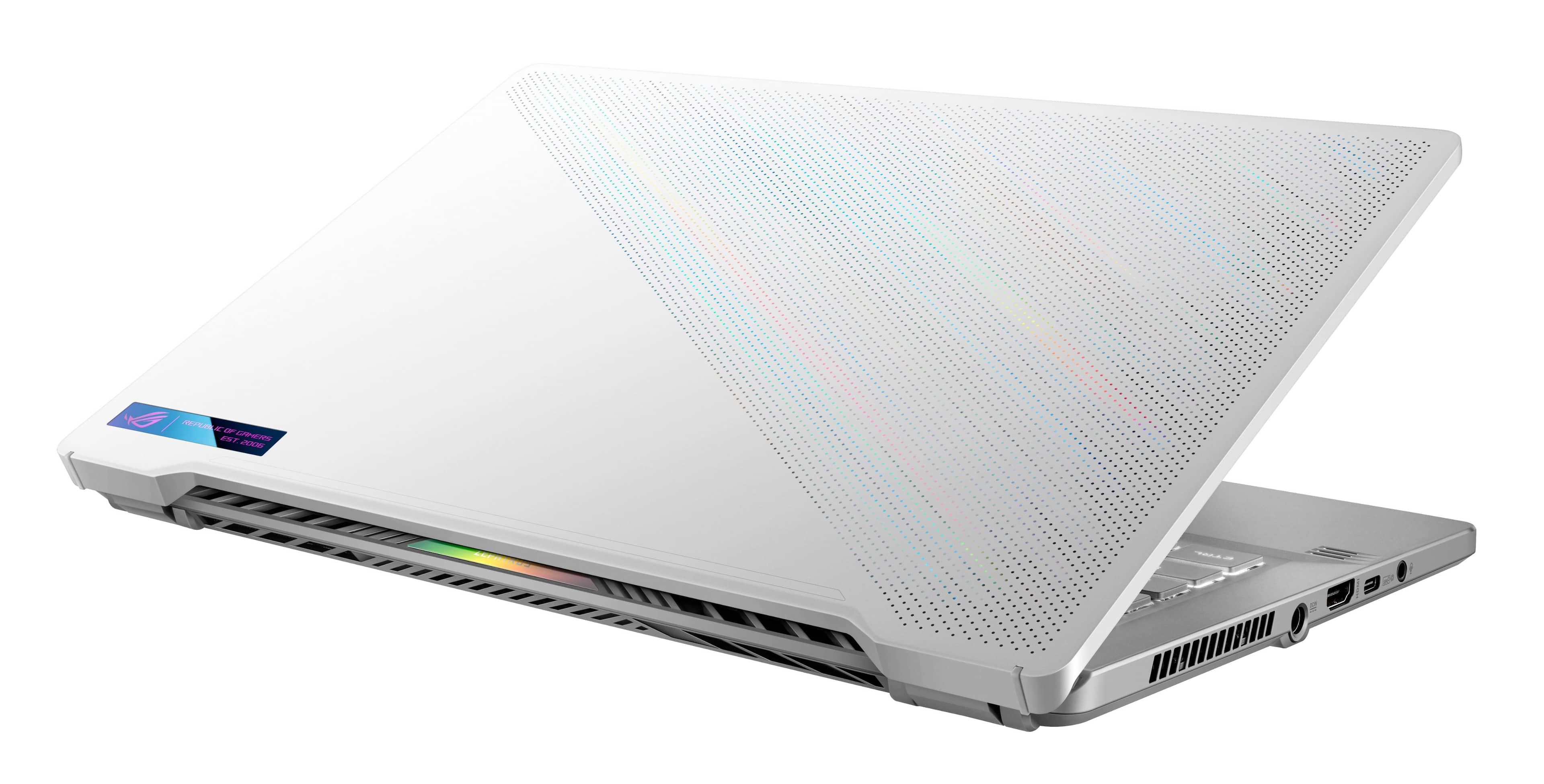



- Model:
- GA401QM-G14.R73060
- SKU:
- 6494633
Rating by feature
- Battery Life
Rating 4.2 out of 5 stars
- Speed
Rating 4.7 out of 5 stars
- Display
Rating 4.5 out of 5 stars
Customers are saying
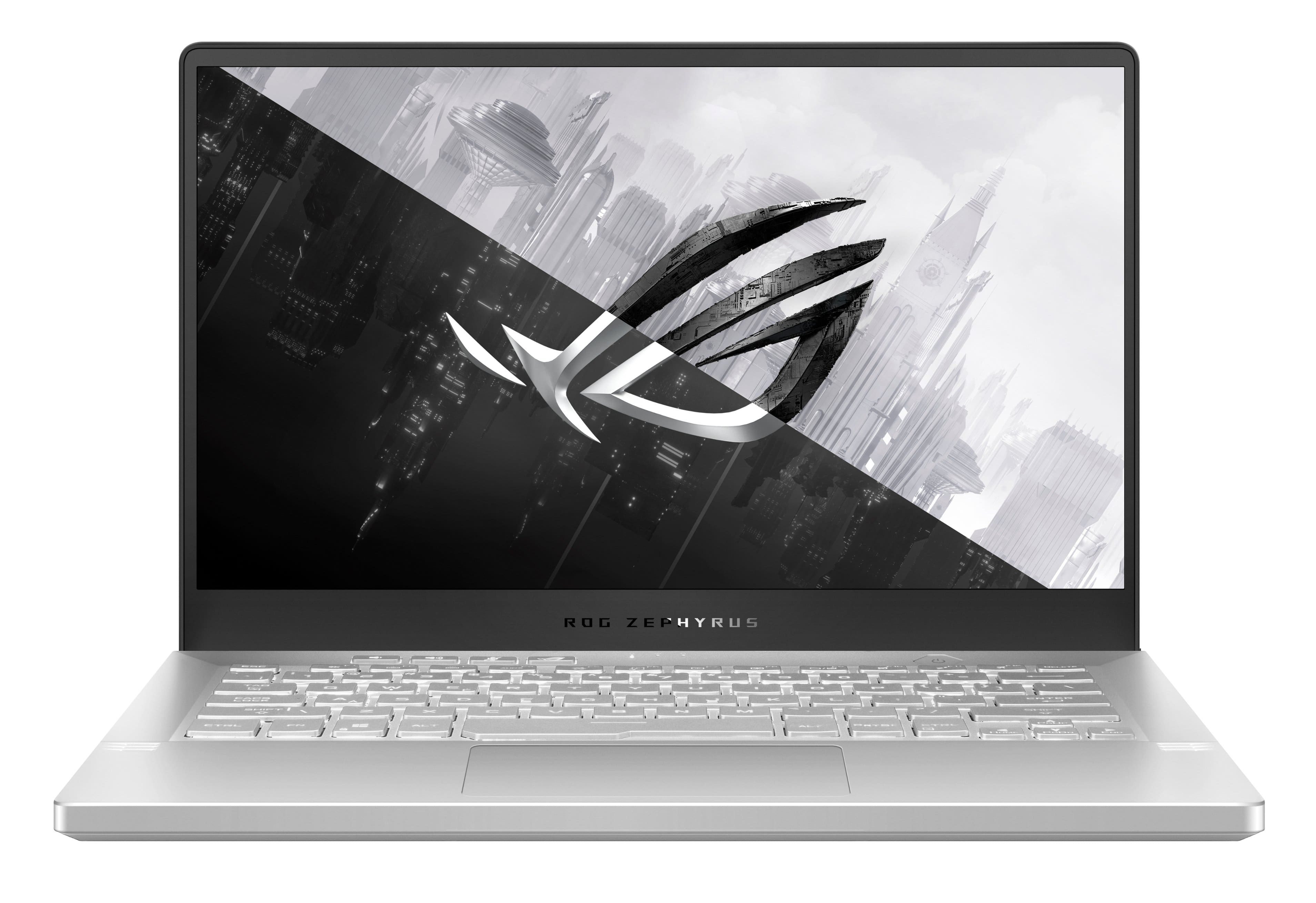
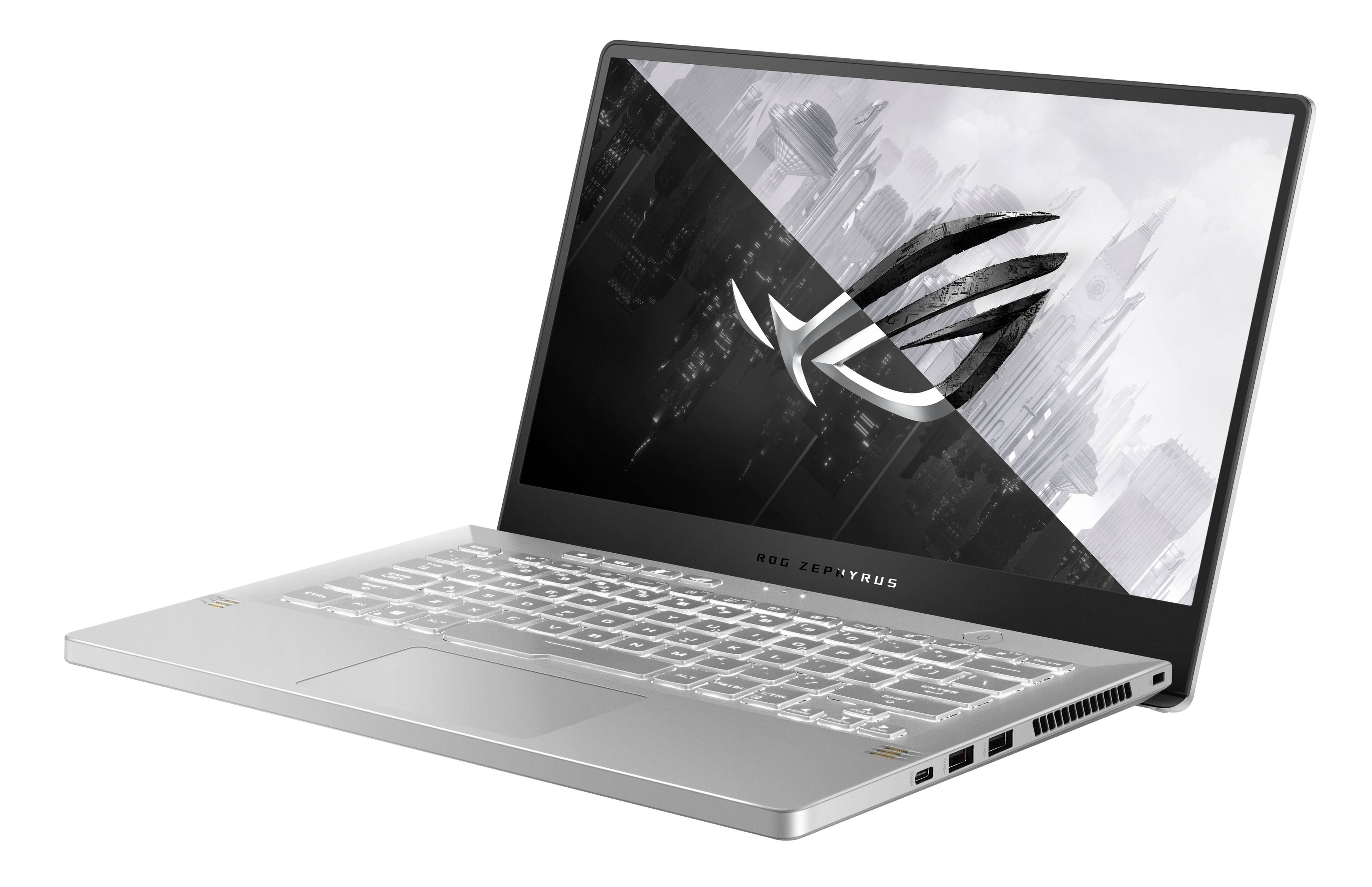
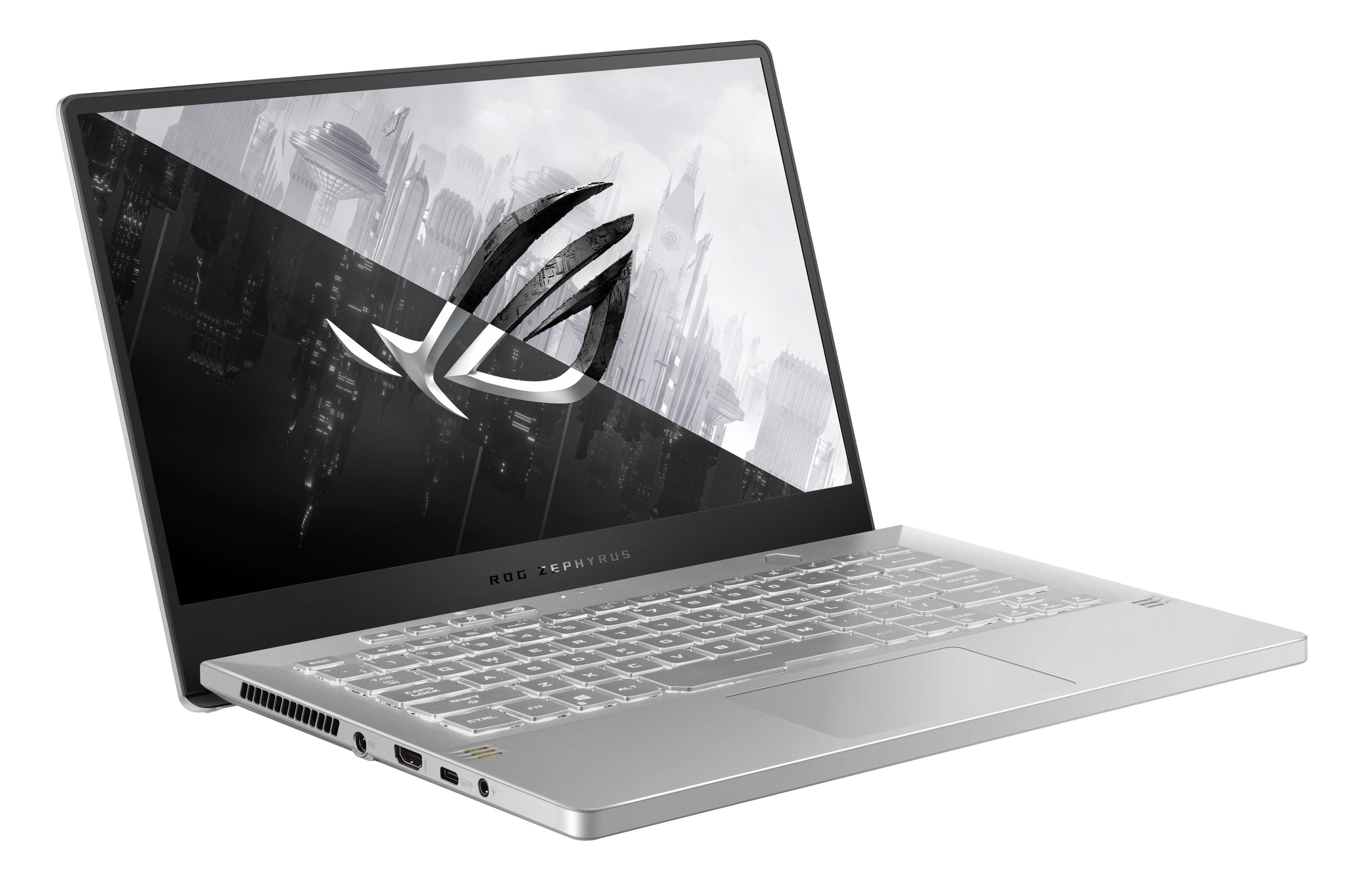
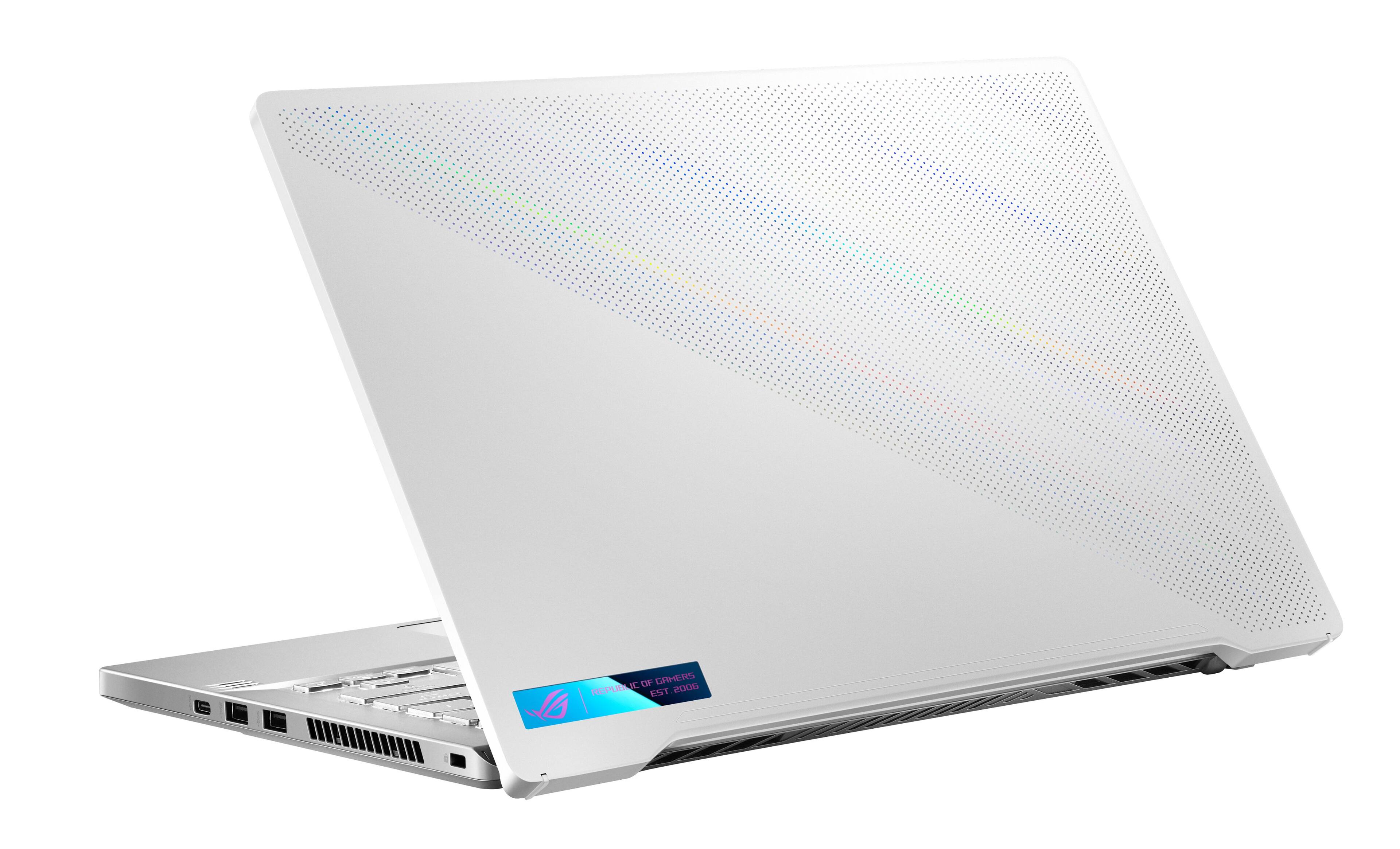
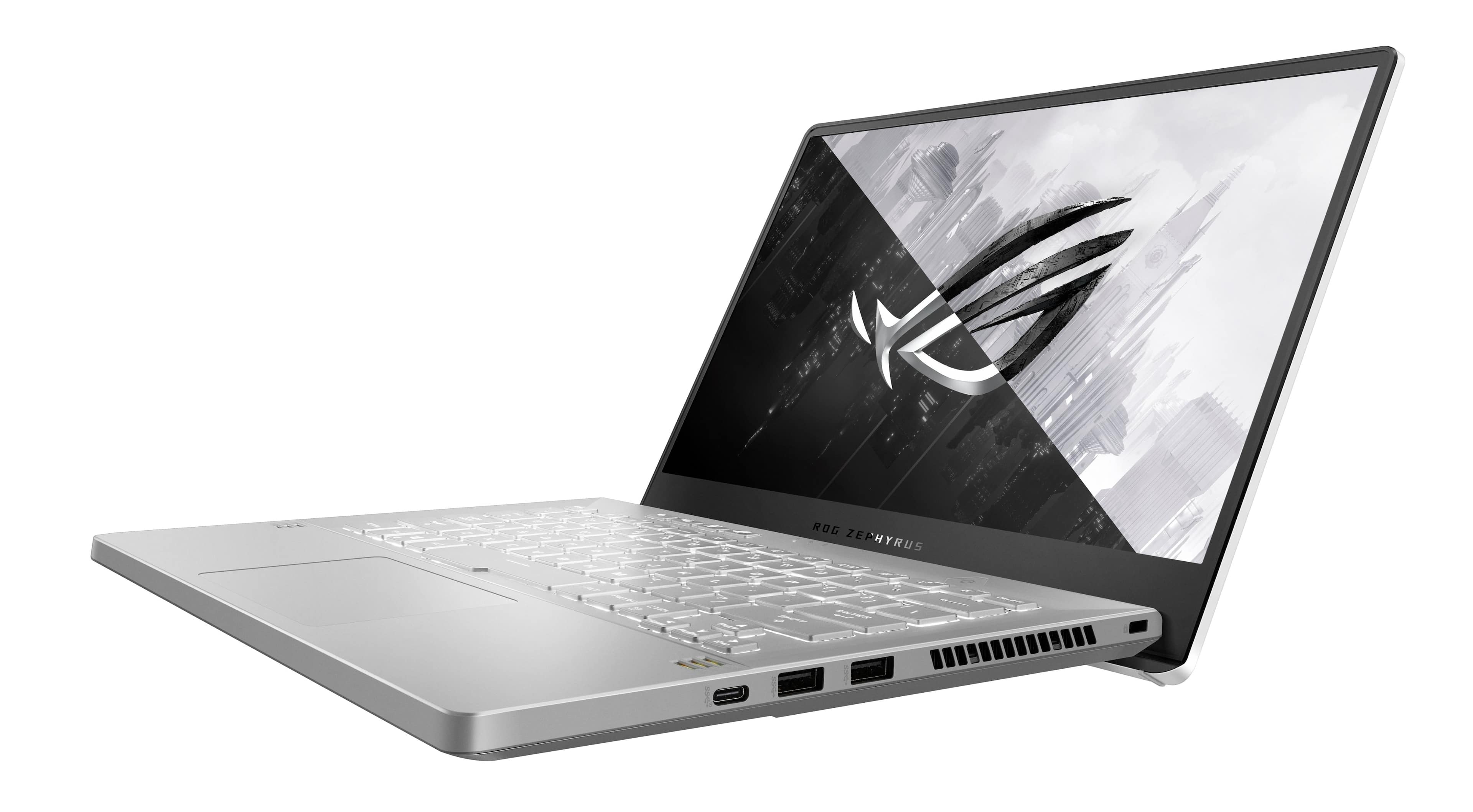
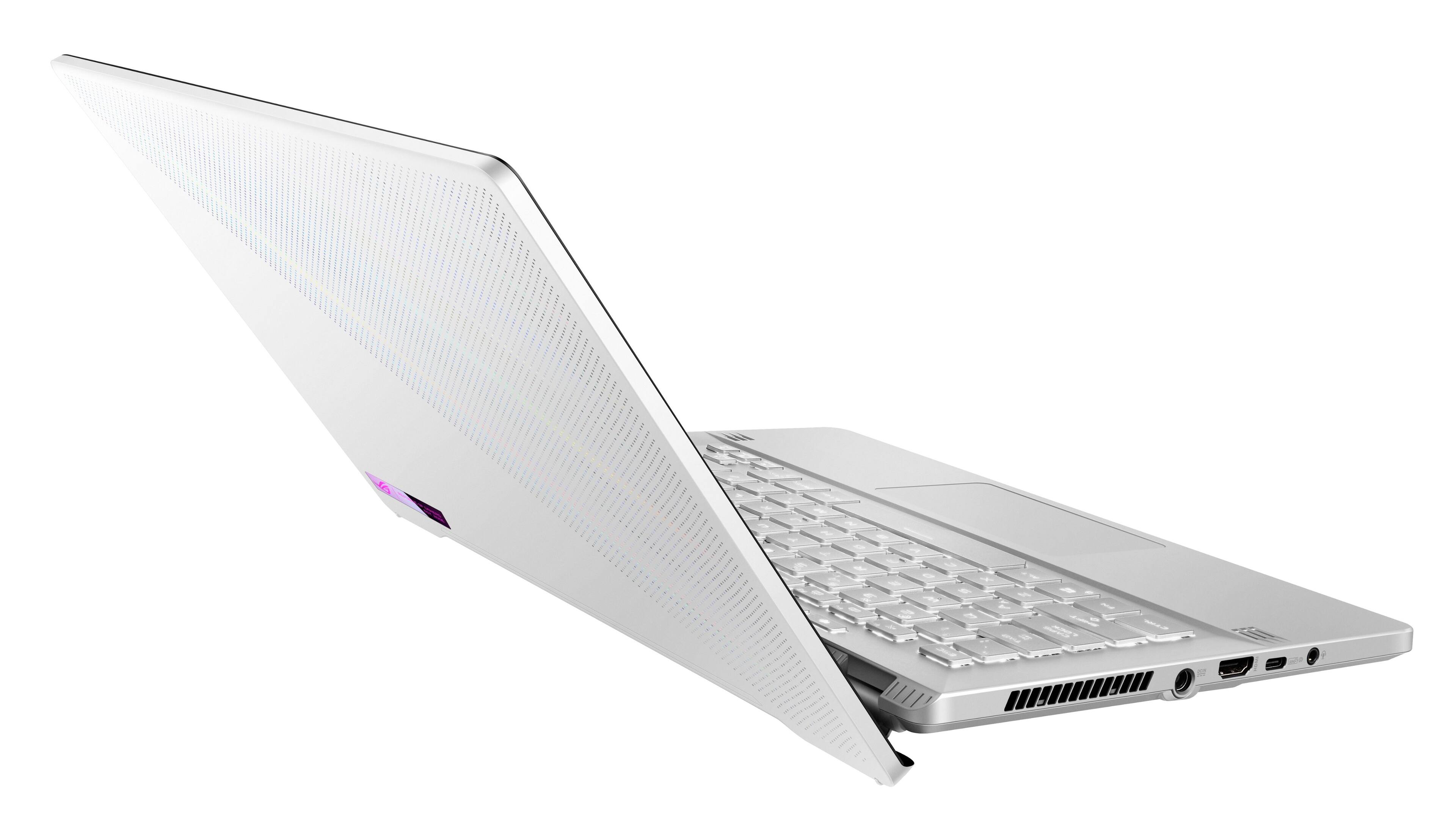
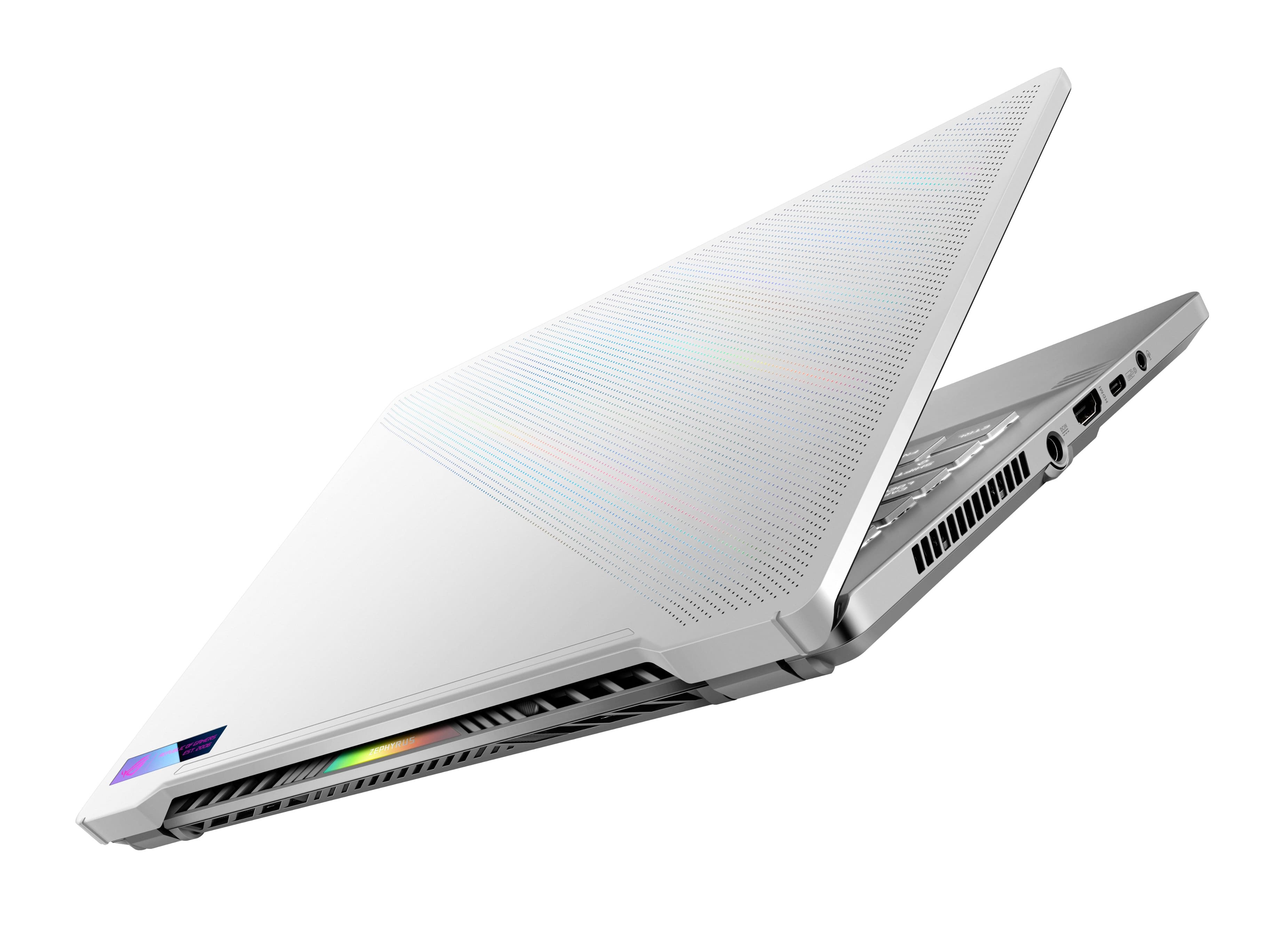
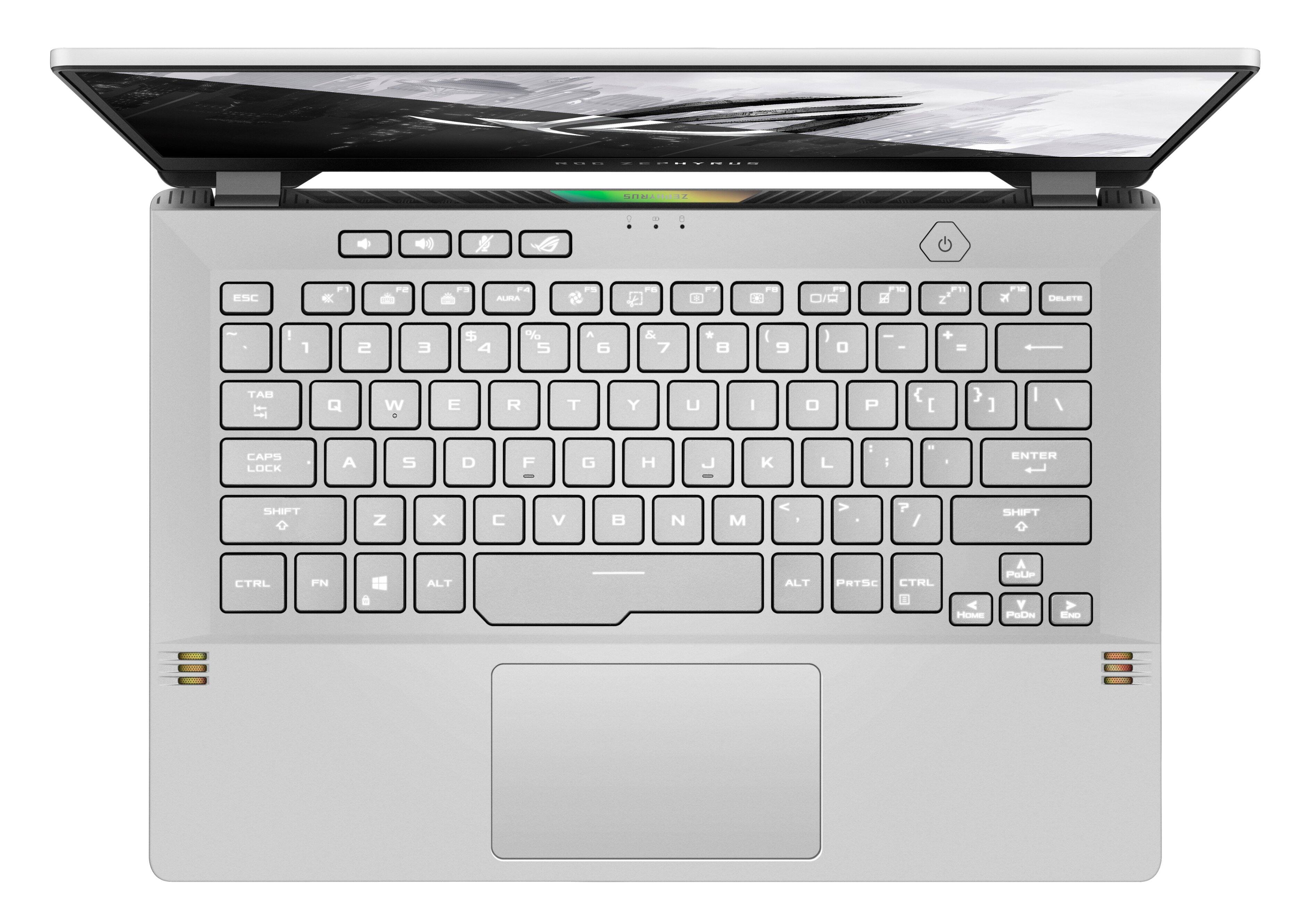
Customers are delighted by the ROG Zephyrus 14" gaming laptop's impressive performance, long battery life, and portable design. Many appreciate its lightweight nature and the vibrant display, although some users note that the device can get warm under heavy use and that the fan can be noisy at times. The lack of a built-in webcam and limited storage are also frequently cited drawbacks. Overall, the laptop receives positive feedback for its combination of power and portability, despite some minor issues.
This summary was generated by AI based on customer reviews.
Very good
Posted .This reviewer received promo considerations or sweepstakes entry for writing a review.Good computer it is very powerful and convenient to use.
I would recommend this to a friendAmazing
Posted .This reviewer received promo considerations or sweepstakes entry for writing a review.Just what my boyfriend needed, he loved it since que just saw the Box.
I would recommend this to a friendAmazing
Posted .This reviewer received promo considerations or sweepstakes entry for writing a review.It will be great for college students as I'm currently using it as.
I would recommend this to a friend- Cons mentioned:Heat
Awful pc for gaming
Posted .This reviewer received promo considerations or sweepstakes entry for writing a review.It was actually a disappointment of what I expected from this laptop In terms of its performance, it's not bad, a 1660 is better than a 3060, can you believe it, because I have a computer with specifications that are 2 years older and it's better than this laptop for over 1000 dlls, which was what it cost me It has such high temperatures that they do not allow me to play even in performance mode above 90 degrees not to mention the battery that lasts less than 3 hours and 30 minutes without making or using an application that asks for many requirements Maybe it was a scam to have bought this equipment, it was the first of December and I thought I'd give it a chance and just look for tickets in these weeks but I think I just want my refund, it's a pity I don't know where my ticket was haha, at least claim my warranty on asus I wouldn’t recommend this to a friend mine
No, I would not recommend this to a friendBrand response from ASUS Answers
Posted .Dear EduardoF,
We do understand your disappointment and the inconvenience if you are experiencing slow system speed or performance and overheating issues with the laptop.
To resolve the performance issue, please check if WINDOWS, chipset and video drivers are up to date. Keeping Windows updated will maintain optimum system stability and performance. While accessing online games or web applications, please verify if the laptop has access to an established router and internet service is working properly since poor or unstable internet connection will definitely affect system speed and performance. It is normal for the laptop, with the same hardware configuration and regardless of the manufacturer, to generate more heat than normal while under heavy load especially during gaming, WINDOWS Update and antivirus scan. When system resource utilization is high, this will generate more heat than normal and tends to trigger the fan to spin at full-throttle. Please ensure the air ventilations are free from obstructions in order to have an efficient air flow for better heat dissipation. While gaming, please ensure no resource hungry applications are running in the background, this will definitely spike the temperature. The heat or temperature does decreases or normalizes once system resource utilization goes down. If these steps were already performed to no avail, please try to run a diagnostics or optimization test using the "My ASUS" utility software or application. If this is not pre-installed on the laptop, please download the application at the Microsoft Store. For details on how to use "My ASUS", please go to: https://www.asus.com/support/FAQ/1041686/.
If you need further assistance, please email me at cl-rodel@asus.com and I would be happy to help. Or, you are most welcome to call Product Support Hotline at: 1(888) 678-3688. Also, you can chat with an ASUS live support agent at: http://bit.ly/AsusLiveChat.
Thank you for choosing an ASUS product.
Regards,
Rodel
ASUS Customer Loyalty
literal piece of garbage
Posted .This reviewer received promo considerations or sweepstakes entry for writing a review.first off i have no idea how as a company you make a product worth a grand and have it be so dog shi, cant run even simple games like rocket league or valorant without the piece of trash over heating and then thermal throttling which causes lag and quality issues constantly even with a fan in the background aimed at, a cooling pad, and it being elevated. Like im no genius but this is just absurd, how as a professional company are you so stupid that you cant make a laptop.... a laptop not over heat its really quite simple yet unintelligent people like you seem to have a hard time with that. wouldnt recommend this garbage laptop or even a laptop at all just build a desktop youll have a better experience. cant wait for their response to be "visit our faq" they dont give a rats ahhh about their customers.
No, I would not recommend this to a friendBrand response from ASUS Answers
Posted .Dear TrevorR,
We do understand your disappointment with the laptop and your concern about thermal issues.
It is normal for the laptop, with the same hardware configuration and regardless of the manufacturer, to generate more heat than normal while under heavy load especially during gaming, WINDOWS Update and antivirus scan. When system resource utilization is high, this will generate more heat than normal and tends to trigger the fan to spin at full-throttle. Please ensure the air ventilations are free from obstructions in order to have an efficient air flow for better heat dissipation. While gaming, please ensure no resource hungry applications, processes and services are running in the background, this will definitely spike the temperature. The heat or temperature does decreases or normalizes once system resource utilization goes down.
Should you need further assistance with the product, please email me at cl-rodel@asus.com and I would be more than happy to help. Or, you are most welcome to call Product Support Hotline at: 1(888) 678-3688. Also, you can chat with an ASUS live support agent at: http://bit.ly/AsusLiveChat.
Thank you for choosing an ASUS product.
Regards,
Rodel
ASUS Customer Loyalty
Not the best
Posted .This reviewer received promo considerations or sweepstakes entry for writing a review.Died multiple times and had to gi to a shop to get a new battery
No, I would not recommend this to a friendBrand response from ASUS Answers
Posted .Dear Matt,
We regret to learn that you are experiencing issues with battery draining ,We do stand behind our product and we continuously strive to improve our approach and processes in order to achieve customer service excellence. Please follow the troubleshooting steps in our FAQ,below. If all steps have been completed, please reach out to us by email at customerloyalty@asus.com . and provide the link of this review for reference. We’ll do our best to provide a quick resolution to your case. Your feedback is important as it helps with improvements to ASUS Support channels. Please refer to this case number (N2107002091-0070)Thank you for choosing ASUS.
Best Regards,
Schottky
ASUS Customer Loyalty US Support
https://www.asus.com/support/FAQ/1043914/
Would hold off till issues are resolved
Posted .This reviewer received promo considerations or sweepstakes entry for writing a review.Everything about this computer seemed wonderful but not two days in I started having driver issues. I went as far as doing manual downloads from the asus app and the computer wouldn’t recognize them. This driver issue not only effects performance but the ability to be online period. You can always use a ethernet cable but I know the big appeal here was the avanced gaming with the ability to travel. I need wifi for anything I do and with this current model the wifi button and settings for wifi seem to completely disappear with no fix currently available. You can send it in but you will be back to the same issue with the next update.
No, I would not recommend this to a friendBrand response from ASUS Answers
Posted .Dear Smith,
It's unfortunate to hear that the WIFI failed to work as intended. All our products do go through an intensive quality control testing process to ensure that customers get units that are in proper working condition, what you've experienced was not intentional and this was a random case. Have you tried to update the Bios? Please follow the steps in the FAQ below.
If you should have any other concerns or feedback feel free to reach out to us at customerloyalty@asus.com. We'll be happy to provide a quick resolution to your case. Please refer to this case number (N2208025841-0001) for us to better assist you.
Thank you for choosing ASUS!
Best Regards,
Ramon,
ASUS Customer Loyalty US Support
Troubleshooting - https://www.asus.com/us/support/FAQ/1015073/
Great Spec Sheet, Horrendous Execution
Posted .This reviewer received promo considerations or sweepstakes entry for writing a review.Had this for two years, and I've spent basically the entire time either using my desktop or wishing I had bought Macbook. CPU fan went bad a month in and makes a grinding noise, fan control curves are terrible with the stock software, the chassis coating started peeling a few months in, and it has an intermittent hard freezing issue. I've tried dozens of fixes for the software issues, the noise and chassis I just live with. Laughable quality for the price range, it's getting a hammer taken to it once the M3 Macbook Pros are out. Until then, I'll use it as little as possible.
No, I would not recommend this to a friendDo not buy many issues
Posted .This reviewer received promo considerations or sweepstakes entry for writing a review.Although fast on paper it has too many problems to list. Starting with the screen not responding for minutes after waking. The wifi has gotten progressively worse as it has aged to just barely a year old. Now it can barely stay on wifi for more than a few minutes at a time before dropping off, while other devices work fine. It seems this is a common issue with the media-Tek wifi cards, and its annoying they didnt care to put aomething better inside
No, I would not recommend this to a friendBrand response from ASUS Answers
Posted .Dear Jack,
We sincerely apologize for the unresponsive display and Wi-Fi disconnecting issue that you have been experiencing with your ASUS laptop. We can assure you that this is not the norm and it is definitely not the type of quality to expect from ASUS products. We recommend troubleshooting the issues by following the steps found in the FAQs linked below. We do stand behind our product and we continuously strive to improve our products and processes in order to achieve customer service excellence. For more information send us an email at customerloyalty@asus.com and provide the case number "N2107002130-0145" for reference. We’ll do our best to provide a quick resolution to your case. Your feedback is important as it helps with improvements to ASUS Support channels. Thank you for choosing ASUS.
Best Regards,
Leonardo
ASUS Customer Loyalty US Support
Troubleshooting - Wireless Network Problems: https://www.asus.com/us/support/FAQ/1015073/
Troubleshooting - Main (Internal) Display problem: https://www.asus.com/support/FAQ/1015072/
good for price
Posted .This reviewer received promo considerations or sweepstakes entry for writing a review.Decent power system for price. Do not like the touch pad without the right and left buttons it gets confused when you try to click on something and will move and not click. external mouse is almost a must.
I would recommend this to a friendMust see negative review!
Posted .This reviewer received promo considerations or sweepstakes entry for writing a review.Terrible laptop. My friend and i have one and he had his laptop for 4 months and requires a motherboard repair that cost just as much as the laptop and the wifi chip it comes with is terrible and needs to replaced after a few months like mime did and had mine for 9 months and it decided not to turn on anymore. I was a full Asus supporter till now. Hopefully if you decided to get the piece of trash, it works for you.
No, I would not recommend this to a friendBrand response from ASUS Answers
Posted .Dear AndresA ,
It's unfortunate to hear that you are having issues with device. All our products do go through an intensive quality control testing process to ensure that customers get units that are in proper working condition, what you've experienced was not intentional.
Can you please reach out to us with your case number so we can investigate this issue? We would love to have your issues resolved in a timely manner.
For more information, email us at customerloyalty@asus.com and provide the link to this review for reference. We’ll do our best to provide a quick resolution to your case. Your feedback is important as it helps with improvements to ASUS Support channels. Please refer to this case number (N2107002130-0144 ) for us to better assist you.
Thank you for choosing ASUS.
Best Regards,
Schottky
ASUS Customer Loyalty US Support
Not As Described
Posted .This reviewer received promo considerations or sweepstakes entry for writing a review.I went into store to purchas this laptop. I asked the worker some questions since they didnt have a display model. He said it had an ethernet port, RGB backlight, an SD slot to expand the storage, and an extra slot for an SSD. After getting home, I saw it had NONE of that!!! For $800, I was definitely not getting a great bang for my buck. I've seen dell gaming laptops for similar prices with most of those features.
No, I would not recommend this to a friendBrand response from ASUS Answers
Posted .Dear TheG,
We certainly understand your disappointment and the inconvenience this may have caused.
Normally, we recommend that you resolved the isssue with the seller if you received an item different from what was advertised.
Should you need further assistance with the product, please email me at cl-rodel@asus.com and I would be more than happy to help. Or, you are most welcome to call Product Support Hotline at: 1(888) 678-3688. Also, you can chat with an ASUS live support agent from the link: https://www.asus.com/us/support/article/1135/.
Thank you for choosing an ASUS product.
Regards,
Rodel
ASUS Customer Loyalty
Hdmi stop working
Posted .This reviewer received promo considerations or sweepstakes entry for writing a review.I had it for about 2 years now and I already had problems like the screen going black random and it crashes having to take it to geek team. I'm thinking there not going to be no more problems than the HDMI stop working. If you're reading this don't buy this. does not even work after a year.
No, I would not recommend this to a friendBrand response from ASUS Answers
Posted .Dear Jason,
We sincerely apologize for the crashing and HDMI issues you are experiencing with your ASUS laptop. This is definitely not the norm and is not the kind of quality to expect from ASUS products. If you run into the issues again in the future we recommend trying the troubleshooting steps found below:
[Notebook/Desktop/AIO] Troubleshooting - How to fix Blue Screen Errors in Windows (BSOD) - https://www.asus.com/support/FAQ/1042499/
[Notebook/Desktop/AIO] Troubleshooting - Resolving System Error Messages or Unresponsiveness (Freeze/Black Screen/White Screen during usage) - https://www.asus.com/support/FAQ/1038855/
[Notebook/Desktop/AIO] Troubleshooting - How to fix Display problem on External monitors - https://www.asus.com/support/FAQ/1047158/
We do stand behind our product and we continuously strive to improve our products and processes in order to achieve customer service excellence. For more information send us an email at customerloyalty@asus.com and provide the case number "N2107002130-0142" for reference. We’ll do our best to provide a quick resolution to your case. Your feedback is important as it helps with improvements to ASUS Support channels. Thank you for choosing ASUS.
Best Regards,
Leonardo
ASUS Customer Loyalty US Support
please stay away
Posted .This reviewer received promo considerations or sweepstakes entry for writing a review.worst laptop. after several month of use screen is not turning on. most of the time I have to reset. I've research through internet, and this laptop has faulty screen issue everywhere. not worth paying for buyer beware.
No, I would not recommend this to a friendBrand response from ASUS Answers
Posted .Dear Silversurfer,
We appreciate you sharing your feedback on this model. We are always known to satisfy our customers with the best quality and features. We do value our customers and take negative customer service experiences very seriously. We do offer a warranty program to have the unit repaired using the manufacture's warranty I recommend that you contact us.
If you should have any other concerns or feedback feel free to reach out to us at customerloyalty@asus.com. We'll be happy to provide a quick resolution to your case. Please refer to this case number (N2107002130-0138) for us to better assist you.
Thank you for choosing ASUS!
Best Regards,
Saskeia
ASUS Customer Loyalty US Support
Bye bye gpu
Posted .This reviewer received promo considerations or sweepstakes entry for writing a review.The guy stopped working the way it is supposed to. The gpu doesn’t even go passes 210 MHZ. $800 down the drain. So much for a new laptop for school and fun
No, I would not recommend this to a friendContant black screens
Posted .This reviewer received promo considerations or sweepstakes entry for writing a review.Ive had this laptop since 2020 and it started out fine, but as tome went on it started to have one big issue. It will black,green, or blue screen when idle and when in regular use. It is an amazong laptop but the random cut outs are problematic. I do not recommend this laptop from the experience i had with it. Especially for the price. Just build your own pc for the price they charge you. I paid 1749 i think they realized the real lemon they’re selling and dropped the price to 1300. Dont buy this laptop.
No, I would not recommend this to a friendBrand response from ASUS Answers
Posted .Dear Nate,
It's unfortunate to hear that your unit is having a abnormal display during usage. All our products do go through an intensive quality control testing process to ensure that customers get units that are in proper working condition, what you've experienced was not intentional. Have you tried updating your Bios to the latest version? Please follow the steps in the FAQ below.
For more information send us an email at customerloyalty@asus.com and provide the link of this review for reference. We’ll do our best to provide a quick resolution to your case. Your feedback is important as it helps with improvements to ASUS Support channels. Please refer to this case number (N2107005349-0063) for us to better assist you.
Thank you for choosing ASUS.
Best Regards,
Ramon
ASUS Customer Loyalty US Support
Troubleshooting - https://www.asus.com/support/FAQ/1008276/
Bad wifi driver
Posted .This reviewer received promo considerations or sweepstakes entry for writing a review.Good laptop, but wifi driver stopped working after a week of use.
No, I would not recommend this to a friendBrand response from ASUS Answers
Posted .Dear Matthew,
Thank you for your comment.
We do understand the inconvenience if the WIFI stop working after a week of usage. To resolve the issue, please verify if the laptop is within range to an established wireless router or access point and internet service is working properly. Also, please verify if the laptop is running with the most current Windows update. You may also need to go in the Device Manager, Network adapters, click on the Wireless LAN then uninstall the driver, do a system restart and let Windows detect the WIFI deviec and install the driver automatically.
Should you need further assistance, please email me at cl-rodel@asus.com and I would be more than happy to help. Or, you are most welcome to call Product Support Hotline at: 1(888) 678-3688. Also, you can chat with an ASUS live support agent at: http://bit.ly/AsusLiveChat.
Thank you for choosing an ASUS product.
Regards,
Rodel
ASUS Customer Loyalty