Customer Ratings & Reviews
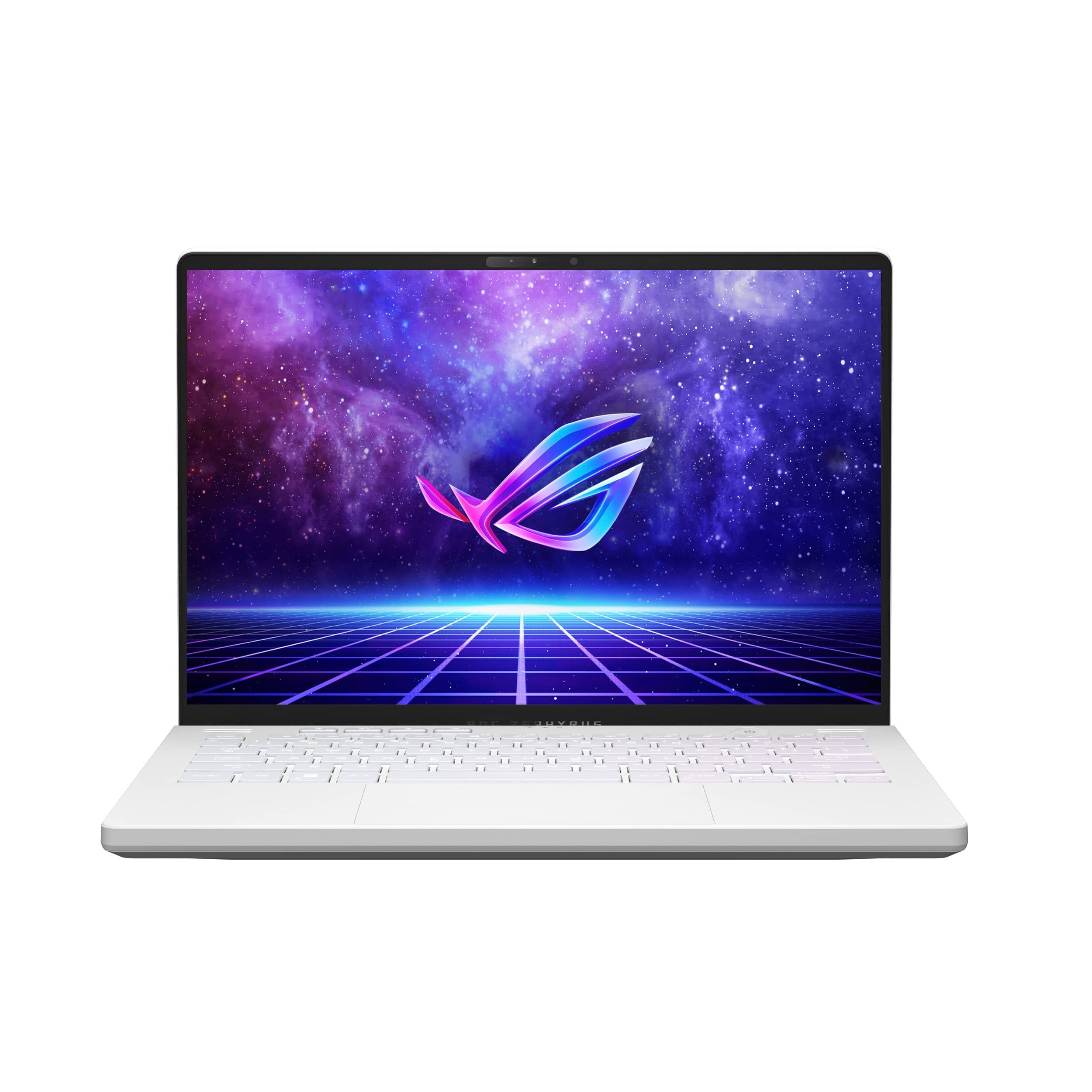
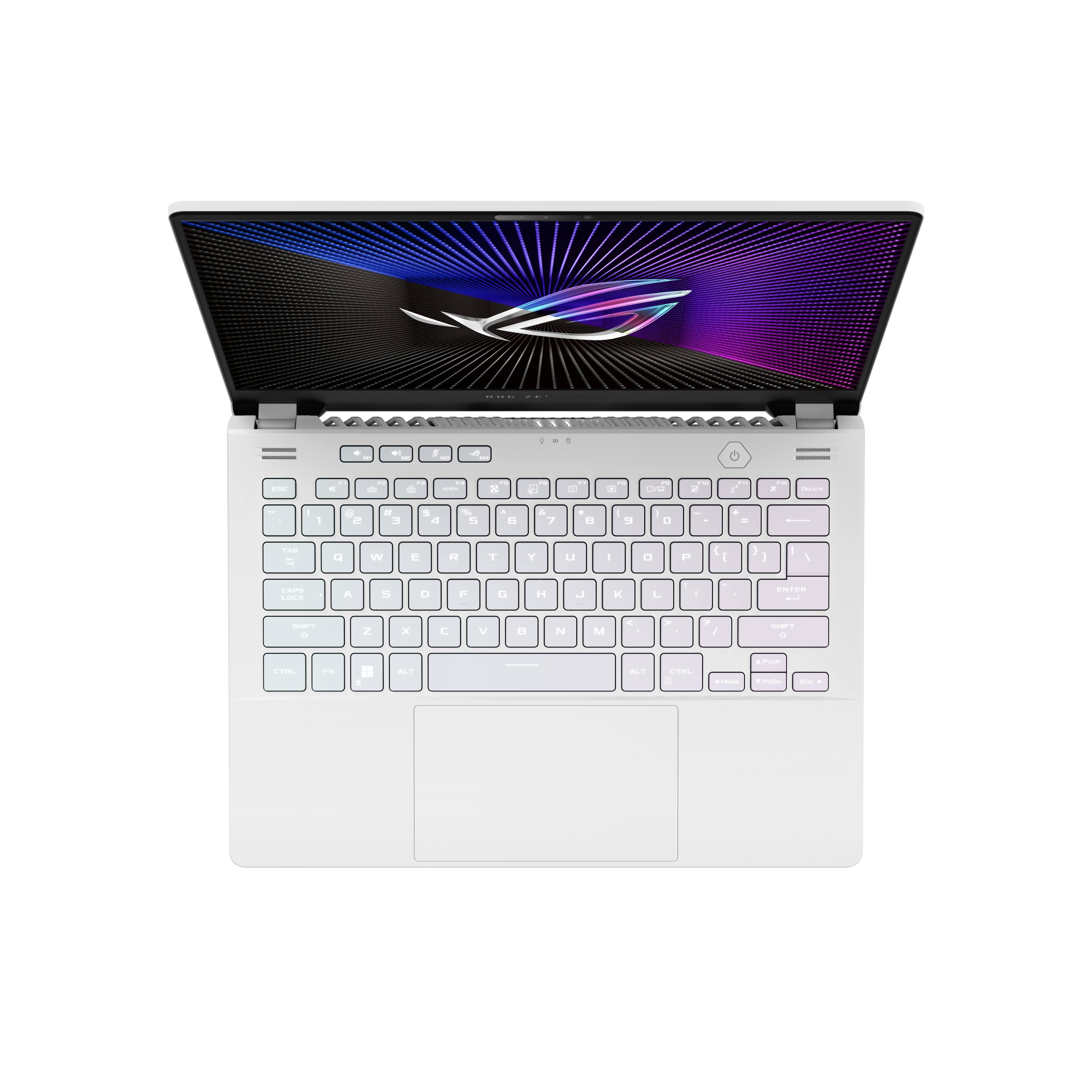
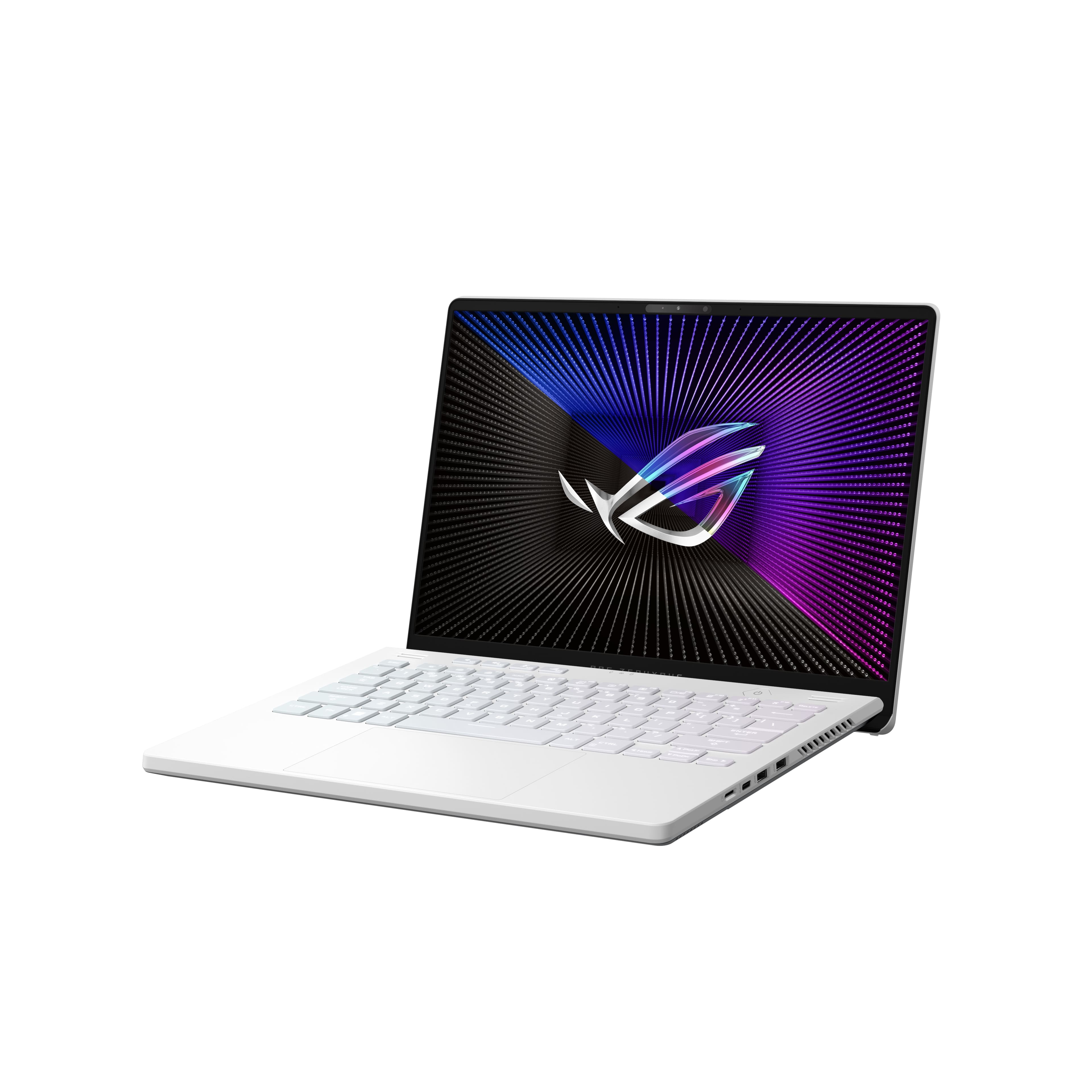
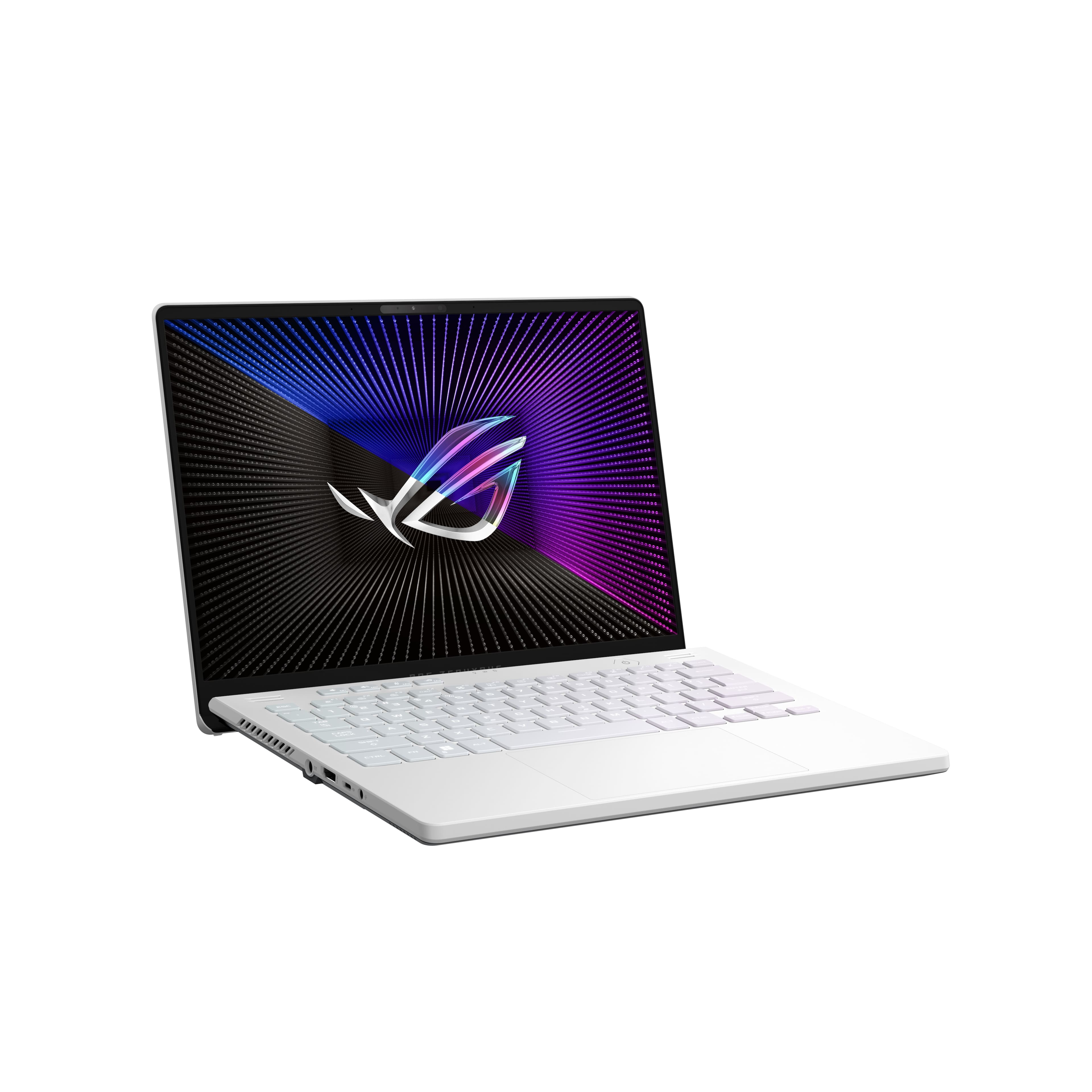
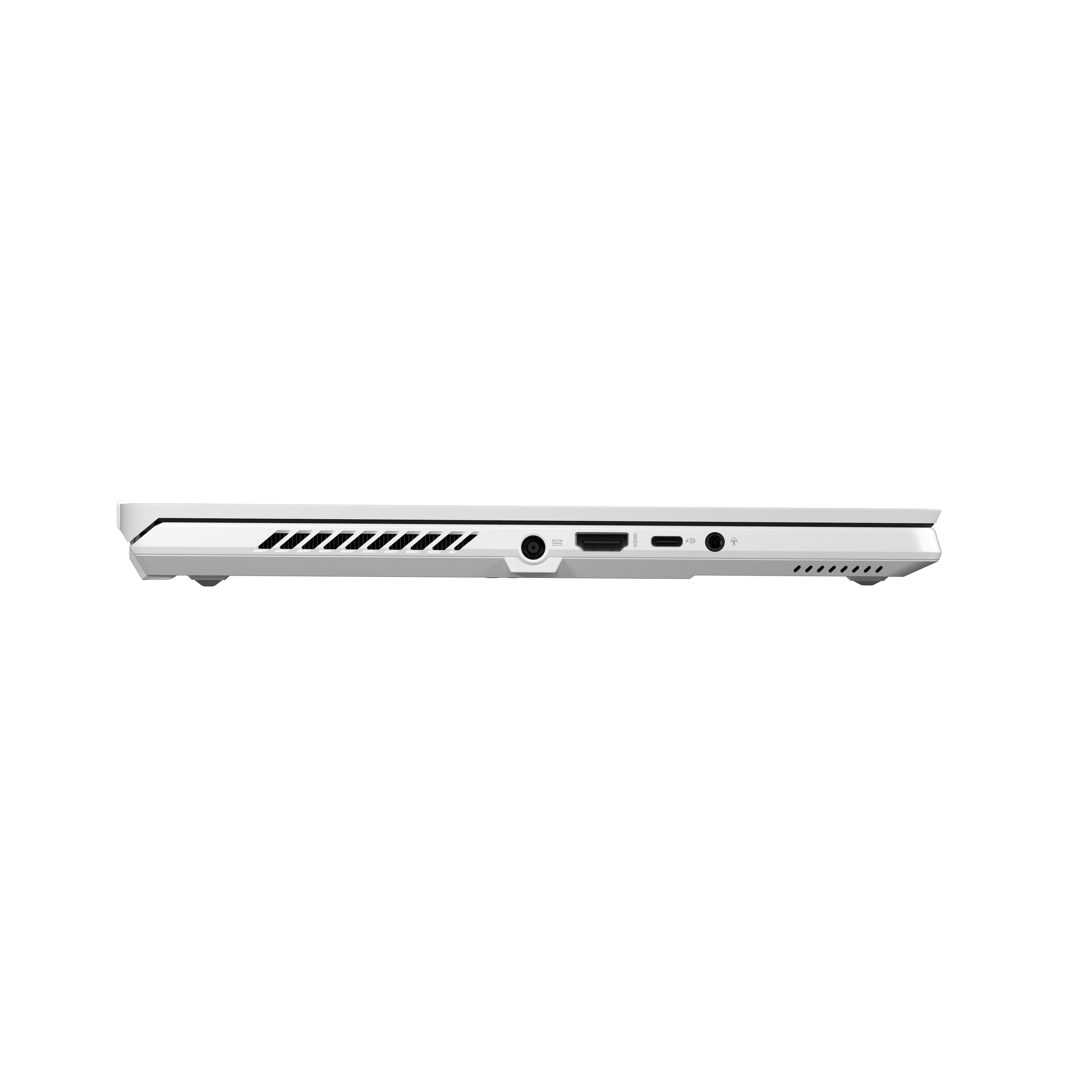
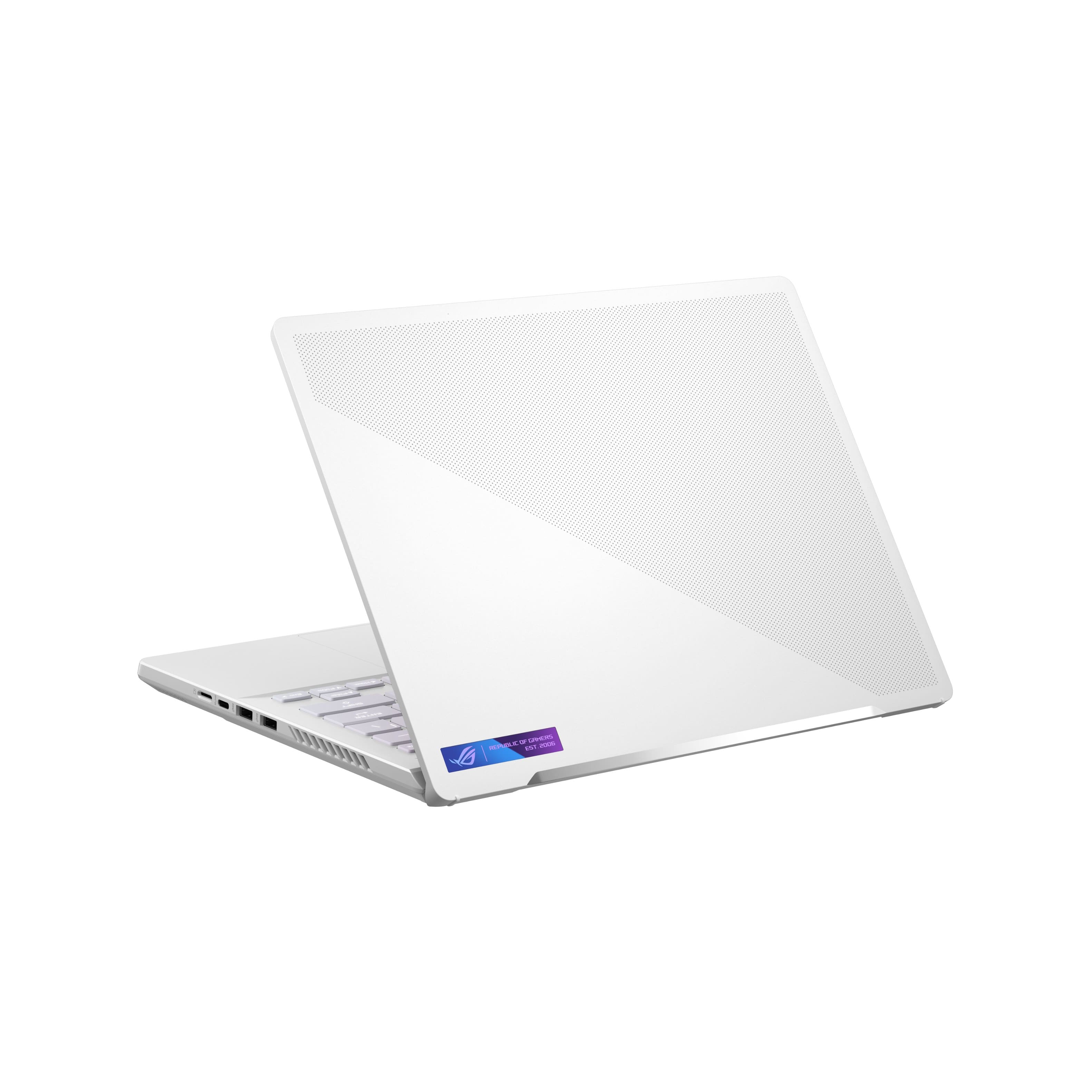
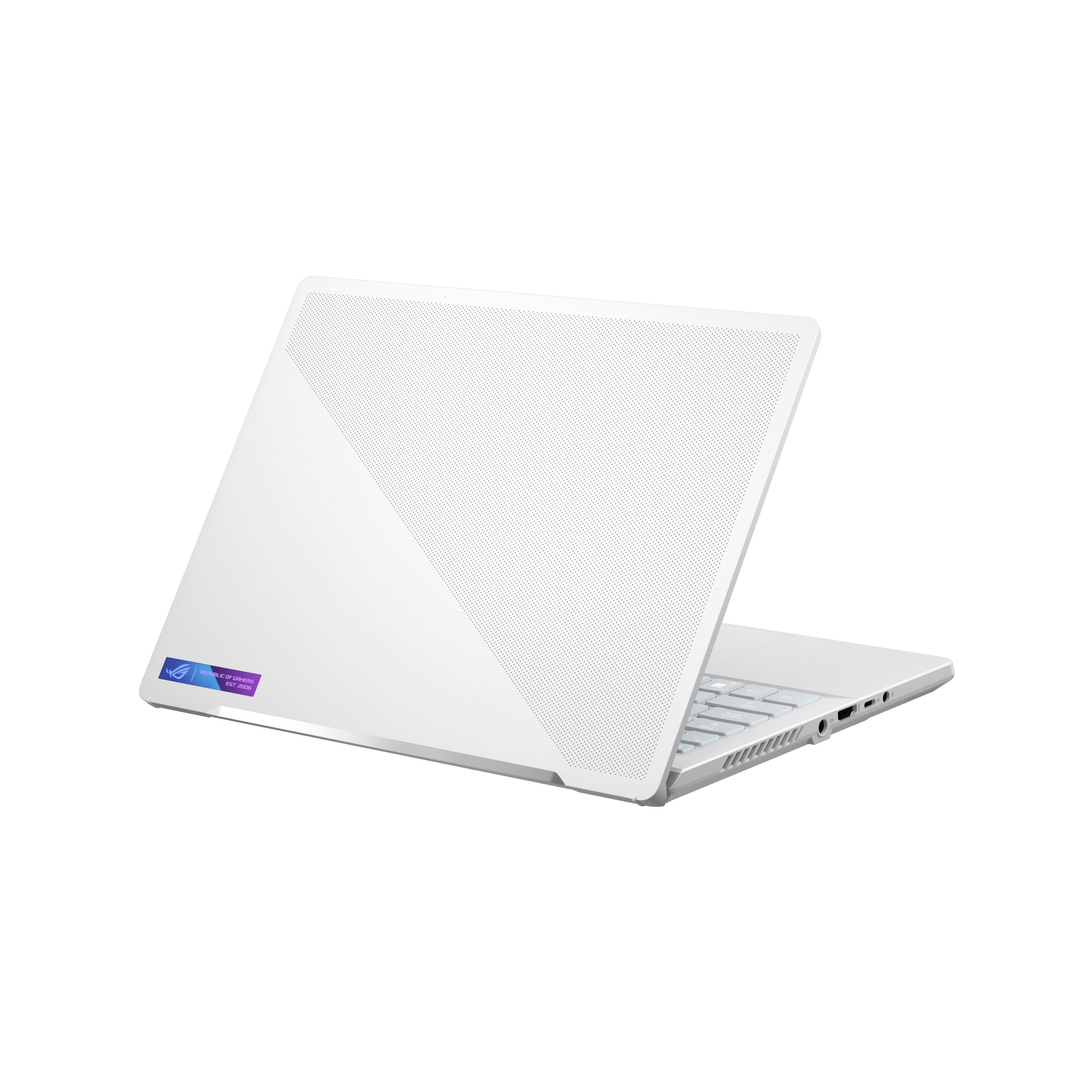
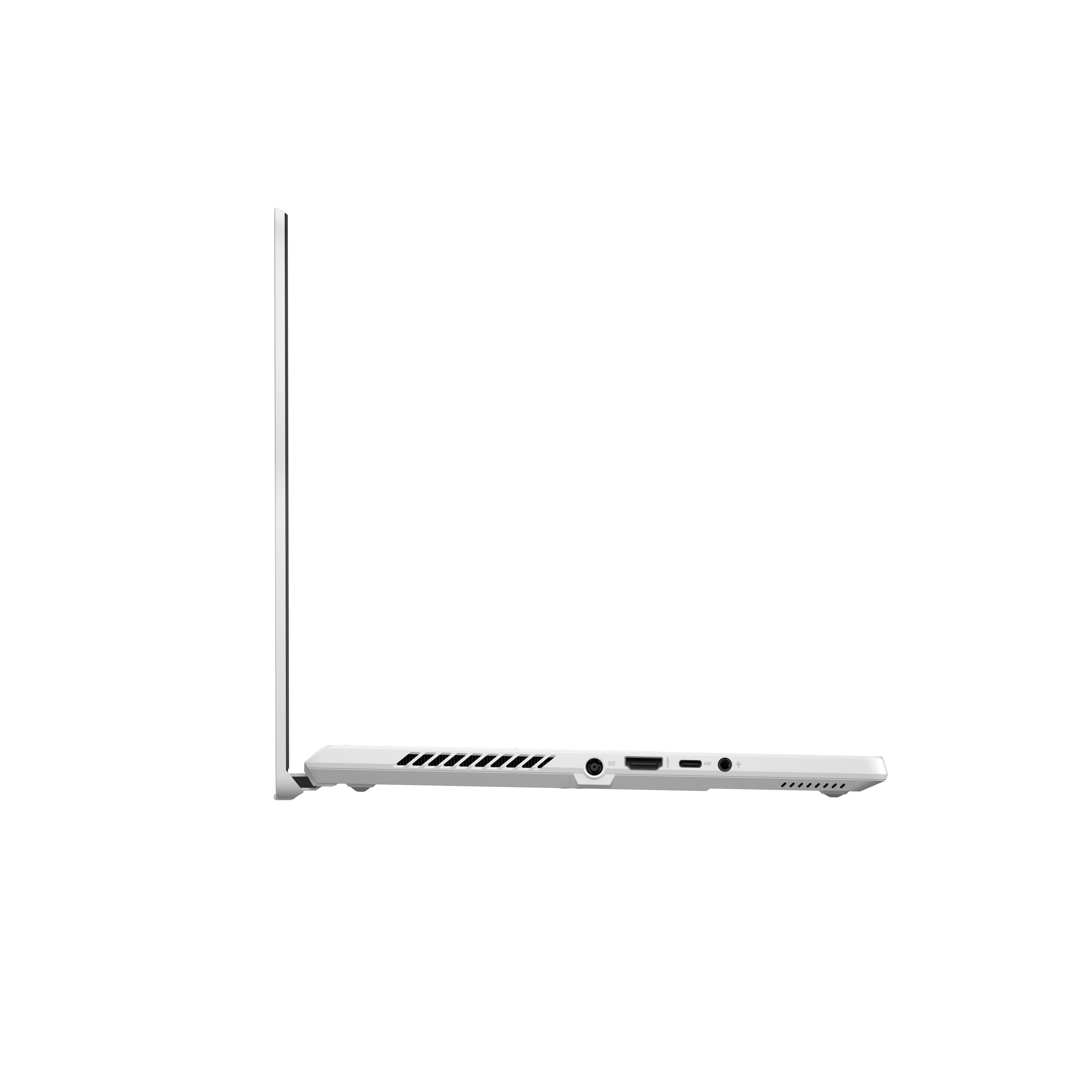
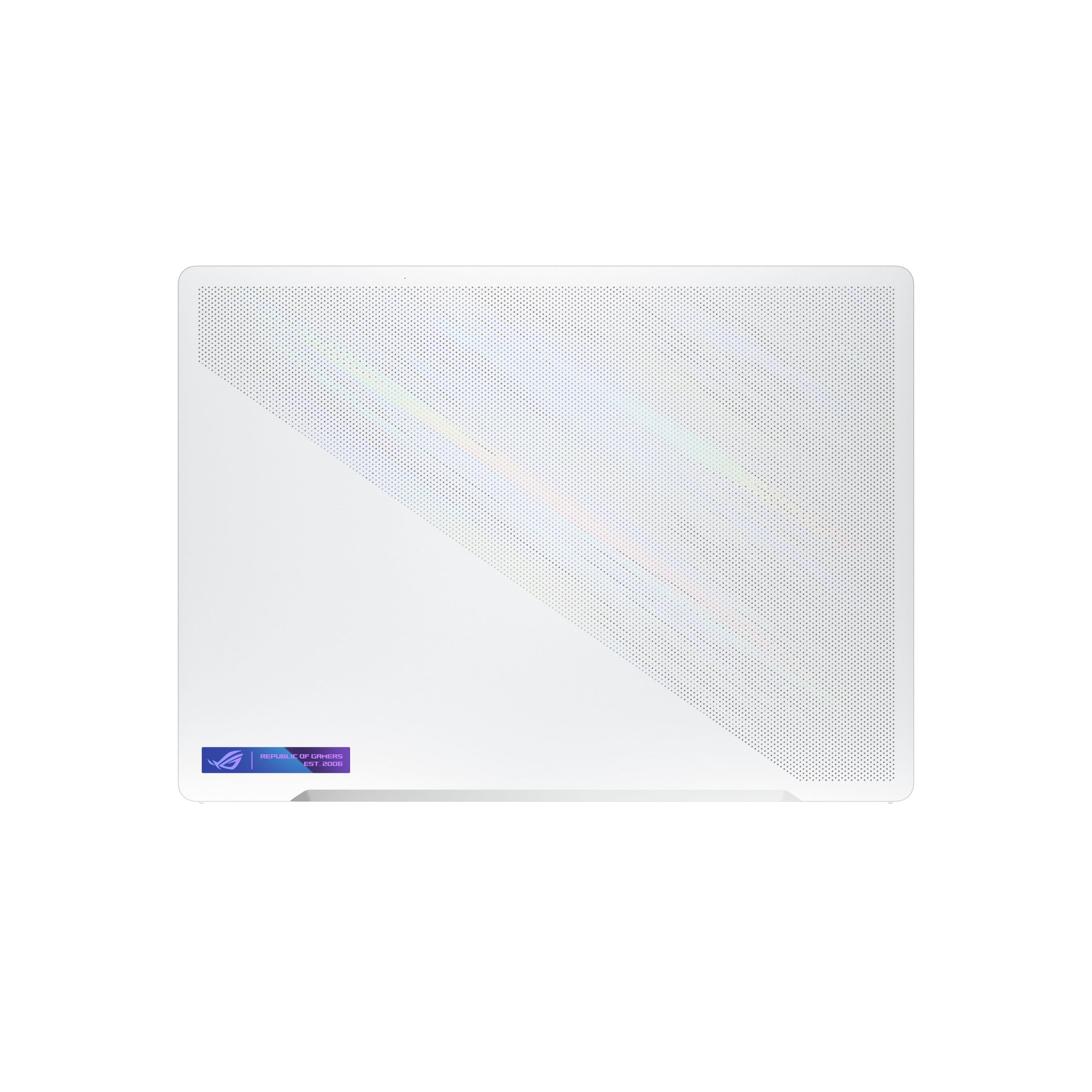
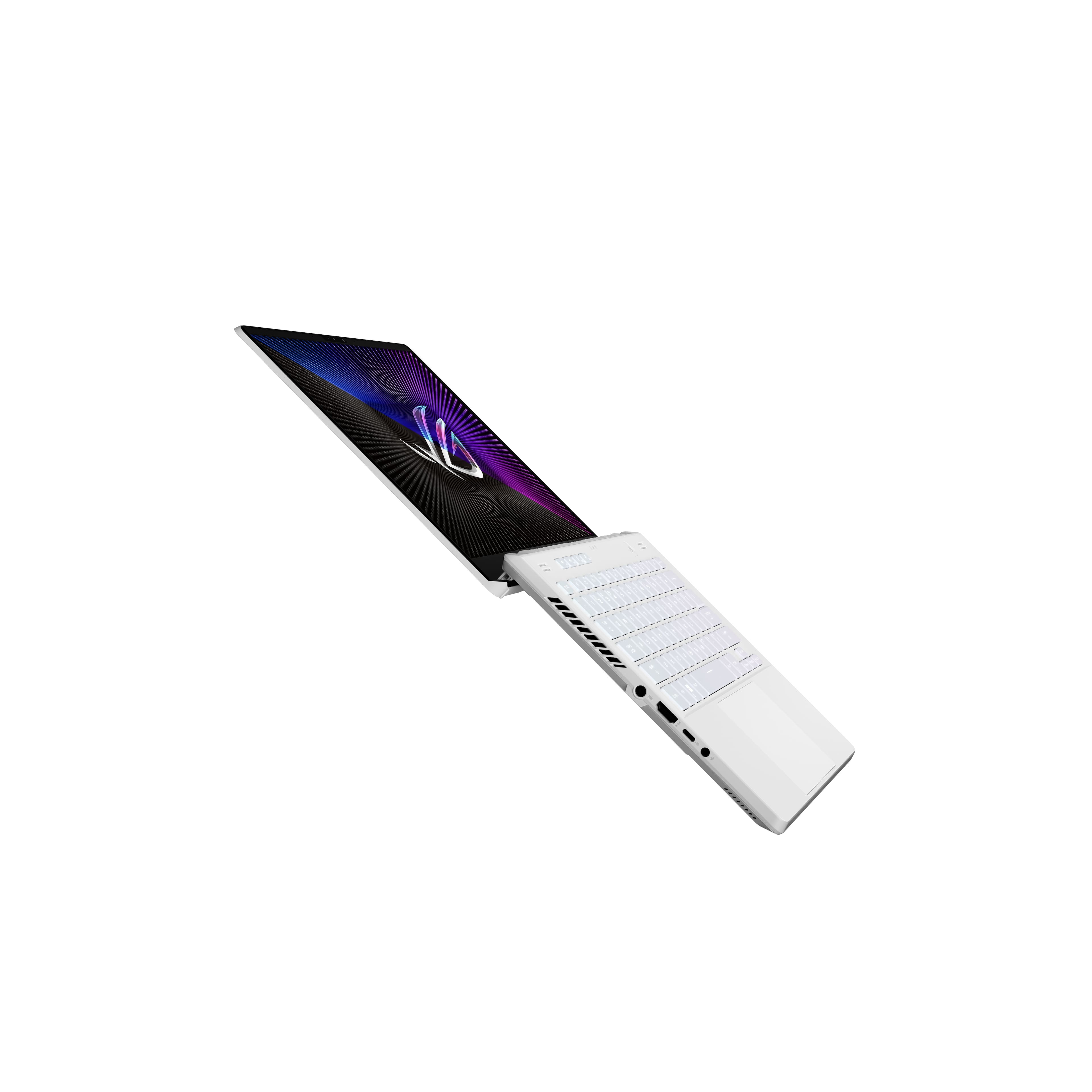
- Model:
- GA402RJ-G14.R96700
- SKU:
- 6494638
Rating by feature
- Battery Life
Rating 4.0 out of 5 stars
- Speed
Rating 4.6 out of 5 stars
- Display
Rating 4.5 out of 5 stars
Customers are saying
Customers find value in the ROG Zephyrus 14” laptop's performance, battery life, build quality, and portability. Many appreciate its impressive display and compact size, while some users experienced issues with heat generation and fan noise. A few customers also reported problems with the Wi-Fi and graphics processing unit.
This summary was generated by AI based on customer reviews.
Review
Posted .This reviewer received promo considerations or sweepstakes entry for writing a review.It si an amazona laptop with differents specifications for me
I would recommend this to a friendGood item
Posted .This reviewer received promo considerations or sweepstakes entry for writing a review.Its a good item, but the battery-powered could be better.
I would recommend this to a friendYmym yy
Posted .This reviewer received promo considerations or sweepstakes entry for writing a review.So so :///://::33::::::3333::334445555666666677666666666554555555555554555555555555555555555555
I would recommend this to a friendOffsetting a 1 star review
Posted .This reviewer received promo considerations or sweepstakes entry for writing a review.As the tiile says. One of the one star reviews has a different model pictured and appears to be false. Just offsetting it for the time being
I would recommend this to a friend- Cons mentioned:Heat
Don't waste your time on this laptop.
Posted .This reviewer received promo considerations or sweepstakes entry for writing a review.Overheats fast. Bad battery. Near the left side where the power cable is plugged in it gets hot. And it restarts the computer in the middle of the game. This can have nasty consequences if you play hardcore.
No, I would not recommend this to a friendBrand response from ASUS Answers
Posted .Dear DonC,
We regret to learn that your laptop is overheating and the battery is not holding the charge. We do stand behind our product and we continuously strive to improve our approach and processes in order to achieve customer service excellence. Please follow the troubleshooting steps in our FAQ:[Notebook] Troubleshooting - Overheating (Fan) issue of ASUS laptop -https://www.asus.com/support/FAQ/1015064/ also https://www.asus.com/us/support/FAQ/1012793/ If all steps have been completed, please reach out to us by email at customerloyalty@asus.com . and provide the link of this review for reference. We’ll do our best to provide a quick resolution to your case. Your feedback is important as it helps with improvements to ASUS Support channels. Please refer to this case number ( N2303003121-0002 )Thank you for choosing ASUS.
Best Regards,
Schottky
ASUS Customer Loyalty US Support
Disappointing
Posted .This reviewer received promo considerations or sweepstakes entry for writing a review.I only used this laptop for three years. There were constant BSOD errors if I didn't have my laptop plugged in. My warranty expired ages ago, so I couldn't do anything about it. Now it has gotten worse, and I decided to take it to a repair shop, hoping it can be saved. It's really disappointing. I like the design and loved gaming on it, but I wouldn't recommend this.
No, I would not recommend this to a friend- Cons mentioned:Wifi
Just junk.
Posted .This reviewer received promo considerations or sweepstakes entry for writing a review.Bought and returned 2 of these (the 2nd one went in for repair, then broke again.) Asus seems to source bad WiFi components, because in addition to these 2, I had another 16" that also got returned. Utter junk.
No, I would not recommend this to a friendBrand response from ASUS Answers
Posted .Dear spaldo,
It's unfortunate to hear that you are still having issues after repairs. All our products do go through an intensive quality control testing process to ensure that customers get units that are in proper working condition, what you've experienced was not intentional.
Can you please reach out to us with your case number so we can investigate this issue? We would love to have your issues resolved in a timely manner.
For more information, email us at customerloyalty@asus.com and provide the link to this review for reference. We’ll do our best to provide a quick resolution to your case. Your feedback is important as it helps with improvements to ASUS Support channels. Please refer to this case number (N2202042620-0075) for us to better assist you. Thank you for choosing ASUS.
Best Regards,
Schottky
ASUS Customer Loyalty US Support
- Cons mentioned:Wifi
Cant connect to Bluetooth or WiFi
Posted .This reviewer received promo considerations or sweepstakes entry for writing a review.I haven't even had this for a month and it's already having problems. I couldn't even connect to the wifi or Bluetooth I even restarted it but nothing. I would expect better after paying that much
No, I would not recommend this to a friendBrand response from ASUS Answers
Posted .Dear Eden,
We sincerely apologize for the wireless connection issue you have been experiencing with this laptop. We can assure you that this is not the norm and is not the kind of quality to expect from ASUS products. Please follow the steps in the FAQs linked below to troubleshoot the issue. We do stand behind our product and we continuously strive to improve our products and processes in order to achieve customer service excellence. For more information send us an email at customerloyalty@asus.com and provide the case number "N2202042620-0050" for reference. We’ll do our best to provide a quick resolution to your case. Your feedback is important as it helps with improvements to ASUS Support channels. Thank you for choosing ASUS.
Best Regards,
Leonardo
ASUS Customer Loyalty US Support
[Notebook/Desktop/AIO] Troubleshooting - Wireless Network Problems: https://www.asus.com/us/support/FAQ/1015073/
[Notebook/Desktop/AIO] Troubleshooting - How to fix the Bluetooth connection issue: https://www.asus.com/us/support/FAQ/1042394/
Completely unusable after less than a year
Posted .This reviewer received promo considerations or sweepstakes entry for writing a review.I was worried about how hot it got during use but it worked well for a few months so I didnt think much of it until it started blue screening and crashing. It didnt crash much at first but started to get worse over time. Everytime I asked asus support they would tell me to update my bios and drivers which I did every time. Now the laptop crashes multiple times throughout the day, even when i dont have anything running and its just on. Now I dont bother using it which is a shame and a waste. Would not recommend this laptop if youre looking for a reliable gaming laptop that lasts longer than a year..
No, I would not recommend this to a friendBrand response from ASUS Answers
Posted .Dear Jason,
We do understand the inconvenience this may have caused.
If drivers and BIOS are up to date and the system crash and blue-screening continues, please check if Windows is up to date. also. Try to unstall any third-party software and disconnect any third-party devices, do a system restart, go to the BIOS setup page and load default settings. If problem persisted, please try to run the diagnostics or optimization test "My ASUS" utility software. If this is not pre-installed on the laptop, please download the application at the Microsoft Store. For details on how to use "My ASUS", please go to: https://www.asus.com/support/FAQ/1041686/.
If you need further assistance, please email me at cl-rodel@asus.com and I would be happy to help. Or, you are most welcome to call Product Support Hotline at: 1(888) 678-3688. Also, you can chat with an ASUS live support agent from the link: https://www.asus.com/us/support/article/1135/.
Thank you for choosing an ASUS product.
Regards,
Rodel
ASUS Customer Loyalty
Broke within a week
Posted .This reviewer received promo considerations or sweepstakes entry for writing a review.Broke within 5 days of buying. Company said it would take 3 months to fix.
No, I would not recommend this to a friendBrand response from ASUS Answers
Posted .Dear Jason R,
We're sorry to hear that the notebook broke after five days. This is not the kind of quality to expect from ASUS products and it's not the norm. Please allow us to make your experience with ASUS a better one. We recommend contacting the place of purchase for an exchange or return if you are still within the window. Please rest assured that if you are unable to gain resolution when contacting Best Buy, we will be glad to provide further assistance in getting your unit repaired. Repairs typically take 7-10 business days, not including weekends or shipping time.
For more information send us an email at customerloyalty@asus.com and provide the case number "N2203000528-0064" for reference. We’ll do our best to provide a quick resolution to your case. Your feedback is important as it helps with improvements to ASUS Support channels. Thank you for choosing ASUS.
Best Regards,
Chantae
ASUS Customer Loyalty US Support
Boycott win11.
Posted .This reviewer received promo considerations or sweepstakes entry for writing a review.Windows 11 required my credit card number AND an account with Microsoft. From get-go, too! That is asking for too much. Installing win10 on it. Haven't tested battery life yet. Processor is as expected of a gaming machine - capable, yes, but prone to overheating. In the middle of trying to run the updates, it did get too hot to touch, so I had to turn the machine off for the night before continuing the next day.
No, I would not recommend this to a friendBrand response from ASUS Answers
Posted .Dear Valued Customer,
It's unfortunate to hear that the unit is hot during the windows update. It can normal for the notebook, with the same hardware configuration and regardless of the manufacturer, to generate more heat than normal while under heavy load, especially during gaming, WINDOWS Update, and antivirus scan. When system resource utilization is high, this will generate more heat than normal and tends to trigger the fan to spin at full throttle. Please attempt the steps below to reduce the heat. For further troubleshooting, feel free to reach out to me at customerloyalty@asus.com and provide this link for reference. I'll do my best to provide a quick resolution to your case. Your feedback is important as it helps with improvements to ASUS Support channels.
Thank you for choosing ASUS!
Best Regards,
Jamalie,
ASUS Customer Loyalty US Support
Troubleshooting - https://www.asus.com/support/FAQ/1015064/
Don't buy go for the cheaper version!
Posted .This reviewer received promo considerations or sweepstakes entry for writing a review.Don't buy waste of money! Within 3 years of purchase motherboard is gone and manufacturer warranty already passed and that's only for 90 days.
No, I would not recommend this to a friendFricking fantastic
Posted .This reviewer received promo considerations or sweepstakes entry for writing a review.Man this thing is perfect. 6700s is extremely fast and the 6900hs is great in code compilation
I would recommend this to a friendFast, nice looks -but no support with many issues
Posted .This reviewer received promo considerations or sweepstakes entry for writing a review.While this laptop is very well designed and wicked fast, it has had a number of small technical issues which after owning 13 months ended with a blue screen unable to boot. Asus customer care is perhaps the worst support I have ever had. So, paid a lot of money for an unsupported laptop which lasted me 13 months
No, I would not recommend this to a friendBrand response from ASUS Answers
Posted .Dear JeffK,
I am sorry to hear about the BSOD issue you had with this model. I recommend reaching out to our team to this device can be serviced, you can find our contact details below. We do value our customers and take negative customer service experience very seriously. This is not the quality of service expected from ASUS. We do stand behind our product and we continuously strive to improve our approach and processes in order to achieve customer service excellence. For more information send us an email at customerloyalty@asus.com and provide the case number "N2202042620-0034" for reference. We’ll do our best to provide a quick resolution to your case. Your feedback is important as it helps with improvements to ASUS Support channels. Thank you for choosing ASUS.
Best Regards,
Leonardo
ASUS Customer Loyalty US Support
https://www.asus.com/us/support/callus
You can also reach out to us to via social media @AsusHelpUS on Twitter and ASUS North America on Facebook.
She fast
Posted .This reviewer received promo considerations or sweepstakes entry for writing a review.Real fast. Hot little number. Makes my knees weak.
I would recommend this to a friendPerfect
Posted .This reviewer received promo considerations or sweepstakes entry for writing a review.Amazing, Fantastical, Terrific, Excellent Laptop. Runs awesome.
I would recommend this to a friend- Cons mentioned:Heat
Unboxed plugged in and blew up in sparks and smoke
Posted .This reviewer received promo considerations or sweepstakes entry for writing a review.Brought this home and plugged it in and suddenly there was a pop and sparks flew, seconds later smoke came from the heatsink where the cpu and gpu were. I can only guess it was bad liquid metal application from the factory. Returned and then paid less for the 3060 version.
No, I would not recommend this to a friend Get something else
Posted .This reviewer received promo considerations or sweepstakes entry for writing a review.I have had two of these the first one would restart within minutes of playing a game while connected to an external monitor, I called asus and they told me it was a hardware issue so I returned and got a second one, when i went to power it on for the first time the screen would not power on only the rgb lighting turned on and it got hot fast the fans didnt even turn on. Do not waste yiur time and money on this laptop.
No, I would not recommend this to a friendBrand response from ASUS Answers
Posted .Dear Rodriguez,
We certainly understand your disappointment and the inconvenience this may have caused you if you rececived 2 units with issues.
All ASUS products undergo intensive quality control testing and inspections, these are random problem.
The thermal issue is normal for the laptop, with the same hardware configuration and regardless of the manufacturer, to generate more heat than normal while under heavy load especially during gaming, WINDOWS Update and antivirus scan. When system resource utilization is high, this will generate more heat than normal and tends to trigger the fan to spin at full-throttle. Please ensure the air ventilations are free from obstructions in order to have an efficient air flow for better heat dissipation. While gaming, please ensure no resource hungry applications are running in the background, this will definitely spike the temperature. The heat or temperature does decreases or normalizes once system resource utilization goes down.
If you need further assistance with the product or other ASUS products, please email me at cl-rodel@asus.com and I would be more than happy to help. Or, you are most welcome to call Product Support Hotline at: 1(888) 678-3688. Also, you can chat with an ASUS live support agent at: http://bit.ly/AsusLiveChat.
Thank you for choosing an ASUS product.
Regards,
Rodel
ASUS Customer Loyalty
Black Screen Issue. DO NOT BUY!
Posted .This reviewer received promo considerations or sweepstakes entry for writing a review.What looks like a perfect laptop is far from it! I bought this laptop in 2021, and it has the black screen issue since then! ASUS has a very poor customer support for this knowing very well that it has quality control issues, it will still charge you a handsome amount! Why should I pay for a faulty laptop? I am very sad that I paid almost 1.8K for this laptop and I can't even get reliability! Can't work continuously, no work can be done! DO NOT BUY THIS LAPTOP!
No, I would not recommend this to a friendBrand response from ASUS Answers
Posted .Dear JasonMamao,
We're sorry to hear about the unfortunate experience you're having with black screen on this model. Please allow us to make your experience with ASUS a better one. We would recommend that you attempt the steps in the FAQ to resolve this issue. If the issue persist, we would recommend that you have the unit sent in for servicing so we can have our team look into this issue.
For more information send us an email at customerloyalty@asus.com and provide the link of this review for reference. We’ll do our best to provide a quick resolution to your case. Your feedback is important as it helps with improvements to ASUS Support channels. Please copy a link to this post as a reference.
Thank you for choosing ASUS.
Best Regards,
Joan
ASUS Customer Loyalty US Support
Troubleshooting: https://www.asus.com/support/FAQ/1014276/
Poor QC
Posted .This reviewer received promo considerations or sweepstakes entry for writing a review.Gosh, I wanted this to love this computer. Sadly, after opening the box and booting it up, a array of green pixels stuck out immediately as well as terrible right top and bottom corner backlight bleed. I did return it and purchased last years model with no issues so far. I just can’t recommend this because I know the feeling of spending 1650 and it arrives broken. Take care fellas!
No, I would not recommend this to a friendBrand response from ASUS Answers
Posted .Dear Valued Customer,
It's unfortunate to hear about the green pixels and you had to return the unit. All our products do go through an intensive quality control testing process to ensure that customers get units that are in proper working condition, what you've experienced was not intentional and this was a random case. For further assistance, please provide me your serial number and a screenshot of this review to customerloyalty@asus.com. I'll do my best to provide a quick resolution to your case. Your feedback is important as it helps with improvements to ASUS Support channels.
Thank you for choosing ASUS!
Best Regards,
Jamalie,
ASUS Customer Loyalty US Support