Customer Ratings & Reviews









- Model:
- GA402XV-G14.R94060
- SKU:
- 6535495
Rating by feature
- Battery Life
Rating 4.1 out of 5 stars
- Speed
Rating 4.7 out of 5 stars
- Display
Rating 4.7 out of 5 stars
Customers are saying
Customers admire the ROG Zephyrus G14's performance, battery life, and screen quality, frequently praising its portability and compact size. Many appreciate the upgradable RAM and the sleek design, although some users note that the device can get warm and the fans can be loud. A few customers also mentioned concerns about the keyboard's reliability and the storage capacity. Overall, the positive feedback on performance and portability outweighs the negative comments regarding heat, fan noise, and storage.
This summary was generated by AI based on customer reviews.
- Pros mentioned:Battery life, Performance, PortabilityCons mentioned:Heat
Best laptop for portability without sacrifice
||Posted . Owned for 3 weeks when reviewed.This reviewer received promo considerations or sweepstakes entry for writing a review.Very high performance for such a small machine, looks cool and has a magnesium alloy chassis. Handles everything I’ve thrown at it but it does get volcanically hot, doesn’t bother me but makes me question the lifespan. Other than that it’s perfect for me going to college and gaming, battery life is amazing too. Wouldn’t pay the retail 1600 though, it doesn’t have enough power to justify that. 1,100 on sale is perfect. You can get more powerful laptops for that price but it won’t be in such a small form factor, this is a laptop for someone with portability as the main priority but doesn’t want to sacrifice much power to get it
I would recommend this to a friend - Pros mentioned:Performance, Portability, Screen quality
Best laptop ive ever owned
||Posted . Owned for less than 1 week when reviewed.This reviewer received promo considerations or sweepstakes entry for writing a review.It’s honestly hard to know where to start on a review of this thing because its that good. I am a game developer and was looking for something use as our mid range spec testing. So i grabbed this on black friday. I didnt have any plans on regularly using this laptop. But after being hands on with it. I can honestly say this is the best laptop i have ever used. The build quality is amazing, it looks amazing, amazing screen. And very very good power to back it all up and earn its name as a gaming machine. My favorite thing is how small this laptop is. It’s actually portable. Like seriously you can take this somewhere like a coffee shop or to class and people would never know its a gaming machine.
I would recommend this to a friend - Pros mentioned:Performance, Portability, Screen quality
Great portable and sleek laptop
||Posted . Owned for 3 weeks when reviewed.This reviewer received promo considerations or sweepstakes entry for writing a review.So far this computer has been great! great performance, great portability, and the speakers and the display are the best features in my opinion, with Dolby Atmos and Dolby vision it has provided an excellent video and audio quality for gaming or for a more casual use, like watching movies.
I would recommend this to a friend - Pros mentioned:Battery life, Portability
Best Portable gaming laptop
||Posted . Owned for 3 weeks when reviewed.This reviewer received promo considerations or sweepstakes entry for writing a review.Great laptop for gaming. It’s very light. I take it to my classes. Has a good battery life and is really portable.
I would recommend this to a friend - Pros mentioned:Performance, Portability
Perfect budget laptop!!
||Posted . Owned for 3 weeks when reviewed.This reviewer received promo considerations or sweepstakes entry for writing a review.As I titled, it's a perfect budget laptop! It's got all the bells and whistles I needed as I am a developer, having a strong permance lightweight machine on the go to do a mix of light and heavy workhas been perfect for my needs. Would recommend to anyone who wants a mobile monster of a laptop to do gaming, art and development work on.
I would recommend this to a friend - Pros mentioned:Performance, Portability
Good Laptop
||Posted . Owned for less than 1 week when reviewed.This reviewer received promo considerations or sweepstakes entry for writing a review.Thin & Light & Powerful. If you spend some time playing with the Asus Armour Crate, you will eventually find the best setting for your needs. I have different setting for different games
I would recommend this to a friend - Pros mentioned:PortabilityCons mentioned:Heat
Excellent portable play
||Posted . Owned for 3 weeks when reviewed.This reviewer received promo considerations or sweepstakes entry for writing a review.Overall a good laptop, but it does have some overheating issues due to the size. The most portable gaming laptop I’ve bought.
I would recommend this to a friend - Pros mentioned:Portability
Great laptop bad QA
||Posted . Owned for 3 weeks when reviewed.This reviewer received promo considerations or sweepstakes entry for writing a review.Great laptop only issue is asuses QA but if you can get through that tunnel the other end is a fast portable great laptop
I would recommend this to a friend - Pros mentioned:Battery life, Portability
Excellent
||Posted . Owned for 3 weeks when reviewed.This reviewer received promo considerations or sweepstakes entry for writing a review.It is excellent, I can play every game in ultra settings with 60+fps, it is very portable, and has a good battery for daily use.
I would recommend this to a friend - Pros mentioned:PortabilityCons mentioned:Heat
Great for travel
||Posted . Owned for 2 weeks when reviewed.This reviewer received promo considerations or sweepstakes entry for writing a review.Excellent for traveling and gaming, slightly hot if held in lap otherwise perfect form factor
I would recommend this to a friend - Pros mentioned:Portability
Best gaming laptop in 2023
||Posted . Owned for 1 week when reviewed.This reviewer received promo considerations or sweepstakes entry for writing a review.If you were in the market for a gaming laptop, and still want portability, this is the one to go with. I am able to play Fortnite at 120 FPS and string to my Twitch at the same time
I would recommend this to a friend - Pros mentioned:Portability
Overall Good
||Posted . Owned for 8 months when reviewed.This reviewer received promo considerations or sweepstakes entry for writing a review.Portable and powerful. Great display. Good for running high end neural models.
I would recommend this to a friend - Pros mentioned:Battery life, Performance, Portability

Portable Power and a Sleek Design
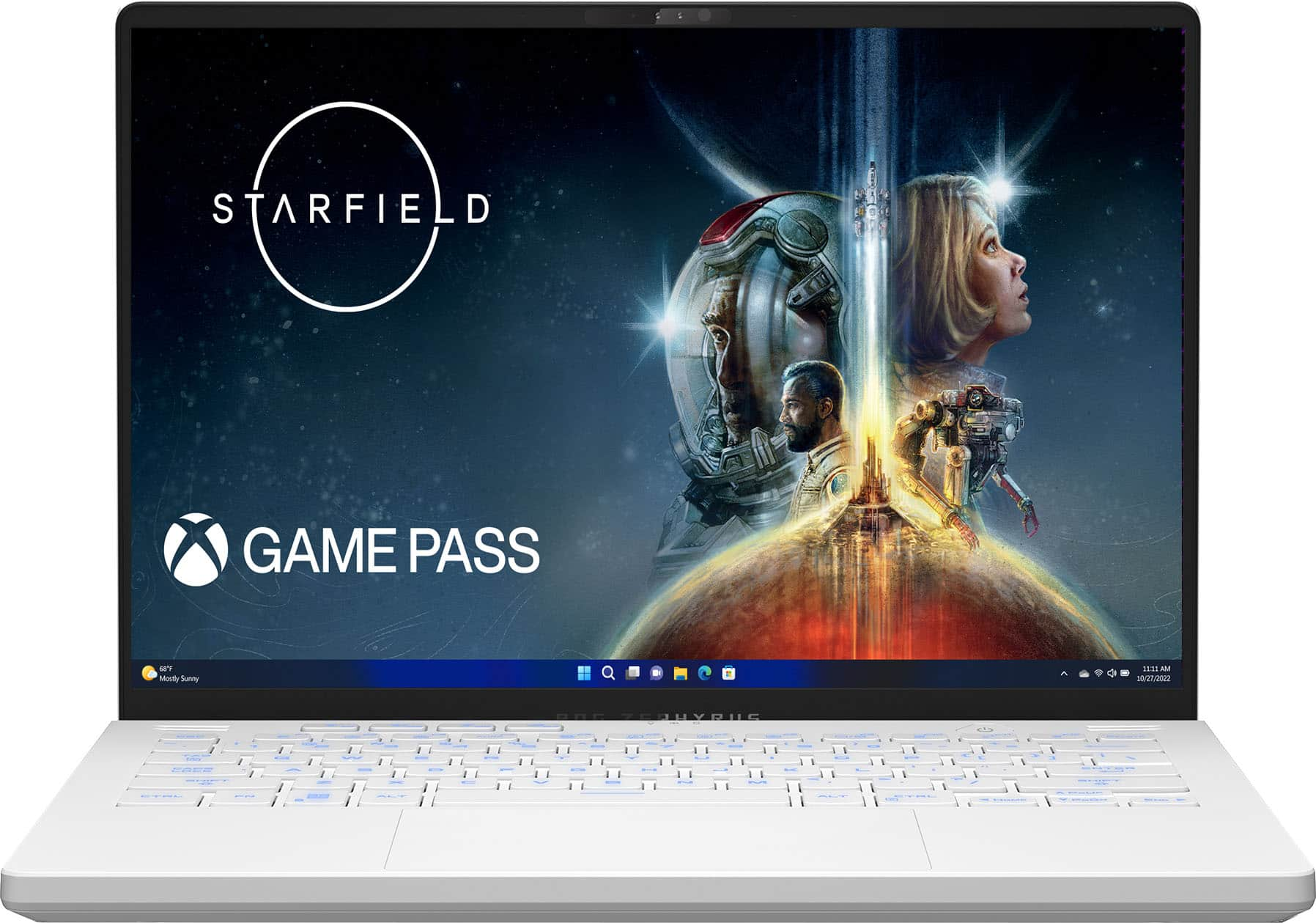
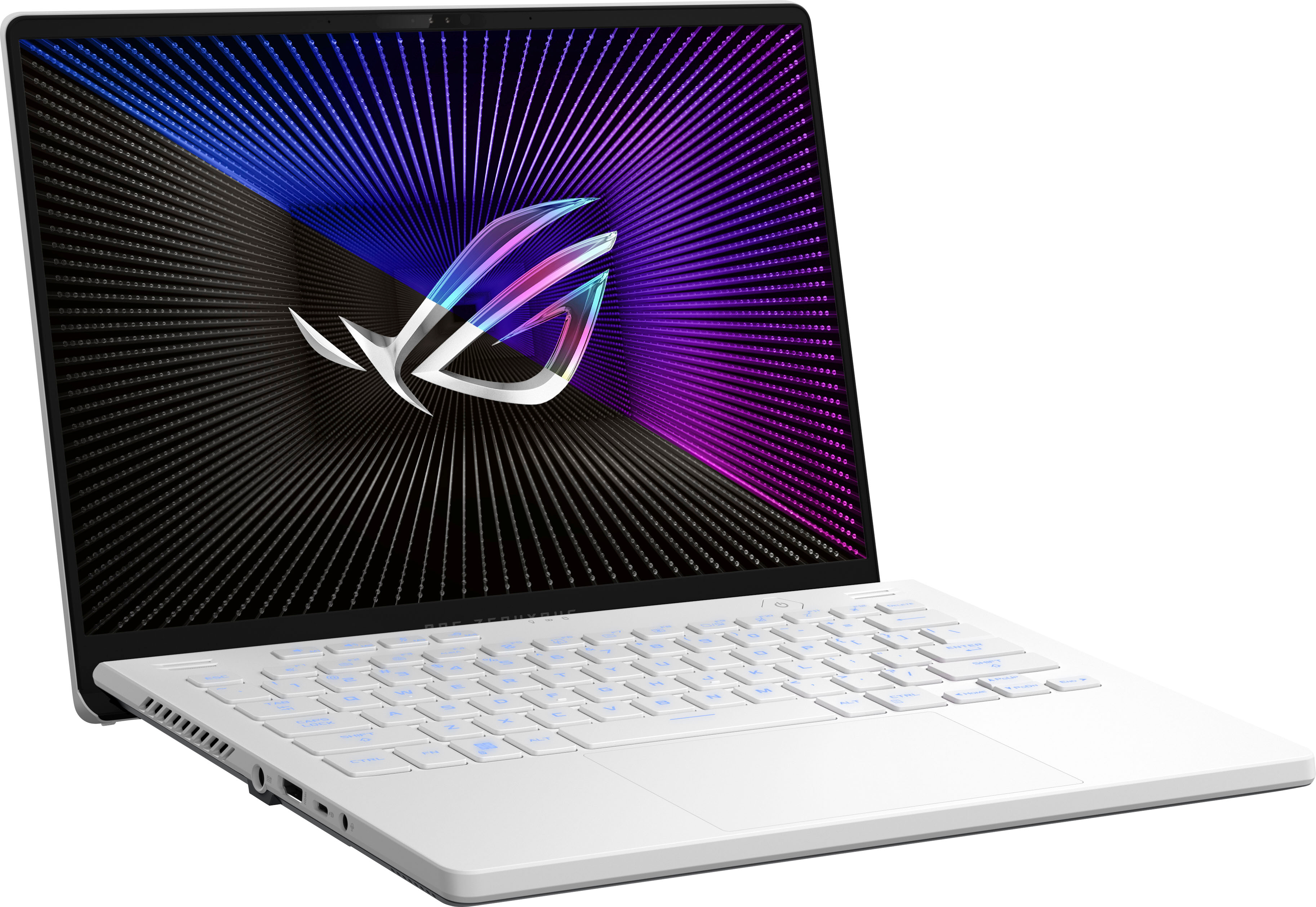
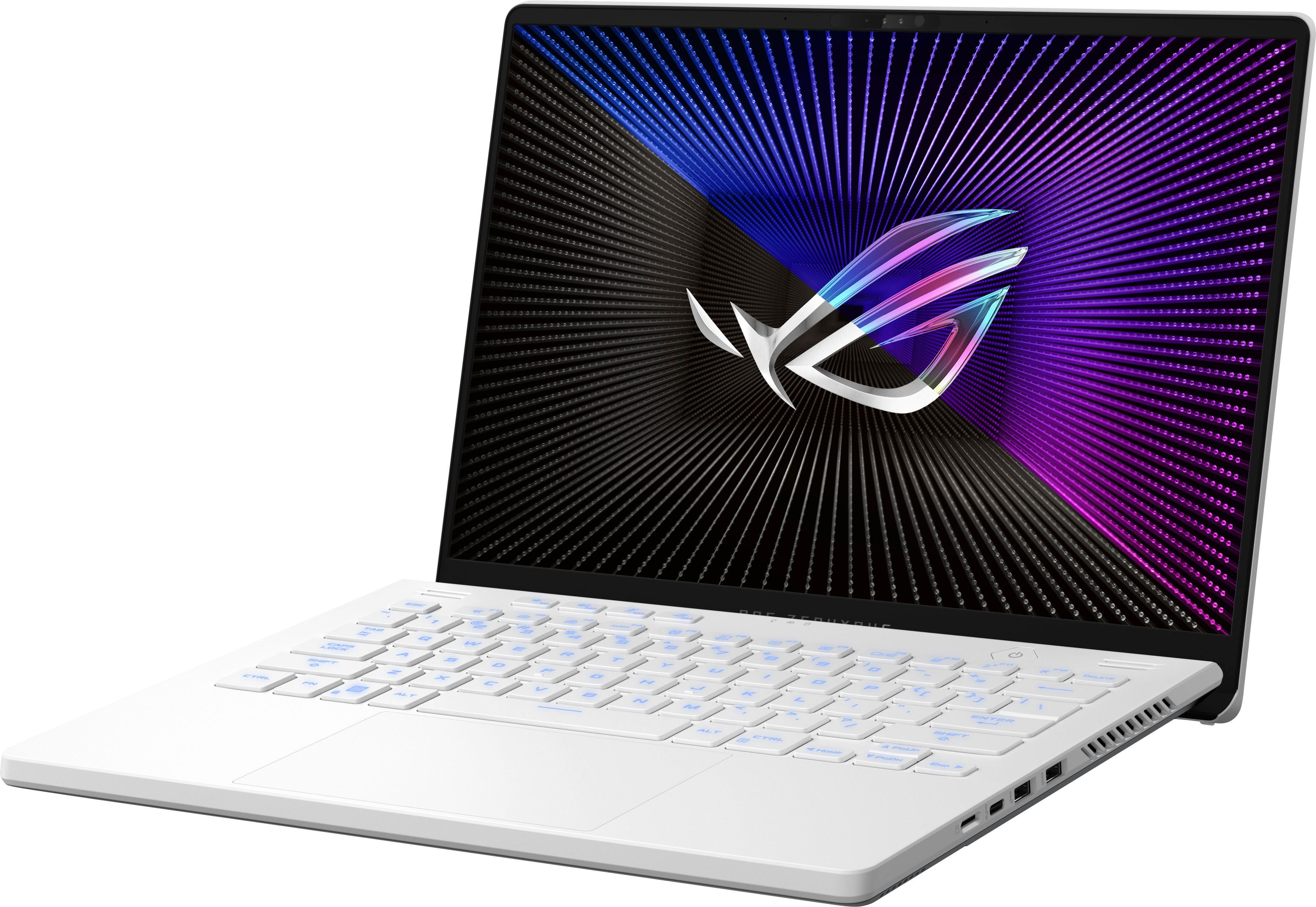
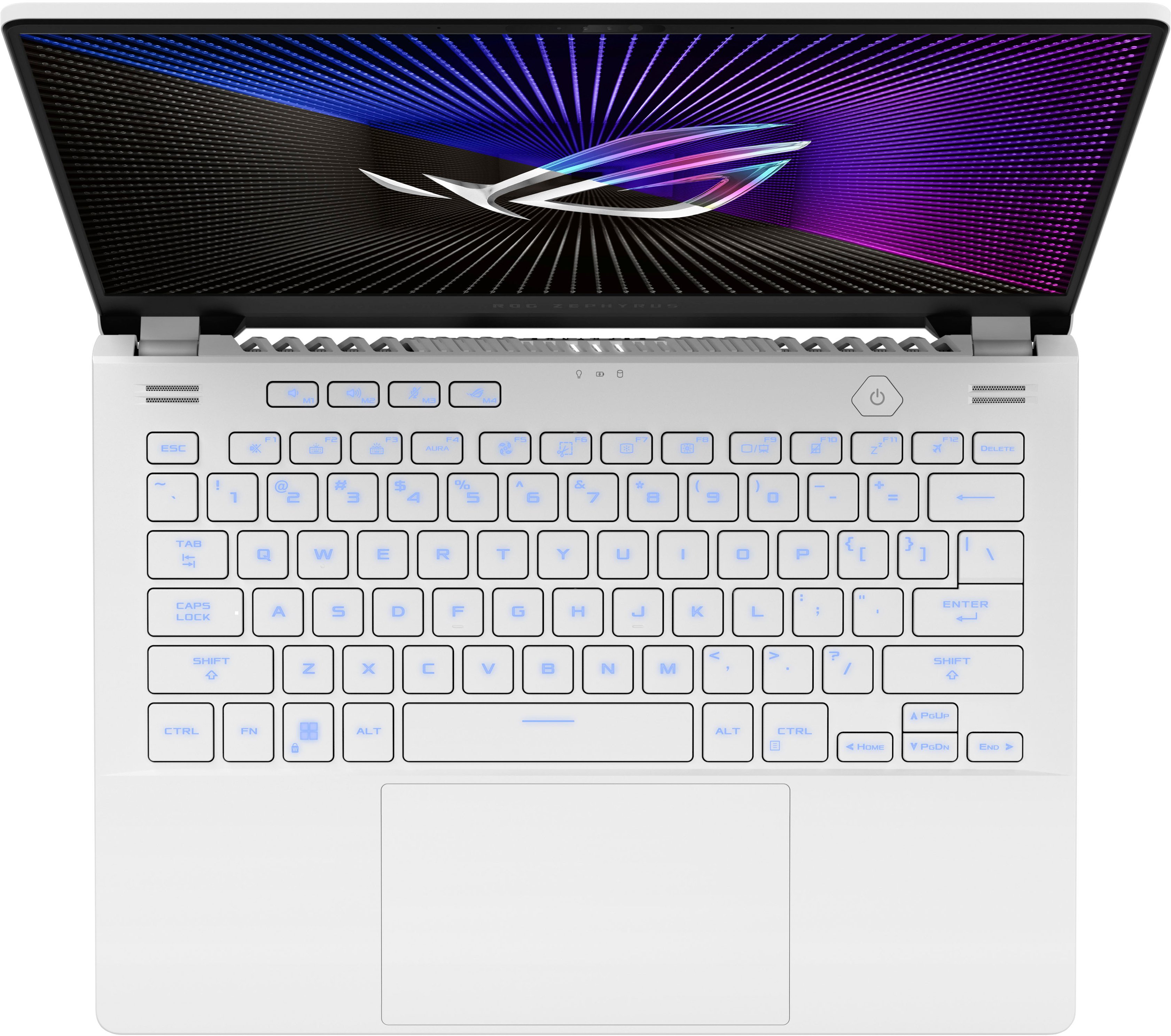
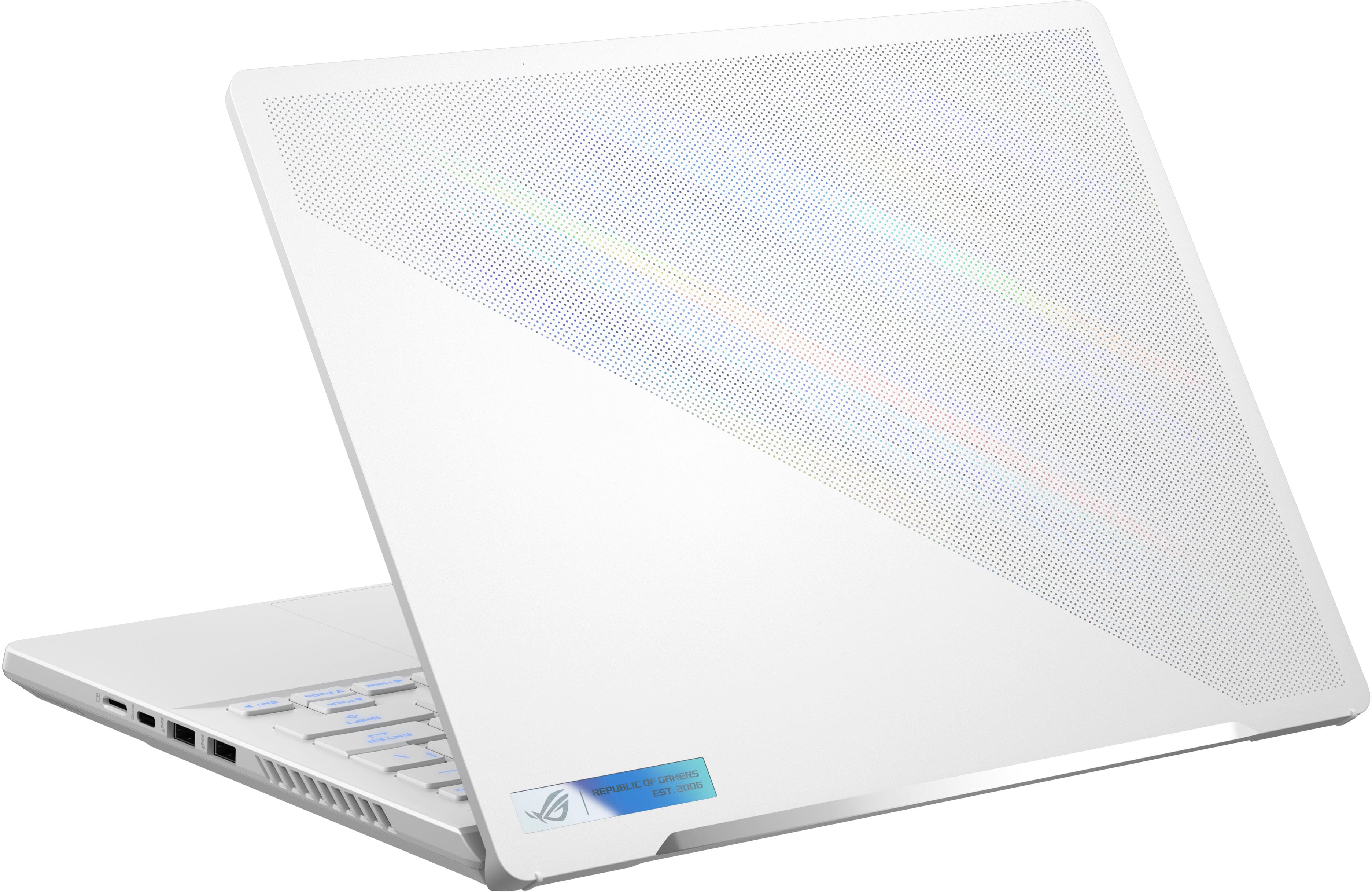
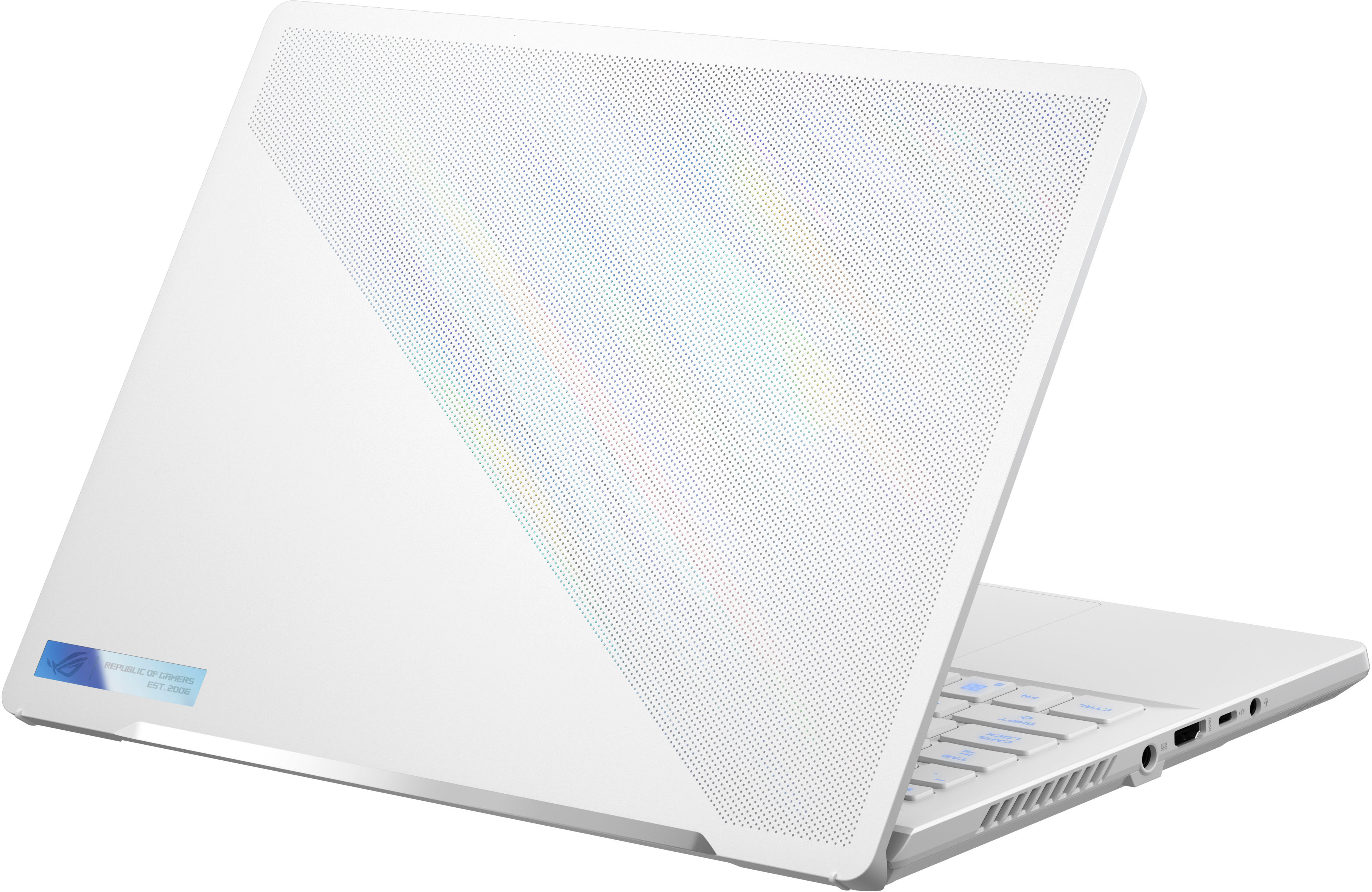
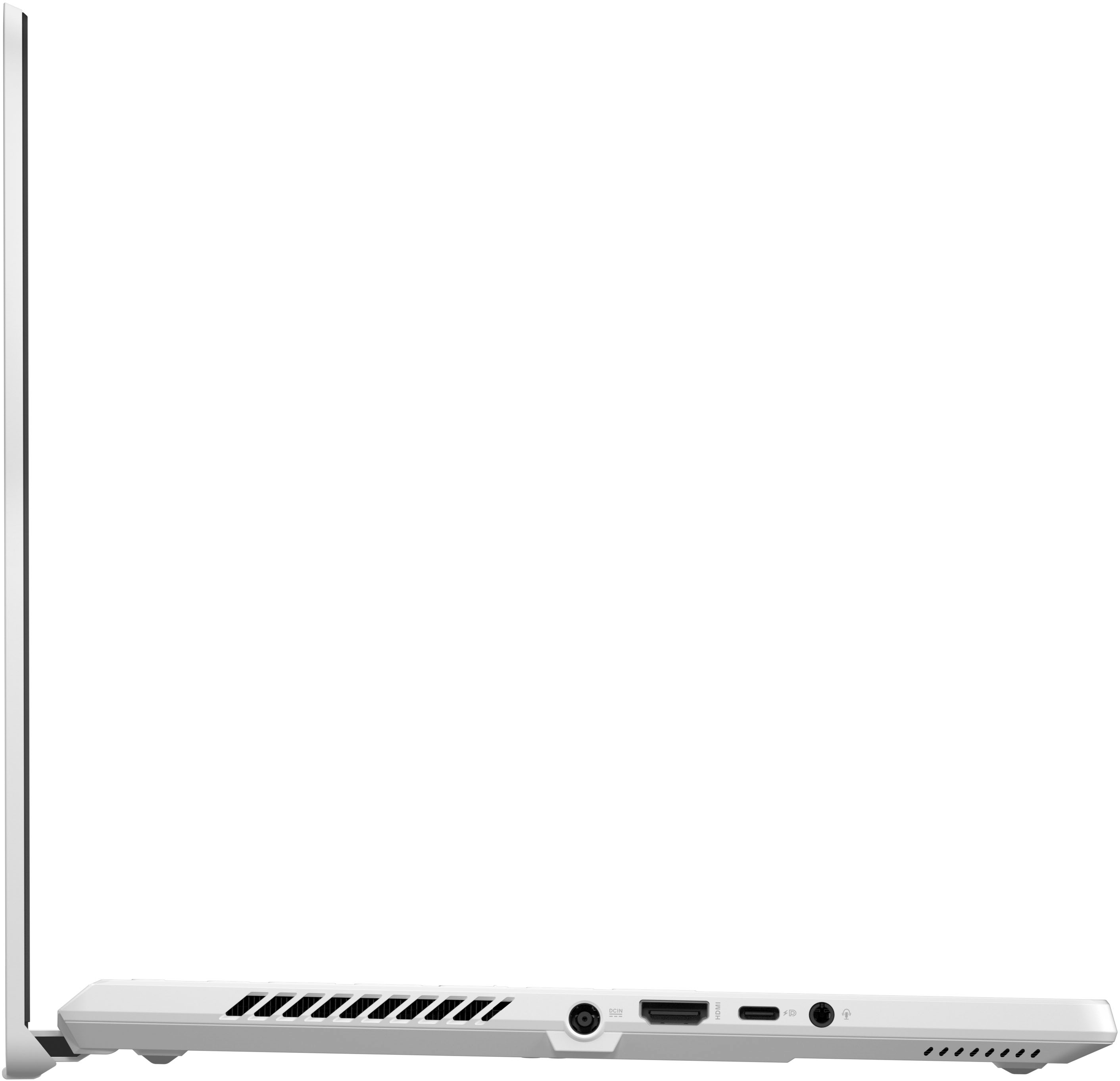
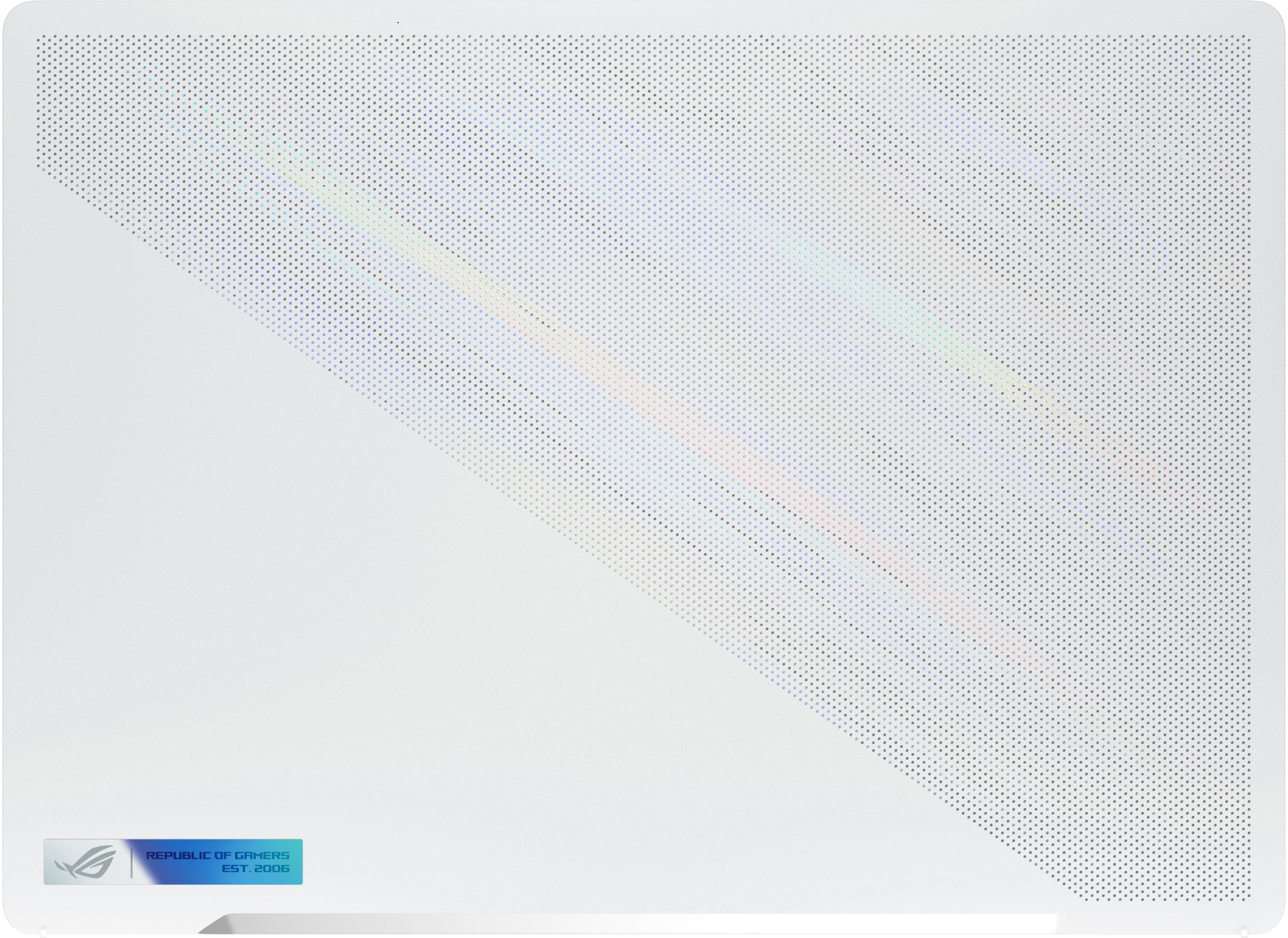
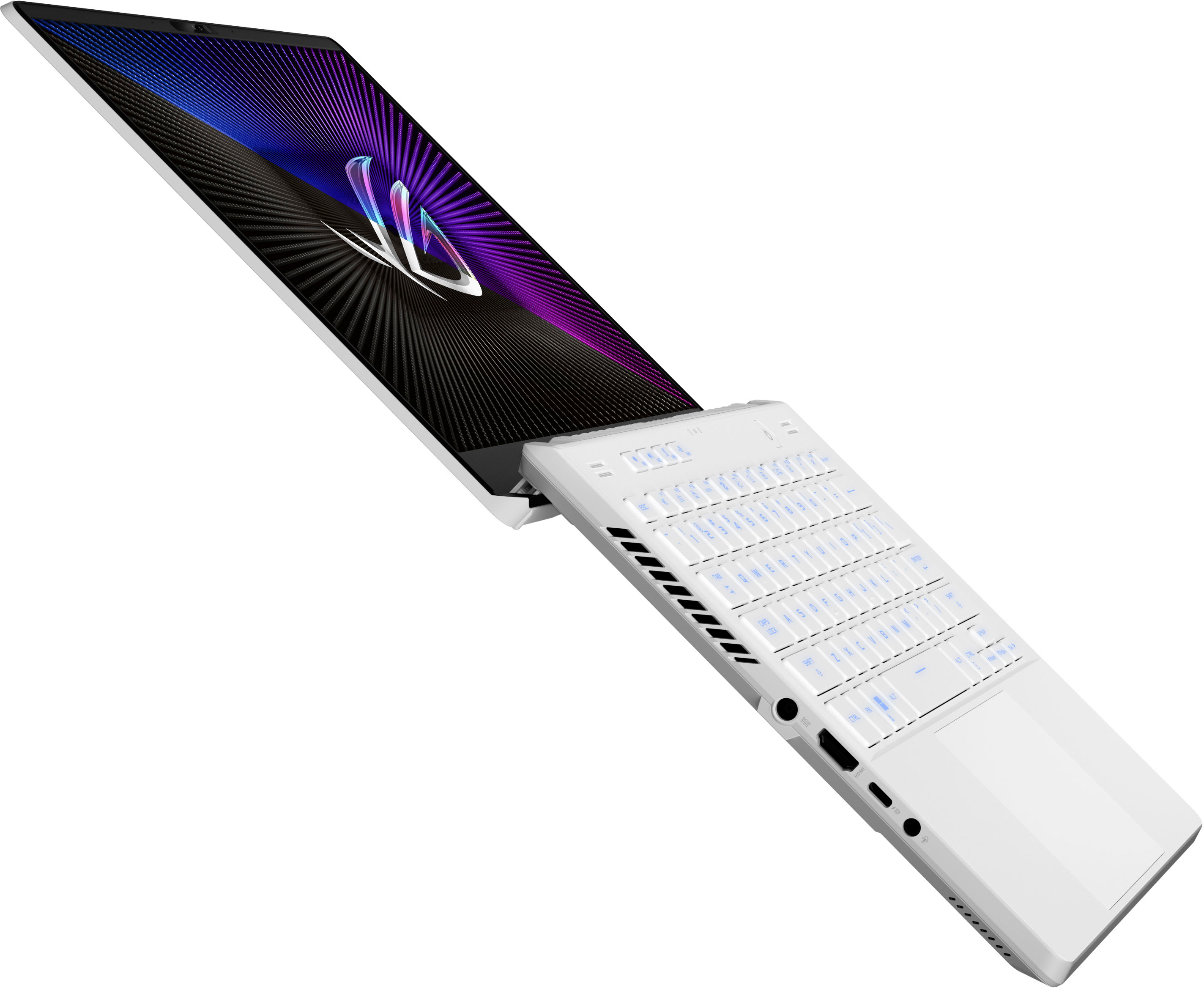
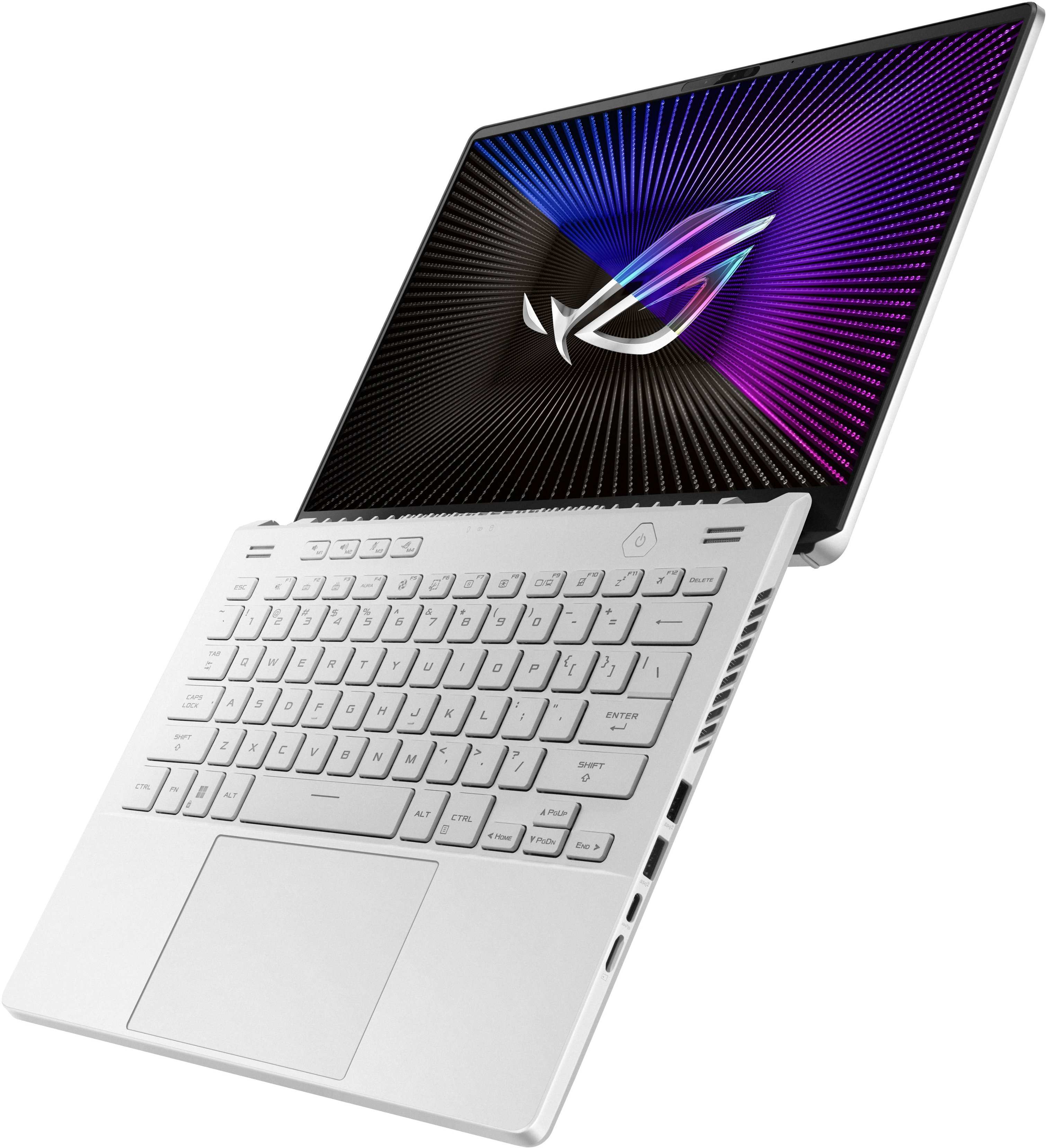
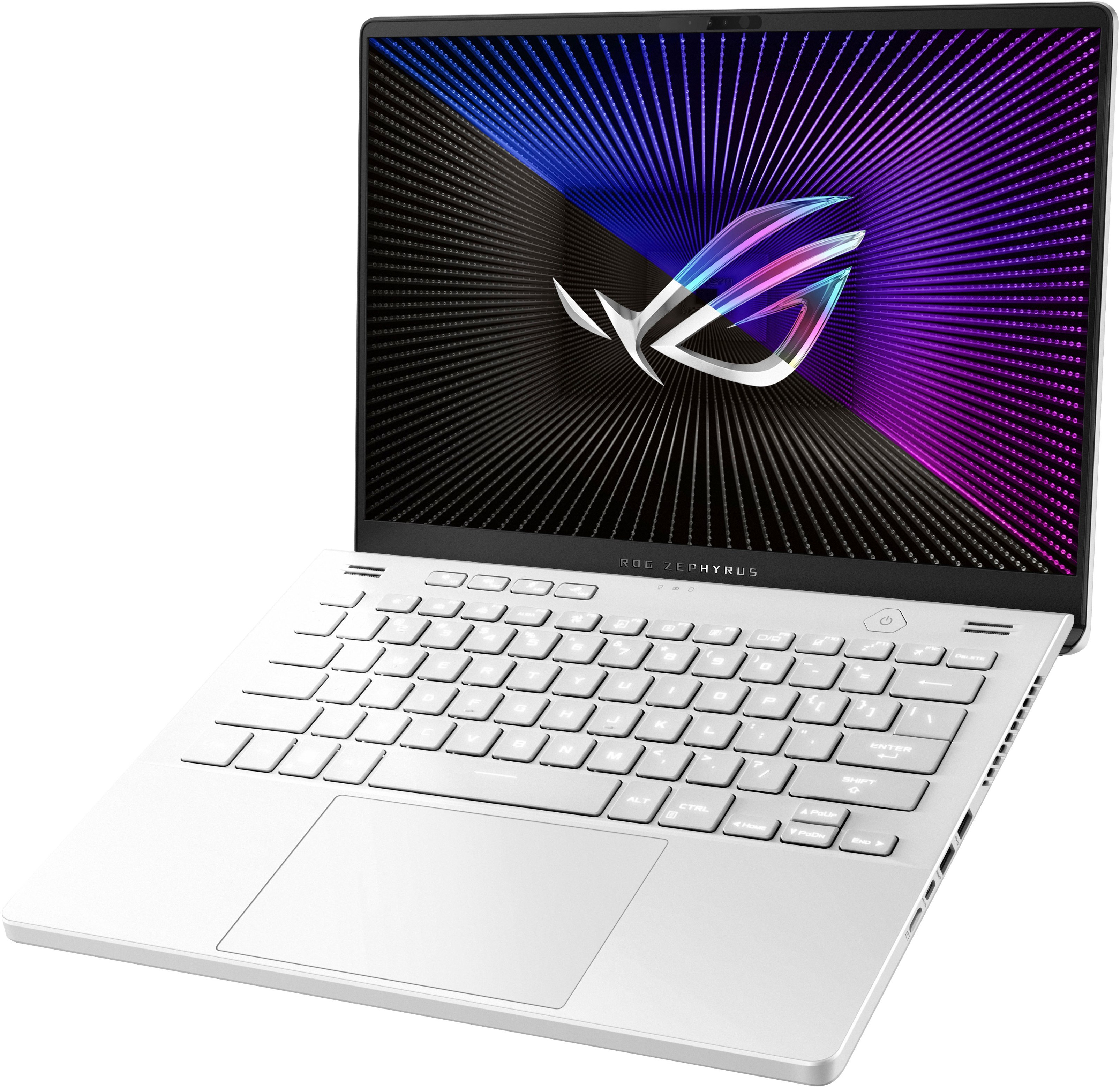
|Posted .This reviewer received promo considerations or sweepstakes entry for writing a review.The Asus ROG Zephyrus G14 is a refresh to their 2022 G14 offering that comes with the updated AMD 7XXX series processors and Nvidia 4XXX series GPUs. I am familiar with ASUS gaming laptops as I have a TUF Dash F15 from 2021, and a TUF Gaming A15 from 2022. The ROG series sits at the top of ASUS’s laptop hierarchy with the Zephyrus combining sleek design elements with high end components. The Zephyrus G14 is also the most portable of the lineup. Specs Processor – AMD Ryzen 9 7940HS - CPU 8C/16T @ 4.0 GHz with boost to 5.2 GHz Graphics – NVidia GeForce RTX 4060 Laptop GPU w/ 8GB GDDR6 @ 2300 MHz Radeon 780M onboard the Processor @2800MHz Memory – 16GB DDR5 4800 Single Channel (40-39-39-77) Storage – 512GB PCI-e 4.0 NVME WD SN740 SDDPNQD-512G-1002 Display - 14” 2560 x 1600p 16:10 (WQHD) LED IPS screen @165HZ, 3ms, 100% DCI-P3, G-Sync Camera – 720p IR Webcam Network Adapter – 802.11AX (WiFi 6e) adapter / Bluetooth 5.3 Radio Ports – 1X USB 3.2 Gen 2 Type-C with DisplayPort and power delivery / 1X USB 3.2 Gen 2 Type-C with DisplayPort / 2X USB 3.2 Gen 2 Type-A / 1X HDMI 2.1 / 3.5mm TRRS jacks for headsets / 1 MicroSD Reader Battery – 76Wh – Good for 8-10 hours of web browsing and some light gaming OS – Windows 11 Home – a few preinstalled ASUS utilities The G14 comes with an AMD Ryzen 9 7940HS, which is part of the new Zen 4 architecture. The onboard graphics card is a Nvidia 4060 laptop GPU. The R9 processor is a multithreaded 8 core with a 4.0GHz base clock with a single core boost up to 5.2GHz. The 4060 supports ray tracing and DLSS 3.0, which will help the GPU keep up with the 2K panel resolution. The laptop can be connected to multiple external monitors through the HDMI 2.1 port and the other through the USB-C ports. Your monitor count is limited by the bandwidth each monitor needs. The G14 comes with a single 16GB RAM module that is mounted on the motherboard - it is not a removable stick. There is an open SODIMM slot if you wish to upgrade. The G14 uses DDR5-4800 RAM with a max capacity of 32GB (adding a 16GB stick in the open slot). Seeing some of the RAM heavy new games coming out it might be a worthwhile upgrade in the future, but for me the 16GB is fine. Storage comes in the form of a 512GB PCIe 3.0 M.2 2280 NVME drive from Western Digital. There are no additional slots, so if you need more storage you would have to swap the drives and reinstall the OS and utilities. The display is a 14” 2560 x 1600p IPS screen with a 165Hz refresh rate, which ASUS calls the Nebula Display. This is the mid-tier display offered in the G14 with the top tier being the Nebula HDR. This is a pretty good panel with solid specs. The 3ms response time is on par with most IPS panels, and its peak 500nit brightness is plenty bright for a laptop. The display also handles support Dolby Vision HDR, and supports a 100% DCI-P3 color gamut for a very accurate display color. The display can be driven seamlessly by the 4060 GPU or by the processor based 780M GPU thanks to the included MUX switch and Nvidia Advanced Optimus. The system will automatically toggle between the GPUs depending on the process needs. The screen is excellent to watch movies and TV – I watched a few shows and was very pleased with the brightness and image quality. I didn’t see any backlight bleed and the contrast levels looked pretty good even though it doesn’t have local dimming zones. Games and Benchmarking I ran the G14 through a similar series of benchmarks (3DMark Time Spy, GeekBench, PCMark, Cinebench R23, Dirt Rally Benchmark, and Shadow of War Benchmark) that I used to test my A15, which has similar hardware (Ryzen 7 6800S with 3050Ti). I have included a screenshot of my raw results table. The results from 3DMark (per their readout chart) puts it just behind a high end gaming PC from 2020 with a i9-9900K and 2080. Compared to my A15 from last year the scores are up all around. Render times are down, FPS is boosted, and productivity tasks are improved. Overall, this is a quick system that should be able to keep up for years. Using my existing Xbox Gamepass subscription - which I added the included 3-months redemption code - I downloaded a couple of my favorite games. I currently play a lot of Halo MCC and Forza Horizon 5. With Halo MCC I played the game on the highest settings. The graphics on the screen were super crisp, and gameplay looked great. I noticed very little, if any, screen tearing or artifacts. Load times on the single player campaign were quick – maybe a little faster than on my Series X. Toggling between 2K and 1080p really didn’t affect things much. I know frame rates were higher at 1080p, but without a counter I couldn’t quantify it. However, there wasn’t any impact to my experience or gameplay with lower FPS on the full 2K resolution of the screen. Forza on the other hand was a little more demanding. Playing at 2K I had to knock the settings down to high to stay around 60FPS. Ultra settings were dragging the FPS into the 30’s at the lows and started producing some jutters and tears. Medium settings I hovered around 100FPS with no noticeable tears or juttering. The maps also loaded very quickly and the render distance was great. Knocking things back to 1080p I was getting 65-70FPS on ultra, and around 100+ on high. Screen tears were gone or imperceptible at 1080p. Honestly I had no need to drop it down to 1080p since the game played just fine at 2K with the lower quality settings and FPS. Design This version of the G14 comes in Moonlight White. It has a sleek and premium look to it. The brushed metal accents and the dot matrix on the lid really set it off. The body shell is plastic, but it feels sturdy and pleasing to the touch. The bottom cover has an aluminum ventilation plate that also helps dissipate the heat. This plate works in tandem with the exhaust and intake vents along the sides and back of the body. The screen hinge is located underneath the body which helps to prop the body up when the screen is open, and giving a nice little angle to the keyboard surface. The hinge design also allows the screen to open a little beyond 180°. The main body is pretty slim at just .73” thick and weighing just over 3.5lbs. Again keeping with the portability aspect, this will be easy to cart around in small laptop bag. The G14 keeps a narrow bezel around the 14” screen while included a camera at the top. The screen itself is a 16:10 ratio, which I actually prefer over 16:9 because it gives you just a little extra screen real estate. The screen is easy enough to open up, but the lightweight nature of the laptop means you have to hold the base down a bit while initially opening it. Having that extra screen height means they keys aren’t scrunched together or made narrower. Above the keyboard is a row of media controls and a dedicated button to launch the Armoury Crate App. The power button is still the triangular shape that ASUS has used in years past. Keyboard and Trackpad The keyboard is a tenkeyless full RGB chiclet membrane design. The keys have a nice amount of travel The RGB is bright and has excellent color range. When the RGB isn’t lit up the letters on the keys appear dark gray against the white keycaps. When the keys are lit up the lighter colors make it difficult to see the key letter against the white keycap. If need to look where you type, you might want to avoid the color cycle option. You can customize the colors in the included Armoury Crate app under the lighting section. However, it doesn’t support individually assigning colors to keys. You can apply different lighting profiles – breathing, strobing, static, and color change. The keys themselves have a 1.5mm travel distance and feel nice to use. Typing on it is quiet and the keys have a reasonable amount of resistance force. The trackpad isn’t too bad to use, and it’s pretty big – about half the width of the machine is the trackpad. I am not a big trackpad fan as I typically reach for a mouse, but on a laptop sized for portability the trackpad should see regular use. The large size is nice for moving around and utilizing gesture controls. It feels accurate as well. You can easily toggle it off if you don’t need it by hitting Fn+F10. Upgradability The G14 is pretty limited on upgradability. You can’t add any additional drives, but you can swap out the current one for a larger drive if needed. You are also limited on RAM upgrades since the included RAM is built into the motherboard. For RAM you can add an additional 16GGB stick for a 32GB system max, but you need to make sure you match the existing RAM specs in order to get the a dual channel boost. To change out these parts there are 11 screws to remove. The bottom right screw is captive, and it serves to pop open the cover after you loosen it. 4 screws are along the bottom edge, and another 4 along the hinge edge. The remaining 3 are across the middle and are cover by little adhesive-backed rubber dots. These were pretty difficult to remove, and added to some frustration with getting the back cover off. Once the screws are removed the panel comes off easily and the RAM and SSD locations are easy to spot. Final Thoughts The G14 with the R9 7940HS and Nvidia 4060 makes a compelling argument for a portable gaming system with enough power to keep up with its full-sized siblings. The design of the G14 is eye-catching and well thought out. I would have no issue tossing this in my laptop bag with my work laptop when I have to travel. I think I would hardly notice it. I didn’t find any drawbacks or things to not like about the G14. Its thermals were good, so using it on my lap was comfortable. Setting it up on a desk and hooking up to an external monitor worked great as well. Honestly as long as 512GB of storage works for you and the games you play are easily handled by the 4060, then I think this is really a nice machine to take a look at.
I would recommend this to a friend - Pros mentioned:Performance, Portability
Fast & Portable Gaming Laptop
|Posted .This reviewer received promo considerations or sweepstakes entry for writing a review.The model reviewed is GA402XV-G14.R94060, which can possibly be found at other retailers. The Zephyrus G14 series focuses on portability while packing as much powerful hardware as possible. It’s a great laptop that is easy to take around yet still has enough power to play some big games today. While it can technically play games, one will have to find a balance on how much detail to turn on. Within the Zephyrus G14 lineup are several models of varying hardware specs. The two main hardware specs in this laptop that will be different from others are the AMD Ryzen 9 7940HS and nVidia's RTX 4060. The latter will be different from one submodel to the next. Everything else about the hardware inside the laptop appears to remain the same. (At least, this is according to ASUS’s website.) Setting up Windows is as easy as can be. As a power user, I have opted to side-step Microsoft’s account requirement and created a local account instead. Normal Windows setup have remained consistent and easy to follow. So there is little to critique here. If one does want to bypass the Microsoft Account requirement, there are guides out there that will provide you with instructions. For gaming performance, I installed 3 games to give it a quick run. None are going to really stress the hardware and I do not have enough time to thoroughly put it through more tests using other games in my library. The games are Guild Wars 2, Genshin Impact, and Obduction. The first two are my most played games while the last was a random game thrown in to check if it runs and performs well (which it did). I used MSI Afterburner and RivaTuner Statistic Server to monitor and display framerate and GPU usage. In Guild Wars 2, with a densely populated area, framerate hovered around 40fps. This isn’t bad and the sub-60fps can be attributed to the CPU being power/thermal limited. Granted, this is consistent across both “Silent” and “Performance” profiles as set in Armory Crate. From what I’ve gathered, GPU performance will be limited due to the power constraint of running off of battery power. Once the AC adapter is plugged in, that will change. In the networking department, the Zephyrus G14 only comes with WiFi 6E for connectivity. There is no ethernet port to connect directly to a router. This is a bit of a letdown as there may be times you’ll need to transfer large quantities of data across the network. While having WiFi 6E does alleviate the issue a bit, it’s still dependent on wireless signals, which has a few elements that factor in the overall networking speed. I know that the focus of the laptop’s overall design is portability. Still, it’d be more convenient at times to simply have a network cable to directly connect to the network. The laptop comes with a 1080p webcam with IR sensors. This allows for use of Windows Hello biometric login (AKA: facial recognition). One can debate between using a fingerprint or using facial recognition. But for my use case (and my work environment), I find using facial recognition to be much better for biometric login. Webcam image quality appears to be good enough and at least it is 1080p in resolution. So no complaints from me here. For hardware upgrades or servicing the laptop, it is easy except for one thing. There are 3 hidden screws that are covered by a small rubber piece for no reason. You’ll need a flathead screwdriver that is as thin and small as possible to pry the rubber coverings off (tweezers can work too, maybe?). I would never know about this if I did not double check ASUS’s service manual to confirm any screws that I did not remove. One of the screws at the corner is captive and cannot be removed, which helps in prying off the cover. Once the back cover is finally removed, you can access the M.2 SSD and the SODIMM slot. There is only 1 of each with the SODIMM slot being empty. This leads me to believe 16GB is soldered onto the motherboard and is not upgradable. This is a shame since I am curious if using a faster DDR5 memory could help the performance in any way. The M.2 drive is a Western Digital SN740 512GB and will suffice at the start. If one wants to upgrade to higher capacity, you’ll need to make a backup first and have a Windows 11 installation thumb drive ready. Thermal performance is a bit of a tricky topic. But I felt I should say something about it for this laptop. While I have no issue with heat, or the fans themselves, I do want to point out that you’ll have warm spots when you try to get as much performance as possible out of the laptop. It’s just the way it works when trying to squeeze in high performance parts onto a tiny space. Some people may feel uncomfortable having a laptop that generates a lot of heat while in use. But that’s why we have power/performance profiles. And while you can technically game on the laptop, expect to not have long battery life and warmer spots on the laptop as you do so. The display is a topic I won’t critique much on. The high resolution of 2560x1600 is welcome but the high refresh rate is subjectively questionable. I personally don’t need something as high as 165Hz and I feel 120Hz is plenty enough for a high refresh rate. Oddly enough, some games are limited to 60fps, making having a high refresh rate questionable. Still, having a high refresh display is welcome nonetheless and is there when you can run something that fast. Overall, I’m a fan of the Zephyrus G14 line of laptops. It’s small and portable and can handle some gaming while on the road. Even nice is that ASUS modified the design just slightly to allow the status LED lights to be viewable when the lid is closed. The 2021 model I have used previously did not have these LEDs viewable. The keyboard feels to be the same as before, with decent key travel and I prefer this over any other laptop keyboards out there. I’m a bit confused on why ASUS paired the 7940HS with a RTX 4060, as well as why they decided to send out this particular model to TIN members. I would prefer if they sent out either the RTX 4070 or RTX 4080 units instead. But that’s a different matter altogether. The Good: portable, powerful, high refresh rate The Bad: choice in GPU chip is questionable when paired with the selected CPU, no ethernet port The Ugly: soldered/built-in RAM will limit RAM upgrade to the slowest speed
I would recommend this to a friend - Pros mentioned:Battery life, Performance, Portability
Great Small Gaming Laptop
||Posted . Owned for 1 month when reviewed.This reviewer received promo considerations or sweepstakes entry for writing a review.Excellent value for the price when on sale for under $1000. New 2024 model is not worth the extra money in my opinion as the 2024 have no performance upgrades. Upgraded the Ram and it is absolutely the best gaming laptop at this small size. Had a legion with 12th gen i7 and RTX2070 super Max an and this laptop blows it out of the water and the screen while not the mini LED version in the higher models is very bright with amazing colors. Can run almost any new AAA game on high settings and 1080p with no issue at 90+ FPS. Jump up to QHD and still consistently 60+ FPS. It’s gorgeous white pearl color is surprisingly easy to keep clean with a little eyeglass cleaner and a microfiber cloth and it can handle work travel and play with ease. Battery life when not gaming is excellent but under heavy load don’t expect more than a few hours tops but for the money you can’t beat this small powerful beast.
I would recommend this to a friend - Pros mentioned:Battery life, Performance, Portability
14 inch gaming powerhouse
||Posted . Owned for 1 week when reviewed.This reviewer received promo considerations or sweepstakes entry for writing a review.Overall, I think the Zephyrus G14 2023 4060 is a great laptop for gamers and creators who want a powerful and portable device. It offers excellent performance, display, battery life, and design, with some minor flaws. I would recommend it to anyone looking for a 14-inch gaming laptop.
I would recommend this to a friend - Pros mentioned:Battery life, Portability, Ram
This laptop is awesome!
||Posted . Owned for 1 month when reviewed.This reviewer received promo considerations or sweepstakes entry for writing a review.This is by far the best laptop I have ever owned. In the past I have had a 1060, 2060, 2070 super laptops of all different shapes and brands. I even tried an MSI stealth 14 before returning it and buying this as the G14 was not on sale the week I bought the MSI. The performance of this laptop in the 14 inch form factor, excellent screen, incredible battery life are all a huge plus. This laptop changed the whole way that I have used laptops in the past. It is small enough to carry around as if it was a tablet, and powerful enough to actually get 100+ FPS on my favorite games. The only real complaint I have is shipping the laptop with 512GB of storage. In 2023 that's about 2 AAA games. If it was 1TB which only costs about $20 more it would not be such a problem. This is note worthy as you have to clone the SSD and open the laptop to replace it as there is no 2nd M.2 slot. Also make sure to put another stick of ram in to get full performance of running in DDR5 quad channel instead of dual. I noticed a large performance increase in Warzone after that.
I would recommend this to a friend - Pros mentioned:Performance, Portability, Ram
Beautiful laptop, great price
||Posted . Owned for 4 months when reviewed.This reviewer received promo considerations or sweepstakes entry for writing a review.I'm a 40 year old that needed a PC powerful enough to play games, run intermediate level workbooks to manage finances, and a laptop powerful enough to run Photoshop. I did double the ram and the storage. I added a Samsung 990 pro SSD 1gb and 16 gb ram. For around $1200, this PC does everything I need it to and then some. It's also small enough to move around. When I play games, I plug this into an external monitor using the USB c to display port (right side to use the Nvidia card). It's sleek, portable, and powerful. I highly recommend. If you do buy it check out G helper. Look up kalious's Asus guide. If you buy it, you're welcome to use my reference guide. it's a basic google sheet I put together with recommendations for upgrades, g helper guide, and more.
I would recommend this to a friend - Pros mentioned:Battery life, Performance, Portability
The best portability/Performance Laptop I own.
||Posted . Owned for 1 month when reviewed.This reviewer received promo considerations or sweepstakes entry for writing a review.This is the best laptop I have ever owned. I had owned the g14 2022 with the RX6700s but I recently had an accident with it. Best buys warranty covered the laptop and gave me the money I paid back and I was able to get this on sale. It performs like a beast and the 4070 version isnt that much better. It has a great screen and plays almost every game at max settings 60fps. Also having the ability to use dlss 3 frame generation is amazing in games such as The Finals. This laptop also has great battery life and lasts all day through school. It is a amazing balance of performance and portability. At the sales price of $1050 it is a steal and even at msrp it is still an alright deal. The ability to charge it through usbc in my car is also amazing for on long drives I can charge it and have a full battery when I get where I'm going. Overall this is an amazing laptop for most people and is my favorite device I have ever owned.
I would recommend this to a friend - Pros mentioned:Battery life, Performance, PortabilityCons mentioned:Heat
Great 14” Notebook
||Posted . Owned for 11 months when reviewed.This reviewer received promo considerations or sweepstakes entry for writing a review.It’s a decent notebook that plays all the games I want while being portable. I did a fresh install of windows 11 and get rid of Armoury Crate and installed G-Helper. I also swapped the 500GB ssd for a 1TB SSD and installed a 16GB ram stick for a total of 32GB ram. Battery life is good when you disable the GPU, so class work can be worked on for hours while away from a charger. Plugged in while gaming, it does get hot, but rarely does it get into 90c with G-Helper.
I would recommend this to a friend