Customer Ratings & Reviews




- Model:
- GU603ZW-M16.I93070T
- SKU:
- 6494637
Rating by feature
- Battery Life
Rating 3.9 out of 5 stars
- Speed
Rating 4.8 out of 5 stars
- Display
Rating 4.7 out of 5 stars
Customers are saying
Customers commend the ROG Zephyrus M16 for its impressive performance, stunning display, and crisp graphics. However, some users report experiencing significant fan noise and heat generation, particularly during gaming. Concerns were also raised regarding battery life and the keyboard's design. While the lightweight design is appreciated, potential buyers should consider these trade-offs.
This summary was generated by AI based on customer reviews.
- Pros mentioned:Performance, Weight
Great Performance for a good price
||Posted . Owned for 3 months when reviewed.This reviewer received promo considerations or sweepstakes entry for writing a review.Excellent Value. It's lightweight, durable, and performs fantastically.
I would recommend this to a friend - Cons mentioned:Battery life
Bang for buck
||Posted . Owned for 11 months when reviewed.This reviewer received promo considerations or sweepstakes entry for writing a review.A really nice package for the price. Battery life isn't amazing but I can edit video for an hour or two on the plane if needed. Make sure to open up your laptop every few months and clean out the fans for best performance!
I would recommend this to a friend - Pros mentioned:Performance
Very satisfied
||Posted .This reviewer received promo considerations or sweepstakes entry for writing a review.Great gaming laptop does everything I wanted it to and more. Would definitely buy Asus again!
I would recommend this to a friend - Cons mentioned:Heat
Good to go
||Posted . Owned for 10 months when reviewed.This reviewer received promo considerations or sweepstakes entry for writing a review.So far so good. It’s my all in one computer for web surfing, word processing, streaming, video games, entertainment, etc. I put a cooling pad under it when I’m PC gaming, it does produce a lot of heat. I’d buy another one for the wife ‘n or recommend to a friend. I feel it was fairly priced.
I would recommend this to a friend - Cons mentioned:Fan noise
ROG Zephyrus m16
||Posted . Owned for 1.5 years when reviewed.This reviewer received promo considerations or sweepstakes entry for writing a review.Passed the 1 year mark since purchase, still going strong. I can play a variety of new gen games. Not a single issue, unless you are frustrated by fan noise!
I would recommend this to a friend - Pros mentioned:Performance
An amazing gaming laptop
||Posted . Owned for 1 month when reviewed.This reviewer received promo considerations or sweepstakes entry for writing a review.This is my first time getting a gaming laptop. I had one prior that wasn’t as powerful and wasn’t able to play many games due to lack of it. However this laptop has a wide screen, very colorful keyboard, and is able to play any games with flying colors. Highly recommend!
I would recommend this to a friend - Cons mentioned:Battery life
The review
||Posted . Owned for 3 weeks when reviewed.This reviewer received promo considerations or sweepstakes entry for writing a review.Very strong for gaming and the cpu never gone to hot always under 70 degree but battery life is very bad. It need to be pluged in all the time.
I would recommend this to a friend - Cons mentioned:Fan noise, Keyboard
Cannot handle much for a “gaming laptop”
||Posted . Owned for 1 year when reviewed.This reviewer received promo considerations or sweepstakes entry for writing a review.DO NOT. GET THIS. I don’t even know where to start but in less than a year, the fans would run and the keyboard would light up but it wouldn’t turn on. I got it serviced and after not having it for 7+ days (especially when i WFH) it’s lasted another 2 months and now it won’t turn on AT ALL. For a 2k$+ laptop, i wouldn’t expect this to happen. I’ve had my previous laptop in high school last for 7+ years and my Mac air last through college (still going strong) for another 6+ years. I have steam downloaded with maybe 5 games (3 i play often) but for someone that doesn’t get on the laptop except to do excel sheets and game twice a week maybeeeee, this has been more trouble than it’s worth. Put your money towards something else please.
No, I would not recommend this to a friendBrand response from ASUS Answers
Posted .Dear Catt,
We sincerely apologize for the poor experience you have had with your ASUS laptop. This is definitely not the norm and is not the type of quality to expect from ASUS products. Since your device will not power on we recommend that you utilize the warranty to get the issue resolved. We do stand behind our product and we continuously strive to improve our products and processes in order to achieve customer service excellence. For more information send us an email at customerloyalty@asus.com and provide the case number "N2202016623-0050" for reference. We’ll do our best to provide a quick resolution to your case. Your feedback is important as it helps with improvements to ASUS Support channels. Thank you for choosing ASUS.
Best Regards,
Leonardo
ASUS Customer Loyalty US Support
- Pros mentioned:Performance
WHAT CAN I SAY!
||Posted . Owned for 3 weeks when reviewed.This reviewer received promo considerations or sweepstakes entry for writing a review.I went from a desktop to laptop because I travel for work and I must admit this is an amazing pick up for my first gaming laptop nothing is wrong with it at all! Don’t be discourage and just get warranty for your own protection for the future!
I would recommend this to a friend - Pros mentioned:Display, Graphics, PerformanceCons mentioned:Fan noise, Heat

Great laptop, beautiful visuals, runs hot and loud
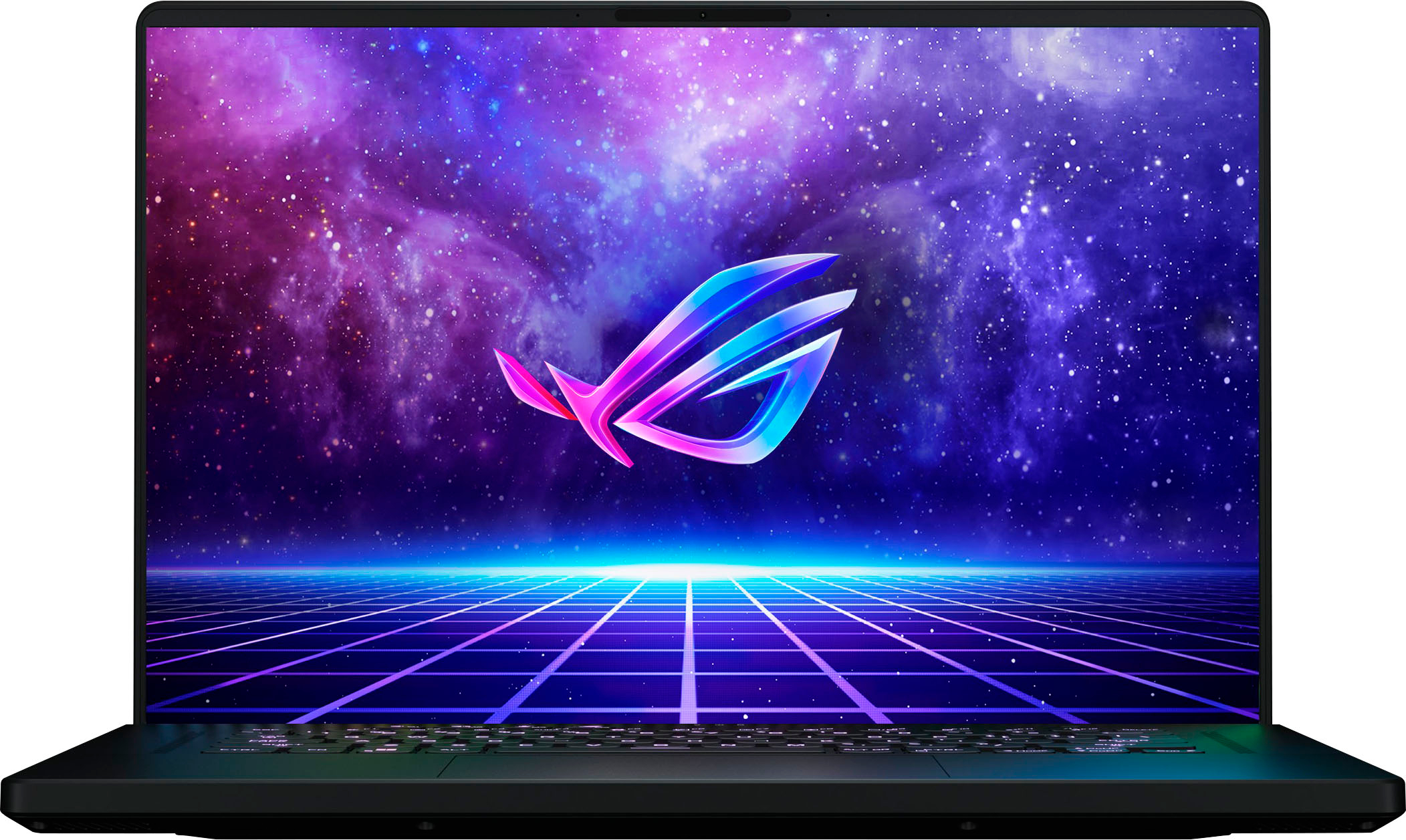
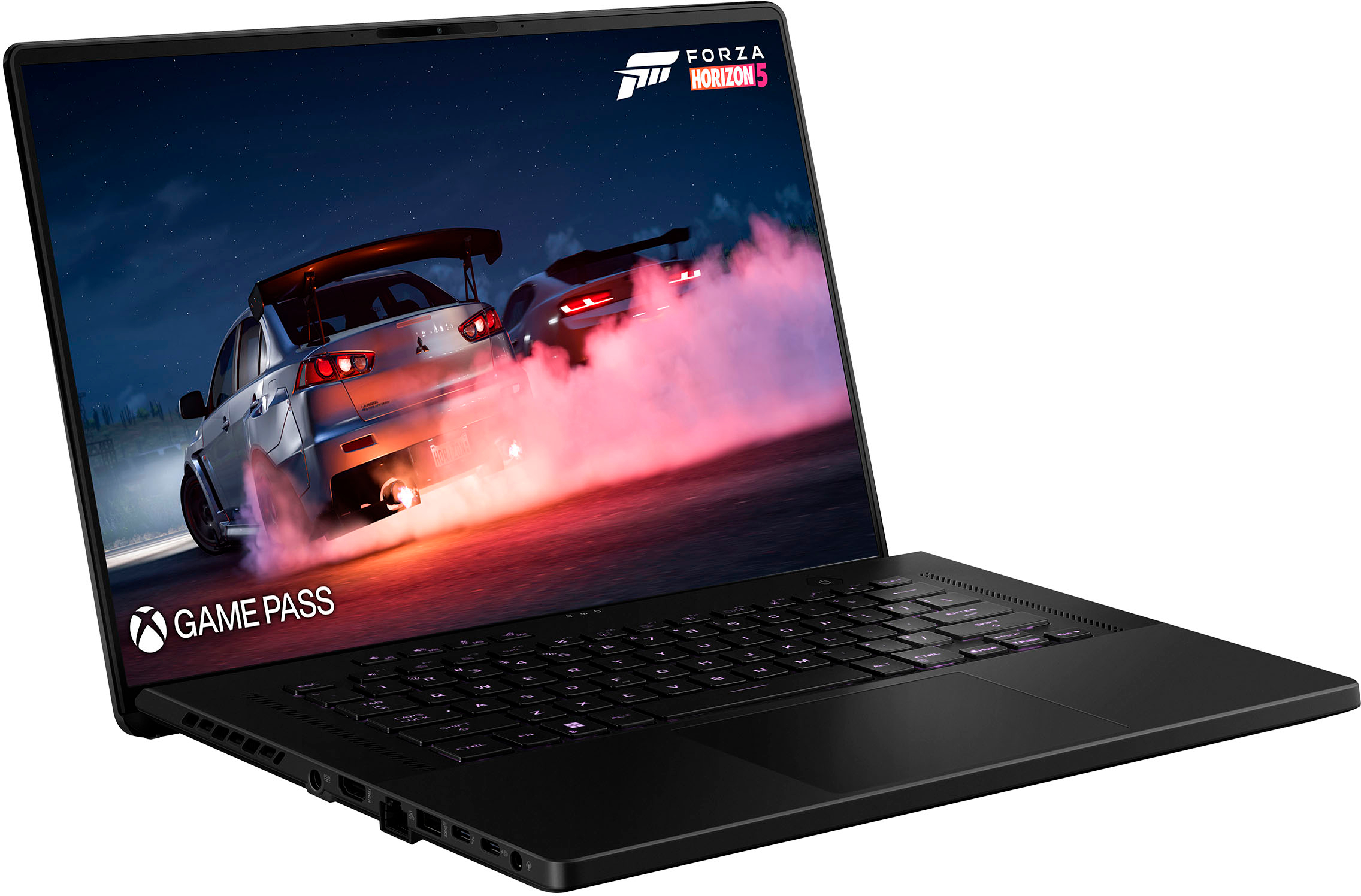
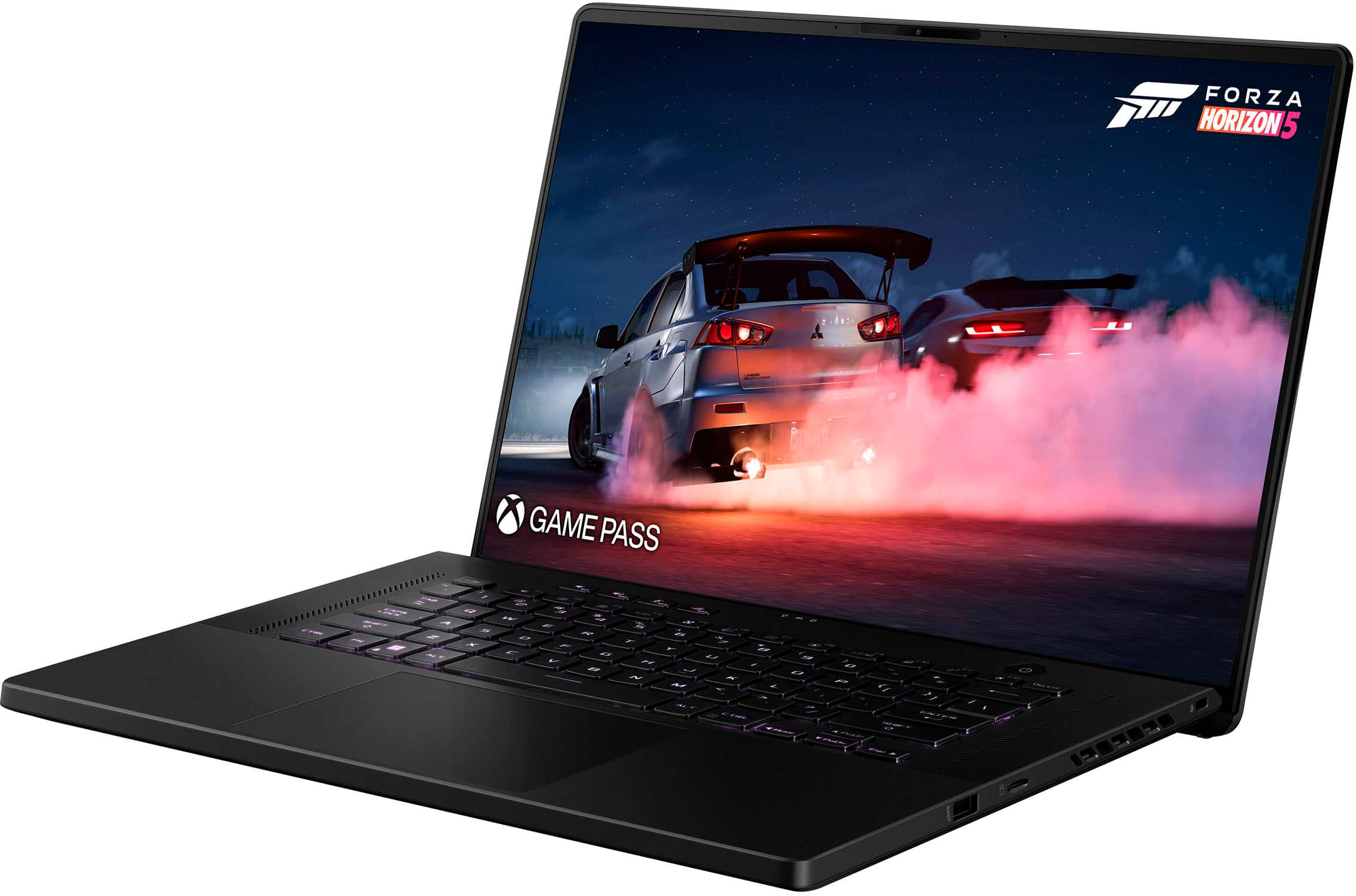
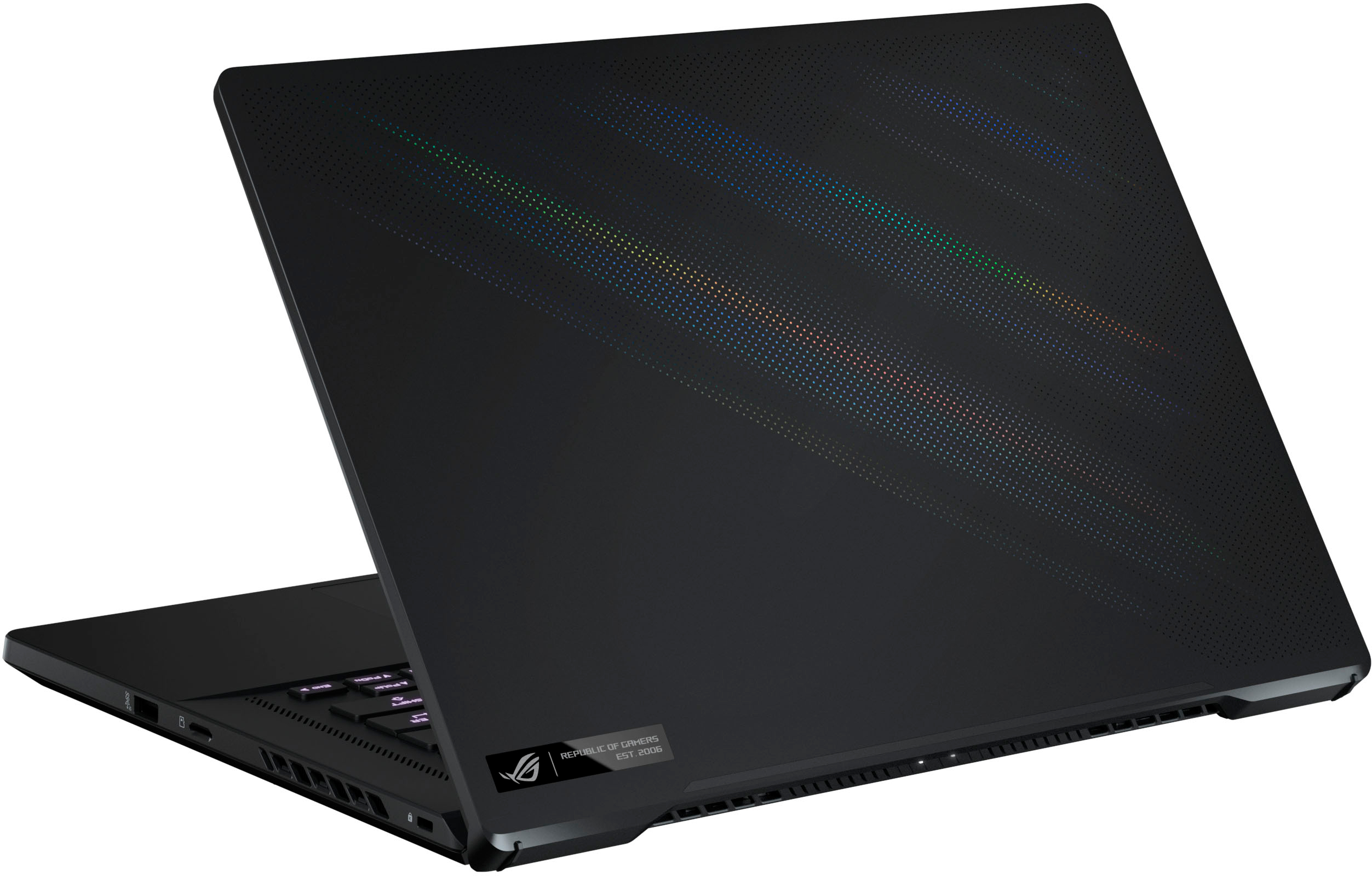
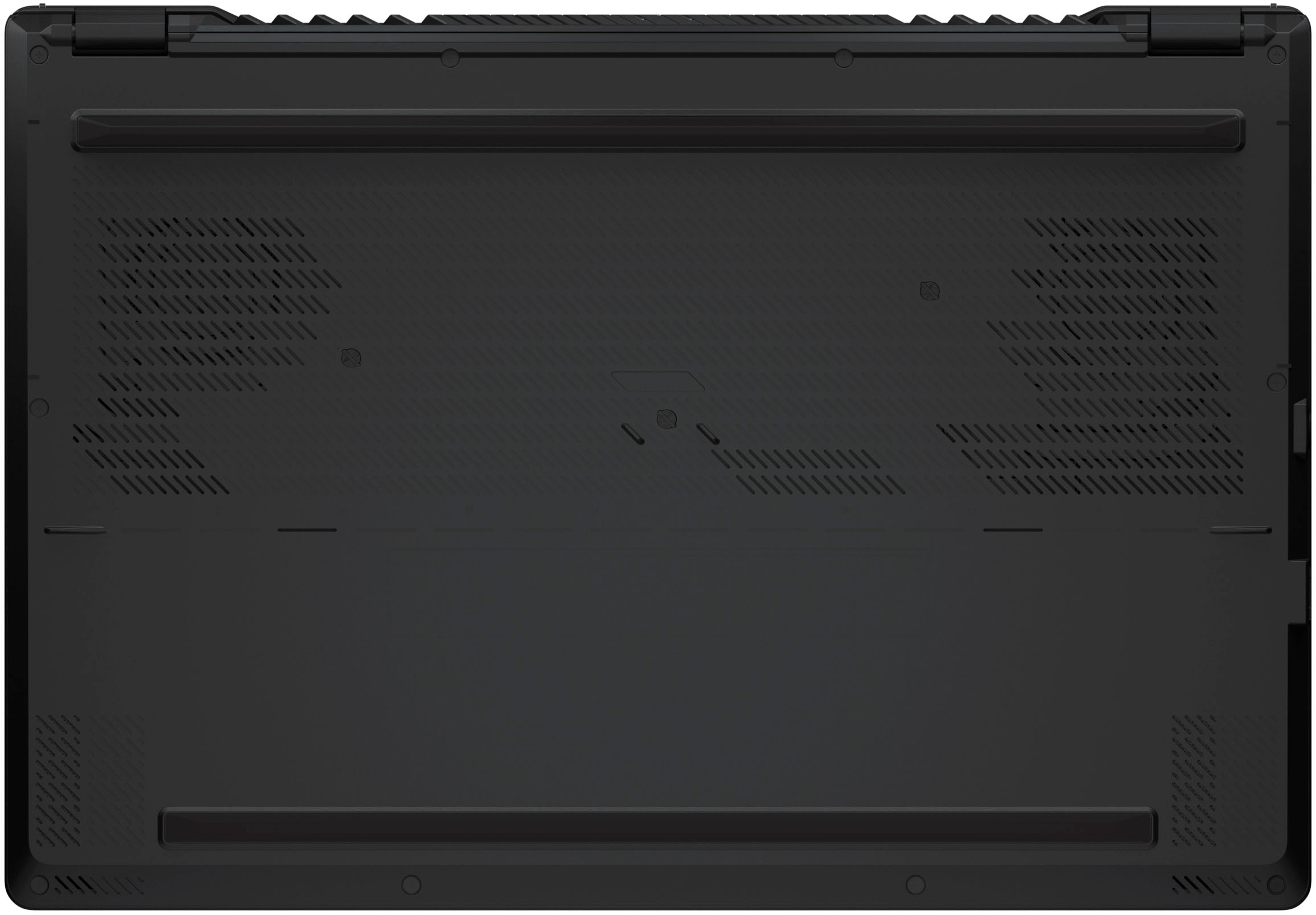
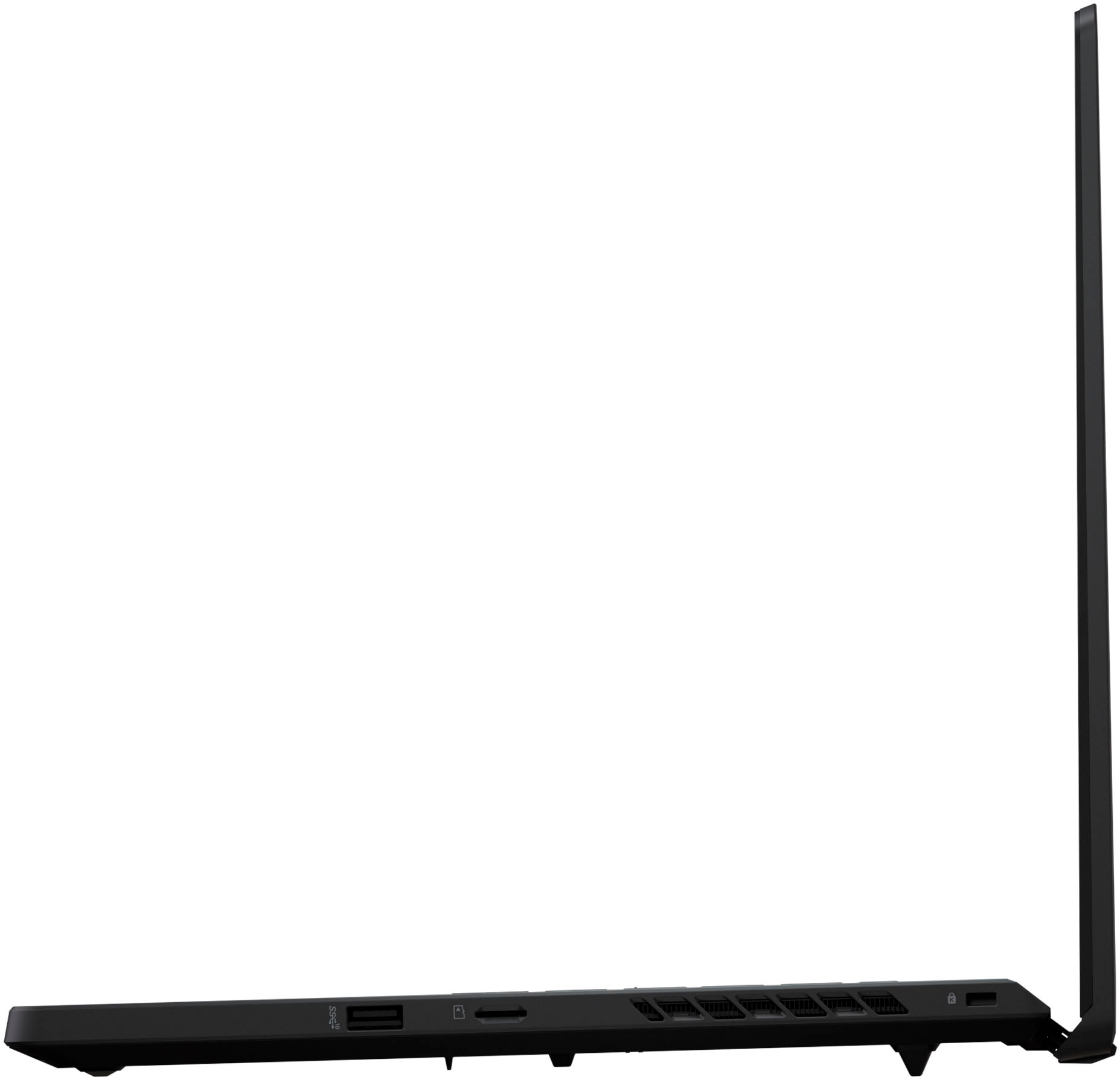
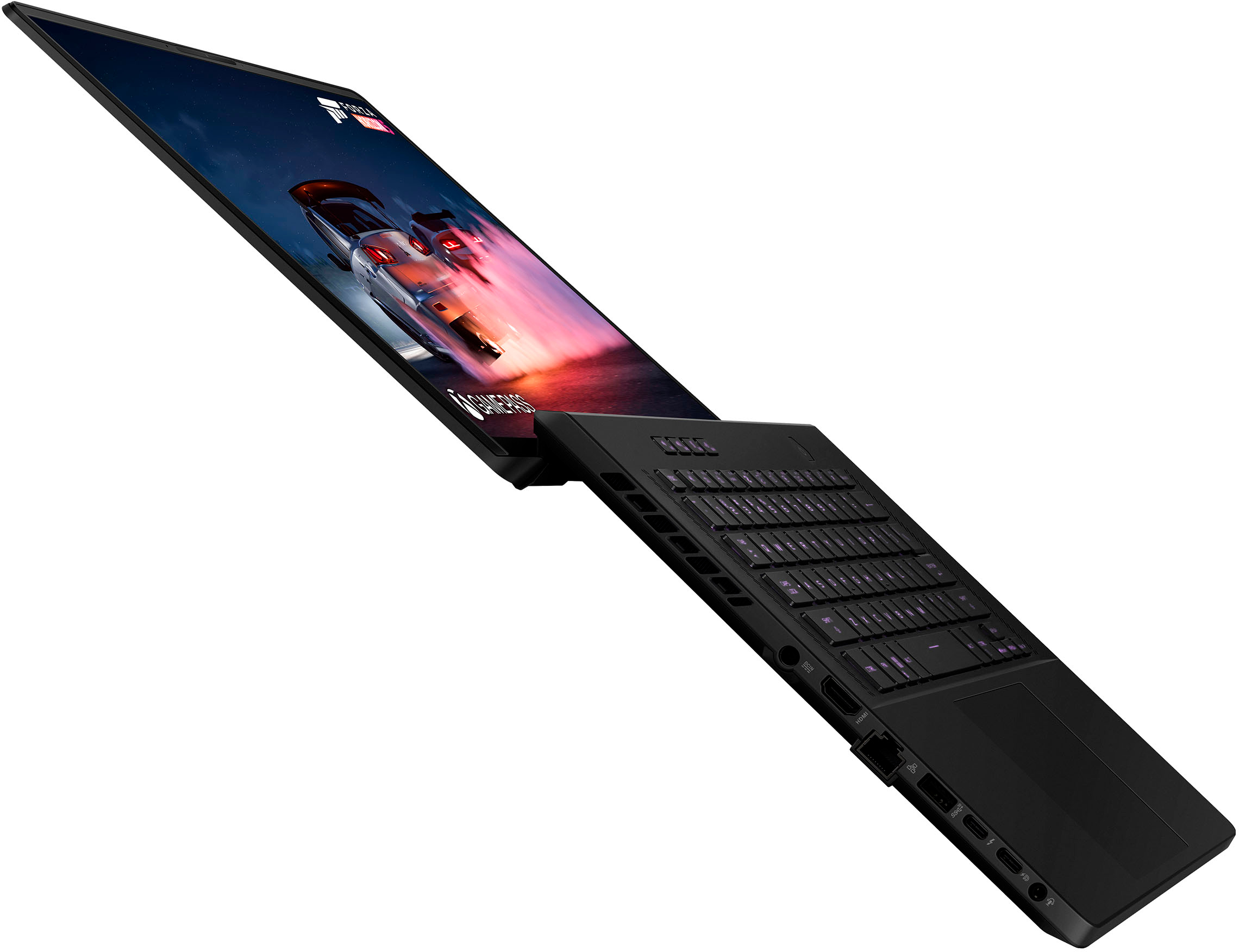
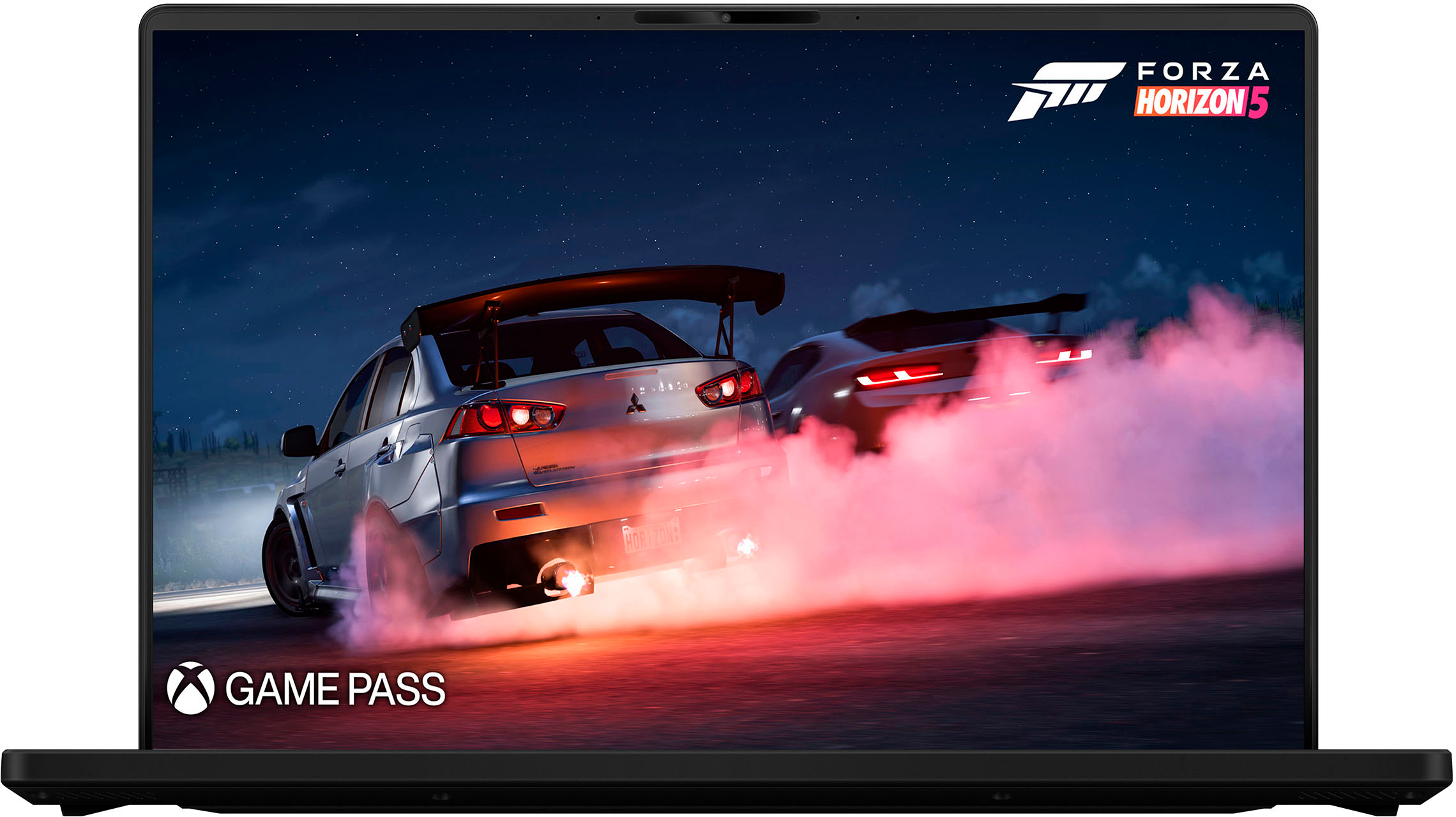
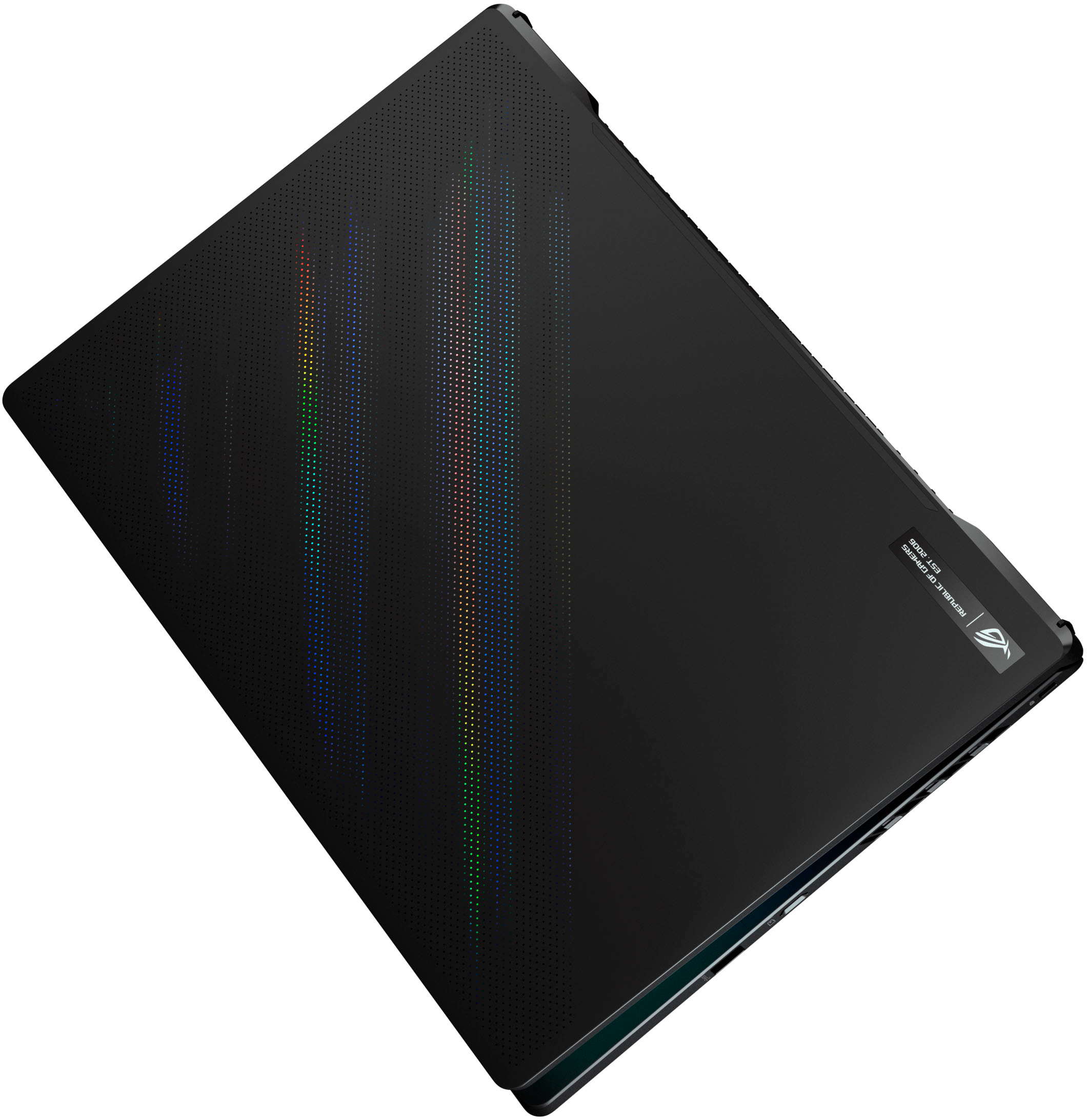
|Posted .This reviewer received promo considerations or sweepstakes entry for writing a review.Gaming laptops have always been interesting to me. They’re configured to rival desktops, and in many ways they succeed. There are however limitations in attempting to be the prettiest machine on the market. The ASUS ROG M16’s specs are in the upper echelon in terms of sheer power and performance. Inside of the box you get the power brick and plug, the laptop obviously, and documentation. The laptop itself looks sleek and beautiful. The feel of the frame surrounding the keyboard is this nice soft touch rubber material. The screen has very minimal framing, and includes a webcam. The webcam itself isn’t the greatest, but you have Windows hello which allows you to unlock your laptop with your face. When you open the laptop, the screen tilts back, and the back of the lower half of the laptop lifts up. I’m assuming that it’s to allow the vents of the bottom of the laptop to release the hot air. Speaking of vents, this laptop has vents on the back, sides, and underneath. That may seem like a lot, but there’s a reason for that. As I mentioned in my opening, there are indeed limitations in attempting to make this a sleek and pretty machine. The laptop is a thin gaming laptop. As much as I appreciate the effort in making the laptop thin for a nice lightweight and sleek laptop, it comes at a price. The laptop gets hot. It’s not hot enough to scald you, but hot enough to heat up your room if you use it long enough. There are modes you can set the laptop at. I like performance. If you put it on turbo, it feels like you’re inside of a commercial airplane, and you’re next in line for take off. I wish I were exaggerating, but it’s that loud. Performance keeps it quiet enough where I can use the laptop without the need of a headset. Silent sounds pretty similar to performance in most situations, so I choose the added boost and go with performance. The screen has a 165hz display with a 3ms response time for that game that requires fast movement. It has a nice 1TB solid state drive, which is large, but most modern games average at around 80GB these days, so after installing a couple of games, it took up about 75% of the space. Of course you can add another drive, so it’s not a deal breaker. The GPU. This is the meat of the laptop. It uses a Nvidia RTX 3070 Ti. I tested out a FPS, graphically intense adventure game, and a survival horror game. Needless to say, all three ran on ultra, and one level below at a steady 45-70 frames per second. It really is a treat to your eyes to see games the way developers wanted you to see their games. A surprise to the laptop is an addition of a MUX switch. In simple terms, it’s a switch that allows the GPU to connect directly to your screen for maximum performance. The onboard graphics chip will be bypassed completely. The sound on the laptop is actually quite good. It doesn’t have the most amazing bass, but it honestly is up there with some more expensive laptops. Let’s be real, most people will probably use headsets when playing or watching a movie, but still a viable option when needed. One really nice feature is the huge trackpad. It’s nice to see, but honestly, for gaming, it’s a no-go. I’m probably one of the few people in the world that use my gaming laptop as a “desktop.” It’s always plugged in, and connected to a dock that itself is connected to two monitors. I don’t find myself typing on the laptop keyboard, or using the trackpad. I still keep the laptop open so I can use it as a third screen, so the beautiful screen is still a part of my setup. I have one major gripe with the laptop, and it’s the location of the power plug. It’s smacked in the middle on the left side. I have my guess as to why it was put on the back; because that’s where all the hot air goes. Still, it’s such an odd location. Okay, gripe over. When it comes to ports, it has plenty. You have your USB-A/C, a ethernet port, a sound jack, and a micro SD slot, which I found really convenient. I just keep my 128 GB card in there and use it a mini internal hard drive. I like the subtleness of the RGB lighting. This laptop doesn’t scream “I’m a gaming laptop” like most others do. You can also turn off the keyboard RGB lighting if you want to be incognito when you’re outdoor. Now, to the final portion of the laptop. It runs Windows 11. I had been using Windows 10 up to the point before I got the M16. Windows 11 is a bit different, so it’s taking a bit to get used to, but all of my game launchers work fine, and my games run without an issue. I’m not going to go too much into Windows 11 since it’s not the main point of this post. All in all, it’s a great laptop. It runs fast and smooth, and loud, and hot… That’s the best way I can sum it up.
I would recommend this to a friend - Pros mentioned:Graphics
Great price, great look
||Posted . Owned for 3 weeks when reviewed.This reviewer received promo considerations or sweepstakes entry for writing a review.After a month of use, this works well, not to mention it’s very sturdy and looks really clean with good coloring and material, I definitely expect it to last me long. The price I bought it for while on sale was so worth it.
I would recommend this to a friend - Pros mentioned:Display, GraphicsCons mentioned:Fan noise, Ram
POWERFUL, LOUD, BEAUTIFUL DISPLAY
|Posted .This reviewer received promo considerations or sweepstakes entry for writing a review.PROS 802.11ax Wi-Fi 6e Beautiful 2560 x 1600 Display with 500 Nits Brightness 16GB DDR-5 RAM Intel 12th General Alder Lake Processor 14 Cores / 20 Threads 8GB nVidia GTX 3070Ti with 8GB of GDDR6 CONS Loud Fans Mediocre NVMe SSD Performance 8GB DIMM Soldered & Unreplaceable INITIAL SET-UP AND CONFIGURATION Unlike some other products, initial start-up and configuration went hassle-free. Driver configurations, Windows Update, Firmware Updates, etc. all downloaded and installed without any issues or frustrations. While not a pure, unaltered version of Windows 11, Asus did throw in some of their own stuff, but it wasn’t a ton of bloatware, and surprisingly, some of the installed Asus apps were actually useful. I wish I could say the same for my other Dell and HP computers. USE AND PERFORMANCE This is one powerful laptop. The new 12th Generation Intel Chips (aka Alder Lake) is a design, unlike any previous versions. The chips contain both Performance and Economy cores. These new processors need Windows 11 to function properly. In a nutshell, the processor works with the OS to move basic and background tasks to the Economy cores where they operate with less power and less heat. Processes and programs that need more power are moved to the Performance Cores. It is a seamless transition that the operator never knows about and is all handled at near the kernel level. This whole process works well, as the laptop remains cool and quiet doing basic tasks like Microsoft Office, web surfing, watching videos, and so on. How is the display on the Asus? It is just short of outstanding! Really, the only way to improve upon the display is to offer it in 4k and make it a touchscreen. The display is crisp. The colors are rich and vibrant without being overly vivid and fake. The additional resolution over 1080p is immediately evident. The display gives the user the best of both worlds. It not only supports a fast 165Hz refresh rate, it covers 100% DCI-P3 color space. This is huge for content creators, photo editing, and video. The end user is assured there are no colors left unseen, or most importantly, inaccurately reproduced. Asus includes a very handy color calibration utility baked into its Amory Crate Software. Anyone with an X-Rite i1 Display Pro or Pro Plus can use the app to calibrate the display to near perfection. While I did calibrate my display, the changes were minimal, as Asus has put a GREAT panel on the laptop and ships it almost perfect from the factory. The image really is outstanding. The Armory Crate calibration software needs some additional tweaking. It took quite a bit of fiddling to get my i1 Pro to finally complete a display calibration. There were several unplugs and re-plugs, etc before the software finally decided to start. GAMING The ROG Zephyrus is first and foremost a gaming machine. A machine that does gaming very well. As I’ve stated before, my current favorite go-to game is Forza Horizon 5. I’ve been playing the Horizon games for years. This is the first laptop that I’ve been able to play Horizon at the full panel resolution in either the Ultra or Extreme settings! Ultra nets around 75 fps and Extreme will get you around 60ish. Both still very playable in my book, as I am no competitive gamer. Halo Infinite also played just as well as Horizon. I manually tweaked the Halo settings to full panel resolution and maxed out all the settings. The Asus returned a nearly constant 60fps. I did get some drops into the mid 50’s, but for the most part, the game played 60fps, or just a little over. While I know people will disagree with this low numbers, but the game was perfectly playable for me. As a casual gamer that enjoys the campaigns and some online matches, the 60fps is plenty fine for me, especially in all that full resolution, gorgeous detail. Call of Duty Warzone played just as well, if not better than my 8 core, liquid-cooled i7 desktop with high powered nVidia graphics. I still averaged better than 60fps on full resolution, and setting near the max. The only difference between this and my gaming desktop, the desktop is silent with its radiators, where this one is not. This is one of the first laptops I didn’t have to make compromises when switching to a mobile gaming option from desktop. No small feat. NEGATIVES Que up a game, and things change. The once calm, cool operator disappears, and it becomes an obnoxious companion. The Asus does its best to overcome all that heat generated by the i9 and the GTX 3070, but it comes at a cost to acoustics. Being overly dramatic, this laptop sounds like an F-16 prepping for takeoff. WOW! This is easily the loudest laptop I’ve used and owned. Those fans ramp up and continue going strong until well after your game has ended. Anyone playing with anything less than a good set of noise cancelling, or noise isolating headphones will be distracted and annoyed. I know I was. I too, will ding Asus on their choice of RAM. For whatever reason, Asus has chosen to solder 8 of the 16GB directly to the motherboard. While the laptop will support up to 40GB of DDR5 RAM, there is no way, to get to perfectly matched DIMMs in the machine. Not sure what the thinking was there. One other point of contention is the NVMe SSD. For whatever reason, this is a PCIe Gen 4 x 4 capable machine, but the throughput through the Micron 2450 SSD is no better than my PCIe Gen 4 x 3 machines. Not sure if it is a firmware issue or SSD issue, but I was expecting WAY more throughput than what the real-world results returned. CONCLUSIONS In my opinion, the lackluster reviews of this product are a result of the poor decision of Asus to solder the first DIMM to the motherboard and the product as a whole, does not warrant such poor reviews. This is a great laptop. The new 12th generation i9 is a powerhouse. Team it with that 3070Ti graphics card and it can game with the best of them. The display is oh so gorgeous. Asus hit it out of the park with this display. This is the crispest, clearest, cleanest, sharpest display I’ve had on a laptop to date. Even better than other Asus displays I’ve used. The display calibrates nearly perfectly with overall delta errors less than 1 (display errors with a delta error of less than 1 are imperceptible to the human eye). Yes, in a perfect world, this would be a 4k, touchscreen display, but it looks so good, I’m OK with it not. The fans are LOUD and they distract from a good gaming session, but a good set of noise cancelling headphones will tame that, but if you forget your cans, the games aren’t near as fun. On a positive note, anything outside of gaming or CPU intensive tasks like video encoding or transcoding, the machine is all but silent. Rarely does it ever spin up those fans and make itself known. The keyboard has an excellent, premium feel, like the rest of the laptop. There are plenty of available ports for expansion including USB-A, HDMI, USB-C, and Thunderbolt (with PD) to name a few. While the SSD speeds and throughput are not as fast as I had hoped, I would have no reservations endorsing this product for anyone interested. EASILY RECOMMENDED!
I would recommend this to a friend - Pros mentioned:Performance
Asus rog
||Posted . Owned for 2 weeks when reviewed.This reviewer received promo considerations or sweepstakes entry for writing a review.Good laptop GTA5 running perfect I really recommend this laptop
I would recommend this to a friend - Pros mentioned:Performance
The best tool for architects
||Posted . Owned for 1 month when reviewed.This reviewer received promo considerations or sweepstakes entry for writing a review.As an architect, I always have searching the best laptot tool for working all days whithout problems while i make renders and models with huge characteristics. This laptop offered me all that i need it.
I would recommend this to a friend - Pros mentioned:Speed
Satisfied
||Posted . Owned for 1 week when reviewed.This reviewer received promo considerations or sweepstakes entry for writing a review.Love how fast this laptop is for the price. I purchased one for my wife as well. These are able to handle everything we need them for and so much more. The image quality is breath taking. Couldn't be happier.
I would recommend this to a friend - Cons mentioned:Fan noise, Heat
First upgrade since 2017 and I love it
||Posted . Owned for 3 weeks when reviewed.This reviewer received promo considerations or sweepstakes entry for writing a review.Pros: Looks pretty and plays whatever game I want. Touch pad is very responsive. Easy to set up. Fits on the seat tray in economy on an airplane. Has a lot of features you can set up so it saves batter when unplugged, like dropping the refresh rate and a muk switch. Cons: Gets really hot and loud during gameplay. Windows 11 took some getting used to. High price tag.
I would recommend this to a friend Powerful 12th gen i9 and 3070 ti
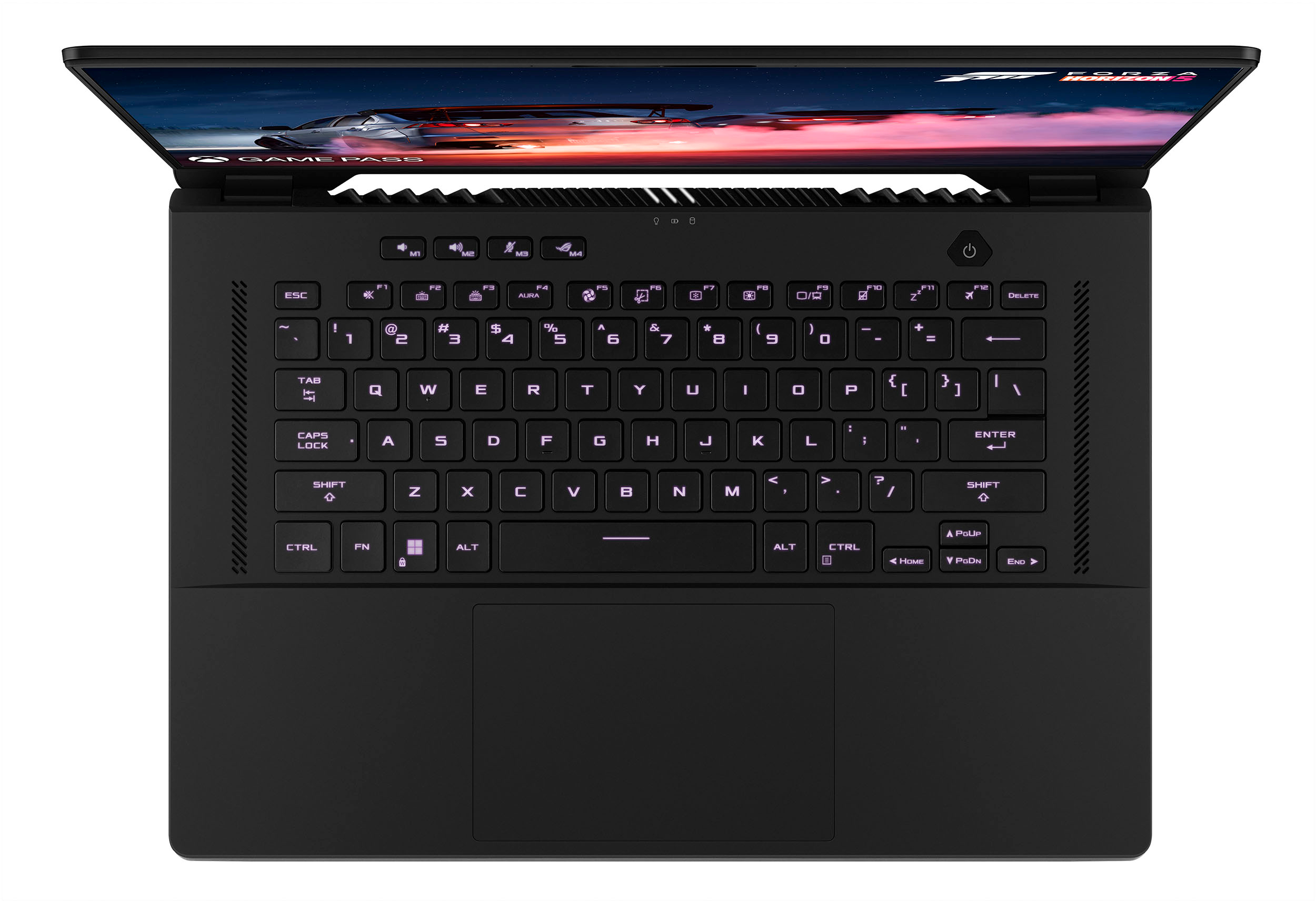
||Posted . Owned for 1 week when reviewed.This reviewer received promo considerations or sweepstakes entry for writing a review.Let's start with Pro's and Con's Pros: - Slim and lightweight - Very nice 16:10 format screen - Powerful and fast for a lightweight machine - Tons of i/o - 2x nvme slots - 1x ram slot upgradable (unlike alienware x15, ram is not upgradable at all) - Nice keyboard for a non-mechanical type. - Very silent on silent mode. Also very loud on turbo mode. (I'll explain below why is this Pro for me) - Nice soft touch finish Cons: - Fingerprint magnet! - "Slow" pcie4 nvme drive included - Hot air blowing directly at screen - HDMI port is not 2.1 - Power port is on the middle of left side. I like that it is very silent on silent mode. I also like that the CPU can run on high wattage on turbo mode. I'd rather have this option than crippling the CPU with lower wattage to make it cooler. If I need to run any CPU intensive task and want to finish work faster, then I put it in turbo mode. When done, put it back to silent. I also have the Asus Z13 and that machine runs cool and more quiet on turbo mode. But that's because the i9 12900H in that machine is capped and doesn't use it's full potential. But if you prefer the tablet style of Z13, by all means please get that machine. Gaming on M16 (silent mode) vs Z13 (turbo mode) is roughly about the same. And that is with M16 very quiet!
I would recommend this to a friend- Cons mentioned:Fan noise
Perfect for my needs. Stylish design - Powerful
||Posted . Owned for less than 1 week when reviewed.This reviewer received promo considerations or sweepstakes entry for writing a review.I needed to use this laptop mainly for heavy gaming. It responded well enough with the CPU and GPU temperature management not overheating and still under control. However, because of the metal design and the heat released a lot, it may affect the experience of using the keyboard. I can feel the intel core i9 on this machine is too powerful and a bit redundant for gaming. If you need not only to play games but also design or create a lot, applications like PTS, Premiere Pro, Davinci, etc., will run smoothly. Another thing is that if this laptop runs in Performance or Turbo mode, the fan will be very loud, so I recommend using over-ear headphones, you won't hear anything. For Silent mode or Windows mode, the fans are pretty quiet, so don't worry much. Keep in mind that inside the box, only the laptop and a charger included
I would recommend this to a friend - Cons mentioned:Keyboard
Not great
||Posted . Owned for 5 months when reviewed.This reviewer received promo considerations or sweepstakes entry for writing a review.Within a couple months of purchasing, it has already had issues with the hard drive and needed a replacement. It also consistently has issues with the keyboard where it just stops working at all. My boyfriend had to plug in a separate keyboard to prevent having to constantly restart the laptop every time it happens, which does fix it. But only temporarily. It works great in every other way though.
No, I would not recommend this to a friendBrand response from ASUS Answers
Posted .Dear SophiaC,
We are sorry to hear about the unfortunate experience you're having with the keyboard on this model. Please allow us to make your experience with ASUS a better one. We would recommend that you attempt the steps in the FAQ below toresolve this issue. We do value our customers and take negative customer service experience very seriously. This is not the quality of service expected from ASUS. We do stand behind our product and we continuously strive to improve our approach and processes in order to achieve customer service excellence.
For more information send us an email at customerloyalty@asus.com and provide the link of this review for reference. We’ll do our best to provide a quick resolution to your case. Your feedback is important as it helps with improvements to ASUS Support channels. Please copy a link to this post as a reference.
Thank you for choosing ASUS.
Best Regards,
Joan
ASUS Customer Loyalty US Support
Troubleshooting: https://www.asus.com/us/support/FAQ/1015071/#:~:text=Use%20the%20keyboard%20troubleshooter,to%20detect%20and%20resolve%20problems.
- Pros mentioned:Performance
Good gaming laptop with gpu rtx 3060
||Posted . Owned for 3 weeks when reviewed.This reviewer received promo considerations or sweepstakes entry for writing a review.This laptop is awsome i can play ashphalt 2.0 without any hiccup and this laptop has good cokling system never heats up and i got a good deal at 1100$ original at 2200$
I would recommend this to a friend