Customer Ratings & Reviews




- Model:
- GU603ZW-M16.I93070T
- SKU:
- 6494637
Rating by feature
- Battery Life
Rating 3.9 out of 5 stars
- Speed
Rating 4.8 out of 5 stars
- Display
Rating 4.7 out of 5 stars
Customers are saying
Customers commend the ROG Zephyrus M16 for its impressive performance, stunning display, and crisp graphics. However, some users report experiencing significant fan noise and heat generation, particularly during gaming. Concerns were also raised regarding battery life and the keyboard's design. While the lightweight design is appreciated, potential buyers should consider these trade-offs.
This summary was generated by AI based on customer reviews.
Pretty nice
||Posted . Owned for 3 weeks when reviewed.This reviewer received promo considerations or sweepstakes entry for writing a review.Like it a lot just what i was looking for my home work
I would recommend this to a friendAmazing
||Posted . Owned for 3 weeks when reviewed.This reviewer received promo considerations or sweepstakes entry for writing a review.Love this computer it is Perfect for revit and enscape.
I would recommend this to a friendGreat gift
||Posted . Owned for 5 months when reviewed.This reviewer received promo considerations or sweepstakes entry for writing a review.Perfect gaming computer for a beginner to start gaming on
I would recommend this to a friend- Pros mentioned:Performance
Great gaming monitor
||Posted . Owned for less than 1 week when reviewed.This reviewer received promo considerations or sweepstakes entry for writing a review.Great laptop was able to get on sale. Runs a lot of high end games( as long as battery is plugged in of course). Beautiful screen and refresh rates of up to 165. Hitting about 101 FPS on warzone.
I would recommend this to a friend M16
||Posted . Owned for 2 weeks when reviewed.This reviewer received promo considerations or sweepstakes entry for writing a review.Great laptop and very portable for its size. Will stick with asus.
I would recommend this to a friendGood
||Posted . Owned for 9 months when reviewed.This reviewer received promo considerations or sweepstakes entry for writing a review.Fast, cheaper, enough for all my duties all the time
I would recommend this to a friendGreat laptop for school and gaming.
||Posted . Owned for 1 week when reviewed.This reviewer received promo considerations or sweepstakes entry for writing a review.Awesome laptop with great battery life and screen!
I would recommend this to a friend- Cons mentioned:Ram
8GB of Ram soldered to the board
||Posted . Owned for less than 1 week when reviewed.This reviewer received promo considerations or sweepstakes entry for writing a review.It is a good laptop in general, fixed a lot of misses from 2021. The biggest issue I have is the model number per ASUS website is supposed to have 32gb of ram. This laptop comes with 8gb soldered to the board, therefore I would not be able to ever get to 32gb. will be returning as 32gb of ram was mandatory for me.
I would recommend this to a friendBrand response from ASUS Answers
Posted .Dear businessminded,
Thank you for bringing this to our attention. This specific model (GU603ZW) comes with 8GB of ram soldered on and another 8GB (swappable). This design was intended to maximize your performance by providing the same capacity as a larger single stick of memory, while at the same time doubling the amount of memory bandwidth that is available. If you wish to discuss this matter with us, please feel free to reach out to us at customerloyalty@asus.com and provide the link of this review for reference. We’ll do our best to provide a quick resolution to your case. Your feedback is important as it helps with improvements to ASUS Support channels. Please copy a link to this post as a reference.
Thank you for choosing ASUS.
Best Regards,
Joan
ASUS Customer Loyalty US Support
Best purchase I ever done
||Posted . Owned for 3 weeks when reviewed.This reviewer received promo considerations or sweepstakes entry for writing a review.Works just fine and I got a good deal on it.......
I would recommend this to a friendEXCELLENT LAPTOPO
||Posted . Owned for 3 weeks when reviewed.This reviewer received promo considerations or sweepstakes entry for writing a review.Excellent Laptop. Very fast and Windows 11 works fine.
I would recommend this to a friendGood
||Posted . Owned for 1 week when reviewed.This reviewer received promo considerations or sweepstakes entry for writing a review.Good product would be happy to buy again and again
I would recommend this to a friendASUS does it right!
||Posted . Owned for 1 month when reviewed.This reviewer received promo considerations or sweepstakes entry for writing a review.Phenomenal...blazingly! Don't look elsewhere. DON'T! ;-)
I would recommend this to a friend- Pros mentioned:Graphics
Graphics are insane
||Posted . Owned for 3 weeks when reviewed.This reviewer received promo considerations or sweepstakes entry for writing a review.Graphics on this computer are ridiculously good. It can run multiple instances of touch designer no problem. The additional storage is easy to install
I would recommend this to a friend High quality, pricey
||Posted . Owned for 1 year when reviewed.This reviewer received promo considerations or sweepstakes entry for writing a review.It was a great machine to be sure, but ultimately we realized it was too expensive for our purposes. Very solidly built and high quality.
No, I would not recommend this to a friendA Bluetooth disaster
||Posted . Owned for 3 months when reviewed.This reviewer received promo considerations or sweepstakes entry for writing a review.Bluetooth audio. It just does the opposite you would want it to do in every opportunity it gets. Volume control from laptop is 0% or 100% when BT. Connection will timeout even if source is just paused. Speaker will then shut off. Once connection is manually established. Sound device must be changed manually and unmuted. Go get something from the kitchen or answer the door. You will be reinstalling your speaker. Not the peripheral problem, Tested with visio soundbar, bose speaker, and Samsung headphones. Why would anyone want this? My guess is this is a combo between two conflicting problems. Every discreet NVIDIA build I have used is dysfunctional. Why will default output settings never be: play sound on BT device automatically. FPS or other benchmarks don't matter if NVIDIA GPU doesn't work. The laptop drops BT audio connection if no sound process is going on When sound source starts up again, connections are not reestablished. It doesn't even fall back to internal speakers! The source just plays to HDMI with no speaker or nothing. Why is thing so stupid? This one problem makes this laptop so aggravating, if fixed, five stars. I cannot recommend without a fix or GPU replace with comparable AMD GPU. Is the BT radio connection drop due to a California prop energy restriction? Well thats a pretty crappy thing to do.
No, I would not recommend this to a friend- Pros mentioned:DisplayCons mentioned:Fan noise, Heat

12th gen Intel and 3070ti make a potent gamer
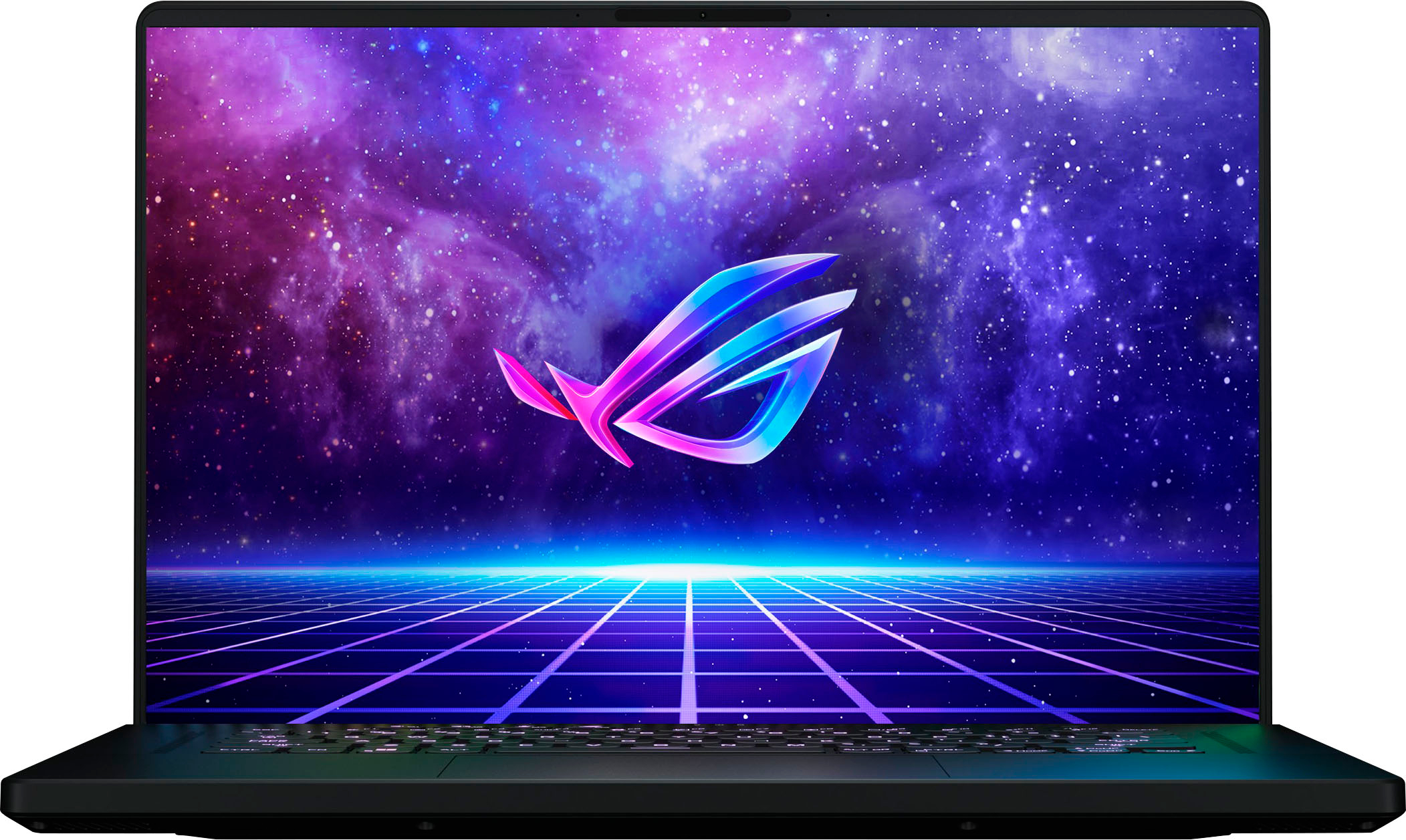
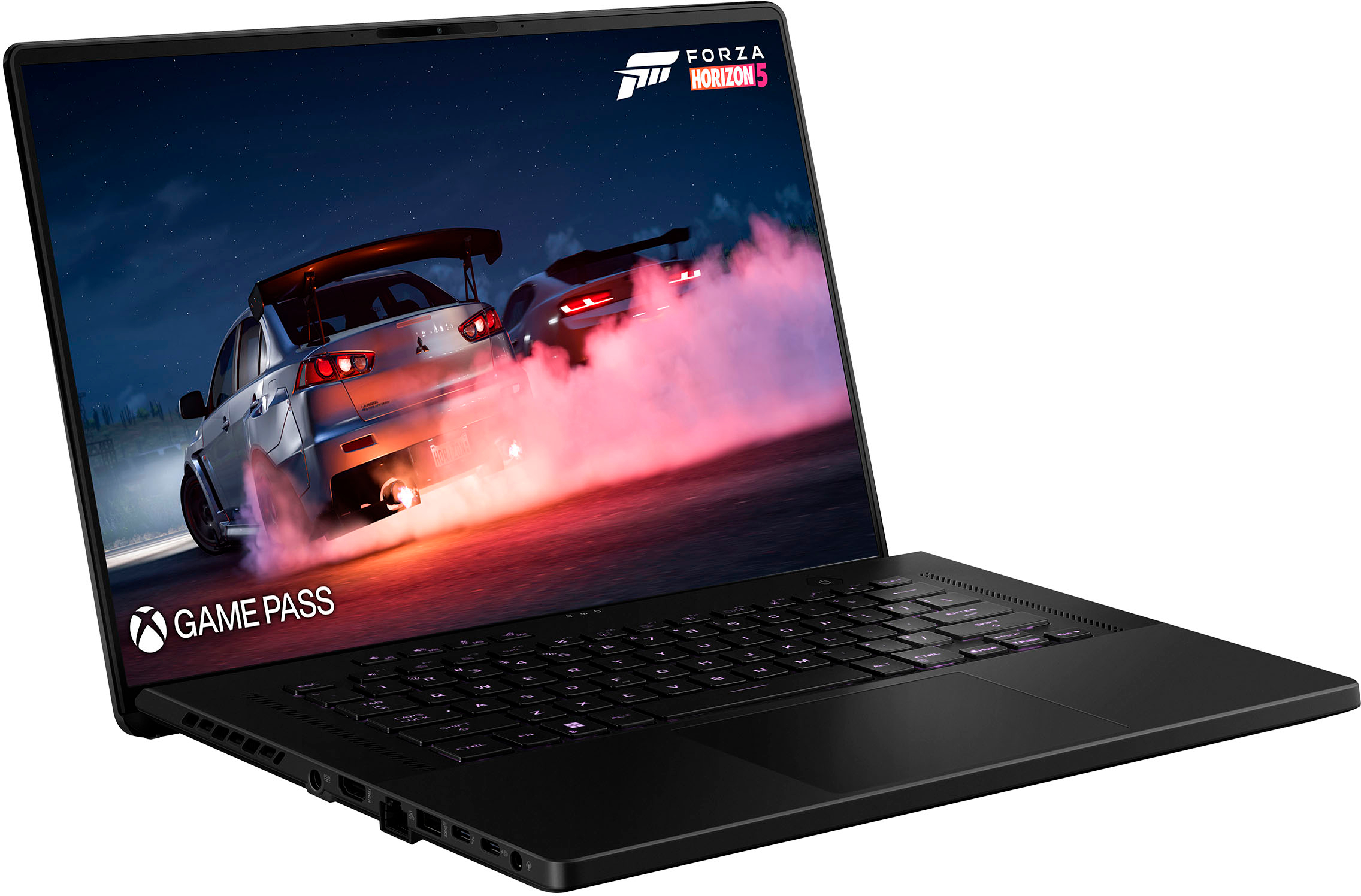
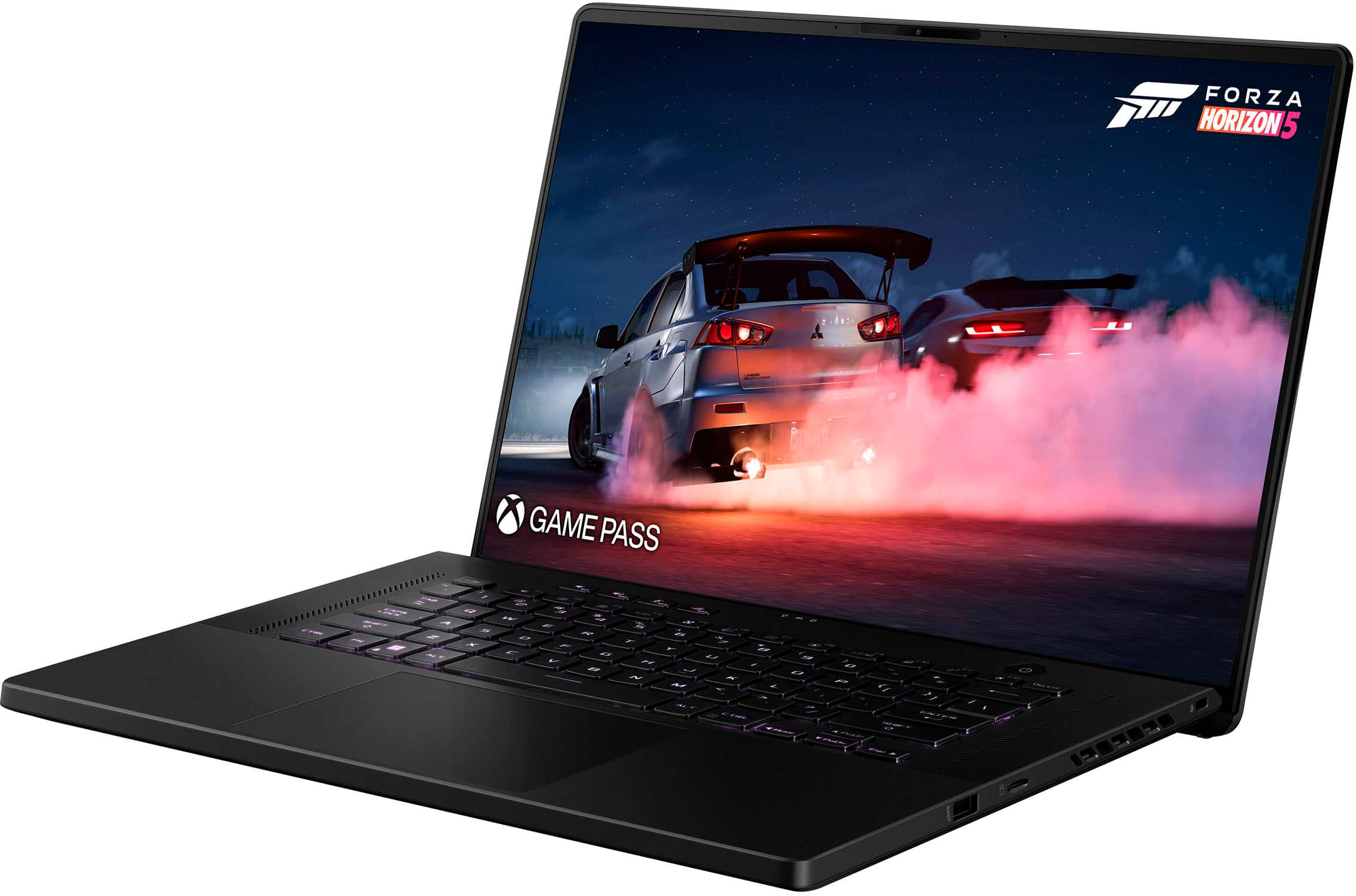
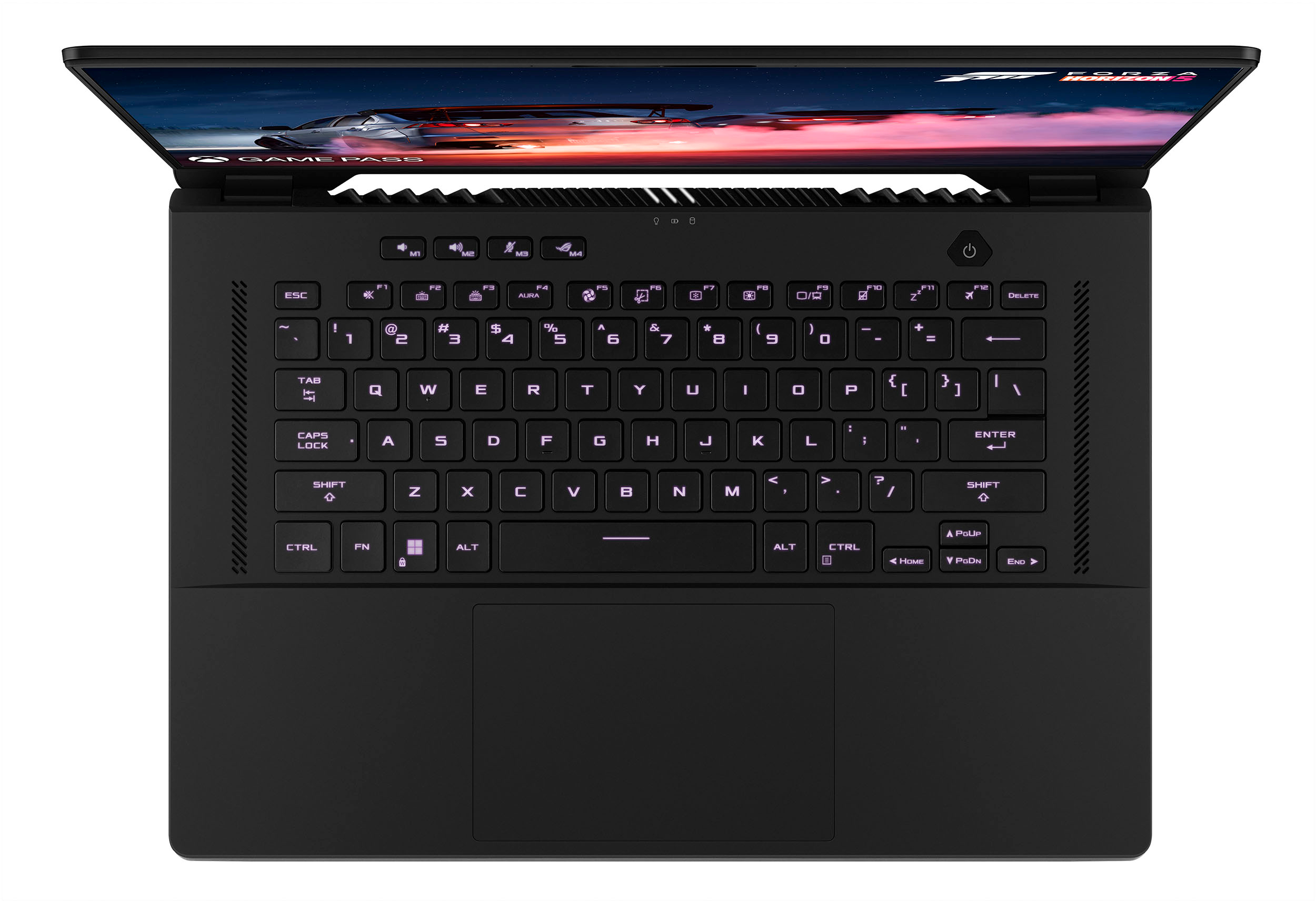
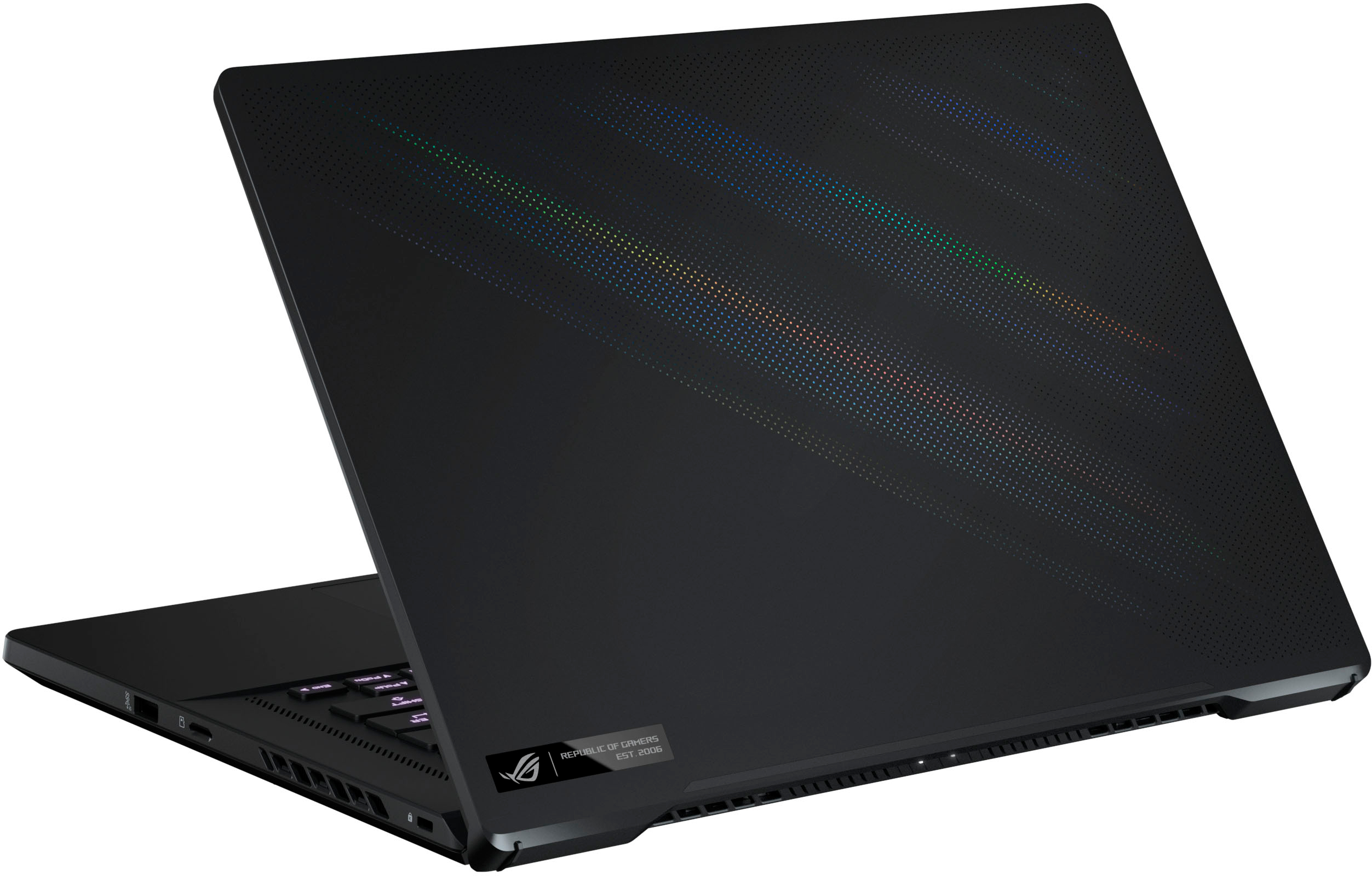
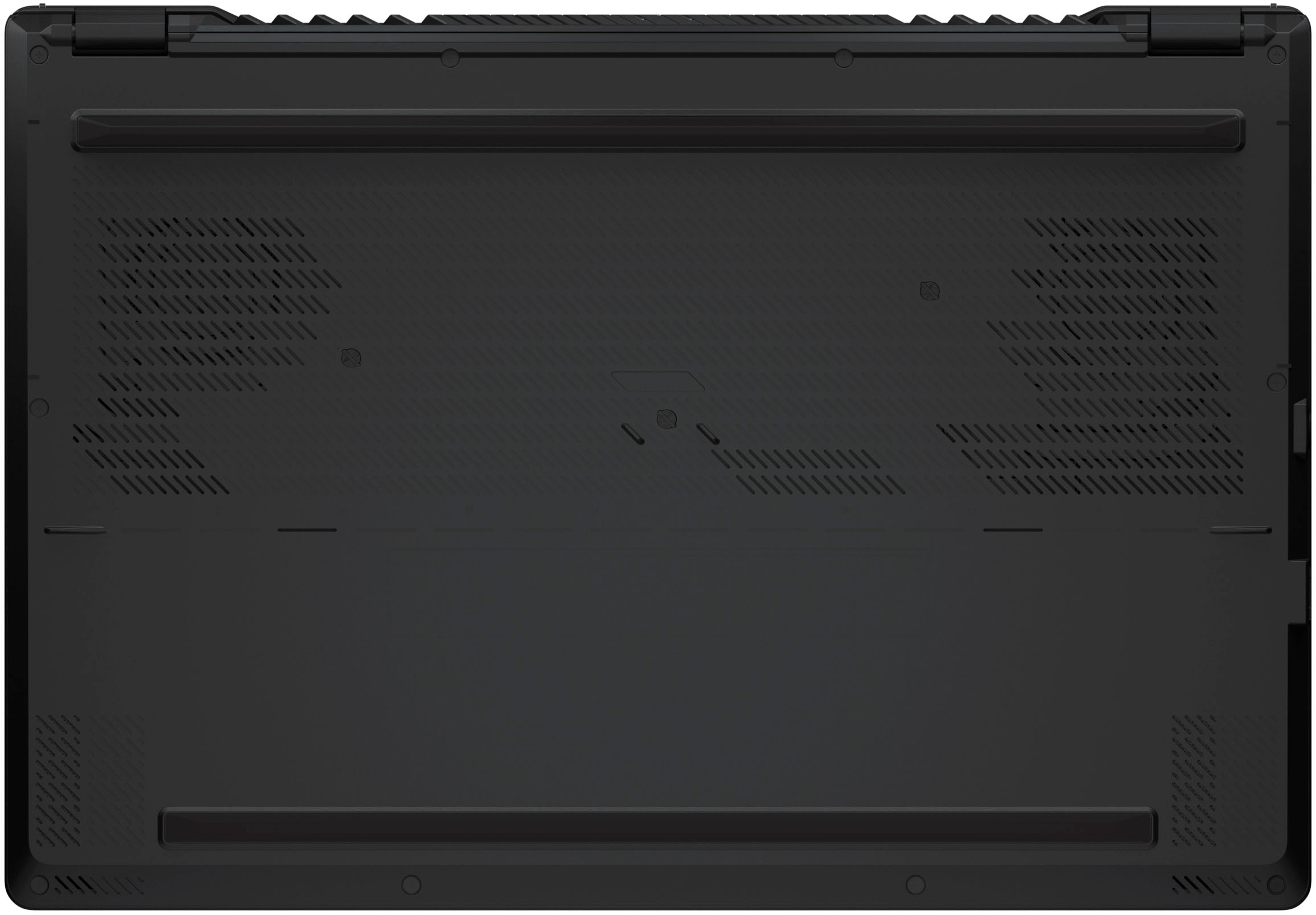
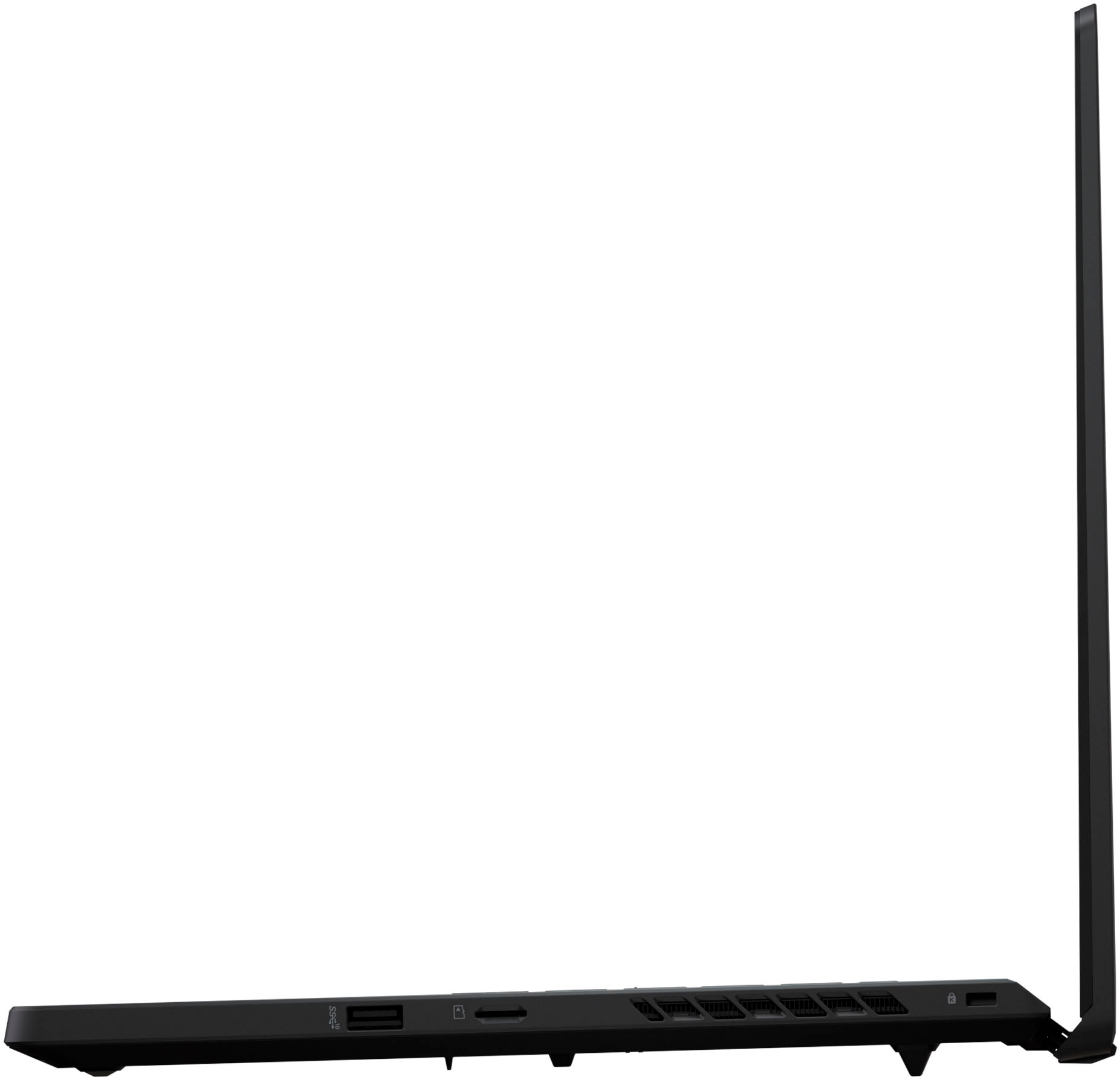
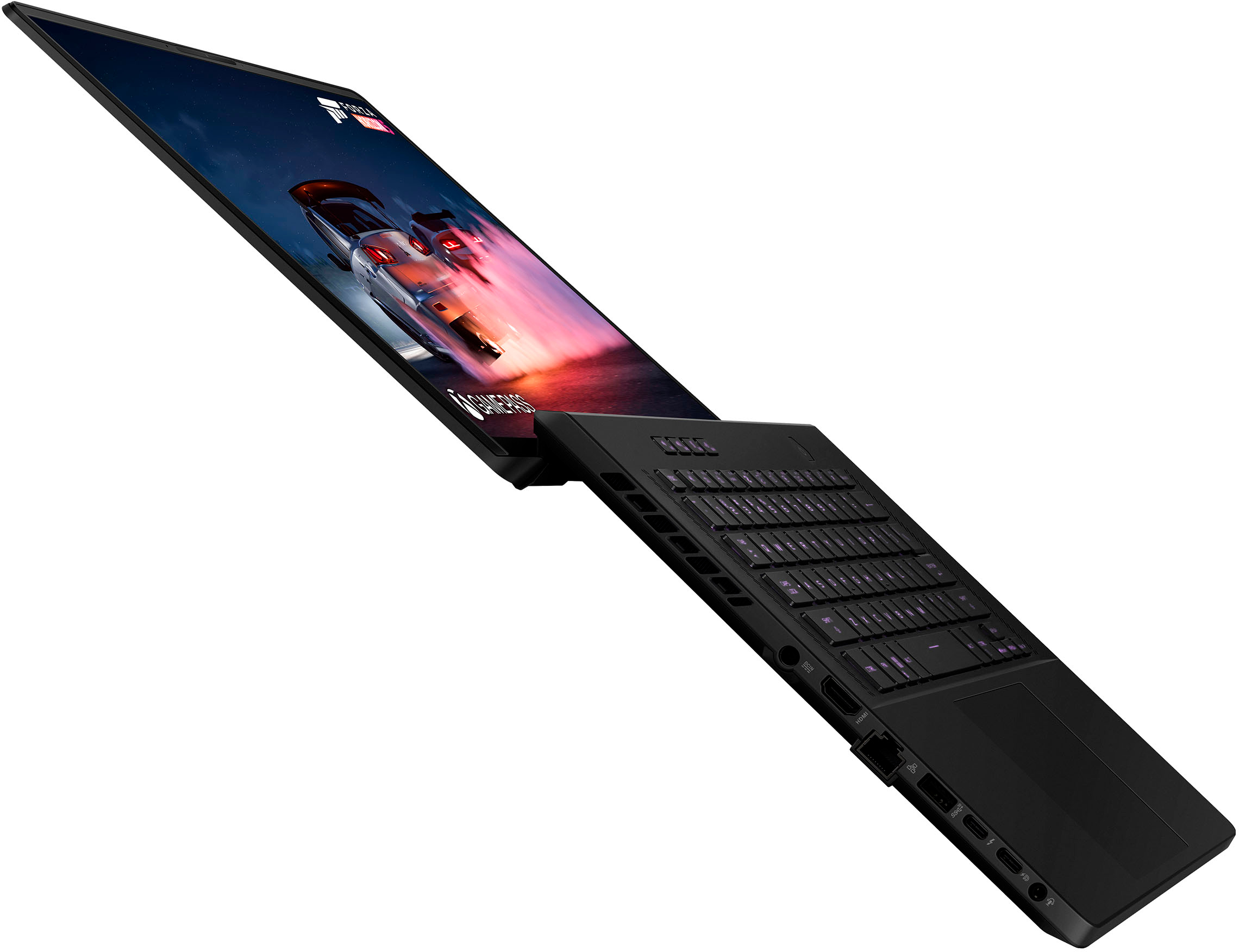
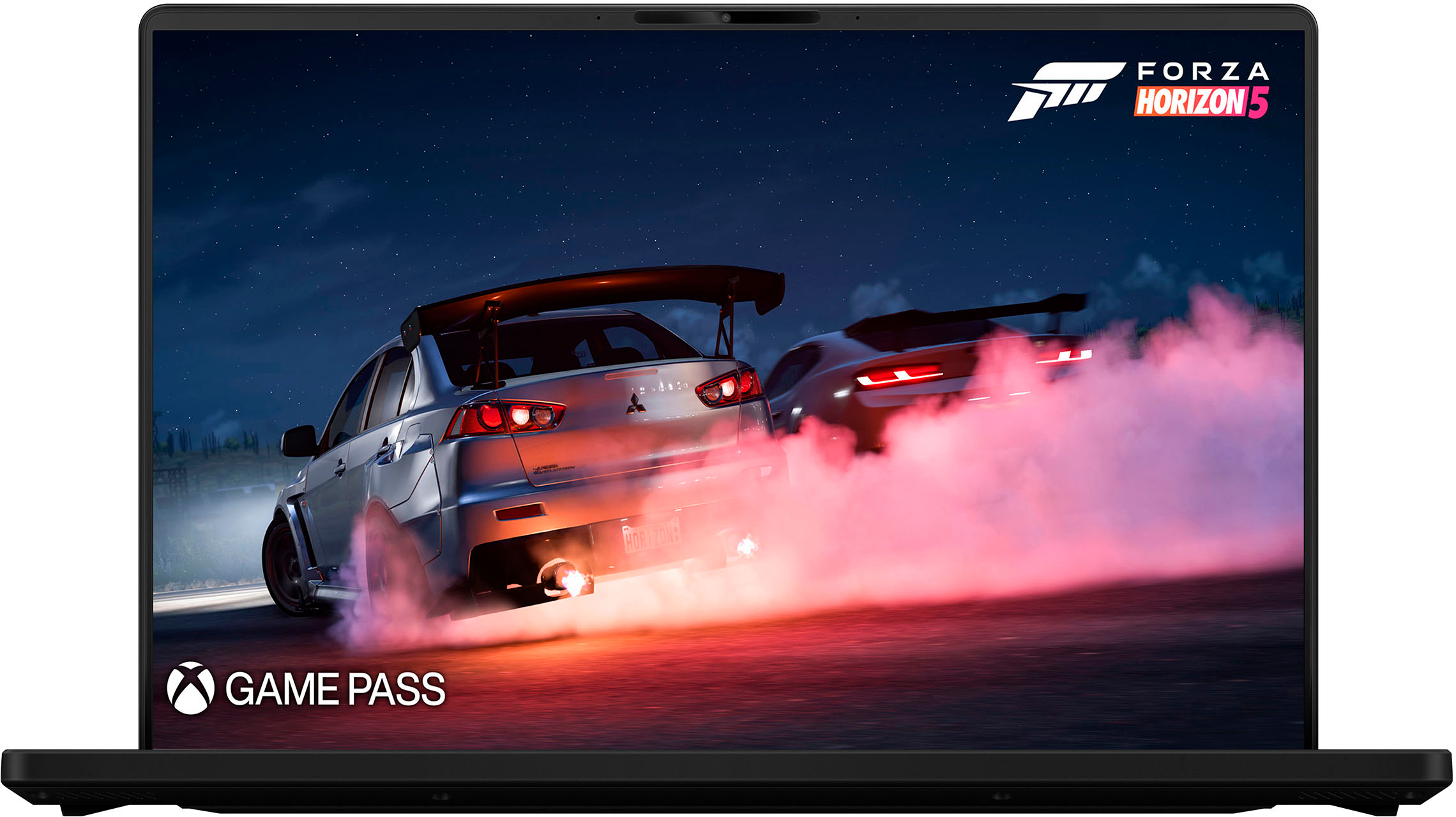
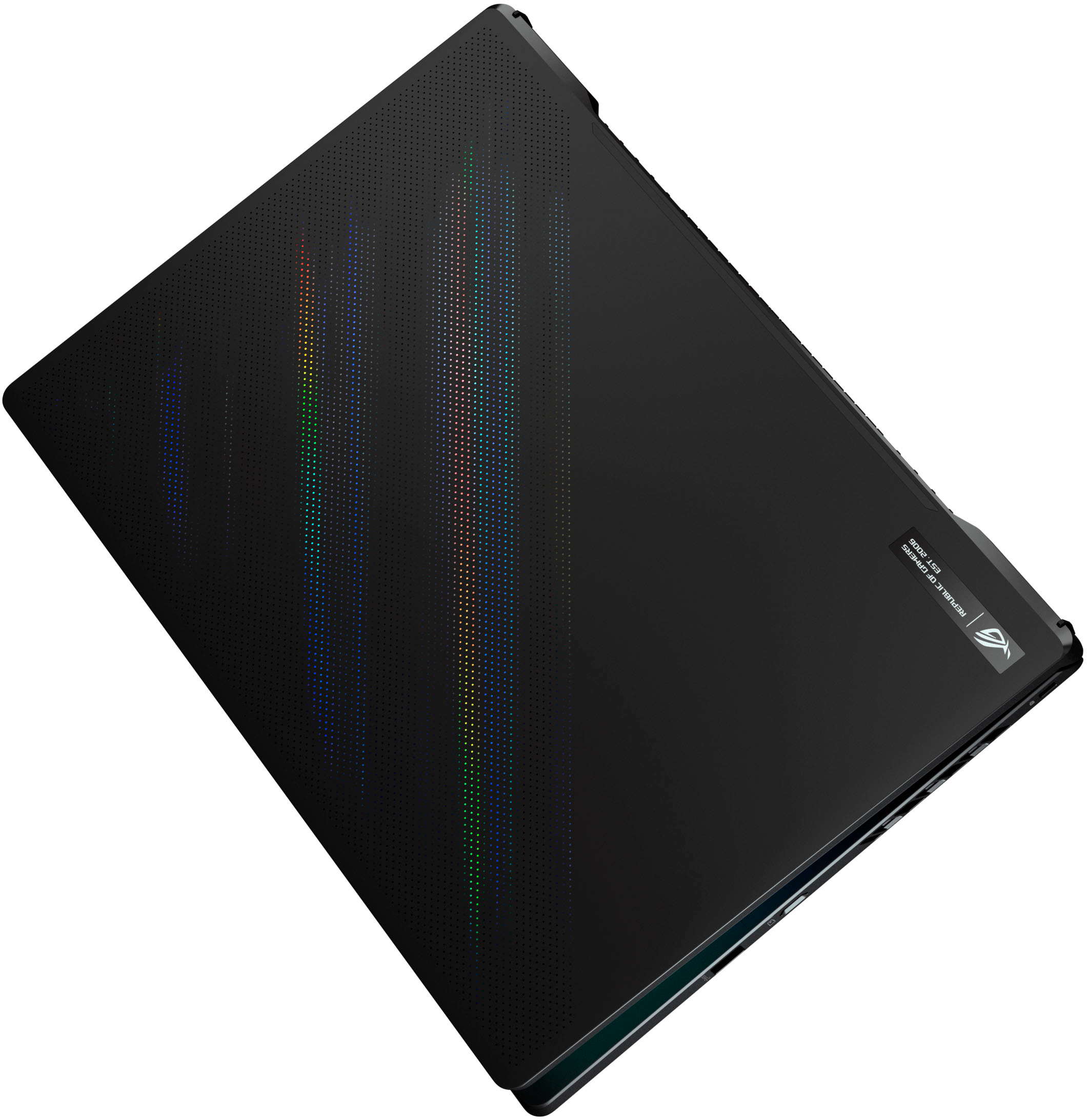
|Posted .This reviewer received promo considerations or sweepstakes entry for writing a review.The Asus Zephyrus M16 (GU603ZW) is a continuation of GU603 chassis, but with updated components. Boasting a 12th gen Intel Core i9 12900H, with 6 performance cores and 8 efficiency cores, and a 3070ti, this is a powerful laptop. Asus, while reusing the chassis from previous models, this is certainly far from boring. Asus has really hit its stride in the ROG Zephyrus series. While the previous G series had its highlights (most notably the popular G14) the M16 brings a lot of the same design cues, but a larger screen. While the previous Tiger Lake 8 core CPU found in M16’s was potent, the Alder Lake i9 wipes the floor with it. In real world scenarios I found the 12th gen to be 15-40% faster in CPU intensive workloads. This mobile CPU outclasses anything skylake based by a significant margin in almost all tests. Asus’s chassis continues to cool well, with its multiple head-pipe design. And by extraordinarily well, I mean the focus on cooling means this CPU performs beyond what it does in lesser chassis. With 6 heat pipes and Thermal Grizzly Conductonaut liquid metal TIM, this laptop attempts to keep the high power draw of the 12900H under control. Unfortunately, there is a lot of thermal throttling, as this chip can be pretty power hungry. I was able to to hit 7001 points in Cinebench R20, but only the first run. Given 3 or 4 more runs it would settle into scores closer to 6000. Honestly, the H series chips have been plagued with chassis unable to handle their ferocious heat output. The GU603 is a great chassis, but while it was able to handle an 11900H, the 12900H proved too much - having the chip hit 95C+. For reference, the GU603 came up on my scale at 4lbs 10oz. The CPU is a great upgrade, but how is the GPU performance? Well the RTX 3070ti is definitely faster than the previous 3060. Based on the GA104, it possesses 5888 cores (8 TMU’s short of a full GA104). This is an upgrade of over 2000 cores. However, performance translates into a much smaller uplift than you would expect when moving to a higher set of cores and clocks. 10%-40% uplift in performance is seen, and that certainly is nothing to sneeze at. The 3070ti can game pretty much anything off the shelf - mostly at the native resolution of the screen. Speaking of, the screen is a familiar piece of kit. It boasts a 2560x1600 resolution, and a 16:10 aspect ratio that harkens back to more a productivity focused resolution than the 16:9 screens most laptops boast. The panel is 165Hz, and lives up to that speed. The IPS panel has solid color reproduction, fast response, and a resolution that befits the 16” panel. You can use the screen at 100% scaling relatively comfortably, but the default 150% is a pretty good setting. Unlike the previous M16 I had, there is almost no backlight bleed, just a bit of IPS glow. Overall this screen is excellent. The display also features almost no bezels. One welcome new addition to this laptop is Windows Hello camera support, meaning you can login with your face. This is surprisingly amazing, and if you’ve ever had a Surface device you’ll know how awesome it is. Previous M16’s had a fingerprint scanner on the power button, but this is a much better experience. So how is it as a laptop for day to day usage? Between the svelte formfactor, excellent RGB keyboard, and large trackpad - this is a great machine. The beauty of the M16 is that it isn’t caught up in gaming style - and just like the G14 before it, can function in a professional environment. The black color adds to the professional acetic. The RGB keyboard can be set to a static color via the Asus Armoury Crate software (however there is only one zone - not per key backlit). Performance can be adjusted here as well, allowing for quieter operation in the office, or full workstation performance if desired. The fans can get loud on the M16 when pushing sustained performance. Thermal throttle is always the name of the game when dealing with Intel, but how far and fast it throttles are the differentiators. The M16 does a great job of keeping clocks high in those circumstances, and the firmware is tuned very carefully to keep clocks as high as possible which explains the performance consistency in this machine. The camera, wireless, and trackpad are all good, but maybe not best in class. The camera is 30fps at 720p, not great, but not horrible. The trackpad is large and has been tweaked over the previous overly sensitive settings on the 2021 M16. The wireless has been changed to an Intel AX211 unit. The port selection is excellent - offering USB A, C, and Thunderbolt. HDMI and RJ45 basically mean you never need a dongle with you. There even is a microsd slot hiding on the left edge. The 1TB SSD performs on par with top tier gen 3, while being a gen 4 SSD. it boasts speeds of linear reads/writes of 3500 MB/s. This isn’t top tier, but it certainly isn’t a slouch and should be fast enough for all but the most demanding users. There is a second PCIe/SATA m.2 slot waiting to be populated inside. Also inside is a RAM slot that allows you to upgrade from the included 8GB (DDR5) chip to 32GB (total 40GB). The built in 8GB DDR5 is soldered in. The WiFi card is also accessible and upgradable. You can enter the back panel by removing 13 screws (1 is captive in the bottom corner, and 3 are hidden below small rubber sticky grommets). It easily clips off at that point. The casing does feel like all plastic (save the lid) compared to the previous generation M16. Part of the casing has a rubberized coating that shows grease pretty readily. The design is solid, and the lid is amazing. There is a metallic flex of color in the small holes that grace the lid, and make a subtle statement. Dedicated volume keys above the center mounted non-number pad keyboard. I continue to applaud the center keyboard, as number pads just aren’t very useful in my opinion on a gaming laptop. The GU603zw is a great gaming laptop. The chassis cools the powerful hardware (with limitations) without making you stand out. This design still is one of my favorites from Asus in blending gaming and a professional flair. A top notch screen, and more than adequate keyboard, trackpad, and complete port selection make this equally a great workstation.
I would recommend this to a friend - Pros mentioned:Display
Great Laptop, worth every penny
||Posted .This reviewer received promo considerations or sweepstakes entry for writing a review.Great device with an amazing display. The CPU is amazing and it is able to sustain being at full load. The 3070ti does a good job of taking full advantage of the 1440p display.
I would recommend this to a friend Great performance, gets VERY hot
||Posted . Owned for 2 weeks when reviewed.This reviewer received promo considerations or sweepstakes entry for writing a review.Overall, I think the laptop does what it’s suppose to do. I have had it for two weeks and this is what I’ve noticed, keep in mind this is my first gaming laptop, my previous laptop was an XPS 15 9560: - Idling temperatures are high 50-60s - My laptop (maybe not others) get super hot when it’s on sleep, to the touch it’s almost scorching, the fans blow super loud every now and then when it’s on sleep mode. To help from this occurring I have set it to go into hibernate mode instead of sleep. - When It’s on sleep mode it does this “heart beat” type of keyboard lighting, this can be turned on in the Armoury Crate. - Gaming (plugged in / high settings): 300+ fps in Valorant 1440p, 150fps in GTA V story mode, 300-400fps Minecraft - in silent mode the fans will never be audible/noticeable, but fps will adjust accordingly, i.e. 60-100fps in Valorant same settings as before. Temperatures are high, 70-90s - performance mode has audible fans that adjust according to the temperatures, keeps the laptop at a more managing surface temperature. Temps 70-80s - turbo mode has very loud fans that seem to always be on, I usually don’t see that big of an increase in performance fps whenever I turn it on, just keeps the laptop A LOT cooler, 60-80s - Battery life: if you don’t turn off the gpu in Armour crate battery life is 2 hour max on low browsing or idling. If you want to maximize battery life, then on the gpu optimization in Armour crate, turn laptop hz to 60, moderately low brightness (even at low brightness it’s really bright) and turn on battery saver, you’ll get 6-9hours of battery with low browsing or idling. I think those are all the things I would’ve liked to know before I would’ve boughten it, and hope I helped someone.
I would recommend this to a friend- Cons mentioned:Heat, Ram
Asus is lying! Only 8gb sodered
||Posted . Owned for less than 1 week when reviewed.This reviewer received promo considerations or sweepstakes entry for writing a review.Im returning this tonight. First, its BS that a rep from Asus can come on here and blatanly lie that this has 16gb of sodered ram. It does not!! Also, this thing is ideling at 53c and the bottom of the screen (left side) gets super hot because of where the vents are. The screen looks amazing btw.
No, I would not recommend this to a friendBrand response from ASUS Answers
Posted .Dear Joshz, Thank you so much for the honest feedback, I'm sorry to hear about the misleading information. We do take these negative product reviews very seriously and we will pass this over to the relevant department. Have you changed the power plan to balance or power saving? If possible, can you please provide your serial number at customerloyalty@asus.com and provide this link for reference. I'll do my best to provide a quick resolution to your case. Thank you for choosing ASUS! Best Regards, Jonelle, ASUS Customer Loyalty US Support
Powerful! But a little flawed...
||Posted . Owned for 1 month when reviewed.This reviewer received promo considerations or sweepstakes entry for writing a review.The laptop is powerful, sleek, has fantastic speakers and has amazing color accuracy. Practically everythinv you'd want in a content creator laptop. Only problem I had with it is the soft touch keyboard deck. It's very prone to fingerprints and when wiping it down with a microfiber cloth the colors bled into it and I didnt expect it to happen. Would recommend using a black or grey microfiber cloth when cleaning, not any other color...
I would recommend this to a friend