Customer Ratings & Reviews

- Model:
- VG279QR
- SKU:
- 6450750
Rating by feature
- Display Quality
Rating 4.8 out of 5 stars
- Ease of Use
Rating 4.8 out of 5 stars
- Features
Rating 4.7 out of 5 stars
Customers are saying
Customers are enthusiastic about the picture quality, refresh rate, and color accuracy of the TUF 27” IPS monitor. Many appreciate the monitor's height adjustability and ease of use, finding it to be a good value for the price. However, some users noted that the built-in speakers could be improved, and a few reported issues with dead pixels. While some users found the lack of HDR support disappointing, others highlighted the monitor's low input lag and lack of motion blur.
This summary was generated by AI based on customer reviews.
- Pros mentioned:Refresh rateCons mentioned:Speakers

Great entry-level gaming monitor with G-Sync
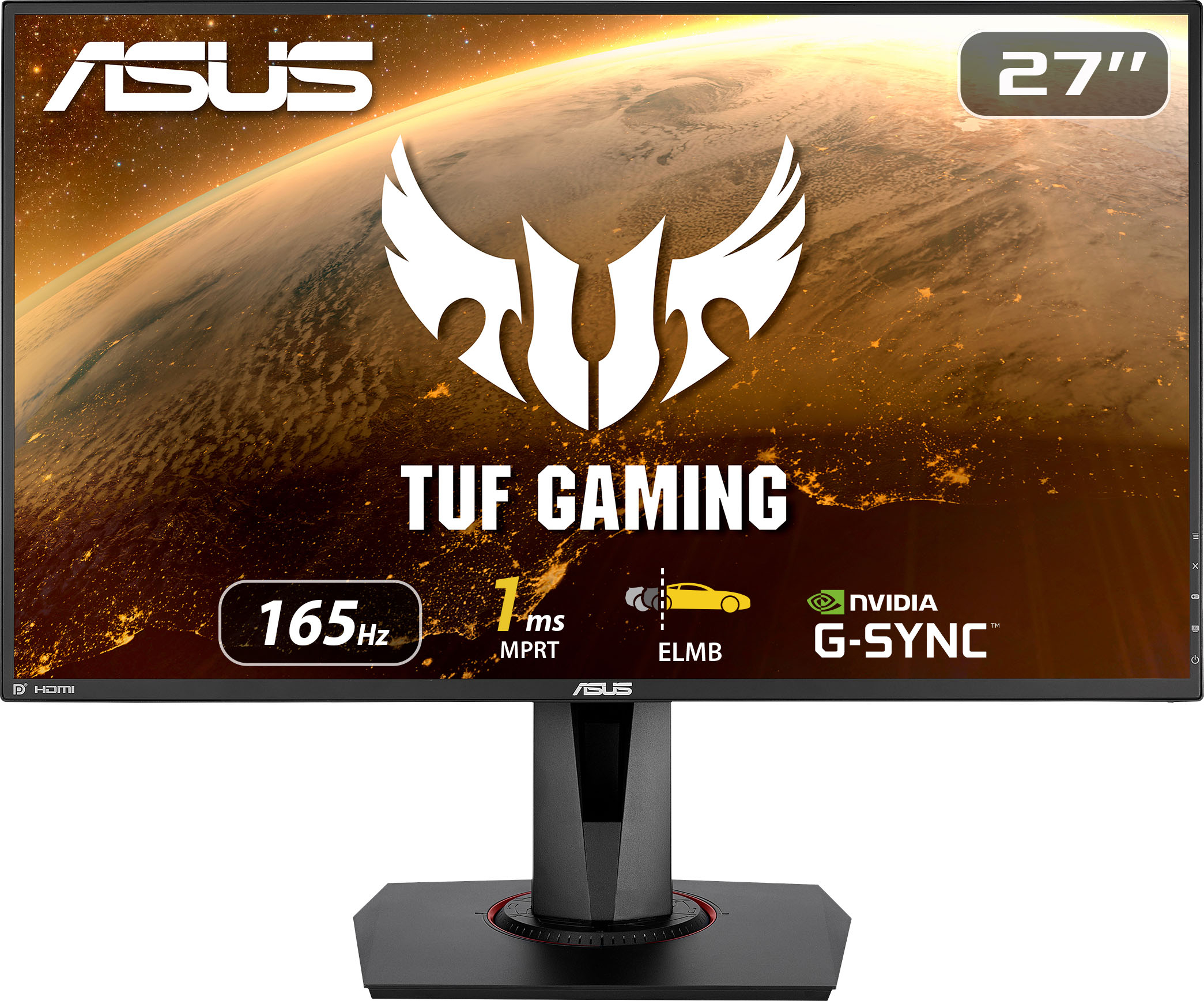
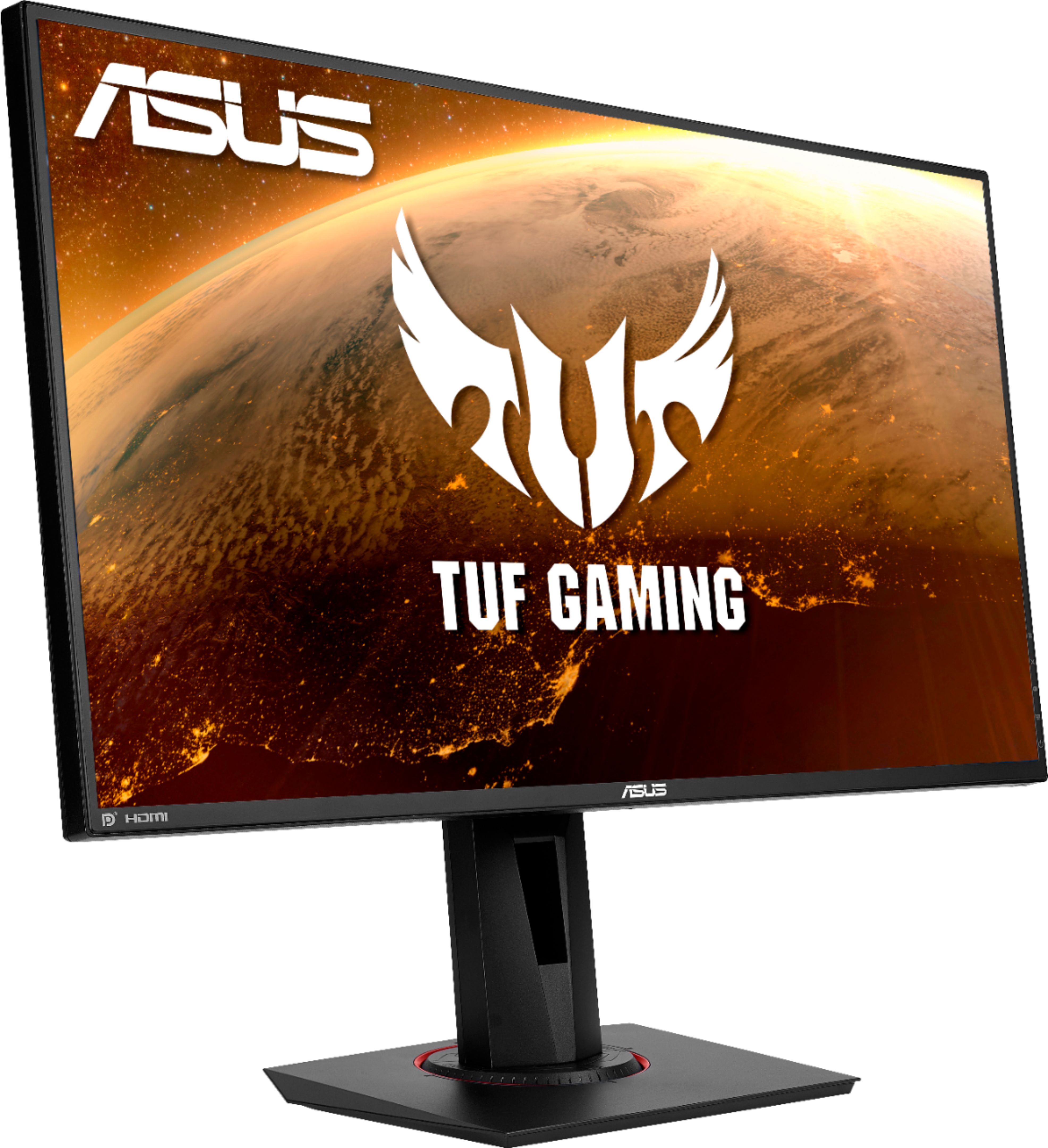
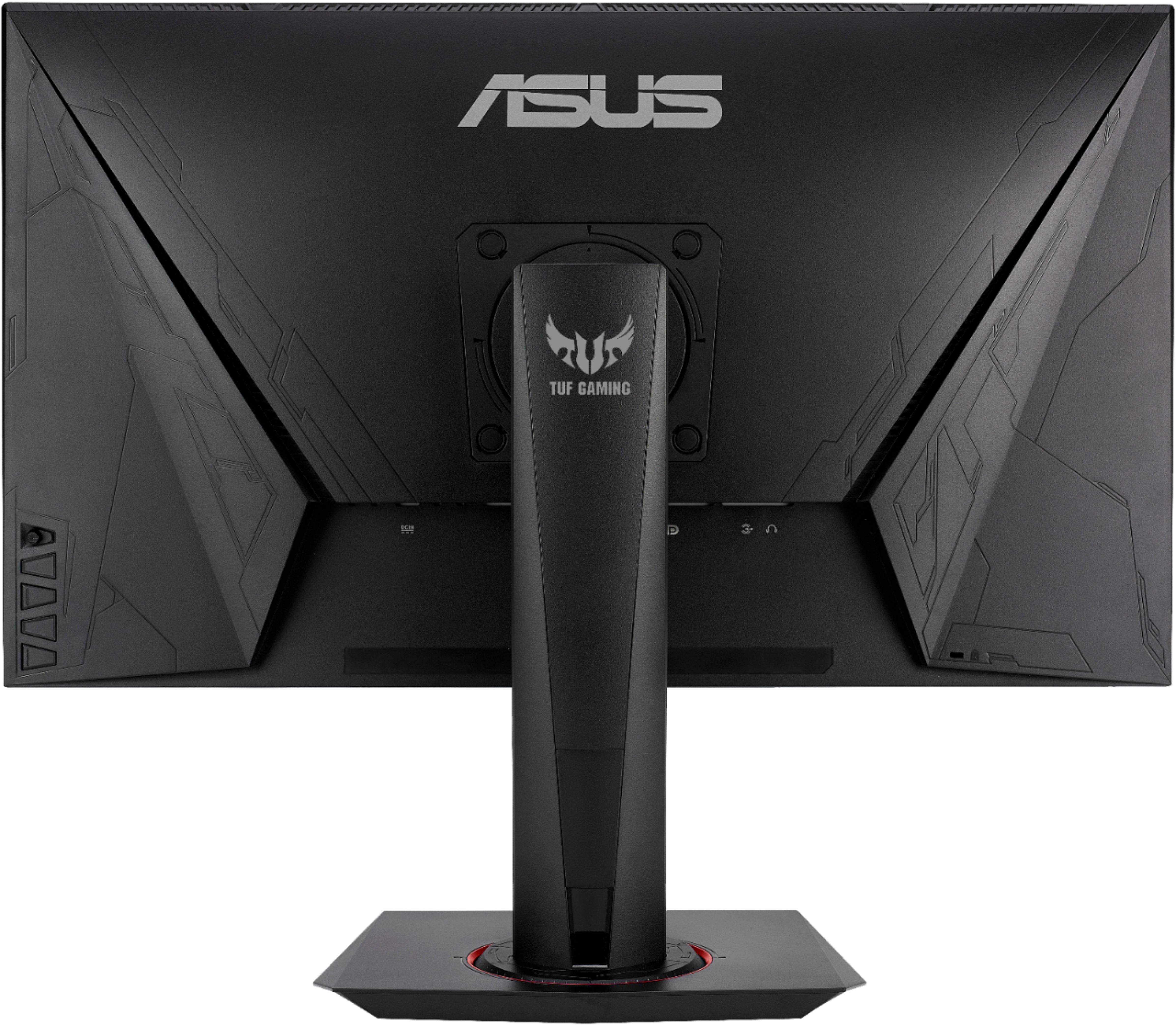
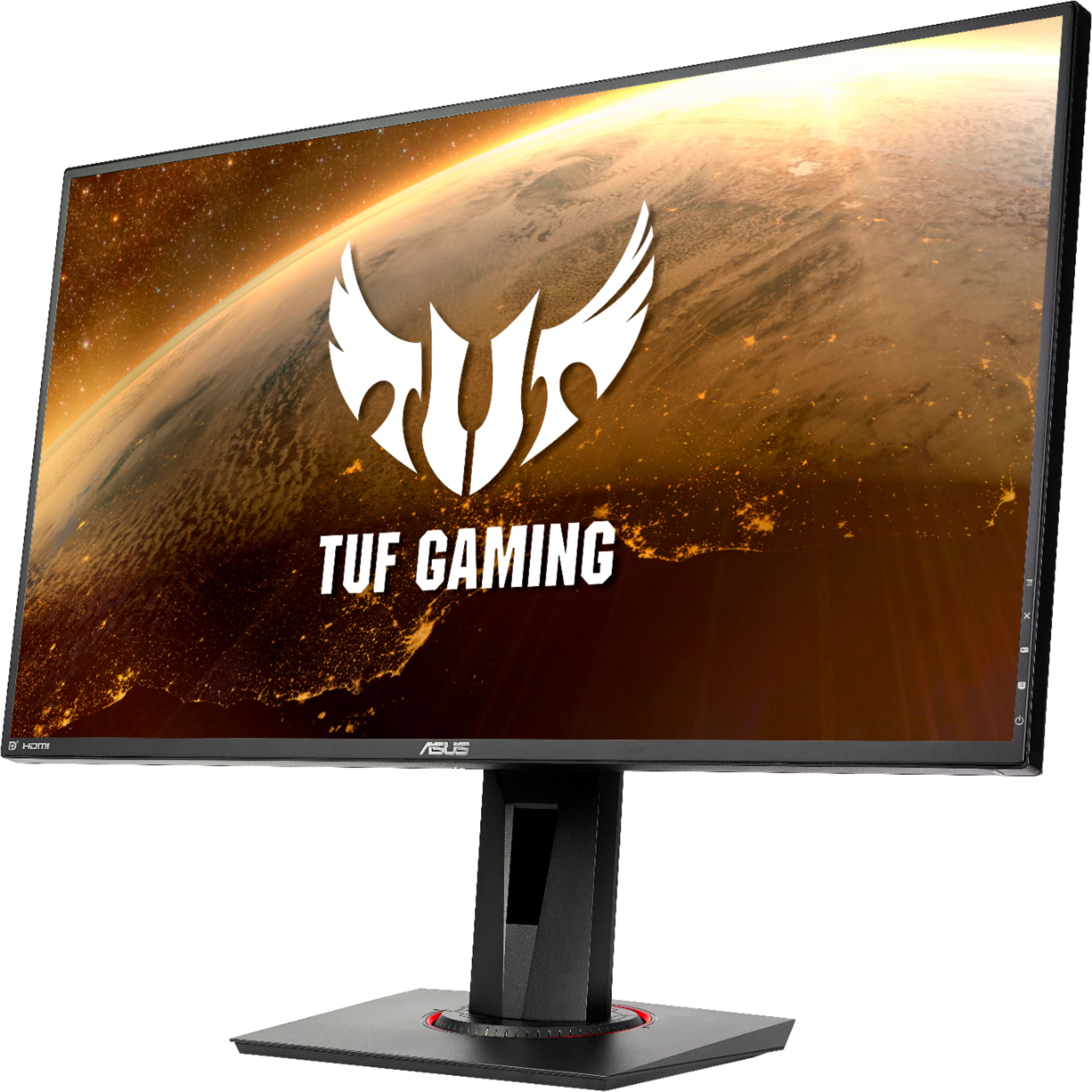
|Posted .This reviewer received promo considerations or sweepstakes entry for writing a review.The Asus “TUF Gaming” VG279QR is a 27-inch IPS display that sports a very fast refresh rate (165 Hz), with a claim for 1 ms MPRT (and 4 ms GTG) response time. Moreover, it is compatible with the Nvidia G-Sync variable refresh rate system. Thus, from a basic gaming monitor spec standpoint, it checks all the marks and being from the “TUF'' series of value oriented line from Asus, the price point seems comparable to other competitors in the market. Setup is extremely easy and tool-less. Other than tightening a captive screw in the base to the arm and hooking up the display cable, nothing else is needed. The display is decent sized, with just under 1 cm of bezels on the size. For gaming and standard productivity, I found the 27” size to be a sweet spot, and the 1080p Full HD resolution to be adequate. The build quality is where the monitor shows some of its “value” nature - the “shell” around the display shows some misalignment, and the material looks very basic. That does not mean it’s weak - it’s just that there are a bunch of similar monitors which look more premium. The arm and the base offers some visual uniqueness found in other TUF series products, with some red lettering in the back, and the compass like indentation on the base to show off some “gaming” aesthetics. But it’s not overwhelming like you find is some more “hardcore” gaming monitor, and personally I liked this subtle touches. The connectivity is as expected - 2x HDMI, 1x DisplayPort, 1x 3.5-mm audio jack. Be aware that to get the full 165 Hz refresh rate, you need to plug-in your system via the DisplayPort (and make sure the GPU is capable of that). Otherwise, the HDMI ports max out at 144 Hz, which still is fantastic. There are internal stereo speakers (audio being sent over HDMI), but the only good thing about them is that they “exist”. The volume and the quality is so abhorrent that it’s better to forget about them. Here, the 3.5-mm plug may come to your rescue since that will allow the use of external speakers or headphones, despite some background noise issue). The display itself is pretty good. The IPS panel allows good visibility. Out of the box, I found them not very well tuned to my taste, but after some effort, I was able to calibrate them a bit. The higher refresh rate is a joy to use - if you haven’t had that experience yet you’ll appreciate that a lot. I have been using 120 Hz and 144 Hz gaming laptops for quite some time, so it was not a big jump for me, but my friends and family who are more accustomed to typical 60 Hz displays were pleasantly surprised. In addition to the “fast” refresh rate panel, Asus provides a variety of mostly gaming-focused features. The GameVisual system offers 7 modes to choose from tuned for a variety of use cases - scenery, SRGB, FPS, Racing etc. Most of them allow tuning the brightness/contrast/color temp. etc, and also supports the Asus exclusive “Extreme Low Motion Blur” (ELMB) which allows the monitor to get that 1-ms MPRT response time, and reduces ghosting. There are also Asus Tracefree, Vivid display and some other tweaks that can be used as well. Furthermore, you can select the level of blue-light filtering that helps balance the reduction of Blue-light emission and the content color fidelity. There are some Asus gamePlus features such as on-screen crosshair, FPS counter, times, and a display alignment helper - these are cool add-ons for some cases. The monitor offers a lot of adjustability. Along with height and tilt adjustment, it can be swiveled and pivoted to a great extent. I especially like the 90-degree pivot, as that helps me to get a portrait mode display which is useful for coding/document creating, etc. Overall, I am very happy with the Asus VG279QR monitor. Given that your display output supports DisplayPort with 165 Hz capability, and has G-sync, this is a great entry-level gaming monitor which works well for productivity work. The only gripe is that the internal speakers are so embarrassing. Another point is that the product pages are not very comprehensive. The fact that this is a G-sync compatible monitor is nowhere to be seen in the Best Buy product page. And I had to go through a lot of hoops to understand that I need a DP cable to get the max 165 Hz refresh rate. I hope both Asus and BB work out to properly highlight the facts.
I would recommend this to a friend Monitor
||Posted . Owned for 3 weeks when reviewed.This reviewer received promo considerations or sweepstakes entry for writing a review.All good. No problems. No problemo. Gut. Yes. Yes it is.
I would recommend this to a friendGreat monitor
||Posted . Owned for 6 months when reviewed.This reviewer received promo considerations or sweepstakes entry for writing a review.Awesome graphics load Love the detail on it Great monitor
I would recommend this to a friendPc
||Posted . Owned for 3 weeks when reviewed.This reviewer received promo considerations or sweepstakes entry for writing a review.An ant got stuck in the screen. Not anyones fault just sucks.
I would recommend this to a friendGreat
||Posted . Owned for 1 month when reviewed.This reviewer received promo considerations or sweepstakes entry for writing a review.Great product! we love it for work and for gaming.
I would recommend this to a friendAsus Gaming Monitor
||Posted .This reviewer received promo considerations or sweepstakes entry for writing a review.The smoothness of this monitor's graphics is great.
I would recommend this to a friendGaming monitor!
||Posted . Owned for 3 weeks when reviewed.This reviewer received promo considerations or sweepstakes entry for writing a review.My son makes full use of it with his gamer group!!!
I would recommend this to a friendGood But Not Great
||Posted . Owned for 3 weeks when reviewed.This reviewer received promo considerations or sweepstakes entry for writing a review.I was excited when I saw that this model came with a built in speaker, but the speaker is very quiet. The display is alright, but when playing games like call of duty, enemies appear pixelated which isn’t the best.
No, I would not recommend this to a friendBrand response from ASUS Answers
Posted .Dear Valued Customer,
It's unfortunate to hear that the screen looks pixelated/ and the speaker didn't meet your needs. For the best sound quality depending on the usage, we recommend that you use an external speaker. For the pixelated images, have you tried to adjust the game graphics and tweak any settings? Please refer to the manual below for information on the splendid settings. For further troubleshooting, feel free to reach out to me at customerloyalty@asus.com and provide this link for reference. I'll do my best to provide a quick resolution to your case. Your feedback is important as it helps with improvements to ASUS Support channels.
Thank you for choosing ASUS!
Best Regards,
Jamalie,
ASUS Customer Loyalty US Support
Link: https://dlcdnets.asus.com/pub/ASUS/LCD%20Monitors/VG279QR/VG279QR_English.pdf
overpriced
||Posted . Owned for 3 weeks when reviewed.This reviewer received promo considerations or sweepstakes entry for writing a review.the monitor i thought i was buying was a 1440 and when i realized that i grabbed the 1080 one i was slightly disappointed. In my opinion, this monitor is heavily overpriced.
No, I would not recommend this to a friendGames Laggy
||Posted . Owned for 1 month when reviewed.This reviewer received promo considerations or sweepstakes entry for writing a review.My son is still not enjoying his new computer screen because xbox games are still laggy..Best Buy guy said this product would stop the lagging and it didn’t
I would recommend this to a friendIts. Ok but not woth the price.
||Posted . Owned for 1 week when reviewed.This reviewer received promo considerations or sweepstakes entry for writing a review.This monitor was not for me. I returned it to the store with no issues. I was informed that with the right settings it would perform well.
No, I would not recommend this to a friendBrand response from ASUS Answers
Posted .Dear Robert, thank you for your feedback and I'm sorry to hear that you had to return the monitor. We do appreciate your feedback as this will aid in any improvements that need to be made. We'd love nothing more than to improve your perception of our products. However, if you should have any other concerns or feedback feel free to reach out to us at customerloyalty@asus.com. I'll be happy to provide a quick resolution to your case. Thank you for choosing ASUS! Best Regards, Jonelle, ASUS Customer Loyalty US Support
- Pros mentioned:Refresh rateCons mentioned:Speakers
Great for Gaming or Videos
|Posted .This reviewer received promo considerations or sweepstakes entry for writing a review.The Asus VG279QR is a 1080p HDR IPS gaming monitor with a sick 165Hz refresh rate, making it one of the best gaming monitors available. The 1ms response time and the ELMB gives you a fast-paced gaming experience without ghosting or motion blur, for clearer images. It is G-Sync compatible to help eliminate tearing and stuttering. It also comes with Shadow Boost which enhances details in a dark environment. I wish my tv had this feature. The 1,000:1 Contrast ratio and the 178-degree viewing angle gives you a great picture even for the people watching the action from the side. It comes with GamePlus which give you crosshairs, timers, and FPS counter. It comes with a display port, 2 HDMI inputs and a headphone jack. The one true fault in the monitor is not really related to the monitor or picture quality, it has to do with the subpar speakers they have included. You have to turn them up to 100% to hear anything and then it is tinny and not worth the cost to have added them in. I love the monitor overall, but I guess you really do not buy a monitor for the speakers.
I would recommend this to a friend - Pros mentioned:Refresh rate
FullHD 165Hz ELMB - It's a winner
|Posted .This reviewer received promo considerations or sweepstakes entry for writing a review.The Asus VG279 represents a high point for FullHD monitors. It boasts a 27” IPS display that can refresh at a blinding 165Hz, extreme low motion blur, G-sync compatibility, and boasts a 1ms G2G response time. But of course, does it live up to the spec sheet? First of all, the monitor comes well equipped, with both a display port and HDMI cable waiting in the box. The monitor is well packaged, and the stand easy to install with a single collapsible twist screw. Setup is thus pretty easy and you’re rocking and rolling very quickly. A couple things you’ll immediately notice after setting up the stand. The buttons on the right side of the panel alternate to make it easy to identify different buttons. The joystick found at the top of the buttons provides the main menu by clicking it in. The menu has a lot of adjustments, but I felt like the game centric modes were odd. The lack of a standard mode meant I felt like I was hunting for base settings. Luckily Asus offers excellent software called the Asus Display Widget which you can find on the monitors support page. This widget allows you to control just about everything in the display menu in a much easier to navigate application in windows. You can adjust color temperature, display mode, and even enable the timer, or cross hairs found in the extra settings. Also on the support page you’ll find the monitor’s driver. I felt like the driver brought the correct clear type calibration or something, because text seemed crisper after installation of the driver. The overall casing of the monitor has some interesting flair. It’s intended use as a gaming monitor is reflected in the color scheme and angled shapes found on the monitor. The design never borders on gaudy though, with tasteful lines and textures that might be a bit busy on the back of the monitor. Frankly it doesn’t bother me, and the business end of the monitor is very clean with only a bit of subtle print and a chrome Asus logo in sight. In fact the bezels are quite thin. The stand has the aforementioned angles with just a tiny bit of red hiding in the base where the stand is allowed to rotate. The stand is excellent by the way offering not just your standard tilt adjustment (which is a huge range compared to most), but also swivel, rotation, and height adjustments making this monitor extremely flexible. The stand complements the panel type well. Speaking of the panel type, this is an IPS panel. IPS stands for in-plane switching, and it offers excellent viewing angles and color reproduction. Of course where the panel technology usually has issues poor contrast, pixel response time, and potentially uniformity. So does the VG279QR suffer from these issues? In a word, somewhat - but it’s an excellent IPS display. Like most IPS monitors, the static contrast ratio is poor. Blacks are really just light shades of gray. This isn’t noticeable in most games, but if you play really dark games in dark rooms, a TV with dimmable zones and a VA panel is probably a better fit. If you’re playing bright well lit games, then this won’t bother you at all. The uniformity on this panel is excellent, truly. Color reproduction is solid and uniform throughout the panel surface. Now let’s speak about response time, as this usually is the topic of discussion when it comes to IPS panels and claims of 1ms G2G. TN panel purists will tell you that IPS can never reach the level of motion control that TN offers. They’re right. I’ve owned a high end TN panel with ULMB, and it's as close to an old school CRT for motion as you’re going to see on an LCD. The Asus VG279QR even with trace free (overdrive) turned up is a blurry mess even at 165Hz. While that’s expected from an LCD, it’s partially the panel type. However the VG279QR has a magic trick up its sleeve, ELMB - or ‘Extreme Low Motion Blur’. This technology allowed the backlight to strobe every other frame blanking out between frames. While this doesn’t improve the response time of the monitor itself, it creates an optical illusion that makes motion to be more precise. It is quite effective at its job, reducing blur significantly at the cost of introducing ghosting. In other words, the blur goes away, but the resulting image has ghosts behind it. It's still a significant improvement, but the ghosting is still present and there is no way to adjust Asus’s overdrive setting (trace free) to compensate. Another downside of enabling ELMB is that the effective brightness drops significantly when using this setting. Not a huge deal when gaming at night, and indeed the monitor itself feels too bright and oversaturated stock, so enabling ELMB seems to be fine for me. The final downside is that to enable ELMB you must disable G-Sync compatibility. So what is G-sync compatibility? Well, basically in the case of this monitor, it’s a compatible version of adaptive sync that allows the GPU to inform the monitor if it's keeping up with the monitor's refresh rate, and if not, to slow the refresh rate to match the GPU’s current framerate. Why is this important? It eliminates tearing, stuttering, and judder associated with the frame rate mismatch. Essentially if your graphics card can’t (and you need a pretty high end GPU to drive 165Hz) handle the native refresh rate of the monitor it’s a life saving feature - creating a buttery smooth experience regardless if you’re pushing 80 frames or 165 frames per second. Some games will benefit more from ELMB, while others the framerate tearing or stutter will be more noticeable. Unfortunately, unlike old G-Sync certified monitors with ULMB, ELMB is only configurable from the menu on the monitor not software. Essentially the monitor makes you choose which feature you want to use. My vote is ELMB coupled with adaptive v-sync, but your mileage may vary. ELMB makes motion top notch, and my 2070 Super keeps frames coming in pretty quickly for most titles at 1080p. So loaded up with ELMB, turned v-sync on and played a few rounds of CS:GO. Not only did it feel just a tiny bit smoother than 144Hz, the motion blur reduction over my old 144Hz IPS was significant. Enjoying the superior colors over my old TN 144Hz, this monitor delivers the goods. Of course again, depending on your GPU g-sync might be a better setting to turn on, but if you have a high end GPU - the ELMB really does make a difference. What did I not like? Most of the built in video modes felt like they had saturation and sharpness turned up too high. I found sRGB mode with ELMB was great at night, but struggled to maintain enough brightness during the day. Cinema was the next best setting but I felt like sharpness was just a bit off. Overall I found scenery and RTS way too overblown. The color of MOBA was weird for me. I felt like dialing in the correct color was way harder than it needed to be. Also, this is just an 8-bit panel, no 10-bit color. Overall though this monitor provides one of the best values for high refresh rate monitors with excellent color reproduction and viewing angles once tweaked. I wish it didn’t take as much effort in the settings to get it to where I wanted, but I appreciate that the settings exist and allow me to tweak. Unfortunately we’ll never live in a world where adaptive sync and display strobing will work at the same time. It’s a shame though as ELMB really fixes LCD blur. Overall the biggest question you have to ask yourself is 27” 1080p enough for me. 1440p at this size feels more natural, but obviously would be harder to drive. If 1080p is where you want to stay with a high refresh rate, then this mid-range FullHD is an excellent piece of kit.
I would recommend this to a friend ASUS VG279QR
||Posted . Owned for 3 weeks when reviewed.This reviewer received promo considerations or sweepstakes entry for writing a review.Could be better it should have HDR it's only fault but very crystal clear image and very vibrant for gaming love it.
I would recommend this to a friendBrand response from ASUS Answers
Posted .Dear Valued Customer,
Thank you so much for the feedback, if you have any technical concerns, feel free to reach out to me at customerloyalty@asus.com and provide this link for reference. I'll do my best to provide a quick resolution to your case. Your feedback is important as it helps with improvements to ASUS Support channels.
Thank you for choosing ASUS!
Best Regards,
Jamalie,
ASUS Customer Loyalty US Support
Unexpectedly faulty
||Posted . Owned for 1 month when reviewed.This reviewer received promo considerations or sweepstakes entry for writing a review.The screen was great at first. But started to went green time to time after 1 week. Returned it. Not recommended.
No, I would not recommend this to a friendBrand response from ASUS Answers
Posted .Dear Saeed, We appreciate you sharing your feedback on this model. We're sorry to hear about the unfortunate experience with the display and that you had to return it. We do value our customers and take negative experiences very seriously. This is absolutely not the kind of experience we want any of our customers to have and I will be letting the related department know about this concern for continuous improvements to the product line. The problem you were facing may be caused by a loose video cable usually, I'd advise that you tighten the screws on both monitor and the computer end of the cable. If you have any further technical concerns, feel free to reach out to me at customerloyalty@asus.com and provide this link for reference. I'll do my best to provide a quick resolution to your case. Thank you for choosing ASUS! Best Regards, Jonelle, ASUS Customer Loyalty US Support
Good for gaming
||Posted .This reviewer received promo considerations or sweepstakes entry for writing a review.Worked great when I used it for my Xbox. When I hooked it up to my PC, the quality was poor.
No, I would not recommend this to a friendAudio Issues
||Posted . Owned for 1 month when reviewed.This reviewer received promo considerations or sweepstakes entry for writing a review.Nice graphics. I loved the stand. You can pivot, adjust the height. That was awesome. You can't find that on many monitors. But I had problems with the audio. I could barely hear anything when playing music or videos. I tried all types of settings and also tried troubleshooting it, but it didn't work I ended up returning the monitor.
No, I would not recommend this to a friendBrand response from ASUS Answers
Posted .Dear Valued Customer,
Thank you so much for the honest feedback, it's unfortunate to hear that you had to return the unit because of the audio. All our products do go through an intensive quality control testing process to ensure that customers get units that are in proper working condition, what you've experienced was not intentional and this was a random case. If you have any concerns about another model, feel free to reach out to me at customerloyalty@asus.com and provide this link for reference. I'll do my best to provide a quick resolution to your case. Your feedback is important as it helps with improvements to ASUS Support channels.
Thank you for choosing ASUS!
Best Regards,
Jamalie,
ASUS Customer Loyalty US Support
computer monitor
||Posted . Owned for 10 months when reviewed.This reviewer received promo considerations or sweepstakes entry for writing a review.my old screen crack, went in an found this screen for a deal.
I would recommend this to a friendGood Monitor
||Posted . Owned for 2 weeks when reviewed.This reviewer received promo considerations or sweepstakes entry for writing a review.Great monitor but found one similar for $100 less !
No, I would not recommend this to a friendBrand response from ASUS Answers
Posted .Dear jeffro,
We definitely understand the impression this may have created and we hope this will not be a long term lasting impression as you have chosen ASUS as a trusted brand for excellence. We do value our customers and take negative customer service experience very seriously. We definitely understand and we value your feedback and concerns as this will aid in any improvements that need to be made.
If you should have any other concerns or feedback feel free to reach out to us at customerloyalty@asus.com. We'll be happy to provide a quick resolution to your case. Please refer to this case number (N2111041561-0010) for us to better assist you.
Thank you for choosing ASUS!
Best Regards,
Ramon,
ASUS Customer Loyalty US Support
Flickering problem
||Posted . Owned for 1 week when reviewed.This reviewer received promo considerations or sweepstakes entry for writing a review.flickers off & on sometimes on its own, 2nd one that does that, hope I can get an answer with the fix. ASUS customer service didn’t help.
No, I would not recommend this to a friendBrand response from ASUS Answers
Posted .Dear Valued Customer,
Certainly, we understand your disappointment with the screen flickering. Be assured that your situation was an exception. As you can see in other reviews, we are known for taking ownership and caring deeply about our customers. Please attempt the steps from the FAQ below. For further troubleshooting, feel free to reach out to me at customerloyalty@asus.com and provide this link for reference. I'll do my best to provide a quick resolution to your case. Your feedback is important as it helps with improvements to ASUS Support channels.
Thank you for choosing ASUS!
Best Regards,
Jamalie,
ASUS Customer Loyalty US Support
Troubleshooting - https://www.asus.com/support/FAQ/1013113/