Save up to 50% on 3-Day Sale deals.Ends 12/7.Shop now

Skip to content
Gift Ideas
Main Content

Customer Ratings & Reviews
Your price for this item is $269.99

Customer reviews

Rating 4.7 out of 5 stars with 149 reviews

Rating Filter

Rating by feature

  • Display Quality

    Rating 4.7 out of 5 stars

  • Ease of Use

    Rating 4.7 out of 5 stars

  • Features

    Rating 4.6 out of 5 stars

Pros mentioned filter

Cons mentioned filter

96%would recommend to a friend

Customers are saying

Customers are impressed with the monitor's screen size, overall performance, and refresh rate. The resolution and HDR capabilities also receive positive feedback. However, some customers have expressed concerns about the quality of the speakers and the stand.

This summary was generated by AI based on customer reviews.

The vast majority of our reviews come from verified purchases. Reviews from customers may include My Best Buy members, employees, and Tech Insider Network members (as tagged). Select reviewers may receive discounted products, promotional considerations or entries into drawings for honest, helpful reviews.
Page 7 Showing 121-140 of 149 reviews
  • Rated 5 out of 5 stars

    Don't Hesitate Buy It

    |
    |
    Posted . Owned for 2 weeks when reviewed.
    This reviewer received promo considerations or sweepstakes entry for writing a review.

    Love this monitor, it has many settings for screen, it actually has sound, overall its just perfect for me.

    I would recommend this to a friend
  • Rated 5 out of 5 stars

    ASUS - TUF 31.5" LED WQHD FreeSync Gaming Monitor

    |
    |
    Posted . Owned for 3 weeks when reviewed.
    This reviewer received promo considerations or sweepstakes entry for writing a review.

    Great Monitor. Crisp visuals for working with massive amounts of data. Very pleased with this monitor.

    I would recommend this to a friend
  • Rated 5 out of 5 stars

    The best

    |
    |
    Posted . Owned for 1 month when reviewed.
    This reviewer received promo considerations or sweepstakes entry for writing a review.

    Its the best monitor you can have . But go no bigger.

    I would recommend this to a friend
  • Rated 5 out of 5 stars

    Great monitor

    |
    |
    Posted . Owned for 3 weeks when reviewed.
    This reviewer received promo considerations or sweepstakes entry for writing a review.

    First Monitor I bought and it is great. I would recommend this to anyone looking for a monitor

    I would recommend this to a friend
  • Cons mentioned:
    Speakers

    Rated 2 out of 5 stars

    Terrible speakers

    |
    |
    Posted . Owned for less than 1 week when reviewed.
    This reviewer received promo considerations or sweepstakes entry for writing a review.

    I bought this monitor because it has speakers, and it just arrived. The "high-definition audio" sounds so terrible that I'm packing it back up to return.

    No, I would not recommend this to a friend
    • Brand response from ASUS Answers
      Posted .

      Dear Randomizer,


      Thank you for your comment.

      We do understand your disappointment and the inconvenience this may have caused if the built-in speakers didn't meet your expectations. The audio quality or volume level of the internal speakers is decent. If the volume level is low, check inside the Volume Control properties and verify if the volume was set to the correct listening level. However, for better listening pleasure or experience, we recommend using a headset or an external speaker system. Should you need further assistance with the monitor, please email me at cl-rodel@asus.com and I would be more than happy to help. Or you are most welcome to call Product Support Hotline at: 1(888) 678-3688. Also, you can chat with an ASUS live support agent from the link: https://www.asus.com/us/support/article/1135/.

      Thank you for choosing an ASUS product.

      Regards,


      Rodel
      ASUS Customer Loyalty Asus

  • Rated 5 out of 5 stars

    Pretty clean

    |
    |
    Posted . Owned for 3 weeks when reviewed.
    This reviewer received promo considerations or sweepstakes entry for writing a review.

    It pulled my setup together, its pretty smooth on games overall

    I would recommend this to a friend
  • Rated 5 out of 5 stars

    Monitor

    |
    |
    Posted . Owned for 1 month when reviewed.
    This reviewer received promo considerations or sweepstakes entry for writing a review.

    Good monitor. Highly recommend. Idk what else to say

    I would recommend this to a friend
  • Rated 5 out of 5 stars

    Thumbs up

    |
    |
    Posted . Owned for 3 weeks when reviewed.
    This reviewer received promo considerations or sweepstakes entry for writing a review.

    I’m really enjoying this monitor, highly recommended!

    I would recommend this to a friend
  • Rated 5 out of 5 stars

    Monitor

    |
    |
    Posted . Owned for 1 month when reviewed.
    This reviewer received promo considerations or sweepstakes entry for writing a review.

    Great monitor, so far. I would buy it again. Gamers will love it.

    I would recommend this to a friend
  • Pros mentioned:
    Overall performance, Refresh rate
    Tech Insider Network Member

    Rated 5 out of 5 stars

    Very nice WQHD gaming monitor!

    |
    Tech Insider Network Member
    Posted .
    This reviewer received promo considerations or sweepstakes entry for writing a review.

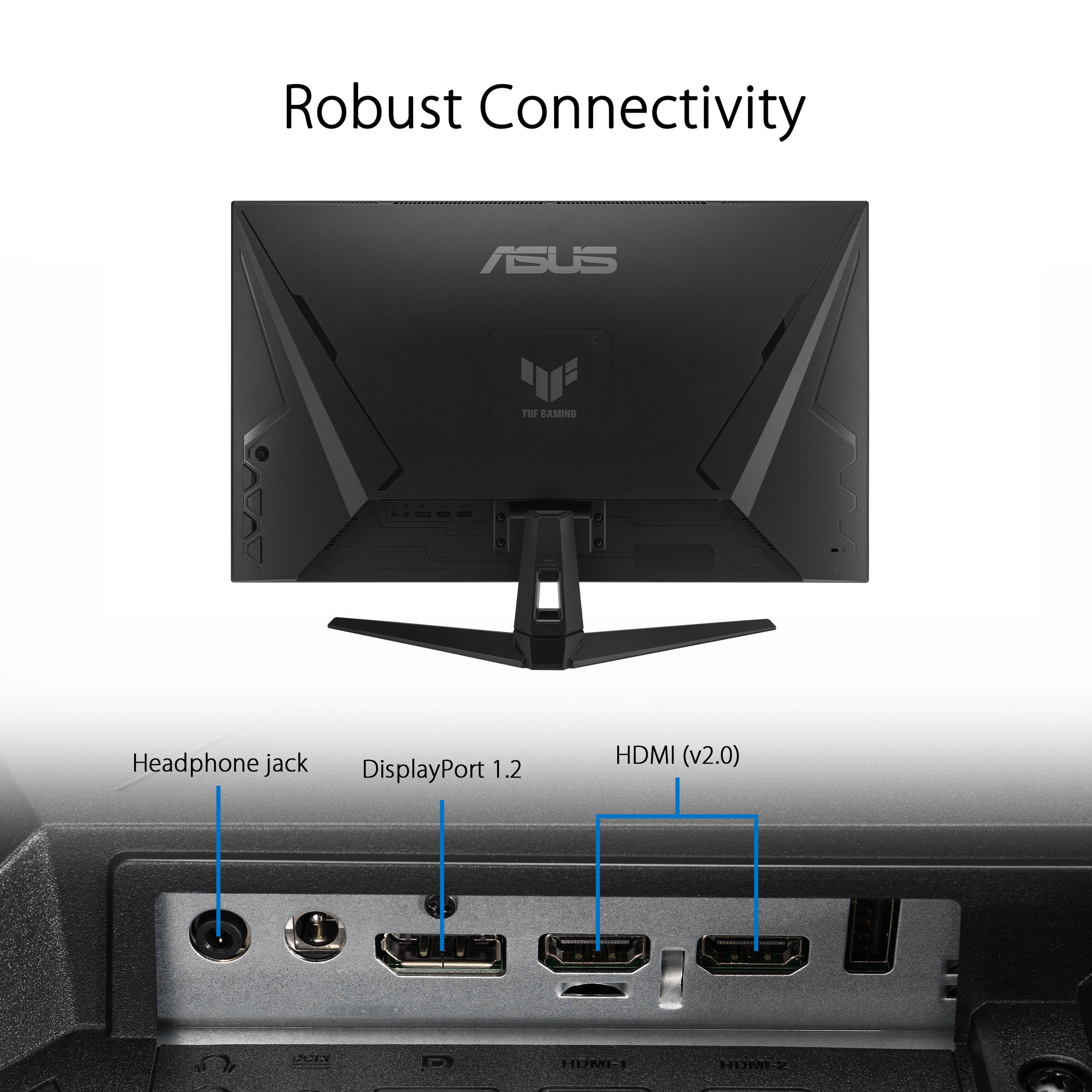
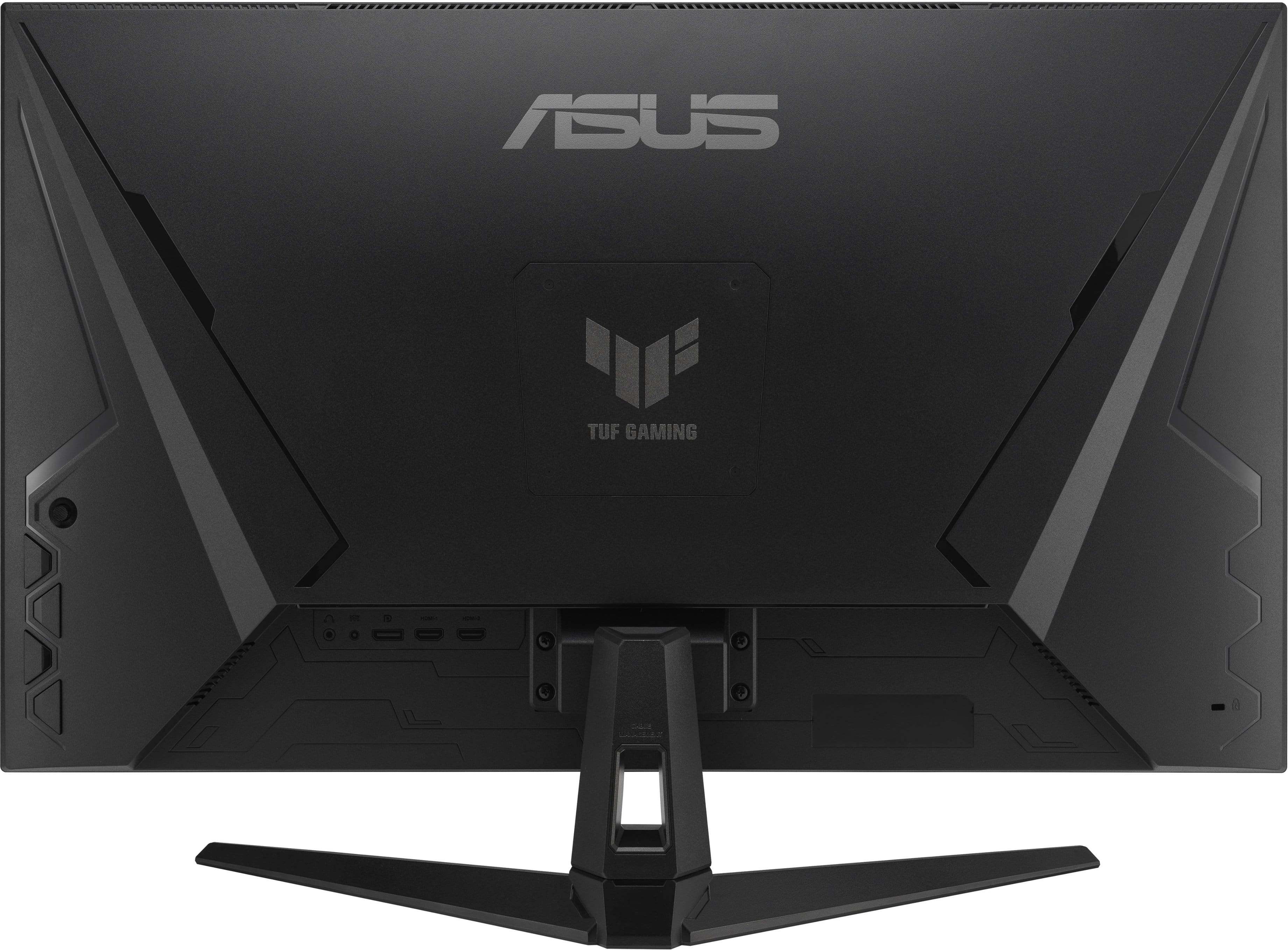
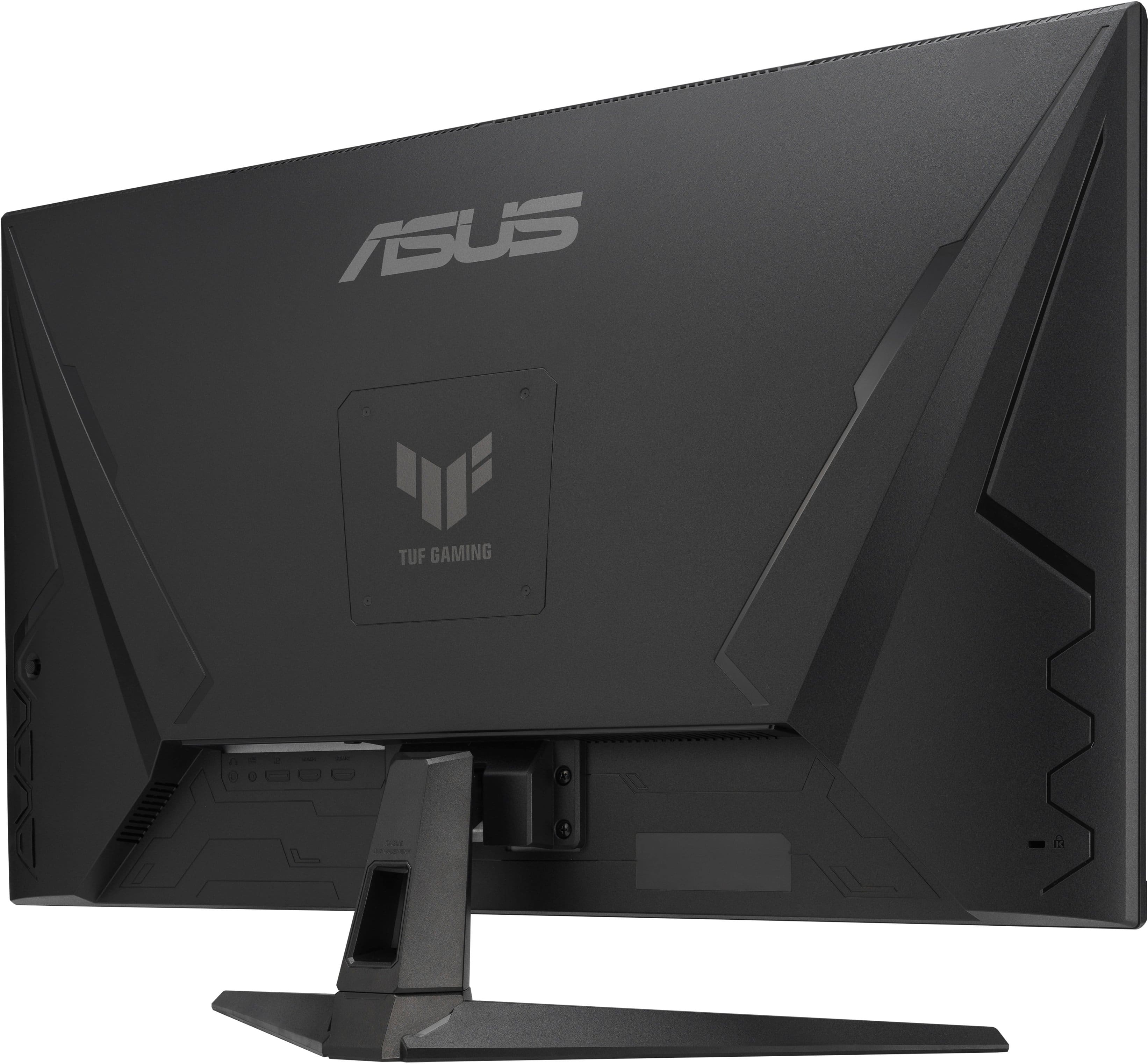
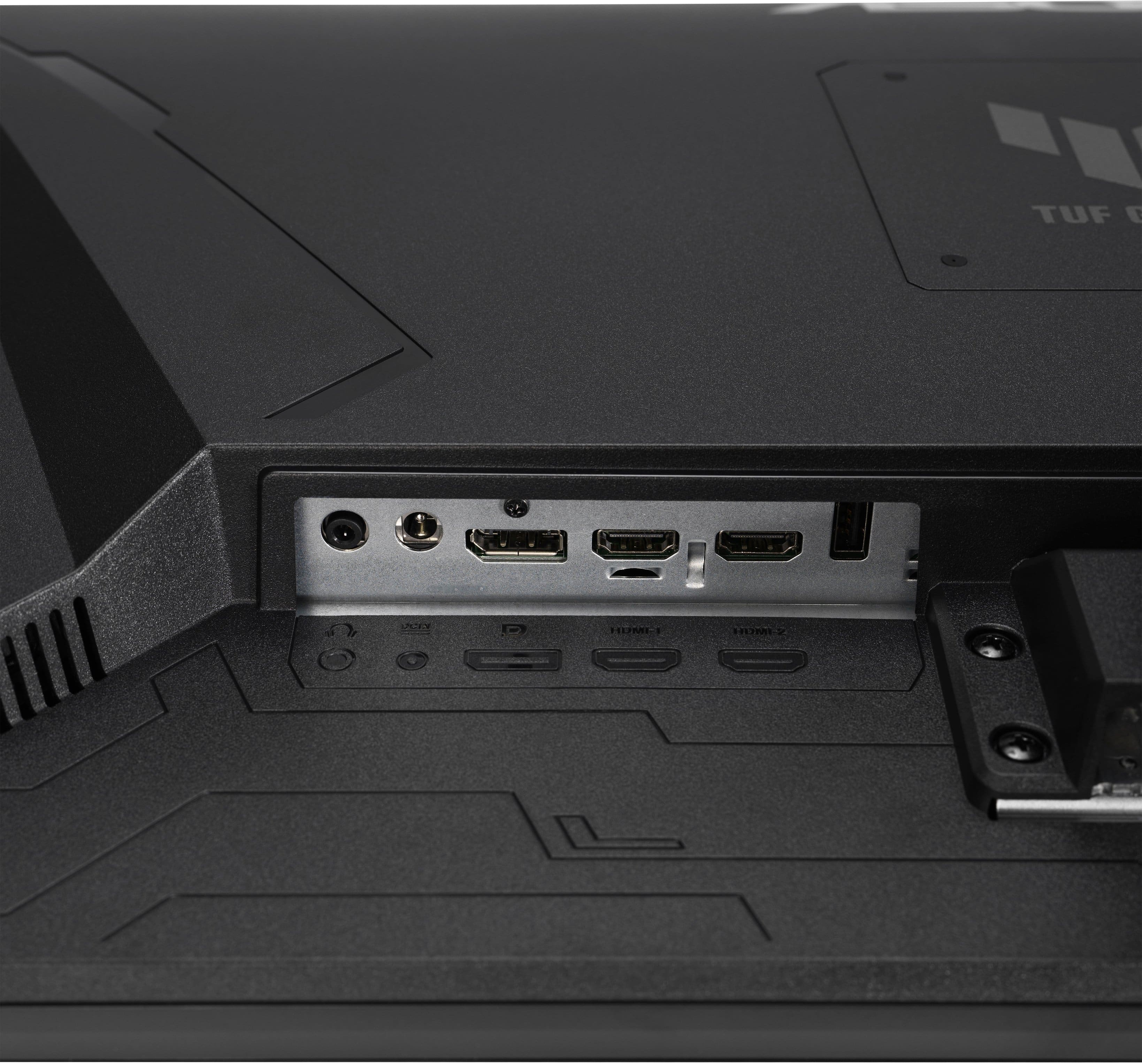
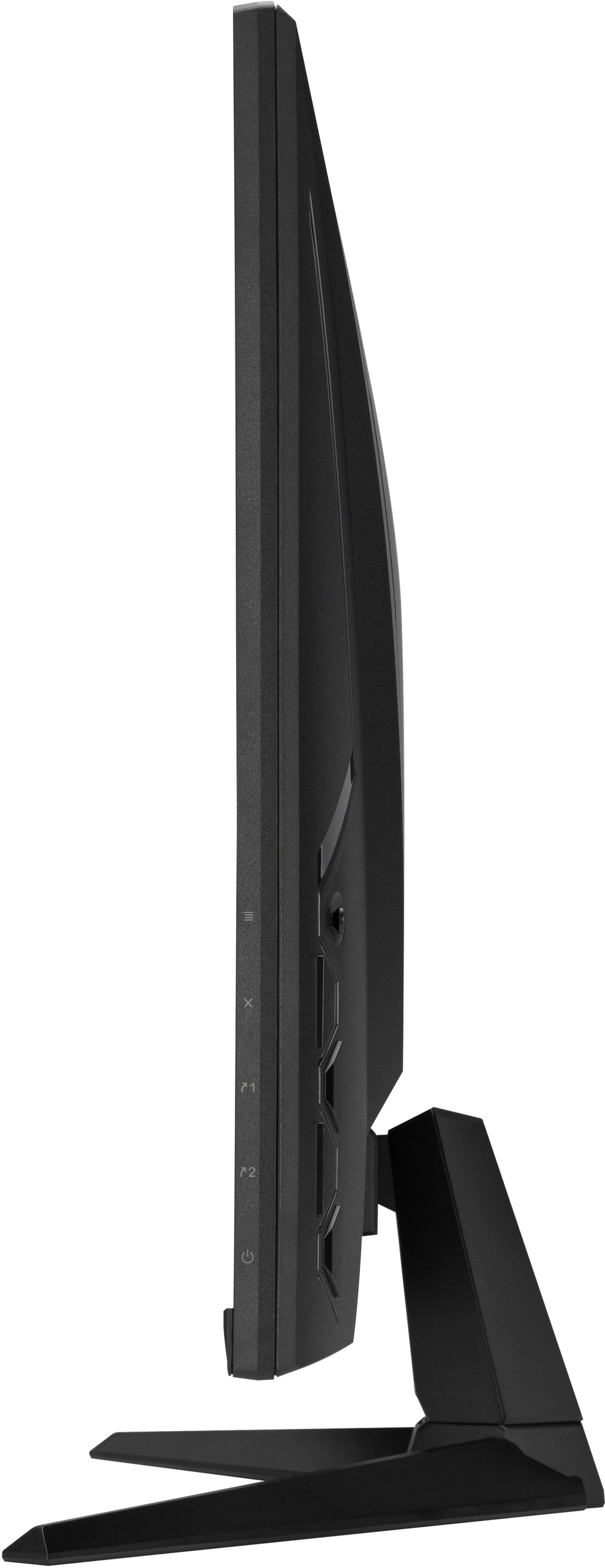
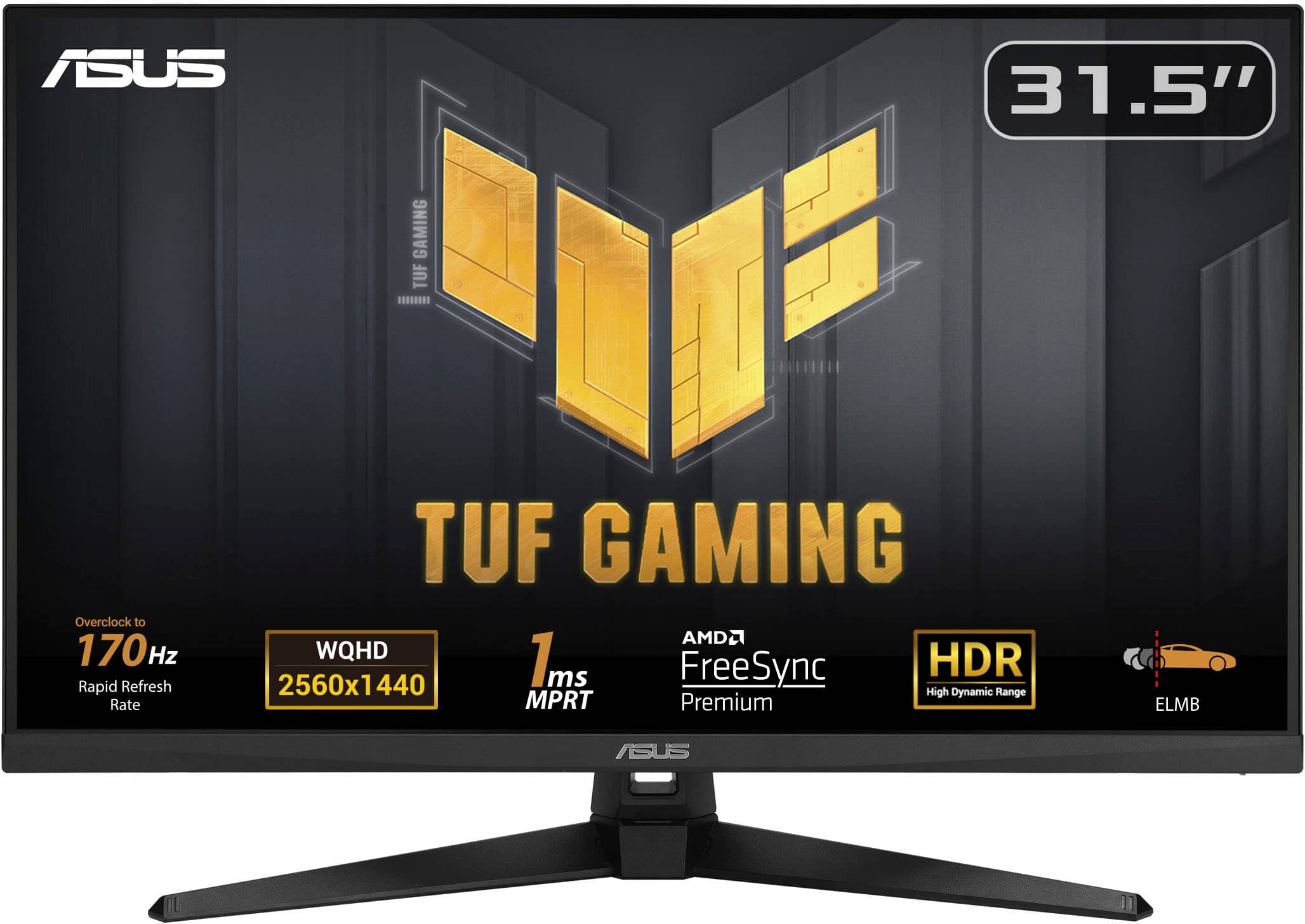
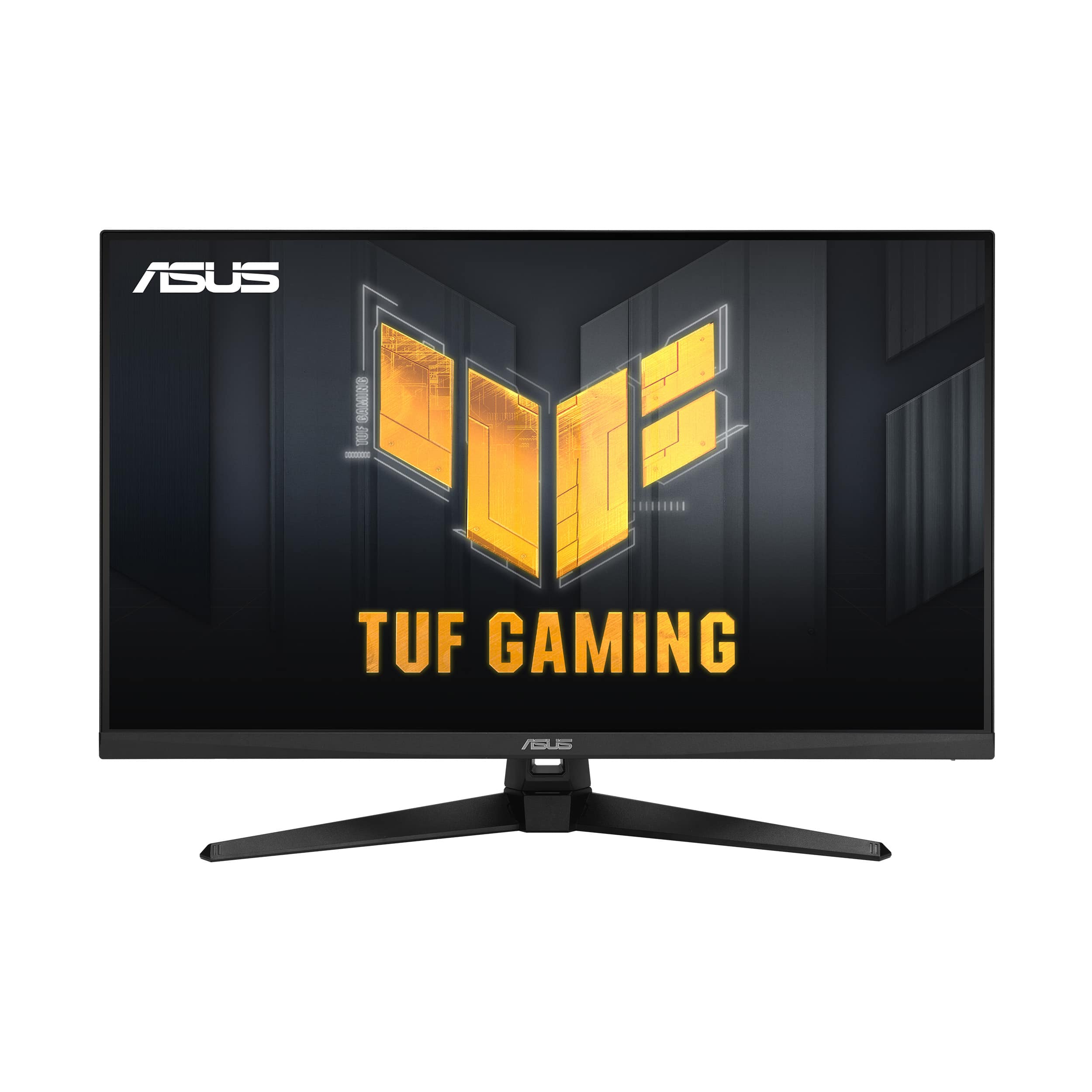
    I have used ASUS products and components for 16+ years, currently several monitors throughout the house (2 on my main system, including a 24" TUF monitor) and an ASUS ROG gaming computer. While trying to get a decent sized monitor to give a better gaming experience than the older 40" FHD 60Hz TV that is being used for one of the gaming systems, the ASUS - TUF 31.5" LED WQHD FreeSync Gaming Monitor looked to be a good one to get to stay within the ASUS family. Getting it set up is quick and easy. Just assemble the two stand pieces and attach the monitor to it. There is not much to the bezel, except along the bottom. There are two HDMI 2.0 ports and one DisplayPort 1.2. The power adapter for this is more than just the usual PC cord… There is an actual block with this with a small barrel connector (similar to laptops) to plug in near the video inputs. The control buttons are on the back, just behind the bottom right corner when facing it (more on this later). It does have built-in 2W stereo speakers, but I didn't try them out since we would never use them (always have headsets). First, I tried the monitor on my main gaming system that has an Nvidia GeForce 2070 RTX using the DisplayPort and once getting everything configured, setting it to 165Hz, it all looked great!!! This monitor has AMD FreeSync Premium, but is still compatible with the Nvidia G-SYNC (I just enabled G-SYNC in the Nvidia Control Panel for it). I'm not sure if it would work with an HDMI connection now (it wouldn't on my 24" TUF monitor that I got last year). Later, I let one of my sons try it out on the ROG system (which has an Nvidia GeForce 3060 RTX) on his favorite games. He fiddled with all the graphic settings, running WQHD (1440p) at 165Hz, enabling G-SYNC, then compared the lower settings he uses for the 40" TV, to full-out best settings. He was blown away with the performance, saying it was almost too smooth and too detailed for him (but he eventually got used to it). He is definitely in favor of losing the 8" of screen for a (MUCH) better performing display. He did try it running at 1080p, but he said it didn't quite look the best. Now, the main issue I have with the monitor is related to the buttons, which is a continuation from at least last year's models. With the location of the buttons - being on the back - is not ideal for a multiple monitor setup if there is another monitor to the right, and if there is a multi-system setup (such as a work laptop and home computer). With the default monitor menu configuration, to change the input, you have to use the control joystick to display the main menu, then go to the input menu, then eventually select the input (which is not exactly horrible, but not as quick as other monitors I have which have separate input buttons along the bottom). There are a couple of things that have improved with the monitor menu and configuration, with the first being able to disable the Input Auto-select (which can be a pain if a restart takes too long and it auto-switches to the other system input during that time). The second is now being able to assign the input selector function to one of the customizable buttons. But even with that, it is not very convenient to change with a multiple-monitor setup. For gaming monitors in the 32" range, running QHD/WQHD, this is a great option at a very decent price point. Just be sure to take in consideration your setup (system and physical) to make sure this monitor will meet all your needs.

    I would recommend this to a friend
  • Rated 1 out of 5 stars

    Open box Items Sold as new

    |
    |
    Posted . Owned for 1 week when reviewed.
    This reviewer received promo considerations or sweepstakes entry for writing a review.

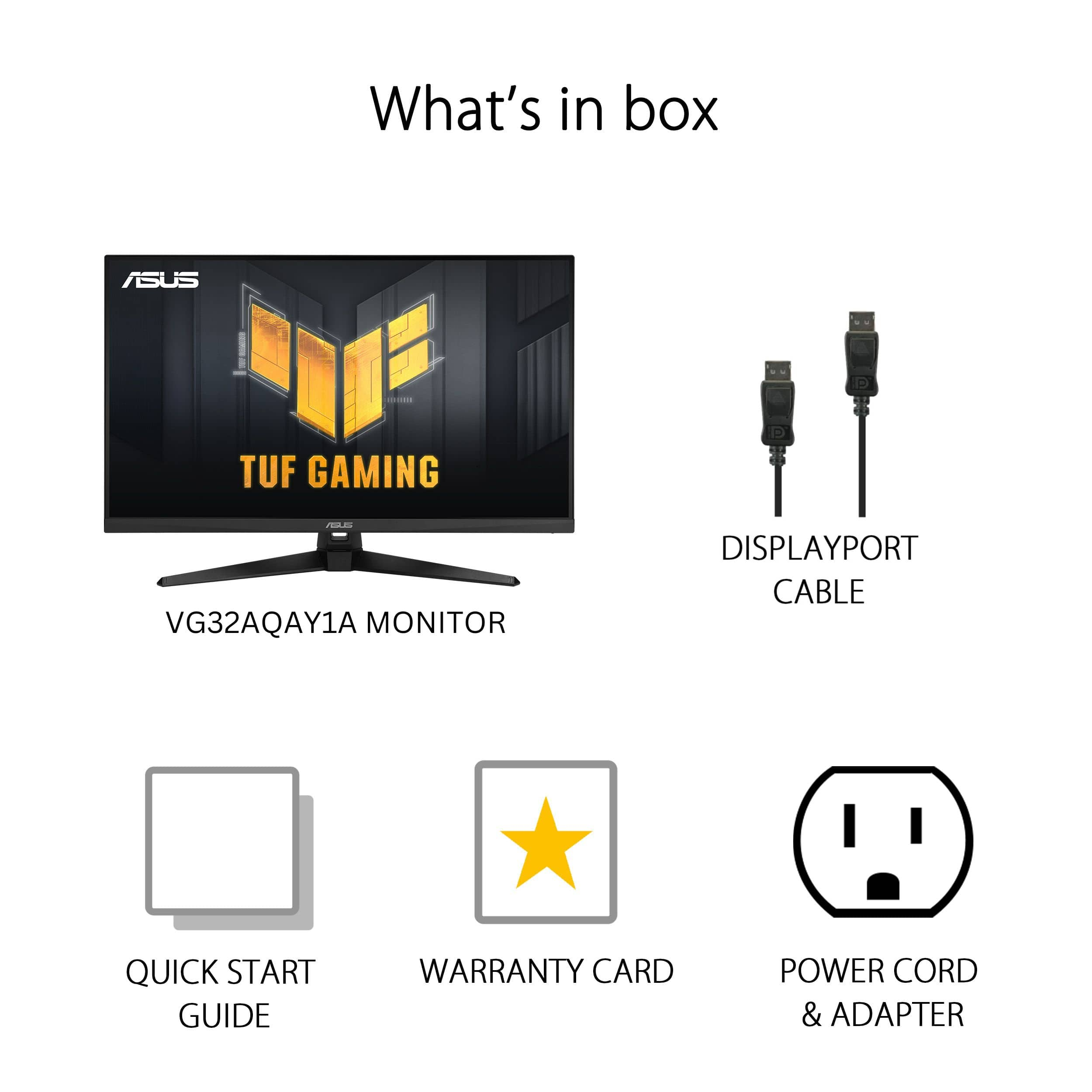
    DO NOT BUT ONLINE FROM BEST BUY. I purchased this monitor NEW at least I thought I did. I get it home and i seethe box had been opened once. First sign it was not actually new 2nd sign was display port cable missing. I was willing to over look the because I use HDMI 2.1. 3rd sign. Unable to register monitor because it has already been done. I take it back to a Best Buy store and they told me that the see it was sold as open box. I told them that was a lies.. This monitor sold for 249.99. Just 3 days ago the price dropped to 209.99. I got priced matched. Iwas given $40 The clerk at the store tried telling me on the site open box and new are close together and that i could have clicked open box. YOU CAN'T GET PRICED MATCHED FROM N OPEN BOX. ONE CONCLUSION. BEST BUY SELLING OPEN BOX ITEMS AS NEW. I have lost all trust with best buy NEVER will I buy from them again

    No, I would not recommend this to a friend
    • Brand response from ASUS Answers
      Posted .

      Dear Valued Customer,
      We’re sorry to hear that you received your unit in a used condition and with missing parts. We understand how frustrating this must be. For further assistance regarding the purchase, we recommend reaching out to Best Buy support, as they can provide more information about your order.
      At ASUS, we stand behind our products and are committed to continuously improving our processes to deliver exceptional customer service. If you need additional support, please email us at customerloyalty@asus.com and include a link to this review for reference. To help us better assist you, please refer to your case number: N2410013018-0003.
      Your feedback is valuable and helps us enhance the ASUS Support experience.
      Thank you for choosing ASUS!
      Best regards,
      Schottky
      ASUS Customer Loyalty US Support Asus

  • Pros mentioned:
    Hdr, Refresh rate, Resolution
    Tech Insider Network Member

    Rated 5 out of 5 stars

    Great Multi Role Gaming Monitor

    |
    Tech Insider Network Member
    Posted .
    This reviewer received promo considerations or sweepstakes entry for writing a review.

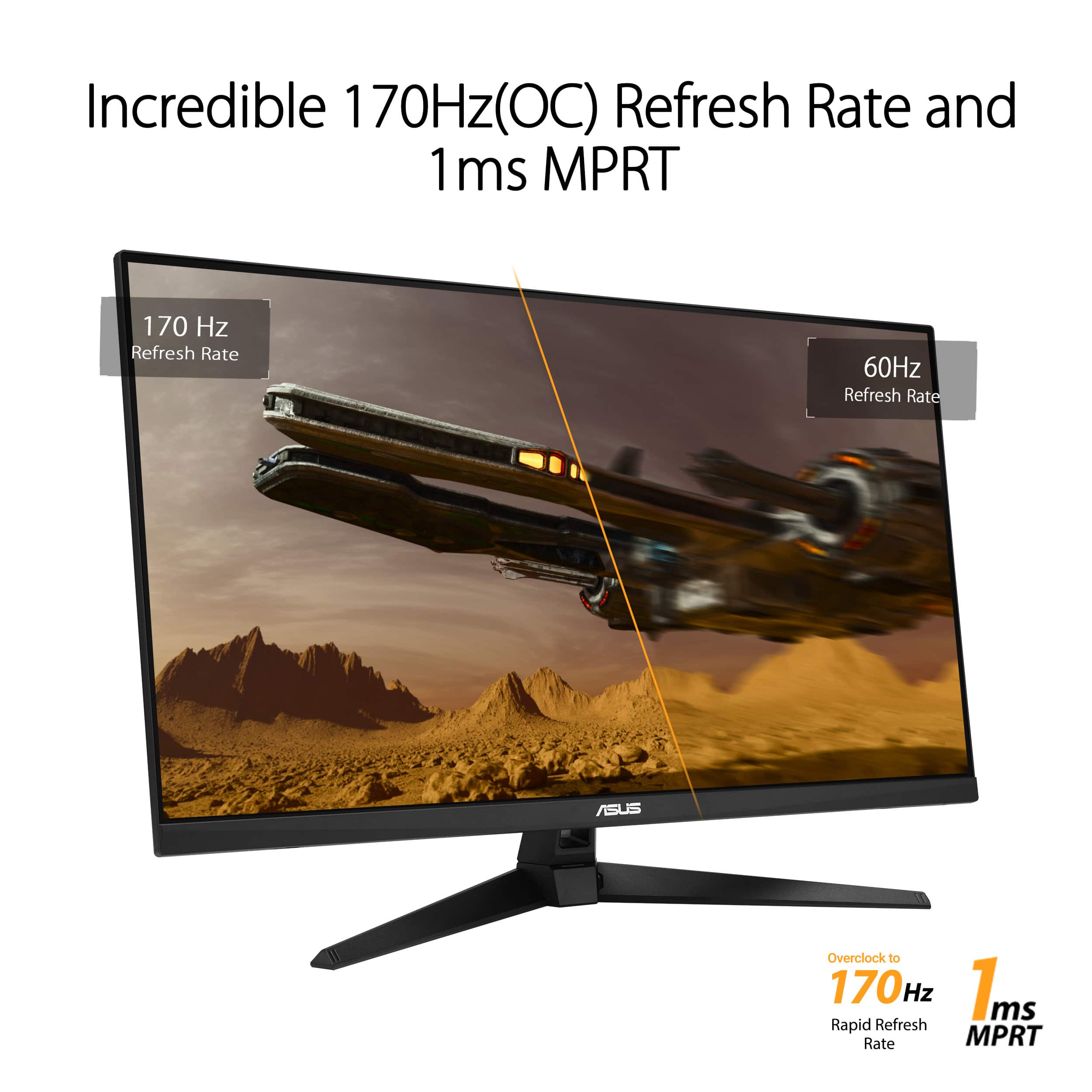
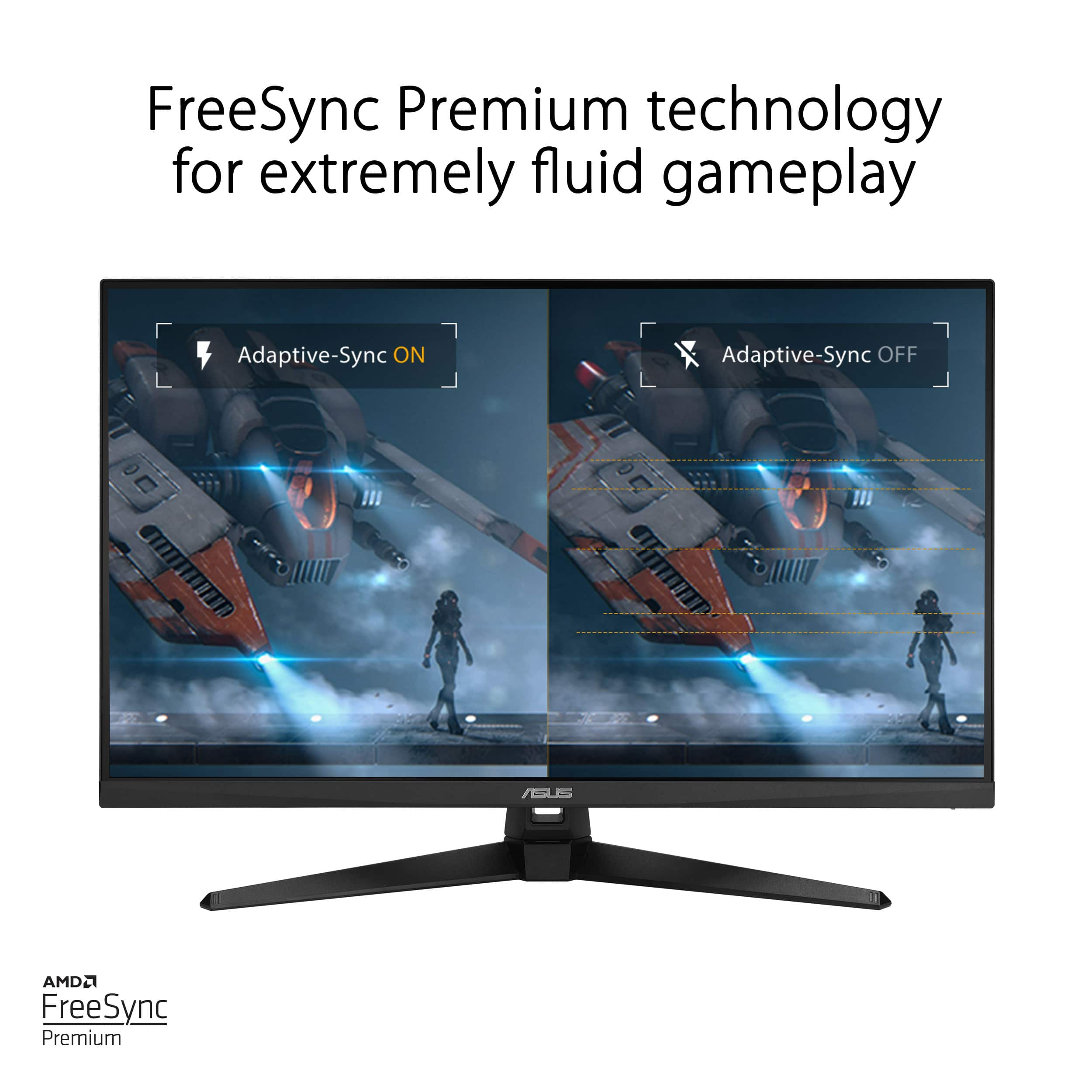
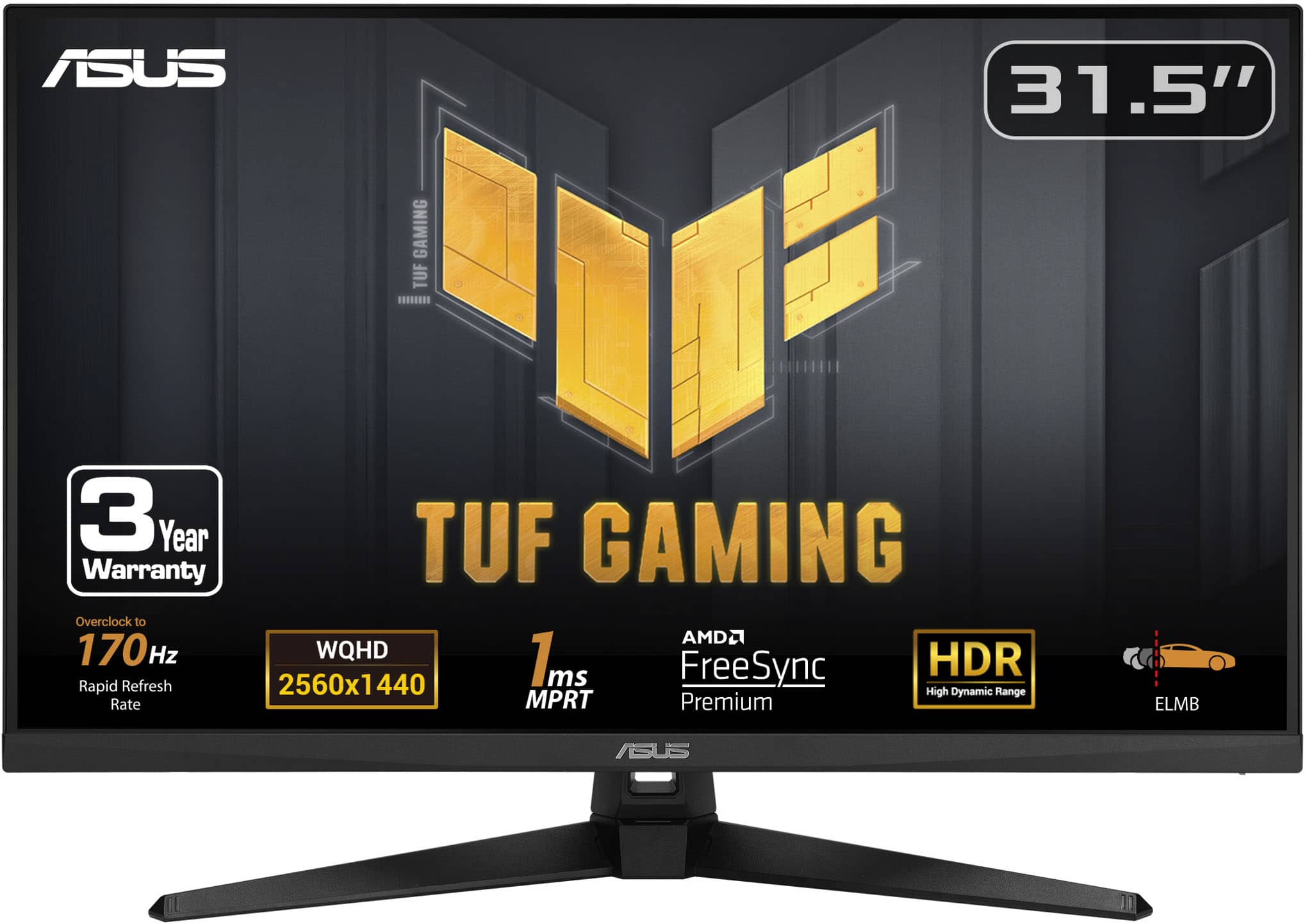
    THIS…Is the Asus TUF 31.5" LED WQHD FreeSync monitor and it is easily my next multi purpose monitor for console and PC gaming. It is large enough to enjoy long format games while also being fast enough to play competitively should I choose. With HDR 400, 1500r curve and also built in speakers, this is also a great screen to watch videos and movies on as well. I found myself asking why wouldn’t you take the dive for this monitor… so lets take a look! Interface ========== This is my one and only gripe, It was actually a pain to turn the volume up and down and to navigate the menu with the hodge podge of buttons on the rear of the screen. I have seen not only other companies do better… but Asus themself. Certainly not a deal breaker but I was certainly scratching my head wondering why they designed it that way. Screen ========== The screen actually was great, while I could beg for it to be brighter and improve the HDR… at this price point and the size of the screen I really cannot complain. I found that there wasn’t any rough light bleed or weird spots on black screens and thoroughly enjoyed playing games, especially competitively with the 170hz refresh rate. Speakers ========= The speakers are good but not great, something to get you by but… headphones or a soundbar are needed if you want something quality. I enjoyed that they were included and played Starfield easily with them without having to struggle to understand what was happening. Screen Specs ============= -HDR 400 -Asus Extreme Low Motion Blur -1ms MPRT (more accurate than GTG) -Freesync Premium through both HDMI and DP -1500R Curve - Asus Shadow Boost - 2 2W Stereo RMS (and they don’t sound too bad!) -170hz overclocked refresh rate (60hz minimum) -1440p WQHD -300 CDM Brightness -3000:1 contrast ratio Conclusion ============ This has turned out to be a great multi use monitor with all the features packed into it. I think that this is actually a steal, especially at 170hz, 32” with 1ms MPRT (so that you can actually be competitive on this monitor when you want to) and then to also throw in HDR 400 with Freesync Premium… I mean I was really wow’d by this monitor. While I think that the button UI can be better, I was able to master it rather quickly. As always, Bestbuy has an excellent return policy and even better customer service, so you never have to worry about buying a product that you don’t like… so why not test it out?! Please note these display outputs for your respective device as they do change For PS5: Full HD(1920 X 1080)@120Hz 1440P (2560 x 1440)@60Hz non VRR (variable refresh rate) For Xbox Series X/S Full HD & 1440P(2560 x 1440)@120Hz VRR (variable refresh rate)

    I would recommend this to a friend
  • Pros mentioned:
    Overall performance, Screen size
    Cons mentioned:
    Speakers

    Rated 5 out of 5 stars

    Awesome gaming monitor!

    Posted .
    This reviewer received promo considerations or sweepstakes entry for writing a review.

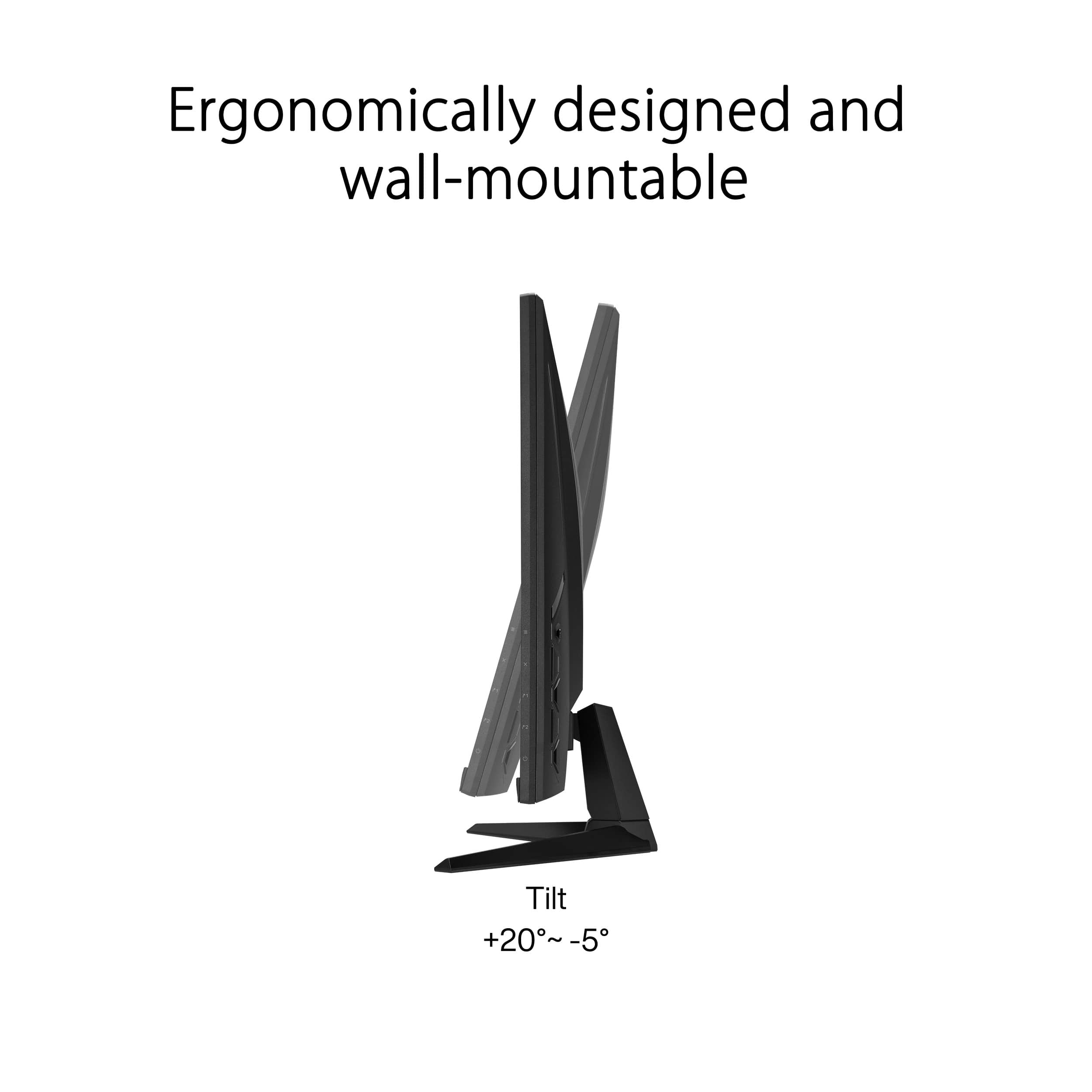
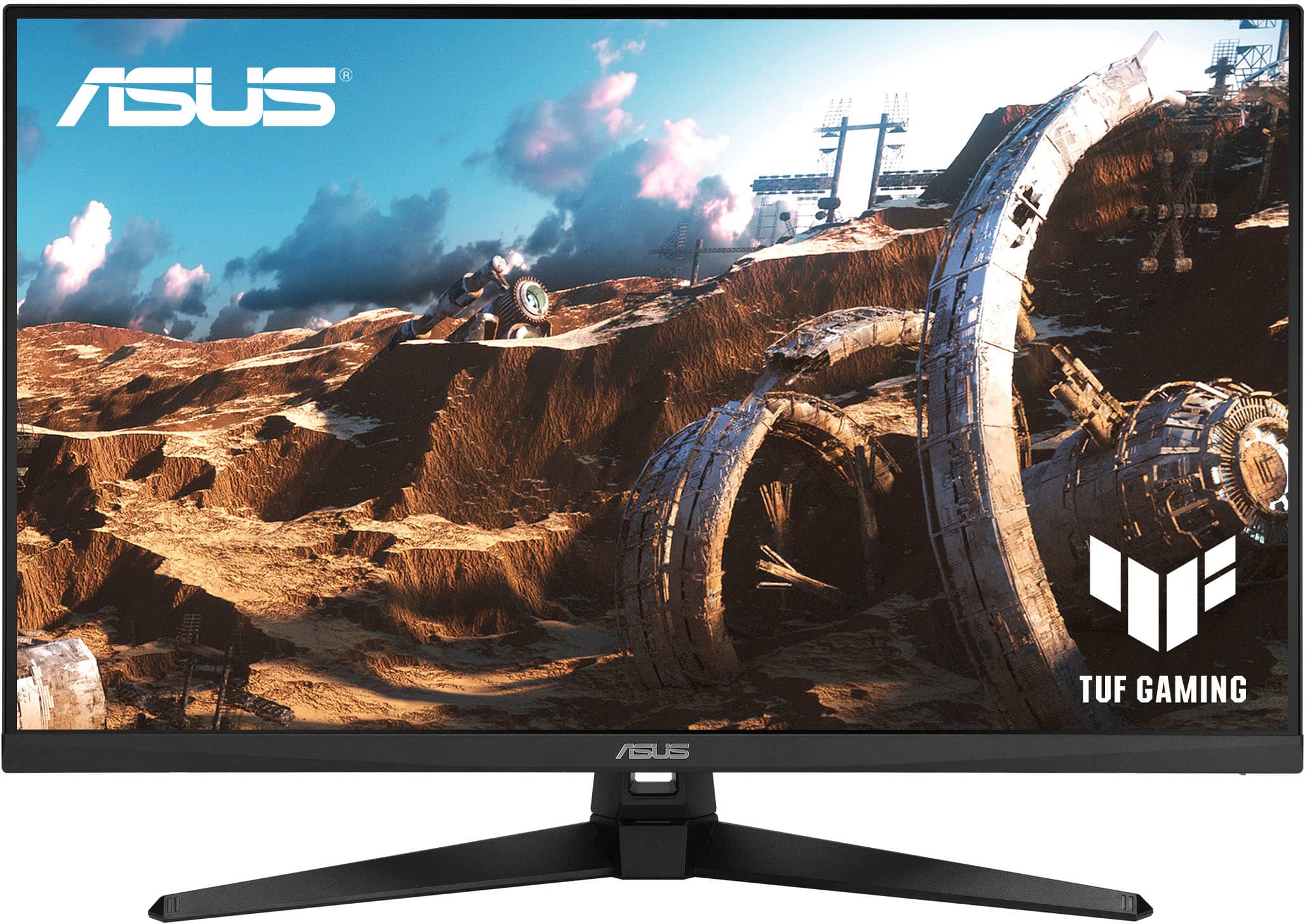
    This is an amazing monitor with a clear view and not too big for gaming. There is little to no glare or reflection when there is black on the screen. Settings are easy to change, i had to mess around with them quite a bit to get the best image and color. I have it connected to my Asus laptop that supports up to QHD external monitors and i can say I'm never going back to the smaller screen! I don't play the latest and biggest games but the graphics are beautiful coming from using 1080p my whole life before i got this monitor. The gameplay is smooth as butter with the 170hz rate. The edges are very thin meaning you get more screen, however there is still black bars along the screen edges and top, maybe half an inch? Preventing the on screen images to go all the way to the physical edge of the monitor. Since i use it mostly for gaming, i dont notice the black bars even while fullscreen gaming they still appear. The build itself is nice and strong. The speakers are very low so i recommend using a speaker. You can tilt the screen on the base but you cant raise or lower it. it would be perfect if i could raise the screen higher a few inches but its fine without it. All in all its an awesome monitor and i definitely recommend it especially if your using a laptop like me to have a bigger and higher quality screen to game on. 5/5

    I would recommend this to a friend
  • Pros mentioned:
    Refresh rate, Resolution
    Tech Insider Network Member

    Rated 4 out of 5 stars

    Good Value Monitor

    |
    Tech Insider Network Member
    Posted .
    This reviewer received promo considerations or sweepstakes entry for writing a review.

    The Asus TUF 31.5 monitor features a 144hz 1440p panel with FreeSync Premium. The 1440p resolution on a 31.5-inch screen size delivers crisp visuals, but there is a notable caveat. While the colors are vibrant, they can appear oversaturated, which might not suit the preferences of users who prioritize color accuracy. This oversaturation can be somewhat mitigated by using the cinema or natural setting while also turning down the saturation, but it does affect color accuracy. On the note of minor drawbacks, this monitor has a slight ghosting issue. While the 144Hz refresh rate does an excellent job at reducing motion blur, some users might still notice slight ghosting during fast-paced gaming sequences or rapid cursor movements. This is helped by choosing the Overdrive 5 option in the menu, but ghosting is still present. I only ever noticed this while specifically testing for ghosting; it was not noticeable during gaming. It's not a deal-breaker for most users, but it's worth mentioning. The stand only offers tilt adjustment, but I found the height about perfect for my needs. It is also pretty sturdy and attaches easily to the monitor. Considering the features it offers, the price point of this monitor is reasonable. It offers a great balance between performance and affordability, making it a solid choice for gamers on a budget seeking a large monitor.

    I would recommend this to a friend
  • Pros mentioned:
    Hdr, Overall performance, Refresh rate
    Tech Insider Network Member

    Rated 4 out of 5 stars

    Very nice gaming monitor

    |
    Tech Insider Network Member
    Posted .
    This reviewer received promo considerations or sweepstakes entry for writing a review.

    The Asus TUF 31.5" gaming monitor is a very nice monitor with lots of gaming features and great performance, although it is missing some adjustability features. This monitor is 31.5" and has a resolution of 2560x1440 (1440p). It has up to 170hz refresh rate, 1ms response time, and features HDR. It has 2 HDMI ports, 1 Display port, a headphone jack, and built-in speakers. All around it has good connectivity and great features you would expect from a gaming monitor. I would mention that the 170hz is only possible on the DisplayPort input. You are limited to 144hz on HDMI. Performance of this monitor is nothing short of fantastic. It looks absolutely stunning, and is buttery smooth when playing at the highest refresh rates. There is virtually no motion blur, and the 1ms response time means basically zero lag. You really can't go wrong when it comes to performance with this monitor. The one area I think needs some improvement is the included stand. It only features tilt. There is no height, swivel, or pivot adjustments. I have used a few Asus monitors in the past and they all included these adjustments. I really miss these adjustments and don't understand why they weren't included. Aside from this oversight, this is still a great monitor. I would easily recommend to anyone looking for a good monitor. Just maybe mount to your own stand if you need more adjustability options than a simple tilt.

    I would recommend this to a friend
  • Rated 1 out of 5 stars

    DOA out of the box

    |
    |
    Posted .
    This reviewer received promo considerations or sweepstakes entry for writing a review.

    After setting up monitor and connected my PS5 and Mac to it….it would not power on. Switched to multiple outlets in my house and still nothing. Waited 20min for tech support and no one came on. First time buying an ASUS and it will be the last time.

    No, I would not recommend this to a friend
    • Brand response from ASUS Answers
      Posted .

      Dear JRninja,

      It's our sincere regret to hear that you received a defective product, and we apologize for any inconvenience this may have caused you. This is not the quality of products we aim to provide. If you are still within the return window, we recommend contacting the place of purchase for an exchange or return. Please rest assured that if you cannot gain resolution when contacting the place of purchase, we will be glad to provide further assistance.

      We do stand behind our products and continuously strive to improve our products and processes to achieve customer service excellence. For more information, email us at customerloyalty@asus.com and include the case number "N2410013018-0002" as a reference. We will do our best to resolve your case quickly. Your feedback is important to us and enables us to improve our support channels. Thank you for choosing ASUS.

      Best Regards,
      Chantae
      ASUS Customer Loyalty US Support Asus

  • Pros mentioned:
    Overall performance, Resolution, Screen size
    Tech Insider Network Member

    Rated 5 out of 5 stars

    Great Graphics With Fast Refresh Rate

    |
    Tech Insider Network Member
    Posted .
    This reviewer received promo considerations or sweepstakes entry for writing a review.

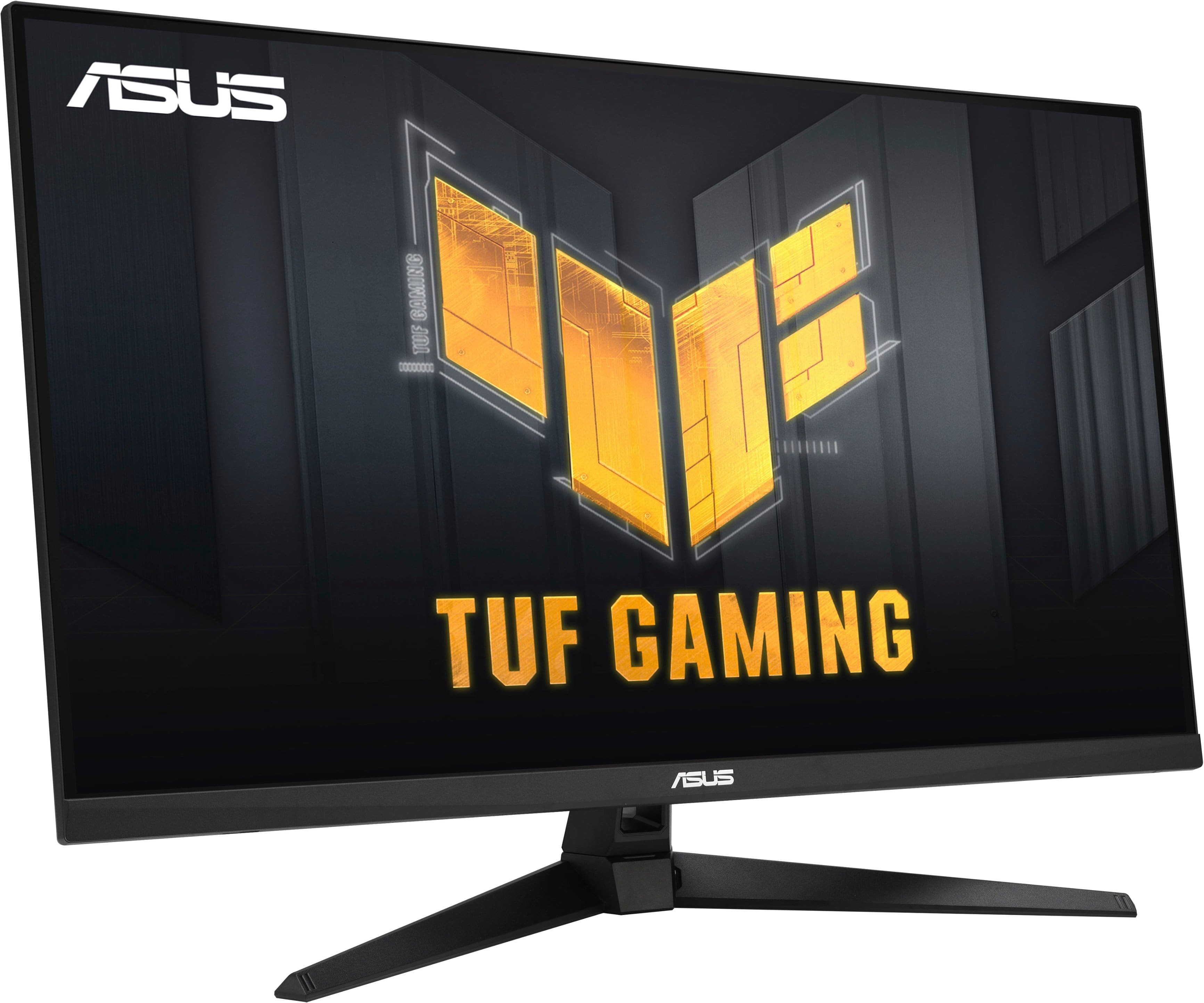
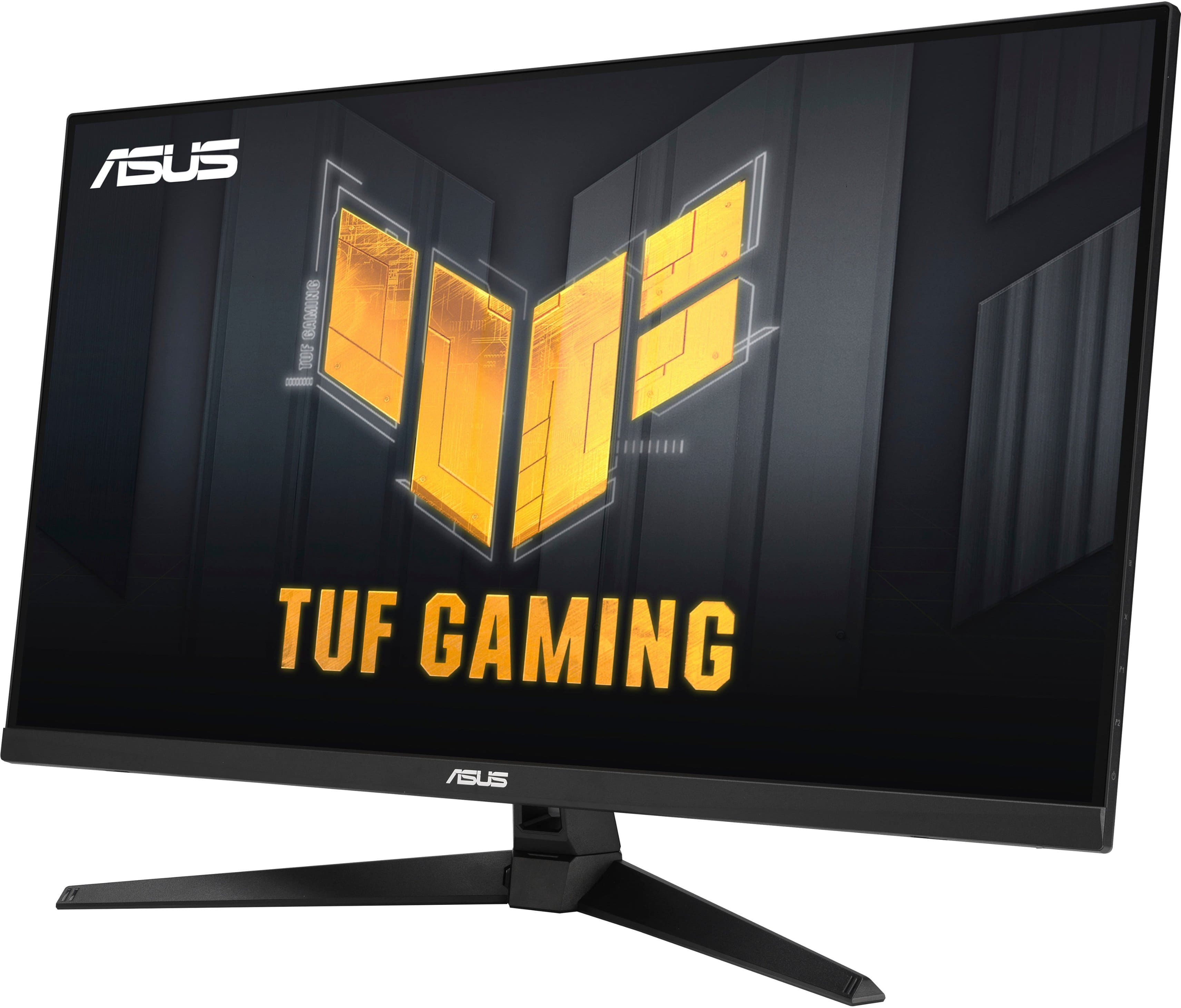
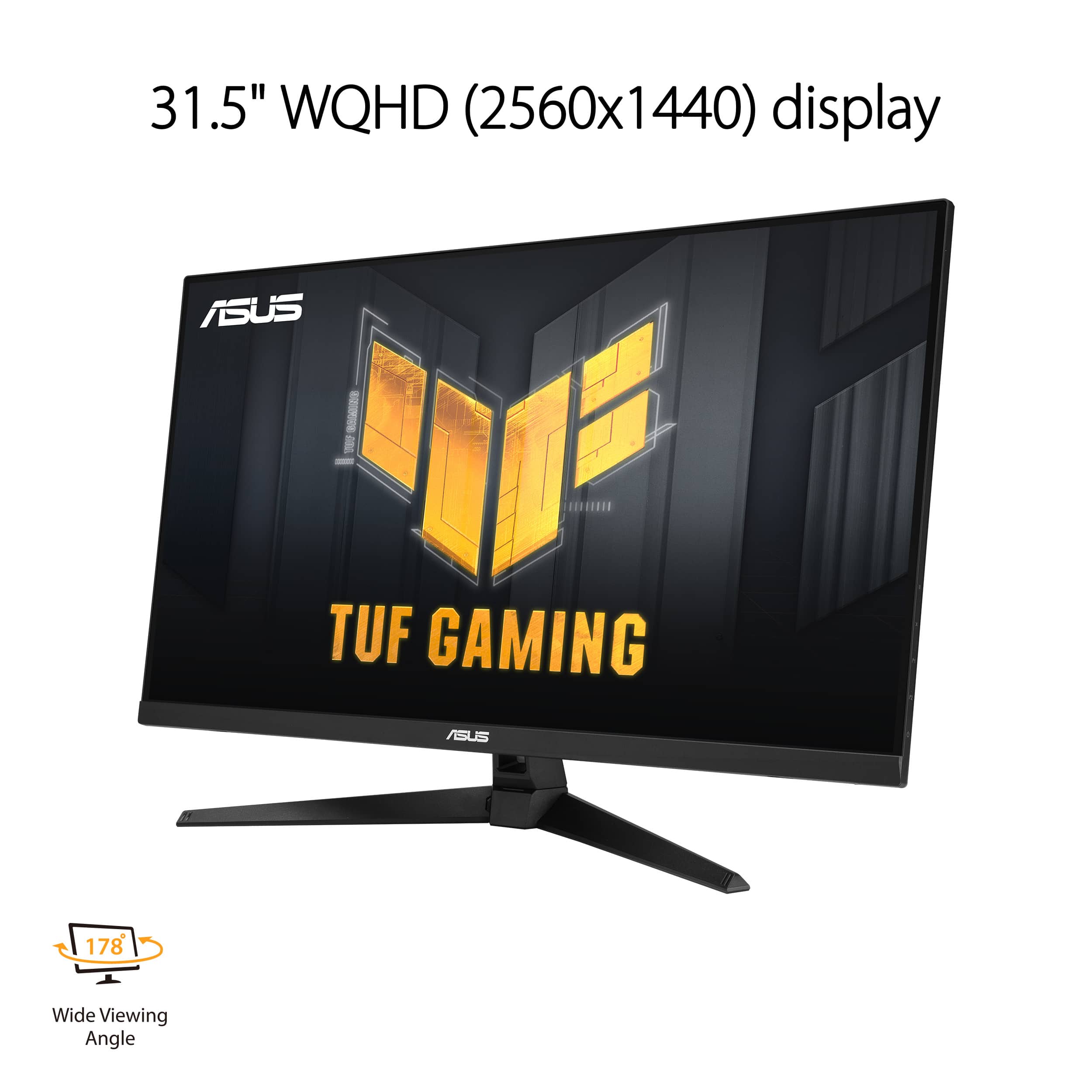
    This monitor has 2 HDMI ports, 1 DisplayPort along with an audio jack for headphones. It seems to be well made and a bit thinner than others I have owned. The stand is sturdy and will tilt. This also has VESA wall mounting if you want to go a different route to use this. On the rear right side of the monitor, there are four buttons and a little finger joystick to navigate through the menu for display settings. I found this a bit awkward to get to and still watch what you are doing at the front screen. This monitor has a 2560 x 1440 QHD resolution so although it is not 4K the video is still very clear. I find no lag for games that I have played on it, which is great for my shooting and sports games that are needed to be right on. I also found very little to no blurring while in game play also. I like that you can view this from just about any angle as you can almost be on the side of it and still get a clear view. With the ASUS Display Widget Lite software I can change settings to really get my viewing adjusted just right. Since this monitor is made by ASUS, I am not surprised at the quality on how well this is made. They don’t disappoint. I really like the size also as you can see things much better/clearer with a larger screen. It makes me feel like I am right in the game. The color is amazing and I love playing action games on this monitor. The size is absolutely amazing for game playing. Size does matter. I highly recommend this gaming monitor. It definitely upgraded my gaming experience. It added super fast reaction to my fast paced games.

    I would recommend this to a friend
  • Pros mentioned:
    Refresh rate
    Cons mentioned:
    Stand
    Tech Insider Network Member

    Rated 5 out of 5 stars

    Smooth, Sharp Images, Vibrant, Deep Colors

    |
    Tech Insider Network Member
    Posted .
    This reviewer received promo considerations or sweepstakes entry for writing a review.

    I can sum up my experience with this monitor in a single sentence. I have logged over sixty hours in Cyberpunk 2077 and when I booted it up on this monitor to test it out, it was the first time I intentionally reached for photo mode. I’ve been gaming for years on a different brand at 1440p 144hz and I was shocked at the side by side comparison. Even though they’re the same resolution, the pixels seem denser and the color shades transition more smoothly from one to the other. Even my wife, sitting across the room, saw the new screen and said “WHOA” out loud because she could see the difference. I didn’t even have HDR mode on. The monitor refreshes up to 165hz and overclocks to 170. I don’t really see the point in this because I couldn’t see a difference in 5hz, but overclocking it does disable some other features. It also comes with ASUS proprietary ELMB (Extreme low motion blur) technology but if you are utilizing FreeSync or gsync you won’t need it. For hardware, I don’t love the stand it came with and will be utilizing a desk mount. The stand doesn’t take up a lot of space thanks to the wide prongs, but the tiltable mount is wobbly. I would also like thinner bezels but those are small imperfections to an otherwise glorious experience.

    I would recommend this to a friend
  • Pros mentioned:
    Resolution, Screen size
    Cons mentioned:
    Speakers
    Tech Insider Network Member

    Rated 5 out of 5 stars

    Does what it sets out to do

    |
    Tech Insider Network Member
    Posted .
    This reviewer received promo considerations or sweepstakes entry for writing a review.

    The product promises what it is, a 4k screen with 170Hz for PC usage. Mostly pros with this monitor and one con so far so here we go. Pros: *32 inch monitor (31.5 Visible). *Monitor with 4K 160HZ resolution for PC and 4K 120HZ for Consoles. *Comes with DisplayPort 1.4, HDMI 2.1 and USB cable cables. *An easier to use ASUS menu with more options. *Larger buttons and joystick than other monitors. Cons: *The audio system is inferior to other monitors of the brand. *It has much less space for cooling the screen, so it heats up much more. *The HDR is slightly lower compared to some 4k monitors. So far the monitor seems quite nice in color, smoothness, and image at 144fps, but when I toggled the "Overclock" setting as I would in any other monitor, it instantly killed the image and flashed white bars over the entire screen. I had to memorize the button presses via the manual in order to deactivate Overclock which then returned the image, dodging my "white screen of death" scare. Other than this one issue the monitor is a great value and I do recommend.

  • Pros mentioned:
    Refresh rate, Resolution
    Cons mentioned:
    Speakers
    Tech Insider Network Member

    Rated 5 out of 5 stars

    A Great Gaming Monitor at a Great Price

    |
    Tech Insider Network Member
    Posted .
    This reviewer received promo considerations or sweepstakes entry for writing a review.

    My entire family has been enjoying the Asus 31.5 inch LED wqhd freesync gaming monitor. We've been using it for gaming, mostly with an Xbox series X and a PS5. The colors seem to match our high-end TVs, and the gameplay is incredibly smooth. The smooth gameplay can be attributed to the 170 Hz refresh rate, as well as the 1440p resolution. While this isn't quite 4k, this also isn't a huge tv, so I don't believe that your average person, and possibly no one, could tell the difference between 4K and 1440p. In fact, with the size of the monitor, I think most people would be fine at 1080p. The internal speakers in the monitor are as expected for monitor speakers, for anyone who is doing heavy gaming, it is recommended that you get some sort of external speaker setup, or primarily play with headphones and a mic. The only change I wish this monitor had, is the number of inputs. It has one HDMI input and one DisplayPort input. I would have liked two of each, as these many people dedicated to gaming have more than one device they need to output.

    I would recommend this to a friend