Customer Ratings & Reviews
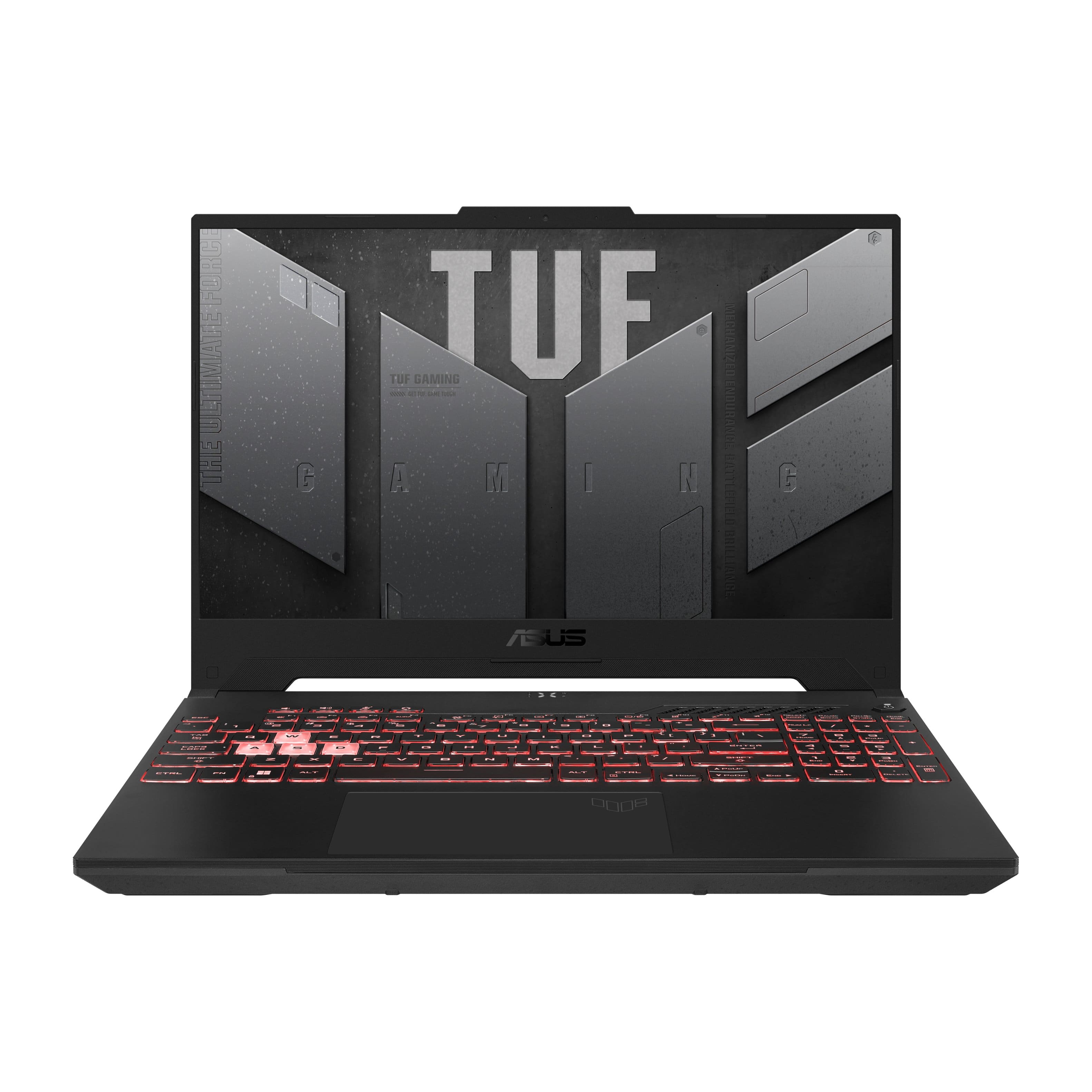
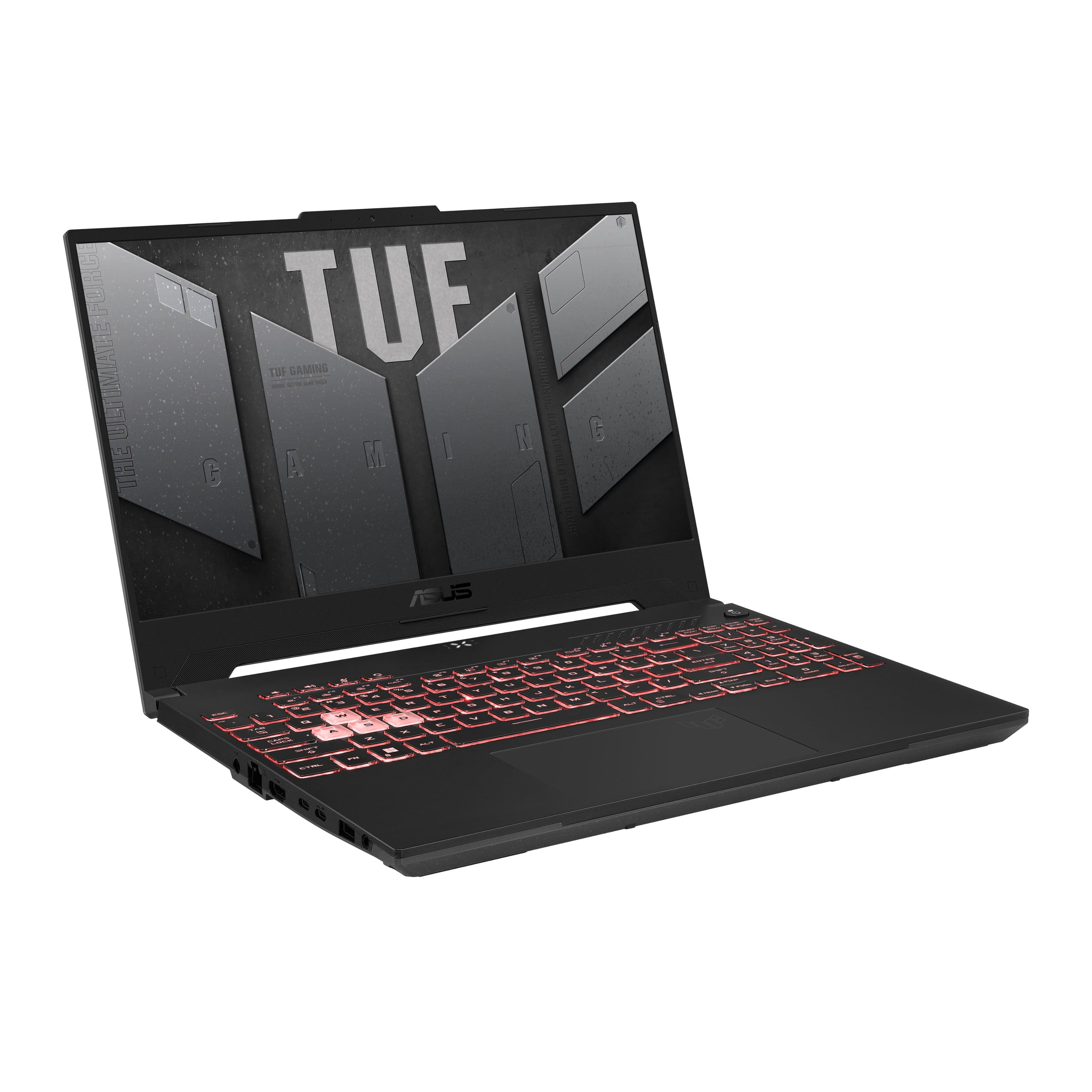
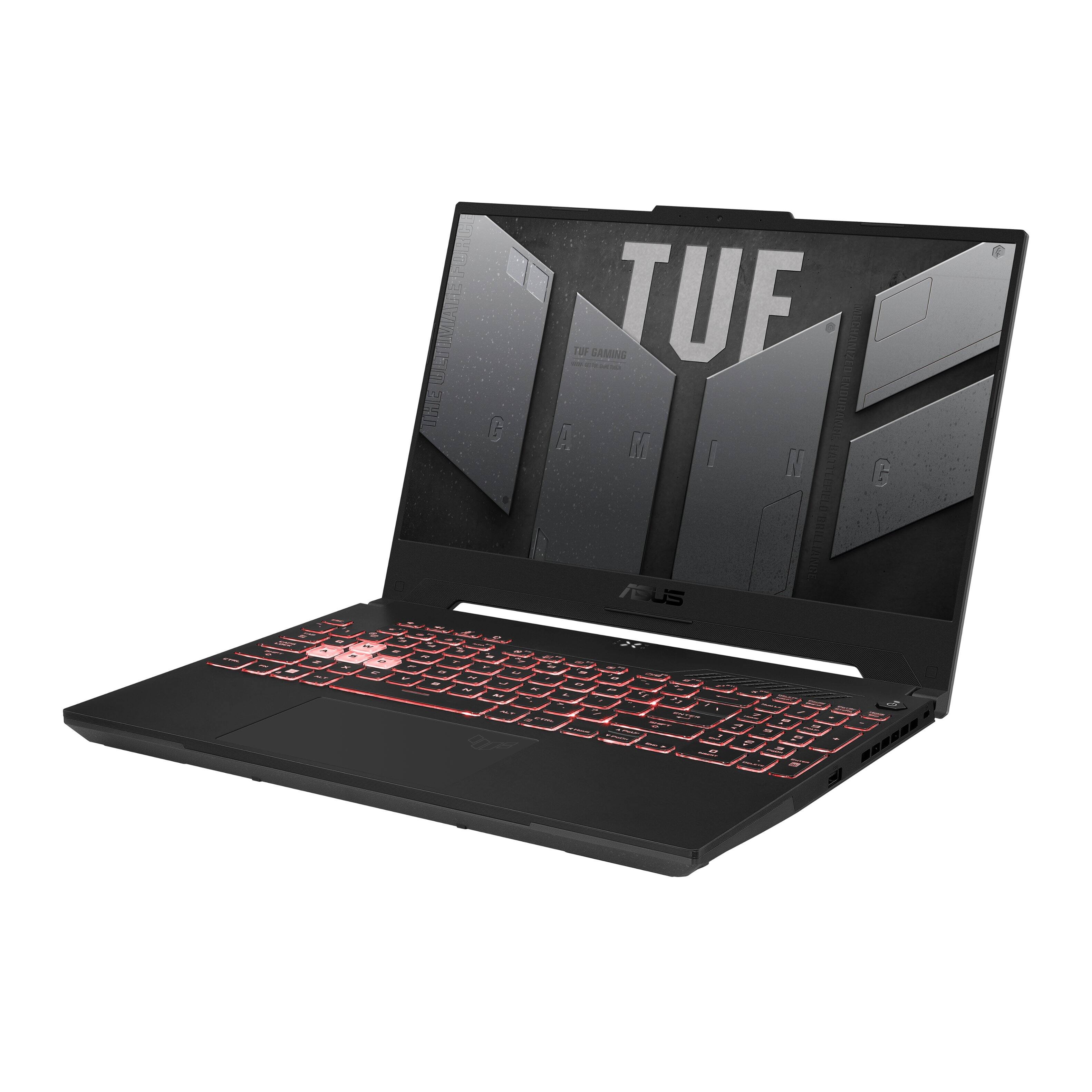
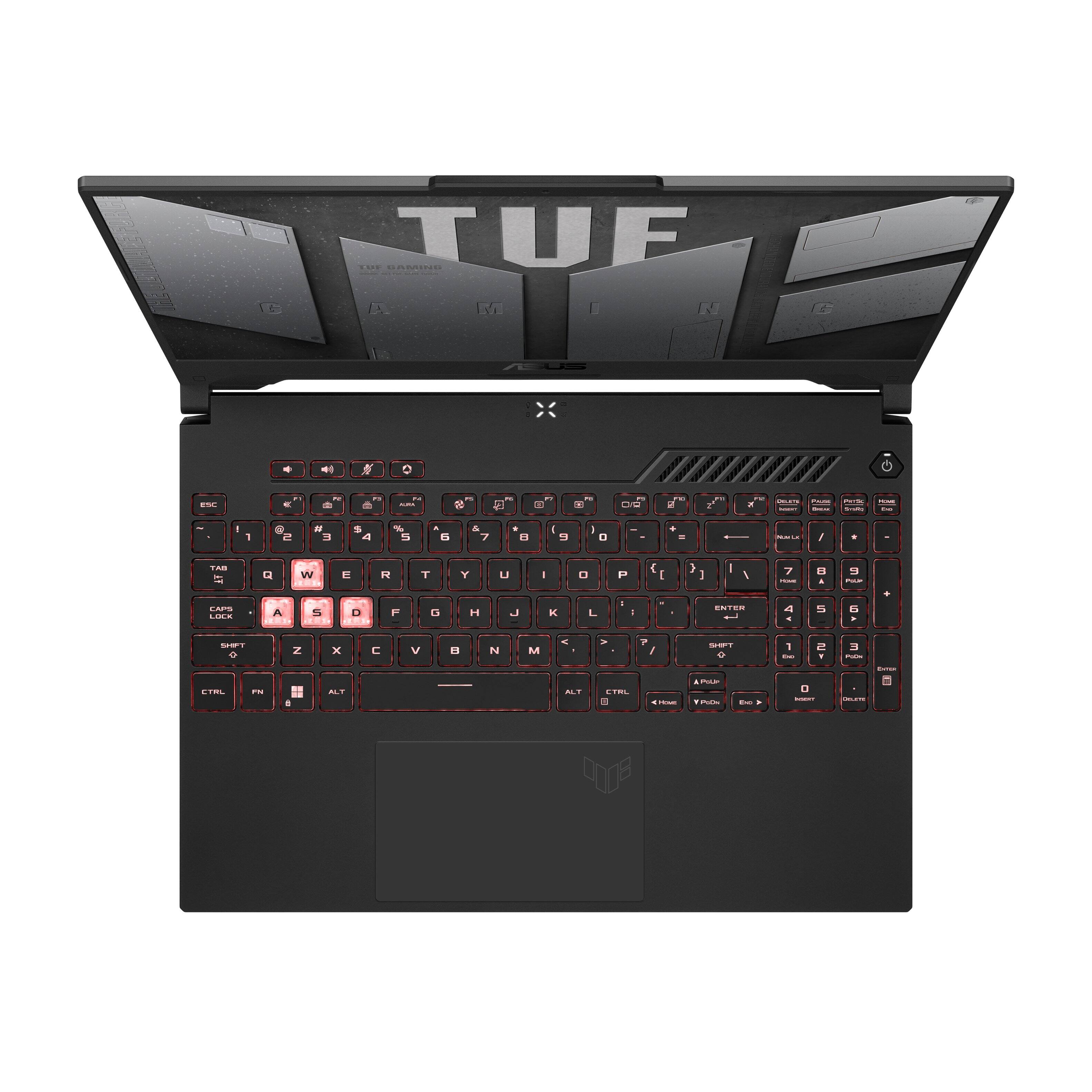
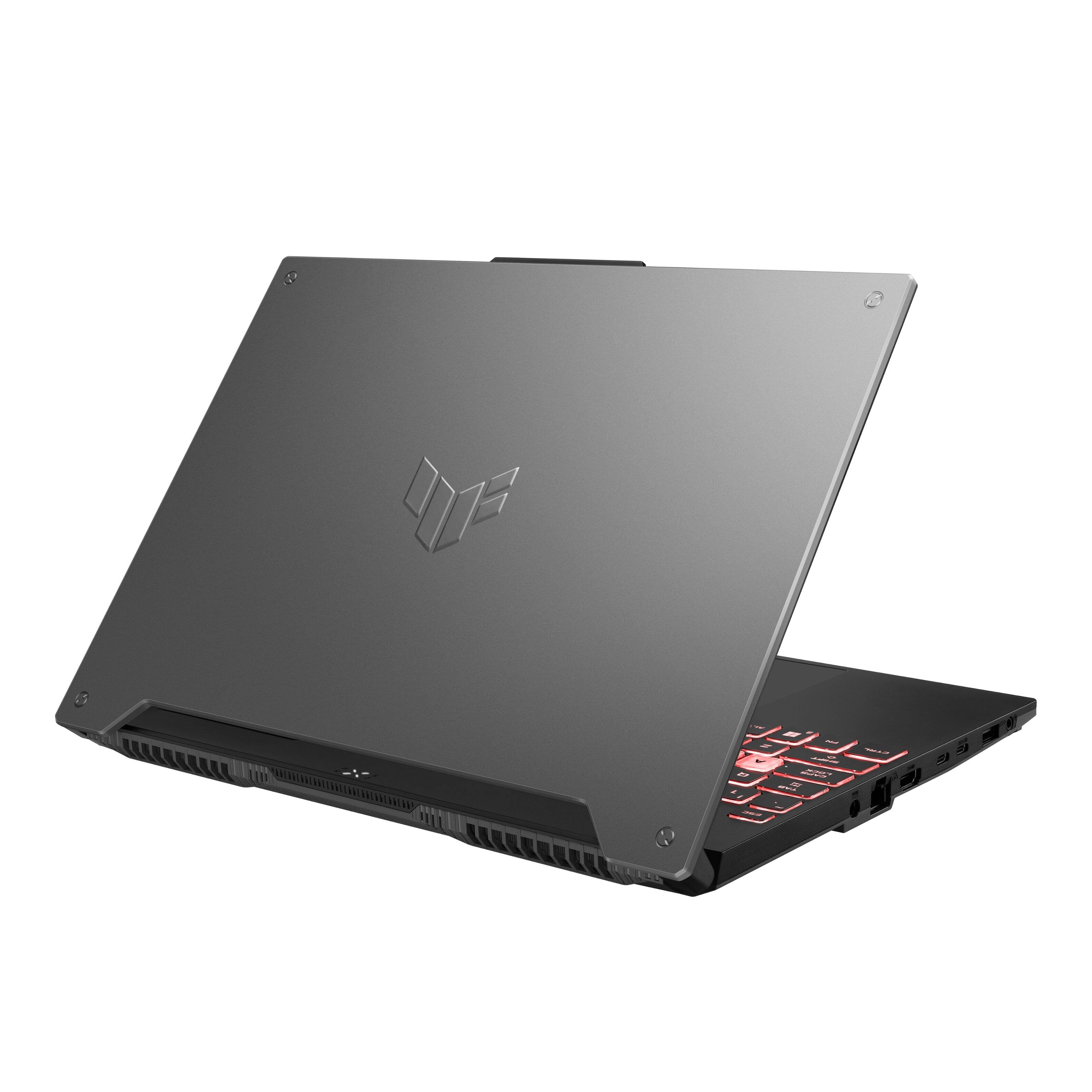
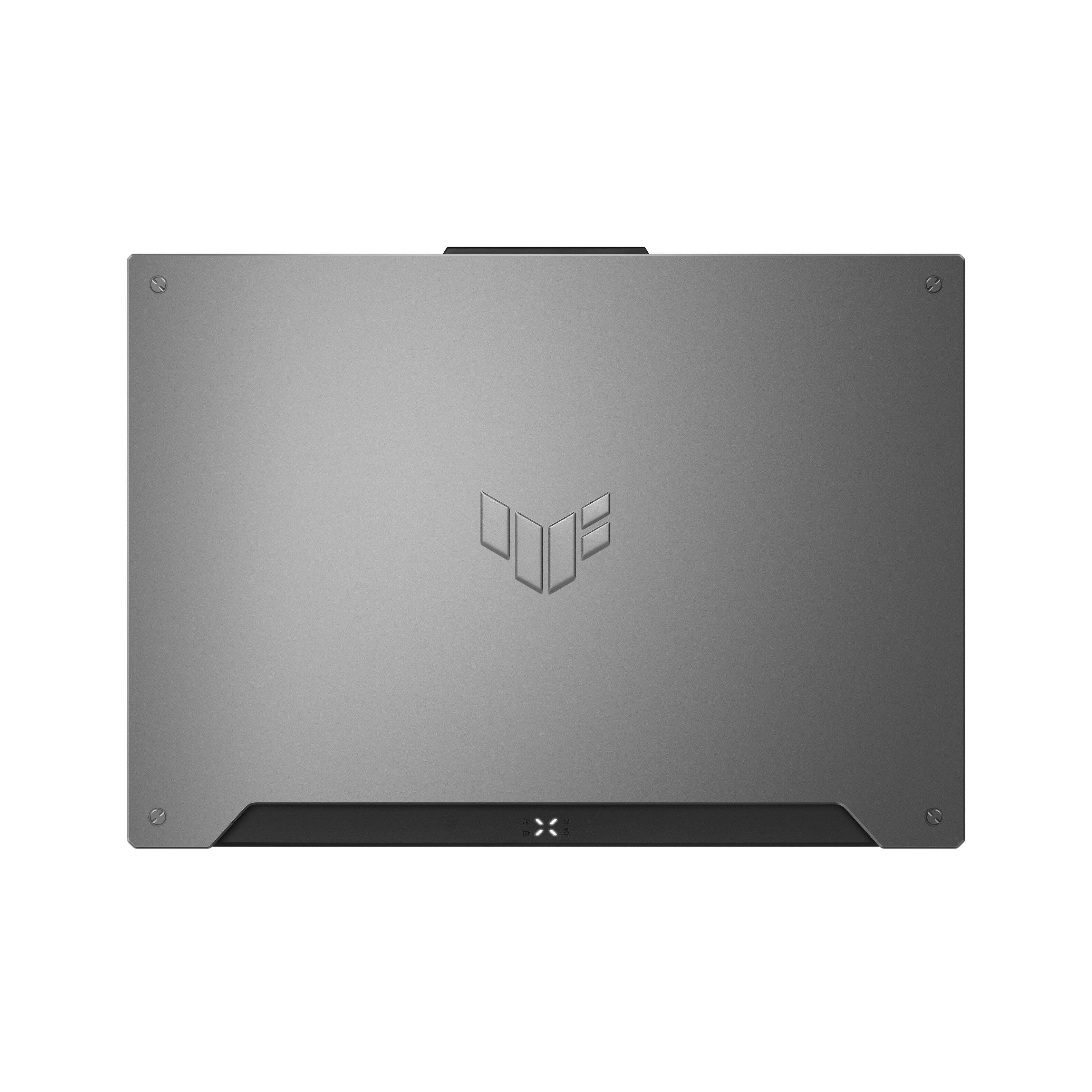
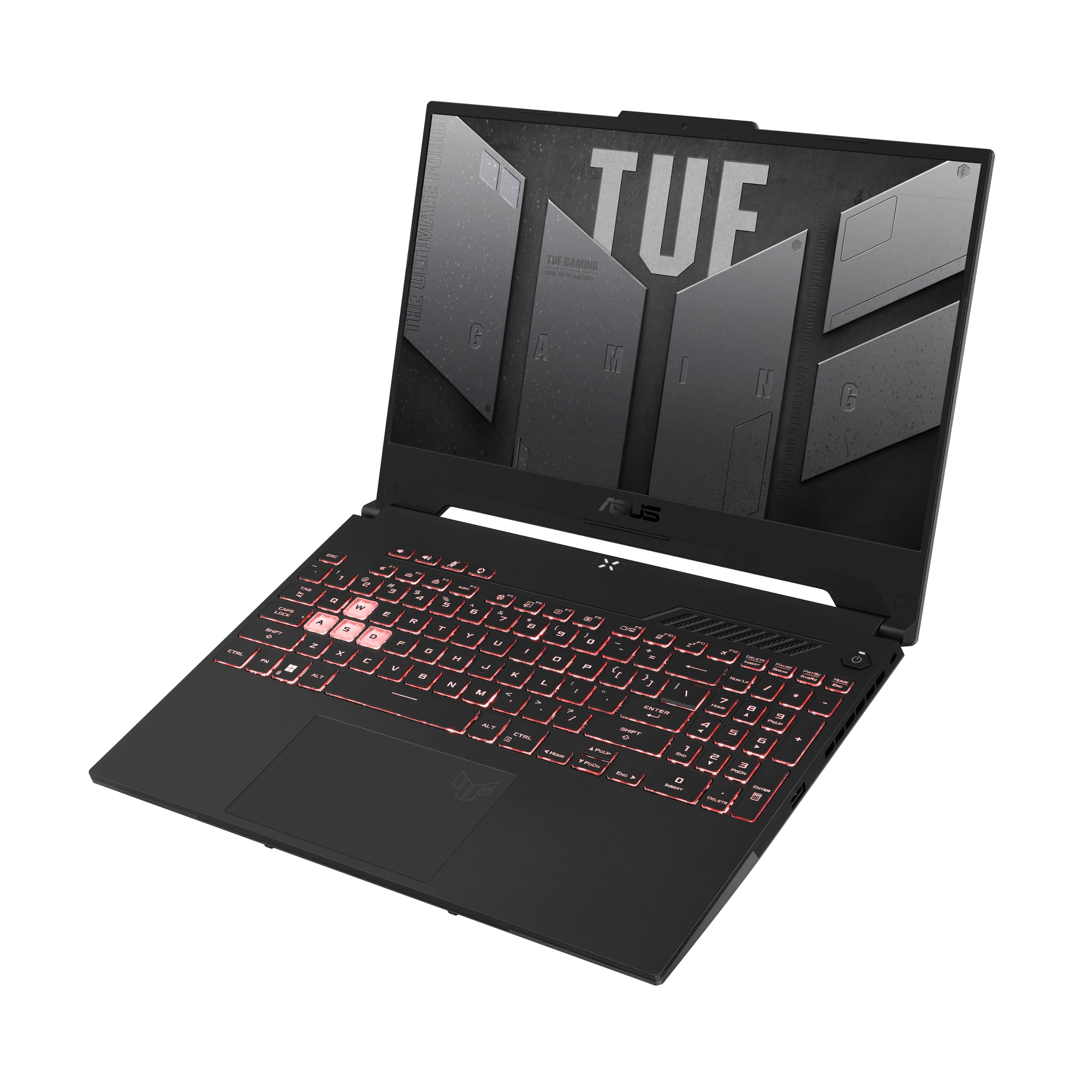



- Model:
- FA507RE-A15.R73050T
- SKU:
- 6501561
Rating by feature
- Battery Life
Rating 4.1 out of 5 stars
- Speed
Rating 4.6 out of 5 stars
- Display
Rating 4.6 out of 5 stars
Customers are saying
Customers often highlight the strong performance, ample RAM, and good graphics capabilities of the TUF Gaming A15 laptop. Many also appreciate its lightweight design and solid build quality, finding it a good value for the price. However, some users report issues with battery life, heat generation, and fan noise. A few also mention concerns about the speakers and power button.
This summary was generated by AI based on customer reviews.
Horrible
Posted .This reviewer received promo considerations or sweepstakes entry for writing a review.I have so many complaints about this awful laptop I don’t even know where to start. But for starters. It only is 8GB of ram, windows 11 uses 6 GB of ram. Leaving you with 2 GB to play games. This computer at the lowest settings couldn’t run Minecraft or Deep Rock galactic above about 8 fps. As well as any saved video I tried to play couldn’t run above about 8fps Either. My second gripe. After EXACTLY 2 months it just stopped working. Keyboard would turn on but no matter what I did nothing would come up on the screen. I know it wasn’t dead because it was plugged in. After about a hour of trying to get it to turn on I just snapped it in half and threw it away. This is the absolute works computer experience I’ve ever had. 0/10 I’d never recommend this computer to anyone who want to use for applications other than adobe and surfing the internet.
No, I would not recommend this to a friendBrand response from ASUS Answers
Posted .Dear JackR,
We do understand your disappointment and the incovenience this may have caused.
Certainly, adding more RAM will improve system performance. Definitely, Minecraft and Deep Rock Galactic plays at high FPS. If it not playing smoothly, please verify if Windows, and the video driver are up to date, and the games are runing with the latest update. Keeping Windows updated will maintain optimum system stability and performance. While playing online games or accessing web applications, please check if the laptop has access to an established router, it is getting an excellent signal and internet service is working properly since poor and unstable internet connection will definitely affect system speed and performance. If these steps were already performed to no avail, please try to run a diagnostics or optimization test using the "My ASUS" utility software or application. If this is not pre-installed on the laptop, please download the application at the Microsoft Store. For details on how to use "My ASUS", please go to: https://www.asus.com/support/FAQ/1041686/.
If the laptop will no longer boot up or it's just black screen but the fan, please do the following. Please try to do a power cycle by pressing and holding down the power button to shut it down completely. If it still black screen after a few minutes, at least 10 minutes, please repeat the power cycle process again. If the laptop is applying updates in the System Registry, it will black screen temporarily until the update were applied successfully. Also, please try to disconnect the power cable and let the unit drain for 24 hours to clear the memory. This will reset the hardware to default settings. After doing this, please reconnect your AC adapter, do not power on the laptop until the battery was charged.
If you need further assistance, please email me at cl-rodel@asus.com and I would be happy to help. Or, you are most welcome to call Product Support Hotline at: 1(888) 678-3688. Also, you can chat with an ASUS live support agent at: http://bit.ly/AsusLiveChat.
Thank you for choosing an ASUS product.
Regards,
Rodel
ASUS Customer Loyalty
Defective unit. Display wouldn’t power on.
Posted .This reviewer received promo considerations or sweepstakes entry for writing a review.Bought new. Display wouldn’t turn on out of the box. Immediately returning.
No, I would not recommend this to a friendBrand response from ASUS Answers
Posted .Dear StevenB,
We appreciate you sharing your feedback on this model. It's unfortunate that this model does not power on , this is absolutely not the experience we want you to have and that you had to return it. We do value our customers and take negative customer service experience very seriously. If you should have any other concerns or feedback feel free to reach out to us at customerloyalty@asus.com. We'll be happy to provide a quick resolution to your case. Please refer to this case number [ N2206034569-0016] for us to better assist you. Thank you for choosing ASUS!
Best Regards,
Schottky
ASUS Customer Loyalty US Support