Customer Ratings & Reviews
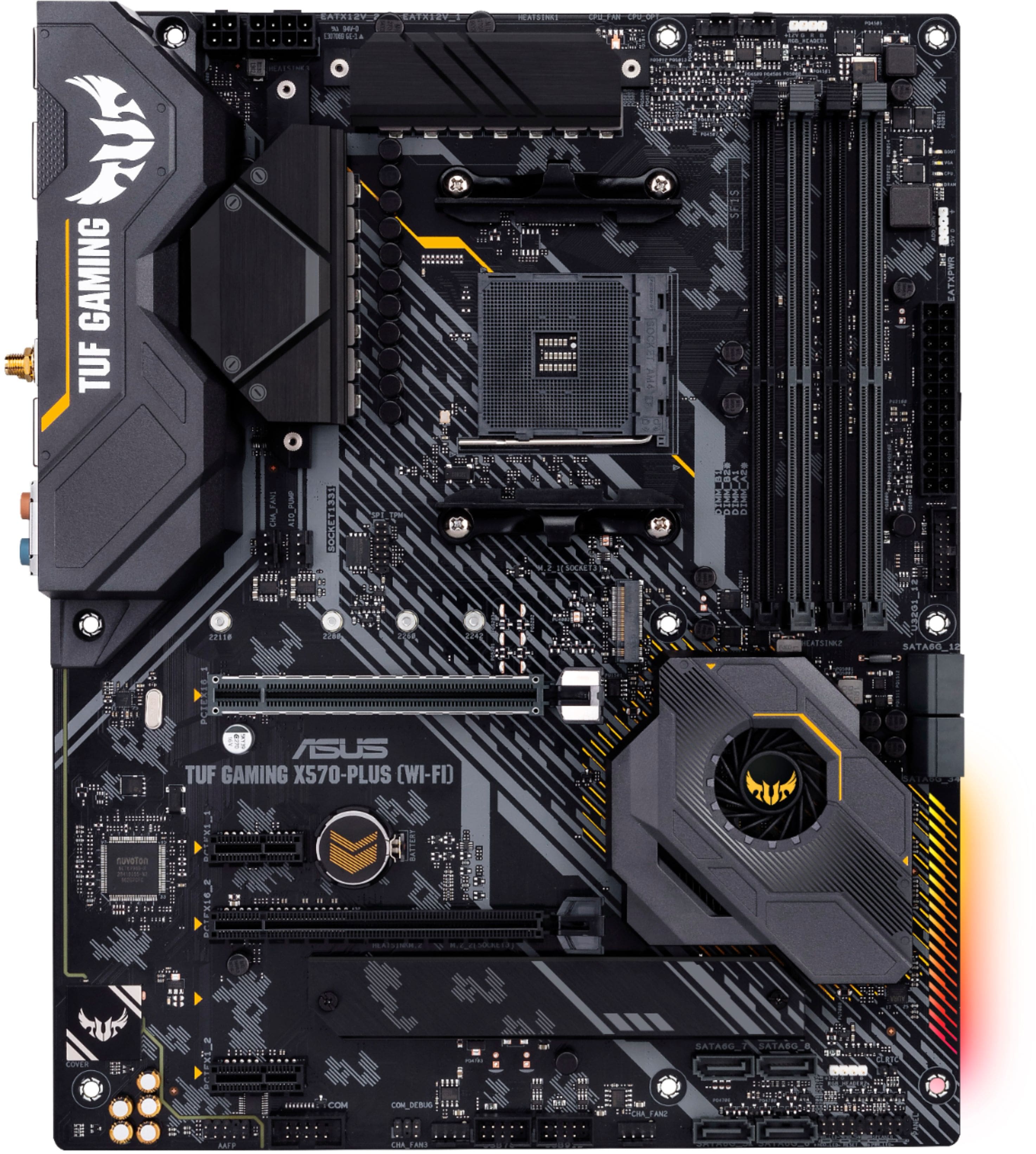
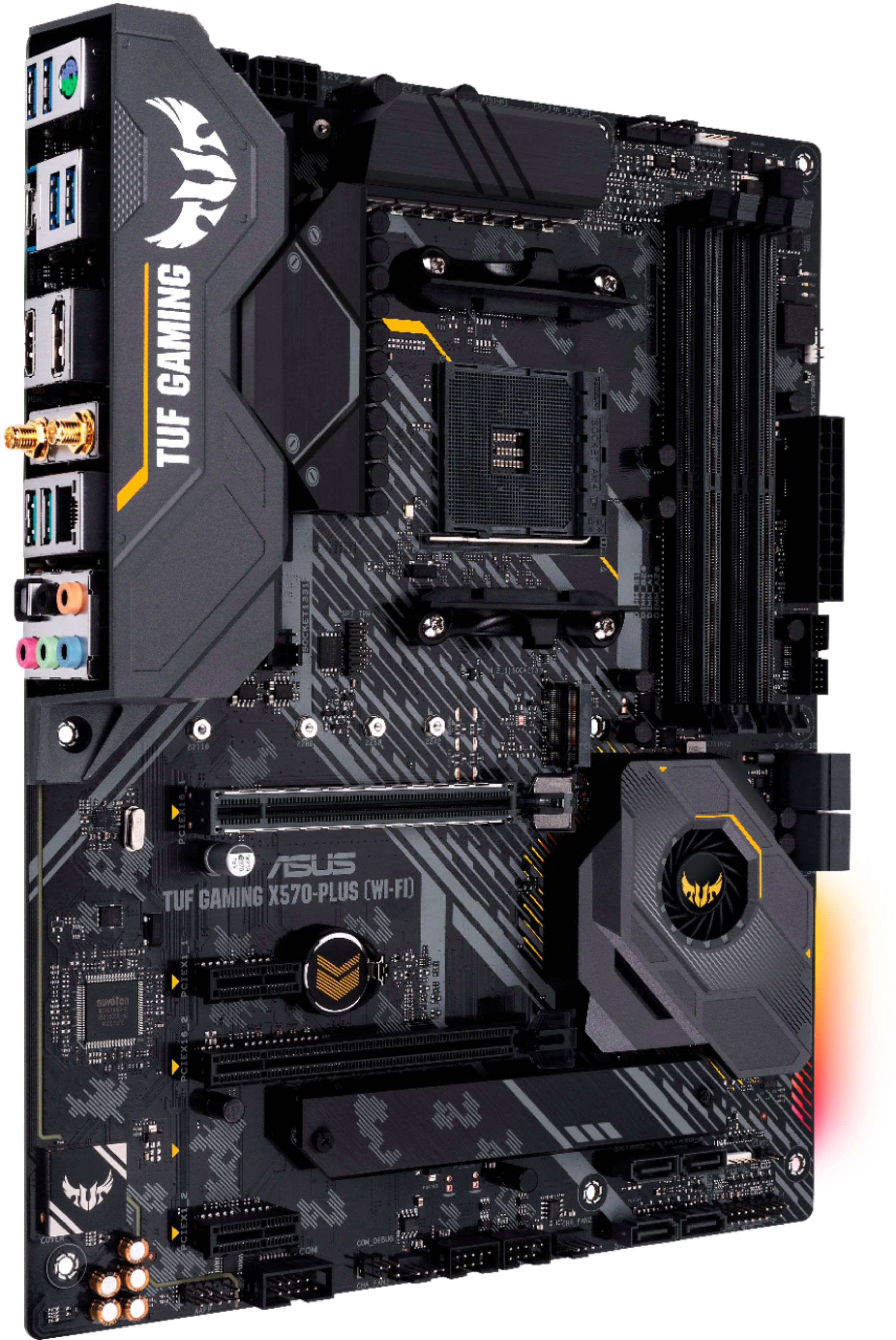
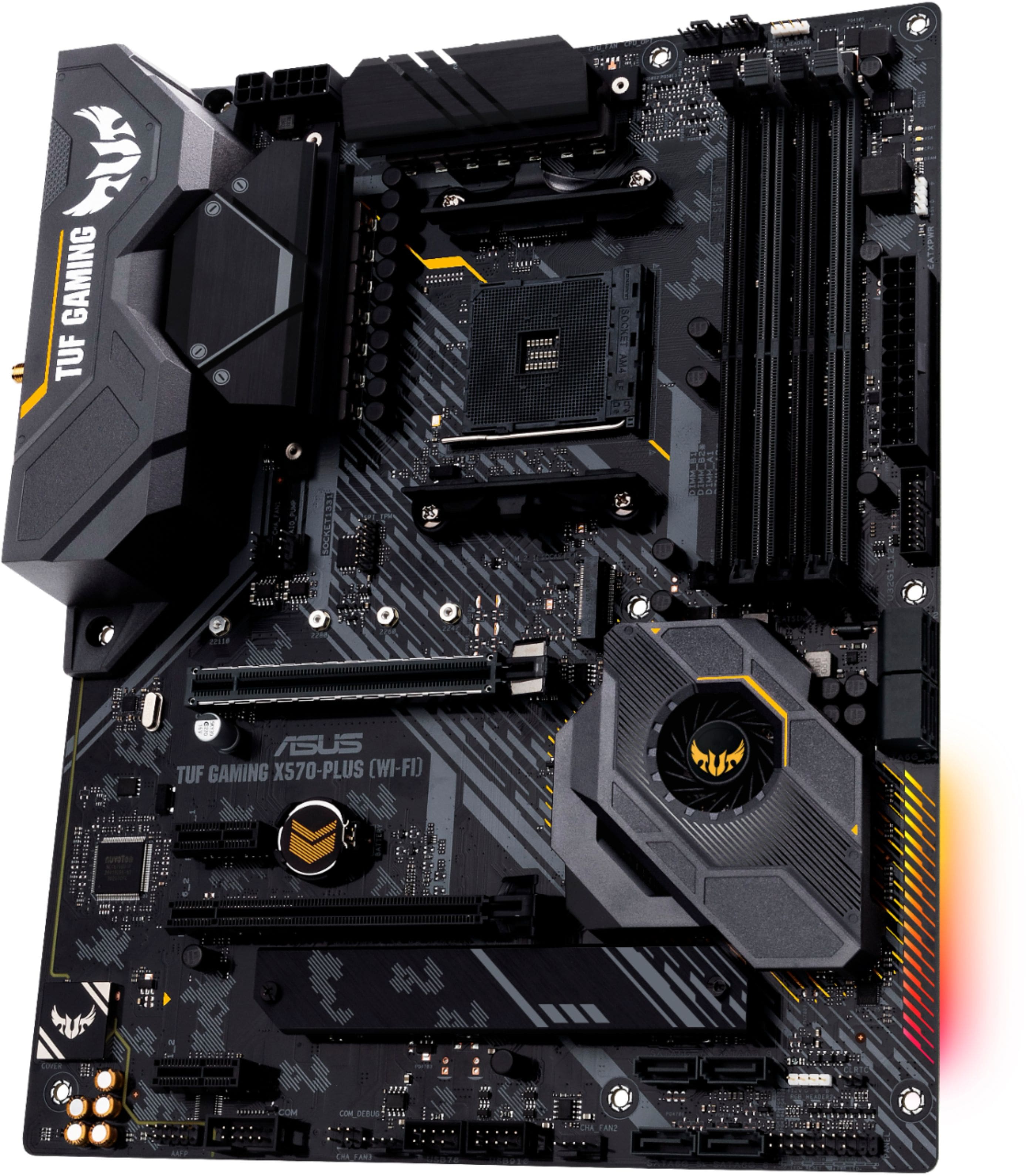
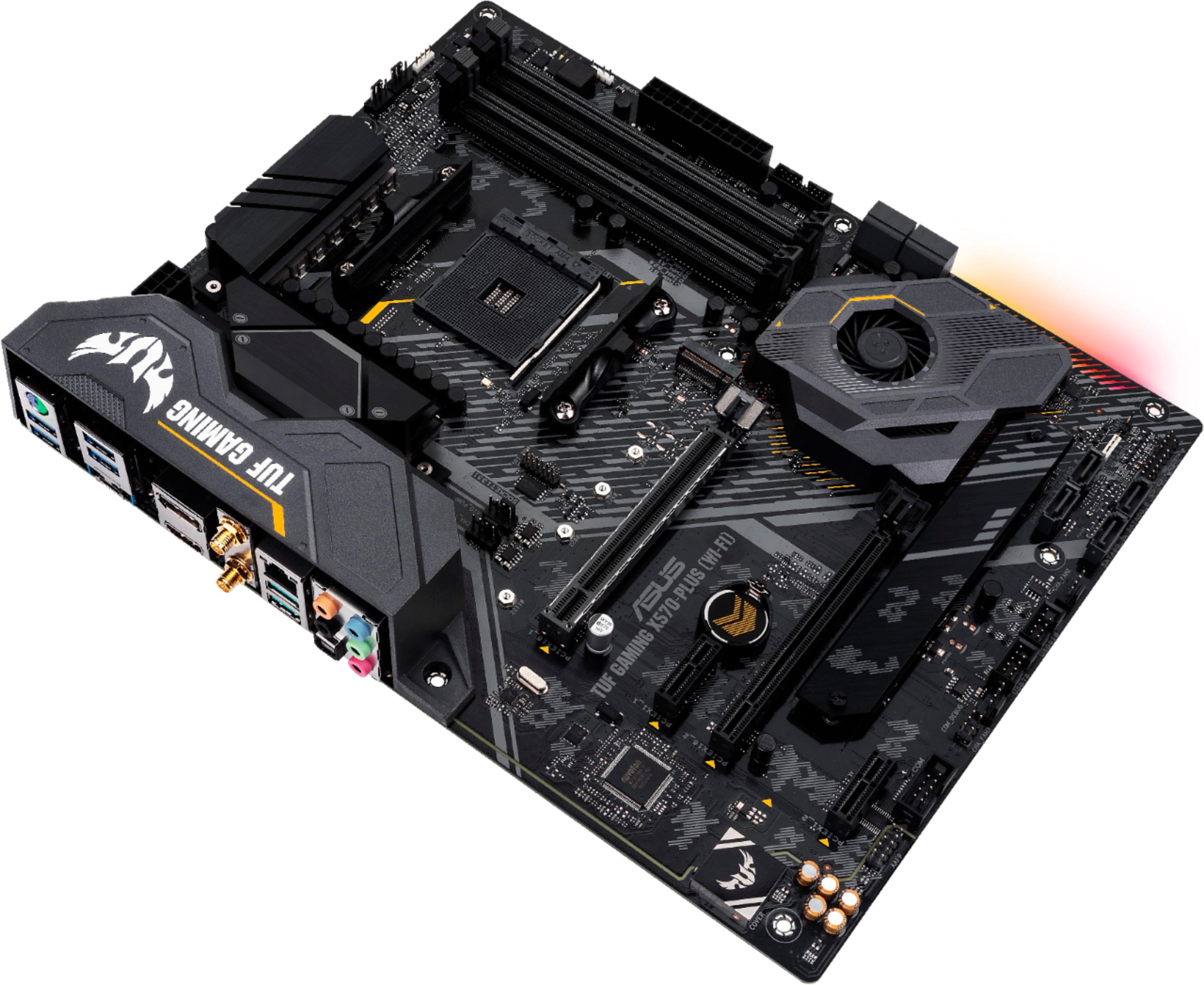
- Model:
- TUF X570-PLUS GAMING (WI-FI)
- SKU:
- 6356983
Rating by feature
- Value
Rating 4.5 out of 5 stars
- Quality
Rating 4.6 out of 5 stars
- Ease of Use
Rating 4.5 out of 5 stars
Customers are saying
Customers admire the TUF GAMING X570-PLUS motherboard's performance, ease of use, and BIOS, frequently citing its strong Wi-Fi capabilities and excellent price-to-performance ratio. Many appreciate the user-friendly setup and the inclusion of useful features. However, some users express concern regarding the lack of a USB-C header and the placement of the chipset fan, which can be obstructed by certain graphics cards. The motherboard's compatibility and RAM options are also frequently praised.
This summary was generated by AI based on customer reviews.
- Pros mentioned:Bios, Price, Wi-fi
Great MB for 1st time builders and OC.
||Posted . Owned for 2 weeks when reviewed.This reviewer received promo considerations or sweepstakes entry for writing a review.The MB has nearly a blackout design. It appears well made and has what’s needed for perhaps a 1st time builder or someone who has no desire to wrap up $10k in a build that has a threadripper and multiple GPU’s. It has everything needed for an ADVANCED build: space for 4-DDR4 RAM up to 4,000Hz. There’s room for 2 GPUS running in SLI. 2-M.2 ports. It’s an X570 board and supports PCIe 4.0. It’s wireless if that’s what you need. Has more than enough SATA ports. I cannot think of any reason a builder would need anything more than this board unless you are a serious, high end, enthusiast that is spending upward of $10,000.00 on their build. The price point is good. It was easy to install. All hardware necessary was included. BIOS was easy to navigate and update. I was really looking at some of the $400-$700 MB’s because I felt as though I had to have “THE BEST”. But then I had to reality check myself and ask...”What do I need?” I realized this MB has literally EVERYTHING I needed. No frills. I didn’t need to spend an extra $500 on a top of the line MB that has technology that requires very expensive hardware to take advantage of it. If you’re looking for an excellent MB for less than $200, then this would be it! Even several PC reviewers recommend this MB for under $200. No regrets...absolutely none. I love this MB.
I would recommend this to a friend - Pros mentioned:BiosCons mentioned:Chipset fan
Great and stable motherboard!
||Posted . Owned for 3 weeks when reviewed.This reviewer received promo considerations or sweepstakes entry for writing a review.Great motherboard for the ones that don't want to break the bank with more expensive x570 ones. The VRM's are excellent (check buildzoids youtube channel, gives great opinion on then, and also Hardwareunboxed, they tested the temps, and are among the lowest VRM's temps for the price). Stability is great, I have it paired with a Ryzen 9 3900x and it can boost up to 4.55Ghz totally stock (very close to the 4.6ghz advertised). I also have two 16gb sticks of corsair vengeange pro rgb 3200mhz, overclocked at 3600mhz (using Ryzen dram timings calculator) totally stable. It has nice features, like wifi and gig lan. The onboard sound is nice and up to 7.1. Some people say the chipset fan is noisy, but can't hear it at all, granted my PC is in the floor and closed. It does spin all the time though, I wish Asus would provide a bios update with fan profiles for it (like other mobos, like a silent one when temps are low and then ramps up when temps go up). It does not support SLI, but who cares, SLI and Crossfire are dead now anyways. There was a bios update, latest one is 1005, highlty recommend to update it. Only con, is it appears to have an incompatibility with my Fnatic streak keyboard, but just in the bios. Its totally useless, it lags and I cannot type at all in there to change values. Once it boots to windows its fine. Hope it can be fixed on a bios update. Other than that, great mobo for 3rd gen ryzen for the price, the VRM'S are great (12+2, actually 4 phases but tripled, which are more than fine, see the reviews above on those youtube channels!).
I would recommend this to a friend - Pros mentioned:Price
Great Budge Board!
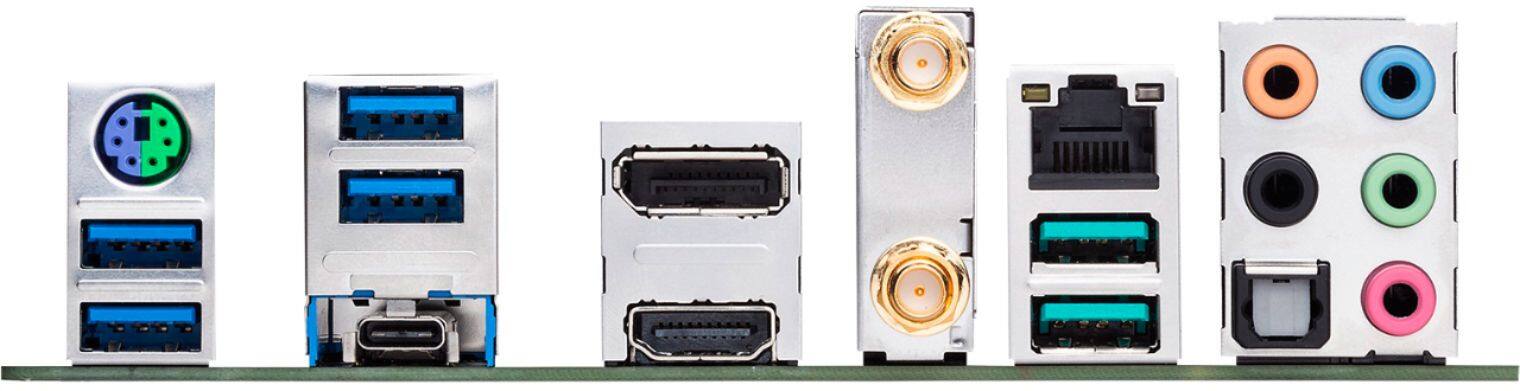
||Posted . Owned for 1 month when reviewed.This reviewer received promo considerations or sweepstakes entry for writing a review.Good motherboard for the price! You can get better for a little more! but if on a budget this is a great start! There is no USB c support directly on the board. If you need this will need to go to the Pro series for $50 more or put in a card for this. though this will remove built in wifi.. So far it has worked well and have had no issues! keep in mind the two M2 slots are different versions!!! the one is the current generation, the other is the prior gen! nice part is this lets you save a few $$ on the secondary drive and go larger! I went 1TB for main drive and 2 TB for my secondary! I used Samsung EVO drives with no issues! I am running 64 GB of ram using the corsair RGB Vengence ram with no issues at all. I also went with the 5900x processor which has run perfectly with no issues! Also running a 3080 EVGA RTX card with no issues! I have not attempted to try the bluetooth or the wifi. I generally prefer wired devices.
I would recommend this to a friend - Pros mentioned:Bios, Price
Very Solid Board for the Money
||Posted . Owned for 2 weeks when reviewed.This reviewer received promo considerations or sweepstakes entry for writing a review.I transferred my PC build over from an older X470 board because I wanted the gen 4 m.2 slots for future storage upgradability. The bios detected all my hardware and m.2 automatically and it was off to the races. Only tiny thing missing is a USB 3.2 2x2 header for the front of my case to plug into. can't fault a board originally manufactured in 2019 for that, and it still has one on the back. I caught this board on a good sale, so no complaints about the price. Right on the cusp of what I am willing to pay for a motherboard with probably slightly more features than I will actually need.
I would recommend this to a friend - Pros mentioned:Wi-fi
I now know what FPS MEANS.
||Posted . Owned for less than 1 week when reviewed.This reviewer received promo considerations or sweepstakes entry for writing a review.As a mom who’s more familiar with baking cookies than building PCs, diving into the world of gaming motherboards was like stepping onto Mars. But here I am, reviewing the ASUS - TUF GAMING X570-PLUS (WI-FI) Motherboard, and let me tell you, it’s been a wild ride! Journey of Discovery: I didn’t know a motherboard from a cutting board before this. My gaming-obsessed teen begged for an upgrade, and the ASUS TUF Gaming X570-Plus caught my eye (mostly because it looked cool and had “TUF” in the name - that has to mean something, right?). Why I Like It: 1. LED Lighting: It’s like a disco inside the PC! Who knew computers could be so… flashy? 2. Wi-Fi Capabilities: As someone whose tech expertise peaked with the VCR, I appreciate anything that reduces the number of cables. 3. USB-C Gen2: I’m told this is important and future-proof. I’ll take their word for it! The Best Buy Lifesaver: Thank goodness for the Best Buy care plan and the Geek Squad. I handed over this intimidating piece of tech and my child’s precious PC to them at 7 PM on a Saturday (who knew they worked so late?). By 1 PM the next day, not only was this motherboard installed, but so was the ‘4070’ and some other gizmos (processor, I think?). Expert Tip for Fellow Moms: If you’re like me and think overclocking is about possibly getting a speeding ticket, let the pros handle it. The Geek Squad turned my lack of knowledge into a non-issue, and now my teen thinks I’m the coolest mom in the neighborhood. Conclusion: The ASUS TUF Gaming X570-Plus motherboard is apparently a big deal in the gaming world, and my teen’s over-the-moon reaction confirms it. I may not understand all the specs, but I do know that it’s made my home a happier (and more tech-savvy) place.
I would recommend this to a friend - Pros mentioned:Wi-fi
Great for the most part...
||Posted . Owned for 1 month when reviewed.This reviewer received promo considerations or sweepstakes entry for writing a review.Great for the most part. I likes the integrated Wifi/BT, the rgb aura sync, etc. My main issue is the defective usb-c port. I've tried different cables, but they do not want to stay in the socket and when they do manage to somewhat stay in the devices I try connecting the other end to barely register. (Tried my old/current galaxy note, webcam, etc) Luckily that's been the only problem with the board, and while it is annoying that I'm a port short, its not something I want to rip my entire pc apart for and have to do without till a replacement board could be obtained, then have to reconnect everything and turn around and buy another windows license (since I got a digital win10 pro that binds to the mb).
I would recommend this to a friend - Pros mentioned:Wi-fi
Loving it so far running with Ryzen 7 3700X!
||Posted . Owned for 3 weeks when reviewed.This reviewer received promo considerations or sweepstakes entry for writing a review.An affordable X570 motherboard that does not cost $300 with Wi-Fi and bluetooth. Booted up right away after installation running Ryzen 7 3700X perfectly fine with stock cooler and manual timings on V-Color RAM. Make sure to use DRAM Calculator for Ryzen to maximize performance. Also, it has some nice RGB headers to connect some RGB LED strips. No complaints so far besides multiple bluetooth devices connection interference at random times. I believe this could be cause by my case? Anyways, still an awesome X570 motherboard for the price.
I would recommend this to a friend - Cons mentioned:Usb-c
Great motherboard, but...
||Posted . Owned for less than 1 week when reviewed.This reviewer received promo considerations or sweepstakes entry for writing a review.This is a great motherboard with a lot of protection features. However, I feel that even though they stripped some features of this motherboard like temp sensors, no flashback button, and on board usb-c header. I feel that for what you pay is not a bad thing at all. So for Pro: Nice looking motherboard with very good VRMs and a lot of protections. Ran the AMD Ryzen 3700X pretty well and is worth it, if you are not planning to overclock. It is able to run 3700X, 3800X, 3900X, and 3950 base on VRMs power capacity. Cons: No bios flashback to recover you must remove the battery and hope it clears your issues. No USB-C header on the motherboard for a case that may have a front USB-C port. The motherboard release some pretty high heats from it so you need a very airflow case. System kept my fans pretty high and they went up and down a lot with the speed, even on silent mode. Weird bios behavior Froze at 90% bios flash, before flash and after laggy, and choppy mouse pointer. My thoughts: Overall is a nice starter build motherboard with the ability to run a 3700X/3800X/3900X, and 3950X. For the price you can't beat it.
I would recommend this to a friend - Cons mentioned:Usb-c
Super happy, highly recommend
||Posted . Owned for 4 months when reviewed.This reviewer received promo considerations or sweepstakes entry for writing a review.I was looking for a motherboard that was relatively rich in features and as future-proof as possible without breaking the bank. This MB was spot on. Install and setup was easy, bios are great. It has enough modern features like USB-C and PCIe 4.0, 2 NVMe SSD slots etc that it can be upgraded over time without falling behind the technology. Looks cool too, onboard LED and RGBa ports are very easy. One call out - only 1 USB-C port in the back with no support for a case USB-C. Wasn't a deal-breaker for me but would be nice to have.
I would recommend this to a friend Gud
||Posted . Owned for 4 months when reviewed.This reviewer received promo considerations or sweepstakes entry for writing a review.Great MOther Board. i have some stuff to say about it. Frist if you have 3 Cooler GPUs it will cover the Small Cooler for the motherboard chipset. It's a Stupid design but I had no issues so far and I think that I will not have any in the future. I'm thinking periodically to pull the GPU out and clean that cooler if need or for inspection. Remember Heat is a killer I'm running 3070ti for the past few + months I have had no problem at all. GPU Temperature with 4k is 77C with fan rpm 2000+ max settings on anything that I'm playing (fps 60+) GPU temperature with 2k (depends on what game I'm running max settings) is between 65C and 74C with fan rpm 1200 to 1400. (fps between 100 and 300+) I recommend doing Motherboard updated or should I say BIOS updated. Also, I'm running 16g ram 3600mhz. When you add the RAM on the motherboard automatically will set up speed to 2666mhz. if you have faster speed(faster MHZ on your RAM) you need to change that to bios. I have no explanation why is like that and it's simple to do it. ask youtube. Running Rayzen 9 5900x I recommend water cooling, 240mm or 360mm. Depends on the budget you have. The temperature stays around 39C idle to 65 on load. Recommend on this Mother Board 850+Watt power supply. IT doesn't need extra power it needs an extra 4 pin 12v ATX supply power.I read on forums that it will crash your PC, for whatever reason. I have Seasonic - FOCUS PX-850, 850W 80+ Platinum PSU, Full-Modular, Fan Control in Fanless, and it's silent. No issue at all. But Price but Trust me you need god PSU. You don't like your CPU or GPU to die on you with 50 dollar PSU that is doing the minimum job. Overall PC is Stable I had a few Crashes so far. It was caused by software, not hardware. https://pcpartpicker.com/user/doom789/saved/XxWgBm
I would recommend this to a friend- Pros mentioned:Bios, Ease of use
Great gaming motherboard and all purpose Wifi
||Posted . Owned for 1 month when reviewed.This reviewer received promo considerations or sweepstakes entry for writing a review.Nice motherboard, great bios. Easy to install, WIFI speeds of 300+mbps using this board, paired with a 5900x and a 3070 it really rocks.
I would recommend this to a friend nice
||Posted . Owned for 1 week when reviewed.This reviewer received promo considerations or sweepstakes entry for writing a review.awesome cool, for those who do not find how to start the bios, it is very simple to put the graphics card in the second slot. The rest already know f2 I think that those who are leaving bad comments on this motherboard have no patience when you are trying to build your first gamer pc you have to exhaust all the obciones before saying that it is a bad product. I spent 4 hours looking for the solution in several forums but I found it here I leave the link. https://www.reddit.com/r/ASUS/comments/ckh3gw/no_boot_on_x570_tuf_gaming_plus_wifi/
I would recommend this to a friend- Cons mentioned:Usb-c
Quality and Pocket friendly
||Posted . Owned for 1 month when reviewed.This reviewer received promo considerations or sweepstakes entry for writing a review.This board does the job well and for the price don't expect a lot of usb ports or sli support you only can have 1 geforce video card or you can connect 2 radeon, To install was super easy the manual is very clear, armory crate software is very easy to use and Asus is very up to date with drivers updates, the board audio chip does not have support for nahimic and the Bios updates are never show in the Amory crate so you have to look it up in Asus websitie.
I would recommend this to a friend - Pros mentioned:Bios, Performance
Solid board
||Posted . Owned for 3 months when reviewed.This reviewer received promo considerations or sweepstakes entry for writing a review.Good motherboard. Been solid performer. If you are using a newer cpu make sure you update the bios.
I would recommend this to a friend Great hardware, miserable software
||Posted . Owned for 2 months when reviewed.This reviewer received promo considerations or sweepstakes entry for writing a review.The TUF GAMING X-570 is a great piece of motherboard hardware. It has a good aesthetic, great thermals and decent overclocking capability for the price. However, ASUS proudly advertises the motherboard as a RGB board. This was at first simply a bonus to the already nice set of features on the board, but it turns out that AURA SYNC is horrible. After having issues with my colors resetting to default rainbow every time I played Rainbow Six Siege (ironic, I know), I decided to simply try reinstalling the software. Huge mistake on my part. Now the program won't even open, and my PC is stuck with a single color and pattern. ASUS support won't even talk to me, it tells me to ask Best Buy for help every time even though Best Buy likely knows little about how AURA even works. If you're an RGB enthusiast, either go for a different mobo brand or pay the premium for Corsair fans and etc. ASUS is not the way to go for RGB.
I would recommend this to a friendBrand response from Asus_Answers
Posted .Dear Valued Customer,
I’m sorry to hear you had such a frustrating experience with the Aura Software. Our engineers ensure that it is fully tested for errors and bugs before it is released. What you've experienced was not intentional or representative of our brand. If you need further technical assistance or if you wish to discuss this matter with me, feel free to reach out to me at customerloyalty@asus.com and provide this link for reference. Our customer loyalty department is dedicated to bringing a resolution to all issues related to our products.
Thank you for choosing ASUS!
Best Regards,
Jamalie,
ASUS Customer Loyalty US Support
- Pros mentioned:Price
Great value and user friendly
||Posted . Owned for 11 months when reviewed.This reviewer received promo considerations or sweepstakes entry for writing a review.Great MB. Comes with its own wifi attachment that is sleek and cool looking and is way faster than any other wifi adapter ive ever had. My router is oretty far and ive never had any issues with connection with this one. The MB setup has everything conveniently located and roomy enough for all types of different equipment. Definitely recommend. And priced great conpared to other. Totally worht the buy.
I would recommend this to a friend - Pros mentioned:Bios
Awesome
||Posted . Owned for 1 month when reviewed.This reviewer received promo considerations or sweepstakes entry for writing a review.Great and powerful no bottlenecks it comes with many power software tools awesome subtle rgb which isn’t over done, most importantly the bios comes updated and it supports the Ryzen 9 rite out of the box
I would recommend this to a friend - Pros mentioned:Wi-fi
great for beginners
||Posted . Owned for 3 weeks when reviewed.This reviewer received promo considerations or sweepstakes entry for writing a review.good motherboard if youre not looking aesthetics wise, (not a whole lot of RGB, you can’t tell once inside, simply subtle backlighting, and the tuf logo is huge and gold accented) for beginners it’s great . no USB c port for the case but that’s alright it already comes built in on the side . same with wifi already built . overall decent motherboard .
I would recommend this to a friend - Pros mentioned:Wi-fi
Great board
||Posted . Owned for 2 weeks when reviewed.This reviewer received promo considerations or sweepstakes entry for writing a review.Used this board in my first build and it seems to be of great quality. Nothing is flimsy looking and it has a good weight to it ya know.. Looks great and everything plugged in fine. I'm sure I am underutilizing it but the wifi works and it has plenty of usb plugs. rgb on the board is almost pointless but cool when everything is off i suppose.
I would recommend this to a friend Best motherboard
||Posted .This reviewer received promo considerations or sweepstakes entry for writing a review.everything works perfectly no compatibility issues. I really recommend ASUS - TUF GAMING X570-PLUS (WI-FI).
I would recommend this to a friend