Customer Ratings & Reviews
- Model:
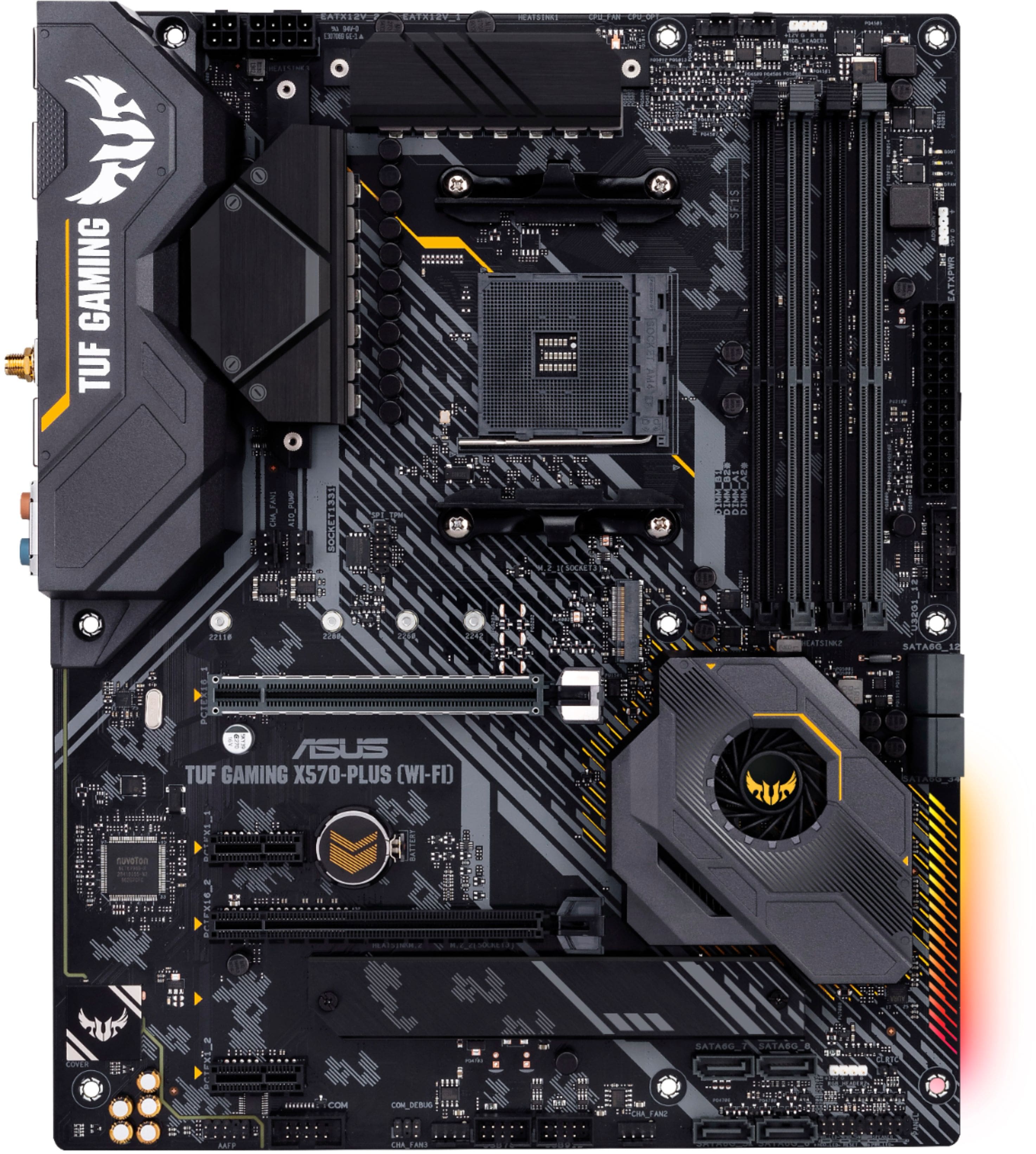
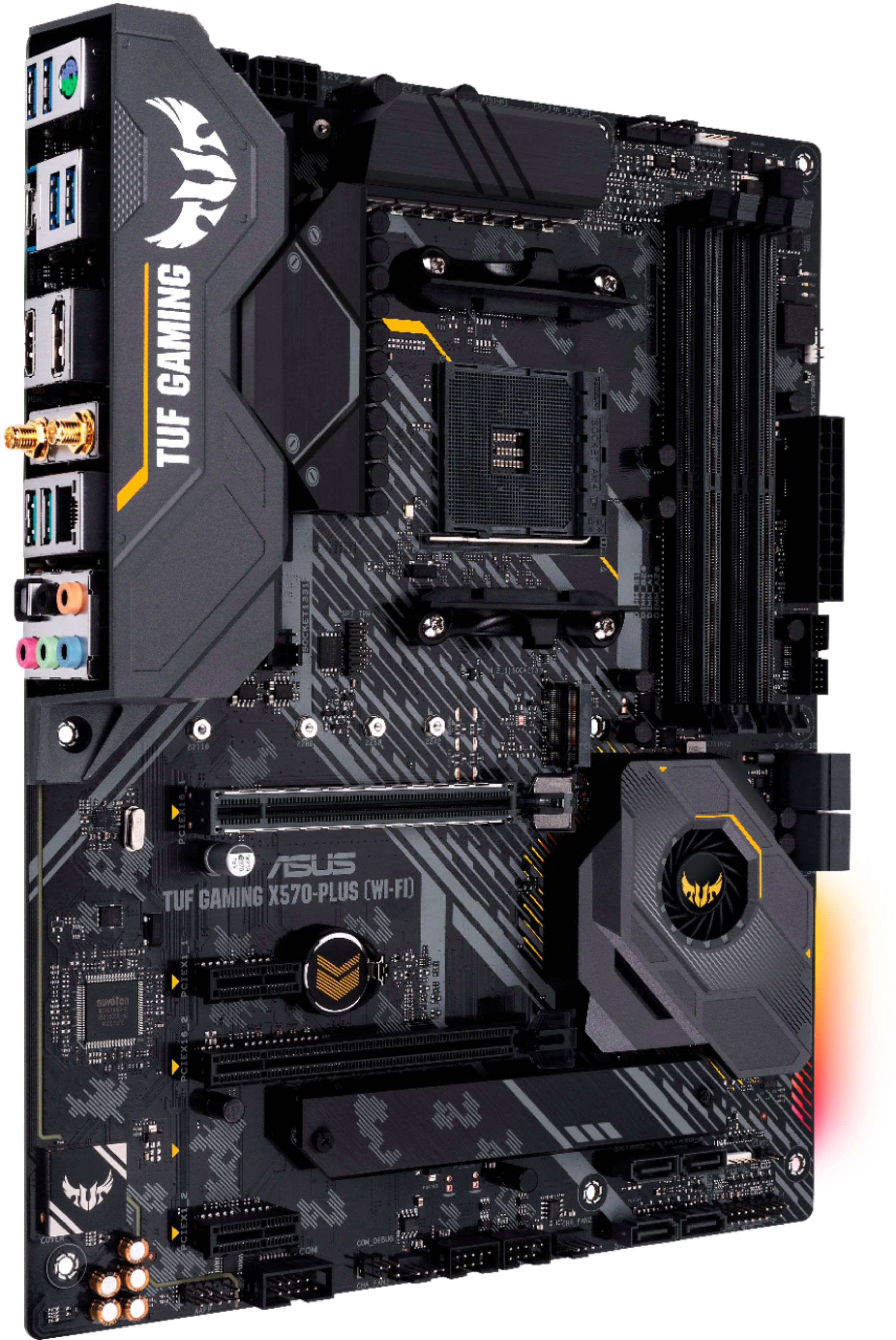
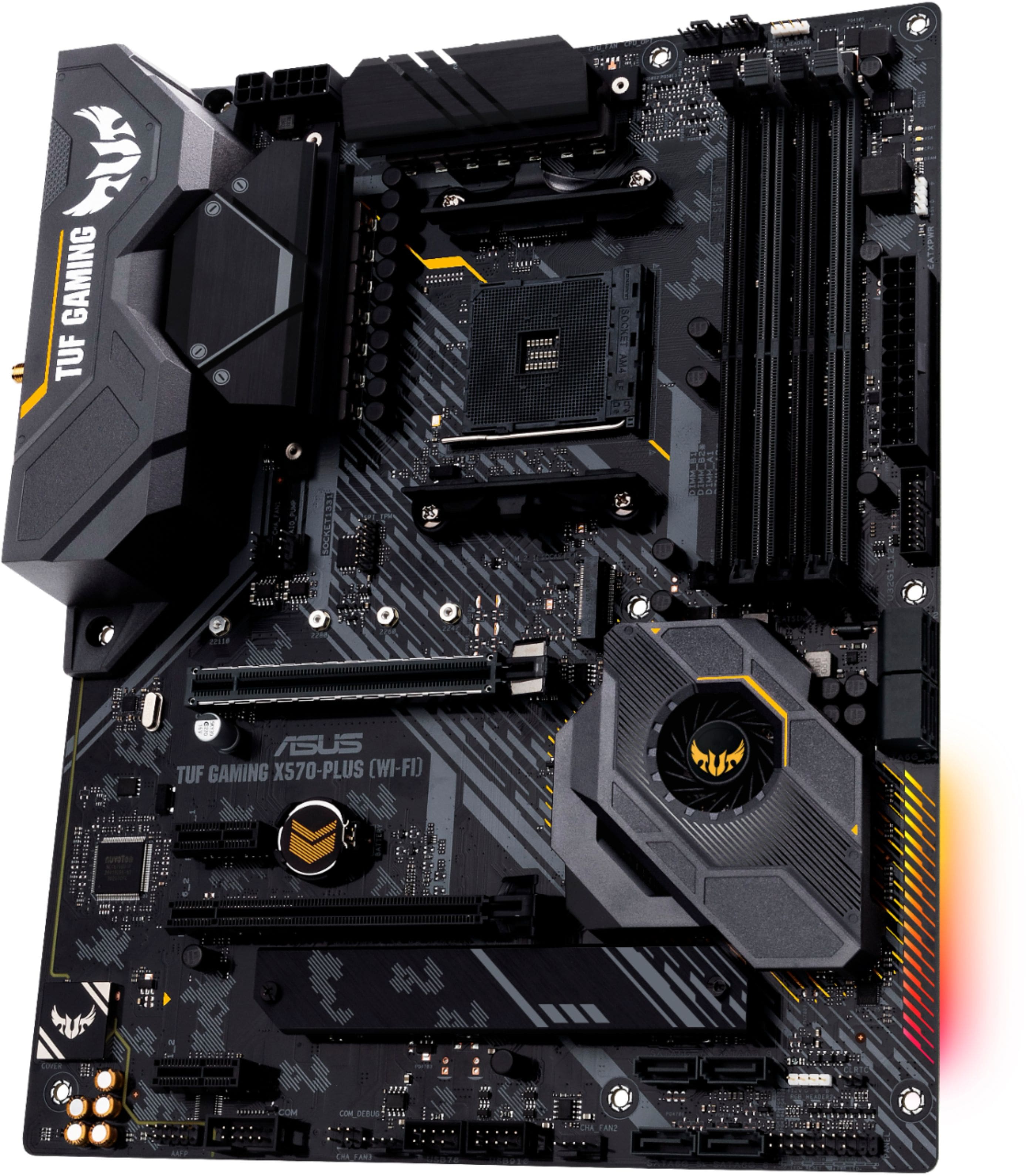
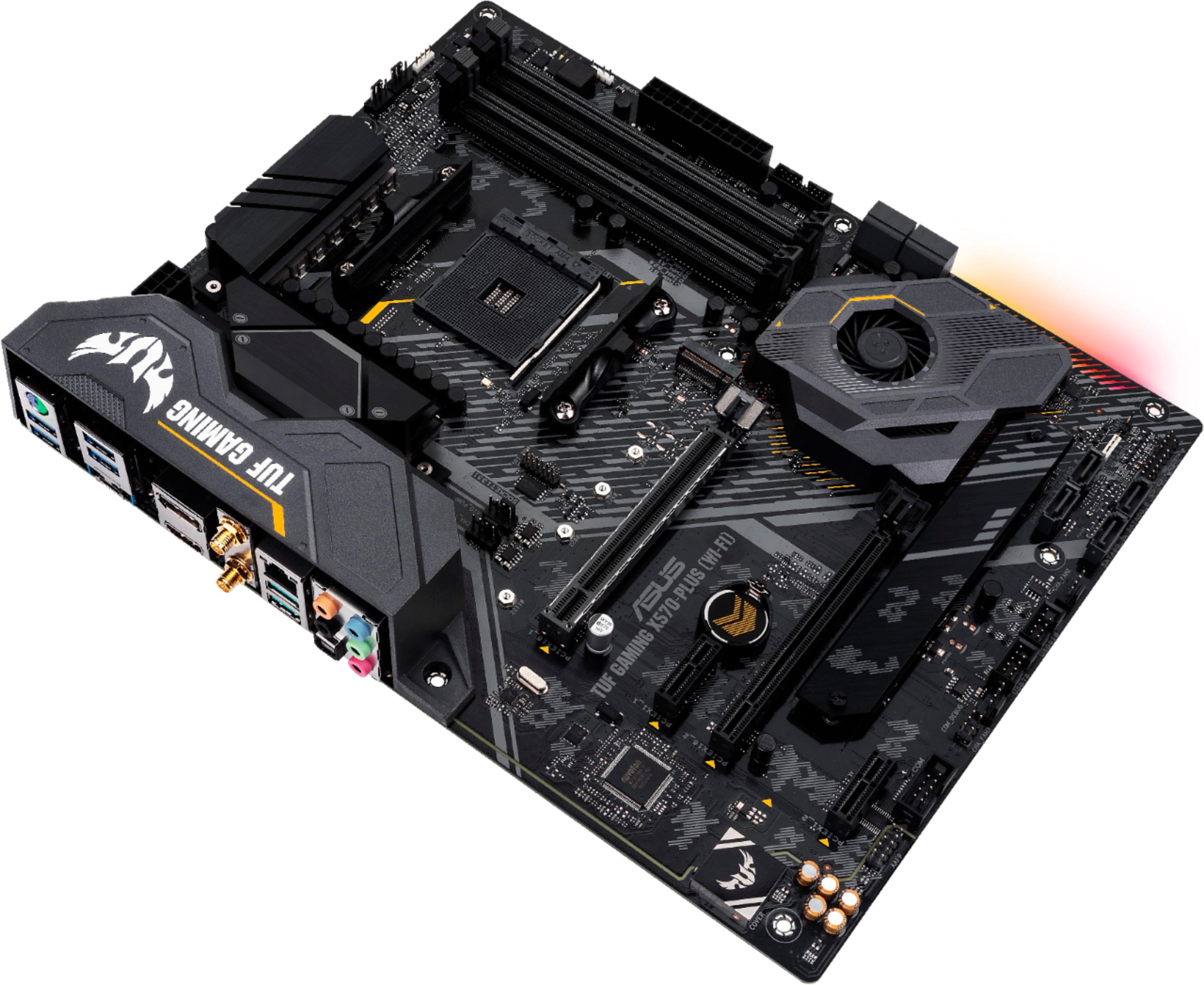
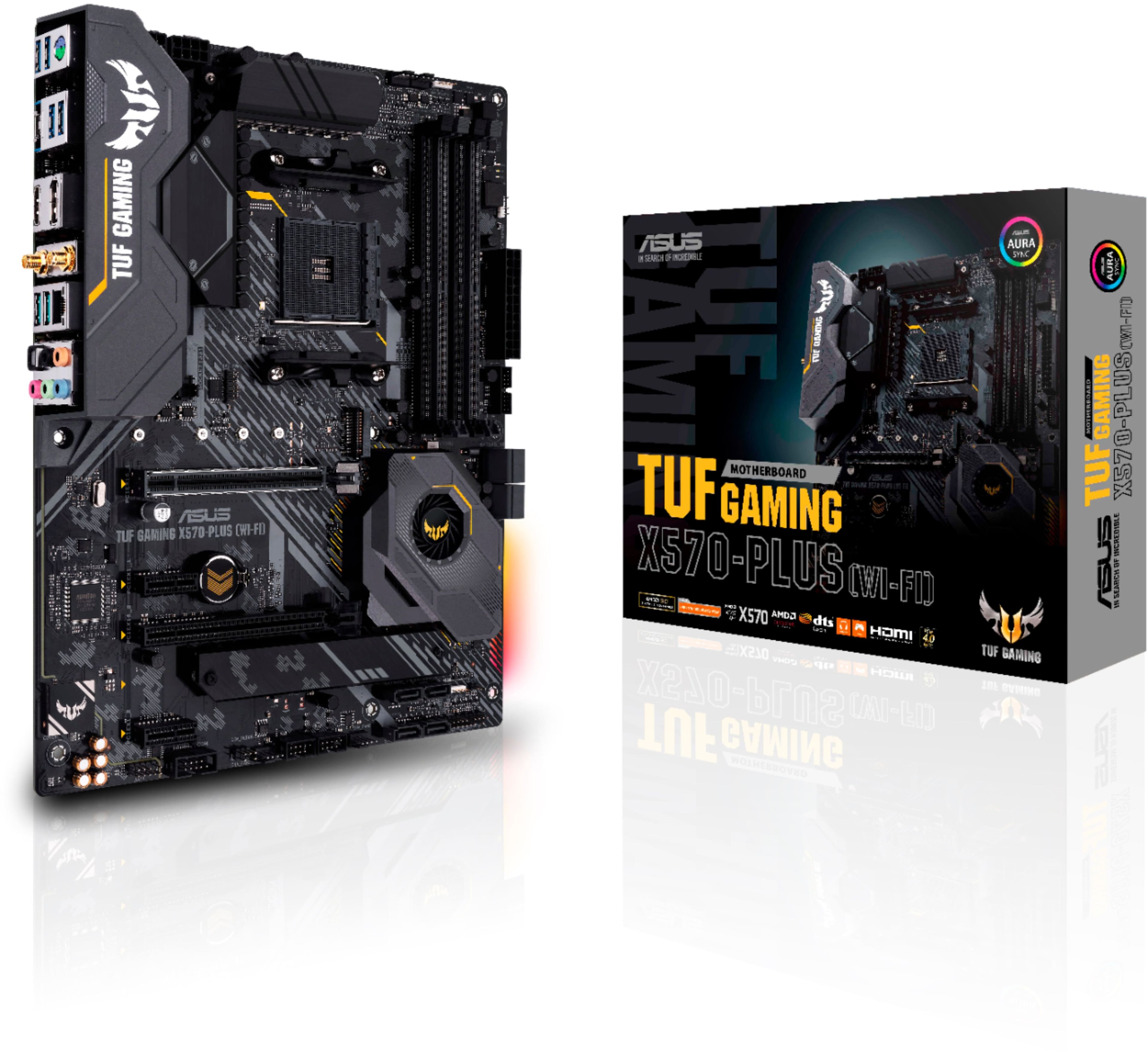
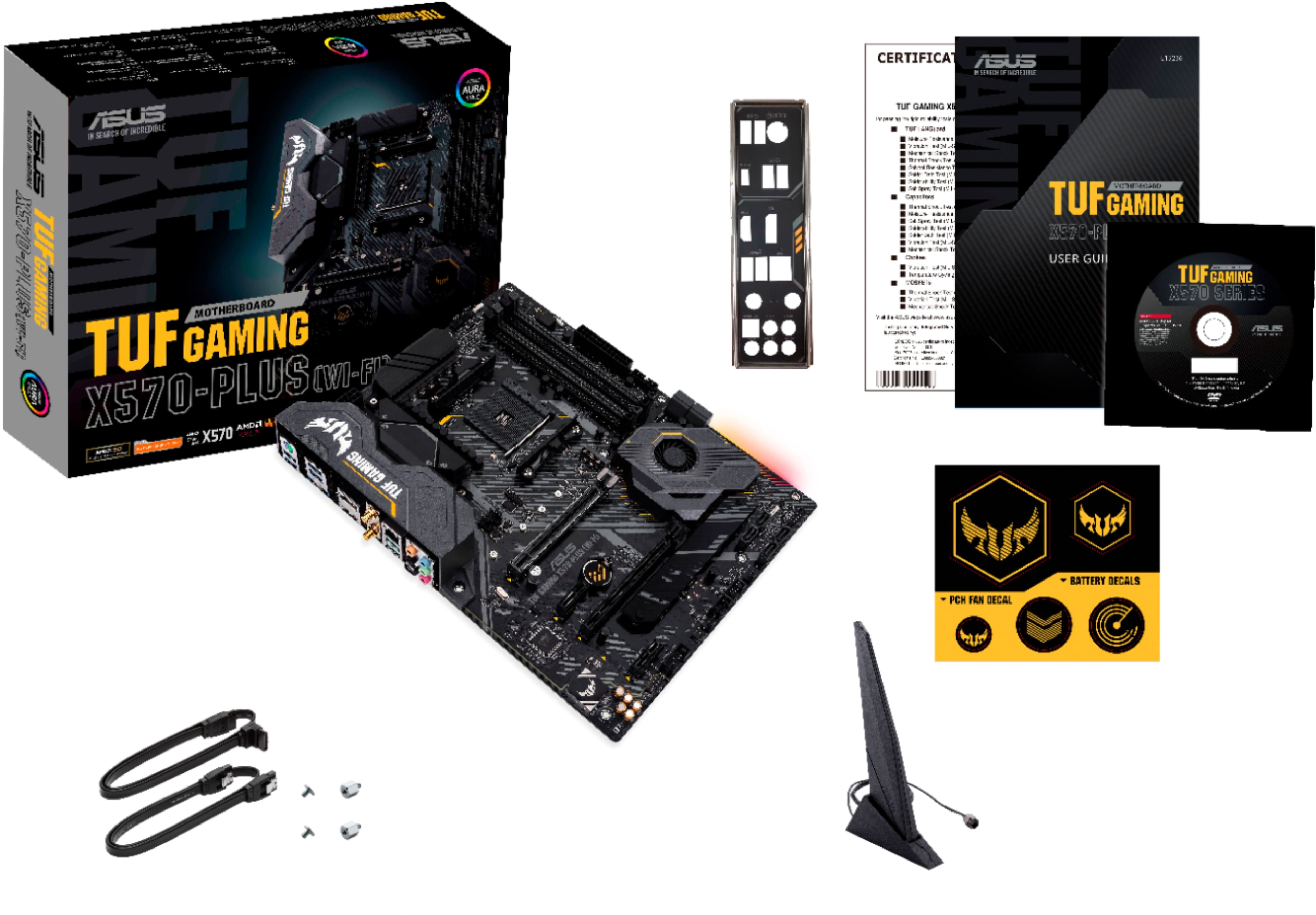
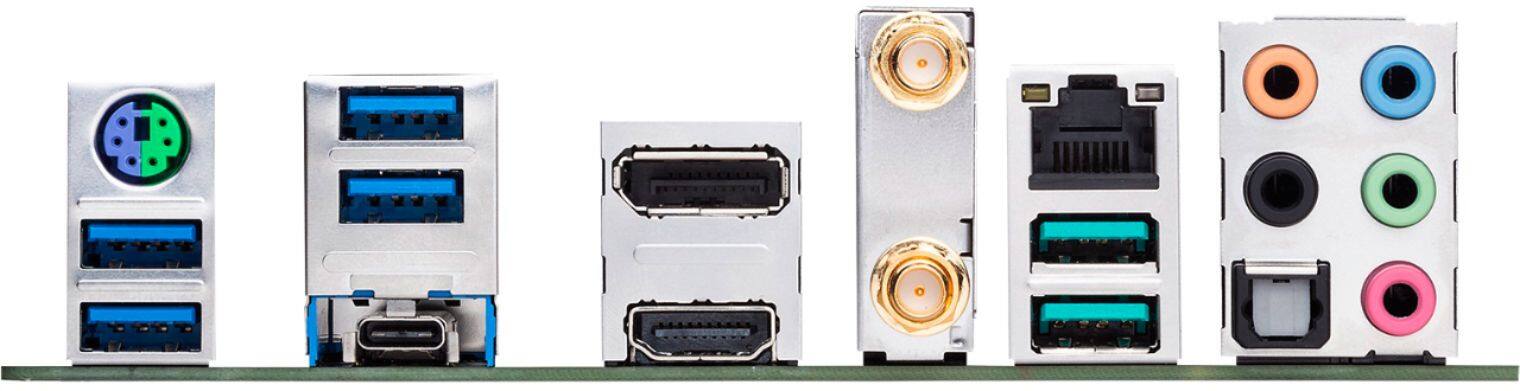
- TUF X570-PLUS GAMING (WI-FI)
- |
- SKU:
- 6356983
Customer reviews
Rating 4.5 out of 5 stars with 1514 reviews
(1,514 customer reviews)Rating by feature
- Value4.5
Rating 4.5 out of 5 stars
- Quality4.6
Rating 4.6 out of 5 stars
- Ease of Use4.5
Rating 4.5 out of 5 stars
Customers are saying
Customers admire the TUF GAMING X570-PLUS motherboard's performance, ease of use, and BIOS, frequently citing its strong Wi-Fi capabilities and excellent price-to-performance ratio. Many appreciate the user-friendly setup and the inclusion of useful features. However, some users express concern regarding the lack of a USB-C header and the placement of the chipset fan, which can be obstructed by certain graphics cards. The motherboard's compatibility and RAM options are also frequently praised.
This summary was generated by AI based on customer reviews.
- Pros mentioned:Bios, Price
Rated 5 out of 5 stars
Board works great with Ryazan 3700x
||Posted . Owned for 2 weeks when reviewed.This reviewer received promo considerations or sweepstakes entry for writing a review.This board was cheaper at BB than new egg And has all the bells and whistles. WiFi, usb-c Ann oc. Installed easily and was easy to setup.’ Even though it’s a new board ,Make sure to update bios.
I would recommend this to a friend Rated 5 out of 5 stars
Great Motherboard
Posted .This reviewer received promo considerations or sweepstakes entry for writing a review.Loaded with features and is a stable build. Paired with a 5900x / gigabyte GPU / 32gb Cosair Dominator Ram and Corsair rm1000 PSU
I would recommend this to a friend- Pros mentioned:Ease of use
Rated 5 out of 5 stars
Great motherboard for a decent price
||Posted . Owned for 1 month when reviewed.This reviewer received promo considerations or sweepstakes entry for writing a review.Everything is labeled so it makes it easy for beginners to wire and cable manage. Enough fan space for quite a few fans and rgb which always makes things better. Comes with wifi capability so no additional hardware is necessary
I would recommend this to a friend - Pros mentioned:Ease of useCons mentioned:Usb-c
Rated 4 out of 5 stars
Solid choice
||Posted . Owned for 1 year when reviewed.This reviewer received promo considerations or sweepstakes entry for writing a review.It’s a really easy motherboard to build in. I’ve had it for a year now with no issues. Plenty of USB ports in the back. The only thing it doesn’t have is a usb c header for the front io of my case
I would recommend this to a friend - Pros mentioned:Ease of use
Rated 5 out of 5 stars
Works super well and has a nice touch of RGB
||Posted . Owned for 2 months when reviewed.This reviewer received promo considerations or sweepstakes entry for writing a review.I love how this motherboard works. I fell confident with it and it was pretty easy to set everything up. The directions were easy to follow. The little hint of RGB gives it a nice touch as well.
I would recommend this to a friend - Cons mentioned:Usb-c
Rated 4 out of 5 stars
Works!
||Posted . Owned for 1 month when reviewed.This reviewer received promo considerations or sweepstakes entry for writing a review.Using with a 5000 series CPU and ECC RAM with no compatibility issues. Working OK so far. One less star due to no front panel header for USB-C 3.2 (only available on back panel).
I would recommend this to a friend - Pros mentioned:Bios, Wi-fi
Rated 5 out of 5 stars
Excellent
||Posted . Owned for 1 week when reviewed.This reviewer received promo considerations or sweepstakes entry for writing a review.Excellent mother board has so many features just wish the aura app was on the sick and not having to download. Wifi and blutooth work well. Wish there was more RGB lights on the mother board.
I would recommend this to a friend - Cons mentioned:Usb-c
Rated 5 out of 5 stars
Good Motherboards
||Posted . Owned for 3 months when reviewed.This reviewer received promo considerations or sweepstakes entry for writing a review.Hasn’t failed me although the lack of usb c might be put off to some it’s still a good product. Currently using it with a 3060 ti and a 5800 with 32 gigs of ram.
I would recommend this to a friend Rated 5 out of 5 stars
About Six Months In
||Posted . Owned for 5 months when reviewed.This reviewer received promo considerations or sweepstakes entry for writing a review.So far six months in and this board has been stellar and super reliable. No issues whatsoever. Have a 3700x running on it with 32gb of ram. Pro tip is to enable DOCP or XMP so you can run your ram at it’s highest speed. I didn’t even realize this under five months in. Haven’t been able to buy a video card yet so using my old one but have had no issues with it. I do have a pcie 4.0 ssd and it is wicked fast and snappy! I recommend getting one! Using six of the SATA ports and have had zero issues with any of them. This has really been a great board for me. Haven’t done any over clocking with it but potentially will in the future.
I would recommend this to a friend- Pros mentioned:BiosCons mentioned:Usb-c
Rated 4 out of 5 stars
good budget x570
||Posted .This reviewer received promo considerations or sweepstakes entry for writing a review.A great no frills trusted motherboard. Asus bios is one of the best. Note that this board does not have usbc to the front case panel, only on the rear io. This board also does not support usb flash back.
I would recommend this to a friend - Pros mentioned:Bios, Wi-fi
Rated 4 out of 5 stars
Great board
||Posted . Owned for 3 months when reviewed.This reviewer received promo considerations or sweepstakes entry for writing a review.Board is great, pci e 4.0 ready, WiFi is fantastic. Only issue I had with the board was it is Ryzen gen 2 ready, but you have update bios prior. I had to get a 3rd gen chip to POST. Bios is great and easy to use
I would recommend this to a friend - Pros mentioned:BiosCons mentioned:Usb-c
Rated 5 out of 5 stars
Usb-c only for charging
||Posted . Owned for 1 month when reviewed.This reviewer received promo considerations or sweepstakes entry for writing a review.Easy to install... bios is easy to use... didnt know there is no usb-c on on the motherboard to install it with the case... usb-c can is already built in at the back and only for charging
I would recommend this to a friend - Pros mentioned:Bios
Rated 5 out of 5 stars
So far so good.
||Posted . Owned for less than 1 week when reviewed.This reviewer received promo considerations or sweepstakes entry for writing a review.So far so good! When I first tried to boot my new PC I was getting an error LED on the MOBO telling me there was an issue with DRAM. I had 2 8g sticks and tried using one at a time in different sockets. Nothing I did would get the PC to boot. However, I took 2 8g sticks from my old build and put them in. MOBO was able to post after that. I'm not sure if the RAM that didn't work was bad or incompatible, but it doesn't matter because my PC is now working. I've got it paired with a Ryzen 5 5600x and did not have to update bios in order for it to work.
I would recommend this to a friend Rated 5 out of 5 stars
Good mobo for the price
||Posted . Owned for more than 2 years when reviewed.This reviewer received promo considerations or sweepstakes entry for writing a review.This has held up for 2.5 years now - have replaced RAM and GPU in that time, no issues, ports are all robust / not flimsy like half the other brands msi etc. Will most likely stick with ASUS motherboards moving forward.
I would recommend this to a friend- Pros mentioned:Price
Rated 5 out of 5 stars
Great motherboard
||Posted . Owned for 3 weeks when reviewed.This reviewer received promo considerations or sweepstakes entry for writing a review.Working well with G.Skill Trident Z Neo 3600 ram and a Ryzen 3600 that I plan to upgrade in the future. PcIe 4.0 for future upgrades as well. Great VRM as well. Best X570 board in the price range.
I would recommend this to a friend Rated 4 out of 5 stars
Would get 5 star if....
||Posted . Owned for 1 week when reviewed.This reviewer received promo considerations or sweepstakes entry for writing a review.This would get 5 star if Windows 10 wouldnt encounter problem during installation. Please beware!! When you try to install Windows 10 on newly-built PC with this motherboard, the Windows crashes on blue screen. After hours of frustration I found the solution on the internet: First through BIOS page, under Advanced setting, under connected device, turn off LAN and disable WIFI and Bluetooth. Then install windows. Because when you install Windows you dont have access to internet. With another laptop, go to Asus X570 website and download 3 Updated drivers for LAN, Wifi, Bluetooth (+ Winrar to unzip files). Put drivers on a flash drive. Then install Winrar and these 3 drivers from flash on newly-built PC. Then restart and go to Bios and turn back LAN on and Enable Wifi and Bluetooth. Afterwards when you go back to the Windows, connect to the internet and install Asus software and through that software update/install all drivers. Finding this solution on the internet took me a lot of time, hopefully your precious time is saved.
I would recommend this to a friend- Cons mentioned:Usb-c
Rated 4 out of 5 stars
ALMOST perfect
||Posted . Owned for 1 month when reviewed.This reviewer received promo considerations or sweepstakes entry for writing a review.One of the best rated boards for its tier, actually swinging somewhat high for its tier ("high-end-but-not-$700-flagship"). Memory support is good, VRM's are great, header choices are ALMOST great. One caveat from me is that it does not have the header for a case-front USB-C. The Crosshair VI Hero had that header even though it only supported USB 3.1, AKA REGULAR OL USB 3. This board has a full-featured USB 3.2 GEN 2 on the back, both C and A, but no header. Why Asus, why? Oh, and the RGB isn't really RGB. It shows up and can be changed in the compatible RGB program, but anything other than the default rainbow sweep just turns it off.
I would recommend this to a friend - Pros mentioned:Bios
Rated 5 out of 5 stars
Good board
||Posted . Owned for 11 months when reviewed.This reviewer received promo considerations or sweepstakes entry for writing a review.I hear tell that some x570 boards run loud because of an on-chip heatsink. This one does not. I am still waiting on my case in the mail. With no covering at all, the system is making less noise than other ambient sounds in the room. And the BIOS is very easy to use. After two weeks I have no complaints. I'm glad I didn't go cheap on my motherboard. I only wish there were a couple of Thunderbolt ports, but AMD motherboards only very recently got legal clearance to have those. Oh well, next upgrade.
I would recommend this to a friend - Pros mentioned:Performance, Price
Rated 5 out of 5 stars
Tuf enuff!
||Posted . Owned for 3 weeks when reviewed.This reviewer received promo considerations or sweepstakes entry for writing a review.Chose this over the Aorus Elite. Both in the same respective price range. Paired with a Ryzen 3700x. No complaints. Works like a charm. Another quality Asus product!
I would recommend this to a friend - Pros mentioned:Ease of use
Rated 5 out of 5 stars
Motherboard
||Posted . Owned for 4 months when reviewed.This reviewer received promo considerations or sweepstakes entry for writing a review.Easy to set up in case. Components fit properly and looks awesome. The one draw back is that there is no integrated video card. Still a great motherboard.
I would recommend this to a friend