Customer Ratings & Reviews


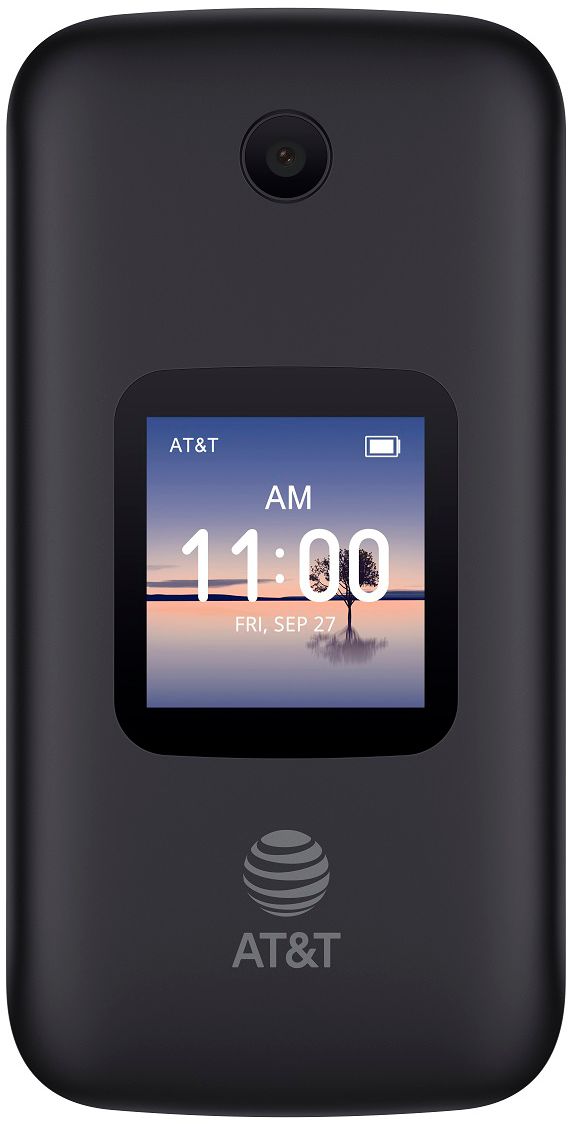
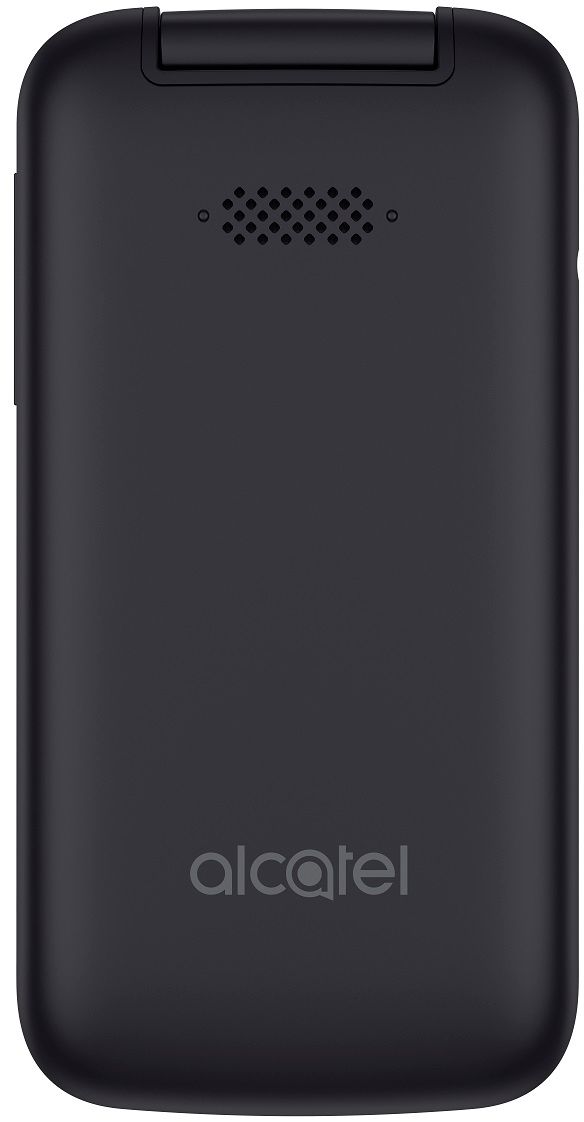
- Model:
- 4052R
- |
- SKU:
- 6368542
Customer reviews
Rating 4 out of 5 stars with 247 reviews
(247 customer reviews)Rating by feature
- Value4.2
Rating 4.2 out of 5 stars
- Quality4.0
Rating 4.0 out of 5 stars
- Ease of Use3.9
Rating 3.9 out of 5 stars
Customers are saying
Customers admire the SMARTFLIP™ for its ease of use and large buttons, which are particularly helpful for seniors. While the price point is frequently praised, some users find the texting functionality and battery life to be less than satisfactory. The lack of clear instructions is also a recurring concern. Call quality has also received mixed reviews, with some users reporting issues with clarity and connectivity.
This summary was generated by AI based on customer reviews.
- Cons mentioned:Battery life, Texting
Rated 1 out of 5 stars
Unable to even set up.
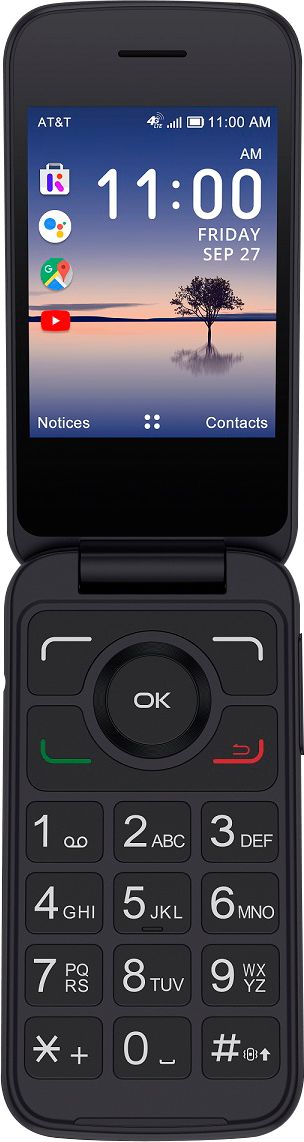
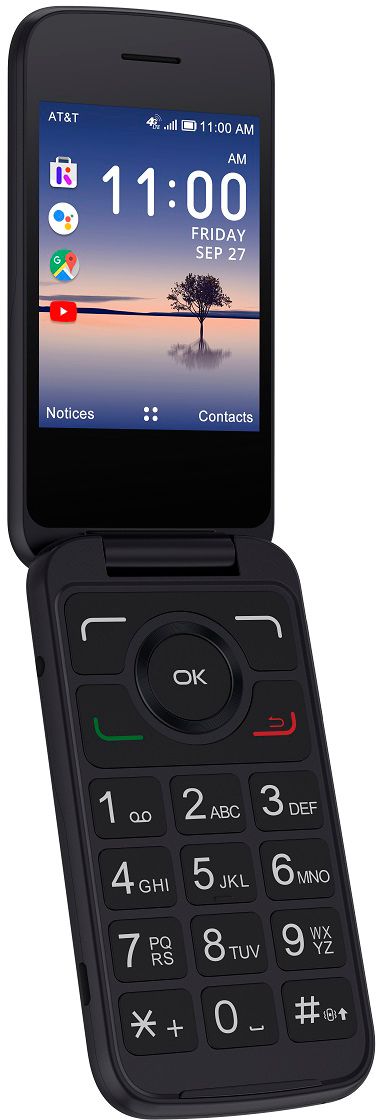
Posted .This reviewer received promo considerations or sweepstakes entry for writing a review.Selected a flip phone for use by an elderly patient of mine. Wanted something senior-friendly and clean. When you open the package, there's the phone, a battery, and two instruction manuals, both labeled "Start Here". Neither has instructions for how to open the phone to install the battery. Had to go to my desktop and Google it. (It has to be pried open, with a good amount of force, and I didn't want to be prying in the wrong direction.) Battery now in. Charge the phone. The "Start Here" manual tells me to turn on the phone and enter the number for the plan I want. Turn on the phone, and it doesn't ask for a plan number. Tells me to go to a web page. Which is kinda amusing, since there isn't a web browser on the home screen. Instead, it immediately asks me for the password for my home WiFi. OK, I've got a rather complicated password. I'm not a real security thug. But when I set it up, I was only adding one device to the WiFi. Now, as my collection of wireless devices has propagated, I keep having to type in this ridiculously complicated password, every time I buy something. (I could change it. But then I'd have to re-program every device I've already connected.) So now there's the keyboard, and the web experience. You have to use the pointer to move the cursor to the field you want. (The web page is gigantic compared to the phone's screen, so you can only see like 1% of the web page at any time.) Move to the field you want to type in. (A field that you don't know is there, till you scroll to it.) Click the "OK" button inside the pointer. Then you can use the keyboard. To use the keyboard, you have to press the # key on the keypad. A bar at the top of the screen will display either "abc", "ABC", or "123", to enable the keyboard to type lowercase, uppercase, or numbers. To type symbols, you have to press * (also not labeled), which then gives you a screen showing you which keypad button equals which symbol. My password is like 20 characters long, includes uppercase, lowercase, digits, and a symbol. Oh, and it's a password, so I can't see what I'm typing. I eventually discover that I can press the "Done" menu key to exit typing mode, then use the cursor controls to find the "show password" button (which wasn't visible on the screen until I moved the cursor there.) I get connected to WiFi. I answer a bunch of questions. It tells me to go to myATT and select "Manage Account" to finish setup. I haven't created a myATT account yet, so it demands that I create one. Oops. prepaid customers can't use that web site. Have to go to a different one. I enter my new cell phone number (Good thing I wrote it down, when they told me). And my zip code. And the last four digits of my cell phone number, which a previous page told me was my temporary password. And it tells me that it's issuing me a new temporary password, and texting it to me. Unfortunately, the phone doesn't receive any texts. (I send it a text from my cell phone. Doesn't receive it, either.) Won't let me sign in with the last four of my cell phone number, either. That password isn't valid any more. I can't figure out how to get the phone to try to send a text. See, near as I can tell, the phone doesn't have a "home" button. There's a "back" button. But that doesn't exit the browser, it just sends me to the previous web page. Did I mention I specifically picked out this phone for the purpose of handing it to an elderly woman with confusion problems? I give up. Go back to Best Buy, yo buy a different phone. When I get there, this phone buzzes (I had put it back in the box.) Now, a half hour later, it's received three text messages. (One was the test message I sent from my phone. Neither is the new password that ATT said they were texting me.) I buy my patient a Moto android touchscreen, from Cricket. It's set up and running now.
No, I would not recommend this to a friend - Pros mentioned:Button size, Ease of use
Rated 5 out of 5 stars
Nice smart flip phone!!!
Posted .This reviewer received promo considerations or sweepstakes entry for writing a review.I like it because i can listen my music emailing and lots of good stuff big thing why i like its because this phone is smaller size then most smartphones but does half of what you do on smart phone again loud sound for music and comfortable to use it plus quick loads pages worth to buying!
I would recommend this to a friend - Pros mentioned:Button size
Rated 5 out of 5 stars
I love my Alcatel Smartflip
Posted .This reviewer received promo considerations or sweepstakes entry for writing a review.I am 69 years old and just got an Alcatel Smartflip to replace my AT&T LG B470 flip phone since AT&T will be dropping 3G flip phones.'' I get free WiFi where I live so I just need a flip phone to make calls and receive text messages. The Smartflip is slightly larger than the B470 and has larger buttons making it easier to use. The volume of the ringtones and the call volume are both better than that of the B470, and the screen is slightly larger too. I just went online and read the online User Manual and watched a couple of instructional videos for the Smartflip. I am very pleased with my Smartflip.
I would recommend this to a friend Rated 2 out of 5 stars
Disappointed in phone for elderly mom
Posted .This reviewer received promo considerations or sweepstakes entry for writing a review.I bought this phone for my elderly mom because she wanted to keep her AT&T number and transfer all contacts from her old cell phone. We thought this phone would be easier for her to use. The ringer sound although turned to highest level 15/15 is not loud enough even for me to hear! The contact list is difficult for elderly vision - the white font against the green highlighted background for each contact is not easy to see. We need a simple flip phone that is compatible to use with AT&T that is basic - just phone calls - no complicated screen. The only other phone recommended is Jitterbug - but not AT&T compatible and costs much more. Wish there was a simple phone for older people who have vision and hearing problems but want to make and receive calls.
No, I would not recommend this to a friendRated 2 out of 5 stars
A fair phone with one major issue and NO support
Posted .This reviewer received promo considerations or sweepstakes entry for writing a review.Positives: The Alcatel Smartflip cell phone fixed the Bluetooth connectivity of their previous flip phone and the phone now connects to more Bluetooth devices and shares its phonebook. The audio is better than average, but not exceptional. The speakerphone audio is somewhat tinny, but that is expected from a small speaker. Negatives: The manual is less than a joke. It lists many of the phone's "features" but fails to explain how to activate them. The phone does NOT remember the permission given for the Bluetooth device to access the phone's messages, so every time the phone reconnects to a Bluetooth device it asks for permission again. Tech support is near none existent; speak to three different "experts" and get three totally different responses; i.e. one said the issue was a device problem that would be looked into, while another said the same issue was a design feature (LOL). I reported the permission issue via their WEB page and was informed that it was marked as "pending". The next e-mail reply stated that the issue "has been marked as closed for now". No reason given or notification of a fix. I would only recommend this phone to a friend if they were willing to live with the constant giving permission and lack of knowledgeable technical people.
No, I would not recommend this to a friendRated 5 out of 5 stars
Great phone for money!!
Posted .This reviewer received promo considerations or sweepstakes entry for writing a review.It'a amazing to see how far this Flip phones came from. This one is running KaiOS 2.5 latest from KaiOS. Inbuilt google assistant, youtube and google map. You can download twitter and facebook as well. This is not a smartphone so i can not compare with smartphone but look it as feature phone with added benefits when needed. Great backup phone/for kids and for parents. Grate battery life.
I would recommend this to a friendRated 5 out of 5 stars
Worked well
Posted .This reviewer received promo considerations or sweepstakes entry for writing a review.Needed it for a trip as an extra phone. No complaints.
I would recommend this to a friend