Customer Ratings & Reviews
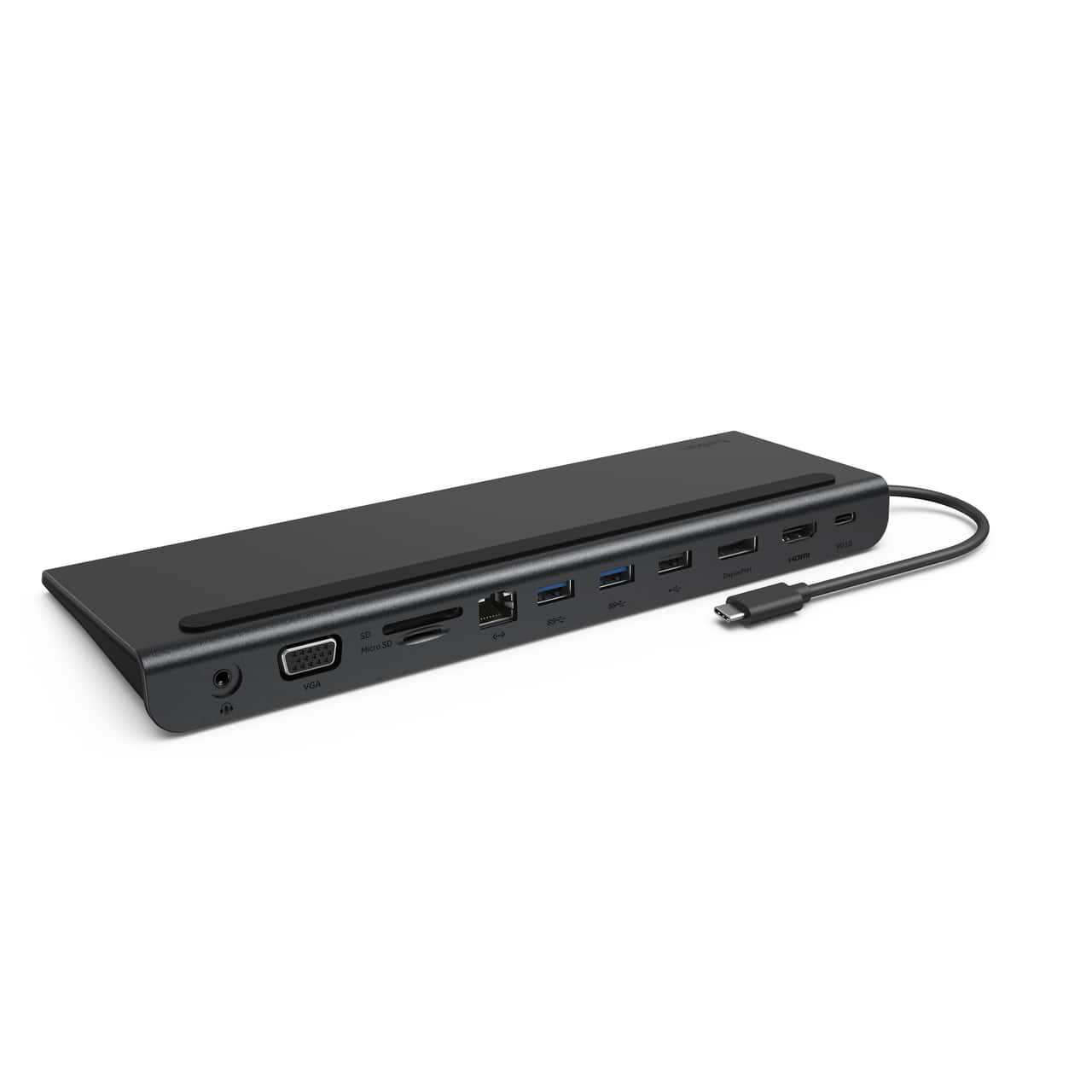
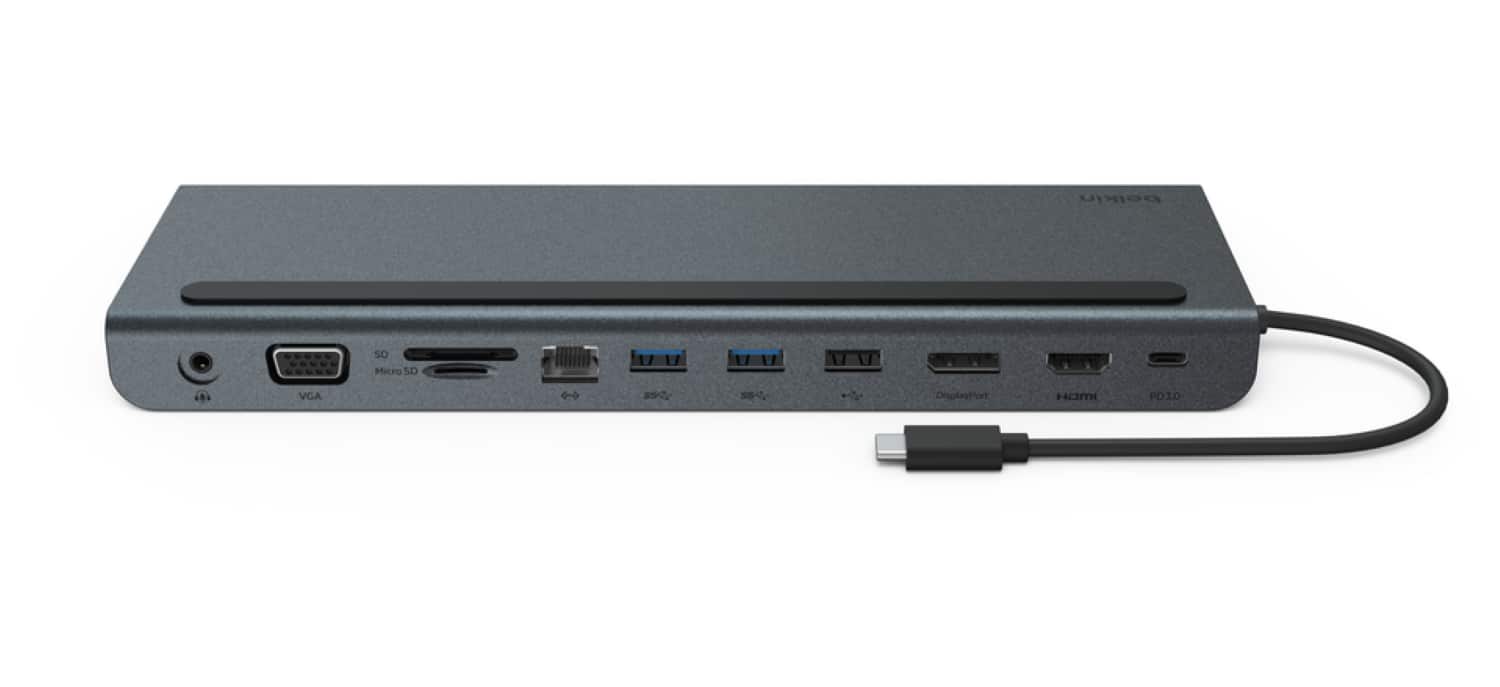
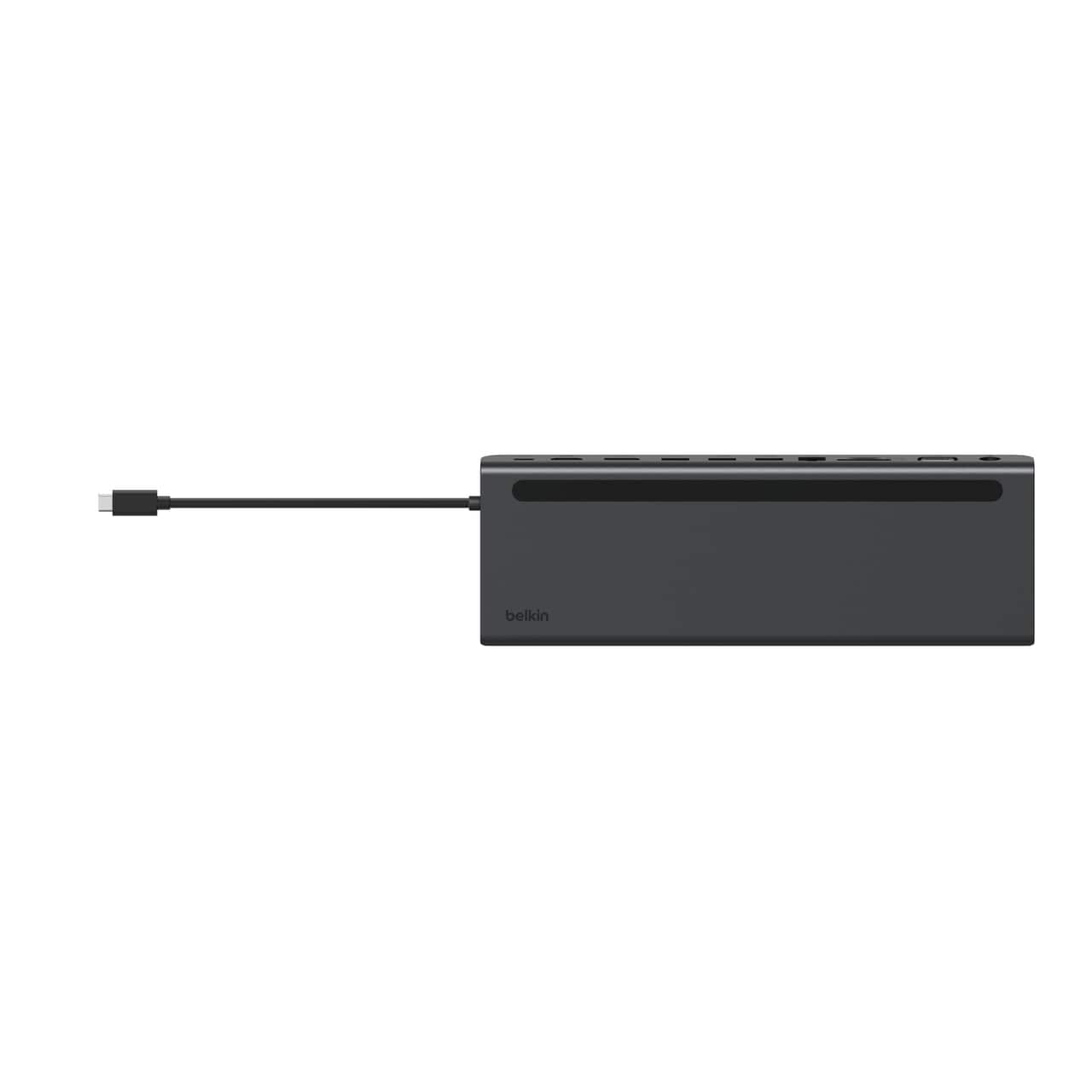
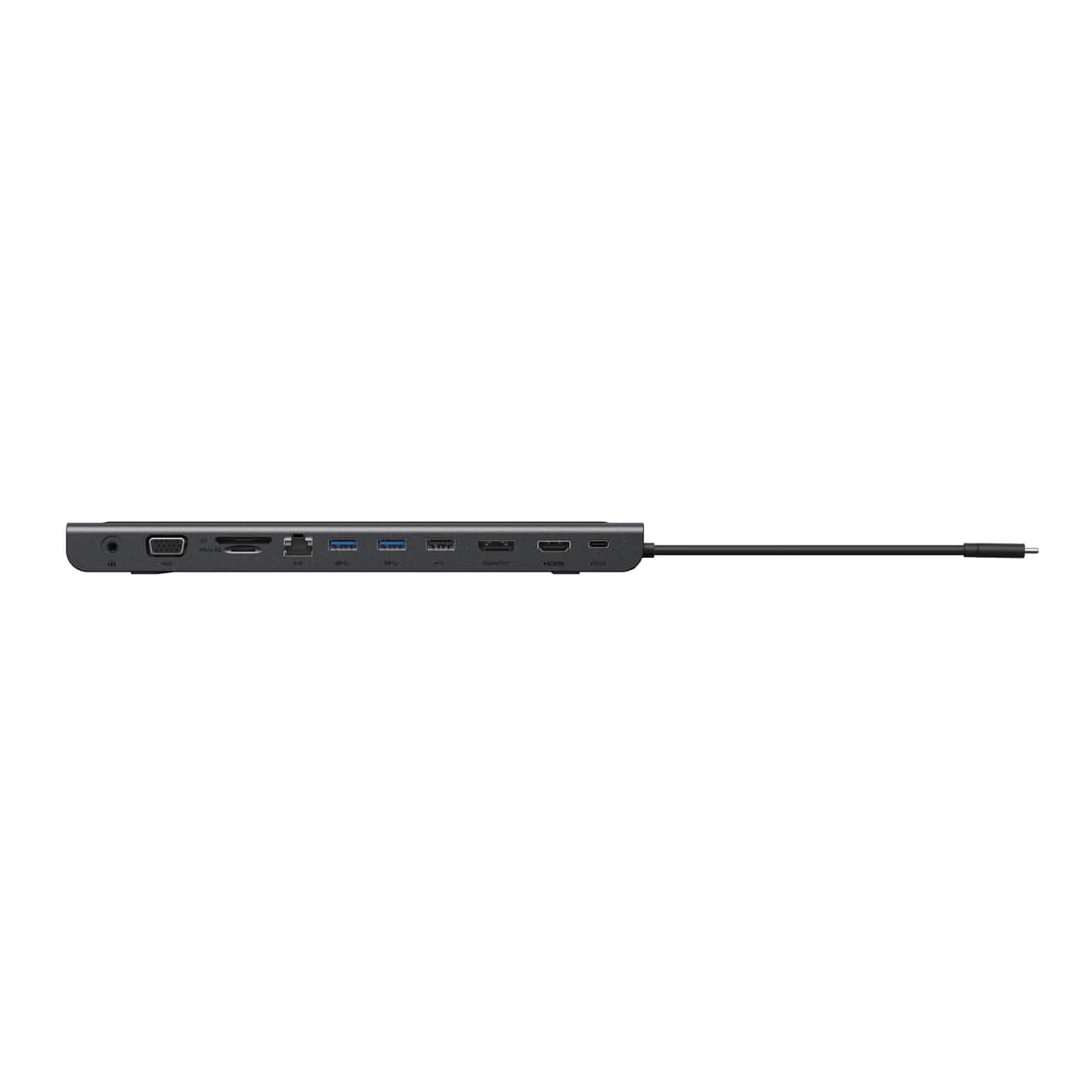
- Model:
- INC022ttDG-RL
- SKU:
- 6589124
Rating by feature
- Value
Rating 4.2 out of 5 stars
- Quality
Rating 4.4 out of 5 stars
- Ease of Use
Rating 4.4 out of 5 stars
Customers are saying
Customers find value in the product's ease of use, reliable overall performance, and excellent connectivity, particularly appreciating its HDMI capabilities and numerous ports. Its broad compatibility, appealing design, and compact size are also frequently highlighted. However, a significant concern for many users is the short cable length, with some also noting the need for a separate power supply and finding the product to be a bit pricey.
This summary was generated by AI based on customer reviews.
- Pros mentioned:Connectivity
Extends use of laptop
||Posted .This reviewer received promo considerations or sweepstakes entry for writing a review.This helps when I need to do other things by connecting my laptop to larger screen and keyboard.
I would recommend this to a friendBrand response from BelkinStaff
Posted .Hi Jacquelyn,
Thanks so much for sharing your experience with the Belkin 11-in-1 USB C Hub. If there’s anything specific, you’d like to see more of, feel free to let us know.
For assistance, you can email us at BelkinCares@belkin.com or call our support hotline which can be found here: https://www.belkin.com/support-article/?articleNum=55022.
Regards,
Kyla
Belkin Support
Great but Maybe Two to Test
||Posted . Owned for 1 month when reviewed.This reviewer received promo considerations or sweepstakes entry for writing a review.I bought two of these and for Mac Mini M4 and M2 computers. The display ports worked on one but but not on the other. I switched them to see if it was a compatibility issue or just a faulty product. Turns out it was the product. I’m always questioning the user too so made sure I wasn’t being a dummy too. :)
I would recommend this to a friendBrand response from BelkinStaff
Posted .Hi JoeC,
Thank you for sharing your experience with us. Your feedback of the Belkin INC022 is greatly appreciated. Should you have any questions or other concerns regarding our products, feel free to get in touch with us any time. You can contact us directly through email at BelkinCares@belkin.com or you can call us through our hotline numbers found on this link: https://www.belkin.com/support-article/?articleNum=55022.
Regards,
Lance
Belkin Support
- Pros mentioned:Overall performance
More port options for our Mac Book.
||Posted .This reviewer received promo considerations or sweepstakes entry for writing a review.Exactly as described. Works well with our Mac Book, while allowing us more port options.
I would recommend this to a friendBrand response from BelkinStaff
Posted .Hi Maureen,
Many thanks for the 5-star rating. We're excited to welcome you back for another great experience.
For assistance, you can email us at BelkinCares@belkin.com or call our support hotline which can be found here: https://www.belkin.com/support-article/?articleNum=55022.
Regards,
Kyla
Belkin Support
- Cons mentioned:Power supply
good item BUT....
||Posted . Owned for 3 weeks when reviewed.This reviewer received promo considerations or sweepstakes entry for writing a review.Good item — very reliable. However, I’ll give it 3 stars because it didn’t come with the proper power cable. I also had issues connecting multiple displays since it couldn’t supply enough power to all devices.
No, I would not recommend this to a friendBrand response from BelkinStaff
Posted .Hi JeromeM,
We appreciate your positive feedback of the Belkin INC022. Nevertheless, we'd like to look into the challenges you have mentioned. Please reach out to us through email at BelkinCares@belkin.com along with your contact details and the link to this post for our reference. We’ll continue assisting you from there. Alternatively, you can also call us through our hotline numbers found on this link for assistance: https://www.belkin.com/support-article/?articleNum=55022.
Regards,
Lance
Belkin Support
- Pros mentioned:Ease of use
Must have for Macbook Pro
||Posted . Owned for 3 months when reviewed.This reviewer received promo considerations or sweepstakes entry for writing a review.If you have a macbook, this is the answer for office use. I was surprised how Mac has eliminated ports, and connectors but this gives you all the freedom back. I keep it on my desk for external monitor, headset, and network connectors to make office use a dream!
I would recommend this to a friend - Pros mentioned:Overall performance
Works as advertised, great for everyday use
||Posted .This reviewer received promo considerations or sweepstakes entry for writing a review.Works like advertised, best value for basic everyday use
I would recommend this to a friendBrand response from BelkinStaff
Posted .Hi GrizzlyTeddy,
Thanks so much for sharing your experience with us. We're excited to welcome you back for another outstanding experience.
For assistance, you can email us at BelkinCares@belkin.com or call our support hotline which can be found here: https://www.belkin.com/support-article/?articleNum=55022.
Regards,
Kyla
Belkin Support
- Cons mentioned:Power supply
Ethernet port dies when under load
||Posted . Owned for 1 week when reviewed.This reviewer received promo considerations or sweepstakes entry for writing a review.To be fair, I’m currently in discussions with @BelkinCares on Twitter trying to get my issue resolved. I had high hopes for this dock, but I’ve had an issue with the Ethernet port cutting out when I’m in a video conference call after about 30 minutes (presumably when network traffic is high). It appeared that this was likely due to the MacBook Pro’s power supply being only 61W (the dock states 65W minimum is needed) - so I purchased and put into use a 97W Apple Power Supply only to now be told that “a 97W power supply is beyond the docks power requirement that may cause damage to the dock.” There is no statement in the requirements of a “maximum” limit! I have only three things plugged into the dock - the power cable from the power supply, an HDMI cable, and an Ethernet cable. When the Ethernet port fails - the computer still sees it as “active” so it doesn’t auto-switch over to using WiFi. To resolve the situation a quick unplug / replug of the docks connection to the computer resolves the issue. I’m using it with an Apple MacBook Pro 13” (Touch Bar version)
No, I would not recommend this to a friendBrand response from BelkinStaff
Posted .Hi bedelman0731,
We appreciate the time in posting a review. Know that your product and support experience are our top priorities and we'd like to make things right. Please send us an email at BelkinCares@belkin.com with your previous support case number and the link to this review for our reference. We'd like to check if there are some breakdowns on the process during your contact and help you out with your possible options.
We'll wait for your updates.
Regards,
Carl
Belkin Support
- Pros mentioned:Ports
Good Choice.
||Posted . Owned for 8 months when reviewed.This reviewer received promo considerations or sweepstakes entry for writing a review.I needed a dock for my work computer with USB-C power. This does the job nicely and has all the ports I need. Remember, that the power supply included with your PC will likely not provide enough watts to drive the docking stations and your computer so you may have to buy an additional power supply cable/brick.
I would recommend this to a friend - Pros mentioned:Ports
Work horse
||Posted . Owned for 5 months when reviewed.This reviewer received promo considerations or sweepstakes entry for writing a review.Its big, but it has everything I need...It was a good buy....Thanks
I would recommend this to a friendBrand response from BelkinStaff
Posted .Hi 2006fordmustang,
Many thanks for your positive feedback. We totally agree that the Belkin INC004 dock has everything you need. Should you have any questions or other concerns regarding our products, feel free to get in touch with us any time. You can contact us directly through email at BelkinCares@belkin.com or you can call us through our hotline numbers found on this link: https://www.belkin.com/support-article/?articleNum=55022.
Regards,
Lance
Belkin Support
- Cons mentioned:Cable length
OK Dock that needs a few adjustments
||Posted . Owned for 3 weeks when reviewed.This reviewer received promo considerations or sweepstakes entry for writing a review.This does its job of having more, but the connection seems slow for wireless mice and the wire needs to be longer.
No, I would not recommend this to a friend - Pros mentioned:Hdmi
Great USB-C Hub for macOS & Windows 10/11
||Posted . Owned for 2 months when reviewed.This reviewer received promo considerations or sweepstakes entry for writing a review.I use it with my 2023 MacBook Pro 16-inch M2 Pro. Easy to use once plugged in. Every port works perfectly with my MacBook Pro.
I would recommend this to a friendBrand response from BelkinStaff
Posted .Hi Br2000s! We're glad to hear that you are happy with our Belkin INC022ttDG-RL. If there’s anything we can help you with your Belkin products, never hesitate to reach out to our support teams:
- BelkinCares@belkin.com
- https://www.belkin.com/support-center/
Regards,
JC
Belkin Support
- Cons mentioned:Cable length
Definitely worth the money! Super fast!
||Posted . Owned for 3 weeks when reviewed.This reviewer received promo considerations or sweepstakes entry for writing a review.It’s a great product! The only issue is… and this may be different for everyone.. is where the adapter plugs into my laptop. The cord is really short and if you need to plug something into the adapter it tends to slide under the laptop. Then when you go to set the laptop back on it right you have to fight with it again bc the cord is short. It’s still pretty sweet tho.
I would recommend this to a friend - Pros mentioned:Overall performance
Works great
||Posted .This reviewer received promo considerations or sweepstakes entry for writing a review.Good value- works perfectly! Very satisfied with this purchase- in fact bought another!
I would recommend this to a friendBrand response from BelkinStaff
Posted .Hi BrianB,
We truly appreciate your positive feedback. We totally agree that the Belkin INC022 works great indeed. Should you have any questions or other concerns regarding our products, feel free to get in touch with us any time. You can contact us directly through email at BelkinCares@belkin.com or you can call us through our hotline numbers found on this link: https://www.belkin.com/support-article/?articleNum=55022.
Regards,
Lance
Belkin Support
Works well but is limited
||Posted . Owned for 2 weeks when reviewed.This reviewer received promo considerations or sweepstakes entry for writing a review.It does what you would expect it to do for the most part, but if you have multiple monitors above regular HD, you have to dig into the Q&A to learn that it's only going to support 2x HD, leading to resolution loss. Also doesn't seem to work with a switch to allow the monitors to be used by a PC, such as if you have a home desktop and work laptop. With remote work becoming more prevalent, this would've been nice. Won't even do 2x HD in that case - just 1 monitor.
No, I would not recommend this to a friendBrand response from BelkinStaff
Posted .Hi Chris,
Your feedback is important to us! The supported maximum monitor resolutions depend upon the number of monitors being connected and used at the same time as well as the power of the computer. While the dock can support up to the resolutions and refresh rates up to 1920 x 1080 at 60 Hz for dual-setup, and 1920 x 1080 at 60 Hz for Tri-setup display, your computer may not be able to support them. Please check with your computer manufacturer for supported display.
Moreover, our Product Experts would like to check your network set up and provide real time solution. Please reach out to our phone support so lend you a hand through the hotline numbers listed here: https://www.belkin.com/us/support-article?articleNum=55022.
Regards,
Carl
Belkin Support
QUality piece of gear
||Posted .This reviewer received promo considerations or sweepstakes entry for writing a review.Excellent doc that works well with my MacBook Pro and Thinkpad.
I would recommend this to a friend- Pros mentioned:Ports
Best hub period!
||Posted . Owned for 3 weeks when reviewed.This reviewer received promo considerations or sweepstakes entry for writing a review.Great product! All the ports will ever need! I could find one that was better!
I would recommend this to a friendBrand response from BelkinStaff
Posted .Hi, Ronn,
Thanks so much for sharing your experience with the Belkin docking station. If there’s anything specific, you’d like to see more of, feel free to let us know. Should you need help with any of your Belkin devices, just send us an email at BelkinCares@belkin.com or call our support hotline which can be found here: https://www.belkin.com/support-article/?articleNum=55022.
Regards,
Jean
Belkin Support

Cable is extremely short
|Posted . Owned for 1 week when reviewed.This reviewer received promo considerations or sweepstakes entry for writing a review.[Employee of bestbuy] The design of the station is alright. However, if you’re using anything other than a MacBook or a similar model with the usb c ports at the back, you should expect to have the station in the middle of your laptop.
No, I would not recommend this to a friendBrand response from BelkinStaff
Posted .Hi, PS2Slim,
We appreciate your thoughts on the design. The short cable can be a bit limiting, especially for devices with ports on the back. If you have any questions or need further assistance, feel free to reach out—we’re happy to help!
Belkin Phone Support: https://www.belkin.com/support-article/?articleNum=55022.
Regards,
Marie
Belkin Support
- Pros mentioned:Hdmi
Make sure you read compatible machines
||Posted . Owned for 2 months when reviewed.This reviewer received promo considerations or sweepstakes entry for writing a review.Make sure you read the compatibilities of the device. I'm sure this may be a good docking station for some but if you don't have one of the compatible machines, it may not fully work. I purchased this initially and was using it primarily for the USB ports. I then wanted to use the DisplayPort and HDMI port for my M1 Mac. The HDMI worked great but DisplayPort did not. After going back and forth with support I finally received a replacement unit. That one, had a similar issue with my M1 Mac. I'm sure it would work fine with a compatible laptop but since M1 was not support mine does not.
No, I would not recommend this to a friendBrand response from BelkinStaff
Posted .Hi, BillG,
We are sorry to hear about the experience you had with our product. Is there something specific we can help with? Feel free to reach us at BelkinCares@belkin.com if you need help in any of your Belkin product
Regards,
Chu
Belkin Support
- Pros mentioned:Ports
Great laptop add on!
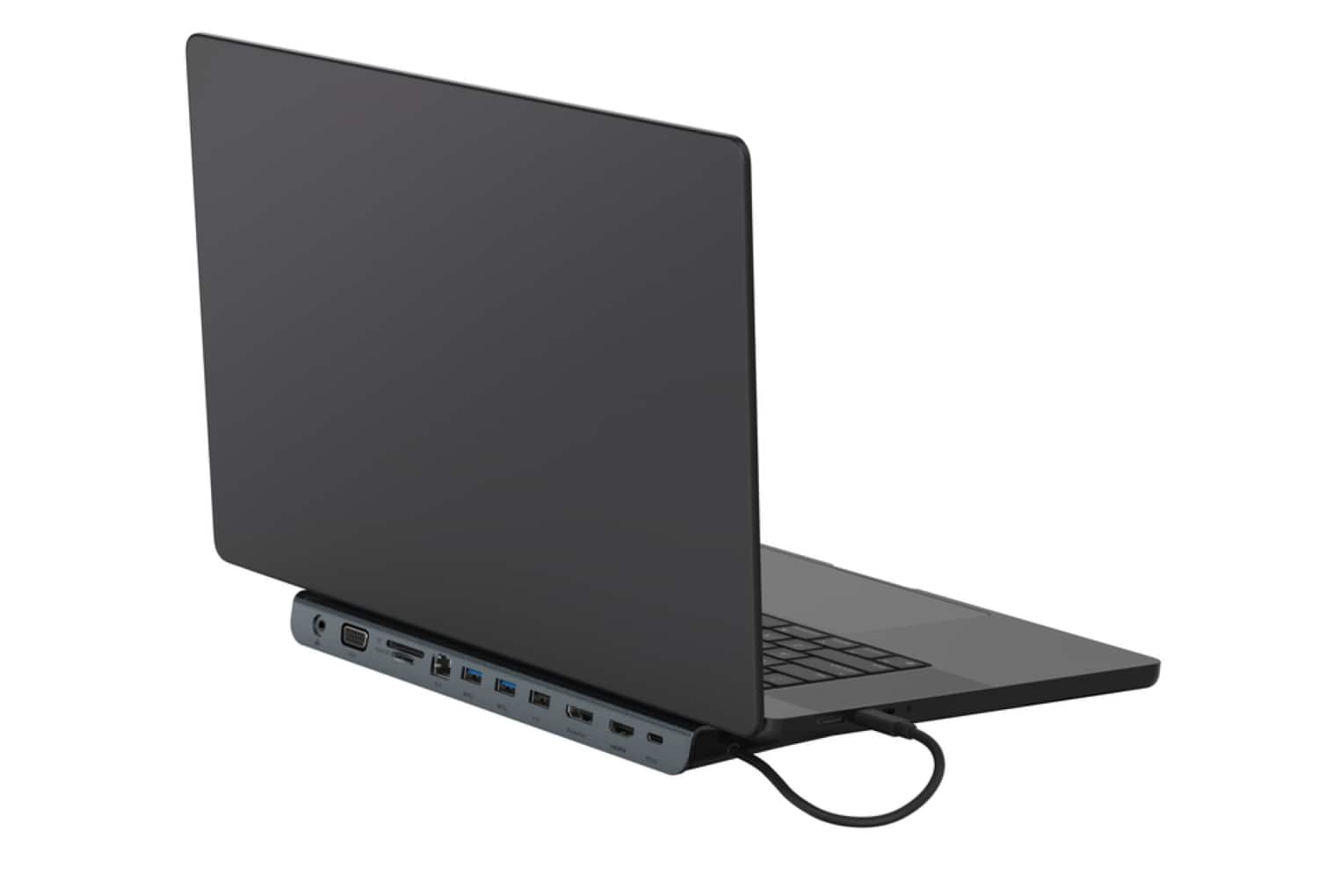
||Posted . Owned for 3 weeks when reviewed.This reviewer received promo considerations or sweepstakes entry for writing a review.I bought a state of the art laptop only to find out that many of the ports that use to be built in are no longer standard. And since I really like it I decided to buy this hub which works fantastic and gives my laptop a slight angle making it easier to type.
I would recommend this to a friend - Pros mentioned:Connectivity
Great value for a durable product
||Posted . Owned for 3 weeks when reviewed.This reviewer received promo considerations or sweepstakes entry for writing a review.compact, but durable. good price. immediate plug and play.
I would recommend this to a friend