Customer Ratings & Reviews

- Model:
- INC004btSGY
- SKU:
- 6452575
Rating by feature
- Value
Rating 4.2 out of 5 stars
- Quality
Rating 4.4 out of 5 stars
- Ease of Use
Rating 4.4 out of 5 stars
Customers are saying
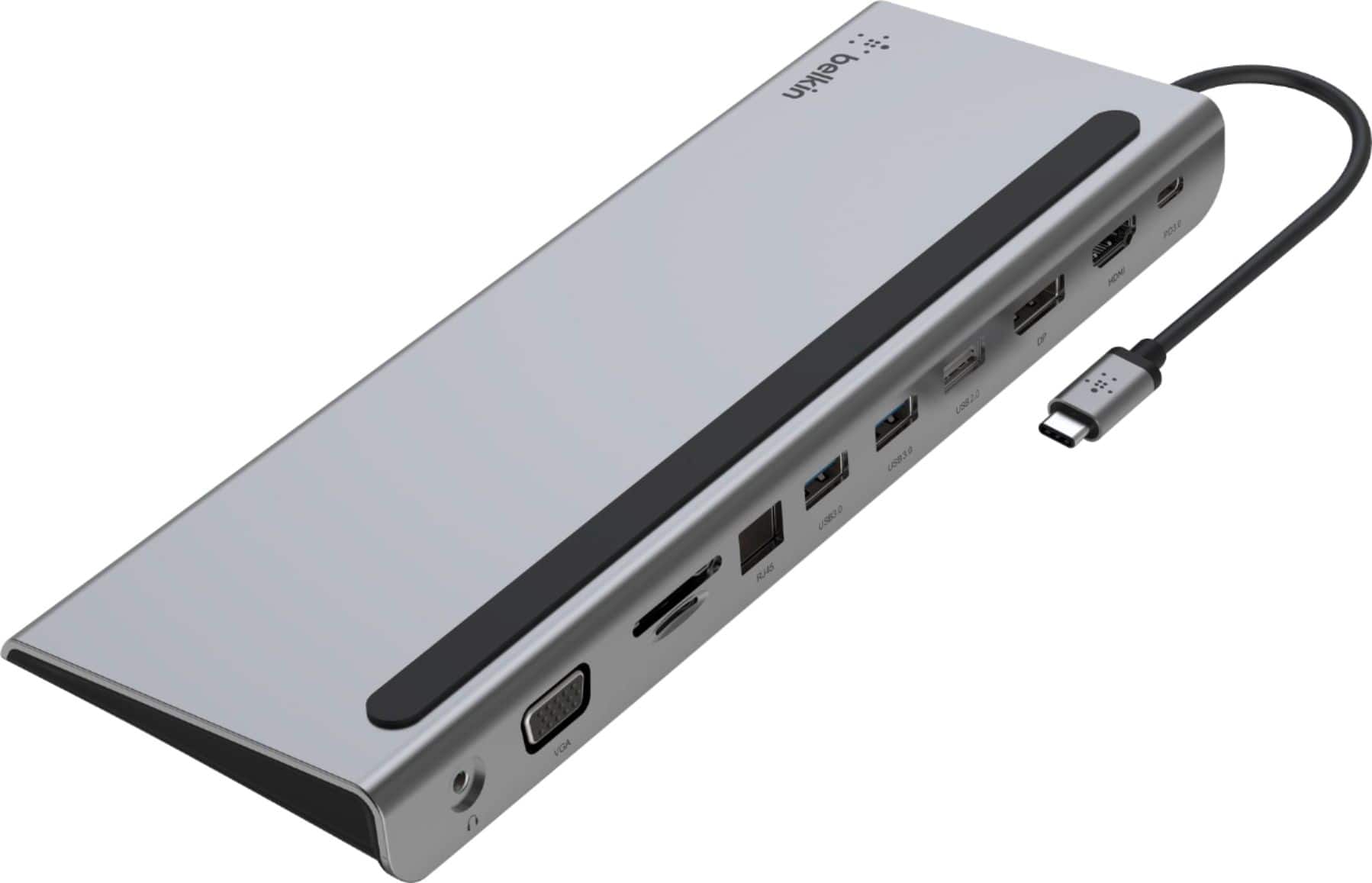
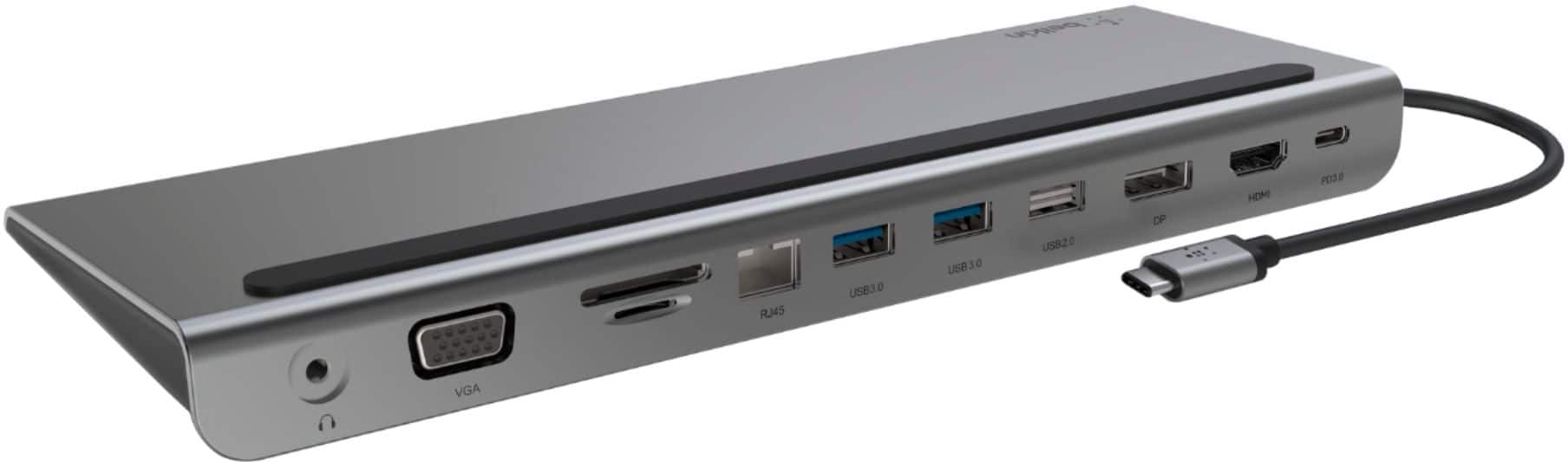
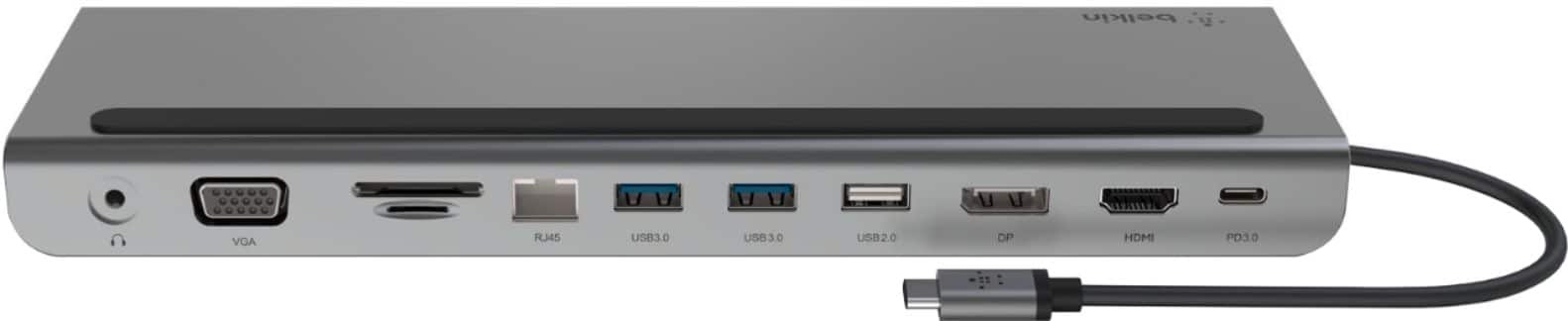
Customers are impressed with the 11-in-1 USB C Hub's versatile HDMI, ease of use, and multiple ports for connecting various electronics, as well as its broad compatibility and overall performance. The hub's connectivity, design, compact size, and reasonable price point also receive positive feedback. However, some customers have expressed concerns regarding the short cable length and the need to purchase a separate power supply.
This summary was generated by AI based on customer reviews.
- Cons mentioned:Cable length
Check which side your USB-C port is on!
Posted .This reviewer received promo considerations or sweepstakes entry for writing a review.I bought this because I was hoping for a crisper display when connecting laptop to monitor than my cheapo $20 adapter. The display quality looks about the same, but I was hopeful that the extra ports would still streamline my desk set-up. However, the laptop cord is only on the L side and it is very short. My HP Spectre only has USB-C ports on the Right side of the computer so it will not reach - I have to either flip the dock over (which sucks because then all the cords face forward and it looks messy) or just sit my laptop to the side (not on top of the dock -which sucks for desk space). The cord is also so short that it won't work with a laptop stand or raising the laptop up at all (e.g. if you want to use laptop as second screen). I will be returning this!
No, I would not recommend this to a friendBrand response from BelkinStaff
Posted .Hi, aster,
Thank you for the review. Rest assured that we've taken note of your feedback about the USB-C cable's length and placement. About the display quality, we have to make sure that the correct frequency is set to the monitor since it has corresponding settings per port (HDMI, VGA, or DisplayPort). Please check the table on this link https://bit.ly/3DqP0SQ.
Furthermore, our 2nd Level Team is always ready should you wish to discuss the matter. Just email BelkinCares@belkin.com with your contact details and the link to this review.
Regards,
Mara
Belkin Support
- Pros mentioned:Ease of use
No set up, just works
Posted .This reviewer received promo considerations or sweepstakes entry for writing a review.Plugged into my macbook and everything I plugged into the docked worked right away - headphones, mic, keyboard, and monitor. Very easy! Very happy!
I would recommend this to a friend Works great.
Posted .This reviewer received promo considerations or sweepstakes entry for writing a review.Works well. Been a user for 2+ years. Would buy again.
I would recommend this to a friendBrand response from BelkinStaff
Posted .Hi, norguy2,
Your 5-star review brightens our day and serves as a constant reminder of why we love what we do. We’ll continue striving to provide exceptional products to make every interaction with us remarkable. Our phone support team is just a call away should you need assistance. The hotline number is listed here: https://www.belkin.com/us/support-article?articleNum=55022, or email us at BelkinCares@belkin.com.
Regards,
Carl
Belkin Support
Works great
Posted .This reviewer received promo considerations or sweepstakes entry for writing a review.Bought an iMac 24 from Best Buy and had the Geek Squad transfer the data. Then I had to connect my Canon iP7720 printer to the computer, however Could not get the wireless function to work. I ask a customer rep to recommend a hub that would work. This Belkin unit was recommended, hooked it up to the iMac and then hokked up the printer USB connection. It works just fine. My thanks to the customer rep. It's a great service for us Luddites!
I would recommend this to a friend- Cons mentioned:Price
Needs more power...
Posted .This reviewer received promo considerations or sweepstakes entry for writing a review.Way too pricey. I wish it was powered by a plug. I keep getting a window pop up that says i don't have enough power, but everything seems to run ok.
No, I would not recommend this to a friendBrand response from BelkinStaff
Posted .Hi! The Belkin INC004 should support up to 100W of USB-C PD power pass-through. We’d like to have our phone support team know more details about your concern. Please reach out to the team through our hotline: https://www.belkin.com/support-article/?articleNum=55022
Regards,
JC
Belkin Support
- Pros mentioned:Ease of use
Docking station
Posted .This reviewer received promo considerations or sweepstakes entry for writing a review.Works as expected and would buy again. Just plug all your stuff in and thats it.
I would recommend this to a friend Great Docking Station
Posted .This reviewer received promo considerations or sweepstakes entry for writing a review.Works great. Wish is it had two HDMI ports but other than that it was exactly what I needed.
I would recommend this to a friendBrand response from BelkinStaff
Posted .Hi WilliamL,
We’re grateful and appreciate your taking the time to share your rating. Rest assured that we have taken note of your feedback on the dock’s features.
For assistance, you can email us at BelkinCares@belkin.com or call our support hotline which can be found here: https://www.belkin.com/support-article/?articleNum=55022.
Regards,
Kyla
Belkin Support
PRETTY-PLEASE-ALLOW-ME-THIS-EVEDAY-&-THEN-ONWARDS-
Posted .This reviewer received promo considerations or sweepstakes entry for writing a review.Excellent and seems like it won’t break easy like other products when having a hard time connecting to the internet while using your laptop.
I would recommend this to a friendPoor quality.
Posted .This reviewer received promo considerations or sweepstakes entry for writing a review.Do not buy, poor quality! I bought one last year and the hdmi port started malfunctioning less than a year later. They eventually did an RMA, but now, less than two months months later the hdmi port is failing again. I've swapped cables between laptop and docking station and it's always the monitor in the station that won't work. Both work when connected to the laptop
No, I would not recommend this to a friendBrand response from BelkinStaff
Posted .Hi, David,
Let's proceed in contacting our Product Experts and move forward with this. Our support hotline can be found here: https://www.belkin.com/us/support-article?articleNum=55022.
Regards,
MJ
Belkin Support