Customer Ratings & Reviews
- Model:
- F2CD084BT0.8MBK
- SKU:
- 6345163
Rating by feature
- Value
Rating 4.4 out of 5 stars
- Quality
Rating 4.8 out of 5 stars
- Ease of Use
Rating 4.8 out of 5 stars
Customers are saying
Customers are pleased with the 2.6' Thunderbolt Cable's speed, length, quality, and compatibility. Many appreciate its fast data transfer speeds and the convenient length, finding it ideal for various uses. The cable's build quality also receives high praise. Its compatibility with devices like eGPUs is frequently highlighted as a significant advantage.
This summary was generated by AI based on customer reviews.
- Pros mentioned:Data transfer speed

Speedy with fast charging
|Posted .This reviewer received promo considerations or sweepstakes entry for writing a review.So far after using it for a couple of days for large data transfers & monitor, the connection is smooth, data transfer is fast. There's no lag with the keyboard or additional monitors. If you need a cable that can handle high power as well as support USB C 3.1 Gen 2, this is the only one I've come across. Apple's cable is longer, but only support USB 2.0. Anker's cable only supports 60W and USB C 3.1 Gen 1. This cable works well. I' also use it to to charge my cellphone, to connect my laptop to a USB 3 hub with a variety of output types, which works quite well - and as a backup for the cable to my external drive. So far its worked for every purpose I've tried. I have noticed that when charging devices it can be a little slower than other cables, but not enough to bother me. Overall its a good product.
I would recommend this to a friend It's a cable, so of course over priced!
||Posted . Owned for 6 months when reviewed.This reviewer received promo considerations or sweepstakes entry for writing a review.Overprice, like every cable. Other than that, it's a cable!
I would recommend this to a friend- Pros mentioned:Cable length, Data transfer speed
Quick... exactly as promised!
|Posted .This reviewer received promo considerations or sweepstakes entry for writing a review.The Belkin TB3 Gen 2 Cable - .8m 100W provides lightening fast data transmission via this USB-C cable from any capable device to another with no loss. Belkin does it again with this product! It gives any OEM cable a run for it's money and as usual at a better price point. I was impressed with the speed of the data transfer and was reassured by the quality of this cable which I have come to expect from all Belkin product. PROS - Belkin name and quality - Speed transfer is excellent - Perfect length for most uses - Dual USB-C connections CONS - Packaging seems a bit bulky for the size of cable. Does not impact use or functionality, but waste/recycle content. Would be nice to see this reduced.
I would recommend this to a friend - Pros mentioned:Compatibility, Data transfer speed
Short cord but amazing speeds!
|Posted .This reviewer received promo considerations or sweepstakes entry for writing a review.Belkin always made good products that work as intended so this Thunderbolt 3 cable is no exception. It works with USB 2.0 It works with USB 3.0 It works with Thunderbolt 3. it works as a Display port. Provides power up to 100w. It's every single USB-C in one. No issues and no hassles. No more wondering if you have the right USB-C/Thunderbolt anymore. The cord is short at 2.6 ft but the 40Gbps speeds are out of this world when it comes to data transfers. The cord is also expensive but worth it if you want one cord that does it all. Indicators are printed on to the cord so it's easy to understand. I love it, just wish it was longer but it does the job. A simple winner from Belkin.
I would recommend this to a friend - Pros mentioned:Data transfer speed
A cable can make a difference--sometimes
|Posted .This reviewer received promo considerations or sweepstakes entry for writing a review.We all know that speed in computer technology is good. Given that the theoretical transfer speeds for USB connections are 40 Gbps for Thunderbolt 3, 10 Gbps for 3.1, 5Gbps for 3.0, and only .06 Gbps for 2.0, we clearly want to go for Thunderbolt 3 connections whenever possible. And we want a cable that supports Thunderbolt 3 for connecting our devices with Thunderbolt 3 ports, as a non-Thunderbolt-supporting cable may not give you the maximum speed. The Belkin TB3 Gen 2 Cable was designed to support Thunderbolt 3. Unfortunately, I own only one Thunderbolt 3 device, an HP Spectre x360 13-w013dx laptop. And the only other device I have with a USB-C port is my Samsung Galaxy S10 phone (model sm-g973u). Will the file transfer speed with the Belkin cable surpass the speed of a non-Thunderbolt cable under these conditions? Let's see. The largest file I could find on my laptop was a 1.49 GB zipped file. I first tried transferring this file to the Samsung SD card in my phone. Result: 36.71 seconds with the Belkin cable and 37.39 seconds with a non-Thunderbolt cable. Not much difference, but not surprising with the SD card bottleneck. Next, I tried transferring this file from my laptop to the root storage of my phone. Result: 12.77 seconds for the Belkin cable and 34.65 seconds for the non-Thunderbolt cable. Although obviously the Belkin cable did not transfer at 40 GB per second (the theoretical max for Thunderbolt 3), its performance was superior to the non-Thunderbolt cable. The question is, what Thunderbolt-enabled device might you hook up to your host (e.g. a laptop with Thunderbolt ports) to take full advantage of the theoretical 40 GB/sec speed? If you search for "devices with thunderbolt 3" you can find pages that provide exhaustive lists of such products. One class of devices I've seen recommended is ultra-high-def displays. That makes some sense, especially if the models contain multiple USB-C reports, which allows the connection of additional devices. Or, you might consider a docking station such as the Belkin Thunderbolt 3 Express Dock HD, which would allow for the connection of many kinds of devices (although you won't get the maximum speed for the non-Thunderbolt ports in the dock). Or, perhaps most obviously, you could get a super-fast external SSD with a Thunderbolt 3 port. Note, however, that SSDs with the Thunderbolt port are roughly three times the price of comparable models with a USB-C 3.1 connection, so you'll have to ask yourself if the theoretically 4x faster speed is worth a 3x price. Personally, while I can heartily recommend the Belkin TB3 Gen 2 Cable, I am not in a hurry to purchase devices that can make full use of the Thunderbolt 3 standard, until prices come down a little.
I would recommend this to a friend - Pros mentioned:Compatibility, Data transfer speed, Quality
Great Cable
|Posted .This reviewer received promo considerations or sweepstakes entry for writing a review.Worked like a charm with my MacBook Pro and my new 2019 5k iMac. Moving large video files back and forth worked so much faster than the old USB Drive I replaced. Little pricey, but the cable's build quality is nice. Haven't tried to see if it would work to charge my MBP since the stock Apple USB-C cord that came with it is longer.
I would recommend this to a friend - Pros mentioned:Data transfer speed, Quality
Excellent build and performance!
|Posted .This reviewer received promo considerations or sweepstakes entry for writing a review.There isn't much to this here but to say this cord works! I have seen some of the fastest speeds my laptop has ever had for my memory card transfer. It charges things and also can be used with a monitor if it is supported. Finally ONE CORD to be used for anything I need. It is a thick high quality cord with solid connectors but my only grip is that is it like 82cm in total length. That is a little more than 32inches. This is great for data transfer and docking stations mostly in my opinion. A must buy for all future devices as we make a shift to USB C.
I would recommend this to a friend - Pros mentioned:Cable length
Thunderbolt 3 Full Speed Ahead
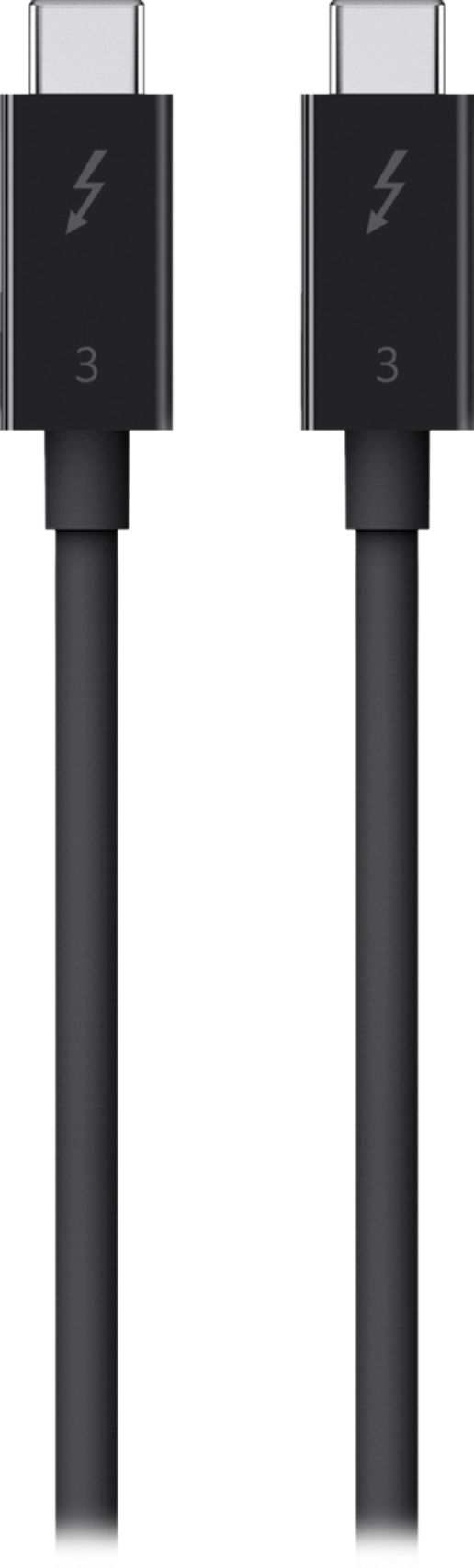
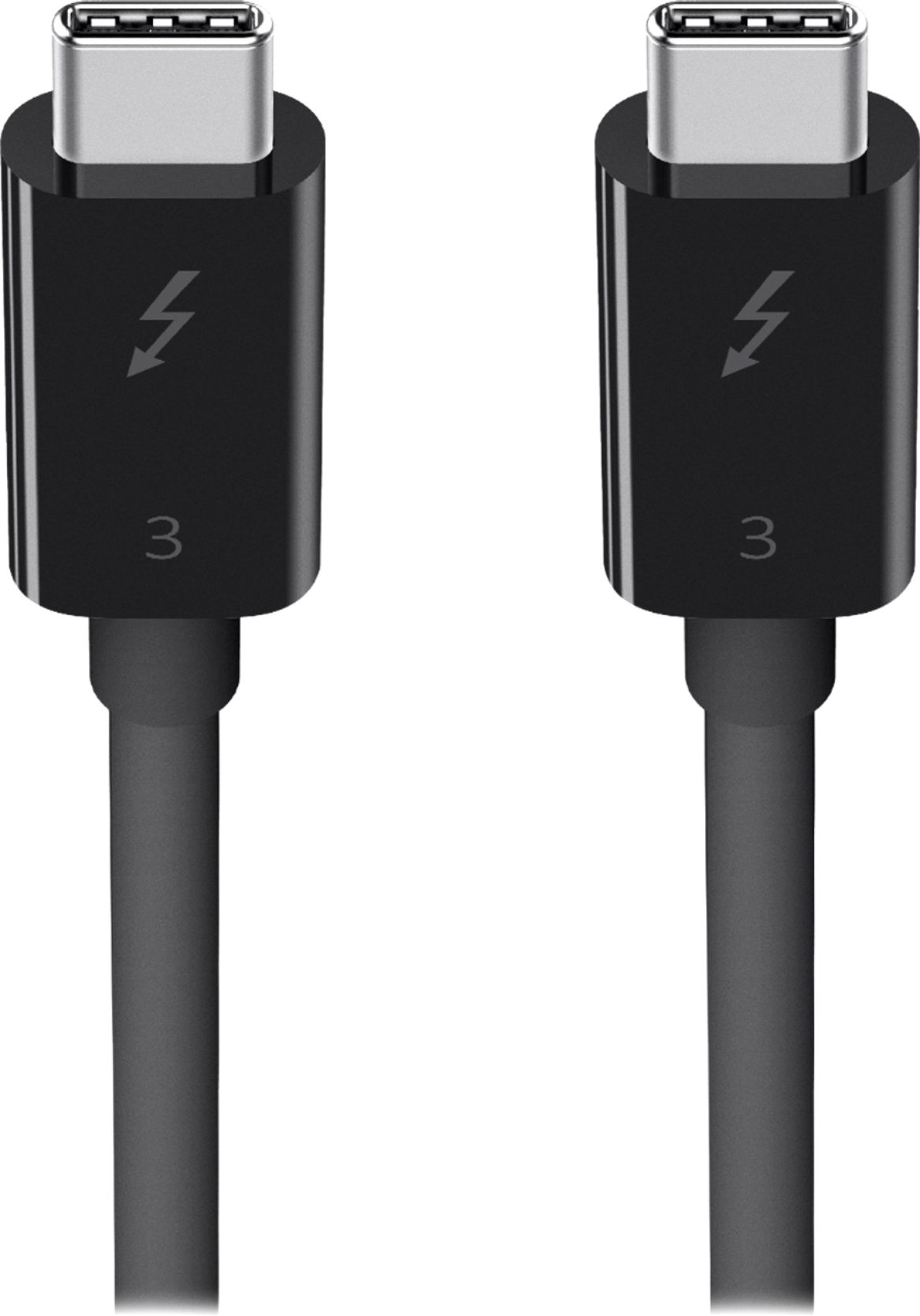
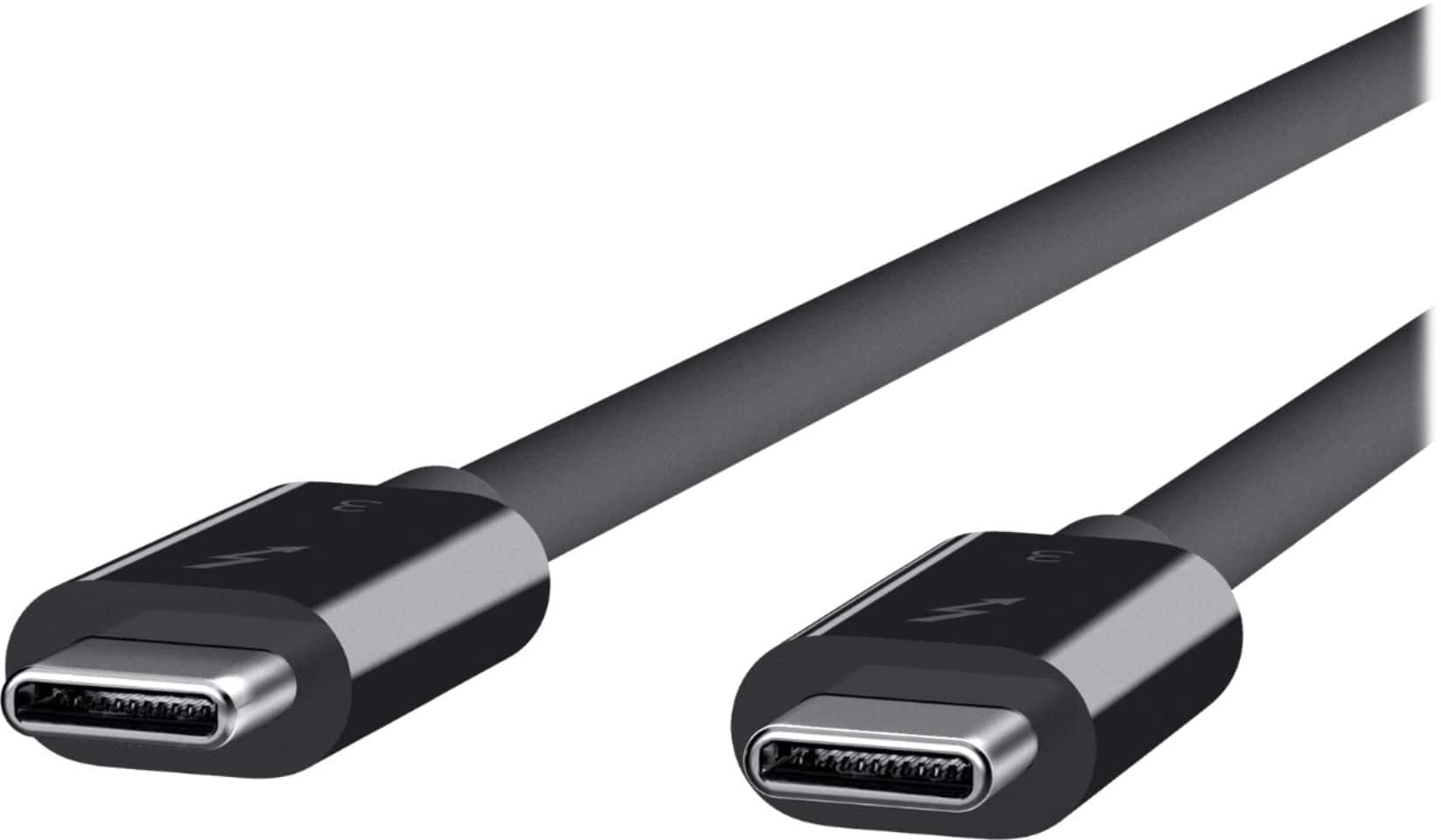
|Posted .This reviewer received promo considerations or sweepstakes entry for writing a review.While at first glance, this may seem like a simple product, it's interesting as it seems to fall into a new wave of generation 2 Thunderbolt 3 products which are not clearly marketed, but seem like a slight update to the spec. If you're a thunderbolt 3 user you'll realize that passive cables (as opposed to active cables that have circuitry specifically used to validate signals at longer distances) are limited to 0.5m by the spec. This is an incredibly short distance (1.62ft) that makes it difficult to use. Essentially if you’re like me, your dock is inches away from your device. Active cables introduce cost, complexity, and reduced functionality that are trade-offs that seem rough when moving to just over 6ft. Belkin comes to the rescue here, introducing a 0.8m cable (2.6ft) that adds an entire foot to previous passive cables. I’ve used it with my Kensington Thunderbolt 3 dock, and validated 40Gbps stable connection. Adding an additional ft to the cable length makes it so much more flexible setup with my dock. The cable also offers flexibility with other devices being a passive cable, so you can even use this with say a Surface Book 2 for power delivery and data which seems to work well. Charging the SB2 seemed full speed given the limited USB-C power chargers I have at my disposal. The cable is black, sheathed in a pretty standard rubber insulation that has 100w marked on it. The connectors are USB-C on both ends (as you’d expect with a Thunderbolt 3 cable), and while not offering any specific differentiation seem durable. They include the thunderbolt logo on each connector to ensure you know what type of cable this is. Other than that, it offers full Thunderbolt 3 performance at a slightly longer distance than standard. If you’re looking for a slightly longer passive TB3 cable, and don’t want an Apple white cable adorning your darker setup, look no further. This cable truly does it all.
I would recommend this to a friend Just buy a 3.2x2 usbc
||Posted . Owned for 1 month when reviewed.This reviewer received promo considerations or sweepstakes entry for writing a review.Pointless. Unless you have a thunderbolt SSD, or some thing that uses thunderbolt.
No, I would not recommend this to a friendBrand response from BelkinStaff
Posted .Hi, AjdinR,
This Belkin cable is designed to support USB 3.1, USB 3.0, and USB 2.0. Try using the cable on a different devices for isolation. For further diagnosis on the challenges that you have, please call our phone support team through the hotline numbers listed in this link: https://www.belkin.com/us/support-article?articleNum=55022.
Regards,
Carl
Belkin Support
- Pros mentioned:Cable length, Data transfer speed
Does the job
|Posted .This reviewer received promo considerations or sweepstakes entry for writing a review.I am using this cable to connect my external graphics enclosure to my laptop. It does the job without any issues, the enclosure was immediately recognized and moves at the expected thunderbolt 3 speed. A worthwhile purchase, particularly as it is very slightly longer than most TB3 cables as they tend to run just over 1ft in length, this one is about 2.5ft in length which definitely lends itself to my environment. Thumbs up and worthwhile investment.
I would recommend this to a friend - Pros mentioned:Data transfer speed
super fast & durable
|Posted .This reviewer received promo considerations or sweepstakes entry for writing a review.This thunderbolt cable offers high speed data transfer rates and charging with COMPATIBLE devices. Make sure that your devices connected to the cable are Thunderbolt 3 compatible, to get the advertised maximum speeds. But don't worry, if your current devices aren't Thunderbolt 3 ready, you can still use the cable for transfers and charging, however the transfer speeds will be limited to the capabilities of the connected devices. the cable itself is much thicker than most usb cables, yet it is still very pliable. The construction feels very sturdy, and durable. The advertised max data speeds are 40Gbps which is pretty impressive considering what original usb cables were capable of. Just to clear something up though, the "Gbps" means Gigabits per second, not GigaBytes. (A small letter "b" indicates bits, where as "B" indicates Bytes.) Most companies including cell phone companies and internet service providers use the term "bit" in there advertising,..ie.. 10Gbps or 10Mbps. This is because when sending data, the data is broken down to the smallest increment available, hence bits. Because data varies in size greatly, it is easier to deal with the lowest common denominator for transmissions. Which can be a little misleading for most consumers, as most consumers are thinking about what they know, as in storage devices and Bytes. When we are talking about hard drives and storage capacities everything is measured in Bytes, as in GigaBytes or MegaBytes. a bit is 1/8th of a Byte. So technically a 40Gbps transfer speed could move 5GigaBytes in one second, if all the correct requirements are met.
I would recommend this to a friend - Pros mentioned:Cable length, Data transfer speed
Fantastic build quality
|Posted .This reviewer received promo considerations or sweepstakes entry for writing a review.This is an excellent USB-C/TB3 cable! I do a lot of youth group videos Using this to transfer large movies from my phone to computer was lightning fast... or maybe I should say Thunderbolt fast! The build quality is excellent, you can see and feel that physically this cable is no slouch. I also had no problem using this cable to connect to a Dell USB-C/TB3 docking station for my laptop through which I pumped HD video to a docked-monitor for video editing. In short, it worked very well for everything I needed it for. Rapid Charging? Check. Docking station connectivity? Check. Highspeed Data transfer? Check. For the price I wish the cable was a little longer, but that doesn't detract from the cable doing what it was designed to do very well. It's my new do-all USB-C/TB3 cable.
I would recommend this to a friend - Pros mentioned:Cable length, Data transfer speed
Solid Performance
|Posted .This reviewer received promo considerations or sweepstakes entry for writing a review.Belkin does a great job of making quality cables and chargers for Apple products, and this Thunderbolt 3 cable is no exception. If you're looking at this cable, you already know it's not "just" a USB Type C cable. The TB3 data transfers are much higher. This cable is also rated to charge Apple devices, and it does a perfectly fine job at it. The cable is exactly what I expected from Belkin.
I would recommend this to a friend - Pros mentioned:Data transfer speed, Quality
Noticeably better quality than most
|Posted .This reviewer received promo considerations or sweepstakes entry for writing a review.There isn't a lot to write about a cable, other than whether it works or doesn't work. This cable works as expected and the quality is very good. It is noticeably thicker and made better than others out there. The speed capabilities make this a great choice for high speed data needs. Belkin always makes great products and this one is no exception.
I would recommend this to a friend - Pros mentioned:Cable length, Data transfer speed
Perfect Cable
|Posted .This reviewer received promo considerations or sweepstakes entry for writing a review.This cable is as advertised. Works great for charging or connectivity. Charged my MacBook Pro using the provided block and there were no issues. I ran a time machine backup and it sped through it. I also like the length. Easy to wrap up and stow in my bag. Not a ton but a little less bulk than the OEM cable.
I would recommend this to a friend - Pros mentioned:Data transfer speed
Speed vs. Cost.......Speed won out for me
|Posted .This reviewer received promo considerations or sweepstakes entry for writing a review.With everyone going from USB-A, USB-C, Thunderbolt, etc, it’s kind of hard to determine which cable works best for my needs and how much I really need to spend on a cable to charge my laptop and to transfer data. My review is hardly scientific, nor did I use some magical software for benchmarks or the like, so keep that in my mind when reading. Just for reference, my primary computer is a 2017 15” MacBook Pro with TouchBar. It has a 2TB SSD, 2.9ghz Intel i7 and 16gb of ram. It is not the top of the line laptop, but the specs are decent. I tested this cable using a Samsung T5 1TB portable SSD hard drive. I transferred a 185gb folder from the hard drive to my desktop and it took 5 minutes and 34 seconds. I believe the combination of SSD to SSD using the Belkin cable accounted for the high transfer speed. Just to compare, I connected my Lacie Rugged 1TB portable hard drive using the old USB-C cable and it took 32 minutes to transfer the same folder. This cable can also connect to 4k and 5k displays, which isn’t something that is important to me at this time, but perhaps in the future. The cable is short if you plan on using it for charging while sitting at a desk, but after researching these, the shorter cable allows for faster transfer speeds up to 40gbps, while the longer cables have speeds from 10gbps to 20 gbps. The question remains if this cable is necessary for most people. It really depends on your budget, what you are connecting to and if fast data transfer speeds matter to you. All in all, I like this cable and will continue to use it for my Time Machine backups and transferring large files between devices. I think this fall when Apple updates it’s iPad operating system, I may see more benefit in this cable.
I would recommend this to a friend - Pros mentioned:Data transfer speed
Does exactly what it should
|Posted .This reviewer received promo considerations or sweepstakes entry for writing a review.I connected my husbands samsung galaxy S9+ using this cable to my laptop and the pictures transferred so quickly. When I transfer photos from my computer to my onedrive account it never transfers that quickly. I usually transfer in bulks so I was pretty surprised. It also charged his phone rather quickly than on a regular charging cable. I connected his phone at 18% and in the small amount of time it took to transfer his photos, his phone jumped up to about 40%. I would definitely recommend this.
I would recommend this to a friend - Pros mentioned:Cable length
Another Good Cable
|Posted .This reviewer received promo considerations or sweepstakes entry for writing a review.There is nothing to say negative about this cable. There is a rubberish support where the cable meets the connector to prevent the cable fro breaking at the weakest point of most cables. The cable is thick and well constructed and just feels like a quality cable. The length is perfect for connecting to a USB C monitor, phone or any peripheral without excess. I have found no issues so far, well done Belkin. Another good cable on the market.
I would recommend this to a friend - Pros mentioned:Cable length
Does what it is supposed to do!
|Posted .This reviewer received promo considerations or sweepstakes entry for writing a review.This cable came in handy when I needed a bit more length to attach an external hard drive to my computer. The one that came with it was only about 6 inches long and this one gave me the room to place the drive where I wanted. Not any noticeable speed difference. Look forward to having it available for other items in the future! Would not hesitate to recommend to anyone looking for a little more cable length to work with.
I would recommend this to a friend - Pros mentioned:Data transfer speed
Always impressed with belkin quality
|Posted .This reviewer received promo considerations or sweepstakes entry for writing a review.I've always found Belkin products to be reliable and of good quality. This thunderbolt cable is a good option if you don't want to foot the additional cost for an Apple branded cable. The 2.6ft length is adequate while not being too long so as to cause a tangled mess. Supports up to 40Gbps for Thunderbolt 3 devices and up to 100W power delivery; also supports Ultra HD displays.
I would recommend this to a friend