Customer Ratings & Reviews


- Model:
- F4U098BT
- SKU:
- 6343826
Rating by feature
- Value
Rating 3.7 out of 5 stars
- Quality
Rating 3.9 out of 5 stars
- Ease of Use
Rating 4.1 out of 5 stars
Customers are saying
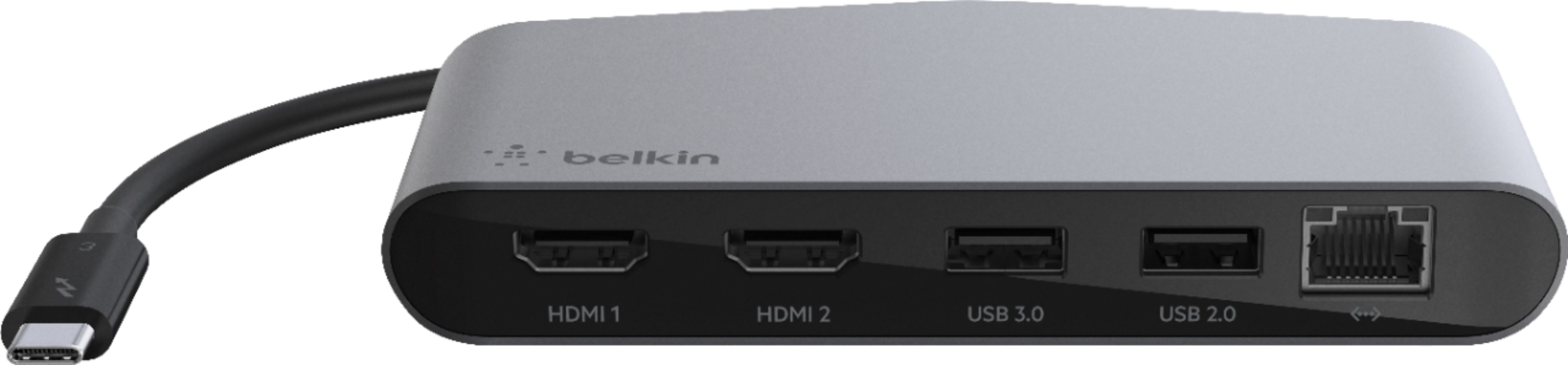
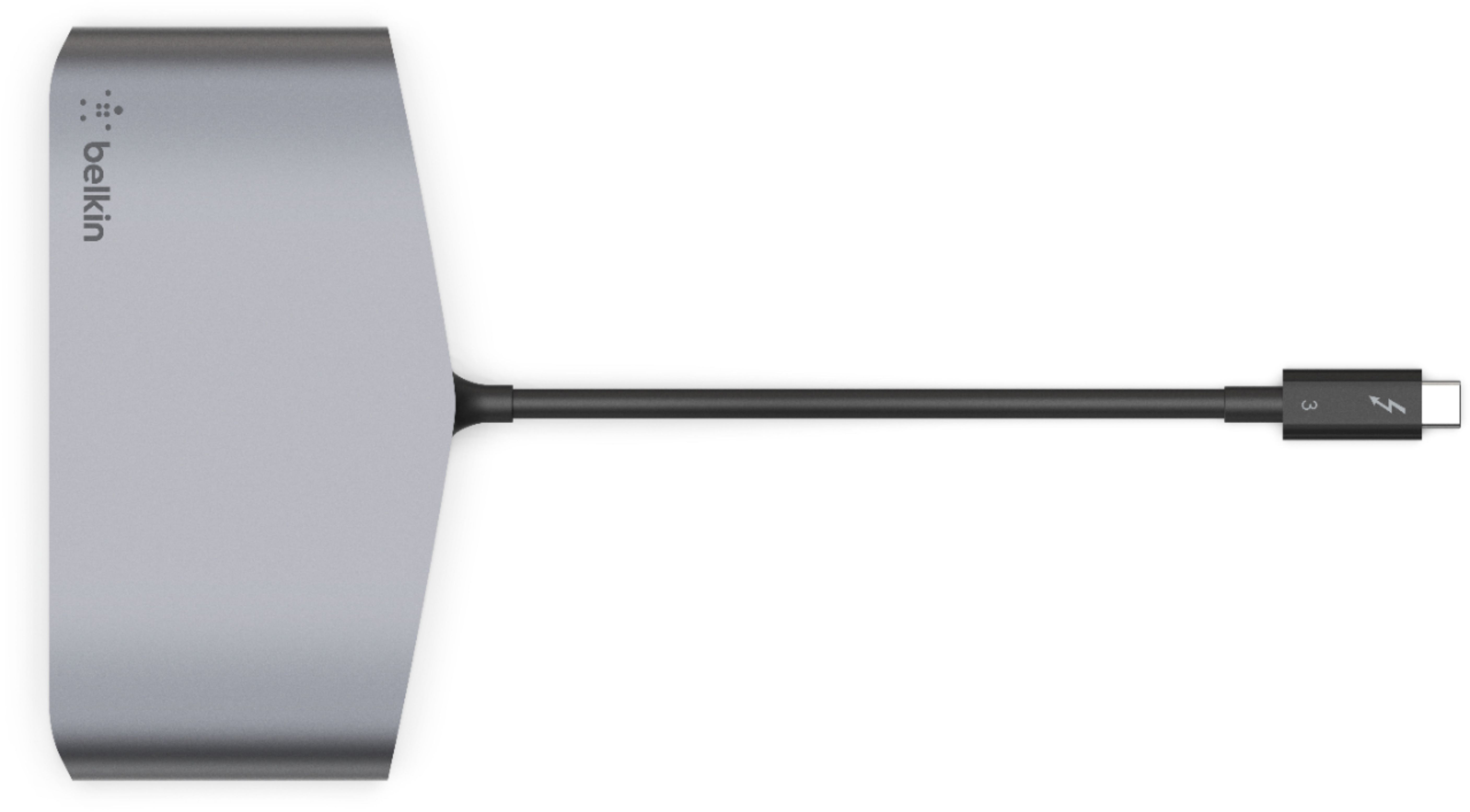
Customers enjoy the Thunderbolt 3 Docking Station's multiple HDMI ports, compact size convenient for travel, and its ability to support multiple monitors. Many appreciate the build quality and performance, although some find the price high and the cable could be longer. A few users experienced compatibility issues or excessive heat. The docking station's numerous ports are also a plus for many users.
This summary was generated by AI based on customer reviews.
- Pros mentioned:Size

Belkin ThunderBolt 3 Mini Dock nice and compact
|Posted .This reviewer received promo considerations or sweepstakes entry for writing a review.Nice small compact dock used for newer MacBook Pros. Very small and lightweight and easy to connect to multiple devices without fail.
I would recommend this to a friend Great device
|Posted .This reviewer received promo considerations or sweepstakes entry for writing a review.The Belkin ThunderBolt 3 Mini Dock is the perfect solution for my MacBook Pro. I often have to connect several different devices to my MacBook. It doesn't have enough connections for all of my devices and external monitor. The Mini Dock allows for multiple different devices to be connected into the dock.....then one cable connects into my MacBook. I didn't have to figure out how it works - you just plug your devices into the dock, then connect the cable into your MacBook. Great device!
I would recommend this to a friend- Cons mentioned:Heat
Works well but gets glitchy after a while
Posted .This reviewer received promo considerations or sweepstakes entry for writing a review.Works as advertised. I use it for two 4k monitors to extend laptop, a usb webcam and usb jabra speaker. It works well but off late has started to get very warm, the screens get wobbly and turn off. Surely for low load, on the road purposes only
I would recommend this to a friendBrand response from BelkinStaff
Posted .Hi, KirthiV,
Help is here! Kindly send us an email at BelkinCares@belkin.com with the following details so that our team can assist you accordingly with this:
- Photo of the dock
- Copy of the receipt
- Your full name, phone number, email address, and complete shipping address
- Link to this review as a reference
Regards,
MJ
Belkin Support
Works great - Dual Monitors
|Posted .This reviewer received promo considerations or sweepstakes entry for writing a review.This Mini Dock works great. I am driving two 4K 27" monitors and gigabit internet through this device. There were no drivers needed; it worked right out of the box. Windows will ask for permission to use the device, so be sure to approve it. The video quality is outstanding and my wireless keyboard and mouse work flawlessly. The only device that I could not get work was my headset. I had the same issues with another docking station with the same headset.
I would recommend this to a friendIt was just ok - a bit disappointing.
|Posted .This reviewer received promo considerations or sweepstakes entry for writing a review.I was very excited to get this Docking Station - I recently purchased an off brand docking station to use with my LG Gram and my older MacBook Air, and wasn’t happy with how they worked with it. That being said, I was excited for this Belkin Docking Station - I’ve had other Belkin products in the past and was very happy with them. Unfortunately, I feel like this “docking station” was a bit lacking as a docking station. I was disappointed to see that it would only had a USB-C connector, which made it unusable with my MacBook Air without additional cable or converters. In addition, once I plugged in my keyboard and mouse, I was pretty much out of ports. I did get it all connected to my LG Gram and it worked well - but overall, I was disappointed by the lack of ports, but maybe I should have tempered my expectations of a mini docking station. Lesson learned.
No, I would not recommend this to a friendMini station equals mini USB
|Posted .This reviewer received promo considerations or sweepstakes entry for writing a review.I was a bit disappointed when I discovered I needed a mini-USB port in order to connect this to my laptop. My work laptop doesn't have one and my whole intention of using this product was to ditch my docking station for it so I don't want to go out and get a converter to make this work as a solution for me. My personal laptop does have the needed port so I tried testing it with that instead only to discover this laptop doesn't support the device either, even though it has the needed port. The product is compact and would probably be great if it worked with my equipment. Just be sure you have the needed port and that your laptop has the needed functionality before purchasing.
No, I would not recommend this to a friendDoes exactly what it is supposed to do
|Posted .This reviewer received promo considerations or sweepstakes entry for writing a review.Great little mini dock for a laptop. You need the usb c port to use this. Attached monitor looks and performs as expected. Fast refresh. Great little add on for expanding your connections.
I would recommend this to a friendHappy customer
Posted .This reviewer received promo considerations or sweepstakes entry for writing a review.Works perfectly! Our old one stopped working and I was able to get new one in E Lansing.
I would recommend this to a friendStopped working properly
Posted .This reviewer received promo considerations or sweepstakes entry for writing a review.I have had this device for almost a year. It was great at first but after about 9 months, one of the USB ports stopped working.
No, I would not recommend this to a friendBrand response from BelkinStaff
Posted .Hi, Sam50816,
The Belkin F4U098 Thunderbolt 3 Dock Mini HD should work longer than described. You can try to connect a different device to the USB port for isolation. For further assistance, please reach out to us at BelkinCares@belkin.com, and share more details with the link to this review for our reference.
Regards,
Jan
Belkin Support
- Cons mentioned:Heat
Alarmingly hot. Painful to touch.
Posted .This reviewer received promo considerations or sweepstakes entry for writing a review.I own and have used many Belkin products. However, I do not recommend the Thunderbolt 3 Mini Dock with Dual HDMI. It gets alarmingly hot. It's actually painful to touch. I understand that aluminum is supposed to dissipate heat, but this is twice as hot as any dock or external drive I've ever owned. I'm very concerned about the longevity of this dock. Perhaps my unit isn't functioning properly. The Belkin Thunderbolt 3 Dock Core is about $30 more, with better venting and is only warm to the touch.
No, I would not recommend this to a friend Just plug it in and it works
Posted .This reviewer received promo considerations or sweepstakes entry for writing a review.This replaces a similar Caldigit unit which failed. Connect it to your macbook, plug in 2 monitors, keyboard,and mouse and you have a perfect WFH setup. No need for drivers or setup program. IOS instantly recognizes it and enables it.
I would recommend this to a friend