Customer Ratings & Reviews
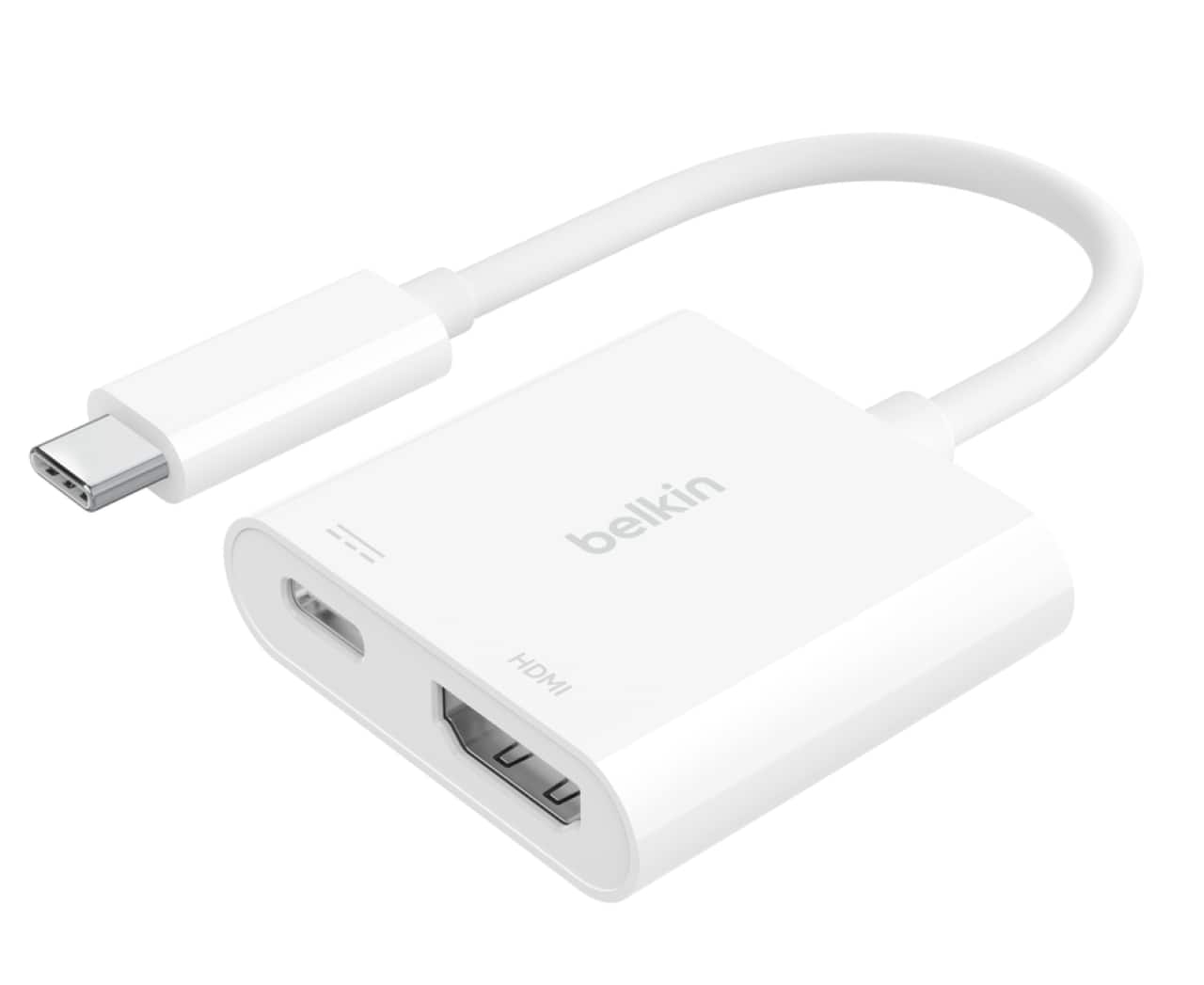
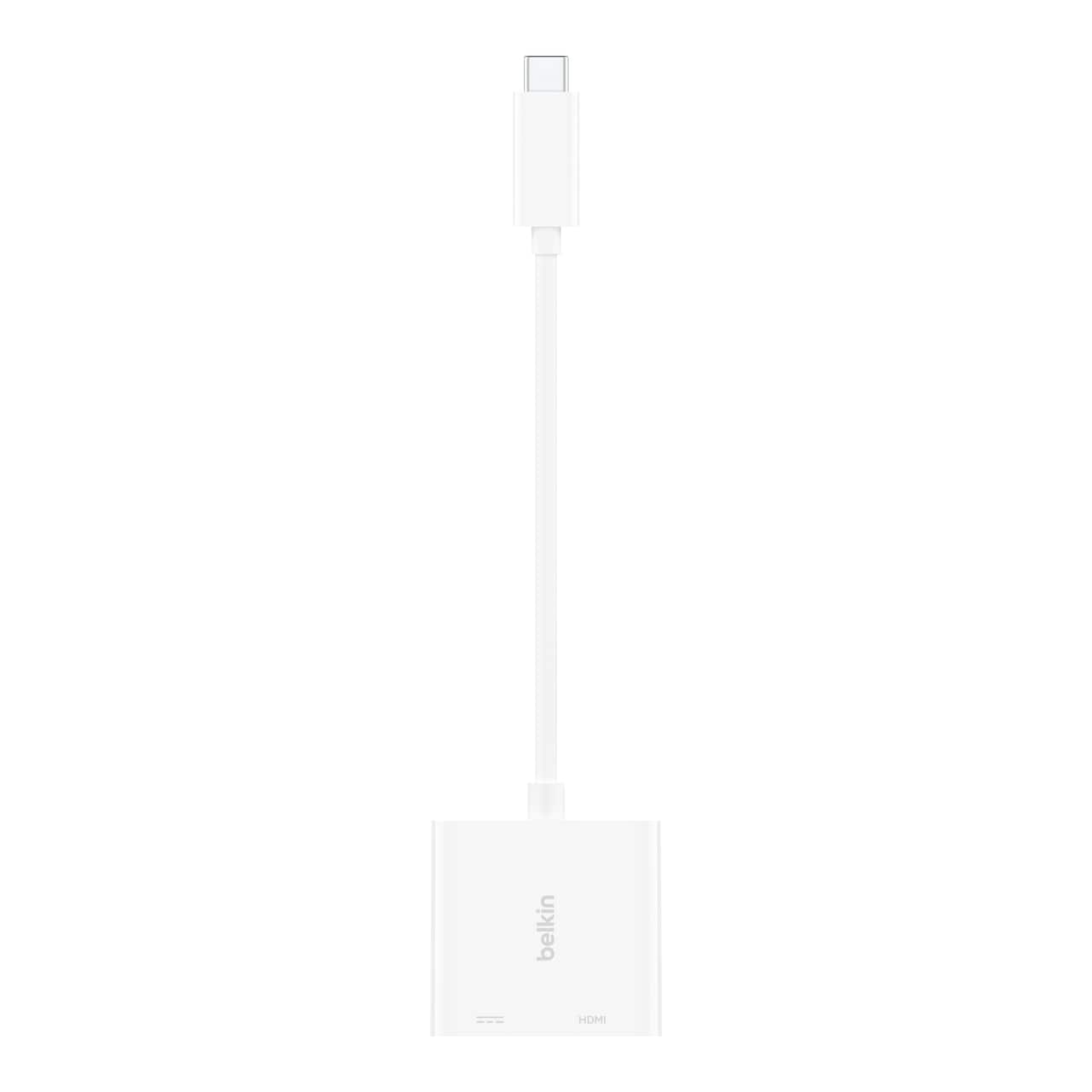
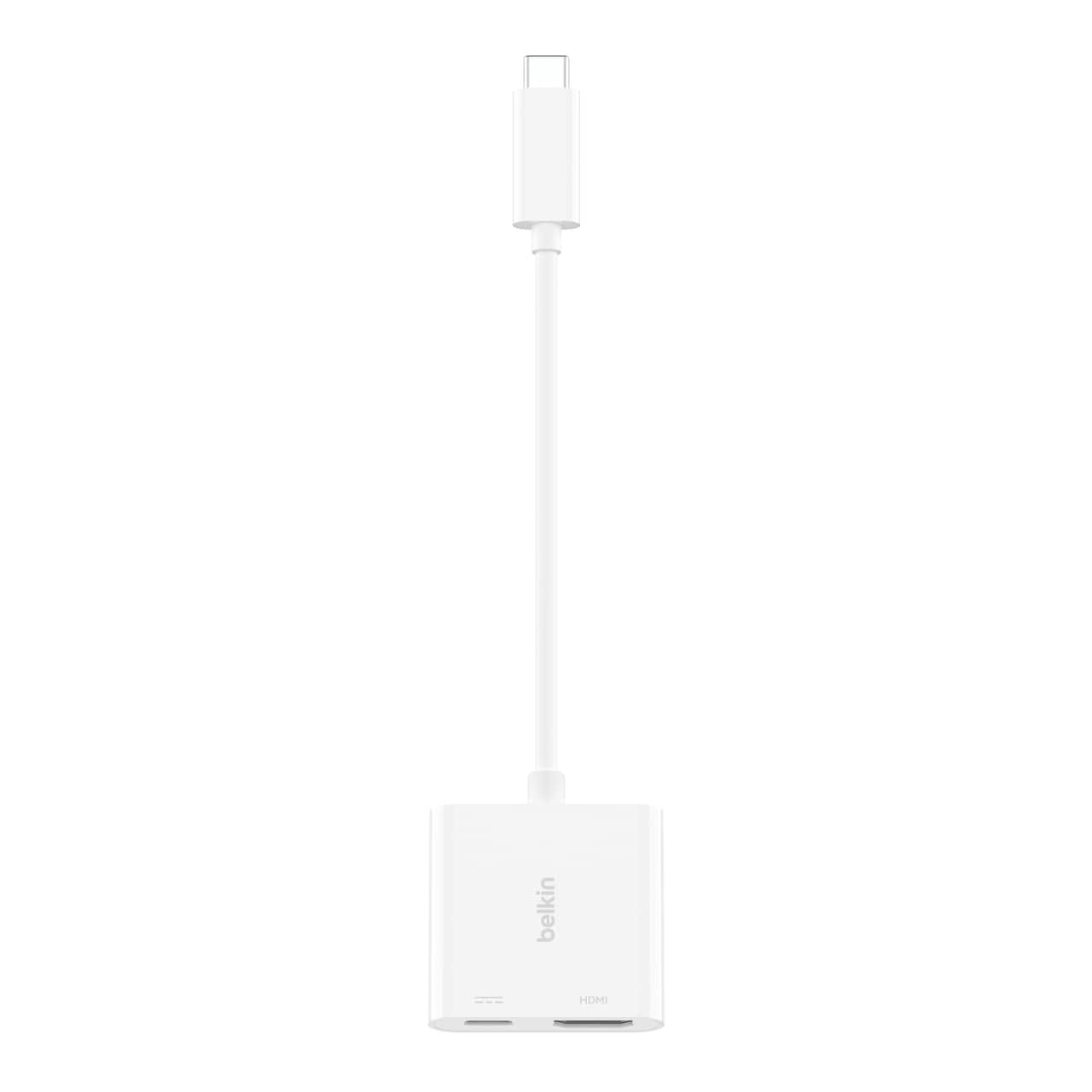
- Model:
- AVC020ttWH-RL
- SKU:
- 6589121
Rating by feature
- Value
Rating 4.4 out of 5 stars
- Quality
Rating 4.5 out of 5 stars
- Ease of Use
Rating 4.6 out of 5 stars
to a friend
Customers are saying
Customers enjoy the overall performance, HDMI port, and ease of use of the USB-C to HDMI Adapter. Many appreciate the video quality, compatibility, and reasonable price. Some customers would prefer a longer cable, while others feel the power could be improved.
This summary was generated by AI based on customer reviews.
Not impressed
||Posted . Owned for 3 weeks when reviewed.This reviewer received promo considerations or sweepstakes entry for writing a review.It works but only 3/4 of the time.. only 4k 30htz.
No, I would not recommend this to a friend
A must for just about any laptop owner
|Posted .This reviewer received promo considerations or sweepstakes entry for writing a review.With modern computers offering less and less ports, and making the switch over to USB-C style ports, this attachment is a must. I am in school and find myself having the need to plug my computer into a projector very often. With mu computer having only USB-C and USB 3.0 ports, I needed an adapter quick. Having previously purchased multiple Belkin products in the past, and never having any issues with them, I knew that the Belkin - USB Type C-to-HDMI/USB Type C adapter was my best option. I have hooked used the adapter to connect my laptop to projectors, as well as a separate monitor, and it has performed flawlessly. It might seem like an adapter is an adapter, but you really don't want to skip on quality when it comes to something like this. I am very pleased with this purchase. I can connect my computer to my projector and use it to create a classroom atmosphere in my home and to use it for teaching my son at home. I would definitely recommend the Belkin - USB Type C-to-HDMI/USB Type C Cable adapter.
I would recommend this to a friendA cable to a compact dock!
|Posted .This reviewer received promo considerations or sweepstakes entry for writing a review.This is a great addition to my Surface Pro. Since I do not have an HDMI port, but only 2 USB-Cs, this comes in handy. It acts like a portable dock. Besides me now having an HDMI port, the USB-C port in the cable allows me to also charge, not just my USB-C peripherals but my actual laptop. So for my work-from-elsewhere set up that I use only one monitor, I bring it with me and have an easy set up anywhere. The HDMI signal is clear; there is no question there. I think the main plus is, the cable quality itself. I had similar USBC to USB A / SD Card cables before, but the plug is a little flimsy and the wire is too hard. This one has a nice flex in the wire that does not put pressure on my USB-C port. I think this is a must-have for all WFH people who want simple and clean set ups for their home offices, especially for those who do not have HDMI ports in their newer slimmer laptop models.
I would recommend this to a friendWorks Just Like It's Supposed To
|Posted .This reviewer received promo considerations or sweepstakes entry for writing a review.It’s a simple inexpensive device which does exactly what it’s designed to do. It takes a video output from a device’s USB-C jack and turns it into an HDMI output to plug into a device like a flat screen TV for example. It worked perfectly the first time. A video I had in my older phone appeared beautifully on my 65” TV. Just two thoughts. One, remember that you need to also make sure you have on hand or purchase a Male to Male HDMI cable. The device only has an HDMI jack. Also, I discovered some new Smartphones, like my Pixel 4, does NOT send a video output to its USB-C jack. Make sure the device you are using actually has an output on its USB jack before purchasing.
I would recommend this to a friendGreat Dongle to add to my travel tech bag
|Posted .This reviewer received promo considerations or sweepstakes entry for writing a review.How did I go so long without one of these? Finally a dongle that allows me to charge my device and push display to a monitor or TV. I use an Android tablet for some of my light duty work, checking emails, some web browsing, Teams meetings, etc. So now I can charge my tablet and output to a monitor or TV via HDMI on the dongle at the same time. Brilliant! The output is capable of up to 4K resolution (depending on the actual output of the device you have connected of course) but even 1080P resolution is crisp and clear. The price point at $35 makes it a no brainer. Belkin does it again!
I would recommend this to a friendNifty Gadget If You Need A 55" Phone Screen
|Posted .This reviewer received promo considerations or sweepstakes entry for writing a review.Have you ever tried to show grandparents your pictures of the grandkids since their last visit? Its a chore! I use my phone to take pictures of the kids at holidays, birthdays, and just being cute days so there are literally hundreds of pictures between grandparent visits and trying to get them to pass around my phone in an orderly fashion is neigh impossible. When I saw this Belkin adapter my mind filled with visions of an "all together now" slideshow which would take half the time or better! Its really cool, I just unhook the HDMI opposite my TV and pop it into the adapter, then plug the other end of the adapter into my phone and my TV mirrors the phone screen! Video, pictures, whatever is all visible on my big screen. I even opened the golden oldie of Angry Birds to play from my couch on the big screen. Bonus, you can connect your power adapter to the female USB-C port to power your device while connected to the HDMI. One area of opportunity, and I have no idea of the technological sense this would make, is that if you're showing your screen on the TV you still need to look at your phone/tablet/laptop to navigate. It would be even better if there was some feedback where you could see your finger position on the screen. A tiny flaw barely worth mentioning but there it is. This isn't the kind of thing you'd probably use everyday but its a really cool gadget to bust out on those occasions you have a meeting and something on your phone to share, or subject everyone to a vacation picture show. I'd recommend it if that's the kind of thing you wish you could do but don't have built into your existing device, or just want something plug-and-play ready.
I would recommend this to a friendWorks like a Charm!
|Posted .This reviewer received promo considerations or sweepstakes entry for writing a review.This plug & play adapter & charger worked exactly as expected. Was able to charge my phone while using the HDMI adapter. Reproduction was crisp/no issues, and had no connection issues. The plug & play is very smooth, and at one point I plugged the adapter into my phone's type c port and it registered quicker than the native cable that came with my phone. Would recommend to anyone needing a type-c adapter, with the phone charging capability being an added bonus.
I would recommend this to a friendPlug n Play!
|Posted .This reviewer received promo considerations or sweepstakes entry for writing a review.My phone has no trouble detecting the adapter which is perfect! It's only slightly larger than an HDMI adapter, but is great for connecting my phone to my pico-projector for movie night outside and charging at the same time. It really saves a lot of setup time and with the pass through USB-C charging port rated at up to 60W, I can rest assured connecting it to a turbo power adapter and having the phone at full by the end of the movie.
I would recommend this to a friendSmall, convenient, and works great!
|Posted .This reviewer received promo considerations or sweepstakes entry for writing a review.This adaptor works exactly as intended - it provides an HDMI-out for your computer while also having a female USB-C port for charging with your existing USB-C charging cable. I like that it’s nice and small I can just stow it in my bag easily. Fairly inexpensive, looks good, and is a life-saver when your computer only has one or two USB-C ports and no HDMI-out.
I would recommend this to a friendPerfect Adapter
Posted .This reviewer received promo considerations or sweepstakes entry for writing a review.It just gets the job done. It connects to my MacBook with ease and shows the screen smoothly. With both the HDMI and charge adapter I have all that I need for my plugins.
I would recommend this to a friendEasy presentations on a big screen
|Posted .This reviewer received promo considerations or sweepstakes entry for writing a review.I carry a small bag of miscellaneous adapters in my work bag from mini to micro to USB C or USB A adapters. HDMI to DP or vice versa and up until recently I had a USB C to HDMI only adapter. I worked fine in a pinch but when using for a long time my phone or other USB device would drain. This unit solves that issue. I can charge and present at the same time. Couldn't be simpler to use. Plug it in with or without USB power, select the right input on the display device and images are out. I've already used this to show my parents pictures from our last trip and it was easy enough to use that my tech illiterate father was able to hook it up and start without me. Just note that this is NOT a USB hub. The USB C port will not pass through any data. I tried plugging in a Samsung T7 drive but it did nothing. For what it is it works well and very simple. It keeps my phone or laptop charged and a 80yr old man can use it. This adapter has replaced my other USB C to HDMI only adapter in my kit bag.
I would recommend this to a friendDoes what it does...
|Posted .This reviewer received promo considerations or sweepstakes entry for writing a review.I got this to be able to use my phone to play out to a TV via HDMI and also to mirror my phone in the van for long trips to play movies for my kids. It has a USB C connector and it works as expected with my Samsung S20 Ultra to do what I needed it to do. One cool thing was that when I connected it to a fast charger with my Samsung USB C cable that came with my phone it will still perform a Superfast Charge through the adapter. Also on a Samsung phone when you use it and connect it to a TV it asks if you want to use Samsung DEX to basically turn your phone into a computer if you want. Overall it did what i got it for, build quality seems good as most all the Belkin products I own have been so if you need something to do this it is a solid product. The only downside is there is no USB port so you can't add a USB thumb drive or micro thumb drive like I can with another adapter I have.
I would recommend this to a friendmotorola edge+
Posted .This reviewer received promo considerations or sweepstakes entry for writing a review.works great with the Motorola edge+ and charges at the same time. Its primary use is for my trailer. This is the second product I have purchased and to my my surprise this is the easiest and cheapest. Its as easy as plug and play
I would recommend this to a friendMostly what I needed
|Posted .This reviewer received promo considerations or sweepstakes entry for writing a review.As laptops push to get thinner, many manufacturers are dropping HDMI ports. I have a couple systems without HDMI but I still need to present on a projector or connect to an external monitor. This adapter works great! In addition to being able to adapt a USB-C port to display over HDMI, the adapter also has a USB-C port to allow me to continue to charge my laptop! Unfortunately, the USB-C port is only for power. It's labeled as such on the bottom of the adapter. I tried connecting a USB-C External SSD and an adapted USB-A flash drive and neither were recognized by my OS. I'd love to see a USB-A port on this adapter too, but then we're starting to move towards a mini-docking station. This will be handy to keep in my laptop bag.
I would recommend this to a friendGot this to connect my phone to tv
|Posted .This reviewer received promo considerations or sweepstakes entry for writing a review.I got this to see if I could use it to connect my phone to a tv to watch my vudu, fios and Netflix while away or on vacation. It worked very well, the picture is very clear and crisp. The pass thru charging was not adequate for my phone as it gave a message that there wasn't enough power to keep my phone charged. This is a phone issue as my laptop had no problem charging while connected (this is also a common issue I've had with my phone brand).. I wanted something that I could use at hotels while on vacation without having to have something as bulky as a laptop all the time. This worked well either way I connected it, phone or laptop
I would recommend this to a friendGreat with older phones
Posted .This reviewer received promo considerations or sweepstakes entry for writing a review.Works great with my iPhone 11 to be able to cast from my phone to tv.
I would recommend this to a friendBrand response from BelkinStaff
Posted .Hi, TeresaS,
Many thanks for the 5-star rating. For assistance, you can send us an email at BelkinCares@belkin.com or call our support hotline which can be found here: https://www.belkin.com/support-article/?articleNum=55022.
Regards,
Jean
Belkin Support
Plug and Play Display adapter
|Posted .This reviewer received promo considerations or sweepstakes entry for writing a review.Belkin does what they do, make accessories for everything needed. With the new USB C connectors becoming more common, they have come out with USB-C to HDMI adapter that works just as expected. Easy to add a second monitor or to stream from laptop to HDMI to your TV. The adapter also has an extra USB-C port to charge your USB-C device quickly. JUST remember, although it supports 4K, if your monitor isn't 4K, it will only be able to max out the resolution of the display. Will see on the longevity of the device. Hopefully it lasts, would be nice if it were a braided cable.
I would recommend this to a friendlove that thing
Posted .This reviewer received promo considerations or sweepstakes entry for writing a review.i have been using it for more than 4 years and still working very well
I would recommend this to a friendBrand response from BelkinStaff
Posted .Hi factonfacts,
We truly value your continued support and trust, and we’re delighted to know you’ve enjoyed your Belkin USB-C to HDMI Adapter. If there’s anything specific you’d like to see more of, please don’t hesitate to let us know—we’d love to hear your thoughts.
For assistance, feel free to email us at BelkinCares@belkin.com or call our support hotline which can be found here: https://www.belkin.com/support-article/?articleNum=55022.
Regards,
Kyla
Belkin Support
Does The Job
|Posted .This reviewer received promo considerations or sweepstakes entry for writing a review.Tried the Belkin USB-C to HDMI adapter with my MacBook Pro 16. Provided solid 4K60 output to my 32" LG monitor. No dropouts or artifacting. Has additional USB-C passthrough with a 60W power cap. Connected a 10Gbe Thunderbolt 3 ethernet adapter to it and it worked without a hitch. Only reason I am docking the adapter a star is the build quality. It feels cheap and the housing rattles. Might just be mine, but doesn't give me a warm fuzzy feeling about the longevity of the adapter.
I would recommend this to a friendGreat utility!
|Posted .This reviewer received promo considerations or sweepstakes entry for writing a review.I have always had problems connecting my MacBook to a secondary monitor and this utility just addressed the issue perfectly. I didn’t have any issues connecting the monitor’s HDMI cable into the port and it works great. I’ve been using it non-stop for my work from home purposes and haven’t faced any issues so far. It sounds a little expensive at the beginning, but it does prove its worth when being used. I would definitely recommend to my friends, especially the MacBook ones.
I would recommend this to a friend