Customer Ratings & Reviews



- Model:
- 988-000089
- |
- SKU:
- 6373455
Customer reviews
Rating 4.6 out of 5 stars with 1615 reviews
(1,615 customer reviews)Rating by feature
- Value4.6
Rating 4.6 out of 5 stars
- Quality4.7
Rating 4.7 out of 5 stars
- Ease of Use4.7
Rating 4.7 out of 5 stars
Customers are saying
Customers are pleased with the excellent sound quality and ease of use of the product. They also appreciate its perfect size, good price, and compact design, noting its good compatibility. However, some users have noted issues with the USB connection and software installation, as well as minor concerns regarding volume control, sensitivity, and overall connectivity.
This summary was generated by AI based on customer reviews.
Rated 5 out of 5 stars
Wonderful product
||Posted .This reviewer received promo considerations or sweepstakes entry for writing a review.Great product! Will buy a second one soon. Definitely will recommend.
This review is from Blue Microphones - Blue Yeti Nano Premium Wired Multi-Pattern USB Condenser Microphone - Shadow Gray
I would recommend this to a friendRated 2 out of 5 stars
Not the best of the yeti family
||Posted . Owned for 1 month when reviewed.This reviewer received promo considerations or sweepstakes entry for writing a review.Just buy the bigger yeti model. This one doesn’t sound as clear.
This review is from Blue Microphones - Blue Yeti Nano Premium Wired Multi-Pattern USB Condenser Microphone - Shadow Gray
No, I would not recommend this to a friendBrand response from Logitech
Posted .Hello, we are sorry to hear the Blue Yeti Nano did not meet your expectations. We stand behind our products and commitment to excellence. If you need help with a product, our Customer Care team is happy to help. Visit us at our Blue Support website. Thank you -Ricky from Logitech : https://support.bluedesigns.com/hc/en-us/articles/360034566013
Rated 3 out of 5 stars
Disappointing Performance
||Posted . Owned for 1.5 years when reviewed.This reviewer received promo considerations or sweepstakes entry for writing a review.I bought this microphone to use at home to create my radio show when I couldn't get to the station after a Best Buy associate's recommendation. Unfortunately I have a hum in the background that I can't attribute to anything but the microphone itself.
This review is from Blue Microphones - Blue Yeti Nano Premium Wired Multi-Pattern USB Condenser Microphone - Shadow Gray
No, I would not recommend this to a friendRated 2 out of 5 stars
not good
||Posted . Owned for 2 weeks when reviewed.This reviewer received promo considerations or sweepstakes entry for writing a review.its way to loud . wouldnt recommend it in my opinion
This review is from Blue Microphones - Blue Yeti Nano Premium Wired Multi-Pattern USB Condenser Microphone - Black
No, I would not recommend this to a friendBrand response from Logitech
Posted .Hey there Simon. You should be able to adjust the gain of the microphone in our GHub software to make the microphone sound more to your tastes. -Weston from Logitech
Rated 2 out of 5 stars
Not used, returned
||Posted .This reviewer received promo considerations or sweepstakes entry for writing a review.I had to return it. I was not what I think it was.
This review is from Blue Microphones - Blue Yeti Nano Premium Wired Multi-Pattern USB Condenser Microphone - Shadow Gray
No, I would not recommend this to a friendBrand response from Logitech
Posted .Hi Dehai,
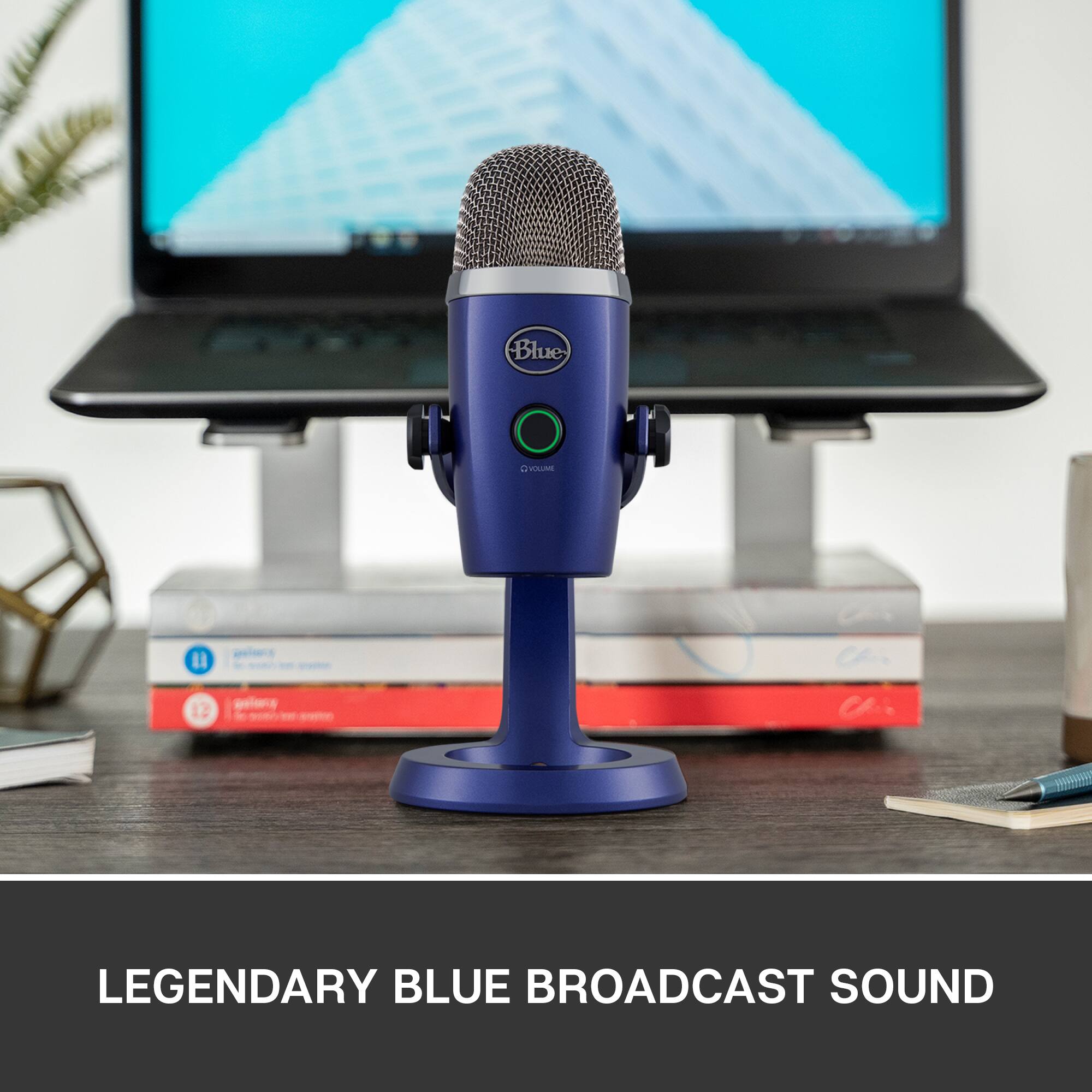
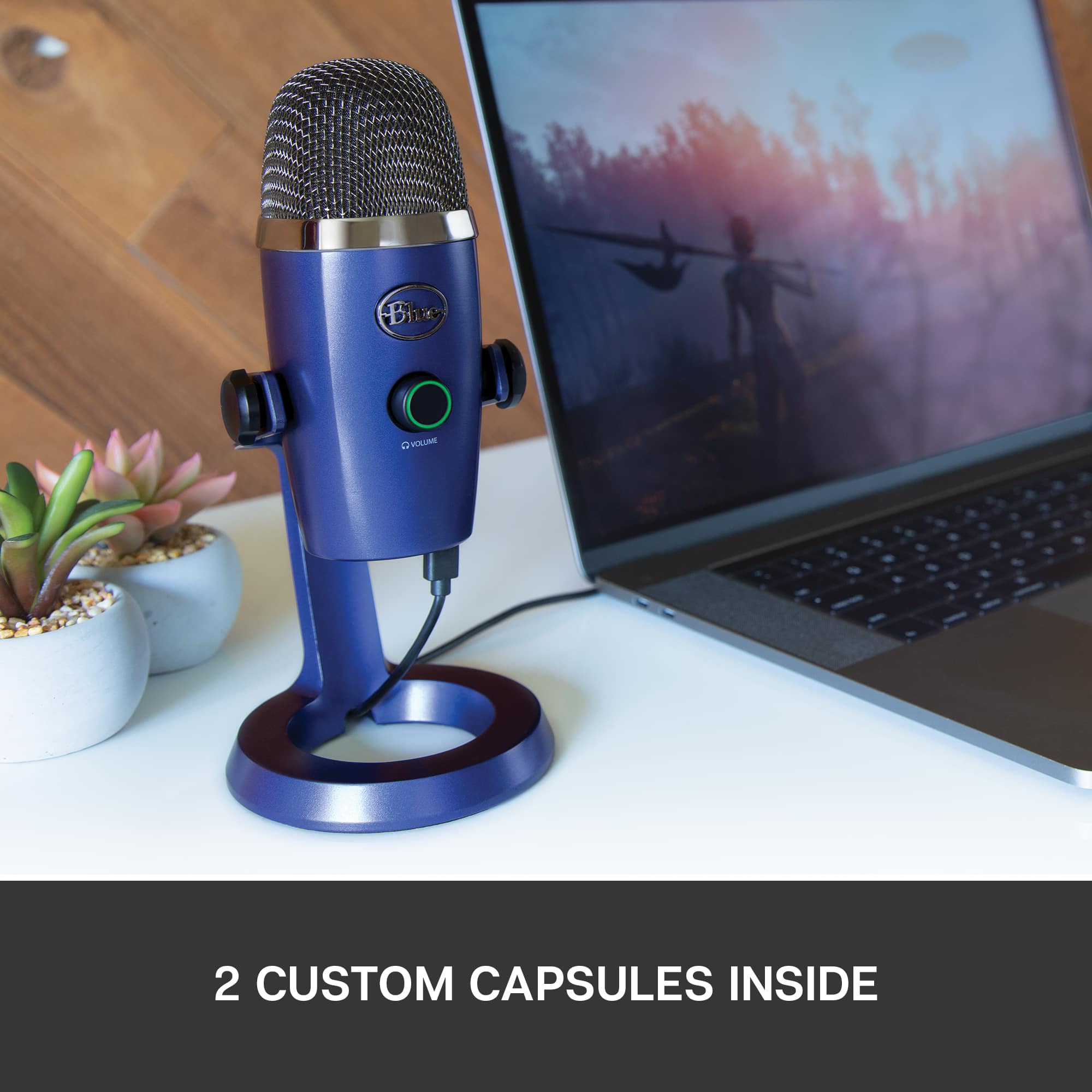
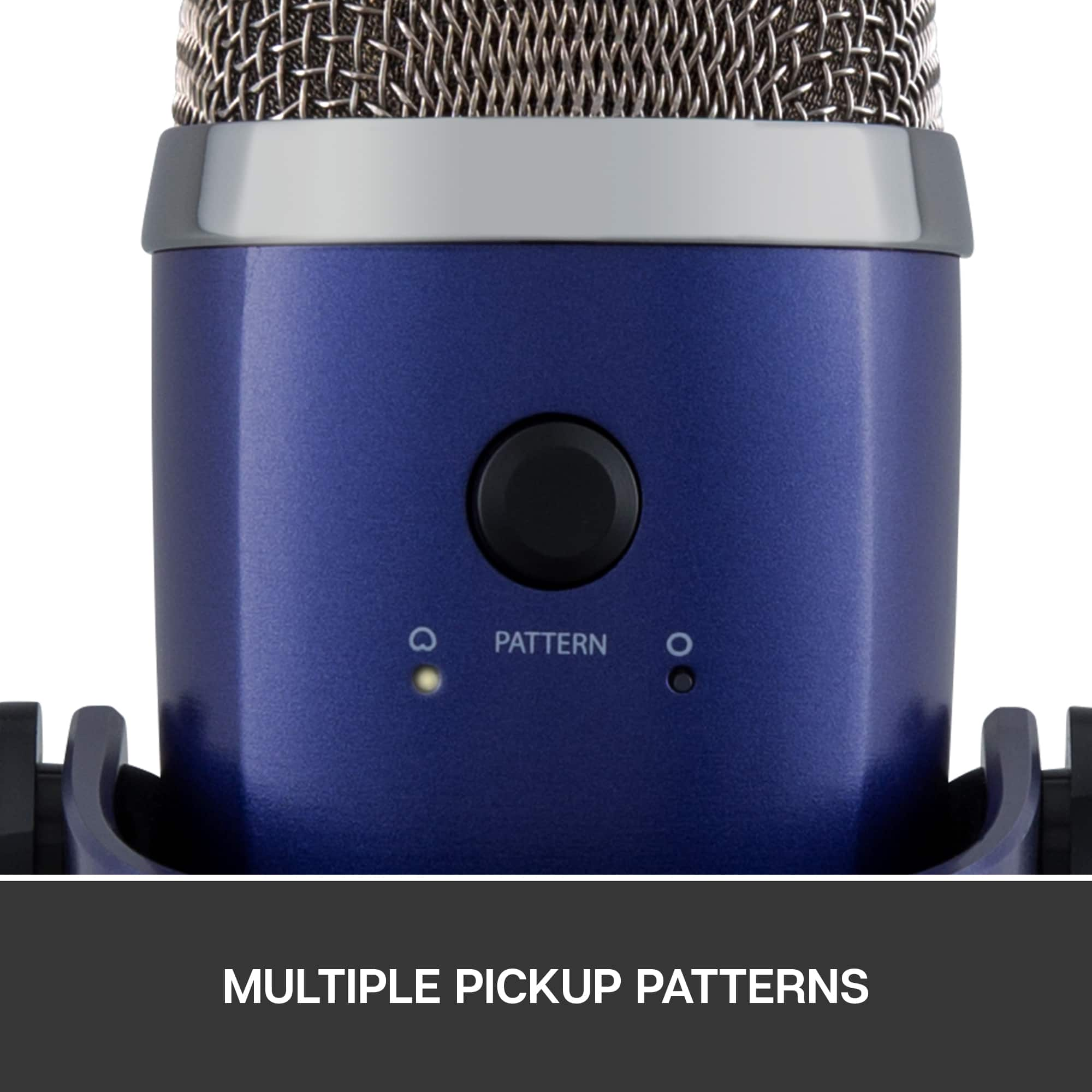
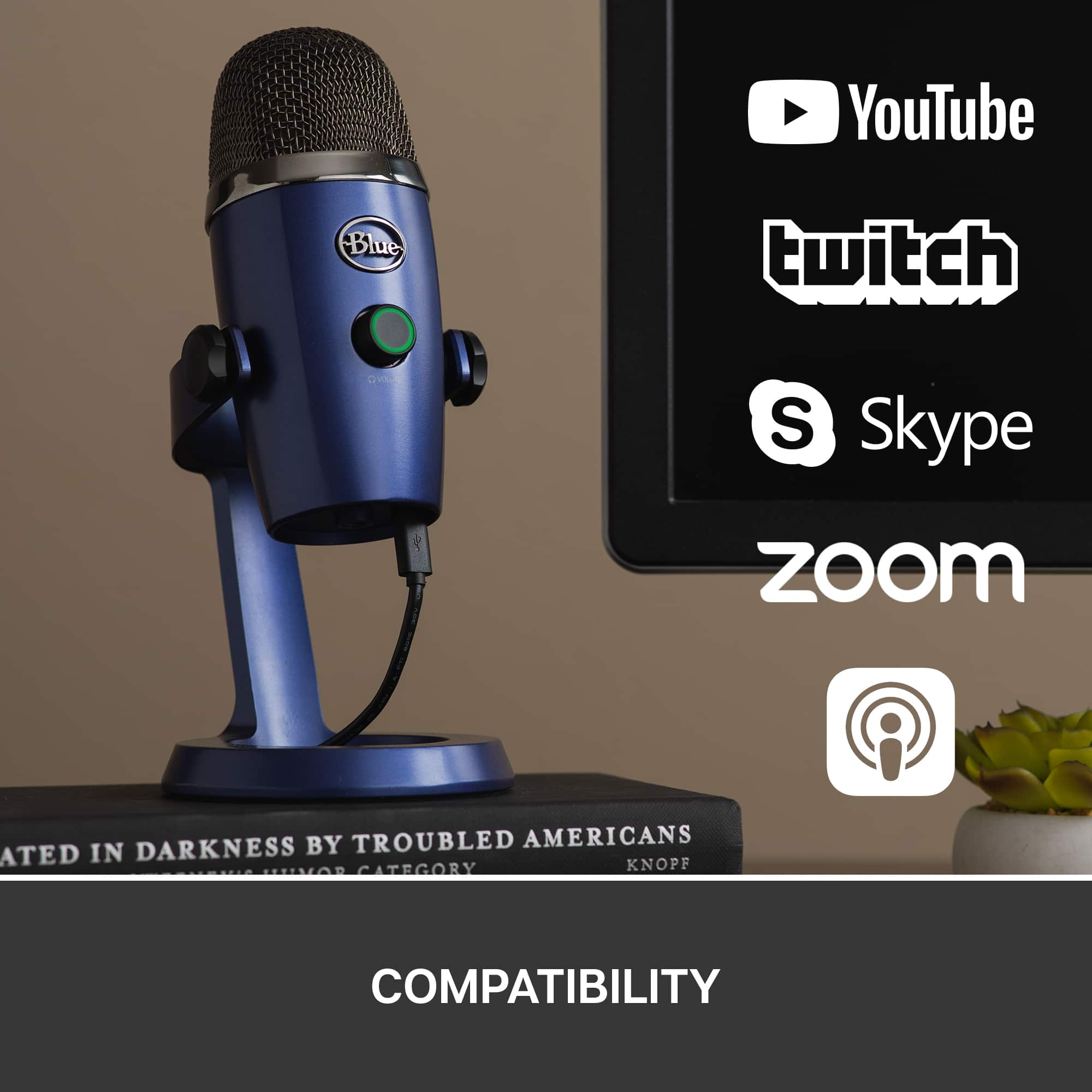
Yeti Nano is a USB microphone with broadcast-quality sound for podcasting, YouTube videos, Twitch streaming, and Zoom calls. Yeti Nano combines 24-bit sound quality with powerful Blue VO!CE* vocal effects for professional recording and streaming. With multiple pickup patterns and a built-in headphone output. I hope you find this information helpful.
- Leo from Logitech
Rated 2 out of 5 stars
Worked good for a while
||Posted . Owned for 2 months when reviewed.This reviewer received promo considerations or sweepstakes entry for writing a review.The mic is cutting out now. We have tried a couple brand new cables.
No, I would not recommend this to a friendBrand response from Logitech
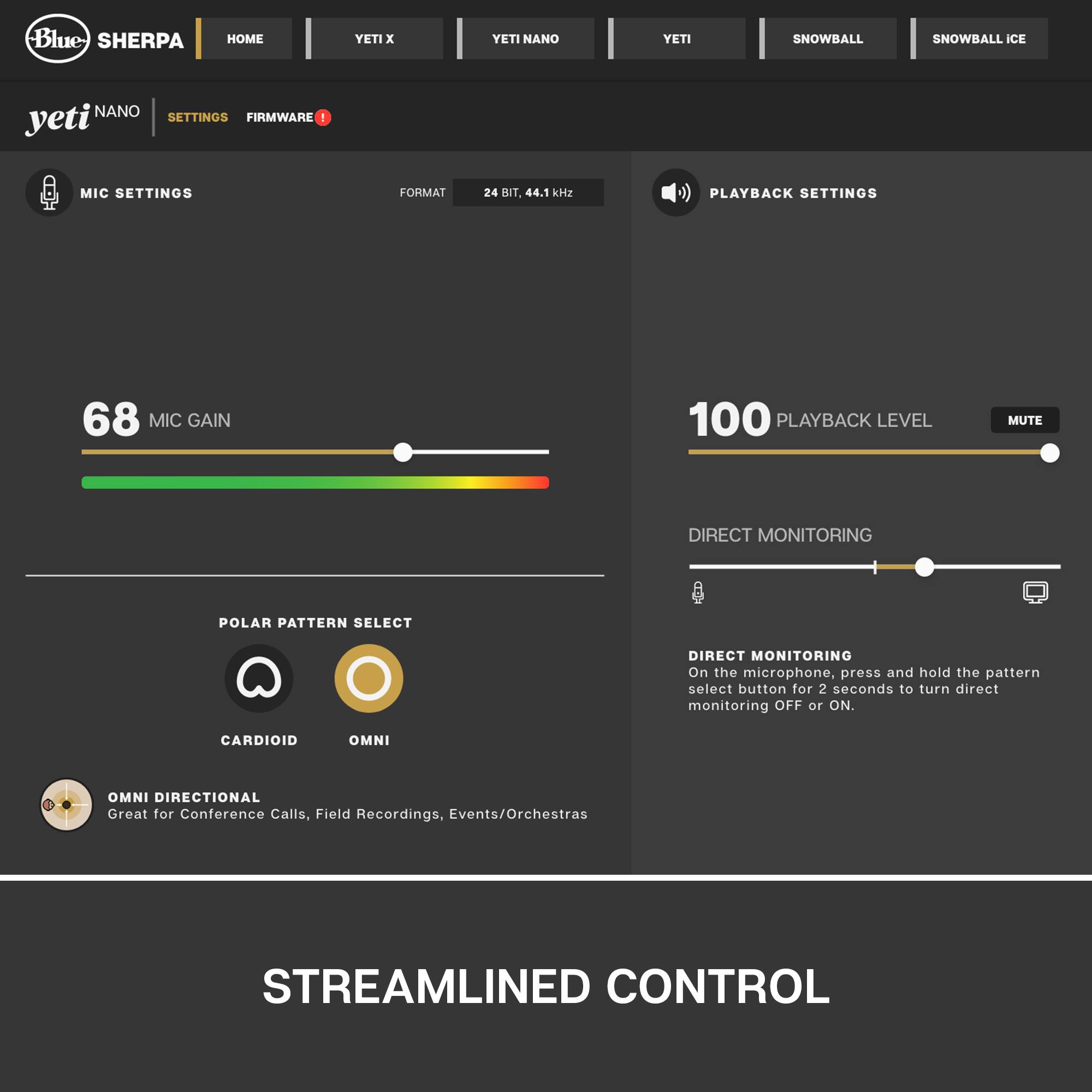
Posted .Hi! Sorry to see you're having audio quality issues with your Blue Yeti Microphone. If you haven't already, make sure to download the Blue Sherpa companion software to tweak even more of your Yeti mic. If you have any questions, check out the Blue Microphone support page at https://support.bluedesigns.com/hc/en-us/articles/360033969774. Hope that helps!
Rated 1 out of 5 stars
defective nano
||Posted . Owned for 1 month when reviewed.This reviewer received promo considerations or sweepstakes entry for writing a review.The one I received worked when I tested it, but then when I went to use it a few weeks later it sounded like chipmunks nested inside. It is defective and had to return. I get another and see if it works better.
This review is from Blue Microphones - Blue Yeti Nano Premium Wired Multi-Pattern USB Condenser Microphone - Shadow Gray
No, I would not recommend this to a friendBrand response from Logitech
Posted .Hello, I am so sorry to hear about the issue you had with the microphone. This microphone does come with a 1 year warranty through Logitech so let us replace it for you next time! Thank you for taking the time to write this review, we appreciate the feedback.
Rated 2 out of 5 stars
Not as I expected. Disappointed buy. To return
||Posted . Owned for 1 month when reviewed.This reviewer received promo considerations or sweepstakes entry for writing a review.Quality not as expected. It has affected my broadcasting remotely
No, I would not recommend this to a friendBrand response from Logitech
Posted .Hello customer, I'm sorry to hear that the Yeti Microphone wasn't everything you were expecting it to be. The quality of the Yeti can be altered using Blue's Sherpa software to modify and mix microphone settings. If you have any questions, please visit Blue's website. -Weston.
Rated 1 out of 5 stars
Broke within 30 days
||Posted . Owned for 1 month when reviewed.This reviewer received promo considerations or sweepstakes entry for writing a review.Worked great...until the headset port broke on the inside of the microphone within the first 30 days. Taking it for repairs tomorrow!
This review is from Blue Microphones - Blue Yeti Nano Premium Wired Multi-Pattern USB Condenser Microphone - Black
No, I would not recommend this to a friendBrand response from Logitech
Posted .Apologize about the experience and it's surely not what we expect to deliver. We understand your displeasure and we will forward it along to the right team so they can look into it. Thanks for bringing this to our attention.
Rated 2 out of 5 stars
Didn't Work
||Posted . Owned for 1 month when reviewed.This reviewer received promo considerations or sweepstakes entry for writing a review.unfortunately the mic did not work and had to return it.
This review is from Blue Microphones - Blue Yeti Nano Premium Wired Multi-Pattern USB Condenser Microphone - Shadow Gray
I would recommend this to a friendBrand response from Logitech
Posted .Hello customer, I'm sorry to hear that you had some issues with connecting your Yeti Nano microphone. I would recommend a couple things; first, make sure the mic is connected fully to the computer, and possibly try a different USB port. Then, make sure to go into your sound settings and select the Yeti Nano as your default microphone, as this sometimes doesn't automatically happen.
- Cons mentioned:Usb connection
Rated 1 out of 5 stars
Good just for a couple of months wouldnt recommend
||Posted . Owned for 6 months when reviewed.This reviewer received promo considerations or sweepstakes entry for writing a review.After 5 months of usage i can state that this mic will give you problems, it started working great, but after 1 month the usb connection in the mic started malfunction, sometimes my friends can hear me, sometimes they cant, i have to disconect and reconnect the usb cable, and once it gets recognized I cant move it a bit or it stops working.... people can also hear static and after a while of ussage it tends to malfunction again, so i have disconnect and reconnect again!
This review is from Blue Microphones - Blue Yeti Nano Premium Wired Multi-Pattern USB Condenser Microphone - Red Onyx
No, I would not recommend this to a friendBrand response from Logitech
Posted .Hey there AMejia, I'm sorry to hear you had some issues. That certainly sounds like something is wrong with the device, so I would recommend contacting us via our support site, as your microphone is probably still well within it's warranty. -Weston from Blue
Rated 1 out of 5 stars
Don’t recommend
||Posted .This reviewer received promo considerations or sweepstakes entry for writing a review.Doesn’t work for studio one and I had to buy a new one and I can’t return this one because of covid 19 policy. Don’t get if you’re trying to record
No, I would not recommend this to a friendRated 1 out of 5 stars
Not worth the money
||Posted . Owned for 3 weeks when reviewed.This reviewer received promo considerations or sweepstakes entry for writing a review.Had it less than a month and stopped working. Took in to Best Buy and they refused to take care of it.
This review is from Blue Microphones - Blue Yeti Nano Premium Wired Multi-Pattern USB Condenser Microphone - Black
No, I would not recommend this to a friendBrand response from Logitech
Posted .That sounds like an issue. In order to help you effectively, please provide your information to our support team by emailing socialcare@logitech.com. Name – Email address – Country – Product name – Brief description of the issue –
Rated 1 out of 5 stars
Nano nono
||Posted . Owned for 1 month when reviewed.This reviewer received promo considerations or sweepstakes entry for writing a review.Did not work with my computer. I tried everything to set it up and it just did not work at all with it. I gave 1 star because it looked good.
No, I would not recommend this to a friendBrand response from Logitech
Posted .Hi Bradd, Very sorry that you couldn't get the Yeti Nano to work with your computer. One thing that you may want to try is Blue's Sherpa companion app which will unlock Blue VO!CE vocal effects and will give you direct control over your Yeti Nano right from your desktop. Here's a link to the download: https://www.bluemic.com/en-us/products/sherpa/. Also, here's a link to the manual for the Yeti Nano that will give you a setup guide: https://s3.amazonaws.com/cd.bluemic.com/pdf/yeti-nano/Yeti_Nano_QuickStart_REV_D_EN.pdf. Hope that you find this helpful and that all is going better. Thank you for choosing Blue. - Richard from Blue/Logitech
Rated 1 out of 5 stars
Microphones
||Posted . Owned for 1 month when reviewed.This reviewer received promo considerations or sweepstakes entry for writing a review.I didn't use it. I return it to the store. it was what i needed
No, I would not recommend this to a friendBrand response from Logitech
Posted .Thanks for letting us know about your experience with the Blue Yeti Nano. We appreciate you returning it to the store if it wasn't the right fit for your needs. We hope you find the perfect microphone for your setup!
Rated 1 out of 5 stars
HORRIBLE! I would give it zero stars if I could
||Posted .This reviewer received promo considerations or sweepstakes entry for writing a review.I have had the microphone for a month. The jack on the bottom of the microphone is broken. I have used it very little and now it is useless. I just spoke with Best Buy and they were of no help.
This review is from Blue Microphones - Blue Yeti Nano Premium Wired Multi-Pattern USB Condenser Microphone - Shadow Gray
No, I would not recommend this to a friendBrand response from Logitech
Posted .Hello customer, I'm so sorry to hear that your Yeti Nano Microphone wasn't everything you hoped it would be. It's always frustrating when a product breaks quickly. Luckily, Blue has a limited 2 year warranty, and information on how to claim it can be found on their customer support website. You can also find troubleshooting tips and tricks to help make the microphone easier to use and manage. -Weston.
Rated 1 out of 5 stars
Broke in 64 days
||Posted . Owned for 2 months when reviewed.This reviewer received promo considerations or sweepstakes entry for writing a review.It was great, but it stopped working in just over 60 days.
This review is from Blue Microphones - Blue Yeti Nano Premium Wired Multi-Pattern USB Condenser Microphone - Shadow Gray
No, I would not recommend this to a friendBrand response from Logitech
Posted .That's unfortunate and we apologize for the inconvenience. This is not the experience we want you to have. We'd recommend you to please get in touch with the Logitech G support team to check for all the available options, next steps, and best possible solution. However, we will also take this as feedback and pass it to the right team.
Rated 1 out of 5 stars
Poor!
||Posted .This reviewer received promo considerations or sweepstakes entry for writing a review.When using this Microphone with an Apple Laptop, the quality difference between the built in apple mic and this is absolutely the same! Plus, the mic cuts out while live-streaming! Returned immediately!
This review is from Blue Microphones - Blue Yeti Nano Premium Wired Multi-Pattern USB Condenser Microphone - Shadow Gray
I would recommend this to a friendRated 1 out of 5 stars
Horrible product
||Posted . Owned for 1 month when reviewed.This reviewer received promo considerations or sweepstakes entry for writing a review.Hate this product. Cannot use it. It sounds like I am in a tin can and nobody can understand me. It is completely useless.
This review is from Blue Microphones - Blue Yeti Nano Premium Wired Multi-Pattern USB Condenser Microphone - Shadow Gray
No, I would not recommend this to a friendRated 1 out of 5 stars
Waste of money
||Posted . Owned for 2 weeks when reviewed.This reviewer received promo considerations or sweepstakes entry for writing a review.I was very disappointed in this purchase after I explained to the sales representative what I planing on using this for and I end up taking the mic back the next day
This review is from Blue Microphones - Blue Yeti Nano Premium Wired Multi-Pattern USB Condenser Microphone - Shadow Gray
No, I would not recommend this to a friend