Customer Ratings & Reviews

- Model:
- 988-000499/988-000101
- SKU:
- 5963805
Rating by feature
- Value
Rating 4.6 out of 5 stars
- Quality
Rating 4.8 out of 5 stars
- Ease of Use
Rating 4.7 out of 5 stars
Customers are saying
Customers frequently mention the Blue Yeti microphone's amazing sound quality and ease of use. Many appreciate its sensitivity, compatibility, and quick setup. However, some find its size and weight to be a drawback, and a few have noted concerns about the micro USB connectivity and the USB port's stability.
This summary was generated by AI based on customer reviews.
- Pros mentioned:Ease of use, Sound quality
Blue microphone
||Posted . Owned for 1 month when reviewed.This reviewer received promo considerations or sweepstakes entry for writing a review.Works great. Clear sound. Easy to use. Would recommend
I would recommend this to a friendBrand response from Logitech
Posted .We appreciate your kind words! The Yeti is designed to deliver exceptional sound quality and ease of use. Glad you're enjoying it.
- Pros mentioned:Ease of use, Sound quality
great quality for the price
||Posted . Owned for 3 weeks when reviewed.This reviewer received promo considerations or sweepstakes entry for writing a review.love it - great sound quality and easy to set up - added the pop screen and a vertical arm when I'm not travelling. Arrived in 2 days! Thanks heaps Best Buy!
I would recommend this to a friend - Pros mentioned:Sound qualityCons mentioned:Size
Great microphone
||Posted .This reviewer received promo considerations or sweepstakes entry for writing a review.I purchased this to do voiceover for a video I was editing. It's not Hollywood material but why pay Hollywood prices when you can get this mic and still get professional quality? It's a little BIG, but once you get used to it, it's ok.
I would recommend this to a friend - Pros mentioned:Price, Sound quality
Best Microphone For Your Computer
||Posted .This reviewer received promo considerations or sweepstakes entry for writing a review.I really lovvveee this microphone. I basically created a mini studio with my MacBook using this microphone. The quality is sooo good. I caught it on sale for $99 and it was one of the best purchases I made.
I would recommend this to a friend - Pros mentioned:Ease of use, Sound quality
Good Mic
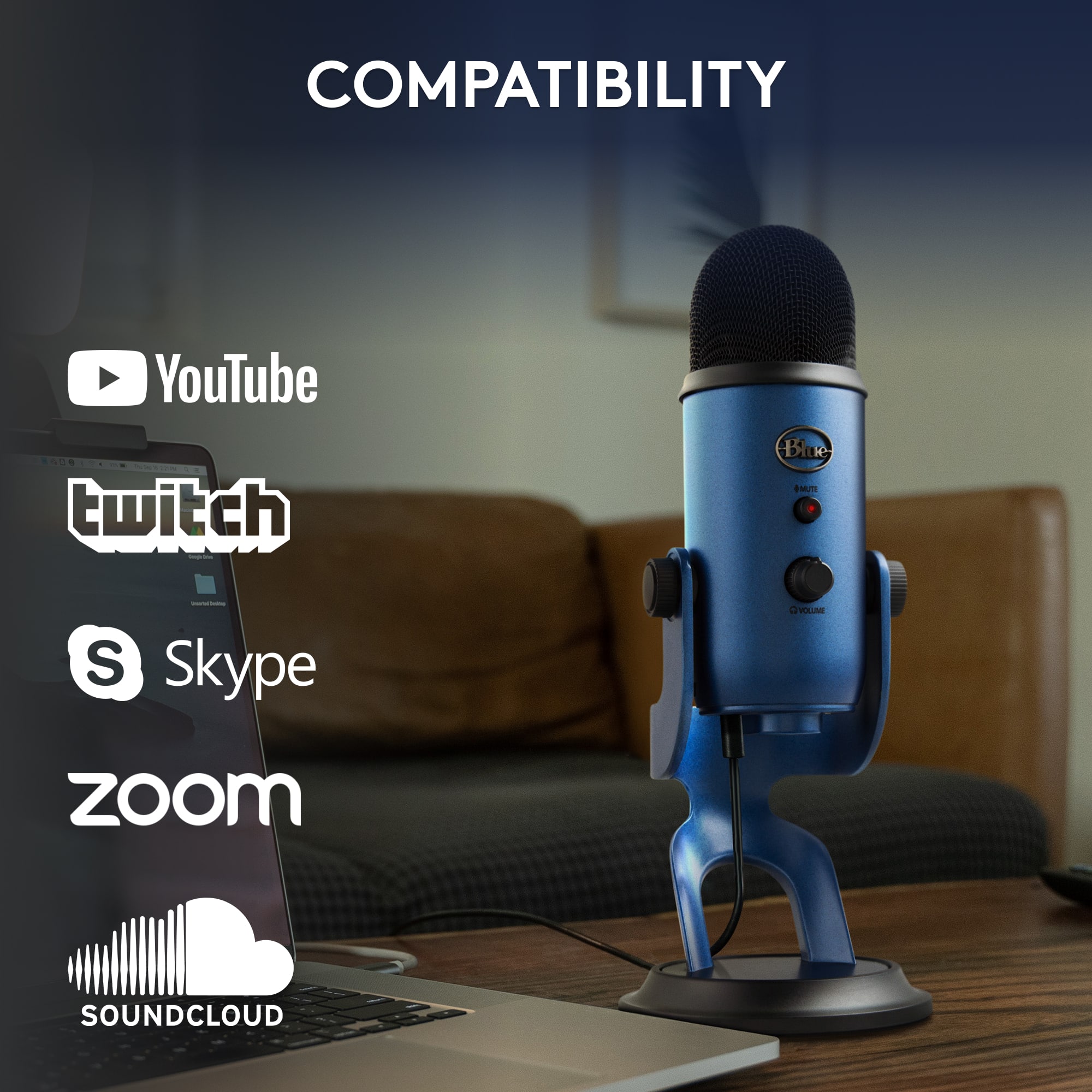
||Posted . Owned for 1.5 years when reviewed.This reviewer received promo considerations or sweepstakes entry for writing a review.This microphone is very good for the cost. It is extremely easy to use and the sound quality is passable for the price. It works well for streaming and music recording.
I would recommend this to a friend - Pros mentioned:Sound quality
Great Mic!
||Posted . Owned for 3 weeks when reviewed.This reviewer received promo considerations or sweepstakes entry for writing a review.Wonderful mic, sound quality is great. Exactly what i needed when i needed it, great job Best Buy!
I would recommend this to a friendBrand response from Logitech
Posted .That's fantastic to hear! We're glad the Blue Yeti is delivering the sound quality you need. It's great when a product perfectly meets expectations, and we appreciate you sharing your positive experience.

- Pros mentioned:Sound quality
Good microphone
||Posted . Owned for 1.5 years when reviewed.This reviewer received promo considerations or sweepstakes entry for writing a review.My son likes this for gaming. It has sounded really good for him online.
I would recommend this to a friendBrand response from Logitech
Posted .Thanks a lot for sharing that! We're happy to hear the Blue Yeti microphone is delivering great audio for your son's gaming sessions. It’s awesome when gear lives up to expectations—especially when it enhances the fun and connection online.
- Pros mentioned:Sound quality
Great Mic
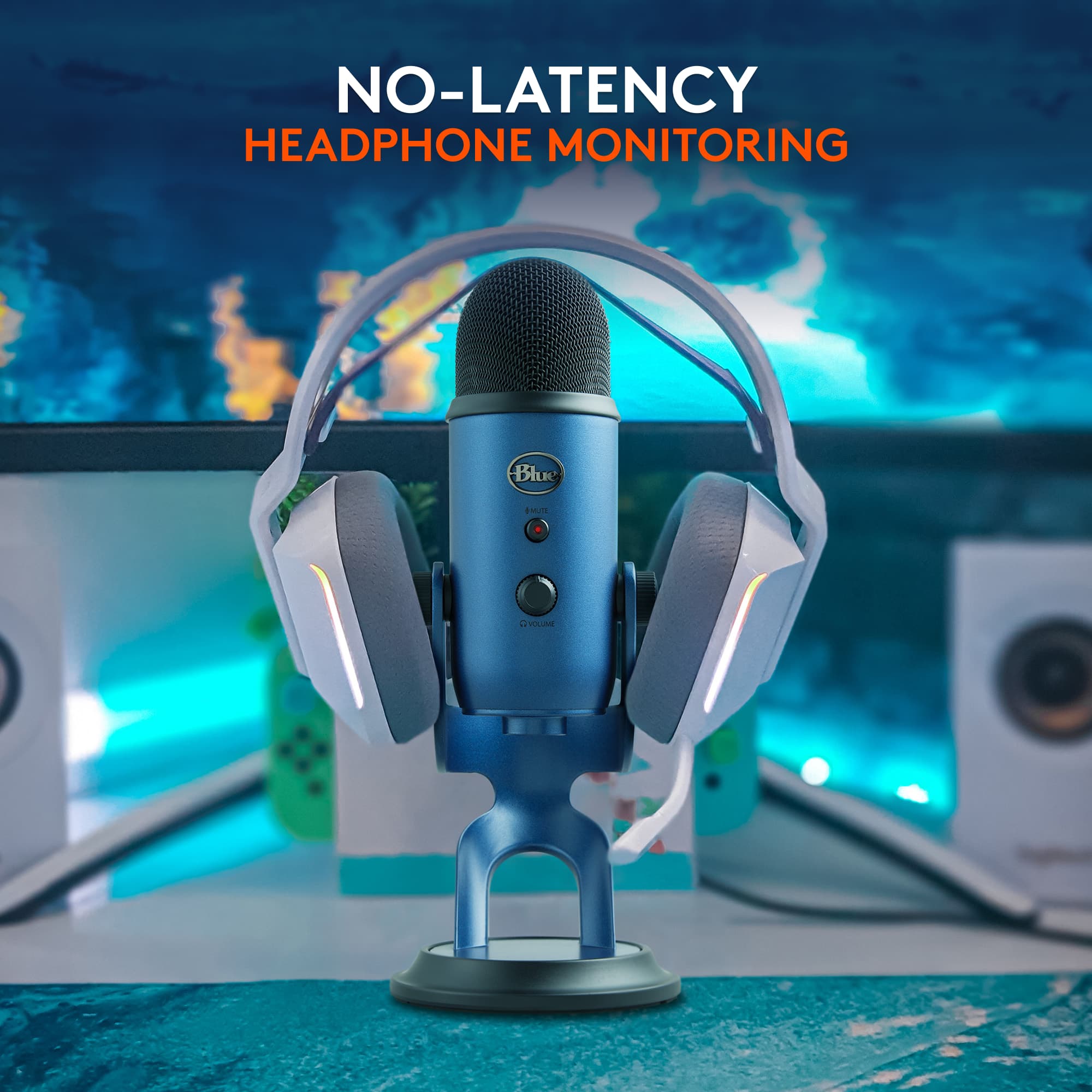
||Posted . Owned for 1 month when reviewed.This reviewer received promo considerations or sweepstakes entry for writing a review.The Yeti mic is an excellent, user-friendly microphone that produces clear sound while in use. I can sit back comfortably in my chair and speak effortlessly without the need to lean forward to talk into the mic for others to hear me. I received many compliments on the clarity when I use the mic when compared to devices in the past that I used. Don't forget to use this mic with headphones for best performance. ****The mic is sensitive and will pick up surrounding sound very easily.
I would recommend this to a friendBrand response from Logitech
Posted .Hello JKJ1,
Thank you for choosing the Blue Yeti microphone and for taking the time to write this review. We appreciate your feedback and this 5-star rating. I have attached a link to the “Getting Started” support page for the Blue Yeti USB microphone for your reference. I recommend downloading the Blue “Sherpa” software for optimal performance. Enjoy!
Best regards,
John at Logitech
https://support.bluedesigns.com/hc/en-us/articles/360033969774-Getting-Started-Yeti
- Pros mentioned:Ease of use, Sound quality
Love this Mic!
||Posted . Owned for 3 weeks when reviewed.This reviewer received promo considerations or sweepstakes entry for writing a review.This was highly reviewed before I bought it, but it's perfect for what I needed. I'm trying to start streaming and creating video content, and this is the perfect piece of equipment for that!
I would recommend this to a friend - Pros mentioned:Sensitivity, Sound quality
I love this mic! It is by far the best I have used
||Posted .This reviewer received promo considerations or sweepstakes entry for writing a review.The Blue Yeti Mic is professional grade! It took me a few minutes to get it adjusted (it is very sensitive which is not a bad thing), but once I got it set right it has performed very very well!
I would recommend this to a friend - Pros mentioned:Ease of use, Sound quality
Just Perfect....
||Posted . Owned for 3 weeks when reviewed.This reviewer received promo considerations or sweepstakes entry for writing a review.Seems To Be Perfect, Easy To Use, Easy Plug And Play / Use. Clear Directions, Great Sound Quality, And The End Result is Clear Crisp. Very Sensitive Microphone Too!
I would recommend this to a friend - Pros mentioned:Sound quality
Heavy duty, well constructed USB microphone
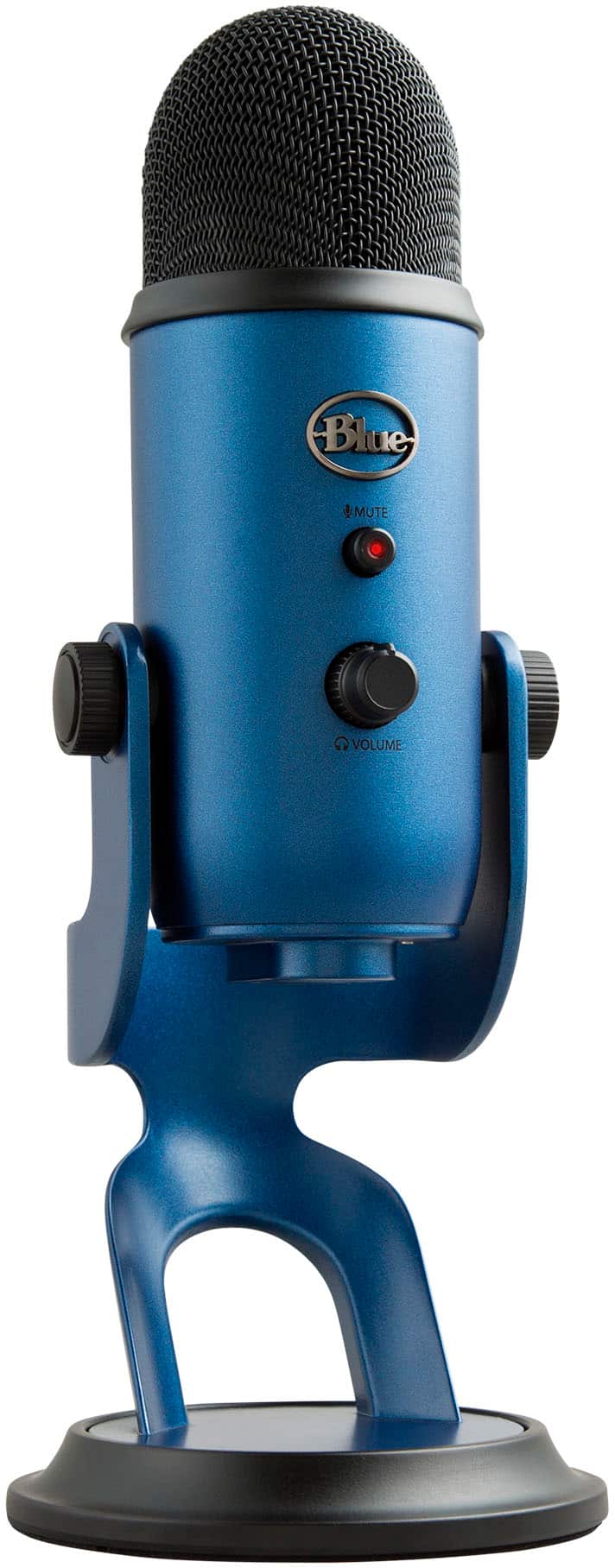
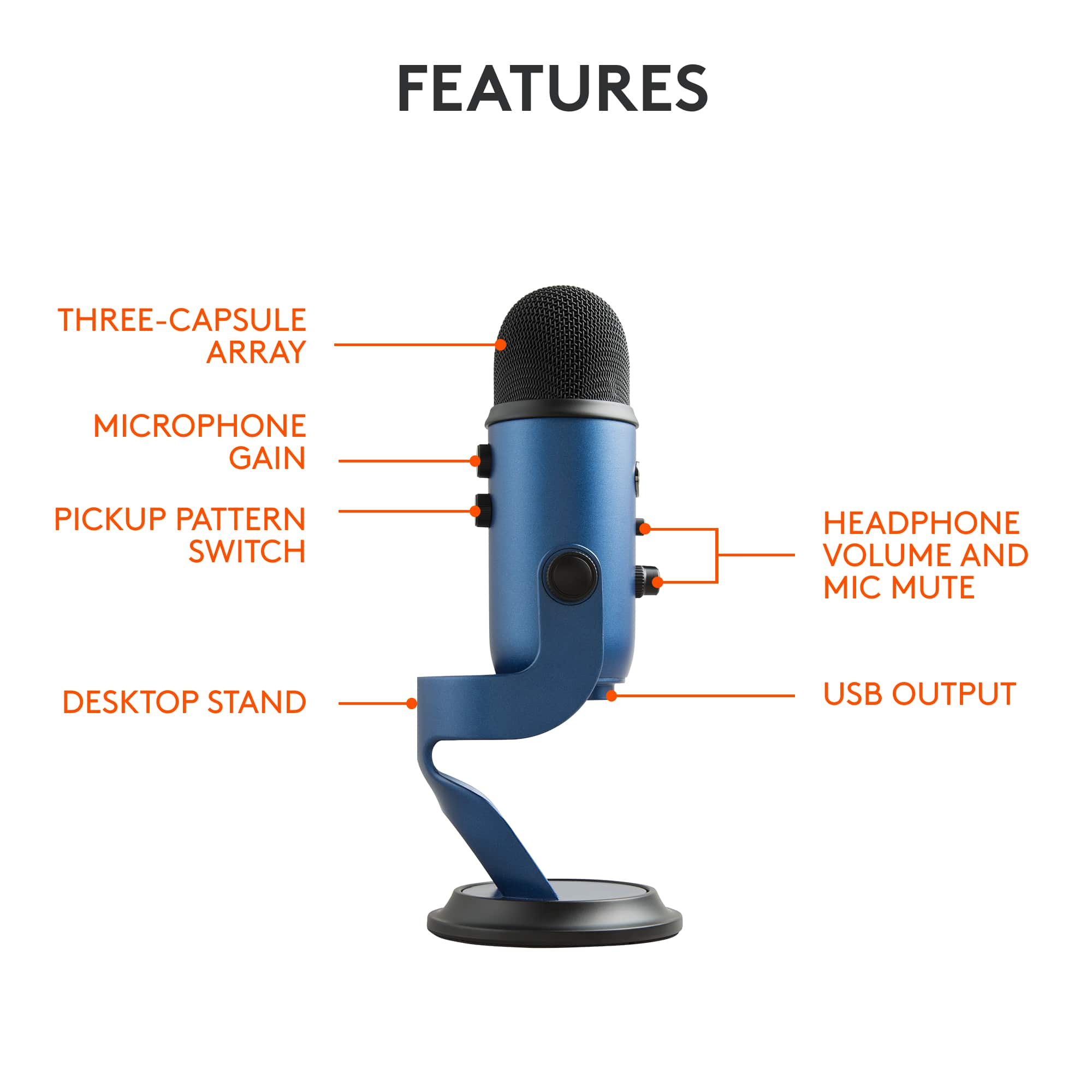
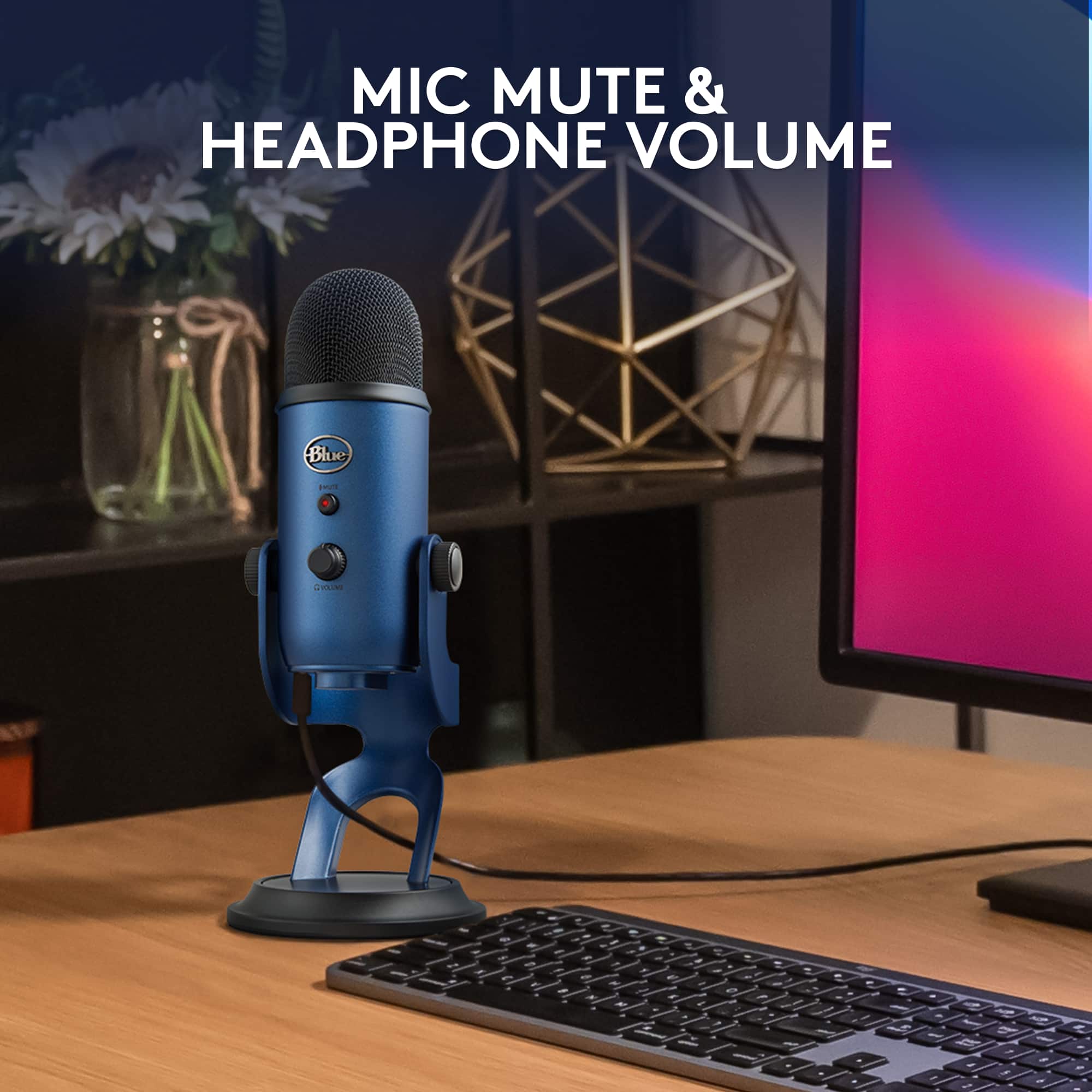
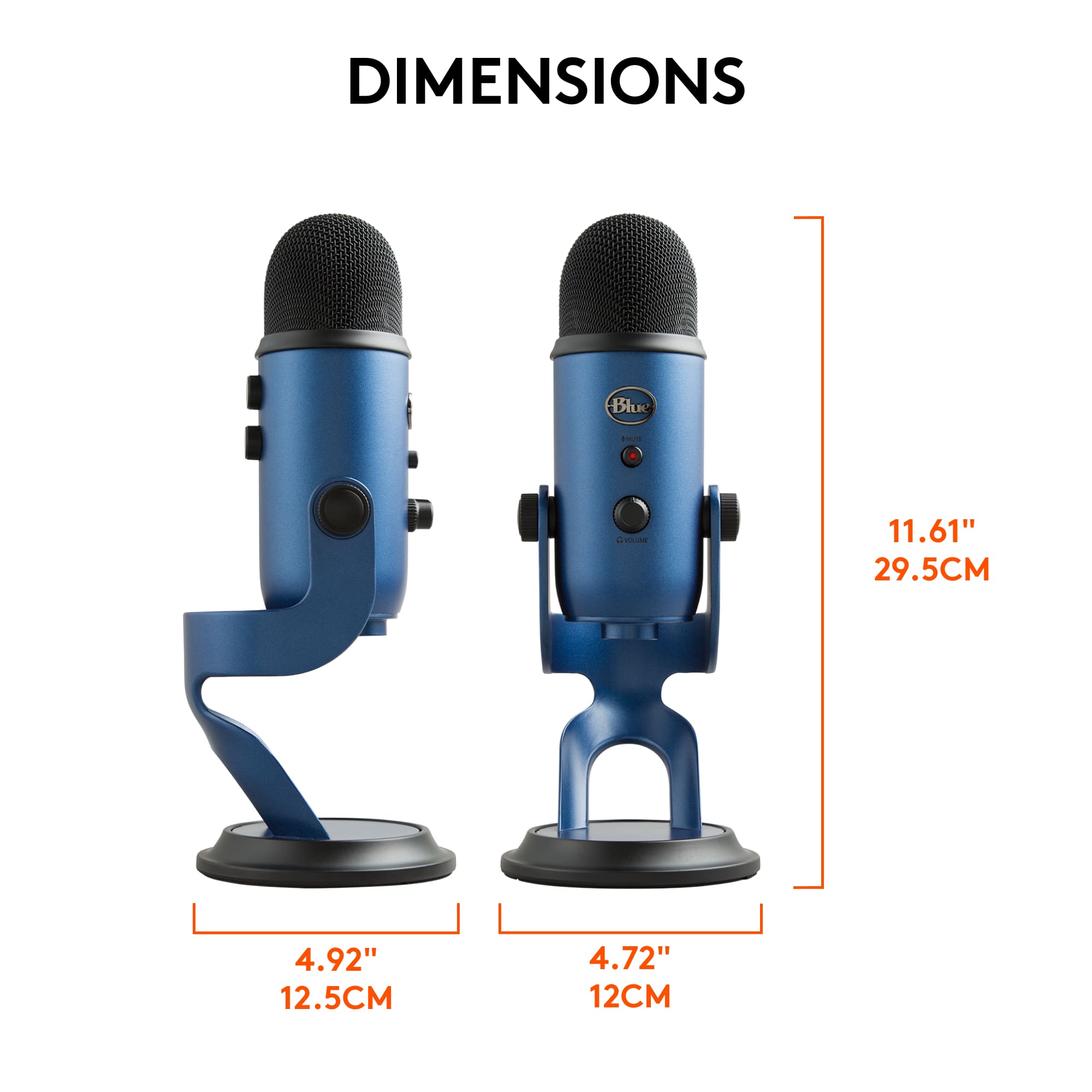
||Posted . Owned for less than 1 week when reviewed.This reviewer received promo considerations or sweepstakes entry for writing a review.This is a solid piece of equipment. I'm expecting it to provide better sound quality than the built in mic on my laptop. There is a mute button on the front, easy enough to grab the mic and mute yourself if necessary. There is a jack on the bottom for plugging in headphones, so you can hear yourself as you record. There is a volume button just below the mute button on the front, to control the level you are feeding yourself in your headphones. The only element that is disappointing is that the jack for headphones is the smaller size, so I'm not able to use my good-quality, full-sized headphones that have the normal sized pin.
I would recommend this to a friend - Pros mentioned:Ease of use, Sound quality
good
||Posted . Owned for 1 year when reviewed.This reviewer received promo considerations or sweepstakes entry for writing a review.Pros: Great quality of sound, it beats everything I have so far. It is very heavy, if you leave it on its own mic stand, it is absolutely stable. High quality build. Easy to use. Cons: This is not really a minus for this mic, there is a PRO version with XLR port, now I am thinking about it too.
I would recommend this to a friend - Pros mentioned:Ease of use, Sound quality
Mighty flame dame YouTube mic
||Posted . Owned for 1 month when reviewed.This reviewer received promo considerations or sweepstakes entry for writing a review.Top quality microphone. The sound is outstanding. It’s nice because it’s easy to set up and use in various places
I would recommend this to a friend - Pros mentioned:Sound qualityCons mentioned:Size
Great mica little bulky for travel
||Posted .This reviewer received promo considerations or sweepstakes entry for writing a review.The sound quality on this microphone was outstanding. It was tough to take it with me to various locations and it was large and heavy which also makes it a good microphone. The adjustments were easy to follow game did not introduce too much noise and the connection was easy and out-of-the-way. I would buy it again if I was going to leave it at one place.
I would recommend this to a friend - Pros mentioned:Sound quality
Good product
||Posted . Owned for 3 weeks when reviewed.This reviewer received promo considerations or sweepstakes entry for writing a review.The microphone is compact enough to fit into about 2 or so foot long desk. In terms of sound, it does good in transmitting well sound from person. Depending on the settings on the micro itself or on your computer (ex. In Discord you have noise suppression), the sounds could be limited to voice activation only. A great choice and we have two of these at home. With most mics, i recommend covering the top wih the transparent plastic bag that comes with this product just to avoid overall damages due to dust.
I would recommend this to a friend - Pros mentioned:Sound quality
blue yeti
||Posted . Owned for 8 months when reviewed.This reviewer received promo considerations or sweepstakes entry for writing a review.great mic everyone hears me crystal clear even if i step away
I would recommend this to a friendBrand response from Logitech
Posted .Thanks for sharing! It’s great to hear the mic’s clarity shines through—even when you’re not right next to it. That kind of reliable performance makes all the difference, especially for calls, streaming, or recording.
- Pros mentioned:Ease of use, Sound quality
Easy set up. Great mike!
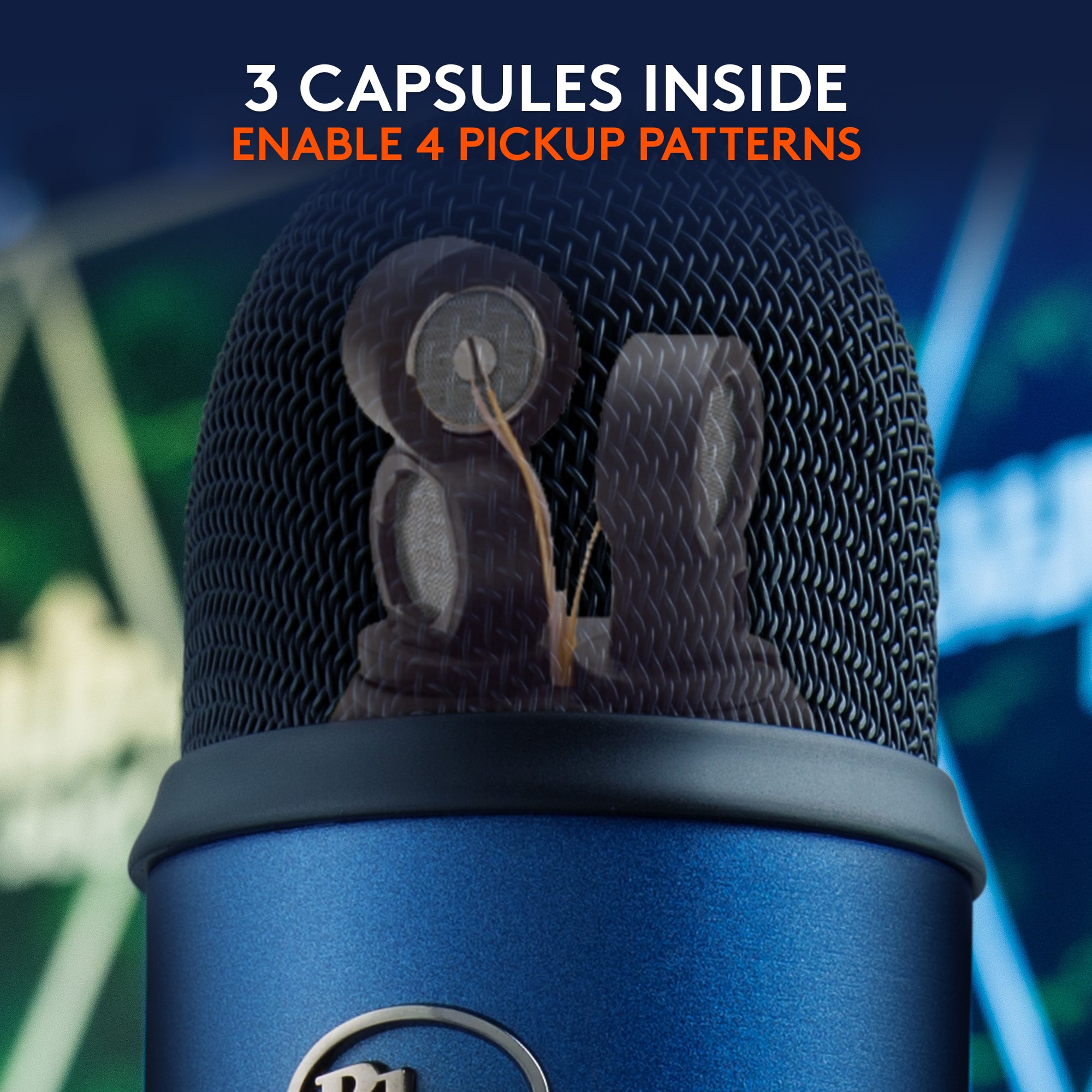
||Posted . Owned for 2 weeks when reviewed.This reviewer received promo considerations or sweepstakes entry for writing a review.I can see why these are so popular. I use it in cardioid mode to do online teaching. Very clear, full sound. Cuts out the surrounding noise. Plug n play on my MacBook pro.
I would recommend this to a friend - Pros mentioned:Ease of use, Sound quality
Overall great mic
||Posted . Owned for 1 month when reviewed.This reviewer received promo considerations or sweepstakes entry for writing a review.Great mic for the price. Easy setup! Works well for gaming or school presentations.
I would recommend this to a friend - Pros mentioned:Ease of use, Sound quality
It’s the best
||Posted .This reviewer received promo considerations or sweepstakes entry for writing a review.It works really good. This now my favorite microphone out of all the mics I own. I like because it’s just plug it in and start recording. It works real good for podcast, music, streaming video games.
I would recommend this to a friend