Customer Ratings & Reviews

- Model:
- 988-000105
- SKU:
- 6367477
Rating by feature
- Value
Rating 4.5 out of 5 stars
- Quality
Rating 4.7 out of 5 stars
- Ease of Use
Rating 4.7 out of 5 stars
Customers are saying
Customers often highlight the exceptional sound quality and ease of use of the Yeti X Professional USB Multi-Pattern Condenser Microphone. Many also appreciate the included software and the microphone's multiple pickup patterns, which offer versatility for various recording scenarios. While some users wish for a USB-C connection and find the microphone's size somewhat large, the overall experience is largely positive. The sturdy build and compatibility with multiple devices are also frequently praised.
This summary was generated by AI based on customer reviews.
- Pros mentioned:Sound quality
Yeti X
||Posted . Owned for 1 week when reviewed.This reviewer received promo considerations or sweepstakes entry for writing a review.Good quality for a usb microphone. You need to get it close to your mouth for best quality, so you should also buy a mic arm for it.
I would recommend this to a friend - Pros mentioned:Sound quality
Yeti X
||Posted . Owned for 1 month when reviewed.This reviewer received promo considerations or sweepstakes entry for writing a review.Great quality mic use mostly for gaming with lots of features and good quality sound pick-up. The mudder cover was niot included and did cost extra
I would recommend this to a friend - Pros mentioned:Sound quality
Blue mic
||Posted . Owned for 8 months when reviewed.This reviewer received promo considerations or sweepstakes entry for writing a review.Excellent mic for beginner streamers open and play.
I would recommend this to a friendBrand response from Logitech
Posted .Thank you for your amazing review of the Blue Yeti X microphone! We're thrilled to hear that it's a great choice for beginner streamers and that you appreciate its open and plug-and-play nature. Your positive feedback means a lot to us as we continue to provide exceptional products that enhance your streaming experience.
- Pros mentioned:Sound quality
Yeti x great for podcast and video conferences
||Posted . Owned for 4 months when reviewed.This reviewer received promo considerations or sweepstakes entry for writing a review.Thoroughly impressed with the sound quality! Use a boom and it’s been a joy!
I would recommend this to a friend - Pros mentioned:Sound quality
Best one
||Posted . Owned for 1 month when reviewed.This reviewer received promo considerations or sweepstakes entry for writing a review.The best gift is amazing for streaming I love the color and the sound
I would recommend this to a friendBrand response from Logitech
Posted .That's fantastic! The Blue Yeti X is an excellent choice for streaming. Its versatility, sound quality, and customizable features make it a popular pick among content creators.
- Pros mentioned:Sound quality
Yeti X
||Posted . Owned for 6 months when reviewed.This reviewer received promo considerations or sweepstakes entry for writing a review.Very good microphone. Quality is super good. Would recommend this to a friend.
I would recommend this to a friend - Pros mentioned:Sound quality
Blue yeti X
||Posted . Owned for 3 months when reviewed.This reviewer received promo considerations or sweepstakes entry for writing a review.Having the blue yeti x microphone for a couple of months it works perfect for the work I do I own two blue yeti microphones this one will be my third one I love it
I would recommend this to a friend - Pros mentioned:Sound quality

Great microphone for the price
|Posted . Owned for 1 month when reviewed.This reviewer received promo considerations or sweepstakes entry for writing a review.[Employee of bestbuy] Sounds better than my old blue snowball! Told it sounds really crisp
I would recommend this to a friend - Pros mentioned:Sound quality
Good if you know how to use it
||Posted . Owned for 10 months when reviewed.This reviewer received promo considerations or sweepstakes entry for writing a review.Pricy, but at a discount this was an amazing buy. Great for audiophiles
I would recommend this to a friend - Pros mentioned:Sound quality
Quality mic
||Posted . Owned for 1 week when reviewed.This reviewer received promo considerations or sweepstakes entry for writing a review.Great mic for the price! Great Quality and sound!
I would recommend this to a friend Good Microphone for beginners. Sounds good
||Posted . Owned for 2 months when reviewed.This reviewer received promo considerations or sweepstakes entry for writing a review.Just set up this Blue Yeti X along with a Blue microphone arm, shock mount, and pop filter. It's easy to adjust the equalizer in the Logitech G Hub app. The original microphone stand picks up alot of small bumps if placed on your desk. So I recommend getting a boom arm + shock mount to help.
I would recommend this to a friend- Pros mentioned:Sound quality
Great Mic - Would Recommend
||Posted . Owned for 3 weeks when reviewed.This reviewer received promo considerations or sweepstakes entry for writing a review.Clear and crisp sound, excellent for just general party chat or streaming. Used it for Xbox Live Party Chat and Discord on my PC. Everyone that I play with says that the chat comes in more clear than before.
I would recommend this to a friend - Pros mentioned:Ease of use, Price

Blue Yeti X - Professional Condenser - THE BEST!
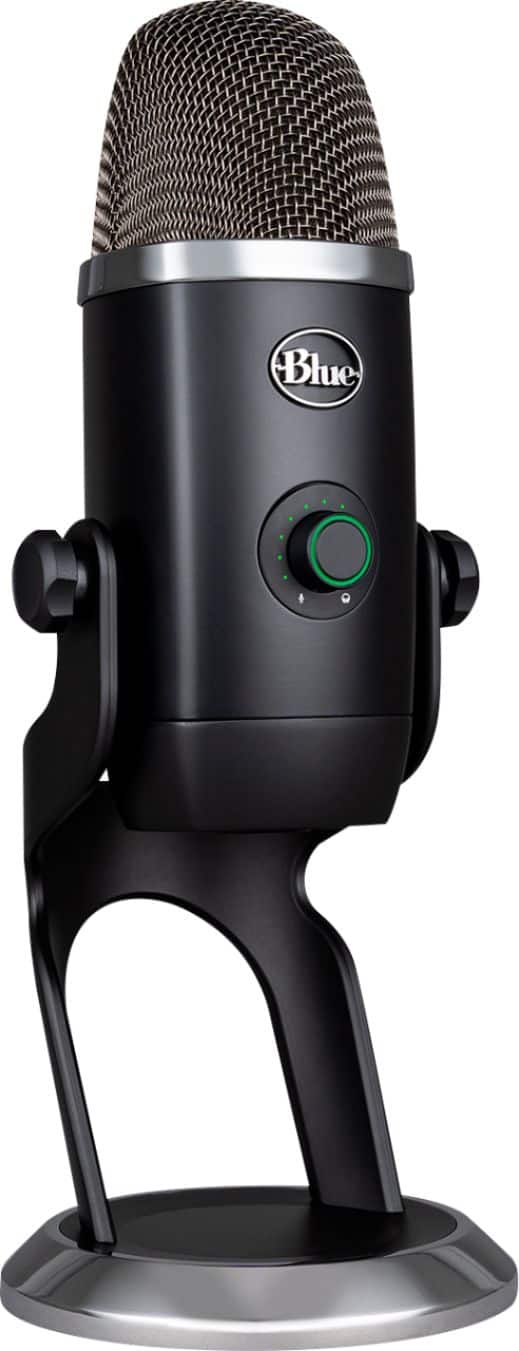
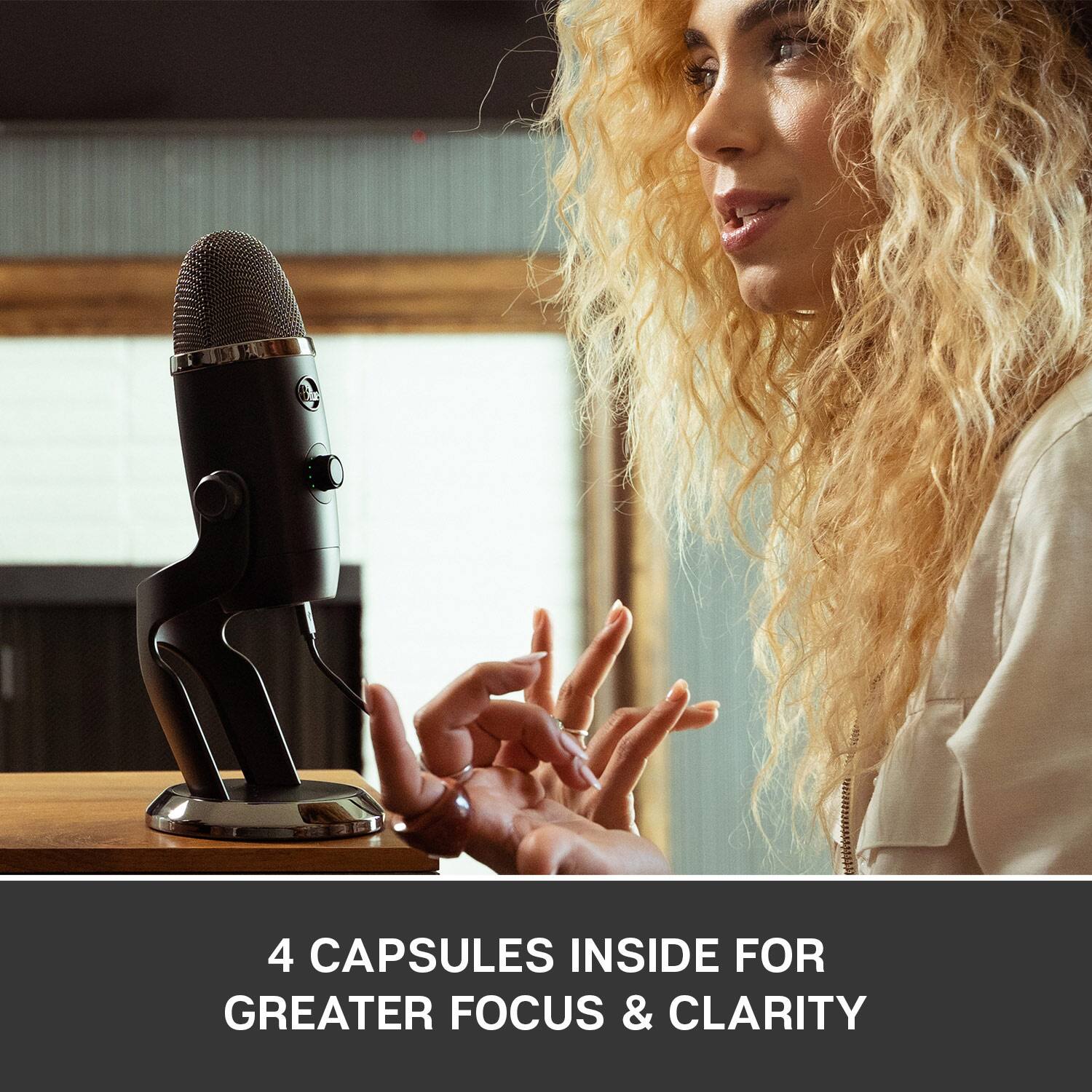
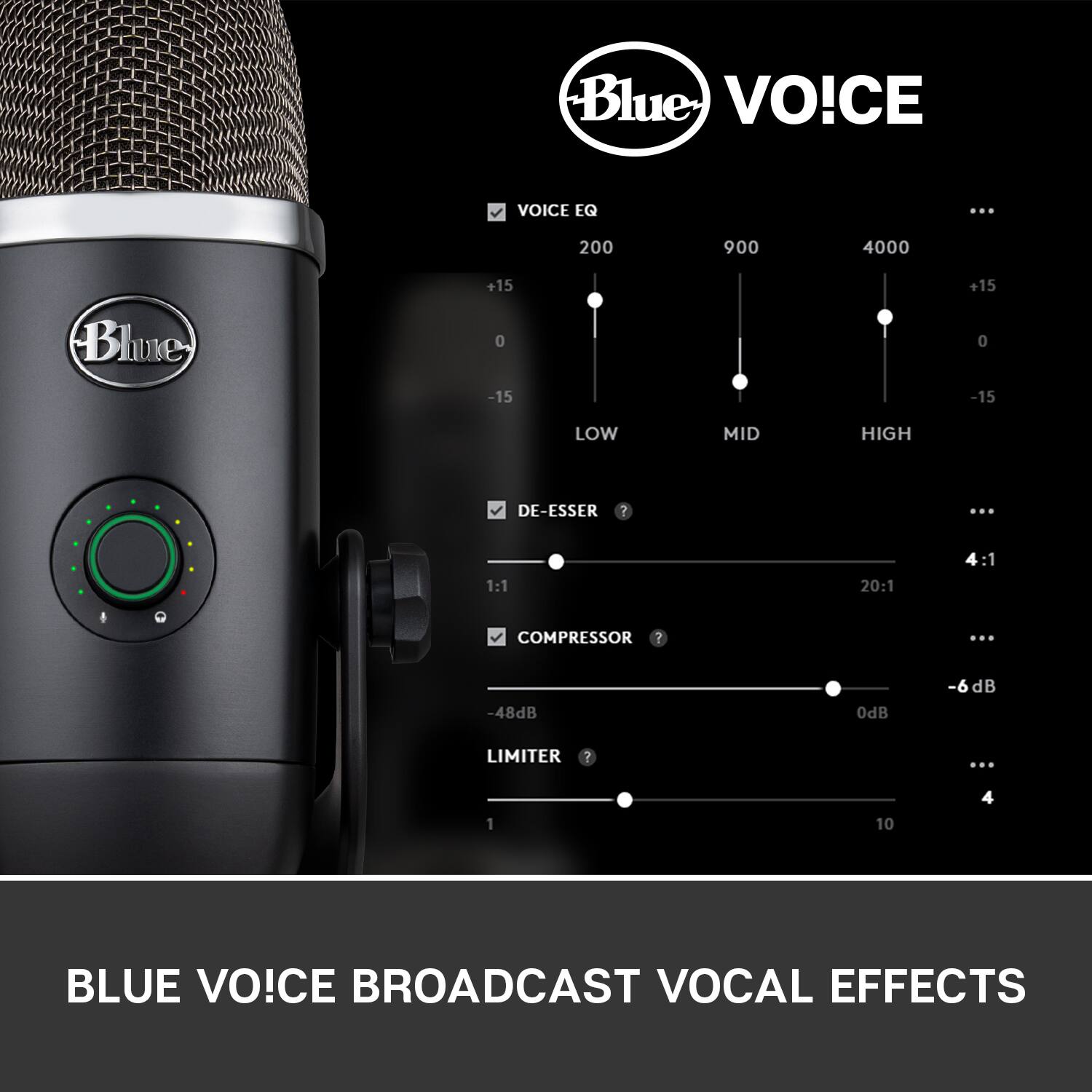
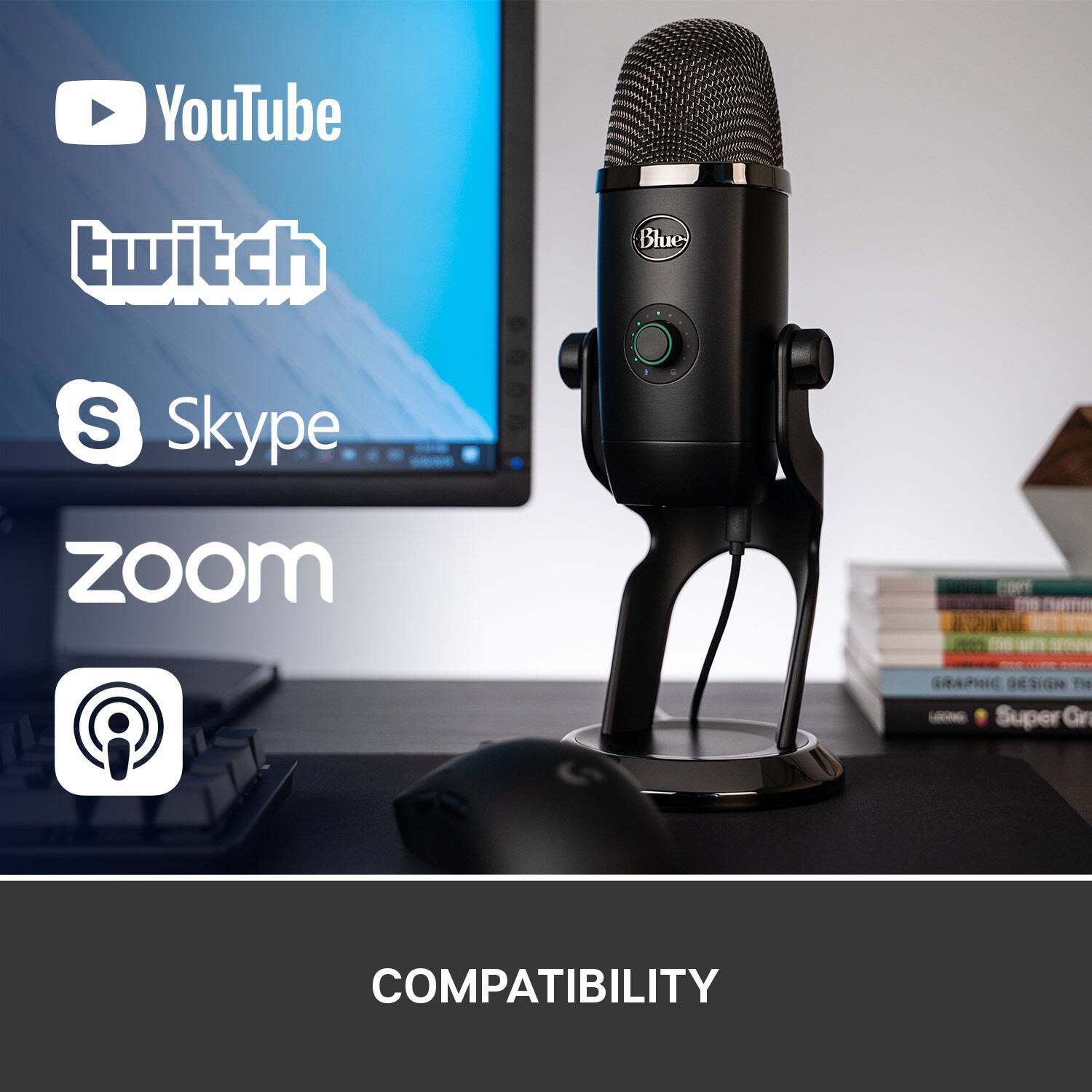
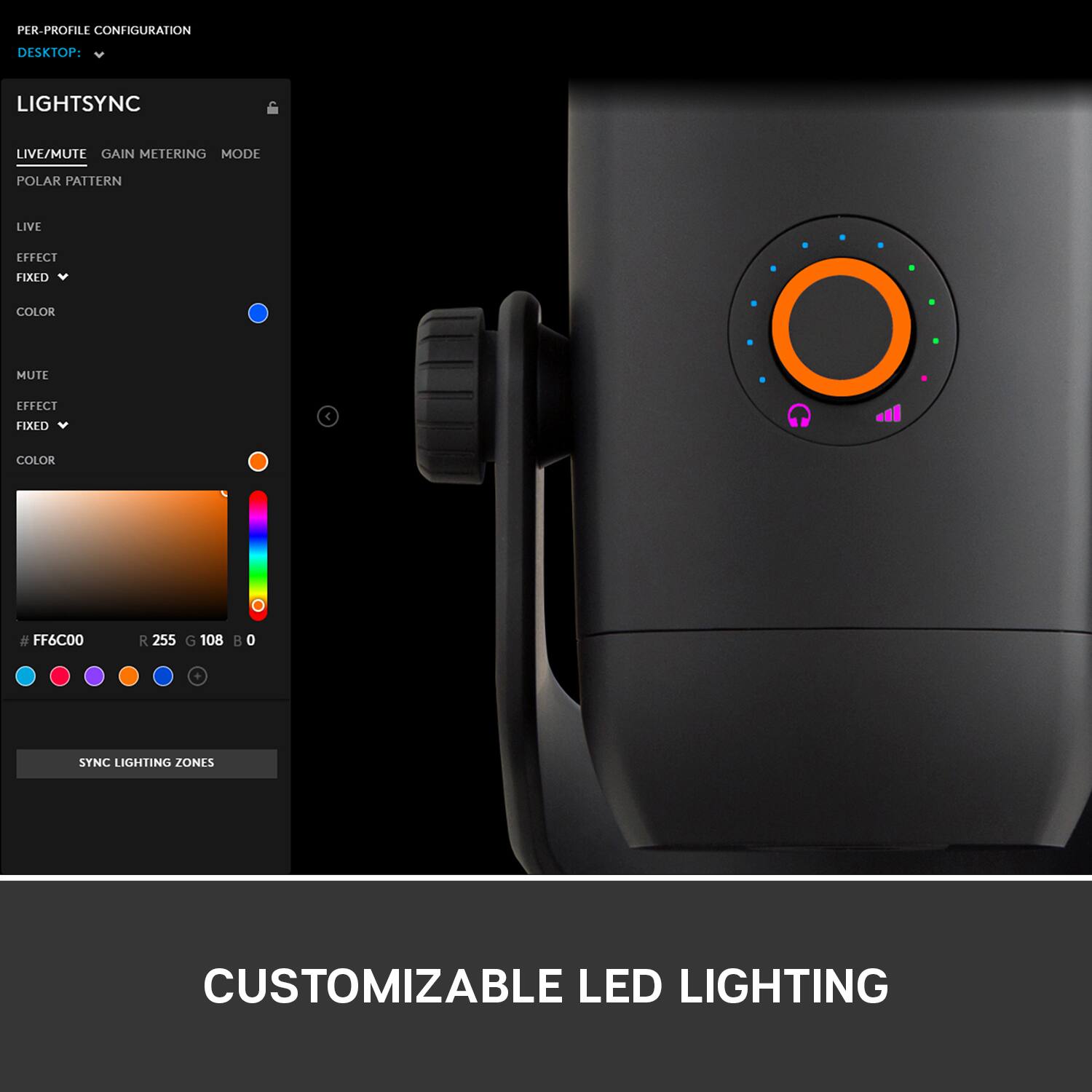
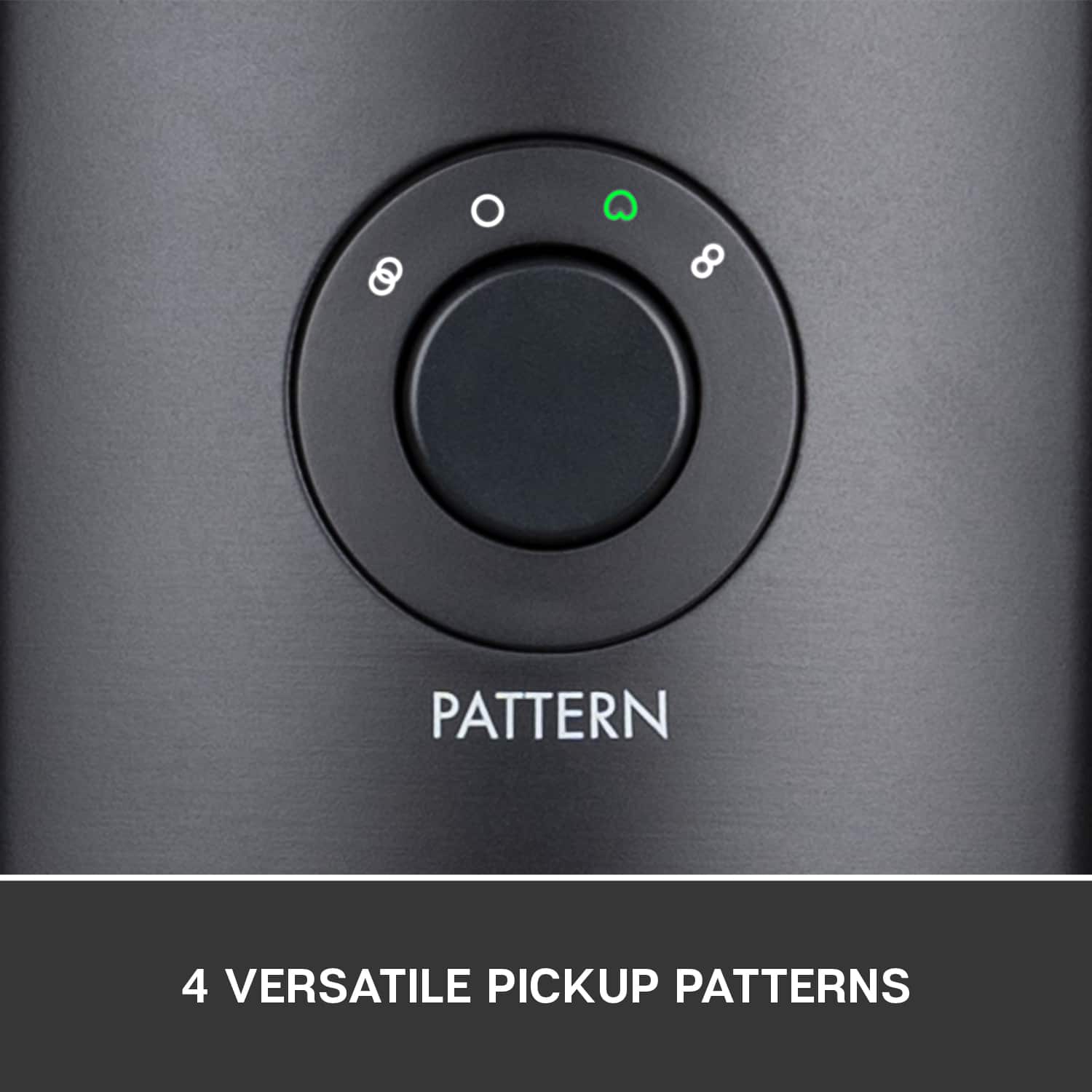
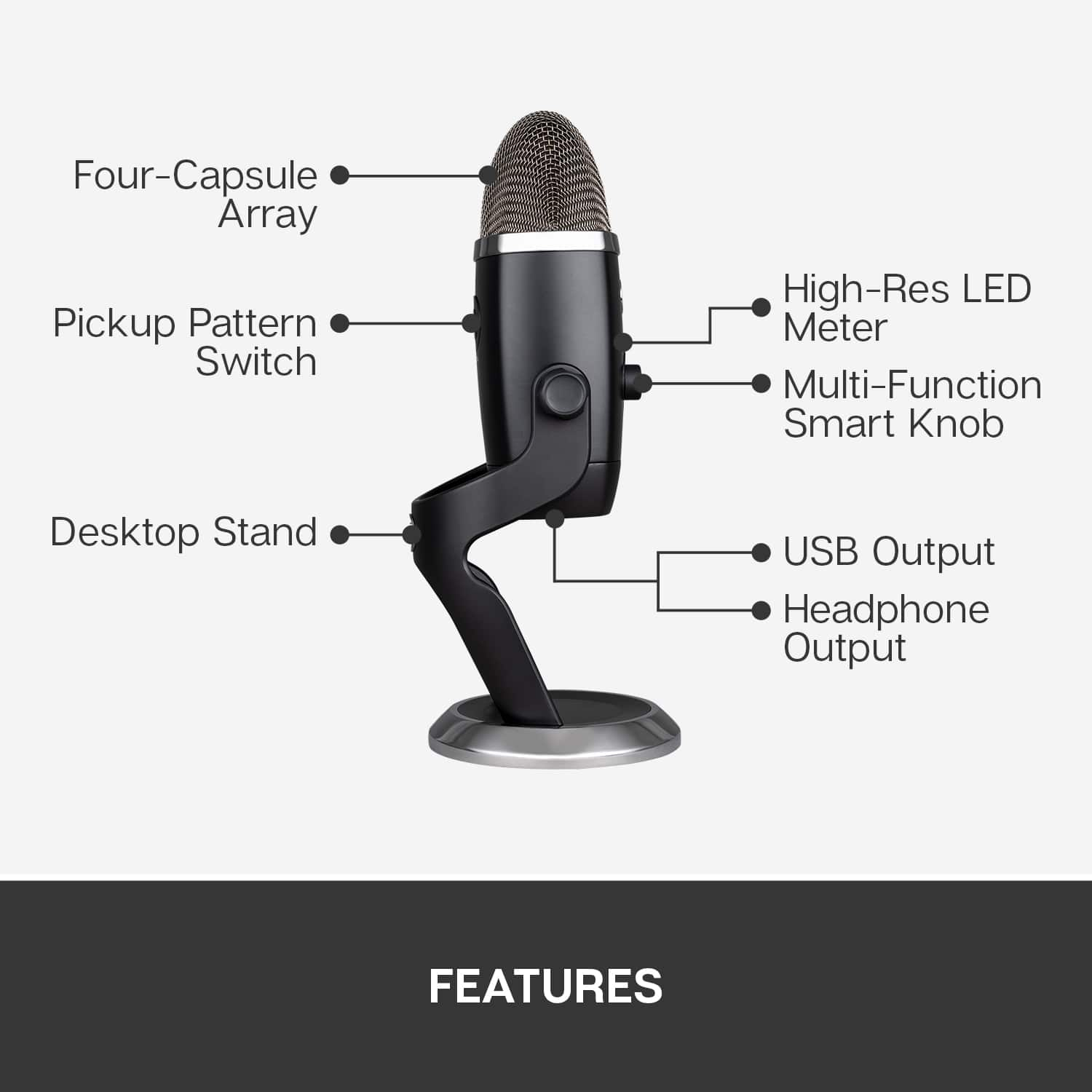
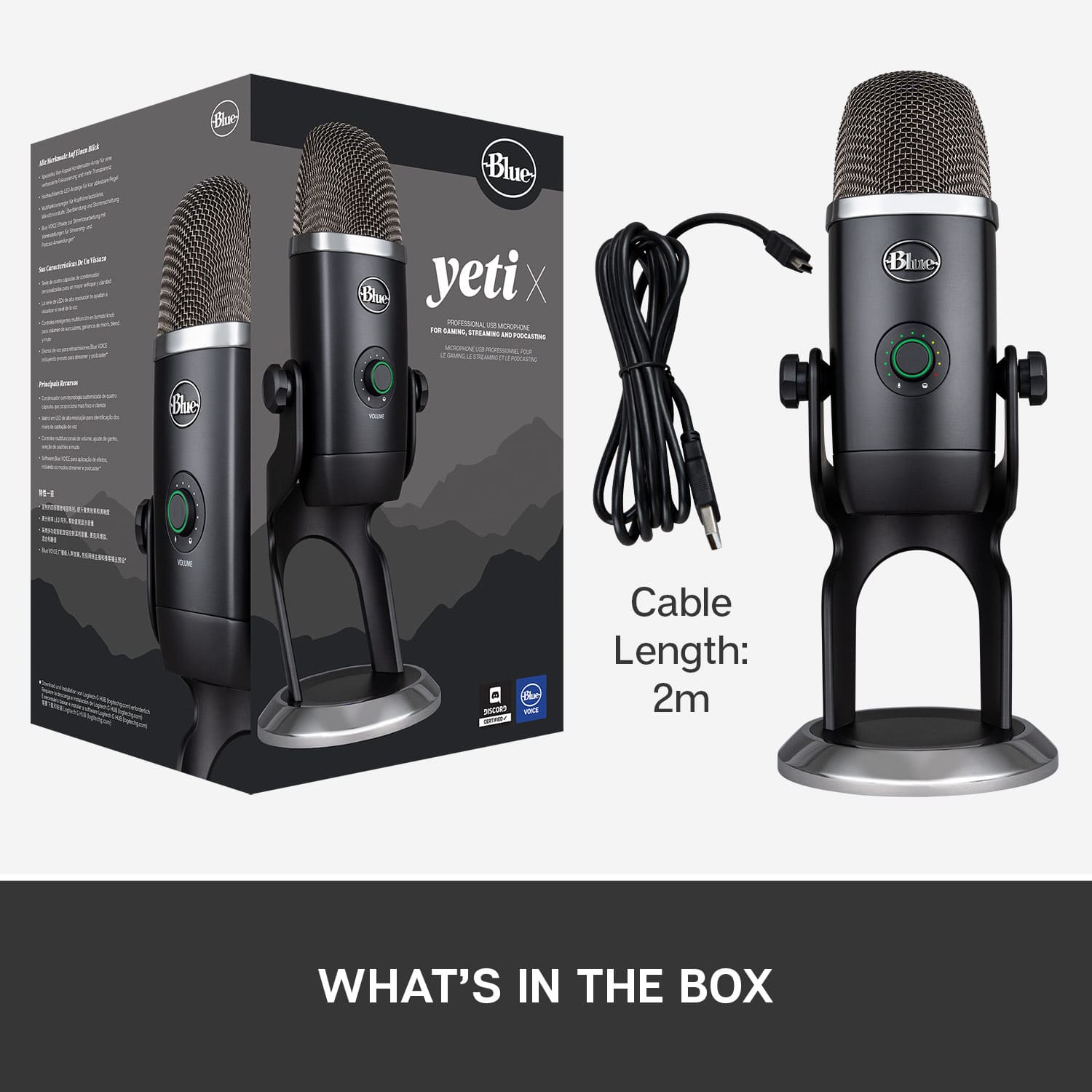
|Posted .This reviewer received promo considerations or sweepstakes entry for writing a review.Whether you are an amateur, a want-a-be, or a professional, the Blue Yeti X Professional Condenser USB Microphone is a fun, exceptional piece of equipment that you should consider adding to your workspace studio. This mic has everything you could need or want from a mic for podcasting, recording, long distance instruction, gaming, or creating YouTube productions. For starters, the design of this ultimate in microphones is pseudo-retro and reminiscent of earlier microphones in broadcasting like the one history records Walter Cronkite of CBS sitting behind to deliver historical events of the 50s, 60s, and 70s. It’s a solid design constructed of quality materials and one that is timeless where form truly follows function of what is necessary to make an exceptional microphone, and one uncluttered by applied plastic ornamentation surely to disintegrate upon use after it has caught your eye and purchase. It's simply beautiful and its recording possibilities are pretty much unlimited. Packaged well and easy to install, I first removed it from the box along with the USB plug and play cord, positioned it vertically and tightened the screws on either side, and selected it as my favorite recording mic in my recording software. I then plugged my headset into the mic. Next, I downloaded Logitech G HUB software from the LogitechG.com website and installed it onto my desktop computer. When installed, the G HUB software allows customization of the mic’s vocal effects, lighting, EQ and provides detailed advanced options. This software allows you to test the mic and to adjust the volume, gain and blend. After this initial setup the real fun began. Features of this microphone are numerous. In addition to the four capsule condenser arrays built into the microphone, the Yeti X provides four pickup patterns. Selecting the proper one for your recording is the initial step to laying the foundation for success. The four pickup patterns are: 1. Cardioid - a setting for one-person podcasts and game streaming, 2. Omnidirectional - a 360-degree pickup for recording live performances and group podcasts, 3. Bidirectional – a perfect selection for one on one interviews because it provides front and rear pickup on the mic, and 4. Stereo - a pickup pattern which projects a wide, realistic sound that is ideal for recording acoustic guitar, etc. Any one of these four pickup patterns can be set by toggling through four clicks, each designated by a small LED light, on the rear button of the mic. The front control, through rotation of an 11-dot volume meter, allows the ability to set the mic gain, headphone volume, and blend the mic and computer sound in your headphones. Pushing this button instead of rotating mutes the microphone. There are only these two physical control buttons on the microphone itself. All other adjustments can be done to fine tune through your streaming or recording software and through the G HUB software. I used the G HUB to test my voice and vocals through several presets and heard a distinct difference. Some presets made my voice seem dull and other made it fuller and more professional sounding. I liked the “Classic Radio” preset best as it added clarity to my voice and made it stronger. When set as the default microphone, Yeti X is marketed to work with any streaming or recording software. I tried it with three different ones that are installed on my computer and it worked well with all three. It doesn’t matter which software you use, because the Logitech G HUB allows for fine tuning of the audio settings so that you can create your own ultimate, signature sound. System requirements for the Blue Yeti X are as follows: PC – Windows 7,8.1, 10 MAC – macOS 10.10 or higher USB 1.1/2.0/3.0 Internet access for Logitech G HUB software is optional, but through G HUB the firmware can be updated periodically as needed. The firmware can also be updated over the USB using Blue Sherpa found at bluedesigns.com/Sherpa. The Blue Yeti X Pro USB microphone is impressive and fun to use. It's very easy to install because of its plug-and-play capability. The four capsule condenser arrays, the four pickup pattern settings, the G HUB presets, and the numerous built-in mixer capabilities make this an exceptional buy. Its affordable, professional, built to last and has a variety of unlimited customization possibilities. I would highly recommend you look at this product if you are in the market for or considering the purchase of a good microphone. I expect to use it in a variety of capacities for many years to come. Simply put - I love my Blue Yeti X.
I would recommend this to a friend - Pros mentioned:Sound quality
Good value for this price point
||Posted .This reviewer received promo considerations or sweepstakes entry for writing a review.I used this for acoustic guitar recording and singing at the same time. Good value for this price point.
I would recommend this to a friend - Pros mentioned:Software, Sound quality
Serious Streamers Need Apply
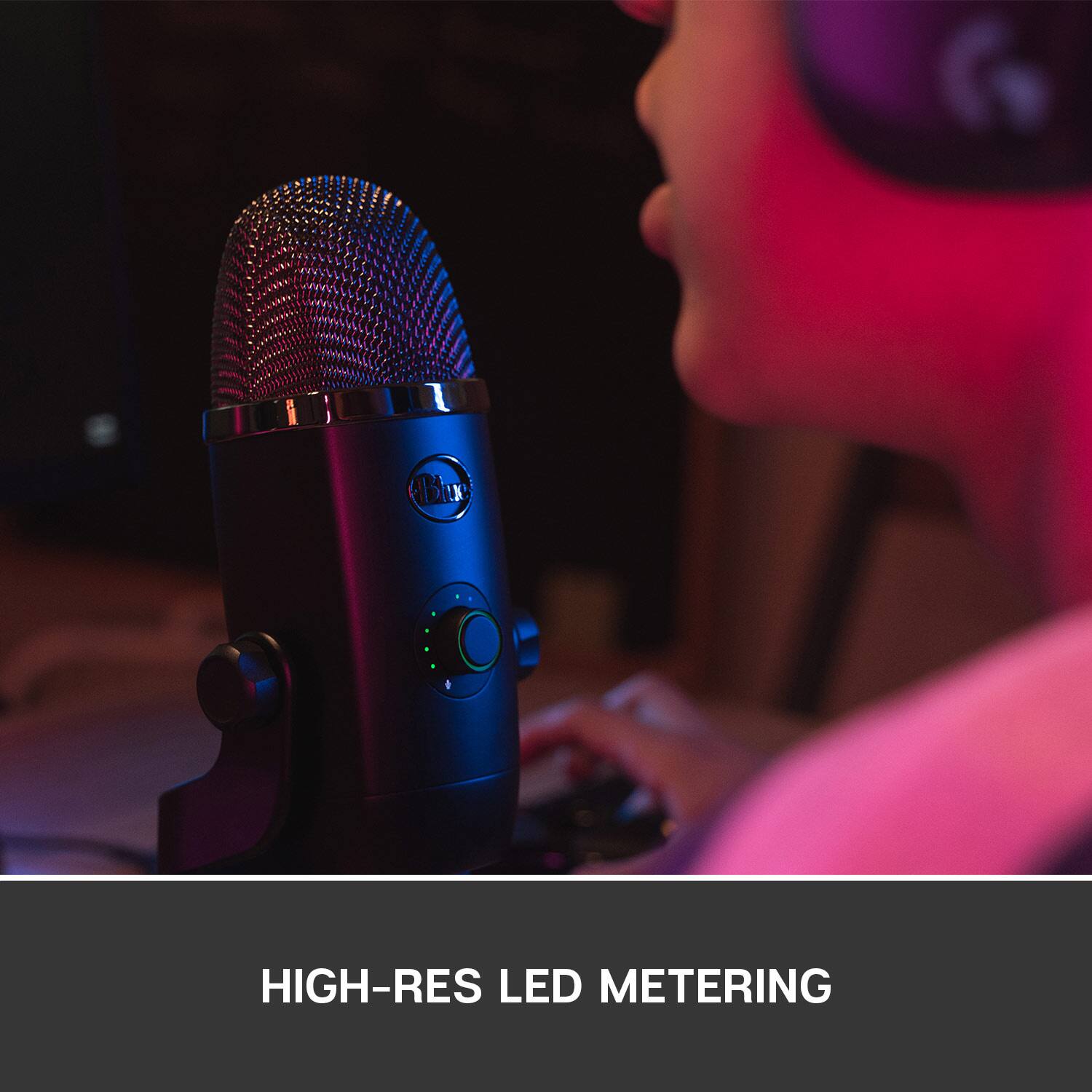
|Posted .This reviewer received promo considerations or sweepstakes entry for writing a review.--- SETUP --- The setup of the Blue Microphone Yeti X is quick and simple. It comes with a nice chrome base and a 6 foot micro USB plug for your computer. I removed the base and installed it on a Mic arm, which was a breeze as well. If you have an older version of the Yeti Mic, the base of this one fits the older model, but the USB cable is different. --- FEATURES --- The key feature of this Yeti X is the software that comes with it. It is highly recommended that you download Logitech G HUB to fully customize the lighting of the mic and, more importantly, the sound levels. You can plug headphones directly to the mic for mic monitoring and to hear the sound of your own voice through there if desired. --- PERFORMANCE --- The performance of the Yeti X is amazing. In Logitech G HUB, you are able to record yourself to preview how others will hear you. You can record any sample you want, like your own introduction to your podcast or gaming stream. After that, your recording will play on a loop. The loop is recorded without any settings applied at which point, you can change any settings and hear the difference live! That will go a long way to you finding your right sound and may even teach you a little about what all those levels actually do. Additionally, the feature called Blue Vo!ce will give you access to presets like Broadcaster, Classic Radio Voice, FM/AM Station, Low/High Voice and many others. If that’s not enough, you can download presets from other community members if you create an account with Logitech. If you feel that you created a unique setting, you can share it with the community. --- EXPECTATIONS --- The product exceeds my expectations. This microphone shows you the level that your speaking on the mic itself with an 11-segment LED meter. My voice was clear and my YouTube viewers told me that they loved the new sound. It couldn’t be easier to finally find a sound that you like for your own voice. If you don’t know what the difference is between the pickup patterns (cardioid, omni, bi-directional, and stereo), you’ll be easily able to tell the difference with the software. --- VALUE --- The price for the Yeti X in terms of value is a great investment for any serious streamer / podcaster. If you are upgrading, you will definitely tell the difference and so will your followers. --- APPROVAL --- I highly recommend this product for streamers / podcasters or anyone who wants a great USB professional level microphone. If your child is getting into streaming, he / she will love you for getting this for them.
I would recommend this to a friend Yeti X Pro, very satisfied
||Posted . Owned for 2 weeks when reviewed.This reviewer received promo considerations or sweepstakes entry for writing a review.This Yeti mic is a great add on for my computer station. It also works well as a recording mic with Logic Pro. Super easy to connect and use.
I would recommend this to a friendyeti x
||Posted . Owned for 1.5 years when reviewed.This reviewer received promo considerations or sweepstakes entry for writing a review.good , cable it comes with was kind of bad but its held up for almost 2 years now
I would recommend this to a friend- Pros mentioned:Sound qualityCons mentioned:Size
Outstanding quality and very solid mic
|Posted .This reviewer received promo considerations or sweepstakes entry for writing a review.I got this microphone to use when streaming and also to be able to chat with it via other applications. Because I have Logitech keyboards and mice I already had the G Hub installed so after unboxing the microphone and plugging it in I just had to do a reboot to complete the driver installation. Once I rebooted the computer I finished the setup within the G Hub app and then was able to quickly adjust the gain and do some test recordings to ensure my voice was picked picked up clearly and loud enough. The software made it very easy to test this and either adjust the gain from the dial on the microphone or from within the app. This sucker is not small either and it is not light, which was a good thing and one of the reason why I chose it. The build quality on it feels very solid and it weighs a solid couple of pounds. It isn't small though so be prepared to have it somewhere where it can command a little real estate on your desk but the thing looks great so you probably won't mind it being a showcase on your desk anyways.
I would recommend this to a friend - Pros mentioned:Sound qualityCons mentioned:Usb
Clear/crisp audio w/custom live processing
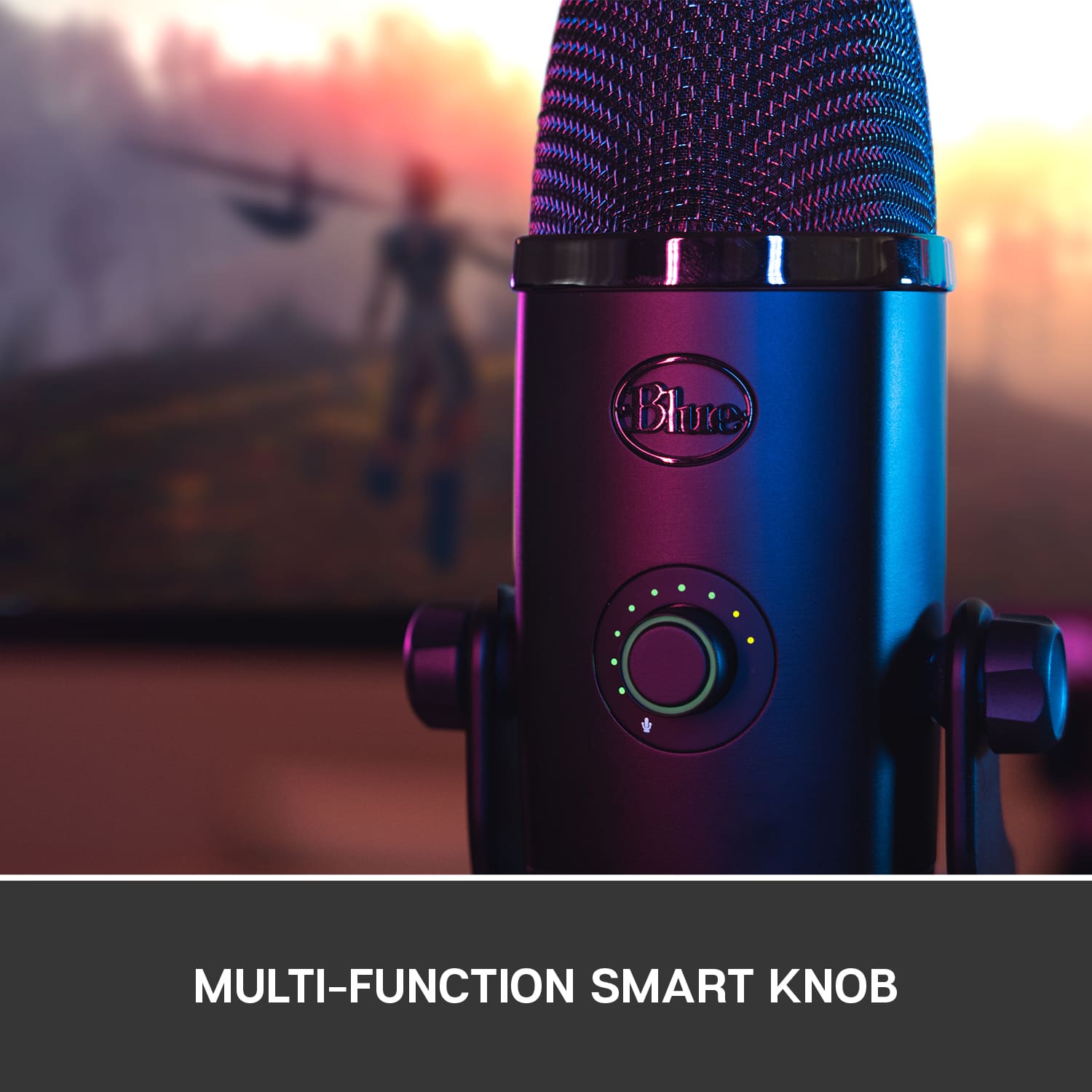
|Posted .This reviewer received promo considerations or sweepstakes entry for writing a review.I got the Yeti X as an upgrade to the mic I currently record with, the original Blue Yeti. I mostly record video voice-overs and narrations using the cardioid pickup pattern and rarely, if ever, use any of the other three polar patterns for my needs. However, it’s nice that they’re there and they do work well when I use them. The sound quality from the Yeti X is crisp, clean, and warm sounding. Arguably, so is the original Yeti’s, however, you can hear a difference between the two: there’s a bit less harshness and smoother edges from recorded voices from the Yeti X versus the Yeti. This is unsurprising given that the Yeti X sports four condenser mic capsules over its predecessor’s three. I also thought it did a better job at controlling and evening out levels when your position relative to the mic changes. Like the original Yeti, you can plug a set of monitor headphones into the bottom of the Yeti X, so you can listen to your mic input overlaid with your computer’s audio. You can change the volume and balance of the monitor headphones relative to computer audio using the dial on the front or in the G Hub software. The Yeti X made the dial on the front clickable to activate the mic mute and change modes, which is a bit cleaner than having separate buttons and dials, although making adjustments with the physical controls during a recording will inevitably introduce some noise in your recording. The microUSB cable is positioned in a way that makes pulling it out by accident a concern, but that it is removable allows you to customize its length and replace it if that component fails. I also found the placement of the pattern selector button on the back a bit inconvenient as sometimes when moving the mic, I would accidentally press it and have to cycle back through the settings. This was not a problem on the old mic which used a physical analog dial that had to be twisted. With the gain set to zero, I thought the pickup wasn’t very strong. I found myself needing to set the gain to at least 3 LEDs (gain level 24 in G Hub software) to match the volume that I get from the original Yeti without gain from the same distance. When you turn up the gain, you can set the mic farther away from the sound source, but it will also pickup more ambient noise. That said, the mic sounds best when your mouth is practically right up against it, so you’ll want to make sure you get a pop filter if you’ll be speaking or singing into the mic to soften plosives e.g. ‘p,’ ‘t,’ and ‘k’ sounds. However, this wouldn’t be the best option for folks who want to record themselves in video and also keep their face visible. One advantage that the Yeti X has is its compatibility with Blue Voice filters which let you adjust and apply live processing to your voice on-the-fly in G Hub. This gives you fine tune control over how your voice sounds from EQ adjustments, to noise reduction, and compression settings. If you’re not sure where to start you can always choose a voice profile pre-set and customize them from there. Once you’ve found settings you like you can save it as a custom profile. The only thing is that you won’t be able to hear your filtered voice through the monitor headphones in real-time. You’ll still just hear your own unfiltered voice, so the only way to hear the output of the Blue Voice filter would be to record a sample and play it back, which thankfully there’s a ‘mic test’ feature in the Blue Voice settings of G Hub that does just that. In G Hub you can also customize the colors of the LEDs on the front of the unit for the various mode adjustments: mute, gain, live level monitoring, headphone volume, and headphone balance. The only feature that I found slightly unnecessary was the live level monitoring because when using the mic, your mouth is generally right up against it, which means that you’re never actually looking at the mic when you’re recording, so practically speaking, the levels indicator isn’t very useful. If you already own the original Blue Yeti, you know it already sounds pretty good, so it’s a judgment call whether or not you’ll want to invest in the more expensive Yeti X, given its marginal improvement in audio quality -- especially if you don’t think you’ll be using the live filters. But if you’re just starting out or are looking to upgrade a basic setup as a podcaster, livestream gamer, or for doing voice-over work, you’d be getting a beautifully designed and professional sounding mic with plenty of customizable features at an affordable price.
I would recommend this to a friend - Pros mentioned:Ease of use, Sound quality
The Yeti X Makes Everyone Sound Professional
|Posted .This reviewer received promo considerations or sweepstakes entry for writing a review.I love that the Yeti X records professional level audio and is actually simple to use. The user is not required to download or install any new software. Literally plug the Mic into your computer and use any recording program already on your computer. The microphone itself is able to record in 4 different ways: Front only, 360 degree recording, bidirectional for podcasts, and stereo recording. The recording options are selected right on the microphone by clicking the pattern button. And, best of all is that the front of the microphone has an LED volume meter that shows the audio level. If the sound entering the mic is too high, you will see the LEDs flicker up into the red range. Very simple and very useful. For content creators who do want to take their recording to the next level, the Yeti X is compatible with the Logitech G HUB software - which is available to download at this address: LogitechG.com/GHUB The G Hub allows you to record an audio sample and then apply vocal effects in real time so that you can hear how each setting impacts the audio you are recording. You can even download presets created by other users. The G Hub truly goes a long way in helping users to grow and increase their recording skills. While the audio quality is impressive, there are a few things that I don’t like. - I find it frustrating that the Pattern select button and the multi-function smart knob are on different sides of the microphone. Whenever I want to change to a different recording mode, I have to turn around the mic. I would prefer to be able to leave the mic in the perfect recording position and make all selections from the front side. - I also don’t like the icons used for the various recording patterns. I will NEVER remember what each of them means. Select either Venn-diagram, circle, butt-crack, or an infinity symbol. I will forever have to keep the literature so that I can remember what each symbol means. - Lastly, the microphone does not come with any screen or foam cover. This means that the mic often pics up every tiny sound through the entire room (even when you have selected to only record the forward facing position). If you want to reduce ambient noise and limit the harsh sound of pronouncing P, K, T, etc, you will need to purchase a screen / foam cover.
I would recommend this to a friend