Customer Ratings & Reviews

- Model:
- 988-000105
- SKU:
- 6367477
Rating by feature
- Value
Rating 4.5 out of 5 stars
- Quality
Rating 4.7 out of 5 stars
- Ease of Use
Rating 4.7 out of 5 stars
Customers are saying
Customers often highlight the exceptional sound quality and ease of use of the Yeti X Professional USB Multi-Pattern Condenser Microphone. Many also appreciate the included software and the microphone's multiple pickup patterns, which offer versatility for various recording scenarios. While some users wish for a USB-C connection and find the microphone's size somewhat large, the overall experience is largely positive. The sturdy build and compatibility with multiple devices are also frequently praised.
This summary was generated by AI based on customer reviews.
- Pros mentioned:Ease of use, Sound quality

Larger than expected, but incredible sound
|Posted .This reviewer received promo considerations or sweepstakes entry for writing a review.I have never had an external dedicated mic before this Blue Yeti X Pro. So far I have been very impressed with the sound quality. Set up and configuration is easy. Settings are handled through the Logitech G Hub software, which is perfect for me since I already use G Hub compatibly keyboard/mouse. After a quick set up, i jumped on Discord and my brother said my voice was coming through crystal clear. I detached my wireless headset mic and just played some mulitplayer pc games using only the X Pro as my chat mic. The wireless headphones and dedicated mic seemed to work better for me, as well as provide my friends with much better chat audio. The mic itself is taller than i expected, and it weighs roughly 3lbs. It's a beefy mic, but I can't deny the sound and build quality. It looks great on my gaming desk, and while I do not plan on becoming a streamer or anything, I like knowing I now have high quality chat audio, as well as a high-end microphone for any voice recording I may need to do. I am very happy with this new Blue Yeti microphone!
I would recommend this to a friend - Pros mentioned:Ease of use, Sound quality
Great Microphone!
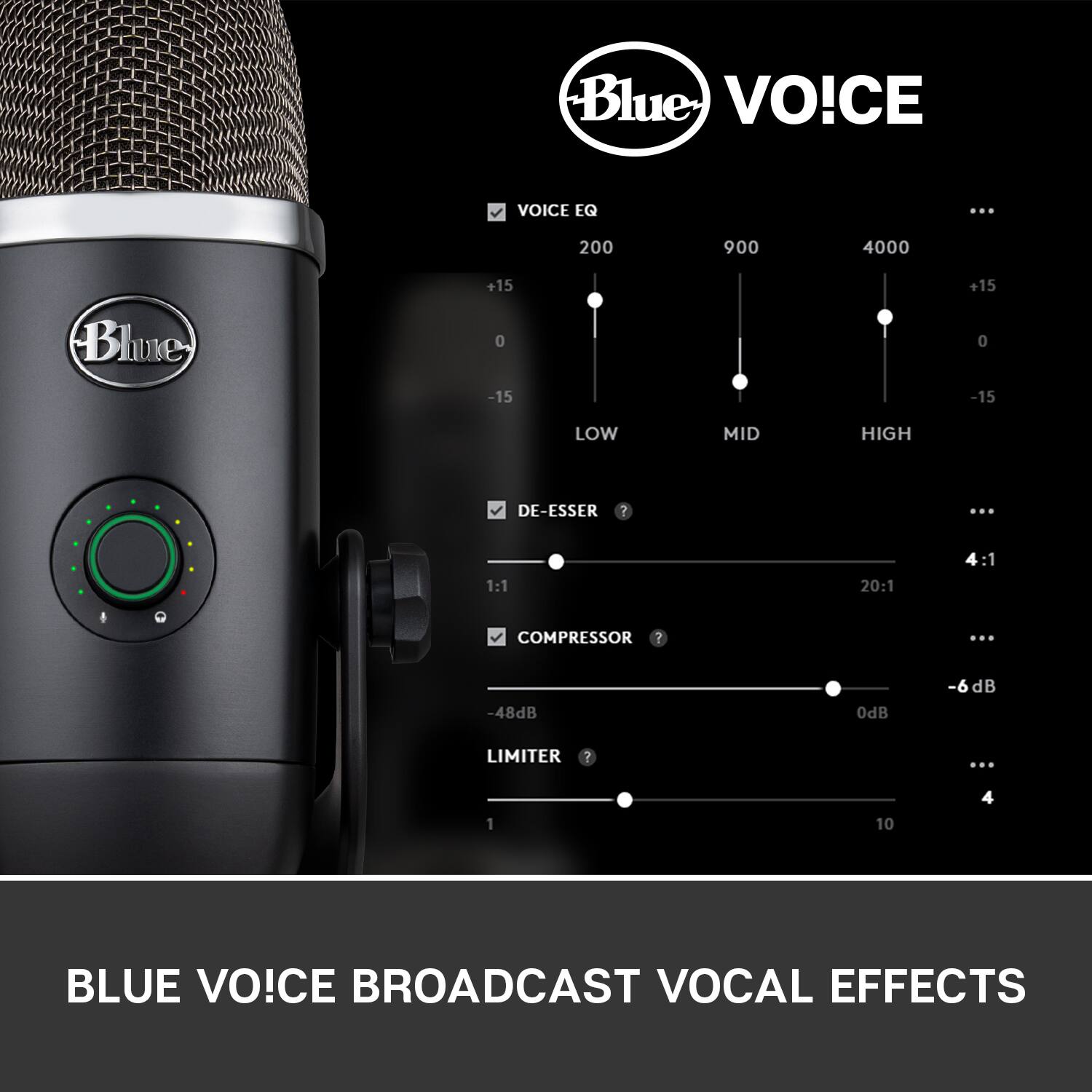
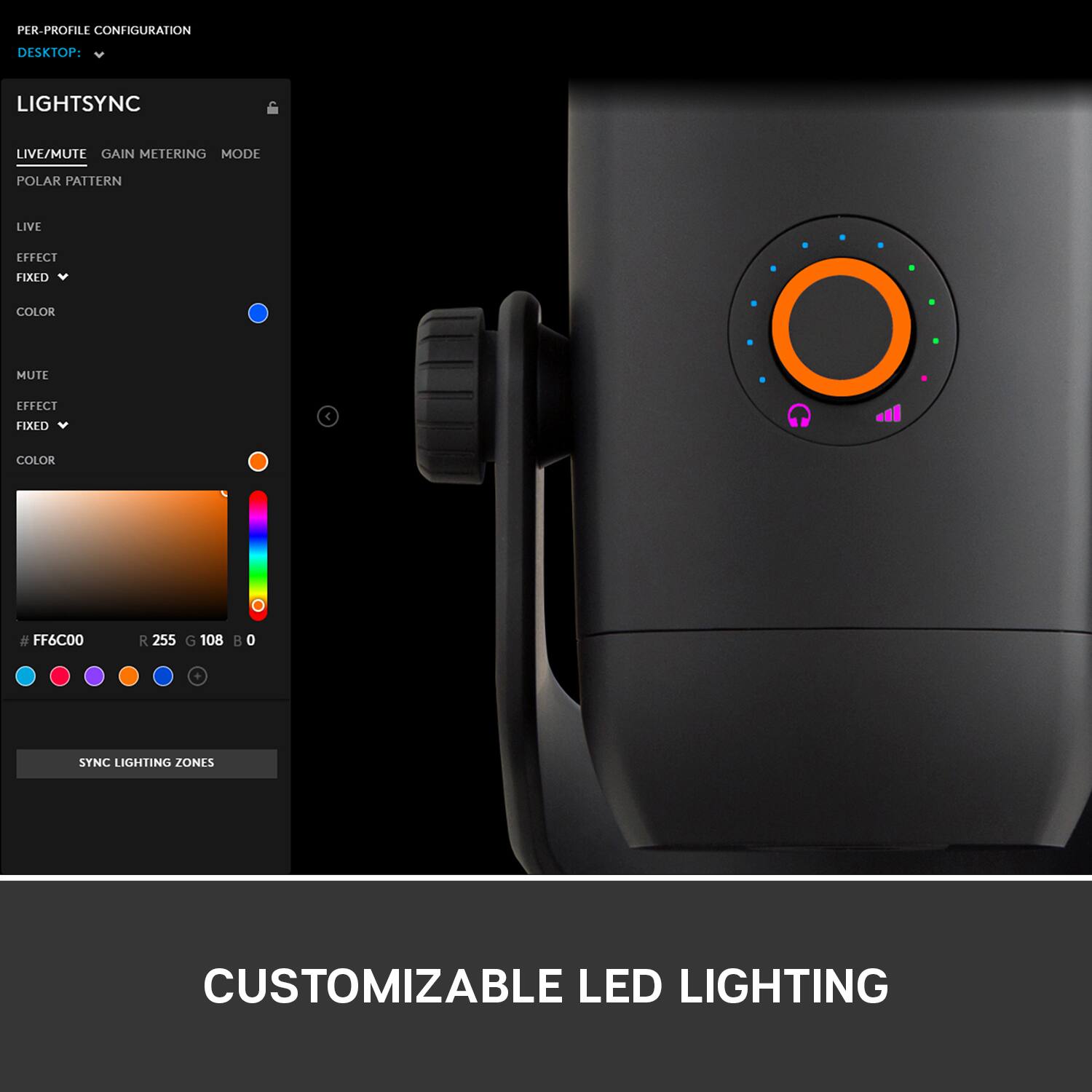
|Posted .This reviewer received promo considerations or sweepstakes entry for writing a review.The Yeti X is a convenient, high-quality mic for any use. It is small and stands up on its own on your desk, so it can be easily used while working. It is also great for streaming or YouTube video creation. The recording quality is great, and the included app let's you customize the mic's equalizer. A cool feature of this is that you can import and export mic profiles, so if you have multiple setting you use the mic in, you can switch profiles, but you can also share profiles, which can help take out a lot of the guess work when trying to record in a new environment. The setup was quick and easy, and you can be recording in 5 minutes or less from opening the box, but if you get into customizing your settings, you could spend a lot of time tweaking the mic, due to its flexibility. On a side note, it also has customization LEDs around the knob, but they don't add any functionality, and are purely cosmetic.It looks cool though.
I would recommend this to a friend - Pros mentioned:Sound qualityCons mentioned:Usb
My voice never sounded this good
|Posted .This reviewer received promo considerations or sweepstakes entry for writing a review.I have had different mics in past (not a yeti though) and this thing is just a different level of voice quality. The recording have an openness to them which is missing in your run of the mill headphones. On top of it, the g hub software can actually make you like your voice by making it sound like a radio guy. The difference I noticed when comparing voice is very big though when I recorded a flute it was closed to what I get from my standard Mic. It would have been great to see improvement all along but considering it does not even target instruments as target for this Mic, no complaints here. The build quality is top notch and this thing is slid as the rock. There is a button to change the pattern and a volume rocker (with colored light hints). It does come with ancient Micro USB but that is not that big of a deal breaker. The G Hub though is very nice, still does not support my Logitech G710+, they announced it to be supported by Dec 2019, so there is still few days but it is just absurd to have Logitech Options/G Hub and Gaming software installed on same machine. One minor issue I have is with the light, it does not time out; so in the night it remains on and there is no off switch so I end up removing the cable every night.(My PC USB ports are set to remain power on in order to charge various things). A very solid product with few minor quirks.
I would recommend this to a friend - Pros mentioned:Ease of use, Sound quality
An Excellent Choice for Beginners and Enthusiasts
|Posted .This reviewer received promo considerations or sweepstakes entry for writing a review.Right out of the box, the Blue Yeti X was very simple to configure. I operate in a Logitech environment, so having the application in G HUB was very convenient for me. I spent a few hours testing the microphone and was very pleased with the results. If you work with a mechanical keyboard (especially blues), you will likely need a boom arm to minimize unwanted clicks. Hearing my voice in such a high quality was absolutely a different experience. I thought to myself, "wow I really sound like? no wonder why no one likes me :D" All jokes aside, this microphone has excellent build and functional quality. Whether you're an aspiring streamer or a podcast host, I genuinely think this microphone can deliver what you need with the upmost quality. This all comes at a premium, but the value you receive definitely matches (if not outweighs) it.
I would recommend this to a friend - Pros mentioned:Sound quality
A versatile mic that is easy to use
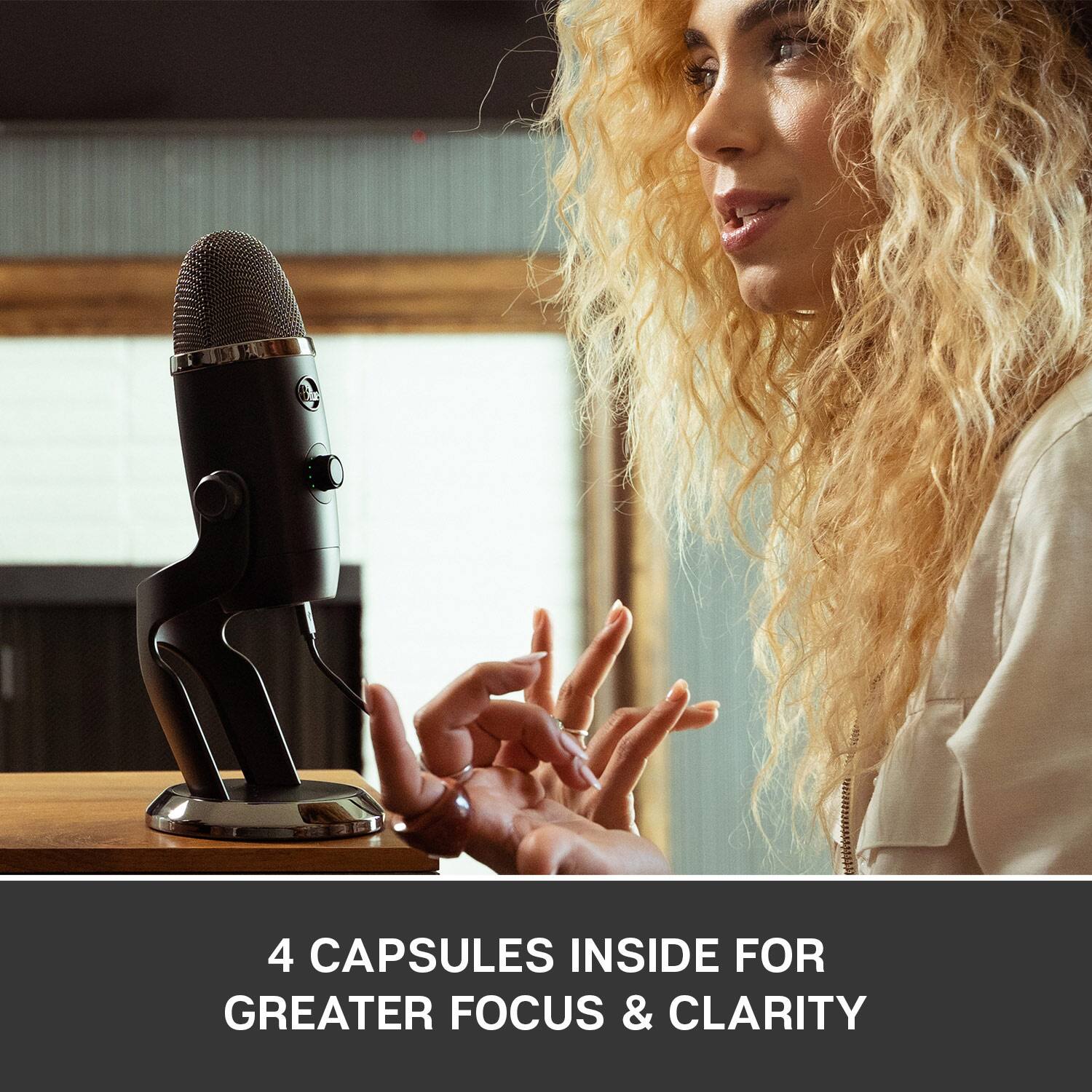
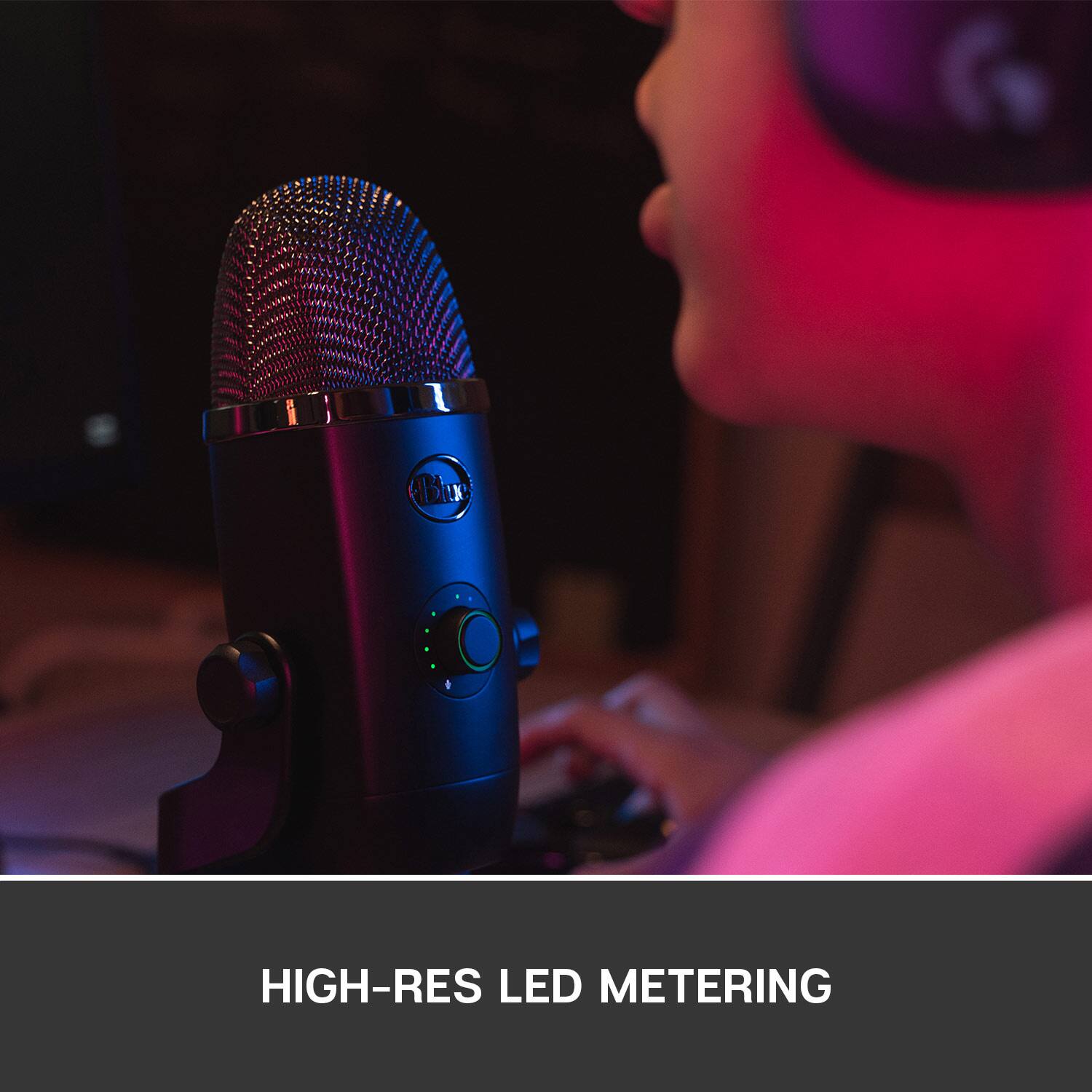
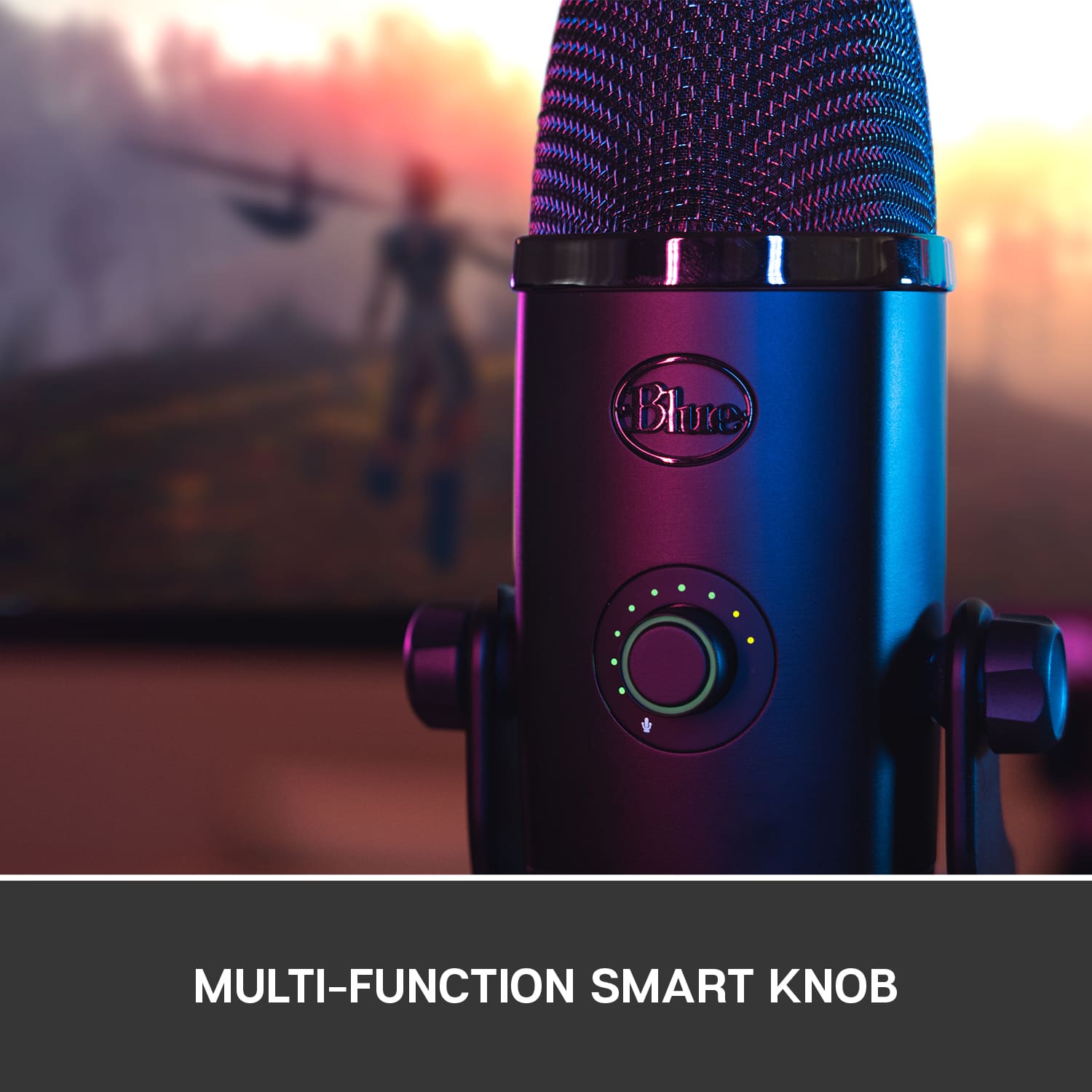
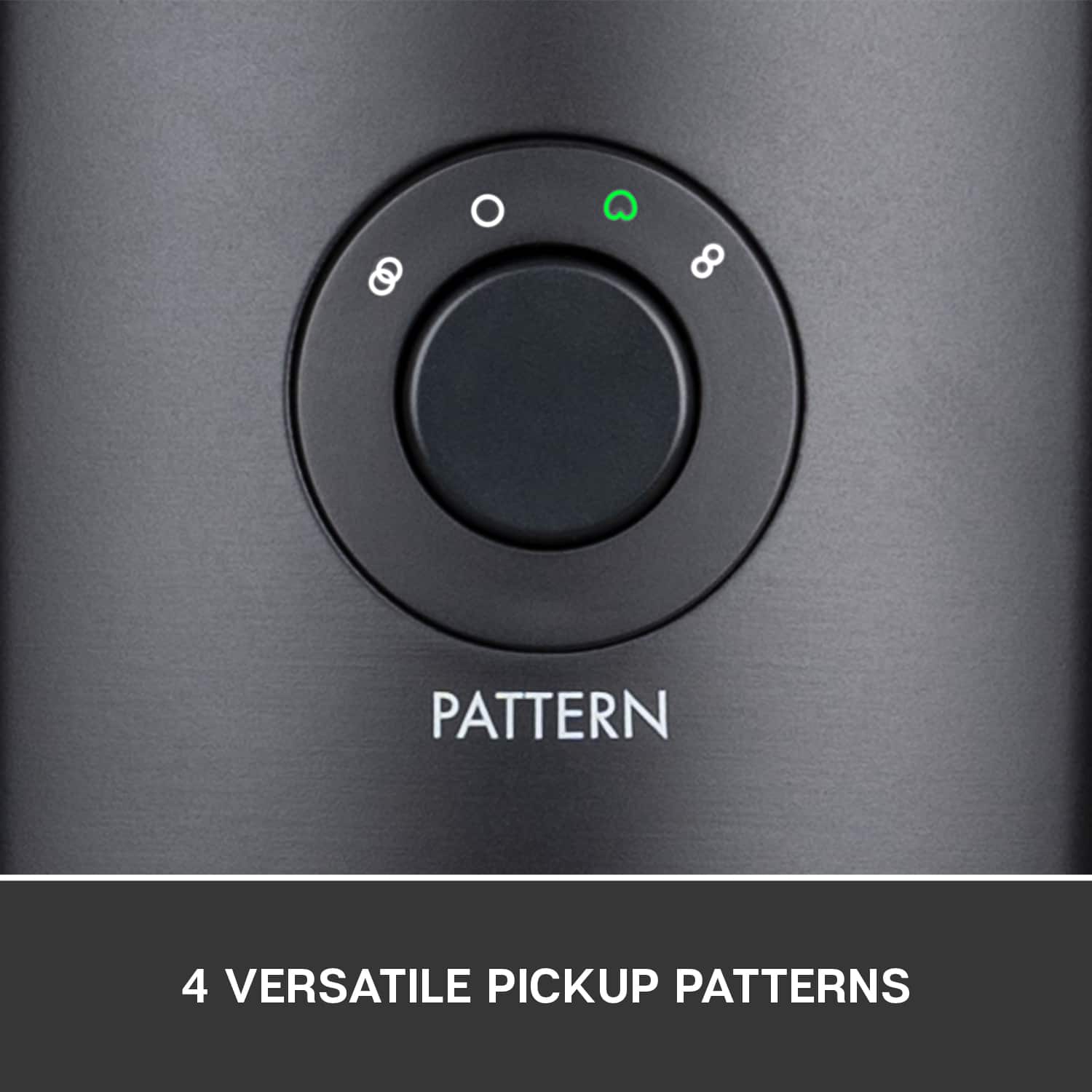
|Posted .This reviewer received promo considerations or sweepstakes entry for writing a review.Logitech has been gobbling up a lot of great companies that make gaming peripherals. Blue has become part of the Logitech family as of last year. How does the Blue Yeti X stack up - being one of the first integrated products. Pretty well I’d say. I’ve had limited exposure to Blue products before this microphone. My buddy has a Snowball and had mixed luck with it. My experience with the Blue Yeti X has been quite positive though. What sets the Yeti X apart from the rest is the fact it contains 4 condensing microphones. This means it has 4 distinct configurations allowing for pretty versatile usage. It also has an integrated LED display that shows levels, gain, instant mute, and level checking. Physical design of the Yeti X is pretty typical of the higher end Blue microphones. The casing is anodized aluminum, with a traditional wire mesh around the condenser mics. It's an attractive design that looks and feels professional. The included stand is weighty, ensuring the microphone won’t accidentally tip over. The angle is adjustable, however, given the pickup patterns, it's only necessary to adjust if you are placing the microphone significantly higher or lower than your speaking level. I use a Logitech keyboard and mouse in my setup. I already have Logitech’s G Hub software installed, and after being prompted to reboot after plugging the mic in, Logitech G Hub showed the Blue in all its glory. The G Hub transition has been slow for me, but I’ve generally come to appreciate it over the old Gaming software. The focus in the app, and execution of features is solid. Clicking on the Yeti X microphone yields a full array of controls, as well as a first time setup assistant that will prompt you to test the microphone levels. The software really is pretty good here. You can soft control all of the features on the microphone. Specifically, change the gain, pickup pattern, equalizer, and event explore the advanced controls which offer a full arrangement of audio adjustments, like the high pass filter, de-esser, noise reduction, etc. The equalizer presets here are pretty amazing too. The effects, from AM radio, broadcaster, crisp and modern, warm, are all convincing and really make the microphone shine. Further in the software you’ll find lighting control as well. You can adjust the behavior and color of many of the LED lights on the mic. The LED ring on the mute button, mode, metering, and even the pattern LEDs can be different colors. The G Hub software is not without its quirks. I did have to restart it after playing a bit with the lighting as there appeared to be some lag introduced. It was also consuming about 250mb of RAM, which seemed excessive. I assume this will get better with time, but it is something to watch out for. Luckily, just quitting and restarting the software seems to fix any issues. The multi-condenser setup here is pretty awesome. Like most Yeti mics, there generally is a condenser that is cardioid pickup. Cardioid is a reference to the heart shaped pickup pattern that the condenser is designed to pick up. This is a common pickup pattern in professional microphones (seriously any stage mic is most likely this pattern), as it avoids picking up too much background noise, and provides excellent focus on the voice of the speaker. Many also like to use the Omni either for webcasts, conference calls, etc. The Omni pickup pattern is in any direction. Where the Yeti X sets itself apart is the additional two options: Stereo and bi-directional. These two modes use the condensers on either opposing sides to offer a different pickup pattern. Bi-directional mode is excellent for the concept of interviews - just putting the mic in between two people without worrying about multiple mics. Stereo offers a bit of channel separation - say if you had multiple people singing, or otherwise. My usage has been pretty much just cardioid, but I could see a lot of uses outside just gaming streaming/etc. I really appreciate the gain for late night sessions where I want to keep my voice down. I like to stream/play with friends on occasion, and being able to boost the mic volume up to pick up soft spoken words clearly is excellent. When streaming, the live metering indicator is extremely helpful in tweaking volume and seeing peaks. There is even a brief hold when the meter detects a higher volume letting you know what’s going on. This is a huge reason to get this mic in my opinion, even if the other microphone arrangements/patterns aren’t that interesting to you. Another feature that those interested in singing might appreciate is the headphone port. The headphone port allows you to mix music,and monitor the mic. I personally don’t sing, but my wife used to sing a lot. The monitor feature is really helpful so you can ensure you aren’t getting pitchy. You can adjust the volume of the headphone port by holding the mute button for 1 second. Then the dial that was previously microphone gain control switches to headphone volume. Press it for 1 second again and you get mic/monitor balance. This is a super helpful feature if you end up using this feature. I do wish you could disable the pickup button on the back through the software. When re-positioning the mic, several times I’ve changed the pattern without realizing it, leaving me scratching my head when it came to tweaking audio sampling. It is a minor complaint, but once I found the right position for the mic, it really became a much less important issue. Of course my kids like to push buttons, so it still becomes an issue on occasion. Overall the Blue Yeti X is an excellent piece of equipment. It brings a professional level condenser microphone setup to the masses at a price that won’t break the bank. Blue is known for excellent microphones, and the Yeti X is no exception. It is a versatile mic, offering many modes of operations for any occasion, visual feedback, ease of use, and solid software for adjusting advanced audio processing settings. For my limited streaming use, it might be a bit of overkill, but the killer feature for me was the live LED metering. Overall this is an excellent microphone.
I would recommend this to a friend - Pros mentioned:Sound quality
Very simple to install
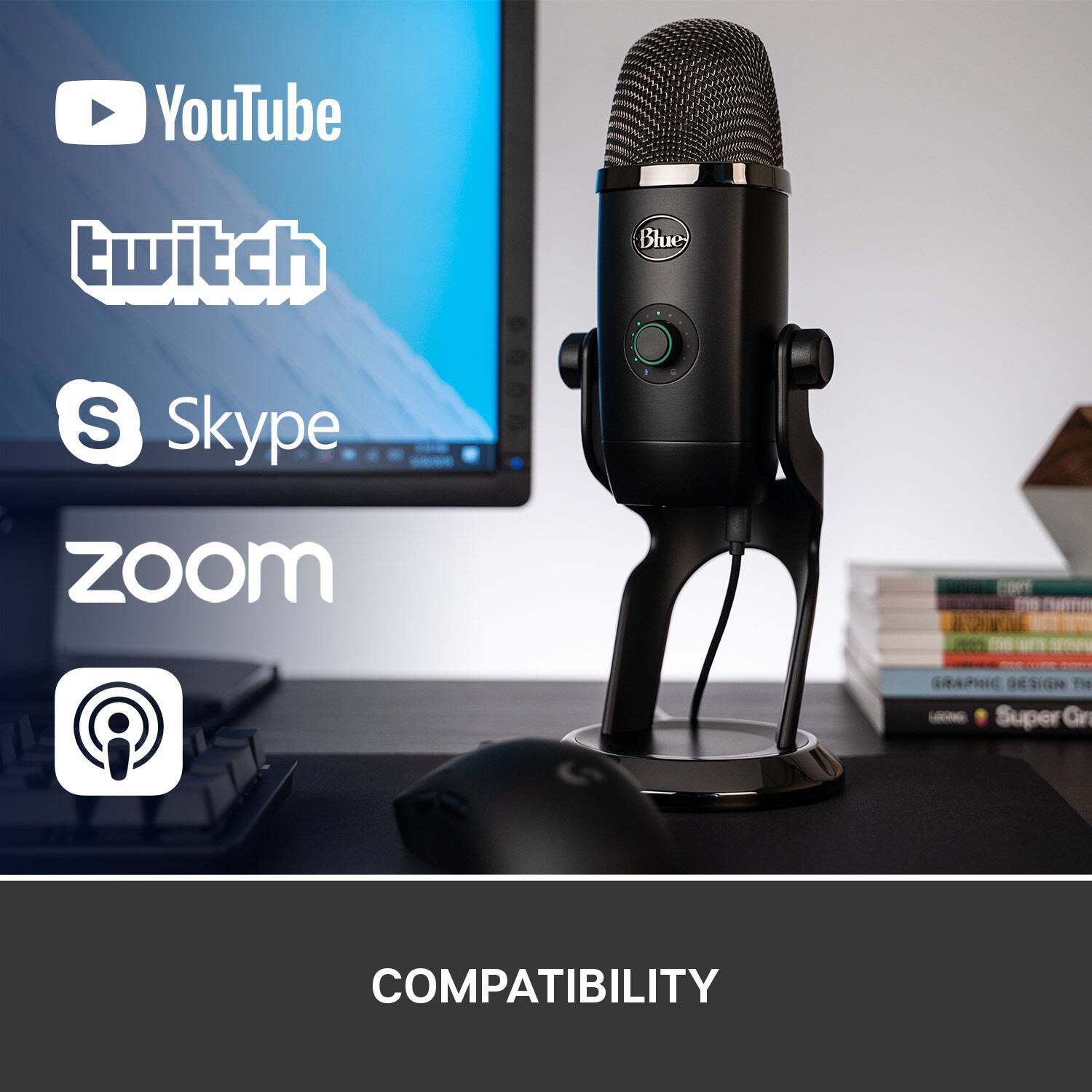
|Posted .This reviewer received promo considerations or sweepstakes entry for writing a review.I honestly never thought about needing an expensive microphone, but if I had, this would probably have been a great choice. It's built very well and is nice and sturdy. It also looks great, so that's a bonus. I installed it on 3 PCS. Two of them run Windows 10 with one of them having the Logitech G Hub software installled. The other is a Mac Mini late 2014 fully updated with the I5 2.6GHz processor. On all 3 machines, the OS saw the Yeti and it was ready to go out of the box. The only thing I had to do extra was reboot the Windows 10 machine running G Hub. It had to complete the install. On the Mac, I tested it out with FaceTime. It had no issues and checking it in system preferences, the sound section found and tested it easily. On the Windows 10 PC without G Hub, I played a few online games that used sound to move and it worked as it should. I saw no noticeable lag and was able to play the game without any issues. On the last PC using G Hub, I was able to use the filter presets to see how it altered my voice. Some were barely noticeable, but AM for instance sounded like an AM broadcast. With the G Hub, I was able to change the LED lighting on the mute button, mode, metering and pattern settings...NICE. Lastly, with a 3.5mm cable connected, I had access to an EQ and default/custom presets to alter the sound. The only downside I found was the included microUSB cable. The end closest to the mic is just a tad too long and it hits the stand. I was able to go past it, but it bent and looked like it had broken. Next time I'll unplug it first or just find another cable with a shorter hard rubber base. I'm not really sure why it pivots/tilts anyway. The instructions clearly show that the mic should be straight up and down and not angled towards any individual. Like I stated, I wasn't in the market for a mic, but having the opportunity to obtain one I see how nice it is. I'd recommend it to anyone doing multiplayer games with mic, podcasts, videos or a task that requires a great sounding mic. As stated, it's hefty so you're hands are free to do other tasks when recording.
I would recommend this to a friend - Pros mentioned:Sound quality
Don’t look any further.
|Posted .This reviewer received promo considerations or sweepstakes entry for writing a review.Wow just wow, it’s gorgeous and nicely packaged. It’s definitely made from quality materials and has a nice solid weight to it. I’m currently using mine for social media and YouTube videos, in which I normally do voiceovers. It has improved my video quality substantially, as I was previously using a corded headphone meant for my mobile devices. So what an improvement, right! The sound is extremely crisp and clear with no distortion that I can audibly hear. I love that I can visually determine if my levels are too high instead of squinting at my camera across the room. I also appreciate the stand that comes with it, but I also have the ability to set it up on another mic stand if needed. It comes with tons of settings for you to customize your sound to what best works for you. You can also adjust the lights on it, which I can see being a bit gimmicky to some but helpful to others so that you know exactly what you’re adjusting. I haven’t had a chance to go through every setting, but I used it straight out of the box and was amazed at the quality. I didn’t need to adjust anything so if it sounds this good I can’t wait to spend more time changing and adjusting my sound. You also have the ability to mute the mic when or if you get interrupted, which is great. I normally have to stop recording but I can get right back to it by tapping a button on the mic. I wanted to start dabbling in ASMR videos going into the new year and with this mic and it’s four-capsule array capabilities, I can do that without having to buy any additional mics or drastically change my current recording setup, as I can toggle between cardioid and stereo settings which are perfect for my setup. All in all I recommend this mic if you’re looking for something to improve your current recording setup or looking for a great mic for podcasts. It’s easy to setup and get started, it’s beautiful and it works amazingly. It ticked all of my boxes and I can’t wait to explore more options with this mic.
I would recommend this to a friend - Pros mentioned:Ease of useCons mentioned:Size
Great Microphone
|Posted .This reviewer received promo considerations or sweepstakes entry for writing a review.The size of the mic is the only negative for me. Everything else is good. I used it to record a couple of videos on my MacBook and it works to perfection. Easy set up too. The Logitech software download option was not a useful as I thought it would be. It allows for further voice adjustments that I can live without. But overall great mic and you can't go wrong if you decide to buy. Oh, and the LED's on the front are awesome.
I would recommend this to a friend - Pros mentioned:Sound quality
Awesome mic for all purposes.
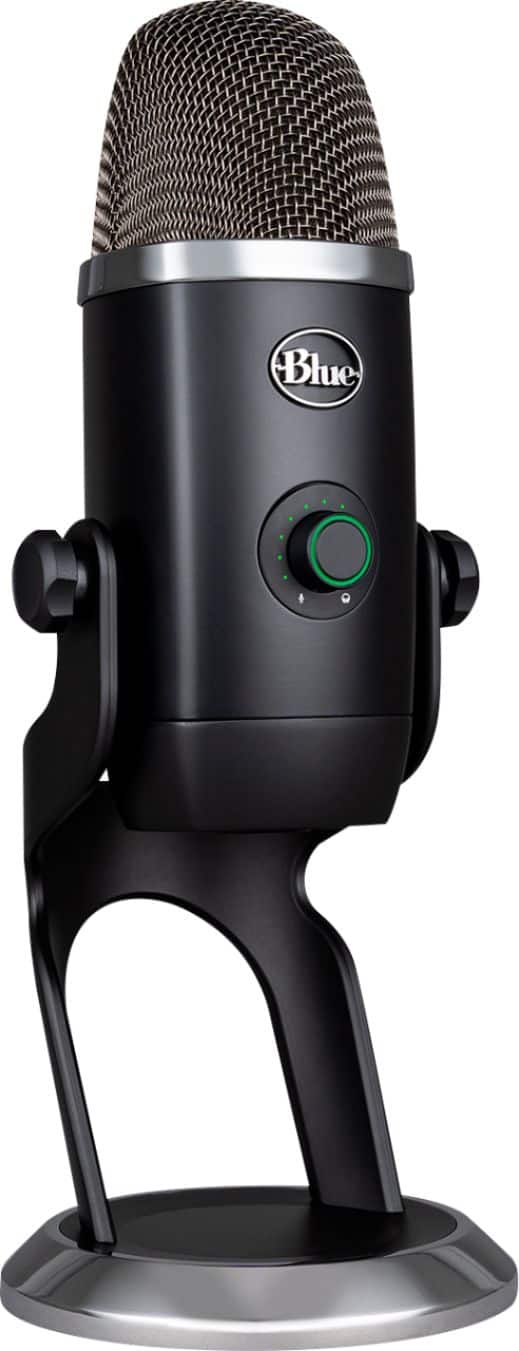
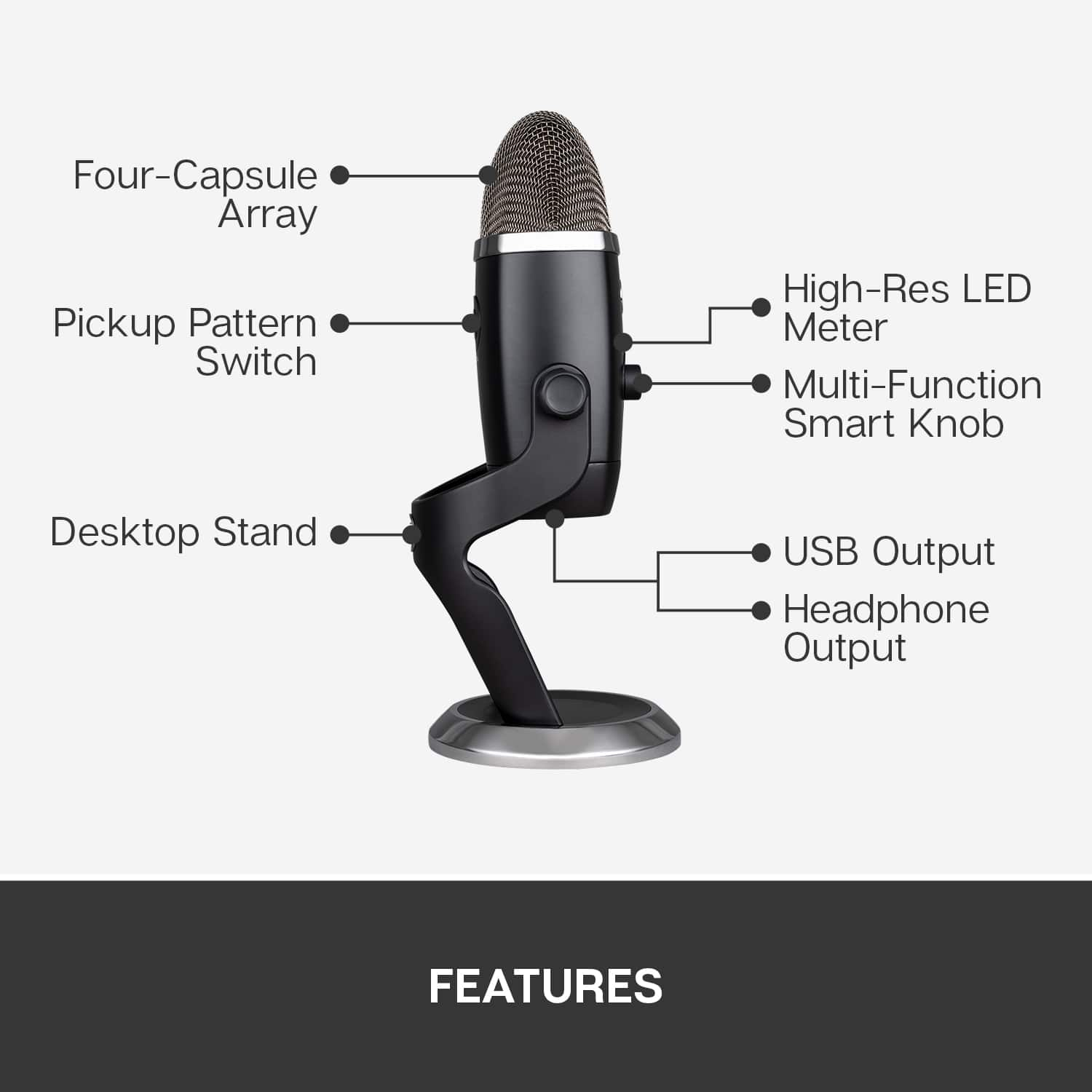
|Posted .This reviewer received promo considerations or sweepstakes entry for writing a review.The Yeti X builds and improves on the original Blue Yeti in a few different ways. First, the multi-function button/dial in the front has a ring of lights going around it to show how loud the audio is being received by the mic. This goes from green to yellow to red. Red meaning you are running the mic too hot, so you should dial it down to avoid clipping. The mic itself features 4 condenser capsules compared to 3 on the regular Yeti. Bot mics offer 4 recording patterns, including cardioid, stereo, omnidirection and bidirectional. The button to change patters is on the back of the mic. The mic itself feels of a great build quality. It is heavy, sturdy and looks very nice. The mic and included stand are made of metal and the top of the mic has a metal mesh covering. On the bottom is a threaded hole to attach to something like a tri-pod or boom arm. Also on the bottom is a headphone jack and a micro-USB port to connect the mic. It would have been nice to see USB-C instead, but for some reason they stuck with micro-USB. The Logitech G-Hub on your computer lets you make several adjustments and changes to the mic. You can change the sound of the audio/voice and the light colors on the mic itself can be changed. This is a very cool option and allows for some customization. The mic I had been previously using does the job, but it doesn't do it as well as the Yeti X and doesn't have the options. The Yeti X performs great and has the features that a causal user or a professional can appreciate. I would highly recommend one.
I would recommend this to a friend - Pros mentioned:Sound quality
Good sound capture
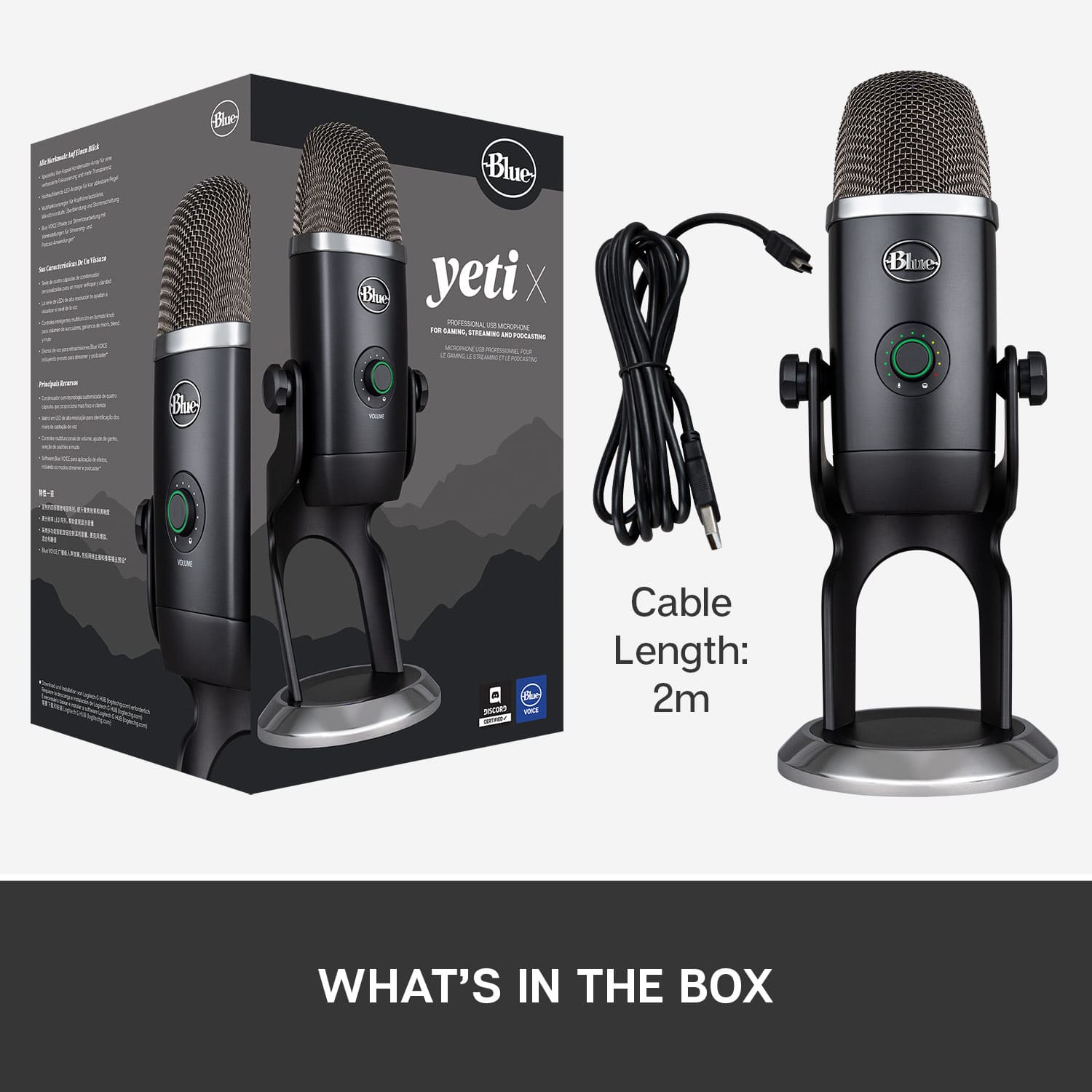
|Posted .This reviewer received promo considerations or sweepstakes entry for writing a review.I’ve been wanting a new microphone for podcasting and the Blue Yeti x looked like a good option for me. I found unpacking the microphone slightly challenging, and had to destroy the box to get it open, but that just shows how well the mic is securely nestled. Inside I found the microphone and the cord, but no startup instructions or information about the software available online. I plugged it in and my computer recognized it immediately. The box included one card which explained the various settings and ports. There is a gain knob, which doubles as a mute button, and a Pattern button which indicates what shape of sound it is picking up. Standard micro usb plug in and a 3.5 mm earphone jack. A little more instruction would have been ideal. I did find a small instruction booklet online. Going online, I found help and got started. My laptop wanted the microphone to serve as the speakers, even though I did not have a headset attached to the microphone. Took me a few minutes to figure this out. Once I finally make the Yeti X the default microphone, and my other speakers the default speakers, we were ready to roll. I recorded in my kitchen with many ambient sounds, including the fridge and air purifier. On replay, my voice sounded crisp and clear and I could not hear the other sounds. I tried to download the Blue Sherpa software, but it insisted that I did not have the microphone attached. I work at a university and podcasting is one of my popular ways to connect with students and I often have others with me, so the two person configeration will work well for me.
I would recommend this to a friend - Pros mentioned:Sound quality
A Much Better Microphone Than I Expected
|Posted .This reviewer received promo considerations or sweepstakes entry for writing a review.This Blue Yeti X microphone is so much better than I expected it to be. It's a truly amazing mic for its size and price point. You will definitely not be disappointed with this mic. The good. A nice solid feel that is sturdy on your desk. The 4 mic array inside does a most excellent job of picking up your voice. Even across the room! I was doing some gaming from my couch on the other side of my living room and this picked up my voice, clearly from about 20 feet away while chatting. Huge unexpected bonus there! For more mundane things like recording a podcast it produced studio quality sound and I was very impressed. Same thing when recording some voice over tracks for some video I shot recently. Heck, it's great for Facetime calls on my Mac. I cannot state enough just how high quality this mic is. The bad. For once I couldn't find anything to complain about. And I'm very picky when it comes to my tech. If you need a mic for anything from professional to casual use then do yourself a favor and pick this one up. You'll thank me later.
I would recommend this to a friend - Pros mentioned:Software
Perfect for beginners or experts
|Posted .This reviewer received promo considerations or sweepstakes entry for writing a review.I’m somewhat familiar with Blue Yeti microphones, but only used them one time so I consider myself a beginner. I currently have a different brand of microphone but have been looking to upgrade. Out of the box assembly and setup was a breeze, I plugged it into my computer and downloaded the software.... and that’s where I think Blue Yeti really hit it it if the park... the software for this microphone is AMAZING. I record about 3 podcasts per week, and I can absolutely tell the difference with this microphone. Real time customization let’s you really hear how the different settings effect your voice and what the audience hears. I would recommend this in a heartbeat. It’s a great mic to start with or an easy upgrade for someone!
I would recommend this to a friend - Pros mentioned:Sound quality
Excellent
|Posted .This reviewer received promo considerations or sweepstakes entry for writing a review.Blue Yeti microphones have a great reputation, so I picked this new model up to give it a try - and it's every bit as good as a studio quality mic. One of my side jobs is as a radio personality, and I often record from my home office. I recorded both of my shows this week on this microphone, and the differences were indiscernible from the microphones in our professional studio. Setup was as simple as it gets, and both Adobe Audition and Audacity picked up the mic settings automatically. The headphone jack on the mic itself is a life-saver for ease of monitoring, and the input level control on the front of the mic itself is a nice touch. All in all, this is a fantastic product. I highly recommend it.
I would recommend this to a friend - Pros mentioned:Sound quality
GREAT Quality and Build! Buy it!
Posted .This reviewer received promo considerations or sweepstakes entry for writing a review.This microphone is Great! The sound quality is great for the cost. It's adjustability and software enhancements make it easy to use and gives great production output. I would highly recommend.
I would recommend this to a friendBrand response from Logitech
Posted .Thanks for the enthusiastic review! We're thrilled to hear that the Yeti X Professional microphone has impressed you with its sound quality, adjustability, and software features. Your recommendation means a lot and helps others find gear they can rely on for high-quality production. 🎙️

- Pros mentioned:Ease of use, Sound quality
easy to use
Posted .This reviewer received promo considerations or sweepstakes entry for writing a review.Great mic that's easy to set up and use. The results so far have been excellent.
I would recommend this to a friend - Pros mentioned:Ease of use, Sound quality
a value
Posted .This reviewer received promo considerations or sweepstakes entry for writing a review.so easy to setup and get started quickly with a professional sound.
I would recommend this to a friend - Pros mentioned:Sound quality
Great for Streaming
|Posted .This reviewer received promo considerations or sweepstakes entry for writing a review.I keep meaning to do more unboxing videos but the audio quality of my prior setup was producing horrible audio. The stand-alone mike improves the quality immensely. My son keeps wanting to borrow the microphone, too. He's been gaming lately and wants to stream over Twitch and wants things to sound just right so he can flex his setup. He's also tried it out on his Soundcloud channel with great success. Still figuring out all the options but from a sound output quality perspective, about 1000 times better then with old setup without even changing the default settings. Should just improve from here. Wish I got sooner.
I would recommend this to a friend - Pros mentioned:Sound quality
Great Mic
|Posted .This reviewer received promo considerations or sweepstakes entry for writing a review.Solidly built and sturdy. Having everything needed for gain, volume, and recording style easily at hand is a great feature. Being able to change recording parameters based on what you're doing on the fly is also great (though the similarity in some of the pictures do leave a bit to be desired). Sound quality comes through clear and precise.
I would recommend this to a friend - Pros mentioned:Sound quality
Good recording quality, form factor, and setup
|Posted .This reviewer received promo considerations or sweepstakes entry for writing a review.The microphone looks good and worked well out of the box. I use it for recording commentary on lesson videos,voice transcription for documents, and pronunciation practice on a language app. The clarity is quite nice and background noise is reduced. The size is good for storage and travel as well. All in all a very good unit.
I would recommend this to a friend - Pros mentioned:Sound quality
Excellent Microphone
Posted .This reviewer received promo considerations or sweepstakes entry for writing a review.Ex ellent Microphone, works perfect in my PC. I love it!!!
I would recommend this to a friendBrand response from Logitech
Posted .That’s fantastic to hear—thanks for the glowing review! We’re thrilled the Yeti X Professional microphone is working perfectly on your PC and that you’re loving it. Your enthusiasm is contagious! 🎙️