Customer Ratings & Reviews
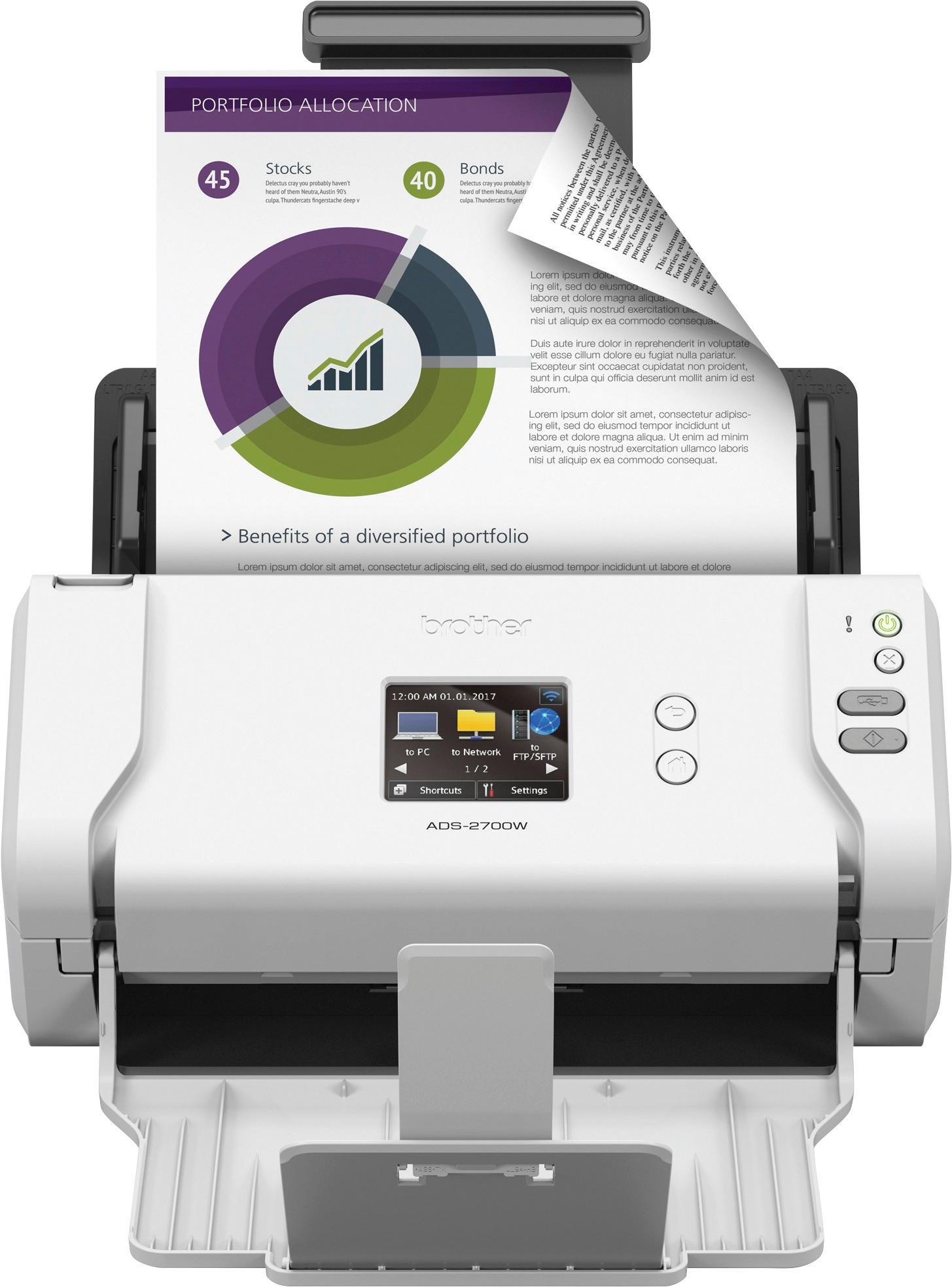
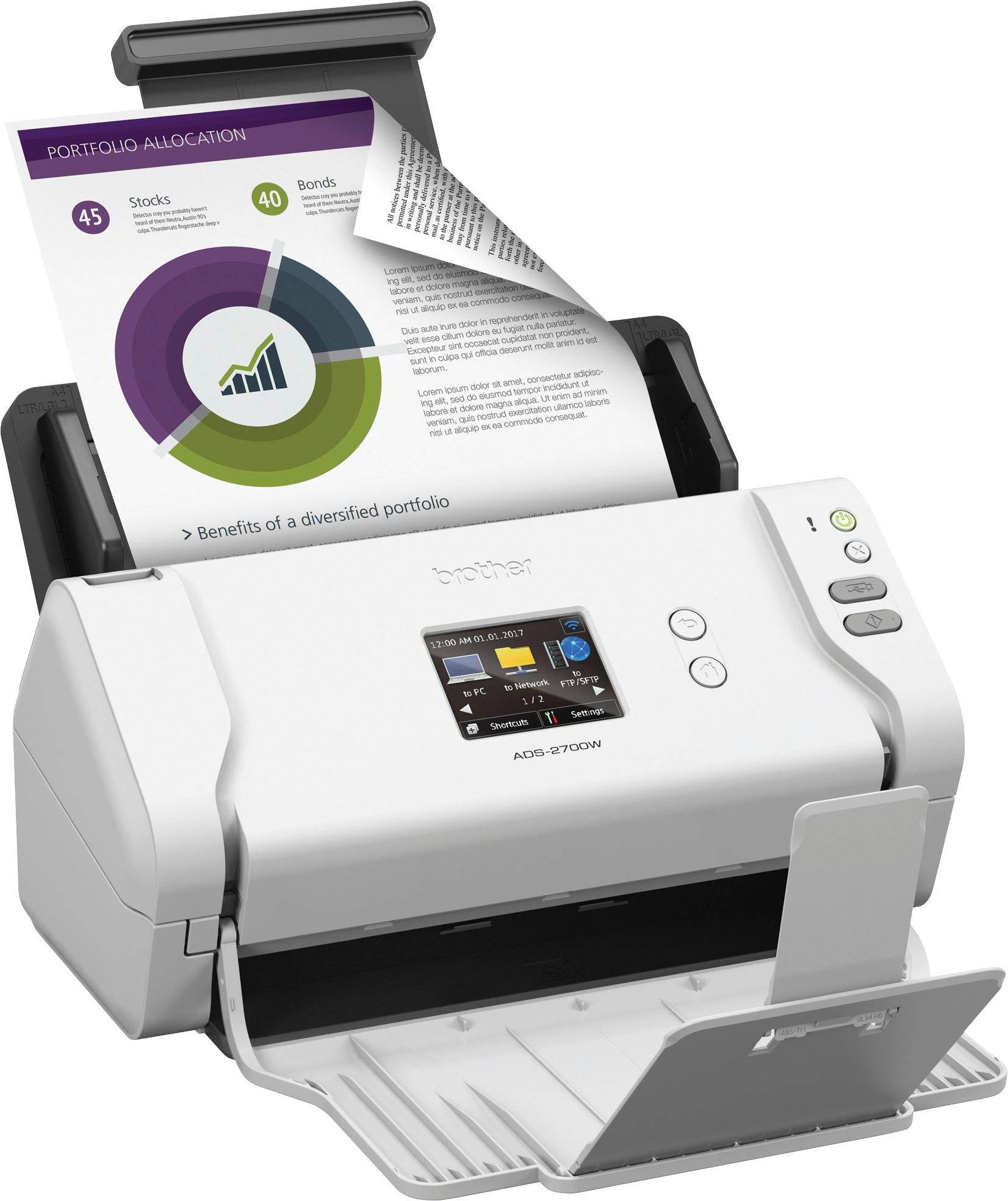
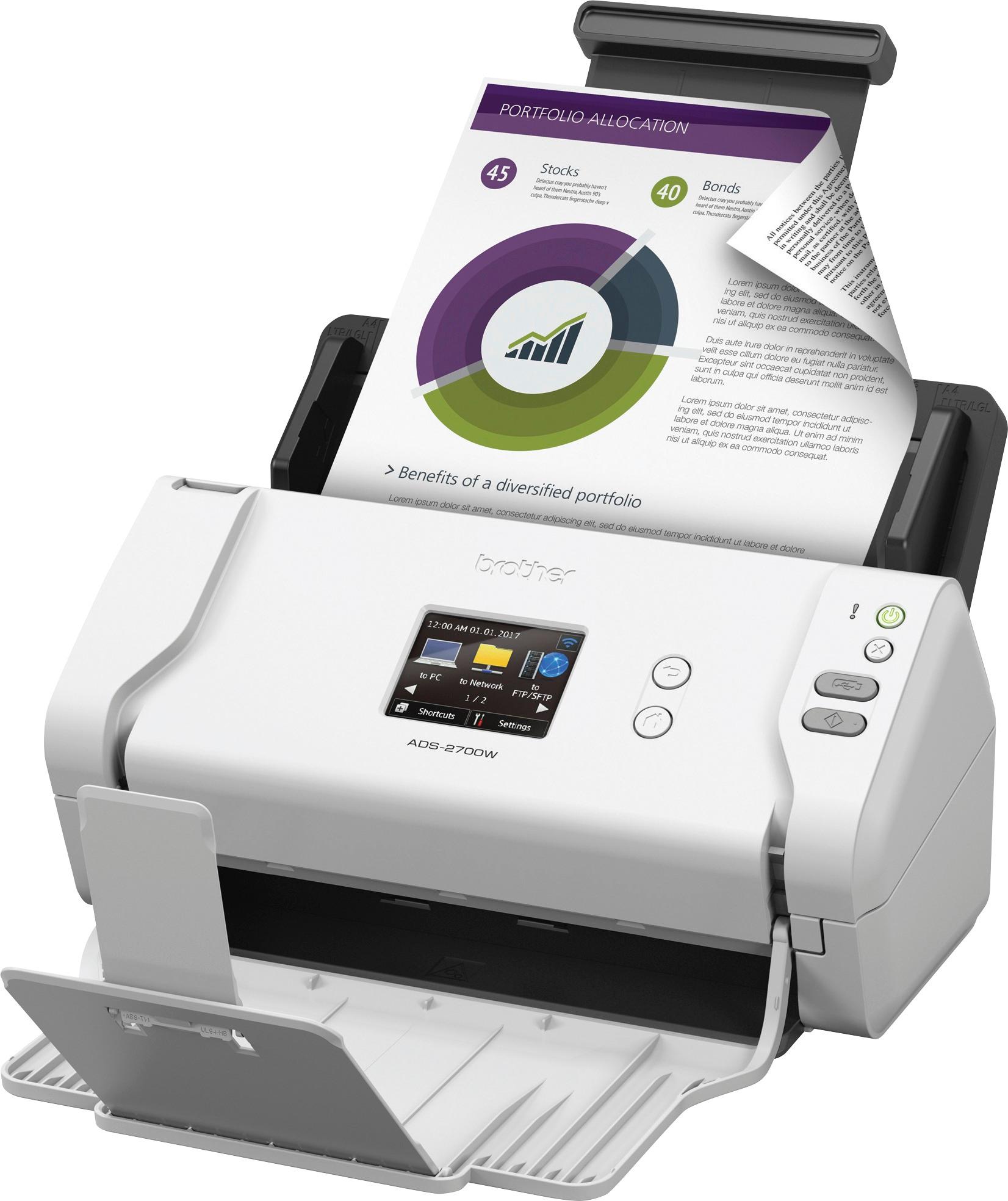
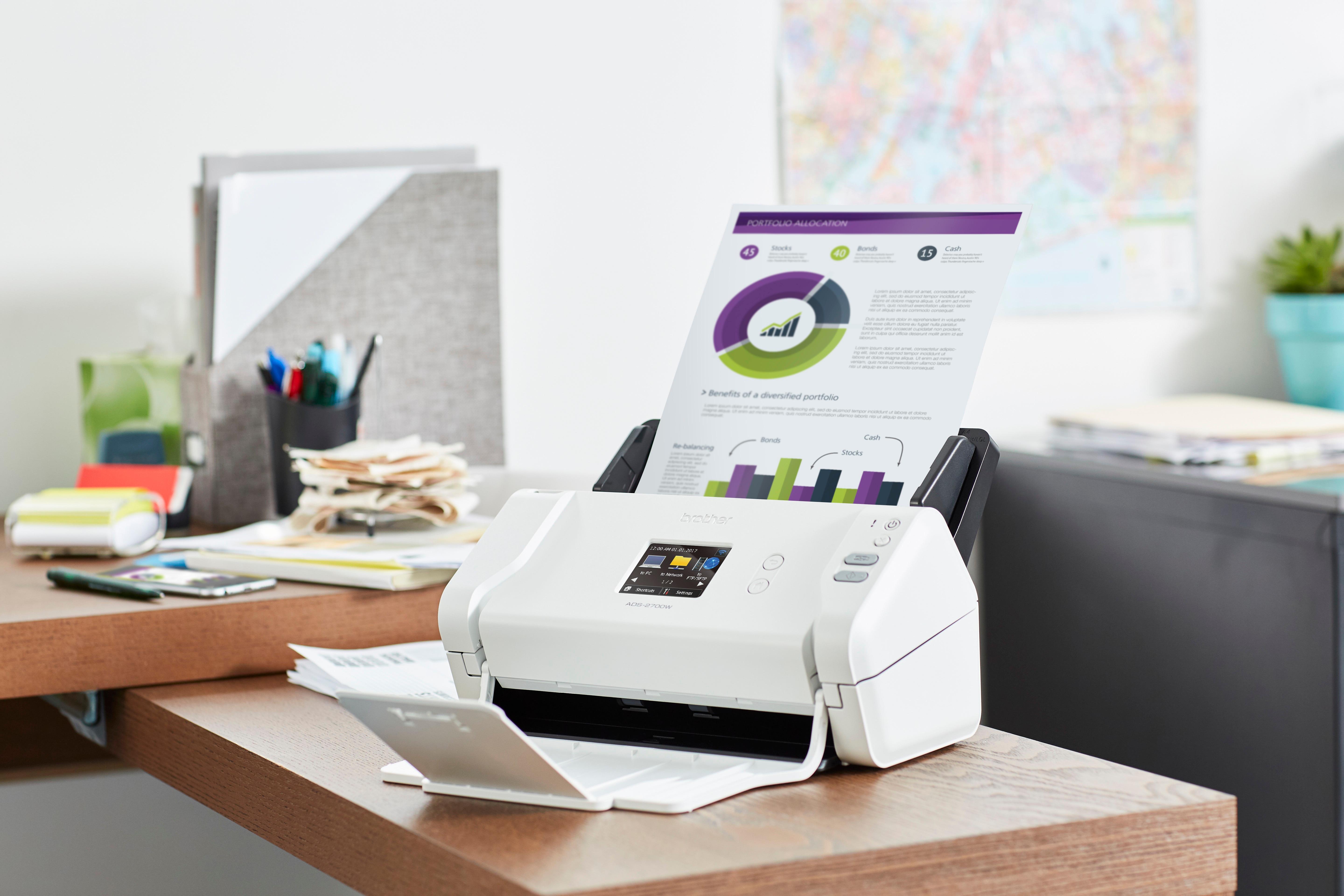

- Model:
- ADS-2700W
- SKU:
- 5996002
Rating by feature
- Value
Rating 4.6 out of 5 stars
- Quality
Rating 4.8 out of 5 stars
- Ease of Use
Rating 4.7 out of 5 stars
Customers are saying
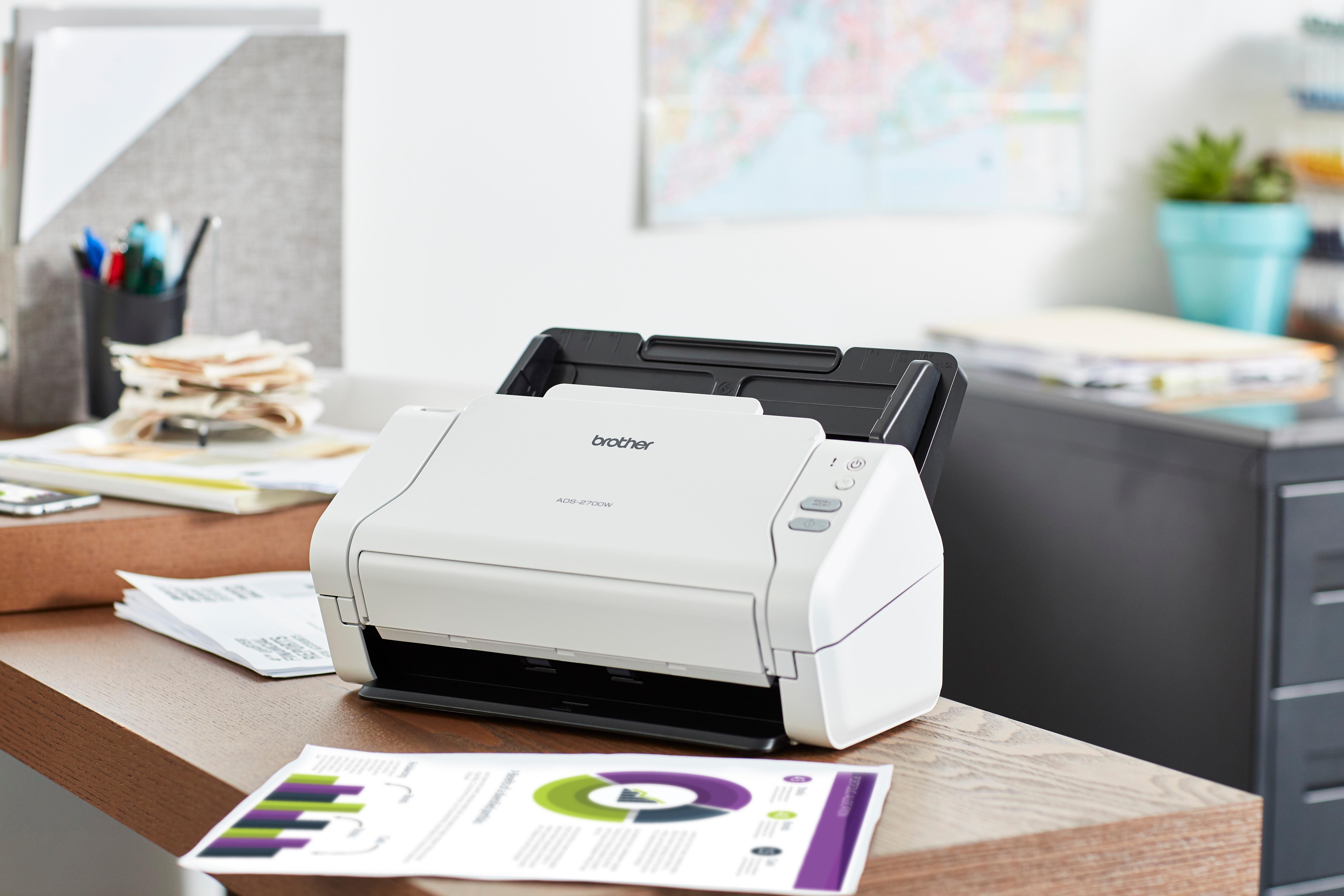
Customers value the ADS-2700W scanner for its fast scanning speed, compact size, and excellent scan quality. They appreciate the convenience of wireless connectivity and duplex scanning, as well as the ease of setup. While some users have experienced occasional paper handling issues and concerns with the additional software, the overall sentiment is positive.
This summary was generated by AI based on customer reviews.
Great ADS
||Posted .This reviewer received promo considerations or sweepstakes entry for writing a review.Great scanner. Bought to replace my NEAT scanner! Awesome
I would recommend this to a friendGood
||Posted . Owned for 2 weeks when reviewed.This reviewer received promo considerations or sweepstakes entry for writing a review.Easy to use very fast love thats its wifi. Recommend
I would recommend this to a friend- Pros mentioned:Scan speed
Not for busy people
||Posted .This reviewer received promo considerations or sweepstakes entry for writing a review.Very slow and labor intensive to scan. Disappointed for the amount of money spent. Keeps wanting to disconnect from my laptop. Quality of scanned documents is very good.
No, I would not recommend this to a friend Excellent Scanner for the price
||Posted .This reviewer received promo considerations or sweepstakes entry for writing a review.This produc was as advertised. Easy to install. Would buy again.
I would recommend this to a friendGreat
||Posted . Owned for 4 months when reviewed.This reviewer received promo considerations or sweepstakes entry for writing a review.Could not asked more friends to help with scanning
I would recommend this to a friendNot at all what I had expected
||Posted . Owned for 5 months when reviewed.This reviewer received promo considerations or sweepstakes entry for writing a review.I’m a Brother Print purchaser for over 20 years, all of my printers, which I have four in my office. I need fast reliable printer/scanner. I bought this scanner thinking it would be faster and easier, than my current MFC, well it wasn’t. Even though, Brother are pretty good with assisting you with any problems, this one was never properly solved. I need to be fast and easy, you have go through steps in order to scan. I need another scanner and I won’t be buying a Brother this time
No, I would not recommend this to a friendBrand response from Brother
Posted .Hi Benny, thank you for being a Brother Valued Customer for 20 years. We appreciate your feedback. Please contact us at 1-877-BROTHER so we can assist you further.

Awesome scanner
||Posted .This reviewer received promo considerations or sweepstakes entry for writing a review.Easy out of the box set up with a flawless Led screen
I would recommend this to a friendPretty good scanner
||Posted .This reviewer received promo considerations or sweepstakes entry for writing a review.This scanner is pretty good, it's not real fast but it does do it well.
I would recommend this to a friendNot quite as advertised.
||Posted . Owned for 1 week when reviewed.This reviewer received promo considerations or sweepstakes entry for writing a review.I give this scanner only 2 stars, because it really is not computer independent. I purchased this scanner because of the lcd and the fact that I thought I could use it independent of my computer. However, quickly I realized that it requires my computer to work it's magic. If you are accustom to using your computer with your scanner, then this scanner is very well made. But if you are looking for a scanner that is independent of your computer, then keep looking. I am going to try the Raven Pro, which advertises the fact that it is computer independent.
No, I would not recommend this to a friendBrand response from Brother
Posted .We are sorry to hear that your experience with the Brother ADS-2700W has not been favorable so far. This model offers standalone functions such as a Scan to E-mail Server or FTP. You may also scan to the computer using the scanner's touchscreen. To better assist you, please contact Brother Customer Service directly at https://www.brother-usa.com/support/ads2700w.
Brother Wireless Printer
||Posted .This reviewer received promo considerations or sweepstakes entry for writing a review.I tend to buy the same brands when they work, and Brother printers work!
I would recommend this to a friendColor Scanner
||Posted .This reviewer received promo considerations or sweepstakes entry for writing a review.The scanner works great and the color aspect was a welcomed addition.
I would recommend this to a friendGreat scanner
||Posted .This reviewer received promo considerations or sweepstakes entry for writing a review.Have had it a few weeks and it has worked great for me so far.
I would recommend this to a friend- Pros mentioned:Scan speed, Size

Fast, good quality, nice flexibility
|Posted .This reviewer received promo considerations or sweepstakes entry for writing a review.Full disclosure: I received the ADS-2700W as part of a program in exchange for a timely and honest review. I have used many scanners throughout my lifetime so far. My primary scanner most recently has been a NeatConnect scanner. I wanted a second scanner, so I thought I’d try this one out. I use a scanner primarily to scan non-critical documents so I can file them electronically and then shred them. It saves a lot of space and physically handling. Physically, the ADS-2700W is compact and nice looking. The input and output trays can be folded up when not in use, making it even smaller. I did the setup with a MacBook Pro and an iPad. You start by downloading the app for your mobile device and the installation software for your PC or Mac. I played around with the scanner a bit before I started following the directions, so I had to play around with the setup more than I would have had to, if I had followed the instructions straight out of the box. I set mine up for WiFi connection and scanning, but you can connect it via RJ45 to a LAN or via USB to a computer. The scanner can scan to a USB device, FTP destination, email or mobile device. I used the mobile app on my iPad for my review. There is a significant array of functionality and options, but you don’t have to get bogged down learning them all. You can start scanning very quickly. Once you have the app on your mobile device and your scanner connected to your network, you can just insert your document upside down with the printed side toward the back of the scanner and touch the scan button on the screen of your mobile device. Then you can specify document size, scan type, 2-Sided, and a couple of advanced settings…and SCAN the document. It scans very quickly and with nice quality. The mobile app allows you to enter your credentials for Dropbox, Evernote, Google and OneDrive. iCloud Files support is native on the iOS app. After scanning, you can send the file to any of these destinations, to an email recipient, to the Photos app (on iOS), Facebook, or many other places. It is very flexible. Oddly, the mobile app seems to handle documents to iCloud with less grace than to Dropbox (for example), depending on how you do it. If I send use the “Save to Files” functionality directly, I get one file per page and a text file that says “From Brother iPrint&Scan”. Very odd. But if I use the “Save as PDF” function, I can then save a two page document to iCloud Files as a single document and I don’t get that odd text file. A little quirk, but once you know that, it is easy to remember. There is a nice web management interface for the scanner that allows password protected management of the scanner settings. For my needs this little scanner is great. I works well and offers a great deal of flexibility for scanning destinations through the mobile app. I have not tried FTP or scanning directly to a PC. The latter could be handy, but since I have mobile devices, it isn’t really necessary. I can scan a document and put in just about anywhere I want to and I can grab it from there on my Mac (or PC). I think I will be very happy with this little scanner and I will recommend it to others.
I would recommend this to a friend - Pros mentioned:Ease of use, Scan speed
Great Document Scanner for Homes and Small Offices
|Posted .This reviewer received promo considerations or sweepstakes entry for writing a review.This is an incredibly fast and easy to use document scanner. I highly recommend it for anyone in a home or small office setting. My stack of documents scan in fast and look great. The on screen interface makes it easy to set the scanner up, connect to WiFi, and to make scanning adjustments. You can use this scanner many different ways: hook it up directly to a computer with a USB cable (not included), hook it up to a wired network, scan directly to USB, scan over WiFi to a computer, scan to email, and there is an app (the Brother iPrint&Scan) for the iPad. Still, there were a few hiccups.. Setup materials were a bit more sparse than I anticipated. There’s a tape that needs to be removed before you attach the paper tray, but the QuickStart materials didn’t mention it. There is no software included and if you need a proper manual and software, you will need to visit support.brother.com. I wasn’t entirely sure which software was needed and I installed the bare minimum. Still, the scan to computer feature worked well. The iPad app worked, but did crash on me once or twice. The three / five star reviews on the app lead me to think this must be a common problem. But the iPad app worked more often than not. All in all, the scanner works well. My complaints are pretty trivial and I can see this scanner helping a lot in the office.
I would recommend this to a friend - Pros mentioned:Scan speed, Size
Nifty Little Scanner
|Posted .This reviewer received promo considerations or sweepstakes entry for writing a review.First off, don’t be put off by the diminutive size of this Brother ADS-2700W Wireless High-Speed Color Duplex Desktop Document Scanner with LCD Touchscreen. Being compact is an intended aspect of its design. This allows the machine to perform its tasks, without taking up valuable room on a desk or in an office which may already be cluttered with multiple electronics. In addition, this makes the unit more portable and easy to store away; always a plus. To begin with, you’ll want to read through the Quick Setup Guide which provides some basic instructions on how to get the scanner up and running, whether you intend to use this device either as a stand-alone scanner, with a computer, or with a mobile device. And configuring your scanner’s preferences using the LCD color touchscreen is a simple process. There is even an app, which of course, I had to test out. When using the Brother iPrint&Scan app, always remember to have your scanner and mobile device set to the same WiFi network. Within the app, you can preview an image and make any necessary edits using three editing tools - scale, straighten, and crop - before copying, saving, or sending. An unexpected feature I discovered through the app, is the ability to send a fax of scanned items from your mobile device. This is so cool! Now as for how quickly this Brother scanner scans ... this machine is fast! I wanted to test the scanner with how it would handle less than pristine documents. So I tried scanning a “rumpled” and then ‘smoothed out’ receipt, along with a folded ad flyer and various other papers. The formerly crinkled receipt fed through the machine just fine, and the digital copy of the document was crisp and clear. However, the folded ad jammed, just as I’d hoped it would, yet rectifying that was an easy procedure with helpful hints via the touchscreen guide. The only minor ‘Con’ I found, was that the necessary software for use with the device wasn’t included in the box with the scanner itself. Instead, you must go online to Brother.com’s Solution Center to download the driver and software package. Given the retail price of this machine, that was something I didn’t appreciate. However, this Brother Wireless Desktop Document Scanner is an awesome little machine, and I can highly recommend it for use at home or in an office.
I would recommend this to a friend - Pros mentioned:Scan speed, Size
Awesome Super Fast High Quality Scanner
|Posted .This reviewer received promo considerations or sweepstakes entry for writing a review.I am in the process of decluttering my house and one of the jobs that await me is to scan hundreds of paper documents into digital format so I can throw away the boxes of documents that is cluttering my house. I figured it would take me many months or even years to complete this job using my slow flatbed scanner. This was a job that I was not looking forward to. Well, over the past few days I have scanned over 400 pages of documents using the Brother ADS-2700W scanner. It is jaw dropping fast when scanning double sided black and white documents. I couldn’t believe my eyes. It is so fast I couldn’t stop grinning and smiling with happiness! What seemed like an impossible and dreary task now seems doable! Setup was very simple for me as I used ethernet instead of wireless to connect to my network. I first plugged the scanner into my router using an ethernet cable. Then I went to Brother’s website to download the drivers and software to install on my computer. The software found the scanner on my network and I selected it. I did not install any of the optional software such as PaperPort 14SE since I already had a version of it installed on my computer that came bundled from an old scanner. I was a little confused about how to scan documents to the computer. Do I initiate it from the computer? Or from the scanner? You can initiate the scan from the computer using software such as PaperPort, but it turns out, you can also initiate it from the scanner. All you do is place the stack of documents you want to scan into the automatic document feeder (it can hold about 50 pages at a time), press the “scan to computer” button on the scanner’s LCD touchscreen menu, and it starts scanning and sending the pages to my computer. When placing a stack of documents into the automatic document feeder, you need to insert them such that the first document is at the rear with the top of the documents placed at the bottom, otherwise you will produce scans that are upside down or in reverse order. The scans are deposited into a directory on your computer (the default is the Pictures directory in Windows 10 but you can change it to any other place you want). In a little over 1 minute, I have a PDF on my computer that is a high quality scan of the original 50 page document. This is a great little scanner. It’s very compact and light but produces high quality scans in such a blazingly fast time that you almost can’t believe what you are seeing. It’s very flexible in that you can scan it to different destinations (USB flash drive, mobile devices) so you don’t even need a computer to produce useful scans. This will be a great tool in my quest to declutter my home of paper documents.
I would recommend this to a friend cloud functions
||Posted .This reviewer received promo considerations or sweepstakes entry for writing a review.Do not buy this scanner if you are dealing with cloud applications, functions great for desktop.
I would recommend this to a friendBrand response from Brother
Posted .Hi. We appreciate your business, and we want to provide the best possible customer service. We do hope that another Brother ADS machine that we have will fit your needs better with scanning to Cloud Services. If there's anything else we can help you with, please don't hesitate to contact us for support.
- Pros mentioned:Scan speedCons mentioned:Paper handling
High Quality Scanner, But Not For Receipts
|Posted .This reviewer received promo considerations or sweepstakes entry for writing a review.I would just like to start by saying I have owned multiple Brother devices for personal use over the past several decades and they have always been of great quality and longevity, and this scanner is still right there with it. It is pretty small, about half the size of a printer, and even smaller with the trays folded up. There are several connection options you have; which include usb connection, direct ethernet connection, or Wifi connection. There is no bundled software. For desktop you have to download the driver/program from their website, or download the iprint/scan app on your phone/tablet. Setup is super easy when taking out of the box. The paper stack tray just slides into place and the bottom tray door folds down from over the top of the scanner. Plug in and hit the power button. The LCD is a nice touchscreen display, though there is not much to do on it, besides setting up the network, and which location you want to scan to, which all have to be setup prior. The paper stack tray has really easy to adjust size sliders, which go as small as a business card all the way to full letter size. Scanning is just like a fax machine, with the side you want to scan faced upside down and facing away from you. It does have 2 sided scanning and it works great. It takes about 2 seconds total for the entire paper to scan and be uploaded to the app, not including some command prompts for scan completing. The quality of the scan is top notch. Colors are perfect and the image is super clear down to the smallest detail. After the scan you can also crop your image in the app. The downside to this scanner is that it is not designed for receipts, or any kind of frayed or crumpled paper. Receipts come in all different lengths and if you need to scan one, there is no scale option to pick from for it. I scanned several receipts and each one of them jammed up inside the scanner and wrapped around the rollers. If you have a smaller, perfectly crisp receipt it might work better, but I'm not sure of who ever has a perfect receipt to use all the time. Any kind of crumpled, non flat letter paper could fold up and get jammed as well. It's best to save those kinds of papers or receipts for a flat panel scanner that doesn't have a paper feeder. Besides that, this scanner is awesome, especially for documents that you need to sign and email. Would recommend as long as it's not for receipt use.
I would recommend this to a friend WIreless but not for the macOS Big Sur
||Posted . Owned for 2 months when reviewed.This reviewer received promo considerations or sweepstakes entry for writing a review.Do NOT buy the Brother ADS-2700W if you are working on macOS Big Sur and would like to have a wireless connection to the scanner. Doesn't work and won't work in future (stated by the Brother's tech support). For the Best Buy it has not been a reason to accept my return (refund, store credit) because it was requested after the standard return policy deadline (15 days after a purchase), I am very disappointed that Best Buy customer service wouldn't like to consider an exception. (I talked to a supervisor) I wouldn't call this a 'best buy' and next time I would think twice before purchasing 1. Brother products; 2. from the Best Buy.
No, I would not recommend this to a friendBrand response from Brother
Posted .We are sorry to hear that you are experiencing issues connecting the Brother ADS-2700W scanner wirelessly to your Mac OS Big Sur computer. The Brother ADS-2700W scanner is compatible and supported on Mac OS Big Sur, via WiFi, Wired Ethernet or USB and using the Brother iPrint&Scan software. The following link can help resolve this issue: https://help.brother-usa.com/app/answers/detail/a_id/172392
If the problem persists, feel free to contact Brother Customer Service directly at https://www.brother-usa.com/support/ads2700w
Doesn’t work as advertised! No One Touch compatibi
||Posted .This reviewer received promo considerations or sweepstakes entry for writing a review.Not a good functioning scanner. Is not compatible with most scanning software. No “one-touch” scanning profile. Settings for naming the item upon scanning do not hold. Slow operation. Not so user friendly!
No, I would not recommend this to a friendBrand response from Brother
Posted .Thank you so much for the feedback on your Brother ADS-2700W Scanner. If there's anything else we can help you with, please don't hesitate to contact us for support.
https://help.brother-usa.com/app/ask/p