Customer Ratings & Reviews
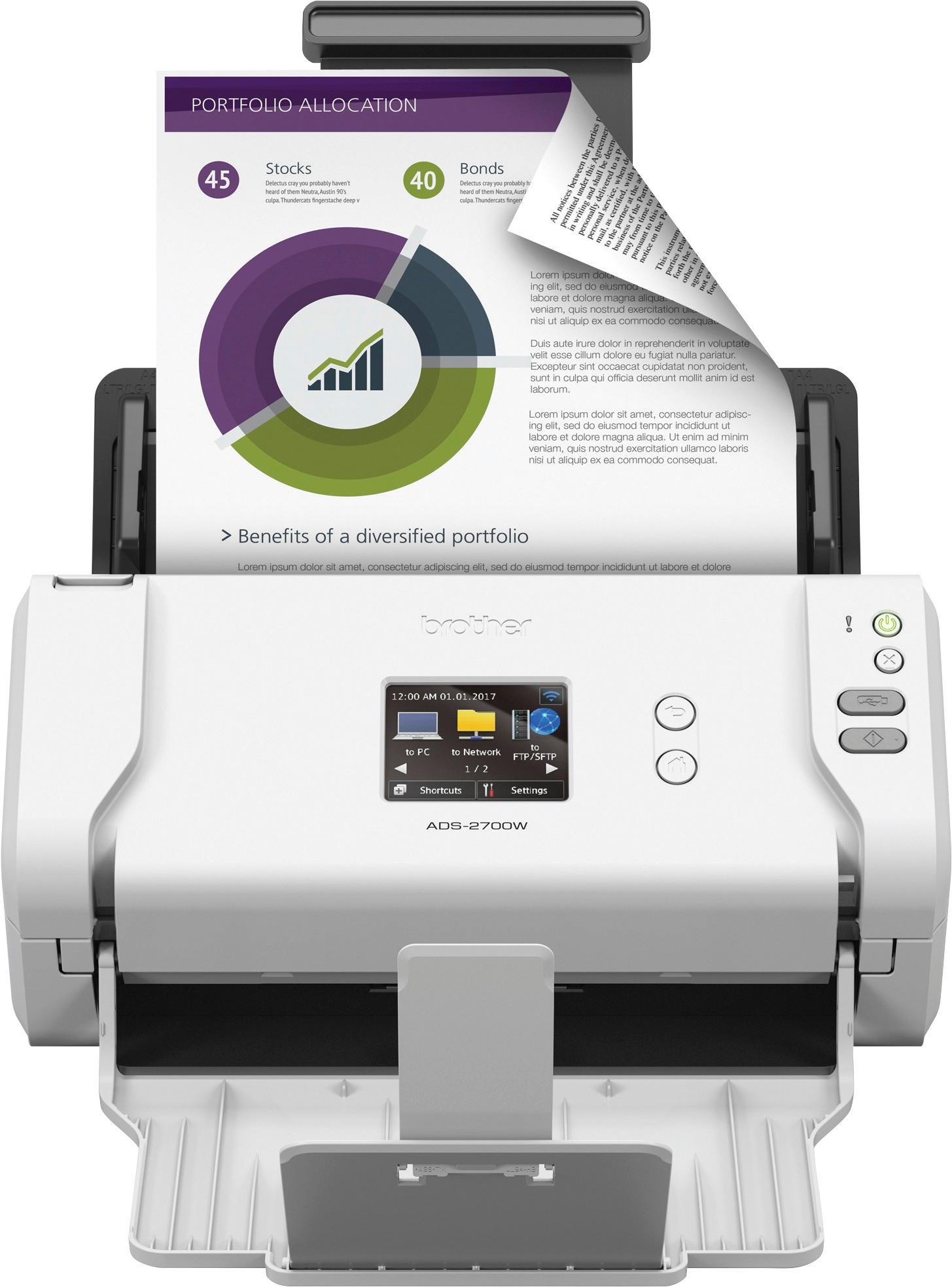
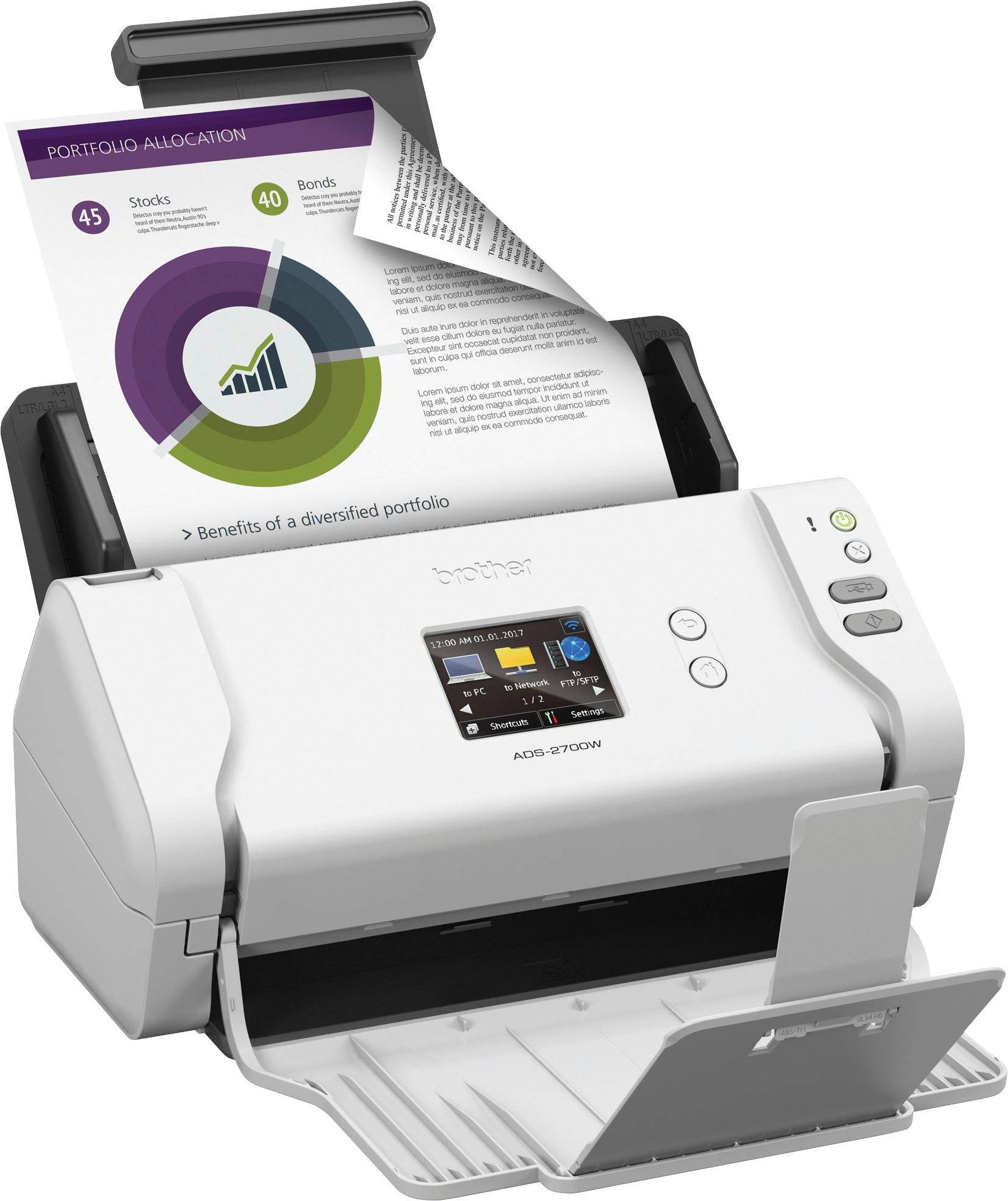
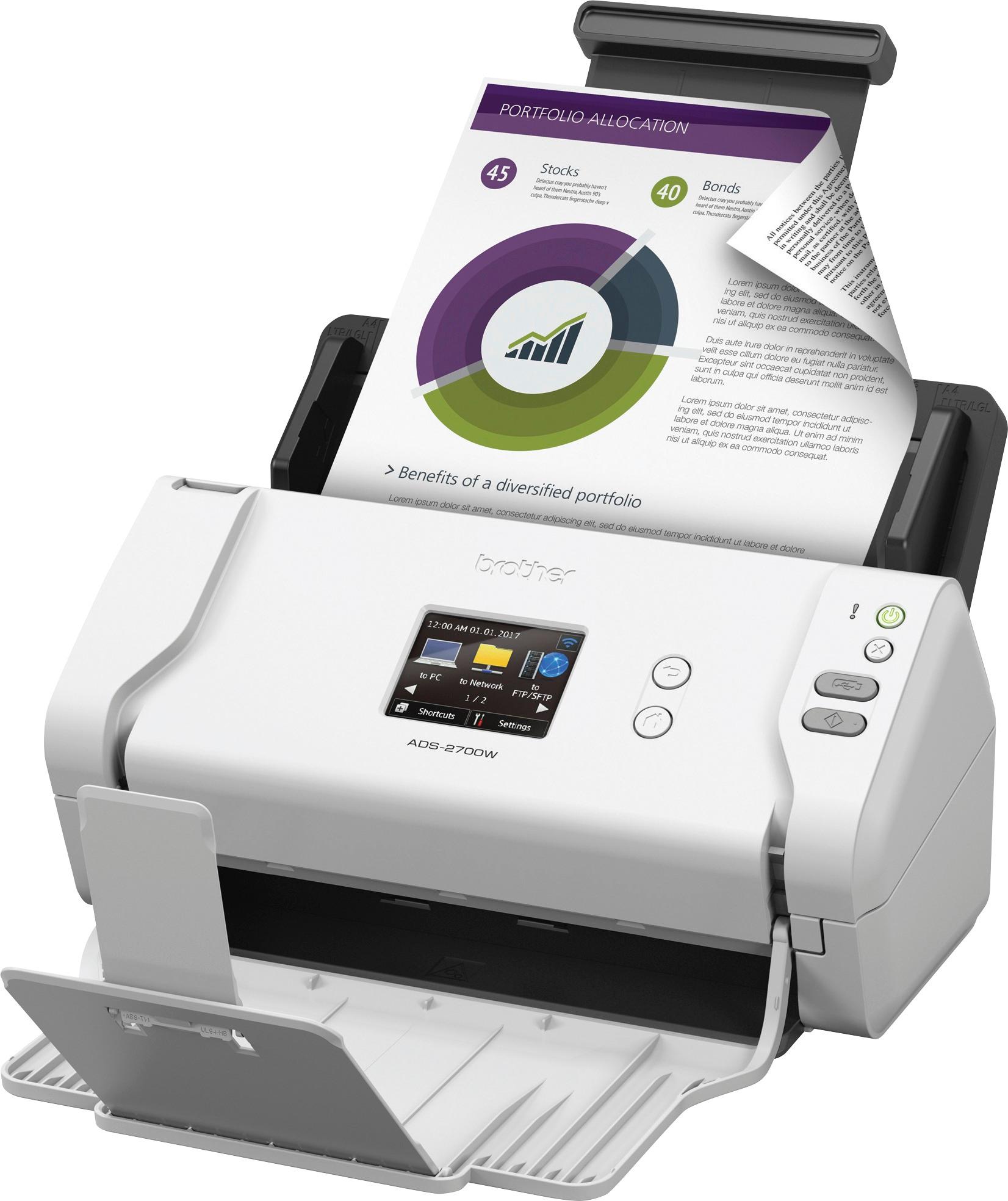
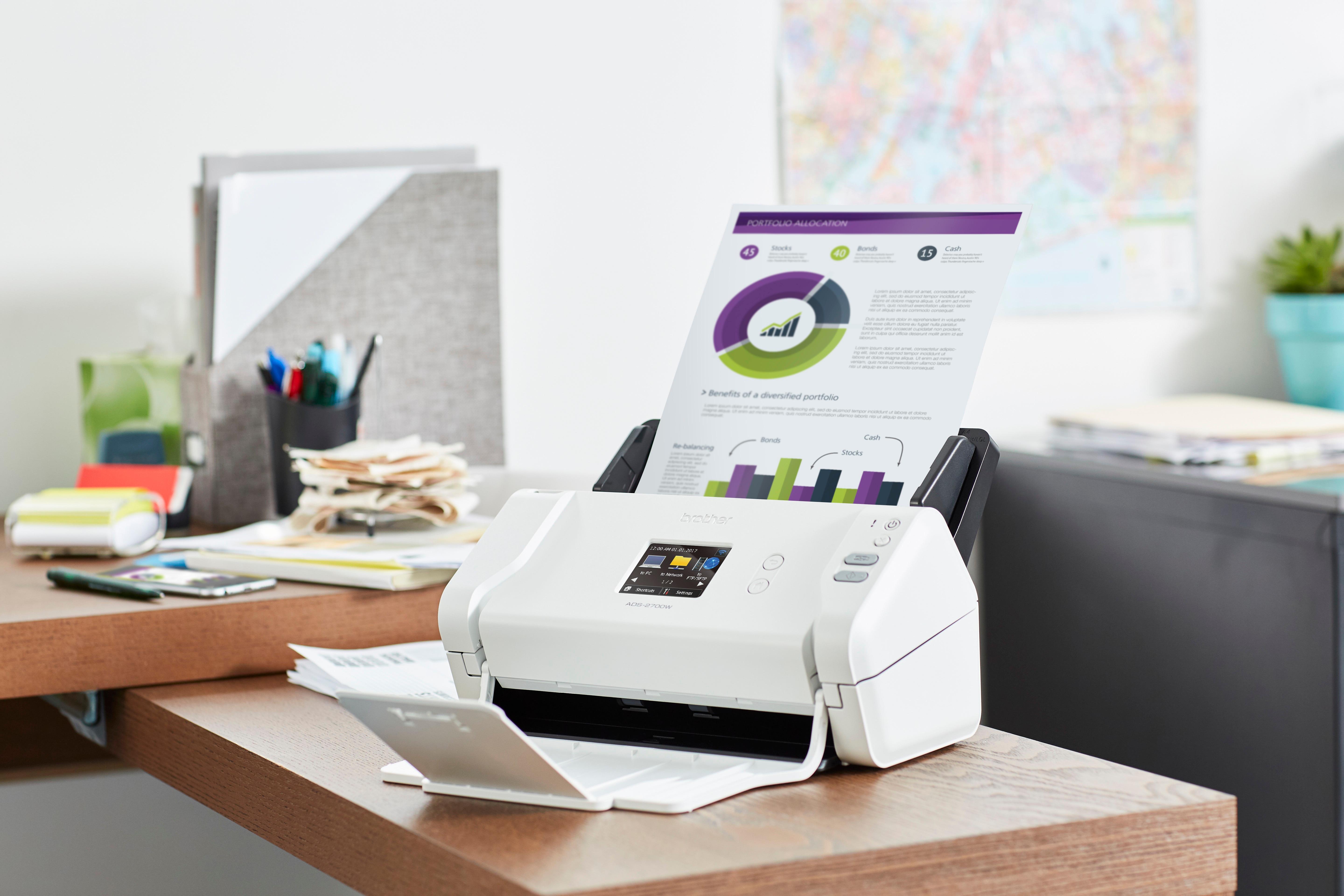

- Model:
- ADS-2700W
- SKU:
- 5996002
Rating by feature
- Value
Rating 4.6 out of 5 stars
- Quality
Rating 4.8 out of 5 stars
- Ease of Use
Rating 4.7 out of 5 stars
Customers are saying
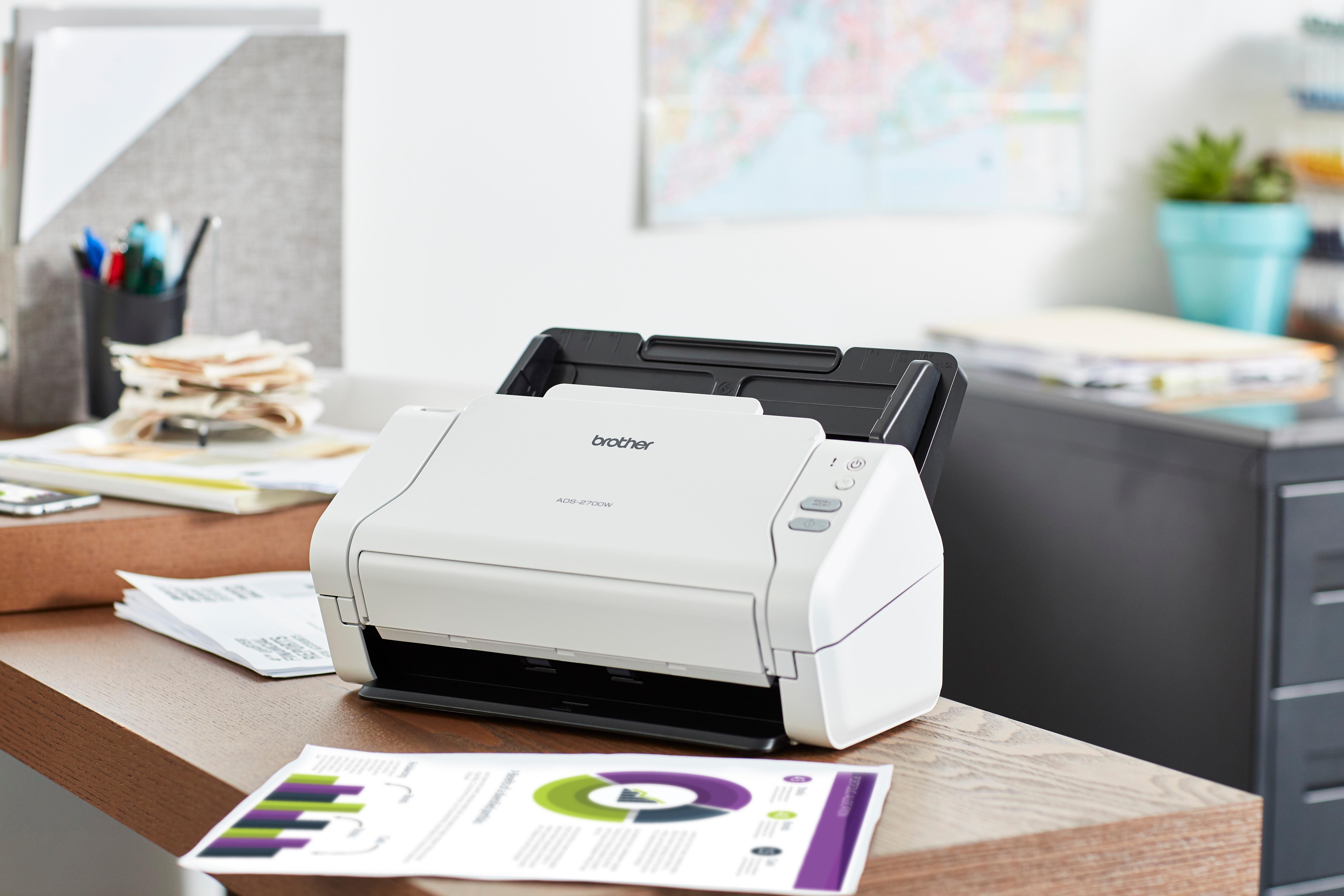
Customers value the ADS-2700W scanner for its fast scanning speed, compact size, and excellent scan quality. They appreciate the convenience of wireless connectivity and duplex scanning, as well as the ease of setup. While some users have experienced occasional paper handling issues and concerns with the additional software, the overall sentiment is positive.
This summary was generated by AI based on customer reviews.
Failure to Operate and to Honor Warranty
||Posted . Owned for 1 year when reviewed.This reviewer received promo considerations or sweepstakes entry for writing a review.I used the scanner 3 months before packing it in original packaging for a move. The item was in storage with the movers for 10 months. I then used the scanner for 1 month after the move before it failed to stay powered up. Brother refused to provide warranty replacement service because I was 4 months beyond the 1 year warranty, even though I could document it had been in storage for 10 months. I cannot afford to pay Brother $370 for an item which lasts 4.5 months. My previous Snap Scan scanner lasted 10 years until software development made it obsolete. Brother even refused to let me post a negative review on their website. DON'T BY BROTHER PRODUCTS!
No, I would not recommend this to a friendBrand response from Brother
Posted .We are sorry that you are experiencing power issues with your Brother ADS2700W and we understand your frustration. We'll be happy to help you. Our Brother Customer Support Team is on stand-by to provide quality products and service to our customers via online, email or live chat: www.brother-usa.com/brother-support

- Pros mentioned:Ease of use, Scan speed

Fast, Compact Dual-Sided Network Scanner
|Posted .This reviewer received promo considerations or sweepstakes entry for writing a review.This brother wireless high speed scanner was easy to set up: I did not have to refer to the manual at all to get it started scanning. I was able, using the touchscreen, to connect it to Wi-fi, then connect (from a PC) to the web interface to configure the SMTP settings and set up the address book for e-mail. E-mail was one of the two configurations chosen for my stand-alone scanner use because in a laptop/tablet/phone environment it's difficult to hard-wire a scanner to a single PC. The other configuration was to a network attached storage device. Both configurations were easy from the web interface. When I tried scanning a variety of documents, the scanning seemed to go very fast, and it also seemed smart about whether or not to include the second side in the scan or not from what I could tell. You do need to make sure you line up the papers properly when you feed them, or the document feeder may not grab them properly (correct order, etc.) as I learned when I tried to rush it early on. Also if the papers are folded from an envelope (in 1/3's for example) you may have to make an effort to make sure they don't fold up while they are feeding in, but there is only so much that can be done to prevent that kind of thing. This scanner's strong points are its speed and its compactness (fits on a small table), and it seems to be high quality scanning for the speed. It's excellent that it does both sides at once- that will save a lot of effort when scanning two sided documents with respect to piecing scans together.
I would recommend this to a friend Expected better software
||Posted .This reviewer received promo considerations or sweepstakes entry for writing a review.I purchased this scanner hoping I could scan all my documents into my computer with searchable technology. Unfortunately I would need to purchase additional software for this option.
No, I would not recommend this to a friendDecent
||Posted .This reviewer received promo considerations or sweepstakes entry for writing a review.Still learning the kinks to this. Nothing spectacular to report.
I would recommend this to a friend- Pros mentioned:Scan speed
Super fast scanner, full of features, works great!
|Posted .This reviewer received promo considerations or sweepstakes entry for writing a review.Unlike previous scanners I’ve owned, this device is a dedicated scanner, not a multifunction, printer, copier, fax and scanner. I was thrilled to have the opportunity to test out this scanner. My current scanner (an all in one scanner) tends to pull in more then 1page at a time and chews up the pages if it’s doing a double sided scan. Pages come out like a folded up fan! Setup: The scanner has a nice small footprint, it doesn’t take up much space at all. To begin setup, simply snap the paper feed tray on and plug in the power cable. It can connect to your LAN via wired or wireless connection. Connections: There are many ways to connect this scanner to your device, all the options are listed below. Of course, I chose the most difficult setup, scanning directly to my NAS. You can scan directly to your tablet or smartphone with the “brother imprint & scan” and go app Scan directly to your PC or Mac via USB cable (not included). You can connect a USB drive to the scanner directly and scan to USB drive. If you setup an email account, you can scan to email. Scan to your network Scan to ftp/sftp I tried using the “scan to network” to scan to my network attached storage device. After spending some time setting it up, it worked, but only for approximately 10 minutes, then I would receive an error message, it seems like the scanner would lose the credentials. I noticed in the manual, it mentions “Because the machine does not support SMB 2.0, Kerberos authentication, or DFS, Network scanning cannot be used”. I believe this was the issue. So I went with “scan to ftp”, since my NAS supports it. Once I figured out how to setup ftp scanning on both my NAS and the scanner, it worked flawlessly. Performance: What I love about this scanner is the ability to scan both sides of a document with 1 pass. No more scanning one side, pulling page back in scanning other side, very inefficient and prone to jamming. The speed at which it scans at is the best part, I can scan a 30 page double sided document in seconds!! This is great, I can now scan all my files and shred the documents in my filing cabinet that I’ve been storing and too lazy to scan. The scanner does both letter and legal size paper, even if they’re mixed. According to the manual, it can scan longer paper as well. I don’t have any long paper to test it with. If you have smaller items to scan, such as a driver license, you can purchase a “carrier sheet” separately, it looks like a clear plastic pouch to place item into and scan. Scans are saved as either pdf or jpg files. Conclusion: Overall, I really like this device because of the scanning speed and the duplex scanning. It has a lot of settings and options to setup the scanner. Cleaning the roller seems simple as well, as detailed in the instructions. This is a great device to have if you need to archive a bunch of documents.
I would recommend this to a friend - Pros mentioned:Scan speed
Fast and High Accuracy Scanner
|Posted .This reviewer received promo considerations or sweepstakes entry for writing a review.The Brother ADS 2700W is a great little scanner with only a few downsides. To be frank, I was a bit skeptical at first. My scanning needs typically run between either scanning lots of receipts or scanning paper documents. Receipts are a bit tedious but handled with my phone. Documents I tend to do on the work scanner which works well enough though a bit slow. Getting software and connecting to the scanner went well enough. The software is pretty basic, but easy to use and navigate. Touchscreen menu on the device is the same. The first thing one notices about scanning is the speed, Brother is it quick! The feeder allows up to 50 pages so contacts and other such documents get through quickly and accurately. It also allows for business cards and ID or other laminated cards. The big retirement, you need to be able to feed it through the scanner. Getting you documents wirelessly on phone or computer is pretty straightforward. No extra points here as this is a pretty basic feature nowadays. As a desktop scanner, this performs much better than the model at my office. My only gripe is that it cannot handle documents which cannot be fed, something like a passport for example. The design seems like it could have accommodated it, though perhaps at the expense of scanning speed for everything else. Still, given how infrequent scanning such items turns out to be, perhaps that's not the job of my phone camera.
I would recommend this to a friend Not great
||Posted .This reviewer received promo considerations or sweepstakes entry for writing a review.Used this for a little over 2 weeks. Returned it. While it did it’s job, I hated the program it came with and it ended up eating my pages.
No, I would not recommend this to a friend- Pros mentioned:Quality, Scan speed
easy to use
|Posted .This reviewer received promo considerations or sweepstakes entry for writing a review.We have an all-in-one printer, scanner, fax etc etc machine. It's fine when you have to scan one picture or document. you place the pic or doc face down and hit scan. done. well to scan boxes of documents that are taking up space in my closet would have taken months at that rate. So I got this Brother - ADS-2700W scanner and in 1 day was able to clear out 6 big boxes of old tax documents, mortgage documents, school and work papers etc etc. I sent the docs straight to my Home Icloud storage and goodbye boxes. It is so fast at scanning pages that I couldn't keep up. by the time i opened the next box the first 50 pages were done scanning. The wifi setup was super easy and the machine is ready to use right out of the box. I have tried several pictures and the image comes out pretty clear also. That will be my next task. scanning pics from pre 2000 when i went digital. great scanner for organizing personal documents but I'm sure would be plenty reliable for office or business use as well.
I would recommend this to a friend - Pros mentioned:Scan speed, Size
Great at what it is designed for!
|Posted .This reviewer received promo considerations or sweepstakes entry for writing a review.First things first - this scanner is primarily designed to automatically scan sheets of printed pages at a high speed. It is NOT a replacement for your general flatbed scanner. If your requirement is to be able to scan non-standard sized documents such as assorted photographs or pages from a bound book you will want a different product. Having said that - if you are looking for a smoking fast, compact scanner capable of scanning both sides of a document in a single pass this is a product worthy of your consideration. The packaging provides a secure, protective environment for getting your scanner to you in good condition. The "in-the-box" extras are virtually non-existent and you will need to go on-line to get your required drivers. Connectivity options are good - USB, wired or wireless LAN and the unit is very compact. You won't tie up a bunch of desktop real estate. So - if you are looking for a very fast, duplexing scanner that will allow you to archive documents, you need to take a look!
I would recommend this to a friend - Pros mentioned:Ease of use, Scan speed
WOW! A Great Scanner
|Posted .This reviewer received promo considerations or sweepstakes entry for writing a review.I have a Mac and the scanner has been a little quirky getting it to recognize on the network. However, once the connection issues were solved I was totally impressed with the capabilities of this scanner. It is SUPER fast and scans both sides of the page. Connects wireless or via Ethernet cable. Can scan in black and white or color. Superior scanner that will amaze. It scanned 100 pages of black and white forms in less than 2 minutes. Still learning about its functionality, but so far, it is a definite winner.
I would recommend this to a friend - Pros mentioned:Scan speed
Amazingly useful product
|Posted .This reviewer received promo considerations or sweepstakes entry for writing a review.So far I am loving this scanner and don’t have a whole lot of complaints. The box is pretty barebones with just the scanner, packaging, manuals, USB 2.0 cable and power adaptor. Hooking it up was pretty easy which I did using wifi. Oddly enough there are no software CD’s included so you will need to go to the website to download the software. I recommend you download the optional 3rd party software for easier management of your scans. The unit itself is much smaller than I expected. The scanner looks great and all the larger parts fold out. When stored it looks nice in the corner and doesn’t take up much space at all. Set up was very easy via wi-fi once I downloaded the software. Options to hook it up include USB, Wi-Fi and Ethernet. My first tests were by scanning some long form receipts which it did with no issues. I was a bit confused on how to position the documents and it turns out you must place the paper face down and upside down to get a proper scan the first time. Once you know that it is not an issue though. The scanner also works with two sided one pass scans which is an amazing time saver. I tested further with important documents, larger receipts and business cards. No problems with any and all were much higher quality than I received with my old printer/scanner combo. My only real gripe is with the Nuance software which works for what it is designed for but feels a bit dated. It is free so I can’t complain but it pushes other Nuance software at you like their PDF viewer which is very slow. I wish they put some more modern software on it or a better product. I give the unit 5 stars overall since the pros far outweigh the cons here. If you need a small effective scanner, this is for you.
I would recommend this to a friend This scanner is a piece of junk!
||Posted .This reviewer received promo considerations or sweepstakes entry for writing a review.If I could give negative stars, I would. Simply put “GARBAGE”. The new brother software is absolutely horrible. It is will not eliminate blank pages. The scan quality is terrible. You know it is bad when the Brother customer service representative told me to return it!
No, I would not recommend this to a friendBrother ADS 2700w Scanner Needs Carrier Sheet
|Posted .This reviewer received promo considerations or sweepstakes entry for writing a review.BROTHER ADS 2700w My BROTHER ADS 2700w arrived without the standard introductory paperwork: No Quick Set Up Guide, No Product Safety info and no Warranty info. At first, I thought the company was trying to save money until I went on line to see that, yes, the aforementioned materials are listed as “should be included”. But, on second thought, I did not see listed that a printed version of their comprehensive manual comes with the unit. As far as I can tell, you must download the full version of the manual in order to consider all of the many options the unit has to offer. At 203pp, I can see how the length of the online version of the set up guide warrants those at Brother eliminating the cost of printing at their end. But, unfortunately, the consumer may not want to assume that cost and effort, even if the online version allows the owner to shuffle through the pages to pick and choose to print only the options applicable to your needs. I found the online shuffle somewhat cumbersome; but, others might not. The scanner does have a variety of set up options such as to scan in standalone mode or to connect to your Windows or MAC cpu, to your mobile device, to your network, etc. What I find most useful is the unit’s ability to eliminate my always expanding stack of business cards. Moreover, I can scan either paper or plastic business cards. So, in addition to reclaiming office space previously lost to business card storage, I can also save time since I can stack up to 25 business cards per scanning session (as long as the card thickness is less than 0.2 in (5 mm). What I am not happy about is that NOT included with the unit is the CARRIER SHEET required to scan the odd sized and/or crumpled receipts. To have a scanner dedicated to transferring my daily collection of receipts to the cloud without having to stand at my all-in-one for the flat-bed lifting exercise was the very motivation for wanting the Bro ADS 2700w. This experience is another object lesson that reading the entire manual of any technology before purchase is a wise first step while taking (with a grain of salt) the online reviews. I would have known to either purchase the CARRIER SHEET or SHEETS at point-of-sale or move on to another option. Now, I am disgruntled that I got stuck at start up without the very tool that I need to move forward with my “receipts to cloud intention”. In order to move forward, the owner must buy the CARRIER SHEET(s) a-la-carte from Brother or search the local office store to resolve the hold up. Turns out that the CARRIER SHEET may be the main trouble shooter to allow scanning all of the docs that the long version of the manual says are NOT ACCEPTABLE including such docs as the following: • Docs written in pencil • Envelopes • Docs with wrinkles and curls….the receipts I sorely wanted to scan at start up • Coated paper • Perforated paper • Photographic paper • Docs with carbonless paper • Glossy media …all docs that I thought would be trouble free scanning for a unit dedicated to scanning. See page 16 of the full length manual for the entire list of UNACCEPTABLE DOCS; but, geez! Marketing-at-Brother, the list wouldn’t exist if you just included the CARRIER SHEET(s) with the machine. From what I can discern, the CARRIER SHEET is the device that eliminates the machine’s proclivity to jam. But, when odd items are inserted into the CARRIER SHEET that acts as a document-smoothing, transparent sheathe then the odd-doc can be transported easily through the rollers. Moreover, lots of caveats are listed if you want to do a mixed batch of docs. Bottom line, this is another problem the CARRIER SHEET would solve: The manual notes that the machine gets jammed if there are differences in paper weights, friction coefficients and paper sizes. It’s suggested that docs of varied dimensions be stacked in “descending order with the largest at the back and the smallest at the front”. Maybe I’m wrong but if you have a collection of CARRIER SHEETS within which to install your odd docs, you could possibly get your scans accomplished if you eliminate their variable friction coefficients and paper sizes. Seriously doubt that the CARRIER SHEET can eliminate the impact on the machine’s intolerance for differences in paper weights. Nonetheless, I will update with additional assessments as the experiment unfolds. But, feel confident that expeditious scanning of docs within specific parameters can be accomplished.
No, I would not recommend this to a friend- Pros mentioned:Scan speed
About as close to ideal as you get
Posted .This reviewer received promo considerations or sweepstakes entry for writing a review.I purchased this to scan in paperwork going back over 5 years. I figured it would take me a couple of weeks to go through, sort and file. I tried working with a good flatbed scanner but it was just tedious. It was going to take as long as it would have to sort and file all the papers. But with this scanner, after about 4 hours so far, I've finished with about 1/5 of it. You don't actually need additional software other than the downloadable driver to make good use of this scanner. Installing it gives you a menu where you can set options for scanning directly to a computer, usb stick, email and two other network options I'll never use. So far I've had a 100% success rate scanning anything from business cards to up to 7 double sided sheets at one time. Occasionally something may skew but I just straighten the paper and run it through again and it's always worked! You can save to several picture files or a PDF. You can select your scanning destination and set some of the options from the built in touch screen. You do need a computer connection to make detailed settings changes. Each listed scan destination has a separate setup window in the driver software so you can set individual scanning options, such as brightness, color, contrast, etc, for each destination. Scanning speed at 300 dpi is only a few seconds per page with near excellent quality. I've been saving as PDF files and renaming them with a year, date, and description as I go and putting them into separate folders for ease of searching later. I've already had to look for something I had already scanned and it took me minutes instead of a half hour of digging through the pile of old papers. I love this thing. It actually makes scanning and organizing enjoyable!
I would recommend this to a friend - Pros mentioned:Ease of use, Setup
Great product
|Posted .This reviewer received promo considerations or sweepstakes entry for writing a review.Great scanner. Relatively easy to set up. Easy to scan and organize documents. No complains here!!
I would recommend this to a friend Paperless Powerhouse
|Posted .This reviewer received promo considerations or sweepstakes entry for writing a review.My family resolved to go totally paperless in 2018, and this scanner is just the tool to keep us from drowning in discarded paper. Brother has borrowed some technology from their larger/higher speed business grade scanners to create this product that is equally as at home in both my home office or at my work office. The 50 sheet document feeder is nice but I would have liked something autoscaling, maybe up to 200sheets, but that's pushing it into the Enterprise realm. Speed is amazing, and the ability to capture both sides in full color at the rate at which this thing chews through paper is truly incredible. It handles different sized sheets no problem and the touchscreen lets you manage most basic tasks directly in front of the machine. The footprint all folded open is somewhat substantial for a desktop, but it does collapse down nicely when not in use. OCRing is handled by included software and seems to work reliably. Overall this is a great standalone scanner. It includes features that make it stand above the included scanners with AIO printers and add value to someone trying to become/stay paper free. Definitely a worthwhile purchase.
I would recommend this to a friendVery straight forward, and quick
|Posted .This reviewer received promo considerations or sweepstakes entry for writing a review.This is as straightforward as it gets. A device that has a single task, and does it well. If you need to scan often, this small profile scanner will get the job done. When closed, this device is about the size of a standard tissue box. with the doors open (to feed in and out receipts, it is a little bigger). Connects via LAN, USB, or WiFi. So can connect to just about any computer or mobile device. Drop the pages on (up to 40-50 at a time, depending on thickness), and let it scan away. you can add more and keep on adding in one continuous job. Does Black and White and Color.... Easy software, easy installation. Pros: Small in size, looks slick when there on the desk. Fraction of the size of multi-function printers Connects via all three popular connection methods Cons: If doing individual receipts, the paper size shifts between different types of receipts.. can be tedious - Can't use staples or taped documents (IE, can take your receipts and attach them to a piece of paper)
I would recommend this to a friendAmazing scanner
|Posted .This reviewer received promo considerations or sweepstakes entry for writing a review.The Brother - ADS-2700W Wireless High-Speed Color Duplex Desktop Document Scanner with Touchscreen LCD is a great high-end scanner that really performs well and has a lot of useful functions. The quality is superb yet this doesn’t seem to slow the processing time as it surprisingly operates quite efficiently. The LCD touchscreen is very useful as well. Overall I am very pleased with this scanner and I highly recommend it!
I would recommend this to a friendMy problem, USB memory location
Posted .This reviewer received promo considerations or sweepstakes entry for writing a review.I don't know why the USB slot for memory is located on the very back. The slot should be on the side or on the front for easy access. That way when scanning to USB flash memory the memory could be pulled and placed into a computer or laptop for access to the scanned item. Why this USB memory slot would be hidden on the back and hard to get to is very poor design of the unit.
I would recommend this to a friendNeed to restart every few hours
Posted .This reviewer received promo considerations or sweepstakes entry for writing a review.Brought this two weeks ago. I have to keep restarting the scanner to reestablish WiFi connection. May be useful on a wired network.
No, I would not recommend this to a friend