Customer Ratings & Reviews




- Model:
- 56207BBR
- SKU:
- 6480083
Rating by feature
- Value
Rating 3.8 out of 5 stars
- Quality
Rating 3.9 out of 5 stars
- Ease of Use
Rating 3.8 out of 5 stars
Customers are saying
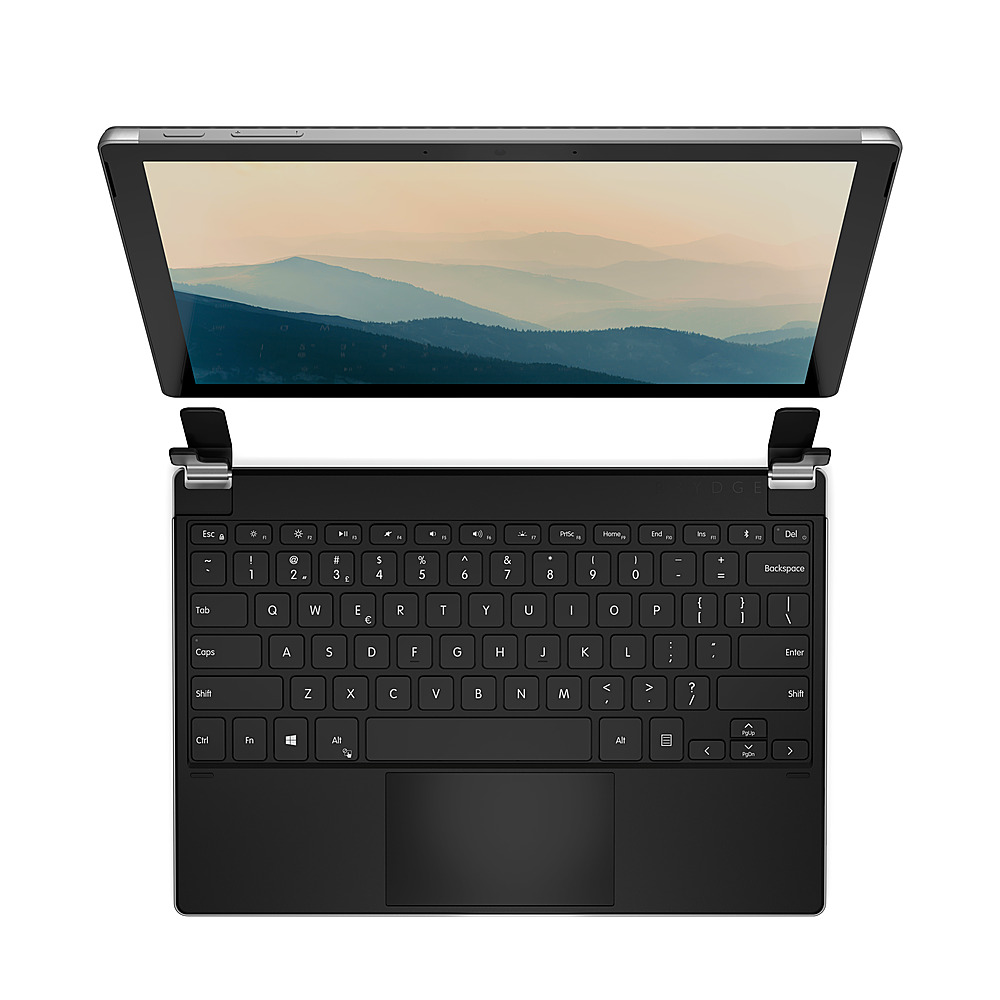
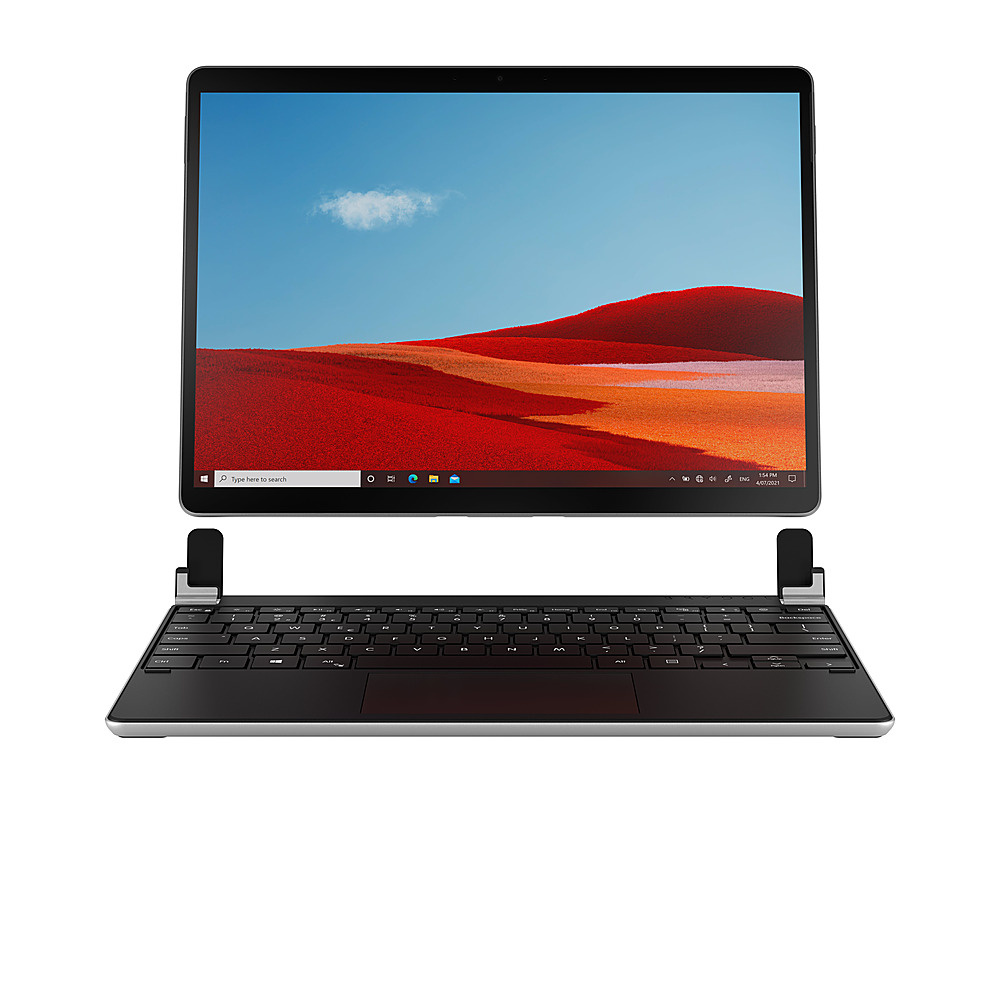
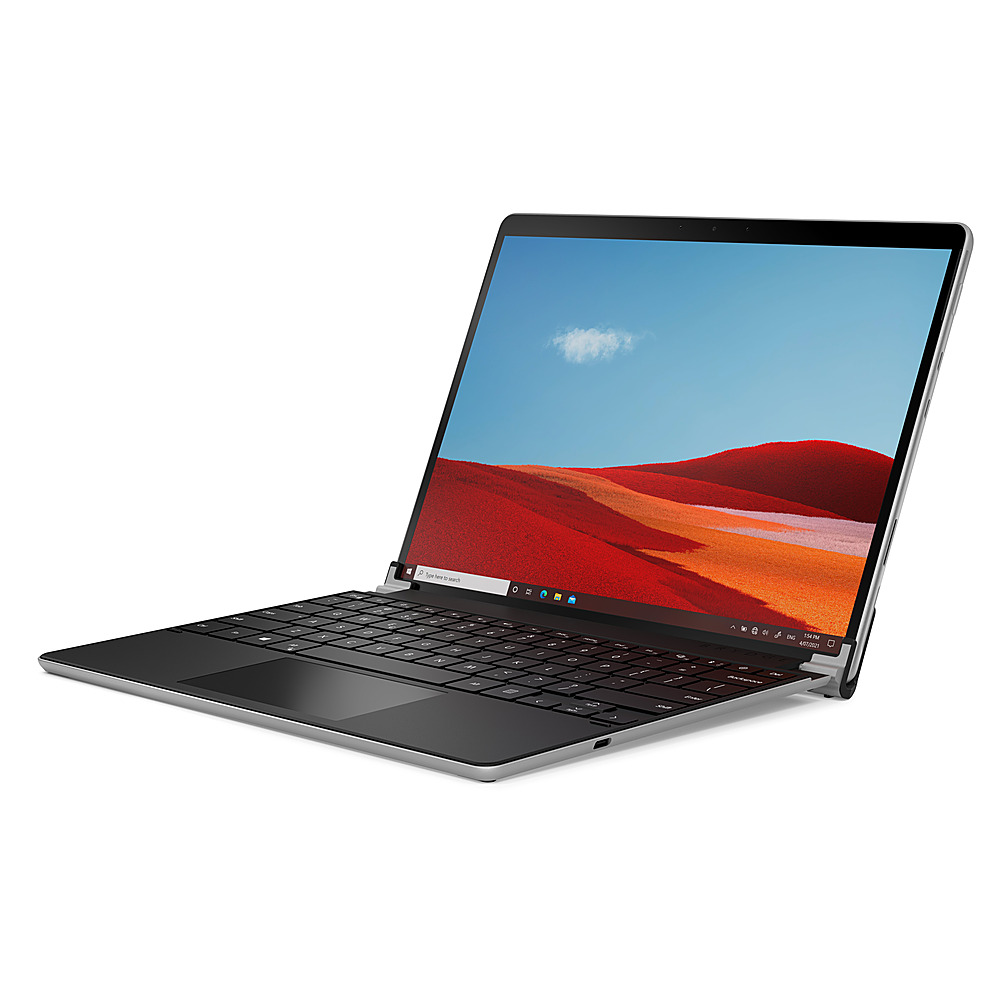
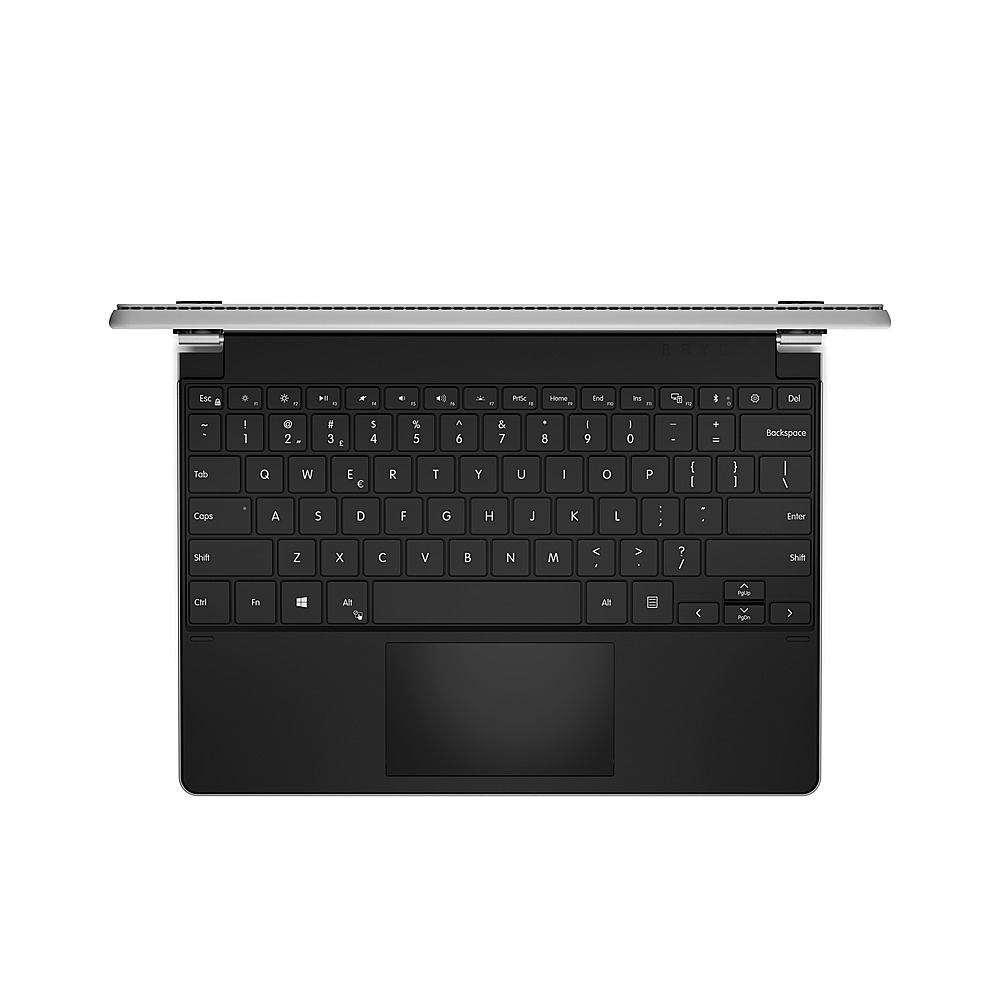
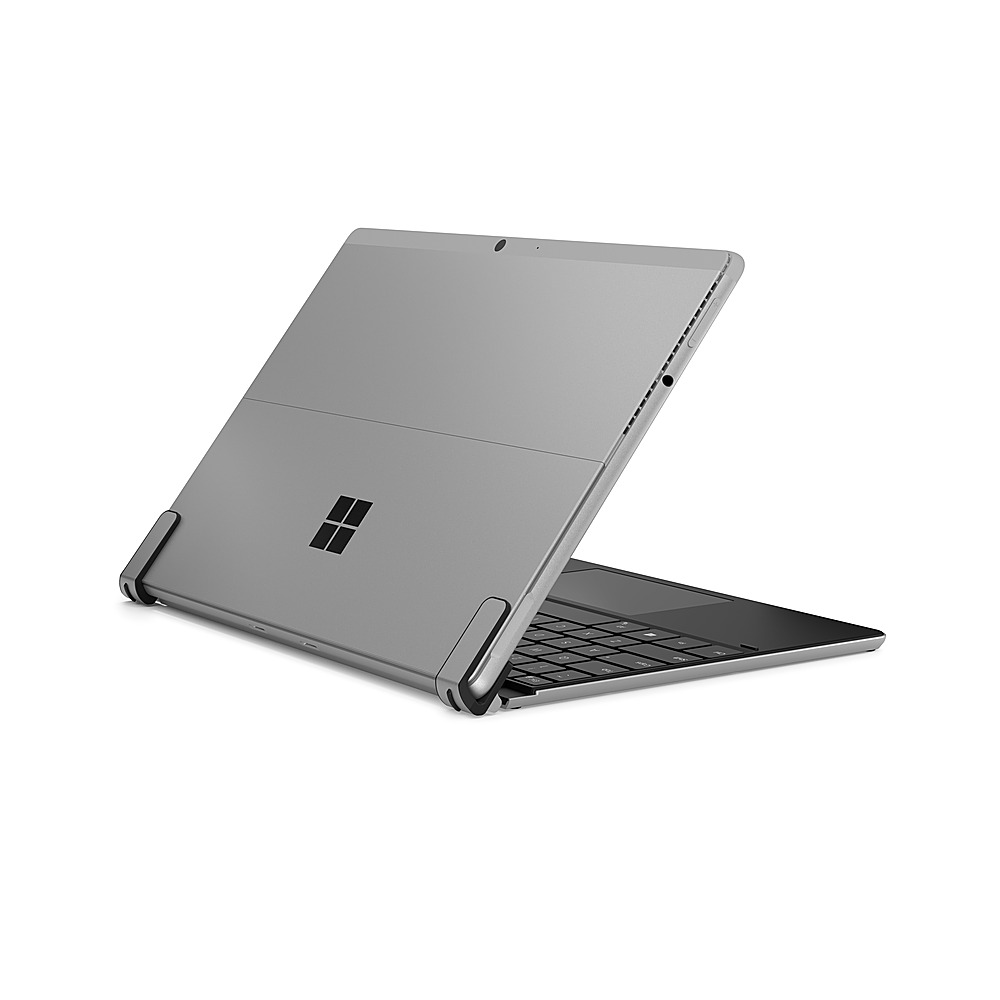
Customers regard the SP+ Wireless Keyboard's typing experience and key travel as excellent features, praising its stable hinge mechanism that transforms the Surface Pro 8 into a laptop-like device. Positive feedback also highlights the keyboard's ease of use and long battery life. A minor drawback mentioned by some users is the added weight to the tablet.
This summary was generated by AI based on customer reviews.
- Pros mentioned:Hinge, Keyboard quality

Better than the OEM
|Posted .This reviewer received promo considerations or sweepstakes entry for writing a review.After using this with my Surface Pro 8 I have to wonder why anyone would choose the OEM version over this one? The Brydge addresses all the short comings of the OEM offering. First, no flex. None, zero. That's huge for this form factor. A spongy feeling keyboard is the worst and while the OEM version tries to address this issue, the Brydge offering is just much much better. Next is the connection both the physical and the wireless. I love that you have to charge this keyboard and that its not powered by the Surface Pro 8. This way I can use the keyboard away from the SP8 like a remote control for when I have the SP8 plugged into the wall and connected very close to my TV via Mirracast. I can use the Brydge keyboard to control my SP8. It's brilliant. Finally the hinge connection. This gives you the complete feel of a laptop effectively turning my SP8 into a laptop! The aluminum build is just a bonus to further drive home that this is way better than the OEM.
I would recommend this to a friend Dissatisfied
||Posted . Owned for 3 months when reviewed.This reviewer received promo considerations or sweepstakes entry for writing a review.Have issues with connection and now the F key doesn’t work. Will not buy one again.
No, I would not recommend this to a friend- Pros mentioned:Keyboard quality
solid
|Posted .This reviewer received promo considerations or sweepstakes entry for writing a review.I am giving this a 4 star mainly for a few reasons. First reason is that it does not come with a charging cord for it. The box does not list it as included but also does not say it does not come with one either. I would think most would assume then its included. Another reason is that it does not have a spot for the pen. Would have been nice if it has a spot to secure the pen. And it only opens up 180 degrees. So, you can't fold the keyboard behind and use like a tablet at times you want too. Not a bid deal but it also makes it a bit heavier then. That said, with this keyboard, it makes the Pro feel more like a laptop. This makes it easier to use on your lap, in a bed or other spots that are uneven. Was easy to connect and use as well. Overall, if you want to have that laptop feel, It's not too bad of a keyboard. But if you want a more tablet feeling, this keyboard does not give that feeling.
I would recommend this to a friend - Pros mentioned:Ease of use, Keyboard quality
Great!
|Posted .This reviewer received promo considerations or sweepstakes entry for writing a review.The Brydge - SP+ Wireless Keyboard with Touchpad for Surface Pro 8 turns your tablet into a laptop. Easy pairing, and great response with the keys and trackpad. The adjustable backlit keys are great as well. The Brydge keyboard looks and feels great with the Surface Pro 8. Fits it like a glove, and gives the entire package a great feel. I'd definitely choose this over the Microsoft keyboard option for $179.99 or higher.
I would recommend this to a friend - Pros mentioned:Keyboard quality
Truly amazing and high quality product
|Posted .This reviewer received promo considerations or sweepstakes entry for writing a review.I want to say first off that if you have a thick tempered glass screen protector like I do, it barely fits and is a struggle. I would recommend a non-tempered glass screen protector to better use this with ease. Or if you don't have a screen protector at all, that's fine too. Because once this keyboard is connected to your Surface Pro 8, complete game changer. It's like you have a newly transformed device. It's so nice and easy to use that it seems like it's something that comes with the Surface Pro 8 natively. It feels so good to use and type on, the touch pad works well enough for my needs, and it's truly just great overall. It's hard to see how anyone can not be satisfied with this.
I would recommend this to a friend Great Keyboard Alternative to use with the Surface
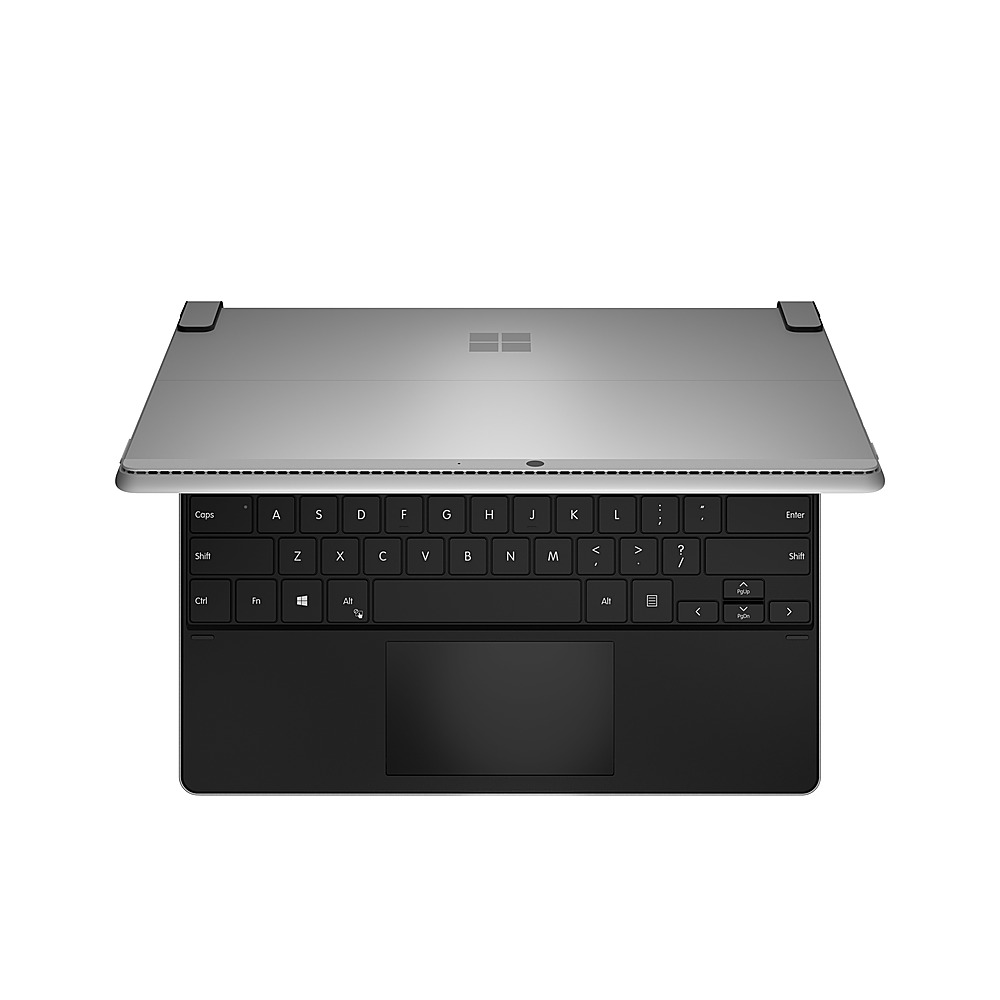
|Posted .This reviewer received promo considerations or sweepstakes entry for writing a review.This is the first Brydge product I've used. I've seen mixed reviews on them, but as someone in the I.T. industry who worked for one of the top companies in the world that makes mobile devices, wireless keyboard reviews tend to be all over with every brand. That said, my experience with the Brydge SP+ has been great. It's a good option for when I don't need my Surface Pen and just need a keyboard. Typing on it does feel good and the keys are responsive. Granted most laptop based keyboards aren't much to really write home about. I daily use a Mechanical one on my desktop and there's a discernable difference. The touchpad works great as well without any issue and typing never resulted in my accidentally moving the mouse if I moved my palm over. I do appreciate they went with a Type-C for charging the keyboard as it makes it really convenient to charge with the stock Surface Charger as it has a USB port so you can connect a USB-A to Type-C cable and charge both at the same time. It does weigh considerably more than the Surface Keyboard and lacks storage for the Pen, which most will see as a con as this means there's no way to charge the Pen since it does so through the slot in the Surface Keyboard. Given the weight, it means that there won't be any flex when you get in to a furious typing mode. It makes it feel more of a Surface Book which I don't mind. The cons are really only two things. As previously mentioned, the lack of place to store and charge the Surface Pen. The other being the way the Keyboard "connects" to the Surface. You merely insert it between the two flanges. This means you lose the ability to "Kickstand" the Surface. If you do tilt it back to far, I've found that the whole thing will fall over. Since there's really only three things in the keyboard, the Battery, the touchpad and the keyboard and it's components underneath, there's really nothing like akin to a counterbalance. My suggestion would be to implement a kind weight, or put the weight further towards the front of the assembly to prevent. Aside from these two things, it's otherwise a great alternative to others out there.
I would recommend this to a friendStill The Best for Productivity
|Posted .This reviewer received promo considerations or sweepstakes entry for writing a review.My first Brydge Keyboard impressed me by making my surface pro look and feel like a laptop despite its lightness and sturdiness with a well-built aluminum body. This newer model has had the same effect on me. With a battery that lasts at least 6 months, it is hard not to like it. My previous one surpassed 11 months and I won’t be surprised if this one doesn’t last as long but no complaints here. Ideally, it would use the type-cover connector, but its USB-C charger is all you need to juice it up again for many more months. And during all this time, you have backlit keys and a high-quality touchpad. My only criticism is that I have not seen a lot more improvement from the previous model, which was great already. It is just more suitable for the Surface 8. I wish snapping the tablet in and out wouldn’t require so much force. I don’t see the need for my Surface to use screen protectors but if you do, this will get in the way. It gives stability, which is great, but it is about time to come up with something that is both sturdy and easier. It should also be lighter although that would probably require some design changes because it already is lighter than the Surface and sometimes you can’t lean the tablet backwards too much because of that. I found it very comfortable, even on my lap and it was easy to forget I had a tablet, not a regular high-end laptop. Despite my suggestions above I still believe it deserves a 5-star rating. I would recommend it over the type cover if/when you use the Surface for productivity. It is way more comfortable, especially after working for a couple of hours or more. That’s the same kind of experience that I’ve had with their iPad Pro Max model, except that I couldn’t forget that I had a tablet with the latter as I could with this one.
I would recommend this to a friend- Pros mentioned:Keyboard quality
Excellent build
|Posted .This reviewer received promo considerations or sweepstakes entry for writing a review.The build quality makes me wonder why this isn’t the standard for an already premium tablet. 100% recommend for the premium feel and performance!
I would recommend this to a friend