Customer Ratings & Reviews
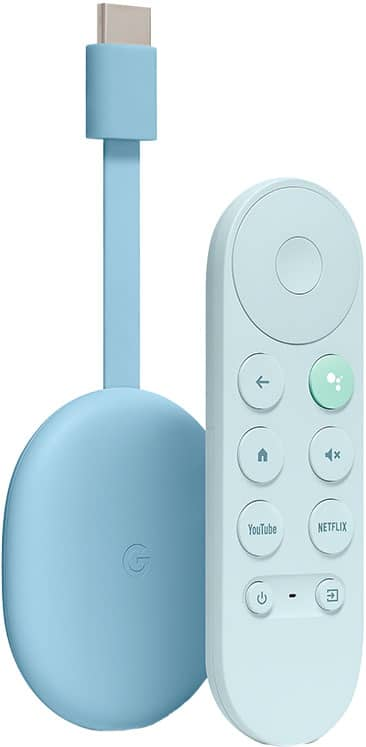
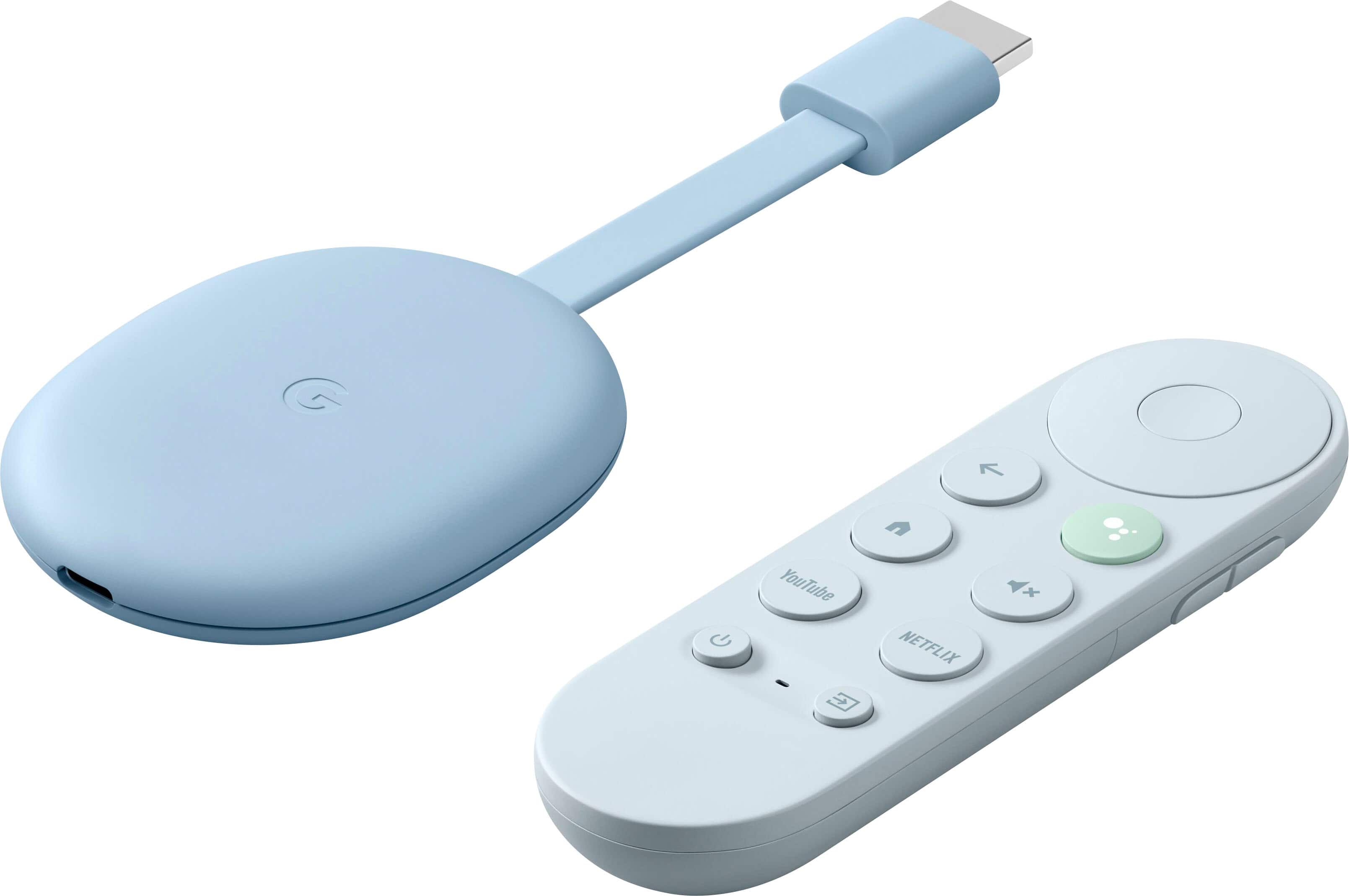





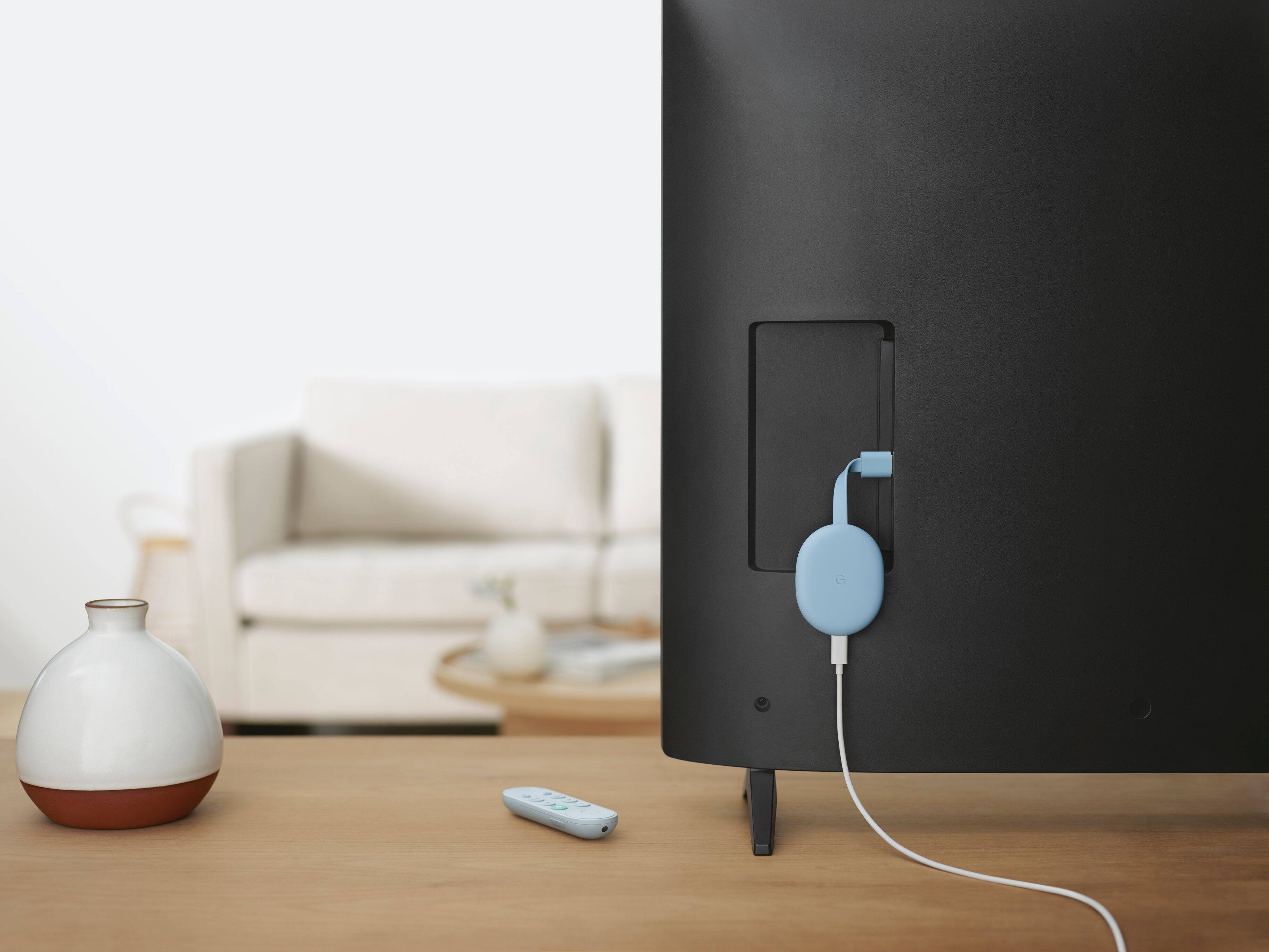
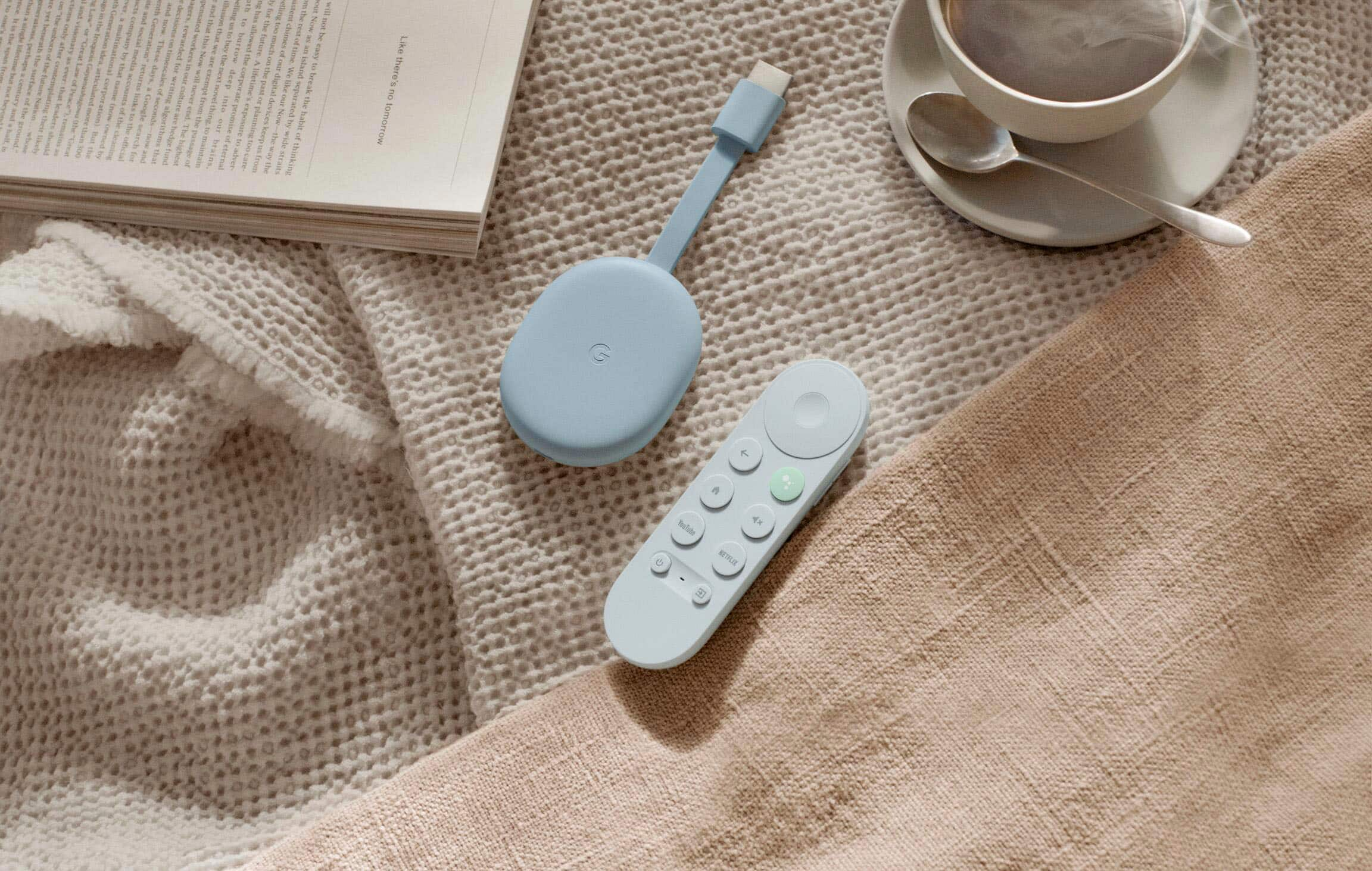






- Model:
- GA01923-US
- |
- SKU:
- 6425982
Customer reviews
Rating 4.6 out of 5 stars with 9410 reviews
(9,410 customer reviews)Rating by feature
- Value4.7
Rating 4.7 out of 5 stars
- Quality4.7
Rating 4.7 out of 5 stars
- Ease of Use4.7
Rating 4.7 out of 5 stars
to a friend
Customers are saying
Customers are delighted by the Chromecast with Google TV (4K)'s ease of use, intuitive interface, and excellent picture quality. Many appreciate the included remote and the device's strong streaming capabilities, finding setup to be quick and simple. While some users mention limited storage as a drawback, the overall positive feedback highlights its performance and value.
This summary was generated by AI based on customer reviews.
Rated 5 out of 5 stars
Best streaming Gadget on the Market!
||Posted . Owned for 3 weeks when reviewed.This reviewer received promo considerations or sweepstakes entry for writing a review.Everything you could possibly need to stream + geforce now makes this thing almost as good as my xbox! :D
This review is from Chromecast with Google TV (4K) - Snow
I would recommend this to a friendRated 5 out of 5 stars
Excellent Streaming Device
||Posted . Owned for 1 month when reviewed.This reviewer received promo considerations or sweepstakes entry for writing a review.Great value for its price. This is easy to use and is almost as quick/snappy as the NVIDIA SHIELD TV, but at a fraction of the cost. The remote is also top notch, and can be configured to work to control your TV or soundbar via HDMI CEC or IR sensor.
This review is from Chromecast with Google TV (4K) - Snow
I would recommend this to a friendRated 5 out of 5 stars
A must for any non-smart, or non-Google, TV.
||Posted . Owned for 1 month when reviewed.This reviewer received promo considerations or sweepstakes entry for writing a review.Perfect for any TV, or monitor, you want to turn into a Google TV device. The response is quick. Setup was a easy. The interface is very nice. The one downside is the lack of multiple account support. I hope they can update this in the future.
This review is from Chromecast with Google TV (4K) - Snow
I would recommend this to a friendRated 5 out of 5 stars
Easy to use!
||Posted . Owned for 1 year when reviewed.This reviewer received promo considerations or sweepstakes entry for writing a review.I Love this Chrome-cast! It was very easy to set up use the streaming feature! I use it more than my cable box! Easy to stream from my phone and I-Pad. I can stream and still use my phone! Bertolucci S.
This review is from Chromecast with Google TV (4K) - Snow
I would recommend this to a friendRated 5 out of 5 stars
Stream on
||Posted . Owned for 2 months when reviewed.This reviewer received promo considerations or sweepstakes entry for writing a review.Easy way to connect everything at home you get a lot for your money. User friendly and outstanding performance. The only thing I would complain is the quality of the controller buttons they change color too quickly other than that amazing product.
This review is from Chromecast with Google TV (4K) - Snow
I would recommend this to a friendRated 4 out of 5 stars
Everything you need in one streaming device
||Posted . Owned for more than 2 years when reviewed.This reviewer received promo considerations or sweepstakes entry for writing a review.With different colors, you won’t mix up your remotes, should you have multiple remotes. Sync your tv and sound system to remote. Remote also works with Bluetooth, so you never have to worry about pointing it directly to the tv. Simple design. Plenty of apps you can download. Apps like Hulu, AppleTV, YouTube TV, Netflix, ESPN, Disney+. You can also rent movies thru GooglePlay. One complaint is the remote gets out of wack. Sometimes looses connectivity and will have to power cycle the device. Buttons will stop restonding. You will have to reset the system once a month or two.
This review is from Chromecast with Google TV - 4K - Sunrise
I would recommend this to a friendRated 4 out of 5 stars
DS
||Posted . Owned for 2 months when reviewed.This reviewer received promo considerations or sweepstakes entry for writing a review.Really easy to set up. I was able to get 4K DolbyVision to stream through HBO Max onto my LG CX OLED, though I had trouble getting DolbyVision to work on other apps like Netflix and Disney+. If you’re looking for a cheaper alternative to something like an Apple TV, or you prefer the Google/Android ecosystem, this is for you.
This review is from Chromecast with Google TV (4K) - Snow
I would recommend this to a friendRated 5 out of 5 stars
Great TV experience
||Posted . Owned for 3 weeks when reviewed.This reviewer received promo considerations or sweepstakes entry for writing a review.I have been looking for an inexpensive replacement to a dying Nvidia Shield TV and finally settled on the Chromecast with Google TV, after trying both Fire TV and Apple TV devices. We use Youtube TV, which is neatly integrated into this device as a top level "Live" tab that lets you browse the channel guide without launching the app. The Chromecast also effortlessly sets up its remote to control your TV's power and volume, so you don't need to juggle multiple remotes just to start watching something. At half the price of some of the Apple TV and Fire TV devices, this is a great value.
This review is from Chromecast with Google TV (4K) - Snow
I would recommend this to a friendRated 5 out of 5 stars
Google made a great gadget!
||Posted . Owned for 1 month when reviewed.This reviewer received promo considerations or sweepstakes entry for writing a review.This baby has been great for the spare room tv. This has turned an old tv into a great Google TV, which caused me to purchase a new TCL google tv series 6 (see other review). Once you do the initial setup, the dongle will login to your services if they have saved passwords in your android phone. If you don't it's not the worst interface to type in passwords either. Keep in mind this is a lower end device, I also own an Apple TV so I can tell the difference in speed, but this little box can hold it's own. the way it culls suggestions from your different services and puts it on the main screen is fantastic, I hope Google make a higher end google TV box.
This review is from Chromecast with Google TV (4K) - Snow
I would recommend this to a friendRated 5 out of 5 stars
I only need this one to do all I need
||Posted . Owned for 3 weeks when reviewed.This reviewer received promo considerations or sweepstakes entry for writing a review.I had an old chrome cast unit and trying to download and view a you tube video was impossible. I bought this unit at best buy and it 's great and does so much more. It beats my other streaming units, hands down. I don't need any of the other units.
This review is from Chromecast with Google TV (4K) - Snow
I would recommend this to a friendRated 5 out of 5 stars
Simple to install & use
||Posted . Owned for 1 month when reviewed.This reviewer received promo considerations or sweepstakes entry for writing a review.Very simple to install, setup, and use. We used this to get an older flat screen television to gain access to streaming services, but we find ourselves turning accessing it through voice commands just as much as using it for streaming. :)
This review is from Chromecast with Google TV (4K) - Snow
I would recommend this to a friendRated 5 out of 5 stars
ChromeCast with remote the best!
||Posted . Owned for 3 weeks when reviewed.This reviewer received promo considerations or sweepstakes entry for writing a review.ChromeCast super easy to install, practical installs itself! The remote offers all functions plus voice command making it easy to navigate the programming. Chromecast turned old TV into a smart TV!
This review is from Chromecast with Google TV (4K) - Snow
I would recommend this to a friendRated 5 out of 5 stars
Remote is a game changer.
||Posted .This reviewer received promo considerations or sweepstakes entry for writing a review.Probably better than an AppleTV for the money. Adding a remote is a game changer and the user interface is fantastic. I was a little nervous about cutting cable and not having a box below my TV but now I have more stuff to watch then ever before.
This review is from Chromecast with Google TV (4K) - Snow
I would recommend this to a friendRated 5 out of 5 stars
Where'd my Remote go?
||Posted . Owned for 6 months when reviewed.This reviewer received promo considerations or sweepstakes entry for writing a review.Probably the easiest instant Smart TV upgrade Item you can add to your home. The voice feature is awesome. being able to cast stuff from your phone to your TV is an added bonus. Remote is very tiny and easy to lose.
This review is from Chromecast with Google TV (4K) - Snow
I would recommend this to a friendRated 5 out of 5 stars
Best streaming device out now!
||Posted . Owned for 3 weeks when reviewed.This reviewer received promo considerations or sweepstakes entry for writing a review.Great device. Much better than firestick 4k. Better picture quality, no buffering, and google tv is great. Switched from ATT now (was a beta tester and got a great discount) Google tv is way better! Device is easy to set up. and works as it should!
This review is from Chromecast with Google TV (4K) - Snow
I would recommend this to a friendRated 5 out of 5 stars
Google Got It Right!
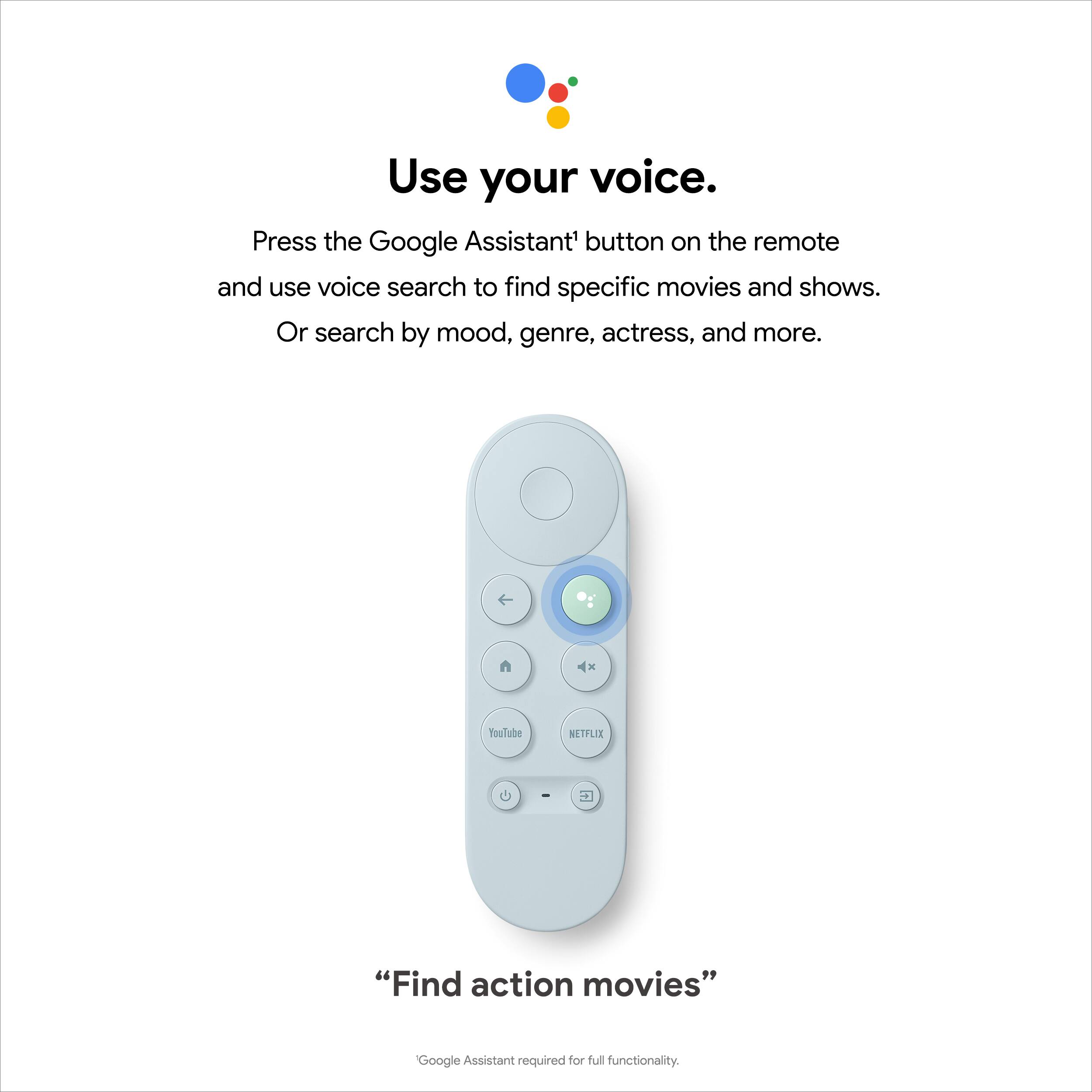
||Posted . Owned for 3 weeks when reviewed.This reviewer received promo considerations or sweepstakes entry for writing a review.This new Google Chromecast with Google TV is the device I have been waiting for. Google really needed a device with a remote and they delivered. I love the interface and how intuitive it is. Having Google Assistant is a bonus. Highly recommend it.
This review is from Chromecast with Google TV (4K) - Snow
I would recommend this to a friendRated 5 out of 5 stars
My new chromecast
||Posted . Owned for 1 week when reviewed.This reviewer received promo considerations or sweepstakes entry for writing a review.A must have item. It controls not only the chromecast, but the tv it self. The volume and power is also controlled with this amazing control. This new chromecast is fast. Mush faster than the previous model. Great product. I would recommend.
This review is from Chromecast with Google TV (4K) - Snow
I would recommend this to a friendRated 5 out of 5 stars
Best 4K streaming device
||Posted . Owned for more than 2 years when reviewed.This reviewer received promo considerations or sweepstakes entry for writing a review.Best 4K streaming device. Fast , you can find all your apps
This review is from Chromecast with Google TV (4K) - Snow
I would recommend this to a friendRated 5 out of 5 stars
My 3rd time buying it
||Posted . Owned for 4 months when reviewed.This reviewer received promo considerations or sweepstakes entry for writing a review.One of the best additions I bought for my smart tv It’s fast and the remote control is way better than the Samsung remote control
This review is from Chromecast with Google TV (4K) - Snow
I would recommend this to a friendRated 4 out of 5 stars
A solid device with pros and cons
||Posted .This reviewer received promo considerations or sweepstakes entry for writing a review.Nice UI. Love that the remote has physical buttons for YouTube and Netflix, my most frequently-used streaming services. The Google assistant integration is fantastic. The Disney+ app interface is laggy. The remote itself is too slippery and not very comfortable/easy to hold as a result. The Roku remote is much better to hold in hand.
This review is from Chromecast with Google TV (4K) - Snow
I would recommend this to a friend