Customer Ratings & Reviews



- Model:
- GA01919-US
- SKU:
- 11996170
Rating by feature
- Value
Rating 4.7 out of 5 stars
- Quality
Rating 4.7 out of 5 stars
- Ease of Use
Rating 4.7 out of 5 stars
to a friend
Love
||Posted . Owned for 8 months when reviewed.This reviewer received promo considerations or sweepstakes entry for writing a review.Turned my tv into a smart tv. Easy to use. Plug and use!!
I would recommend this to a friendBest 4k streaming device at $50
||Posted . Owned for 1 month when reviewed.This reviewer received promo considerations or sweepstakes entry for writing a review.This 4k chromecast is awesome. For the money, you can't beat it.
I would recommend this to a friendAudio-video sync issue
||Posted . Owned for 1.5 years when reviewed.This reviewer received promo considerations or sweepstakes entry for writing a review.Google never seems to be able to get their hardware game right. Every device they release has some kind of issue. No exception with the Google TV 4K. There is an audio-video sync problem from they day I purchased it (2 years ago) which hasn't been fixed as of today (Apr 19, 2022). The issue is obvious when using any streaming app, except YouTube TV. Which means I almost never use this device and turn to the more reliable Apple TV 4K.
No, I would not recommend this to a friendWorth the buy
||Posted . Owned for 3 weeks when reviewed.This reviewer received promo considerations or sweepstakes entry for writing a review.This device is amazing. The setup is simple and enjoy the new google display.
I would recommend this to a friendGreat alternative to ad heavy Firestick.
||Posted . Owned for 5 months when reviewed.This reviewer received promo considerations or sweepstakes entry for writing a review.This is a great alternative to the Firestick. Simple and easy to use. Pretty straight forward UI and easy access to dev mode. If you know, you know. Easy on the wallet, that I replaced all my Firestick 4K with these... I'll probably replace this with a newer version down the line... Thanks.
I would recommend this to a friendGreat price
||Posted . Owned for 2 months when reviewed.This reviewer received promo considerations or sweepstakes entry for writing a review.I like this better than the fire stick. Love the way the dash board looks.
I would recommend this to a friendSmall, portable and very Smooth to Navigate
||Posted . Owned for 3 months when reviewed.This reviewer received promo considerations or sweepstakes entry for writing a review.The price is just right, the UI is very smooth and easy to follow and navigate. It makes any tv SMART to the next level. All your Favorites Streaming apps available and then some. Connectivity and set up it is easy, future proof with 4K playback, Dolby Vision and Dolby Atmos ready, the Feature for YOU tab, arranges shows/content to your potential liking, works well.
I would recommend this to a friendGreat concept on paper.
||Posted . Owned for less than 1 week when reviewed.This reviewer received promo considerations or sweepstakes entry for writing a review.Easy to use. The entire interface is clunky and laggy, slow to load on both wireless and the wired ethernet adapter from google. Even after the system update and a factory reset. The remote is cheap hollow plastic and feels like it won't last a month in my house. Upon installation, I upgraded to the latest system update as prompted. It never rebooted. I had to move my media center rack, unplug it from power, plug it back in and move the media center rack back in place. It was a major pain. Also, this only supports a 100 Mbps wired connection, not 1 Gbps. My personal preference in my home is wired ethernet. This isn't a bad thing for the chromecast with google tv, but thought I would mention it. Too many annoyances for me to deal with every evening.
No, I would not recommend this to a friendBuy these
||Posted . Owned for 10 months when reviewed.This reviewer received promo considerations or sweepstakes entry for writing a review.Use it daily. Easy to install and easy to use. Great purchase
I would recommend this to a friendStreaming
||Posted . Owned for 3 weeks when reviewed.This reviewer received promo considerations or sweepstakes entry for writing a review.Solid streaming unit. Simple clean remote. Easy to learn
I would recommend this to a friendMighty little device!
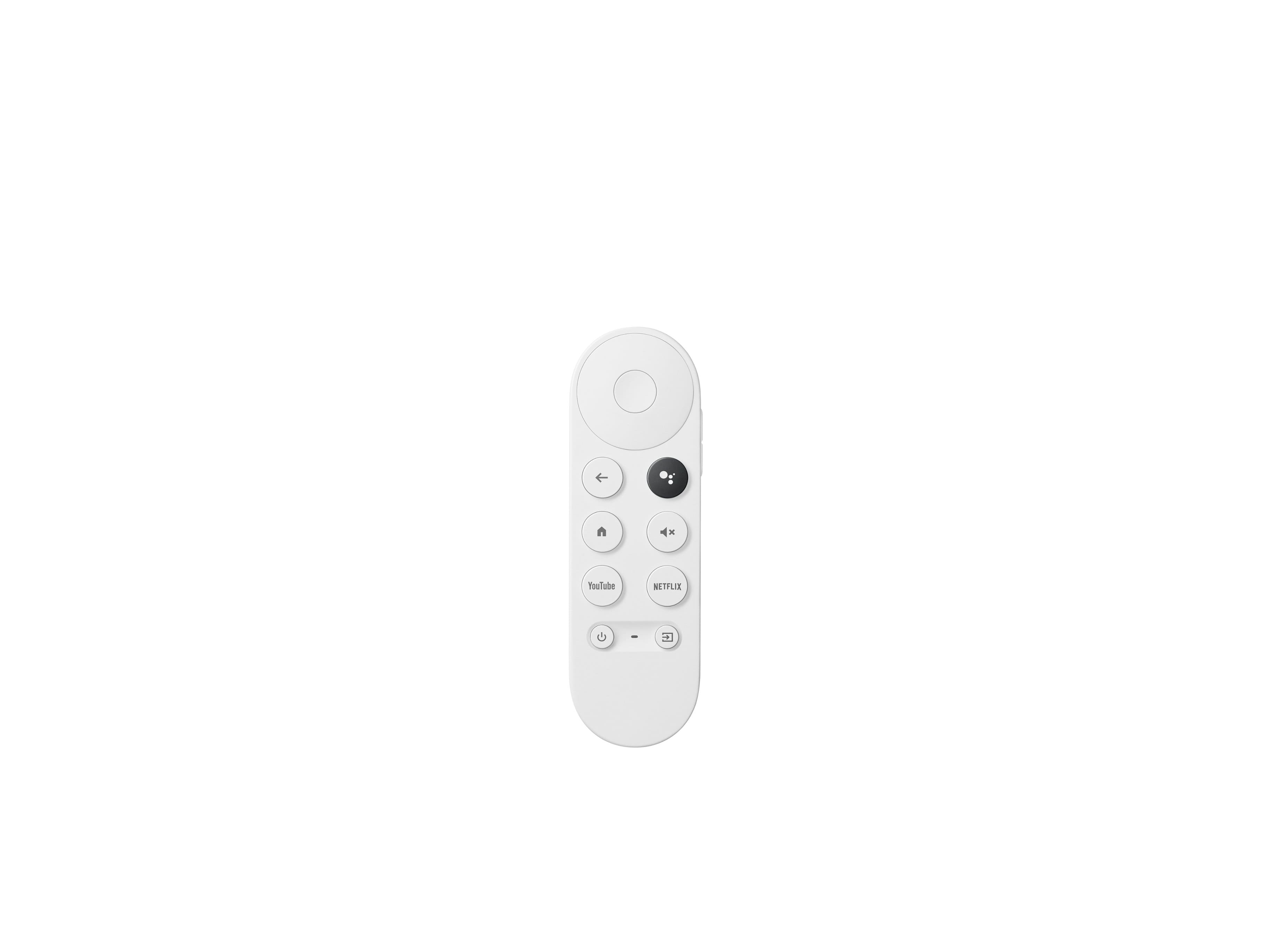
||Posted . Owned for 3 weeks when reviewed.This reviewer received promo considerations or sweepstakes entry for writing a review.Great little device! This small, economical but very mighty device does everything it should be doing flawlessly. The only concern I have (and hence 4 stars instead of 5) is the tiny remote that is arguably very hard to hold. The volume control button, which can be used to control the TV/sound system when setup properly, is also badly positioned such that pressing it with your thumb can easily cause the remote to slip out of your hands. Nothing "bad", just could be a little more thought out.
I would recommend this to a friendGreat Product
||Posted . Owned for 3 weeks when reviewed.This reviewer received promo considerations or sweepstakes entry for writing a review.It is really nice having everything on one screen and navigate from there.
I would recommend this to a friendGot hung up in Plex and crashed my Plex server
||Posted .This reviewer received promo considerations or sweepstakes entry for writing a review.Everyone was raving about this streamer so I thought I'd try it out. I currently use an Apple TV 1080p and a couple Roku Ultras. Granted those devices cost 2x and 3x more than this Chromecast, but it was more sluggish right off the bat than all the reviews videos I watched. It's pretty slow to boot up as well, not that it should be booting up that often. I'm also prefer the plain jane UI's of the Roku and Apple TV to the Google TV UI. The nail in the coffin was when I tried to watch some full bitrate blurays ripped to my Plex server with the Plex app. They were very slow to load and one movie got hung up when I tried to skip chapters. The only way I could stop it from trying to play was to reboot my Plex server. Amazingly, rebooting the Chromecast wouldn't fix it. I put the Chromecast back in its box to return and played the same film through Plex on the Roku (ethernet) and even the lowly Plex app on my LG TV (wifi) and it played PERFECTLY. Wow.
No, I would not recommend this to a friendBrand response from Google Team
Posted .Hi JimBanville,
We're appreciative of the feedback you provided us. We're sorry to hear of the performance issue with your Chromecast with Google TV.
Your Chromecast with Google TV was designed to provide you with a smooth experience. We recommend on trying out the troubleshooting steps below to see if the issue could be related to factors other than your Chromecast device:
- Ensure that your Chromecast is connected to your 5 GHz Wi-Fi network.
- Remove other connected devices on your Wi-Fi network and see if you will still encounter the same issue. Should you verify congestion, then we recommend contacting your internet service provider for resolution.
- We recommend a Wi-Fi network with 25 Mbps download speed that can ensure smooth 4K experience.
- If it does not work, you may try restarting your Chromecast by going to Settings > System > Restart.
- If it's still unresolved, perform a factory reset on the Chromecast with Google TV:
a. While the Chromecast is plugged into the TV, hold down the button on the Chromecast device for at least 25 seconds or until the solid LED light turns into a flashing red light.
b. Once the LED light turns blinking white and the TV goes blank, release the button. The Chromecast device will begin the reboot sequence.
If you will still face the same issue even after following the steps we provided, we need to find out what may be causing it. Feel free to contact us so we can improve your experience here: https://support.google.com/chromecast/gethelp
Great value
||Posted . Owned for 1 month when reviewed.This reviewer received promo considerations or sweepstakes entry for writing a review.The device works great. Easy to install and use. Google tv is amazing.0
I would recommend this to a friendNice and Fast
||Posted . Owned for 3 weeks when reviewed.This reviewer received promo considerations or sweepstakes entry for writing a review.Works well and quickly. Sometimes too quickly when holding down a direction to go across a row or down several rows-Zoom! The remote has better range than my Roku one does, a plus for the way I use these devices. It does sometimes feel a bit small. 4 stars because the app my wife most uses--like 98% of the time--is Still Not Available (on Android, Chromecast): AT&T TV. (but it runs on my Chromebook? Go figure)
I would recommend this to a friendIt works
||Posted . Owned for 2 weeks when reviewed.This reviewer received promo considerations or sweepstakes entry for writing a review.Used to use my pc to stream a bunch. My TV doesn't have access to all the apps because of its age. This works quite well assuming you don't have 20 people on wifi. I hate needing Google home on the phone though.
I would recommend this to a friendGood
||Posted .This reviewer received promo considerations or sweepstakes entry for writing a review.Easy setup, smooth interface. Working without any issues so far.
I would recommend this to a friendMakes streaming easier.
||Posted . Owned for 1 month when reviewed.This reviewer received promo considerations or sweepstakes entry for writing a review.I have had fire sticks for a couple of years but everything in my house is Google so I figured I would try it out and WOW I wish I had switched when they 1st came out. I think the menu is way easier than the fire stick and instantly work with my Samsung tv. It puts all your steaming services in 1 menu or you can access separately.
I would recommend this to a friendPleased
||Posted . Owned for 1 month when reviewed.This reviewer received promo considerations or sweepstakes entry for writing a review.Very pleased with device. Easy to setup and use. Prompt delivert
No, I would not recommend this to a friendChromecast Review
||Posted . Owned for 1 month when reviewed.This reviewer received promo considerations or sweepstakes entry for writing a review.Love it! Easy to set up with many apps. Project feature easy to execute.
I would recommend this to a friend