Customer Ratings & Reviews
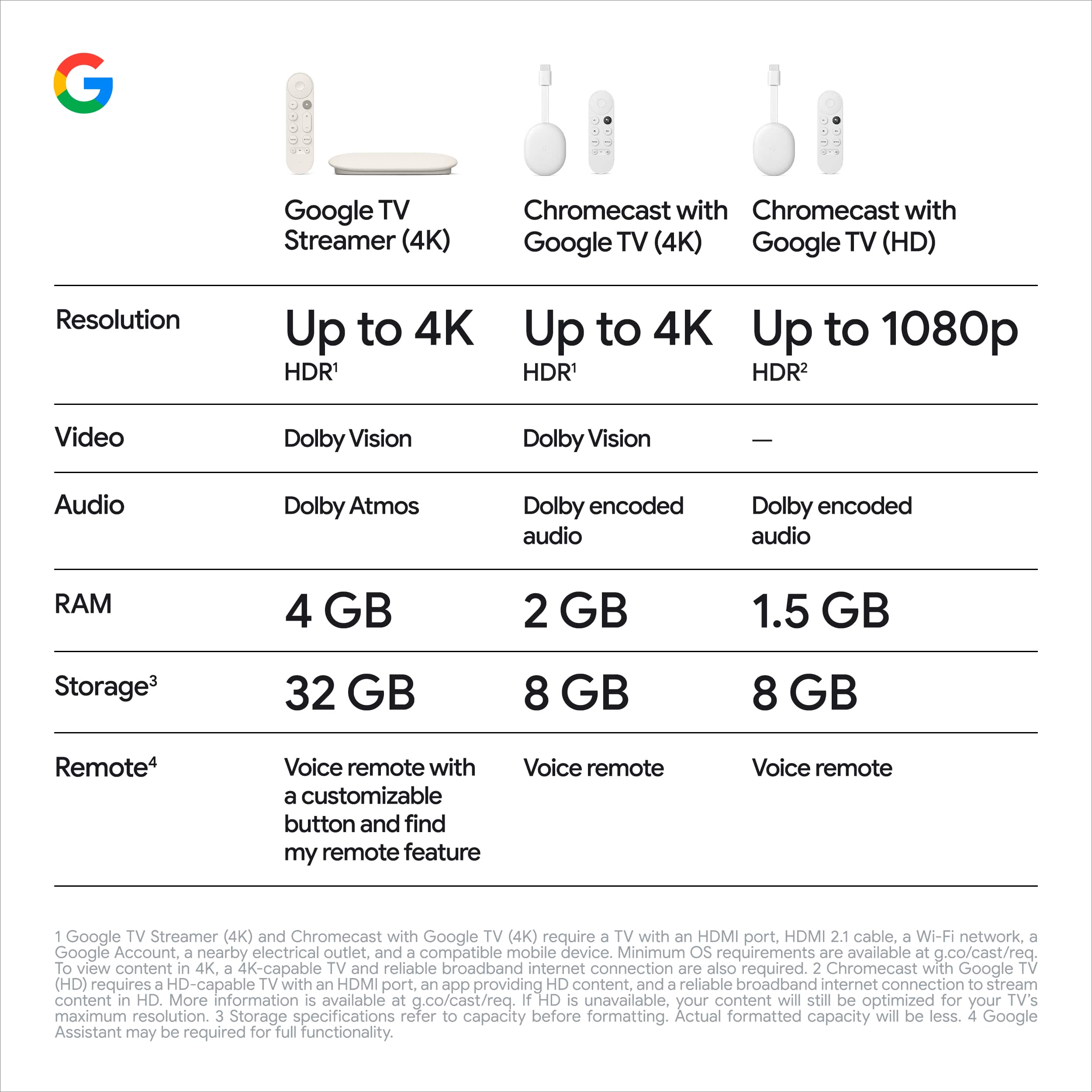
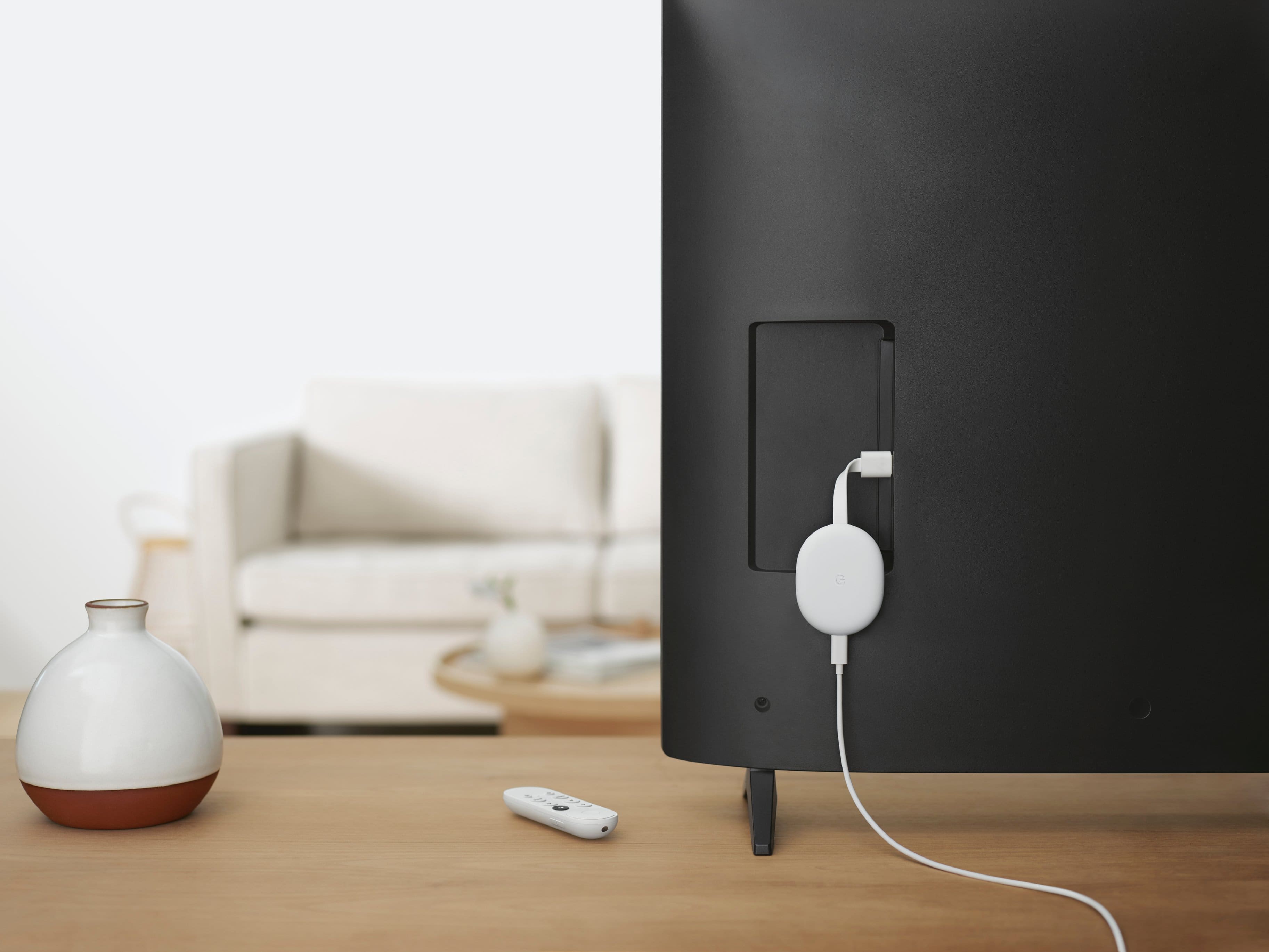
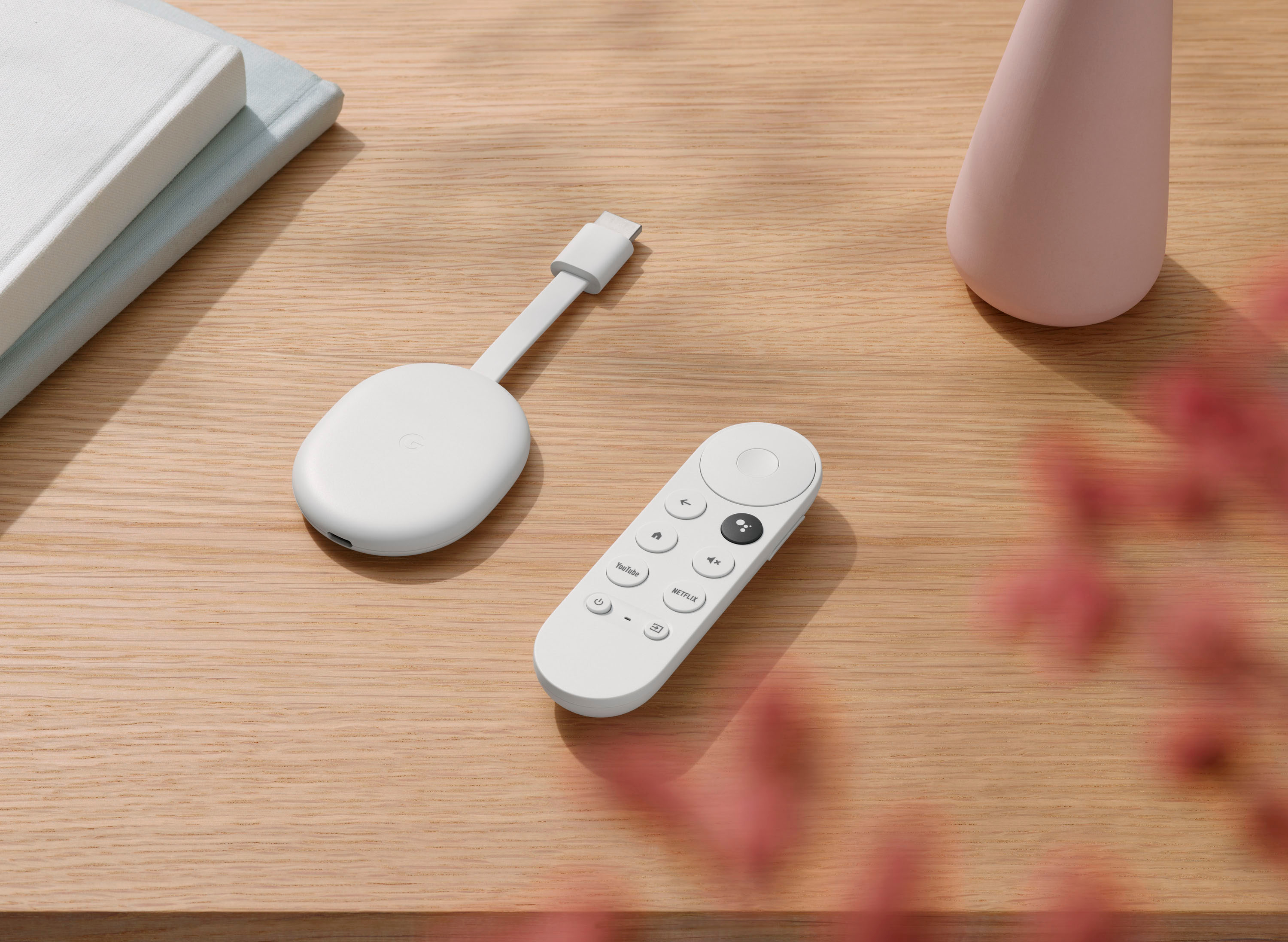


- Model:
- GA01919-US
- SKU:
- 11996170
Rating by feature
- Value
Rating 4.7 out of 5 stars
- Quality
Rating 4.7 out of 5 stars
- Ease of Use
Rating 4.7 out of 5 stars
to a friend
Hands down the best streaming device!!!
||Posted . Owned for 2 months when reviewed.This reviewer received promo considerations or sweepstakes entry for writing a review.This is the ultimate streaming device. Throw your fire sticks away!
I would recommend this to a friendGoogle Chrome Review
||Posted . Owned for 3 weeks when reviewed.This reviewer received promo considerations or sweepstakes entry for writing a review.Very satisfied with the Google Chrome. Easy to use and love that it eliminates the other remotes.
I would recommend this to a friendChromecast with Google tv 4k
||Posted . Owned for 1 week when reviewed.This reviewer received promo considerations or sweepstakes entry for writing a review.I have bought this same item over 4 times already. This is by far the best budget streaming device. Chromecast built in and google tv make this the best you can buy for the price hands down.
I would recommend this to a friendAwesome!
||Posted .This reviewer received promo considerations or sweepstakes entry for writing a review.Best streaming device on the market. No complaints.
I would recommend this to a friendGreat upgrade
||Posted . Owned for 3 weeks when reviewed.This reviewer received promo considerations or sweepstakes entry for writing a review.Huge improvement over previous chromecast devices. Absolutely love it.
I would recommend this to a friendGreat solution
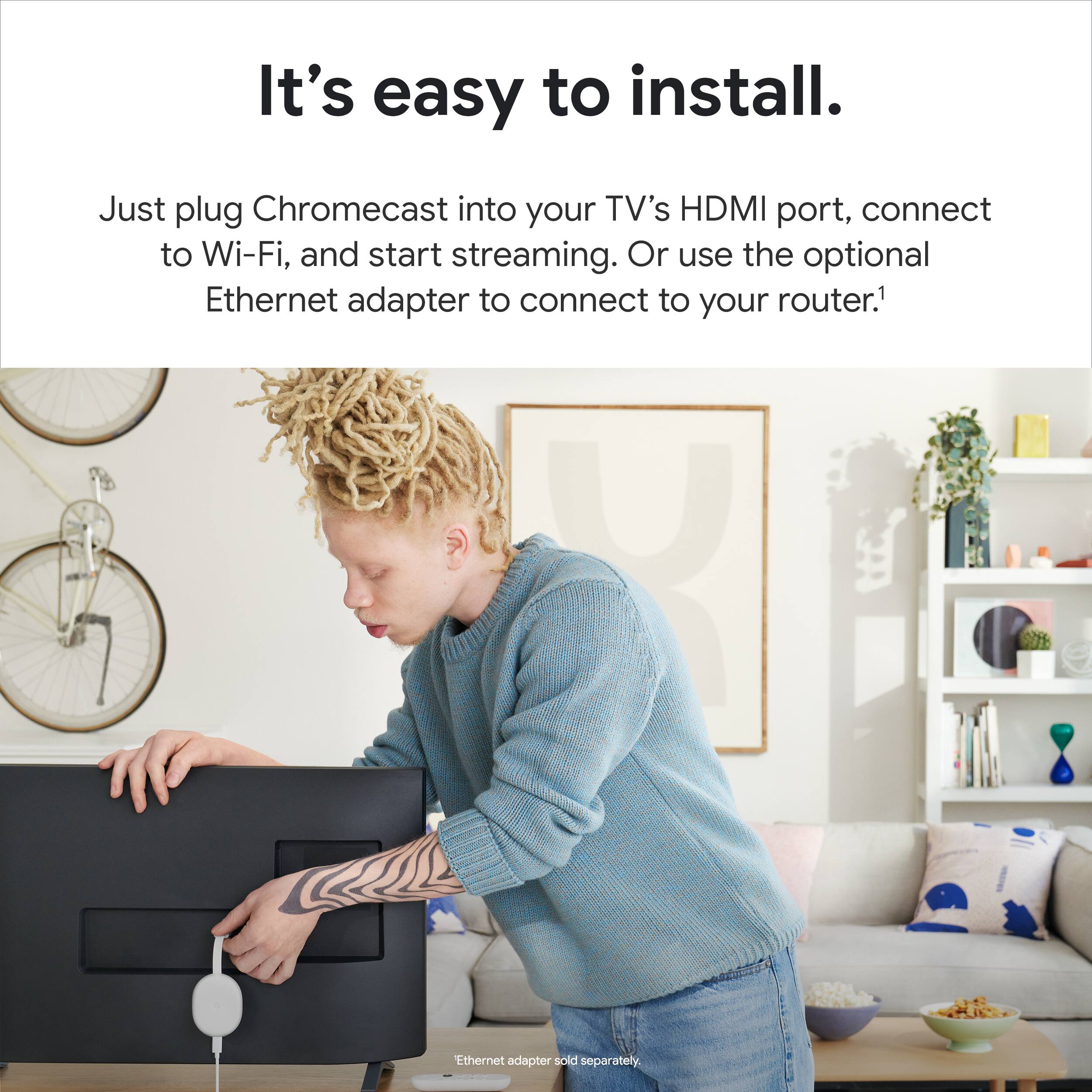
||Posted .This reviewer received promo considerations or sweepstakes entry for writing a review.Easy install works well to provide access on an older tv..
I would recommend this to a friendGood product
||Posted . Owned for less than 1 week when reviewed.This reviewer received promo considerations or sweepstakes entry for writing a review.Great device, grest price Good product choice. 100 % recommended
No, I would not recommend this to a friendNice product
||Posted . Owned for 1 month when reviewed.This reviewer received promo considerations or sweepstakes entry for writing a review.Excelente product, good price I will buy it again and recommend it
I would recommend this to a friendchromecast with Google tv
||Posted . Owned for 3 weeks when reviewed.This reviewer received promo considerations or sweepstakes entry for writing a review.This new chromecast with Google tv is easy to use and very intuitive.
I would recommend this to a friendUttam B. Khatri
||Posted . Owned for 3 weeks when reviewed.This reviewer received promo considerations or sweepstakes entry for writing a review.I purchased Chromecast with Google TV (4K)- snow. It's been very well and I am very happy with it. However, I would prefer black rather than Snow because My LG TV, Soundbar, and the cart the TV set stands on are all black. But it is okay, not a big deal for me.
I would recommend this to a friendChromecast
||Posted .This reviewer received promo considerations or sweepstakes entry for writing a review.Was a gift for my brother and he said it worked perfectly. They loved it so much they bought a 2nd one.
I would recommend this to a friendGreat product
||Posted . Owned for 1 week when reviewed.This reviewer received promo considerations or sweepstakes entry for writing a review.Loved it works as advertised way better than a fire stick
I would recommend this to a friendFun
||Posted . Owned for 2 months when reviewed.This reviewer received promo considerations or sweepstakes entry for writing a review.I ended up buying 3 more for all over the house I have multiple TVs
I would recommend this to a friendExcelent
||Posted .This reviewer received promo considerations or sweepstakes entry for writing a review.Excelent product, love to use in the old tvs in my home
I would recommend this to a friendGoogle tv
||Posted . Owned for less than 1 week when reviewed.This reviewer received promo considerations or sweepstakes entry for writing a review.Love the chromecast with google tv. Easy to use and convenient
I would recommend this to a friendTerrific product.
||Posted . Owned for 3 weeks when reviewed.This reviewer received promo considerations or sweepstakes entry for writing a review.Works great. Easy to set up. Need a good wifi connection.
I would recommend this to a friendJust great
||Posted . Owned for 3 weeks when reviewed.This reviewer received promo considerations or sweepstakes entry for writing a review.Makes streaming effortlessly great price interface with google home
I would recommend this to a friendCharlie
||Posted . Owned for 3 weeks when reviewed.This reviewer received promo considerations or sweepstakes entry for writing a review.Perfect item good 4k i will buy another one for my other tv
I would recommend this to a friendGreat
||Posted . Owned for 6 months when reviewed.This reviewer received promo considerations or sweepstakes entry for writing a review.Love my Google tv. It is fantastic, and it is very easy to use
I would recommend this to a friendPerfect for wireless, but a couple bumps
||Posted . Owned for 2 weeks when reviewed.This reviewer received promo considerations or sweepstakes entry for writing a review.We bought this piece to wirelessly connect to a projector to my phone. There’s a screen mirroring function, and after downloading the app (Screen Mirror+) it does just that! We’re getting the most out of our money by watching Hulu and Netflix with it too (on said projector!) The Chromecast loads immediately, it’s super responsive, and the design of the cast AND the remote are sleek, tiny, and lightweight. The only issue we’ve had is commercial breaks will sometimes freeze the picture (yet the audio still plays) making it pretty disruptive to watching anything you don’t have an ad-free subscription to (Hulu specifically in this case). It makes watching apps possible, but something about it cutting between ads and resuming your show can throw it off. We don’t have this problem on our mobile devices or desktops when using the same apps. Usually we can pause and unpause the cast and it will correct itself, but not always. It feels equivalent to blowing on an N64 cartridge and hoping it will work this time. It usually does if you wake it up with a button press. If not, we restart the episode and that fixes it, but again, that’s pretty disruptive to streamlined viewing. It makes viewing possible, but at the cost of nudging it during commercials. Ultimately, I got it for projecting my art from my phone through a projector onto large canvases, and it is PERFECT for that!
I would recommend this to a friendBrand response from Google Team
Posted .Hi Lauren, thanks for sharing your feedback. We’re sorry to hear that your Chromecast with Google TV has unexpected performance and quality issues.
Video quality issues like freezing and stuttering, and Audio sync issues can be caused by several factors. Here are the possible causes:
- Power saving mode is on.
- Your devices are not within 15 to 20 feet from each other.
- Your devices are outdated.
- Battery-draining apps are running.
We could also be looking at connectivity issues related to Wi-Fi network congestion, weak signal or interference.
Performing basic troubleshooting may help. Here’s how:
- Unplug your Wi-Fi router for about 1 minute then plug it back in.
- Disconnect the power cable from the Chromecast device, then reconnect the power cable back.
- Toggle Wi-Fi off and on from the mobile device you’re using for your Chromecast device.
- If you have a dual band router, try setting up your Chromecast on either 2.4GHz or 5GHz bands.
If unresolved, we suggest performing factory data reset:
With the Chromecast Voice Remote:
- In the upper right of your TV screen, select your profile, select Settings.
- Select System, select About, select Factory Reset.
From the Chromecast device:
- While the Chromecast is plugged into the TV and powered, press and hold the button on the back of the Chromecast. The LED will start blinking yellow.
- When the LED light turns solid white, release the button and the Chromecast will then reset.
If the issue persists, please reach out to our support team so we can have a closer look and we’ll do our best to help you. You’ll find us here: https://support.google.com/chromecast/gethelp