Customer Ratings & Reviews


- Model:
- GA01919-US
- SKU:
- 12377596
Rating by feature
- Value
Rating 4.7 out of 5 stars
- Quality
Rating 4.7 out of 5 stars
- Ease of Use
Rating 4.7 out of 5 stars
to a friend
Easy to set up
||Posted . Owned for 1 month when reviewed.This reviewer received promo considerations or sweepstakes entry for writing a review.Works great. Easy to set up. Able to Downloaded additional apps.
I would recommend this to a friendJust what I needed
||Posted . Owned for 1 month when reviewed.This reviewer received promo considerations or sweepstakes entry for writing a review.Does everything it said it would. I believe it boosts my internet connection too. I have less connection issues. Applications are easy to download and setup was easy.
I would recommend this to a friendChromecast with google tv
||Posted . Owned for 8 months when reviewed.This reviewer received promo considerations or sweepstakes entry for writing a review.This is way better version of the chrome-cast. Google was lagging with fire tv stick, but with this its now in the line.
I would recommend this to a friendBest user interface
||Posted . Owned for 1 year when reviewed.This reviewer received promo considerations or sweepstakes entry for writing a review.Best user interface on the market. Such a wonderful streaming experience.
I would recommend this to a friendWorth every dollar
||Posted . Owned for 4 months when reviewed.This reviewer received promo considerations or sweepstakes entry for writing a review.Replaced a Fire Stick with the new Chromecast and I could not be happier. Faster and the voice command is easy to work by my 4.5 yr old daughter. Will buy more.
I would recommend this to a friendMakes an old TV new again!!!!
||Posted . Owned for 1 month when reviewed.This reviewer received promo considerations or sweepstakes entry for writing a review.Worth the money! I have a 2015 Sony Bravia TV that I love but it didn't have the up to date android tv. I also couldn't get apps on board like HBO Max. I was considering getting a new tv but didn't want to spend another $1500k or more. I remembered seeing a review on the chrome cast on youtube and I was amazed. This device makes an old tv new again. Now I have google tv which looks just live android tv. Save money and turn your old tv into a new one. Worth the price of just $50 bucks.
I would recommend this to a friendThe best streaming stick
||Posted . Owned for 1 month when reviewed.This reviewer received promo considerations or sweepstakes entry for writing a review.I like Google TV much more than Amazon FireTV. Easier navigation and it surfaces on the main screen your programs from all services.
I would recommend this to a friendWorks great
||Posted . Owned for 3 weeks when reviewed.This reviewer received promo considerations or sweepstakes entry for writing a review.No lage picture is clear very happy with this product
I would recommend this to a friendSmart TV Any TV
||Posted . Owned for 1 month when reviewed.This reviewer received promo considerations or sweepstakes entry for writing a review.It works just like a smart TV. Plug and Play! Just follow the instructions and you're good to go!
I would recommend this to a friendNo better way to stream.
||Posted . Owned for 1 week when reviewed.This reviewer received promo considerations or sweepstakes entry for writing a review.Loving the ability to stream just about anything from my phone to the tv. Being able to also stream in 4K is an awesome upgrade for the best clarity.
I would recommend this to a friendCut the cable!
||Posted . Owned for 8 months when reviewed.This reviewer received promo considerations or sweepstakes entry for writing a review.If you're looking to ditch cable/satellite, this little combo is for you. You get all the apps you need, all in one place, with a handy voice remote.
I would recommend this to a friendGreatest stream box
||Posted . Owned for 2 weeks when reviewed.This reviewer received promo considerations or sweepstakes entry for writing a review.So easy to use, I travel a lot for work and I connect it to hotel room TV's to keep up with movies/TV. So small yet so powerful
I would recommend this to a friendAwesome Chromecast!
||Posted . Owned for 1 month when reviewed.This reviewer received promo considerations or sweepstakes entry for writing a review.Great chromecast! Been having it for over a month! This has all in built apps! Set up was super easy & the controller that it comes with can control tv power & volume!
I would recommend this to a friendLove chromecast
||Posted . Owned for 1 month when reviewed.This reviewer received promo considerations or sweepstakes entry for writing a review.Super easy to install and use, very user-friendly. I have replaced two fire sticks with Chromecast since purchasing my first one. The Google TV app works great with this.
I would recommend this to a friendLittle Device Well Worth It
||Posted . Owned for 2 months when reviewed.This reviewer received promo considerations or sweepstakes entry for writing a review.I like it a lot. It works excellent for using it for my oculus mediquest and you can stream on it. For what I have used it for its excellent
I would recommend this to a friendGoogle Chromecast has been wonderful.
||Posted . Owned for 1 month when reviewed.This reviewer received promo considerations or sweepstakes entry for writing a review.Love my Google Chromecast. Make sure you get the 4K version. I cut the cable a couple of years ago and really like the options of streaming.
I would recommend this to a friendBuying power
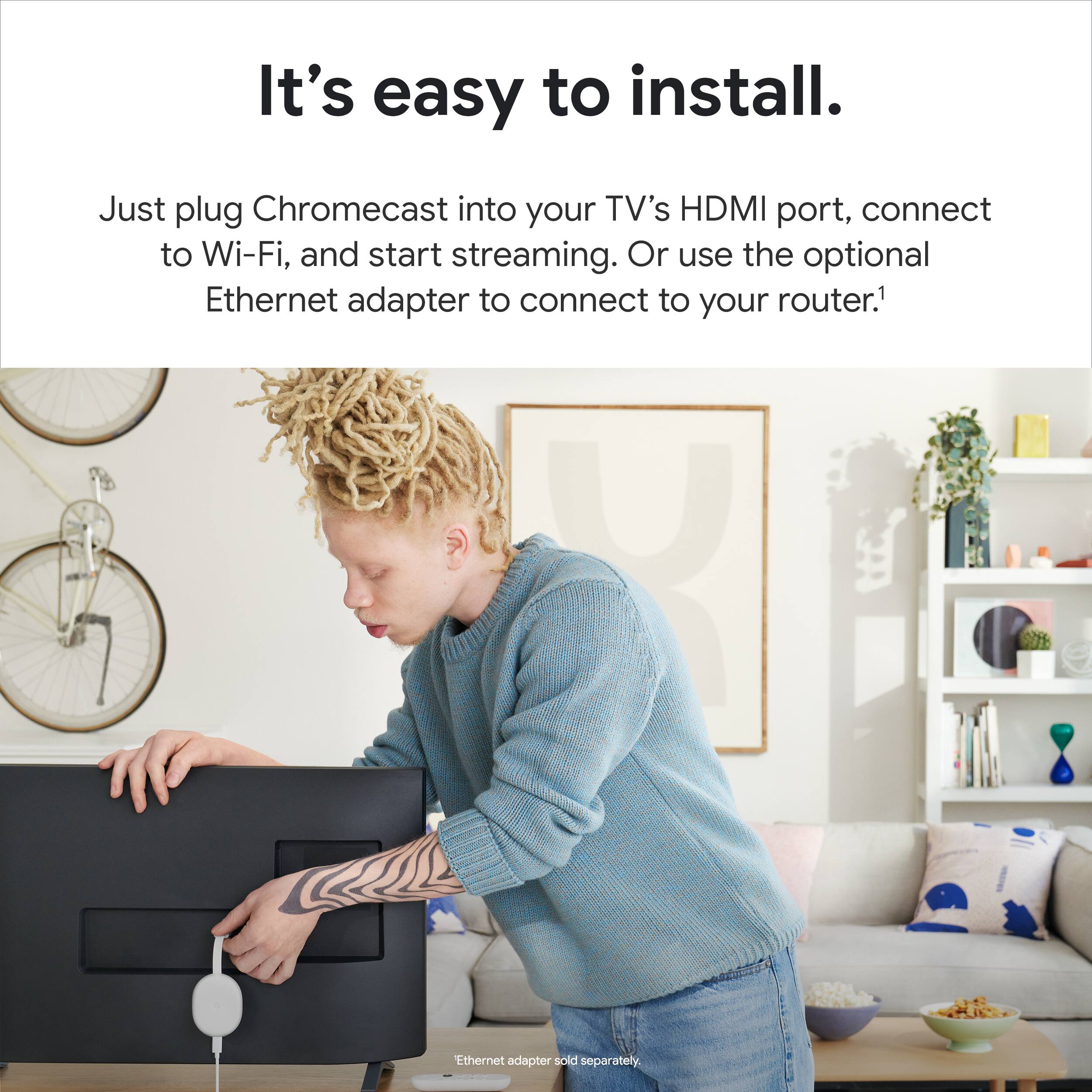
||Posted . Owned for 1 month when reviewed.This reviewer received promo considerations or sweepstakes entry for writing a review.Excellent buy,..works great, connecting with the wifi enternet is very easy. It starts right up and walks you through the entire set-up process...
I would recommend this to a friendGreat for Google to make advertising money.
||Posted .This reviewer received promo considerations or sweepstakes entry for writing a review.The Bluetooth connection on this is rather terrible. It's not like connecting your earbuds to a tablet or phone as far as stability goes. The audio will cut out if you are any distance from your TV. Chromecast is not designed to show you the streaming services you have so you can easily pick a show or movie. It is designed to show you what Google has been paid by your streaming services to feature. Google has hidden the streaming streaming services you subscribe to behind a lot of layers of endless clicking. You will see ads for shows first, but you have to hunt for your list of streaming services. You have scroll to the "My Apps" just to see SOME of your apps, and it's literally just one line on an entire screen and then you have to click AGAIN TO show them all. An entire TV screen is available but Google can only show me one row of apps at a time? Get out of here with that backwards coding, Google. If you side load an app it won't even show up in the My Apps section. You have to go into your account, into settings and then try to find them there. Opening up a streaming service from the home screen takes significantly longer than it should just to even get started watching a show because of all the endless layers of user interface that bury access to your list of services. My guess is this is done so Google can extract maximum advertising money for your eyeballs. You will see what Google wants you to see, not what you want to see. The other major competitor's device is significantly easier for use. Your apps will be right on the first screen on a R O K U brand device, easy to find. Not on this Chromecast disaster.
No, I would not recommend this to a friendBrand response from Google Team
Posted .Hi Greg, thanks for sharing the details of your experience with using the Chromecast with Google TV (4K), and we’re sorry to learn your expectations are not met. We've taken note of your feedback and we’ll share it with the right team for future improvements.
Meanwhile, there could be several reasons that can affect the performance of your Chromecast and we’d like to rule out the possibility of your Wi-Fi connection being the cause of this issue. If you're willing, we suggest trying the simple steps below:
- Check for possible interference. Appliances like your microwave oven, refrigerator or even your neighbors Wi-Fi network may cause interference with your Chromecast.
- Check for possible congestion. Removing some of your connected devices may help relieve some bandwidth space and you may check if your experience will improve.
- Ensure that your Chromecast is in a line of sight with your Wi-Fi router to get the best signal strength and Wi-Fi coverage.
- Restart your router, mobile phone and Chromecast.
You may also try clearing the app cache that might help as having a sizable amount of cache stored would affect its performance. Here’s how:
- From the Google TV home screen, in the top right, go to the user profile icon and select Settings.
- Select Apps and choose the app you're having trouble with.
- If you can't find it, select See all apps.
- Select Clear cache and then Ok.
- If clearing the app cache didn't work, you can try to reset your Chromecast with Google TV by following the steps here: https://support.google.com/chromecast/answer/6254654
If the perfromance issue still persists, we’d be happy to have a closer look and guide you with further troubleshooting. You can communicate with our dedicated team through our support channels anytime at: https://support.google.com/chromecast/gethelp
Google Tv
||Posted . Owned for 3 weeks when reviewed.This reviewer received promo considerations or sweepstakes entry for writing a review.this is a great device that lets you stream all your favorite apps. It is easy to set up the device so that you can get to what you love watching faster.
I would recommend this to a friendSo good bought 2 for the house
||Posted . Owned for 1 month when reviewed.This reviewer received promo considerations or sweepstakes entry for writing a review.Best standalone smart cast system. Easy to set up and use controls what you need for the tv and had every app you could need.
I would recommend this to a friend