Customer Ratings & Reviews


- Model:
- GA01919-US
- SKU:
- 12377596
Rating by feature
- Value
Rating 4.7 out of 5 stars
- Quality
Rating 4.7 out of 5 stars
- Ease of Use
Rating 4.7 out of 5 stars
to a friend
Excellent app manager and remote, but not perfect.
||Posted . Owned for 3 weeks when reviewed.This reviewer received promo considerations or sweepstakes entry for writing a review.This is my third Chromecast with Google TV - 4K. So all of out TV's are now equipped. This latest one was installed on an older Samsung that does not have Smart Features. So Google TV just makes it a Smart TV as well. Very nice. One downside is that AT&T Streaming does not provide an app for this device. Another is that navigation within different apps is controlled by those apps, so that there are inconsistencies between them.
I would recommend this to a friendNice job Google
||Posted . Owned for 3 weeks when reviewed.This reviewer received promo considerations or sweepstakes entry for writing a review.Great quality, easy to set up, I'm enjoying it so far
I would recommend this to a friendEverything is good except the remote control.
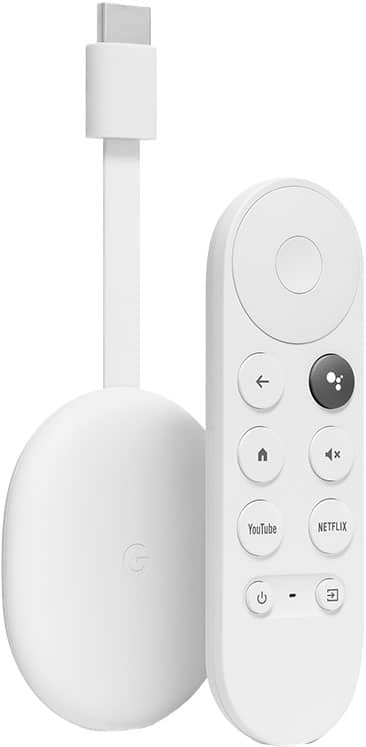
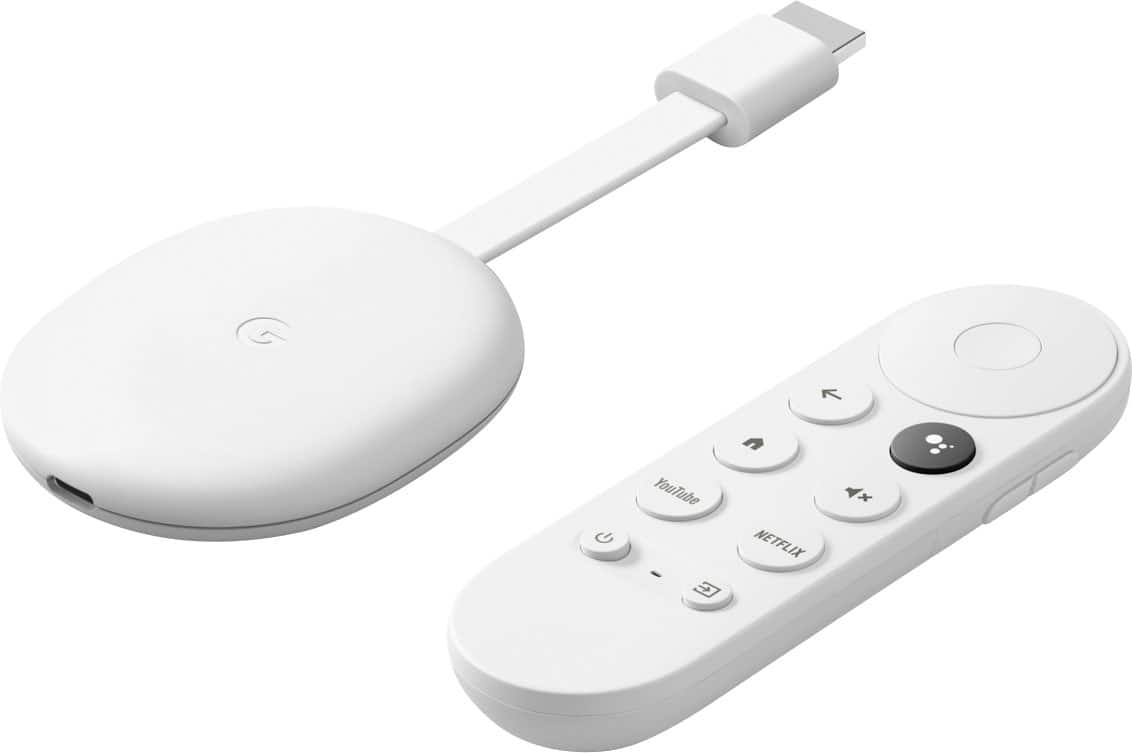
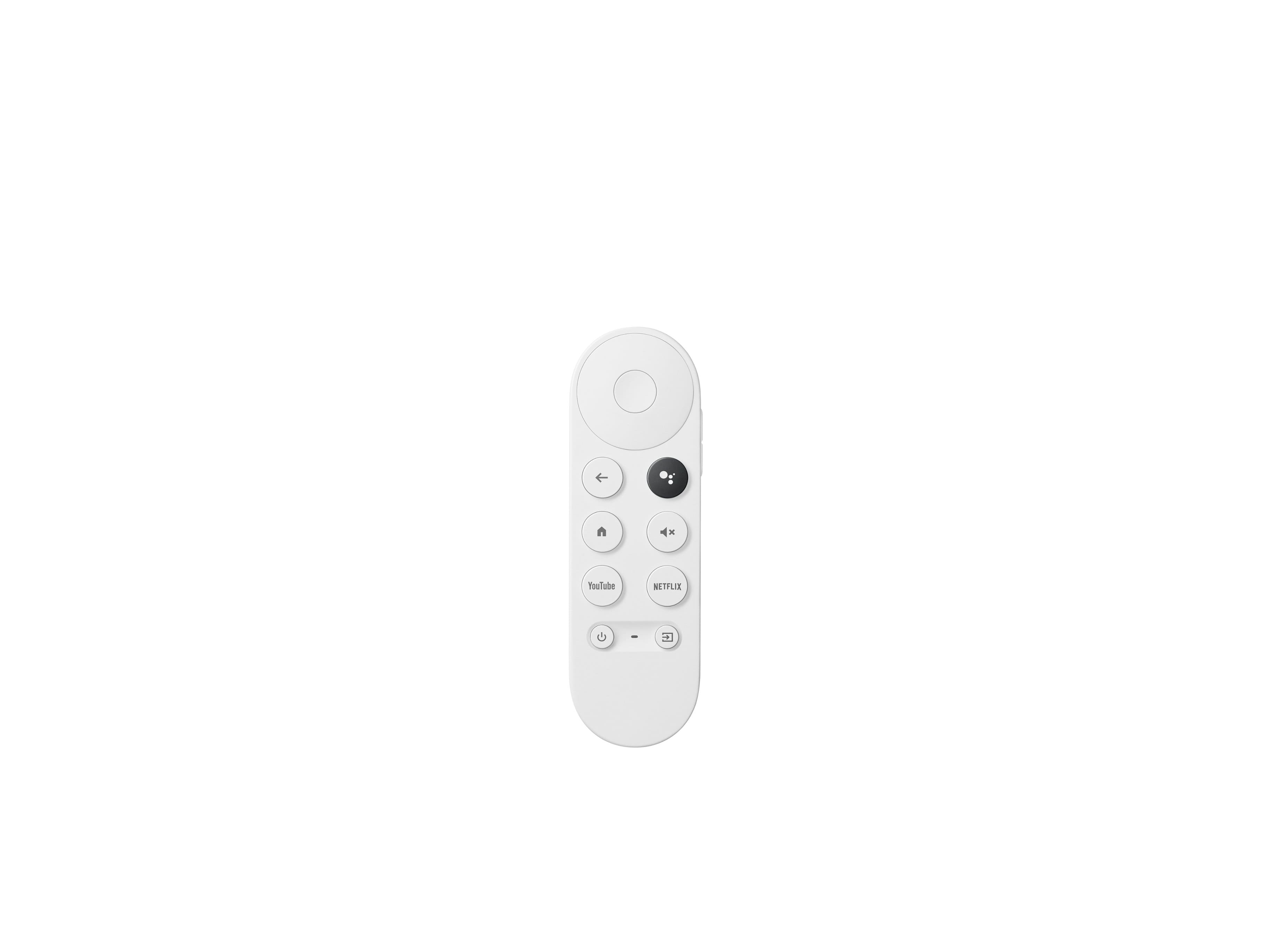
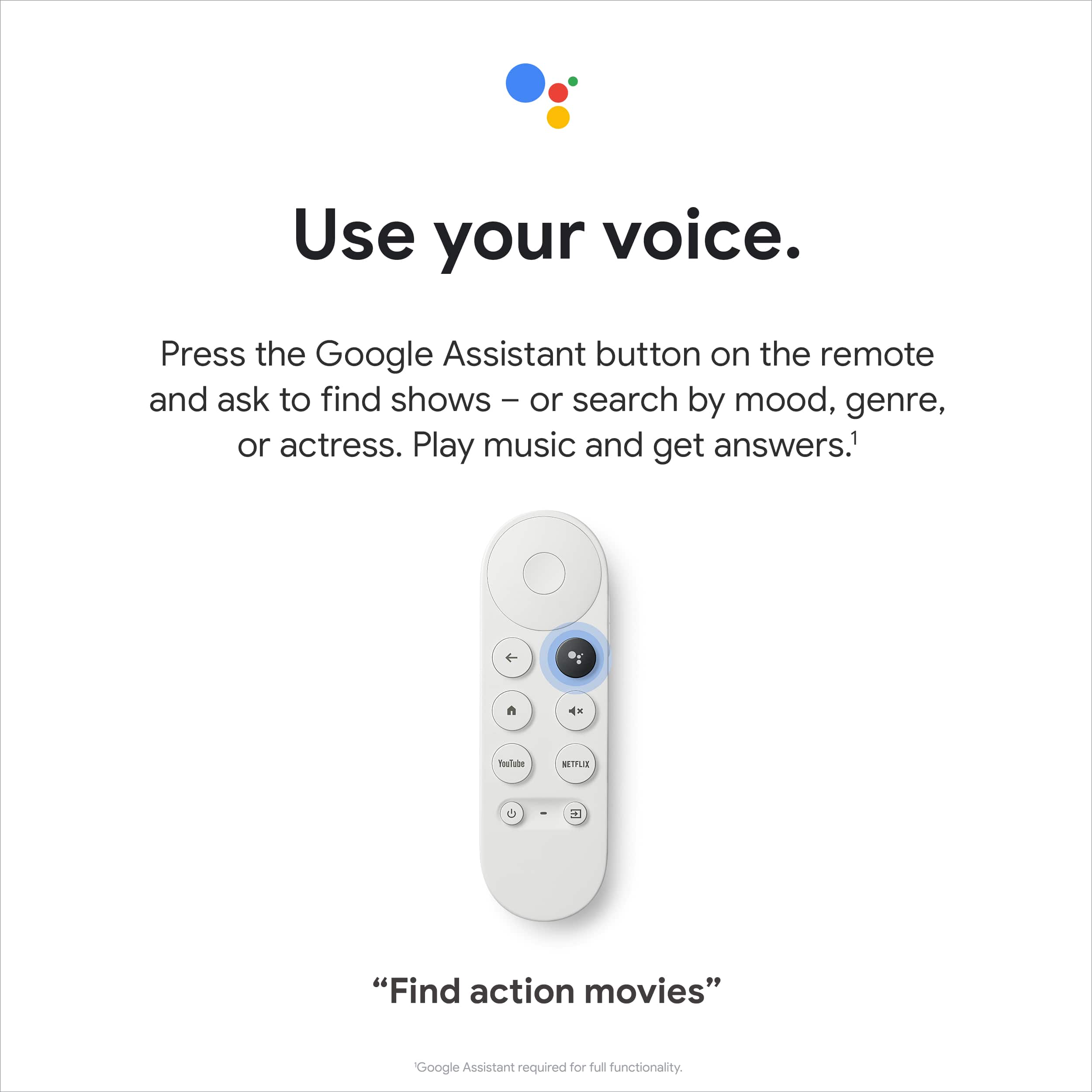
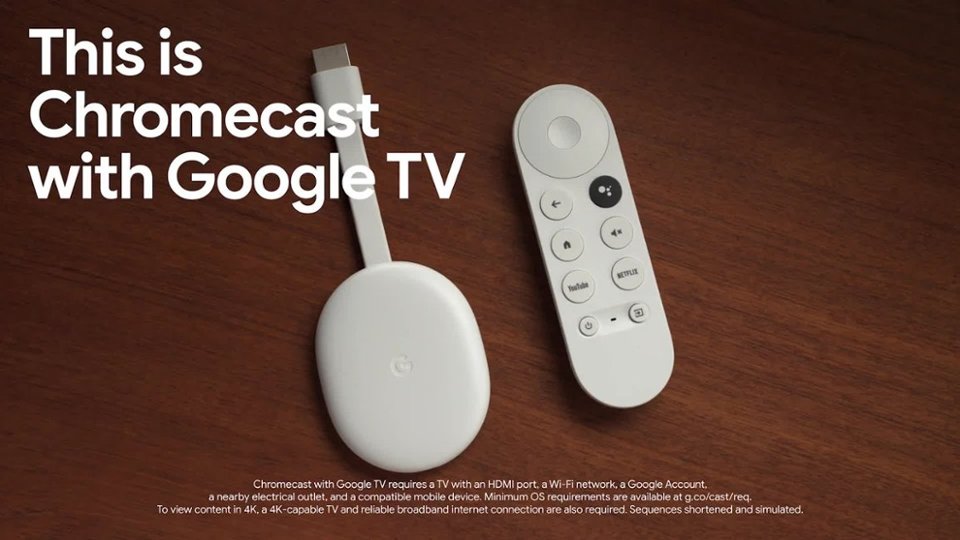
||Posted . Owned for 1 month when reviewed.This reviewer received promo considerations or sweepstakes entry for writing a review.The Google Chromecast with Google TV is fast and responsive and once you let Google's algorithms discover your favorite genres, shows, and movies, you'll get good recommendations from a variety of streaming and online services. My one CON about the device is the remote control. I don't like the way the volume rocker is placed on the side being that the control itself is so small. Also, the placement of the power button is awkward being in the lower left corner.....I would have preferred up top somewhere for easier access.
I would recommend this to a friendBrand response from Google Team
Posted .Hi JKMOAHI, we´re glad to receive your feedback on Chromecast with Google TV. We´re Sorry to hear about your disappointment with the placement of the Power Button for Voice Remote. We´ll make sure to pass along this information to our product team and go back to the drawing board. We value your feedback and we´ll make sure to pass this along to our product team, since we're always on the lookout for new ways we can improve our products and services. We value both the experience and support we provide you with our products and services. For any other support needs on Chromecast with Google TV, please contact our support team here: https://support.google.com/googlenest/gethelp

Better than a smart tv
||Posted . Owned for 1 month when reviewed.This reviewer received promo considerations or sweepstakes entry for writing a review.Great way to watch streaming videos on tv (youtube, netflix, disney+, etc)
I would recommend this to a friendAmazing
||Posted . Owned for 1 month when reviewed.This reviewer received promo considerations or sweepstakes entry for writing a review.Works better than most streaming devices, very smooth
I would recommend this to a friendGoogle Chromecast
||Posted . Owned for 1 month when reviewed.This reviewer received promo considerations or sweepstakes entry for writing a review.Great product!! Definitely would buy again great picture
I would recommend this to a friendJust buy a Nvidia Shield, instead.
||Posted . Owned for 3 months when reviewed.This reviewer received promo considerations or sweepstakes entry for writing a review.I don't know why I thought I'd get an experience as I have with the Nvidia Shield. It's not bad, it's a definite upgrade from just casting and it's significantly cheaper than an Nvidia Shield. It's got apps, it's got a guide and works well with YT TV, but this is where the experience starts to change. It takes a long time to load from clicking on the show in the guide(under the Live Tab) and my wife has a channel lineup different than mine and I can't change that unless I log her out of chromecast and log me in. Then she has to log me out and log herself in for her channel lineup. Cumbersome at best. It also experiences in Netflix, hulu and Disney plus a frame drop or stutter, this had been reported as well as the logging issues to google in November by many people. Neither to this date have been fixed. And these issues arent present on same tv with Nvidia Shield. It has had issues rejoining wifi. And the reboot button is so buried in the device settings you should just get up and pull the power on the thing and plug in an Nvidia Shield. I know I'm being harsh, and the Shield isn't without it's issues. But this "Google Tv" didn't even have Dolby Atmos at launch. For delay in updates and fixes. I truly suggest getting an Nvidia Shield instead. Yeah I know 149$ is the cheapest shield (199 worth it don't cheap out) and that's more expensive than this Google TV but I wouldn't even recommend this to my mother in law. I can't take the random phones calls at 2am cause something isn't working on it. Just buy the best android tv experience, buy a Nvidia Shield!
No, I would not recommend this to a friendBrand response from Google Team
Posted .Hi Destynn,
Thank you for sharing all the issues you’ve encountered with the Chromecast with Google TV. We’re sorry to hear that you’ve had inconveniences with the user experience as well as connection issues with Chromecast with Google TV.
If you haven’t already, we recommend performing a factory reset. Here's how you can do it:
With the Chromecast Voice Remote:
- In the upper right of your TV screen, select your profile and then Settings .
- Select System and then About and then Factory Reset.
From the Chromecast device:
- While the Chromecast is plugged into the TV and powered, press and hold the button on the back of the Chromecast. The LED will start blinking yellow.
- When the LED light turns solid white, release the button and the Chromecast will then reset.
Your feedback matters a lot to us as it helps us to improve our products and services. We’d like to take a closer look and understand the issues you’ve encountered as it allows us to help you in the best way possible and improve your experience. Feel free to reach out to us here: https://support.google.com/chromecast/contactflow
Great for people without smart tv features
||Posted . Owned for 1 month when reviewed.This reviewer received promo considerations or sweepstakes entry for writing a review.Very great quality for people who have a 4k tv but lack of smart features
I would recommend this to a friendLove the Chromecast with Remote
||Posted . Owned for 3 weeks when reviewed.This reviewer received promo considerations or sweepstakes entry for writing a review.I love the Chromecast with remote. Others are now able to control our TV when visiting. Great for the visitors and us!
I would recommend this to a friendGreat product
||Posted . Owned for 3 weeks when reviewed.This reviewer received promo considerations or sweepstakes entry for writing a review.It’s easy to use and plug in Great price Made watching my favorite shows easier
I would recommend this to a friendGreat Gadget
||Posted . Owned for less than 1 week when reviewed.This reviewer received promo considerations or sweepstakes entry for writing a review.This thing is absolutely fabulous. The 4K resolution is amazing and I don't even have a 4K TV. I will admit it is extremely hard signing into some of these apps on the Google Chromecast simply because you have to activate it on your cell phone or through a website. Some of that is not as straightforward as it could be but it is doable. The only thing that I wish it had or that I wish it could do was rewind or fast forward like the other apps on your cell phone allow you to do.
I would recommend this to a friendBetter than my Roku
||Posted .This reviewer received promo considerations or sweepstakes entry for writing a review.Switched from a Roku, and so far haven't regretted the decision. It's snappy, and easy to find new things to watch.
I would recommend this to a friendWould buy again
||Posted . Owned for 2 weeks when reviewed.This reviewer received promo considerations or sweepstakes entry for writing a review.Was not sure I would like this. Easy to use. But the remote is too small.
I would recommend this to a friendBrand response from Google Team
Posted .Hi LuluR, thanks for sending in your review on Chromecast with Google TV and your experience with the remote. We appreciate the feedback on the size of the remote and rest assured that we'll relay this to the right team for potential improvements we may have in the future. If you need any technical assistance or have additional questions about your Chromecast, please feel free to reach us on our Google Help page here: https://support.google.com/chromecast/gethelp
chromecast review
||Posted . Owned for 8 months when reviewed.This reviewer received promo considerations or sweepstakes entry for writing a review.this product is awesome, i like the firestick, but i love google chrome its so easy to use its just awesome
I would recommend this to a friendGoogle tv
||Posted . Owned for more than 2 years when reviewed.This reviewer received promo considerations or sweepstakes entry for writing a review.Very simple to use, enjoy much better than fire tv stick
I would recommend this to a friendWorks great and sleek remote
||Posted .This reviewer received promo considerations or sweepstakes entry for writing a review.Works as expected. Great with other google products. Love the remote
I would recommend this to a friendGood value
||Posted . Owned for 1 year when reviewed.This reviewer received promo considerations or sweepstakes entry for writing a review.Well worth the price. I’d recommend this to anyone.
I would recommend this to a friendHome entertainment
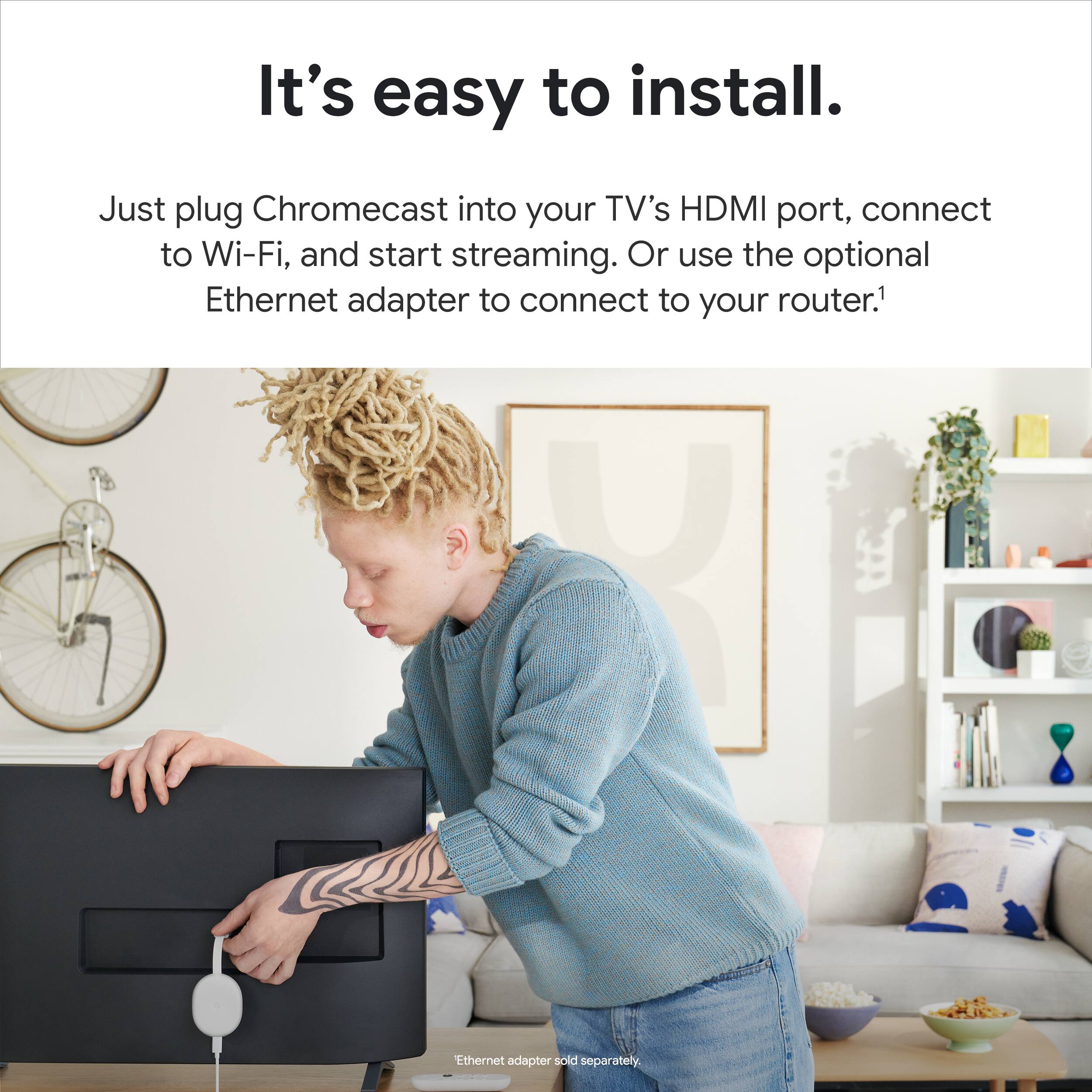
||Posted . Owned for 1 month when reviewed.This reviewer received promo considerations or sweepstakes entry for writing a review.Easy hookup, easy integration, wifi connection setup easy
I would recommend this to a friendGreat product
||Posted . Owned for 2 weeks when reviewed.This reviewer received promo considerations or sweepstakes entry for writing a review.Excellent product. I have always loved chromecast but having a remote is so nice and I'm glad they finally did it.
I would recommend this to a friendLove it!
||Posted . Owned for 3 weeks when reviewed.This reviewer received promo considerations or sweepstakes entry for writing a review.Love it. I've come from always preferring chromecast and this is the icing on the cake. Fast and lots of features!
I would recommend this to a friend