Customer Ratings & Reviews



- Model:
- GA01919-US
- SKU:
- 12377596
Rating by feature
- Value
Rating 4.7 out of 5 stars
- Quality
Rating 4.7 out of 5 stars
- Ease of Use
Rating 4.7 out of 5 stars
to a friend
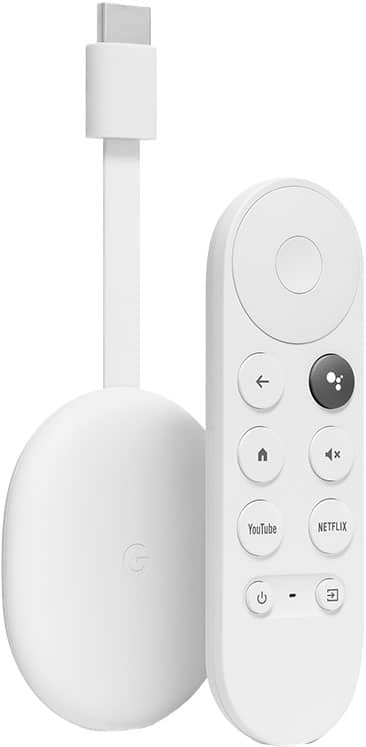
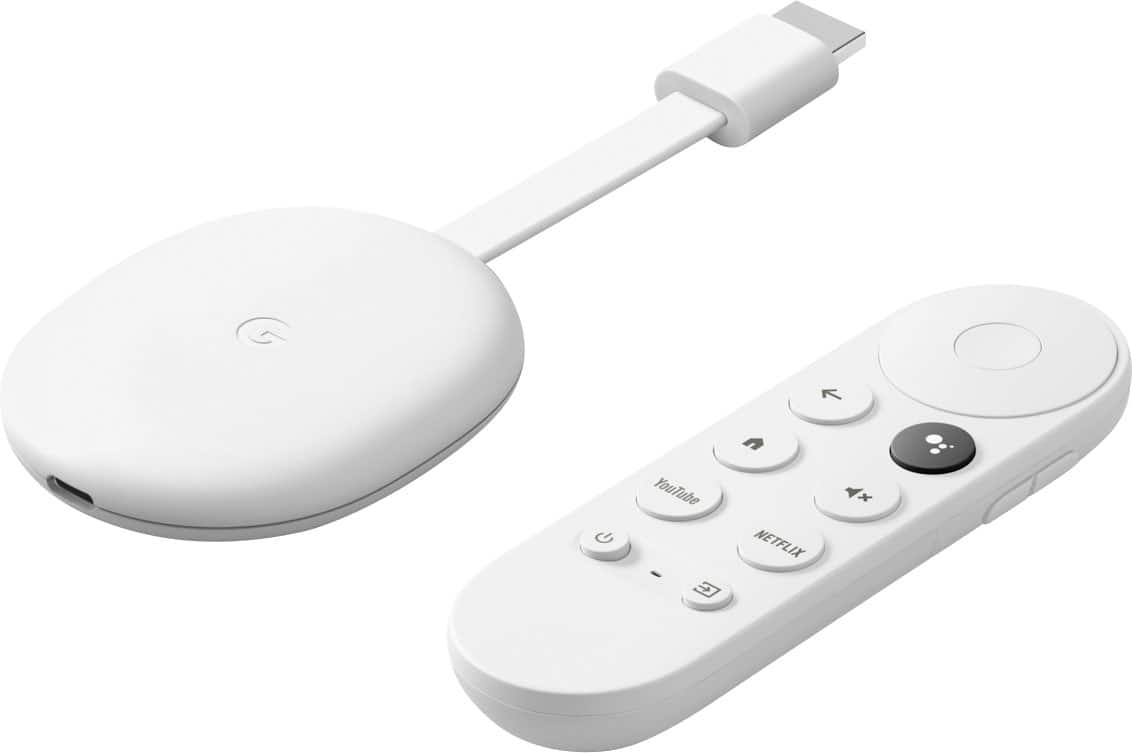
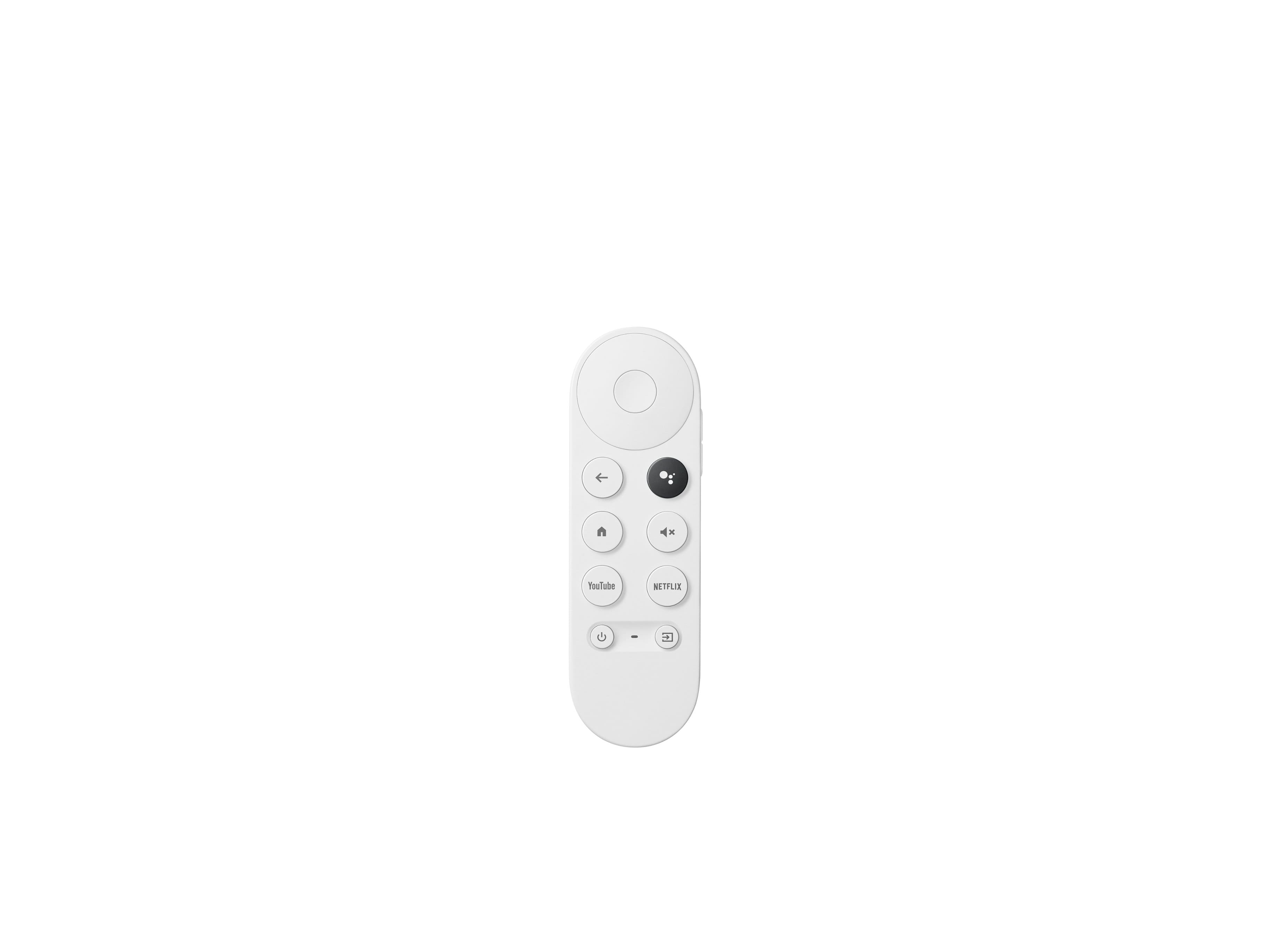
The remote is dope
||Posted . Owned for 1 month when reviewed.This reviewer received promo considerations or sweepstakes entry for writing a review.Easy to use, good alternative to Amazon firestick. Actually way nicer than firestick.
I would recommend this to a friendEasy
||Posted . Owned for 1 month when reviewed.This reviewer received promo considerations or sweepstakes entry for writing a review.Great purchase. Merges all my streaming into one easy device.
I would recommend this to a friendBy far my favorite TV device
||Posted . Owned for 1 month when reviewed.This reviewer received promo considerations or sweepstakes entry for writing a review.I’ve tried them all. From Roku to TiVo to cables version of TiVo. This is, by far, the best. It catalogs the movies your own through different providers and organize them by genre and makes suggestions. The only minor hiccup? sometimes it can’t see my wireless network when every other device can. Usually requires a restart.
I would recommend this to a friendBrand response from Google Team
Posted .Hi Lenny, thanks for sharing your feedback with us about your experience with using the Chromecast with Google TV. We’re glad to hear that you find it the best streaming device you’ve tried, and we’re sorry that it sometimes can’t see your Wi-Fi network.
There could be several reasons that can affect the performance and connectivity of your Chromecast and we’d like to rule out the possibility of your Wi-Fi connection being the cause of this issue. If you're willing, we suggest trying the simple steps below:
- Check for possible interference. Appliances like your microwave oven, refrigerator or even your neighbors Wi-Fi network may cause interference with your Chromecast.
- Check for possible congestion. Removing some of your connected devices may help relieve some bandwidth space and you may check if your experience will improve.
- Ensure that your Chromecast is in a line of sight with your Wi-Fi router to get the best signal strength and Wi-Fi coverage.
- Restart your router, mobile phone and Chromecast.
- Try to reset your Chromecast by following this step by step guide here: https://support.google.com/chromecast/answer/6254654
If additional assistance is still required after trying the simple steps above, please reach out to our support team here: https://support.google.com/chromecast/gethelp
Highly recommend! Worth the money!
||Posted . Owned for 7 months when reviewed.This reviewer received promo considerations or sweepstakes entry for writing a review.I love this thing. Does everything we need and more! Super simple to use.
I would recommend this to a friendChromecast with Google TV
||Posted . Owned for 3 weeks when reviewed.This reviewer received promo considerations or sweepstakes entry for writing a review.This is great! No more casting from my phone! This has everything I want already built in.
I would recommend this to a friendGoogle Steaming
||Posted . Owned for 1 month when reviewed.This reviewer received promo considerations or sweepstakes entry for writing a review.Love love love my google streaming device. I use it all the time. It's AWESOME!
I would recommend this to a friendBetter than using LG OS
||Posted . Owned for 1 week when reviewed.This reviewer received promo considerations or sweepstakes entry for writing a review.I have 3 of these and use one on each TV. Way better than using LG OS.
I would recommend this to a friendPretty good Google Tv Option
||Posted . Owned for 4 months when reviewed.This reviewer received promo considerations or sweepstakes entry for writing a review.This is probably one of the better android streaming sticks. It even works better than my Shield tube frequently.
I would recommend this to a friendHas pros and cons
||Posted . Owned for 1 month when reviewed.This reviewer received promo considerations or sweepstakes entry for writing a review.While the picture and sound quality is an improvement over my previous brand, I have experienced a lot more buffering and freezing up.
I would recommend this to a friendBrand response from Google Team
Posted .Hi there grandma, thanks for bringing this issue to our attention. We’re sorry to hear that your Chromecast with Google TV has performance issues.
Lag or buffering issues are sometimes caused by different factors. We recommend checking on the steps below:
- Weak or congested networks. Removing some of your connected devices may help relieve congestion.
- Check for possible sources of interference such as microwave ovens, refrigerator or other equipment.
- If you have a dual band router, try setting up Nest Hub Max on either the 2.4GHz or 5GHz bands and see which band is more stable.
Clearing the app cache might also be helpful. See this step by step guide here:
- From the Google TV home screen, in the top right, go to the user profile icon and select Settings.
- Select Apps and choose the app you're having trouble with.
- If you can't find it, select See all apps.
- Select Clear cache and then Ok.
- If clearing the app cache didn't work, you can try to reset your Chromecast with Google TV by following this step by step guide here: https://support.google.com/chromecast/answer/6254654
If the issue persists, we’d like to help you the best way we can. Please reach out to our support team here: https://support.google.com/chromecast/gethelp
Great product
||Posted . Owned for 1 month when reviewed.This reviewer received promo considerations or sweepstakes entry for writing a review.Great product as usual. Fast and sufficient. Had no issues setting it up
I would recommend this to a friendEasy to use!
||Posted .This reviewer received promo considerations or sweepstakes entry for writing a review.Love it, easy to use and it's also now my gaming go to thanks to Stadia!
I would recommend this to a friendGreat upgrade!
||Posted . Owned for 1 month when reviewed.This reviewer received promo considerations or sweepstakes entry for writing a review.This updated chromecast is awesome! So much more fluid UI and the 4K is a great addition!
I would recommend this to a friendBuy buy
||Posted . Owned for 11 months when reviewed.This reviewer received promo considerations or sweepstakes entry for writing a review.Must buy if you need a smart tv for your regular tv very easy to use
I would recommend this to a friendBuy it
||Posted . Owned for 3 weeks when reviewed.This reviewer received promo considerations or sweepstakes entry for writing a review.Excellent product. Interface is very appealing. Very useful for streaming favorite apps.
I would recommend this to a friendMultifunctional
||Posted . Owned for 3 weeks when reviewed.This reviewer received promo considerations or sweepstakes entry for writing a review.Works for all my needs just wish i could add to like a firestick.
I would recommend this to a friendCast
||Posted . Owned for 1 month when reviewed.This reviewer received promo considerations or sweepstakes entry for writing a review.Having a remote now, is the icing on the cake. Great way to make a non-smart TV, smart!
I would recommend this to a friendLove it
||Posted . Owned for 1 month when reviewed.This reviewer received promo considerations or sweepstakes entry for writing a review.Love this device. Best streaming device on the market!! Beats all the others
I would recommend this to a friendChromecast
||Posted .This reviewer received promo considerations or sweepstakes entry for writing a review.Super easy to use... definitely ditch cable or satellite and use this for YouTube tv.
I would recommend this to a friendPleasantly Surprised
||Posted . Owned for less than 1 week when reviewed.This reviewer received promo considerations or sweepstakes entry for writing a review.For $50 I set my expectations pretty low but I do use YouTubeTV as my main live tv streaming service so figured I would give it a try. The load times are very fast, integration with installed apps/services is very clean. I do own an AppleTV 4k but the Chromecast will probably be my daily driver. Only if I could install AppleTV+ on that too (I can install it on my RokuTV also) it would definitely be hard to beat.
I would recommend this to a friendCapable and good value.
||Posted . Owned for 1 month when reviewed.This reviewer received promo considerations or sweepstakes entry for writing a review.Very competitive streaming device. Supports all the major services easily.
I would recommend this to a friend