Customer Ratings & Reviews


- Model:
- GA01919-US
- SKU:
- 12377596
Rating by feature
- Value
Rating 4.7 out of 5 stars
- Quality
Rating 4.7 out of 5 stars
- Ease of Use
Rating 4.7 out of 5 stars
to a friend
Easy set up
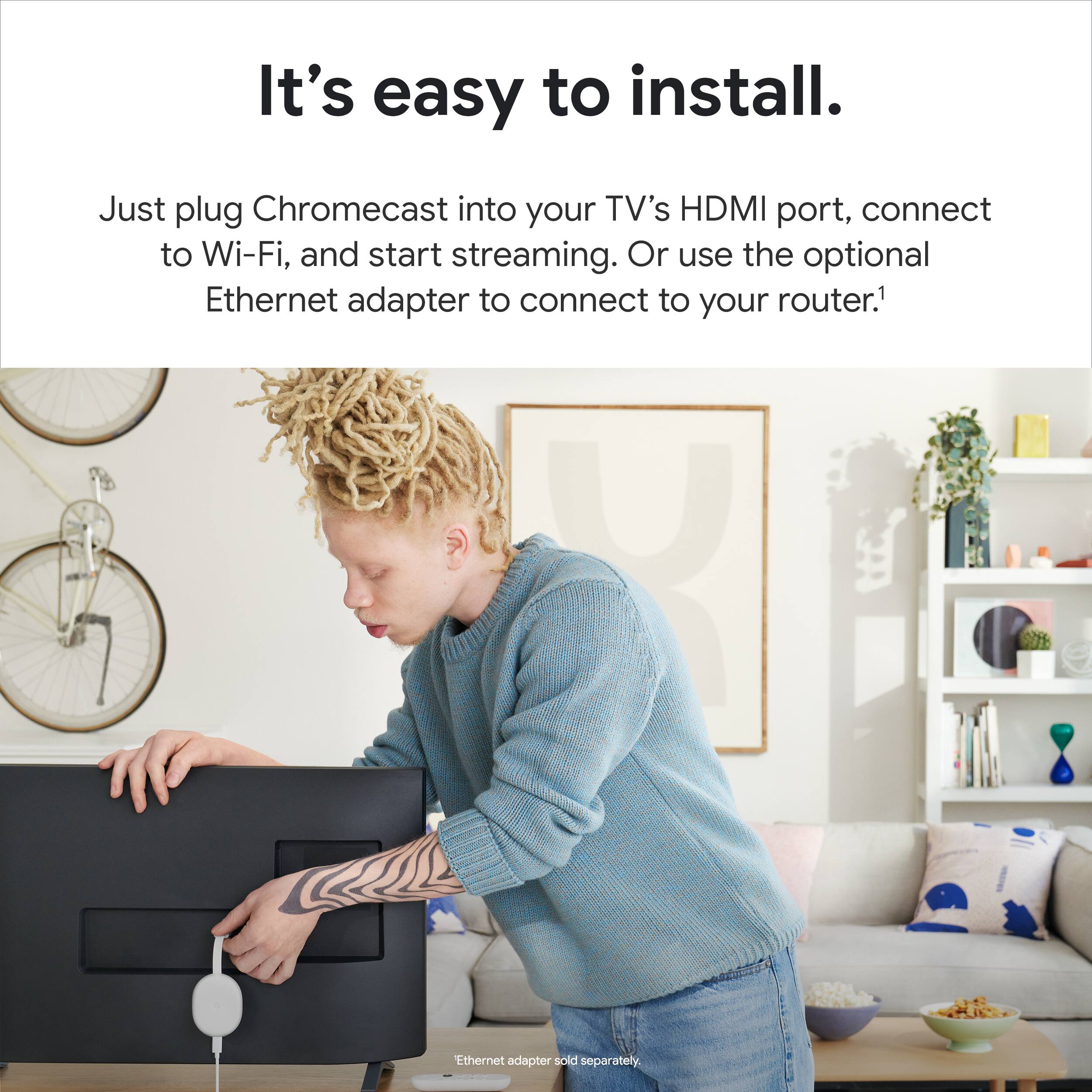
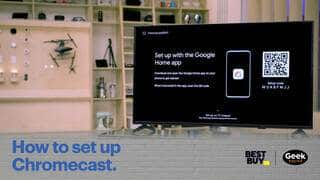
||Posted . Owned for 1 month when reviewed.This reviewer received promo considerations or sweepstakes entry for writing a review.Very easy set up if you have google home application
I would recommend this to a friendGreat Chromecast
||Posted . Owned for 1 month when reviewed.This reviewer received promo considerations or sweepstakes entry for writing a review.Works great, easy setup and user interface is simple
I would recommend this to a friendLove it!
||Posted . Owned for 1 month when reviewed.This reviewer received promo considerations or sweepstakes entry for writing a review.Love it! It was so easy to install and I love the UI.
I would recommend this to a friendchromecast has come a long way
||Posted . Owned for 2 months when reviewed.This reviewer received promo considerations or sweepstakes entry for writing a review.Roku beats this on available apps but the operating system and suggestions are better on the Chrome cast. This would be perfect if the search was better, like Roku. Many times I've searched for something g and got shown only options to purchase when I know it's available for free on services, especially the ones installed. Roku never failed in showing all viewing options everywhere.
I would recommend this to a friendBrand response from Google Team
Posted .Hi there, thank you for sharing your review. We're sorry to hear that your experience with your Chromecast with Google TV has been less than ideal when it comes to available apps. We'd recommend that you uninstall the streaming services if you don't have a subscription to them which may help in resolving the issue. Here are the steps below:
-From the Google TV home screen, scroll to Apps.
-Scroll down to the "Your apps" section and find the app you want to uninstall. If you can't find the app, scroll all the way to the right and select See all.
-Hold the Select button on your remote until a menu appears.
-Select View Details: Uninstall.
If you have additional questions or need assistance in the future, you can reach us through this link: https://support.google.com/chromecast/gethelp
The right tools for streamers
||Posted . Owned for 1 week when reviewed.This reviewer received promo considerations or sweepstakes entry for writing a review.This is the best Chromecast, essential for streaming.
I would recommend this to a friendGoogle
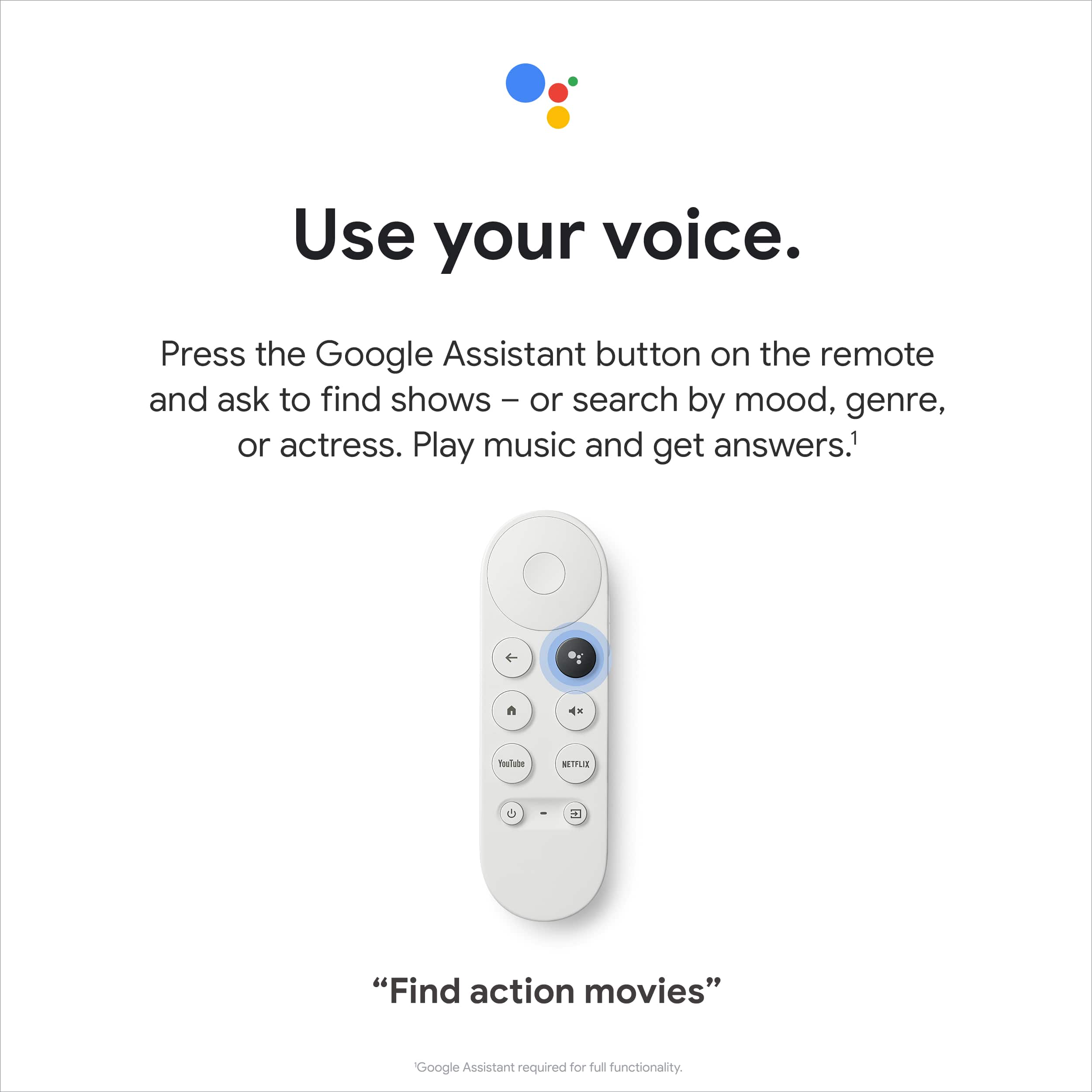
||Posted . Owned for 1 month when reviewed.This reviewer received promo considerations or sweepstakes entry for writing a review.It is pretty easy to use not complicated at all. And the voice control makes it even better
I would recommend this to a friendCompatible with Dolby Home Theater setup.
||Posted . Owned for less than 1 week when reviewed.This reviewer received promo considerations or sweepstakes entry for writing a review.Awesome, Fast, 4K, and compatible with Dolby Atmos.
I would recommend this to a friendMust have!
||Posted . Owned for 1 month when reviewed.This reviewer received promo considerations or sweepstakes entry for writing a review.Easy to use, fast and nicely designed. Great value!
I would recommend this to a friendGreat Casting device with a better remote
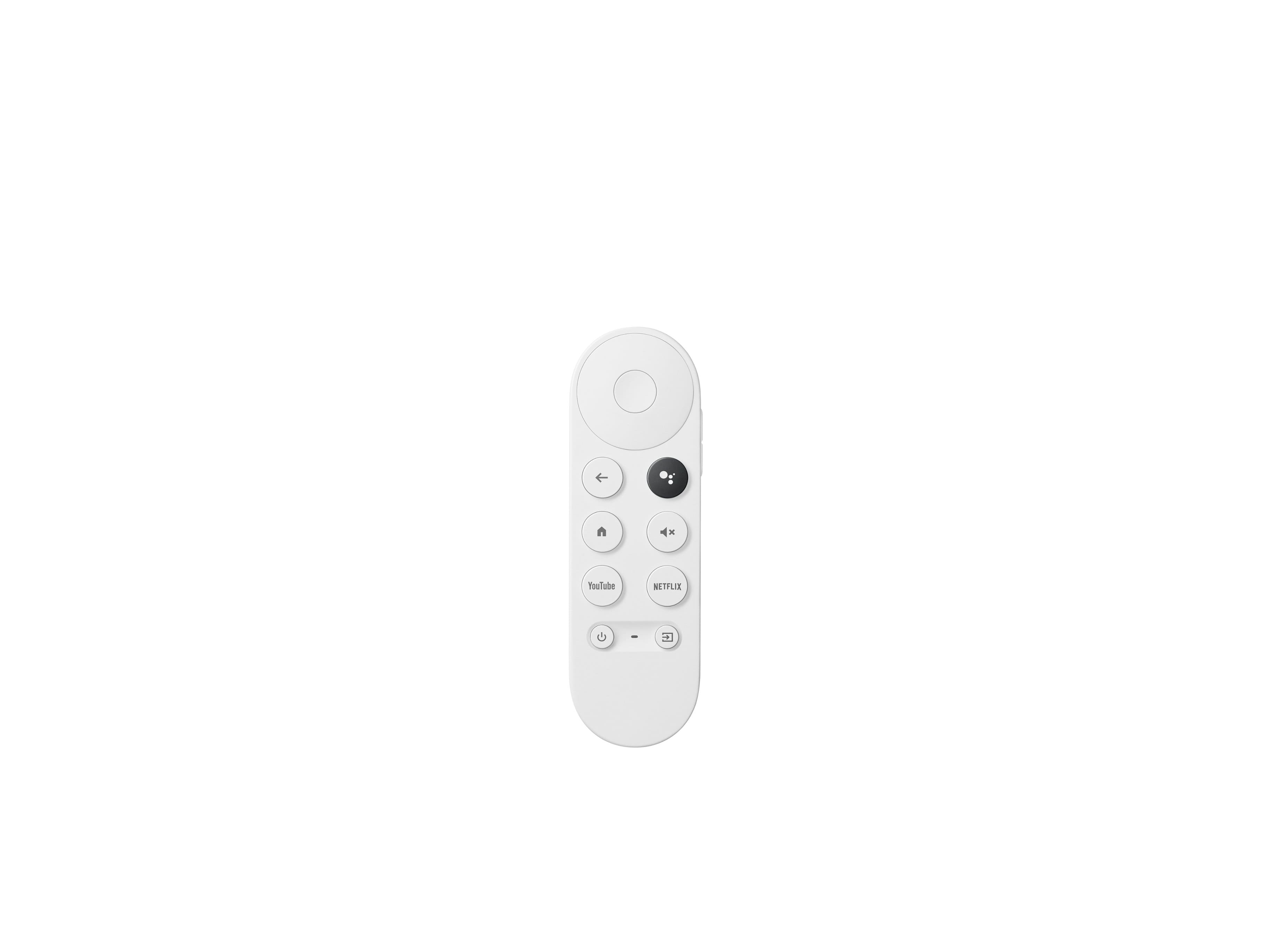
||Posted . Owned for 3 months when reviewed.This reviewer received promo considerations or sweepstakes entry for writing a review.The remote is the star of the show. Voice input works amazing on the remote
I would recommend this to a friendNew Google Chromecast
||Posted . Owned for 3 weeks when reviewed.This reviewer received promo considerations or sweepstakes entry for writing a review.It works as it should. The remote is essential, but it would be nice to have more programmable buttons.
I would recommend this to a friendBetter than Roku and Apple TV
||Posted . Owned for 3 weeks when reviewed.This reviewer received promo considerations or sweepstakes entry for writing a review.Does it all for cheaper than an Apple TV! Buy this and save yourself the money. Also better than a rook
I would recommend this to a friendChrome cast
||Posted . Owned for 1 month when reviewed.This reviewer received promo considerations or sweepstakes entry for writing a review.Nice google TV, very snapping, loads extremely fast.
I would recommend this to a friendeasy to cast
||Posted .This reviewer received promo considerations or sweepstakes entry for writing a review.nice 4K support and very easy to setup and use.
I would recommend this to a friendFeedback feedback
||Posted . Owned for 2 weeks when reviewed.This reviewer received promo considerations or sweepstakes entry for writing a review.Works very good and I prefer over my firestick....
I would recommend this to a friendChromecast
||Posted . Owned for 1 month when reviewed.This reviewer received promo considerations or sweepstakes entry for writing a review.Very easy to use. Don't like having to use my phine for the spectrum app. Returned it.
No, I would not recommend this to a friendChrome cast
||Posted . Owned for 1 month when reviewed.This reviewer received promo considerations or sweepstakes entry for writing a review.Very easy to set up, but I wish there were better instructions on how to use the controls.
I would recommend this to a friendChromecast
||Posted . Owned for 1 month when reviewed.This reviewer received promo considerations or sweepstakes entry for writing a review.Very easy installation and well worth the nominal cost. The features are great and easy to use.
I would recommend this to a friendWant to love this, but was disappointed
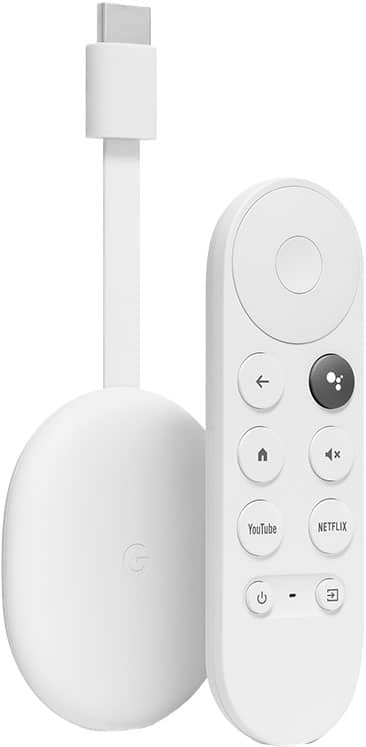
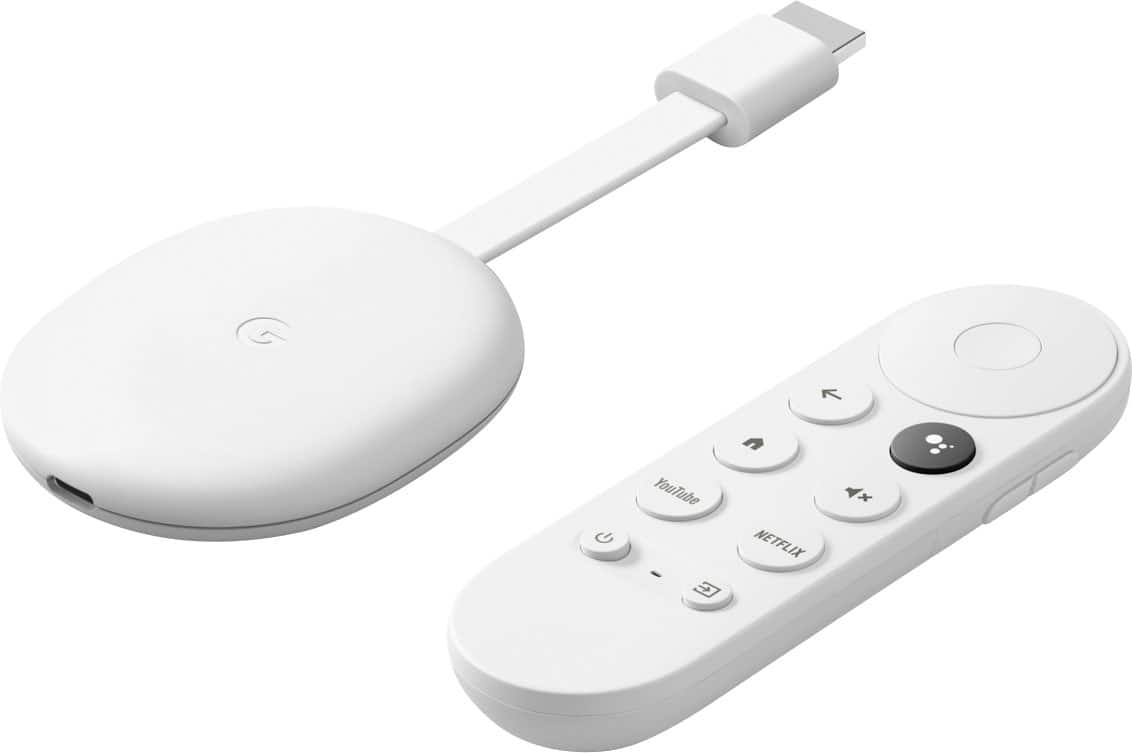
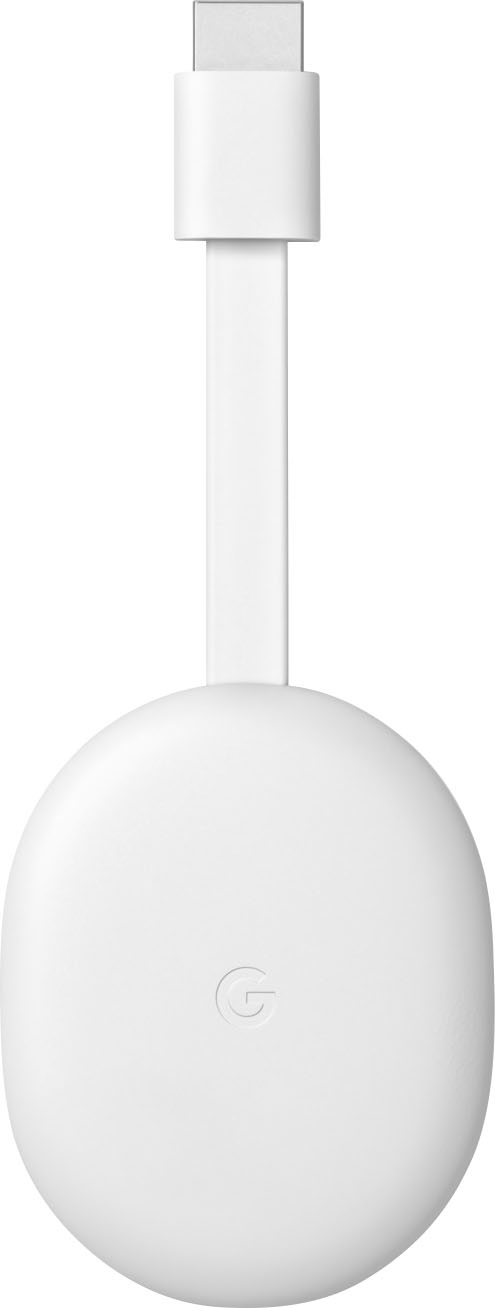
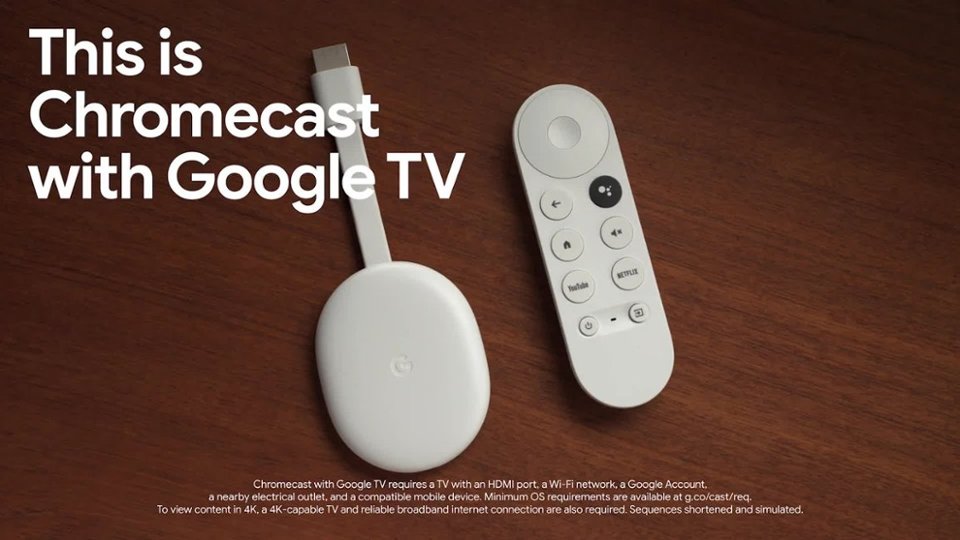
||Posted . Owned for 3 months when reviewed.This reviewer received promo considerations or sweepstakes entry for writing a review.i want to love this thing so badly, but i have a firestick as well and that is just simply more reliable and functional. I paired this with a TCL tv with Android TV already installed as the native OS. I could not control the TV with the remote, which means i need two remotes (bummer), and i hate the way the dongle dangles (i couldn't help myself). I don't like the thought of an hdmi connection on my tv being pulled on by the chromecast. a rigid body like the Firestick would have made for better load distribution and a cleaner install. The other option is to run an hdmi cable to a tv stand or something and plug this in there with an adapter. It's a good option since you have to run the power cable anyway, but means more hardware to buy Operating the chromecast was easy, and i'm normally using the google assistant anyway, so this integrated perfectly. However, it was not a distinct enough improvement over my native os, so i had to return it
No, I would not recommend this to a friendBrand response from Google Team
Posted .Hi Paul, thanks for sharing your experience with us. We're sorry that your Chromecast with Google TV didn't meet your expectations. We're always working to improve our products and services, and your feedback goes a long way. If you'd like to try the Chromecast with Google TV again in the future, we'd be happy to help you with any questions or concerns you may have. You can find us here: https://support.google.com/chromecast/gethelp
Saved me from buying another TV
||Posted . Owned for 1 month when reviewed.This reviewer received promo considerations or sweepstakes entry for writing a review.Had a TV with Amazon FireOS builtin and wanted to get a TV with Google instead. Getting this fixed that for me. Works great and i have no issues. Got it on sale for Black Friday too.
I would recommend this to a friendIts convenient
||Posted . Owned for 1 year when reviewed.This reviewer received promo considerations or sweepstakes entry for writing a review.Its definitely worth it. The price is great. In the event the remote stops working which mine has been put through alot and still goes. You can cast and control the tv vua your phone
I would recommend this to a friendBrand response from Google Team
Posted .Hi there, Perez. Thanks for your time sharing your experience with the Chromecast with Google TV (4K). We're thrilled to hear that you find it worth the price and that the remote has held up well despite being put through a lot. It's great that you've highlighted the convenience of being able to cast and control the TV via your phone as a backup option. We designed the Chromecast with Google TV to offer flexibility and multiple ways to interact with your content, and it's fantastic to hear that this feature has been useful for you. If you have questions and other concerns, we recommend reaching out to our dedicated team of specialists on the Google Help Center: https://support.google.com/googlenest/gethelp