Customer Ratings & Reviews


- Model:
- GA01919-US
- SKU:
- 12377596
Rating by feature
- Value
Rating 4.7 out of 5 stars
- Quality
Rating 4.7 out of 5 stars
- Ease of Use
Rating 4.7 out of 5 stars
to a friend
One of the better options!
||Posted . Owned for 1.5 years when reviewed.This reviewer received promo considerations or sweepstakes entry for writing a review.Not my favorite compared to other options, like Apple TV, however this fits perfectly in an android/google ecosystem, and works fine with apple products! Stream qualities were good, however I feel the system’s speed slowed after a few months of use! Could be just me, for the price, it’s worth a shot.
I would recommend this to a friendBrand response from Google Team
Posted .Hey there, Chris. Thanks for giving us feedback on the Chromecast with Google TV (4K), and we’re glad that it integrates well with your Google ecosystem along with other smart devices. We’re sorry to hear about your experience with its performance.
A range issue or wireless interference can cause your Chromecast to have performance issues. Sometimes it may pass the connection test during setup, but will struggle to stay connected if it’s just a bit too far away. You may also check for objects such as mirrors and refrigerators between the Chromecast and your router as these items could block the connection. For more details, read Troubleshooting wireless interference here: https://support.google.com/googlenest/answer/9276282
We also suggest clearing the app cache that might help as having a sizable amount of cache stored, would affect its performance. Here’s how:
- From the Google TV home screen, in the top right, go to the user profile icon and select Settings.
- Select Apps and choose the app you're having trouble with.
- If you can't find it, select See all apps.
- Select Clear cache and then Ok.
- If clearing the app cache didn't work, you can try to reset your Chromecast with Google TV by following the steps here: https://support.google.com/chromecast/answer/6254654
If the performance issue persists, please don’t hesitate to contact us here and we’ll do our best to help: https://support.google.com/chromecast/gethelp
No Voice control for Amazon Prime Video!
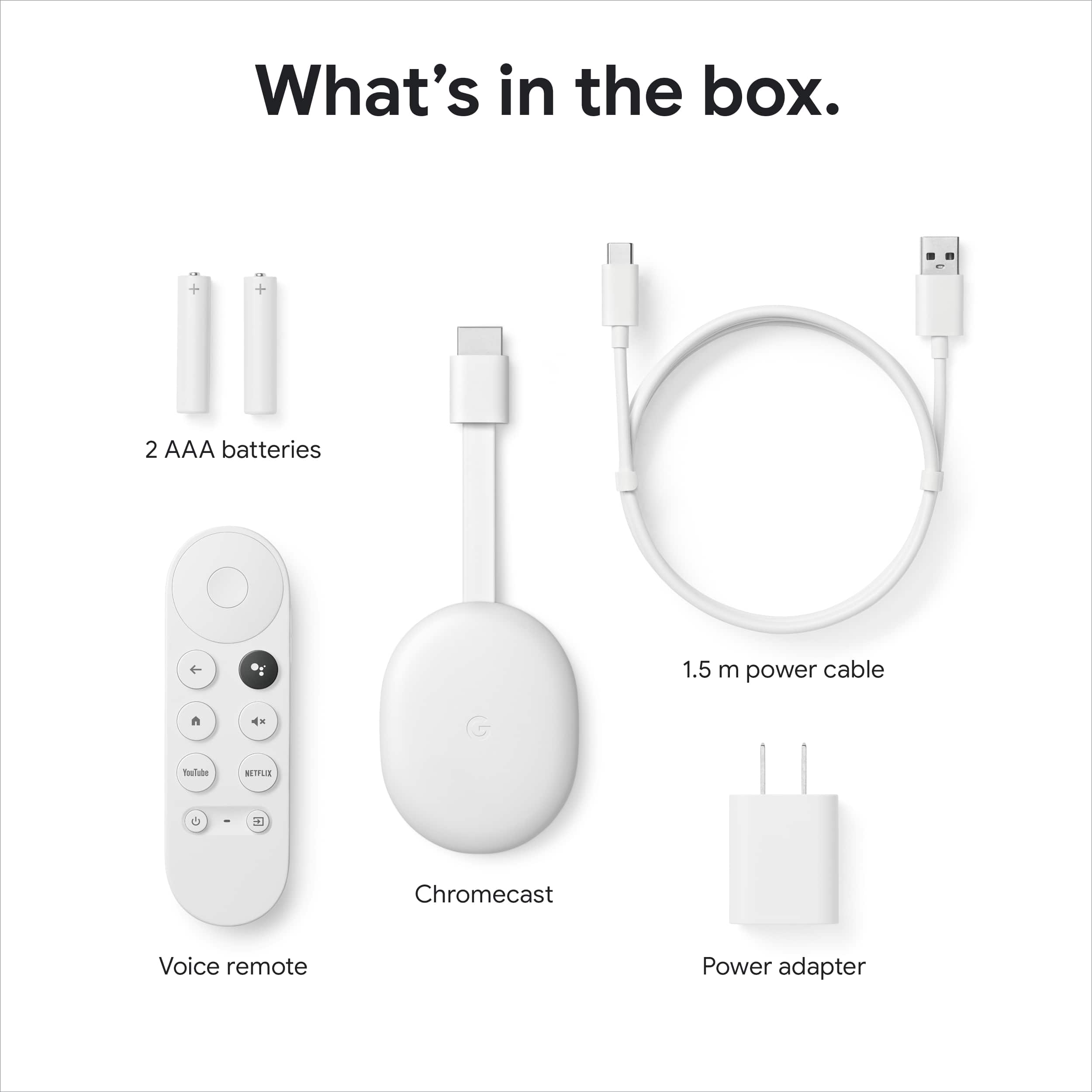
||Posted . Owned for less than 1 week when reviewed.This reviewer received promo considerations or sweepstakes entry for writing a review.We the costumers are like the kids stuck between fighting parents that will not play nice. Google and Amazon continue to make our life hard. As far at the 2020 Chromecast with Google TV if it would work with Amazon Prime Video with voice it would be so much better but without that it is about the same as most 4k dongles out there each with at least a few problems of there own. Here are the streamers I own and have to compare: I would rate them in order from Best starting with 1. 1. TiVo Stream 4k ($50) 2. Chromecast with Google TV 4k ($50) - This one reviewed 3. Google Chromecast Ultra 4k ($70) Discontinued 10/1/2020 4. Roku Streaming stick+ 4k ($50) 5. Amazon Firestick 4k - ($40) About Chromecast with Google TV 4k: The remote is nice size and works OK. The input for TV button does not work for TV but works for Apps input within Chromecast input. (at least on my Samsung Q8TD 65" TV). The basic layout of the Apps is same as everyone else. OK but you have to find your way around and they are always pushing HBO Max and YouTube even though I don't use either. One nice thing is the apps are listed at the bottom on the opening page but is not locked like it should be. The pages all seem to be offset on top and bottom by design. Maybe it was just updates but I would get a black screen for a couple minutes at a time wile looking through the menu (Strange to get black screen without anything showing but it does come back on it's own after 3 or 4 minutes). On the power cord it is only 5 feet long, so too short if you don't have a 120v outlet very close. Mine would reach but only if I don't hide the cord behind the TV like all the other cord get tucked in to the base (Why not 6' or 2 meter cord?) If your new to dongles for TV the reason you have a power cord rather than just plug into the USB on the back of the TV is because they are not all powered all the time and sometimes with not enough power. If you tell Google to play something on Hulu it will not only start playing your show but will turn on the TV too and switch to that input on the TV. This only works if the unit has power to make all that happen. This is why you have a cord to a outlet on the wall. When asking Google Hub or Google Assistant to play a show on TV it works OK if you use YouTube, HBO Max or Hulu but does not work with Amazon Prime : ( If you do use the remote to get something playing on Amazon Prime don't expect Google Assistant to Rewind or much of anything else wile using Prime Video. The dongle does not come in black so it does not blend with the black back of every tv made. A good thing is the dongle is smaller than the discontinued Chromecast Ultra (That did come in black). The dongle runs a little warm but cooler than some of the others I have so not bad. Over all it is not a bad 4k streamer but I think I like the TiVo Stream 4K better overall if you have to use the remote to get your shows on Prime Video going anyway. If Google ever gets there _hit together to get Prime Video to work with voice control like it did for a couple weeks last year this would be a hit. If you only plan to use YouTube, Netflix and Hulu this is a great streamer. But for a few people like me I watch Prime as well so not the top choice.
I would recommend this to a friendVery good Chromecast Model
||Posted . Owned for 3 weeks when reviewed.This reviewer received promo considerations or sweepstakes entry for writing a review.The latest affordably priced Chromecast with TV, easy to setup and browse all the stations.
I would recommend this to a friendGreat with some extra work
||Posted . Owned for 10 months when reviewed.This reviewer received promo considerations or sweepstakes entry for writing a review.It works great the only hard thing was adding extra memory. I had to buy extra equipment to add a memory card and use an ethernet connection, and search YouTube videos for how to.
I would recommend this to a friendBest way to watch and save
||Posted . Owned for 5 months when reviewed.This reviewer received promo considerations or sweepstakes entry for writing a review.Been using it for years and honestly, one of the best purchases. Especially turning any tv already having all my accounts saved and accessible to everything I need,
I would recommend this to a friendA must have for non integrated Chromecast TVs
||Posted . Owned for 1 month when reviewed.This reviewer received promo considerations or sweepstakes entry for writing a review.Must have for non integrated Chromecast TVs. My LG TV did not have it and had to purchase this low cost device to add it to my current family of Google devices. It's an easy and inexpensive solutions for those TVs that do not have access to the Google play store.
I would recommend this to a friendBad remote, good service
||Posted . Owned for 1 year when reviewed.This reviewer received promo considerations or sweepstakes entry for writing a review.All good except the remote stopped working. The interface is good
I would recommend this to a friend
Great product!
|Posted . Owned for 1 month when reviewed.This reviewer received promo considerations or sweepstakes entry for writing a review.My existing product had my television running extremely slow and lagging. I purchased this product and there is absolutely no wait time to start up my shows, movies or apps! I love this item! Best purchase so far!
I would recommend this to a friendGood for single Google Account use
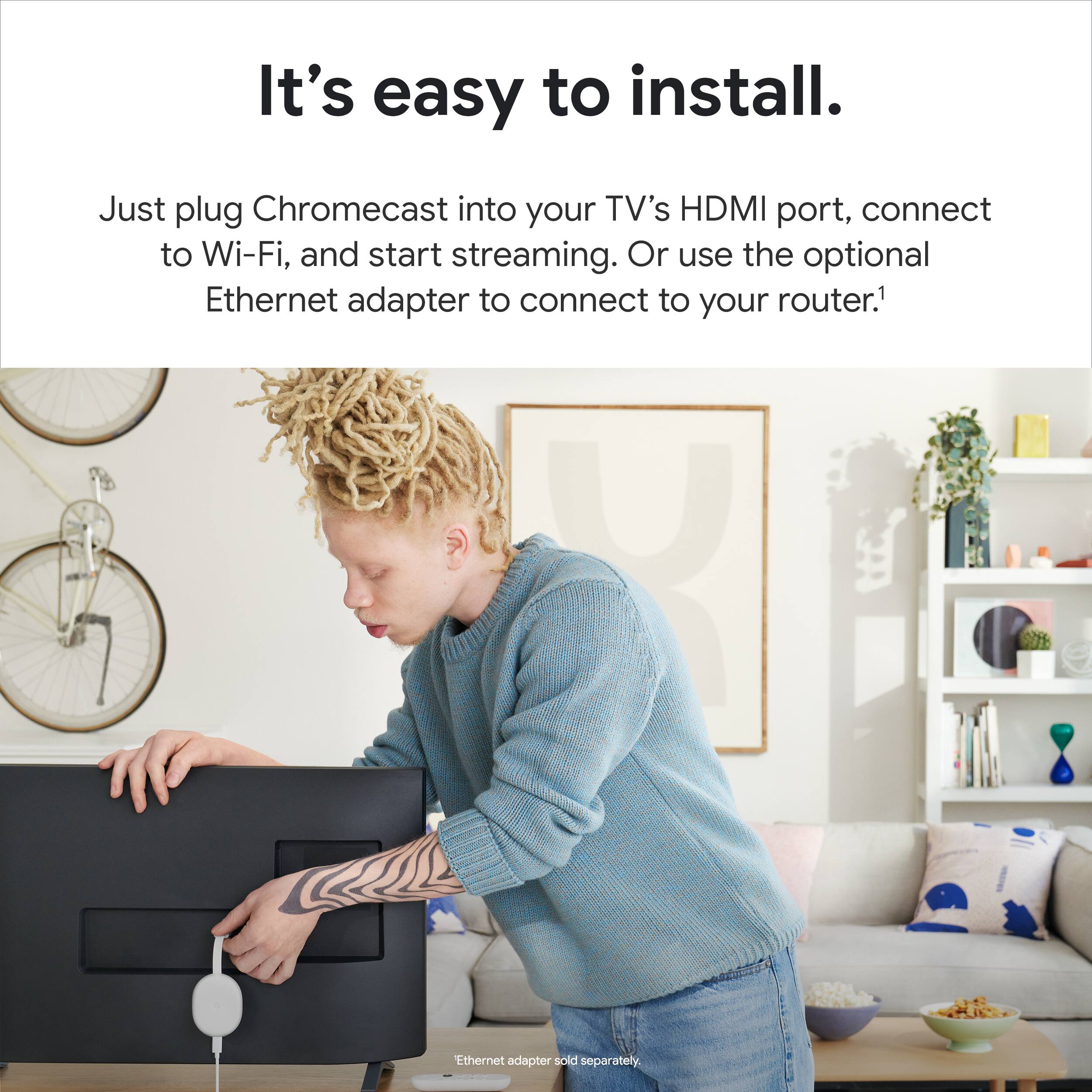
||Posted . Owned for 3 months when reviewed.This reviewer received promo considerations or sweepstakes entry for writing a review.I wasn't able to use this in the living room for multiple user use. The main reason I bought the Chromecast was for the remote and to replace the $35 I had. Upon setting it up and using it for a few days I can't find where or how to add multiple users for the Chromecast. My brother and I have our own YouTube accounts and different recommendations but on this device you can't switch accounts to his Google account. If you need this for single use it's perfect as my brother has one upstairs and uses it every day no issues. Not good in a multi-google account environment Dislikes: No option at the time to add a 2nd Google account for YouTube and etc... Likes: Fast, 4k, HDR, remote controls the TV volume through infrared or in my case the sound bar, physical remote while still supporting to cast to it. You can even connect it through Ethernet using a USB ethernet adapter (with USB C power port passthrough)!
No, I would not recommend this to a friendBrand response from Google Team
Posted .Hi there, thanks for taking the time to share your review on Chromecast with Google TV. We can see how the experience of not being able to add a 2nd account can be frustrating. Your feedback helps us improve our products and services for you and other users. You can send your feedback about the specific feature through this link: https://support.google.com/chromecast/answer/6292231
There is an option to add a kid's profile to your existing Google account. If you would like to consider using this as an alternative, here's the link for more information: https://support.google.com/families/answer/10491112
Chromecast
||Posted . Owned for 6 months when reviewed.This reviewer received promo considerations or sweepstakes entry for writing a review.Seem better than older model but still tends to lag if you click thru shows or apps to fast. But 6 months in and its not a turtles oace like tye old model. I still see room for improvement whne it comes to responsiveness.
I would recommend this to a friendBrand response from Google Team
Posted .Hi there, thanks for sharing your experience with your Chromecast with Google TV (4K). We're taking your feedback in consideration for future improvements. In the meantime, let's see if we can get your issue resolved. This link has troubleshooting steps that might help: https://support.google.com/chromecast/answer/11276506?hl=en
great
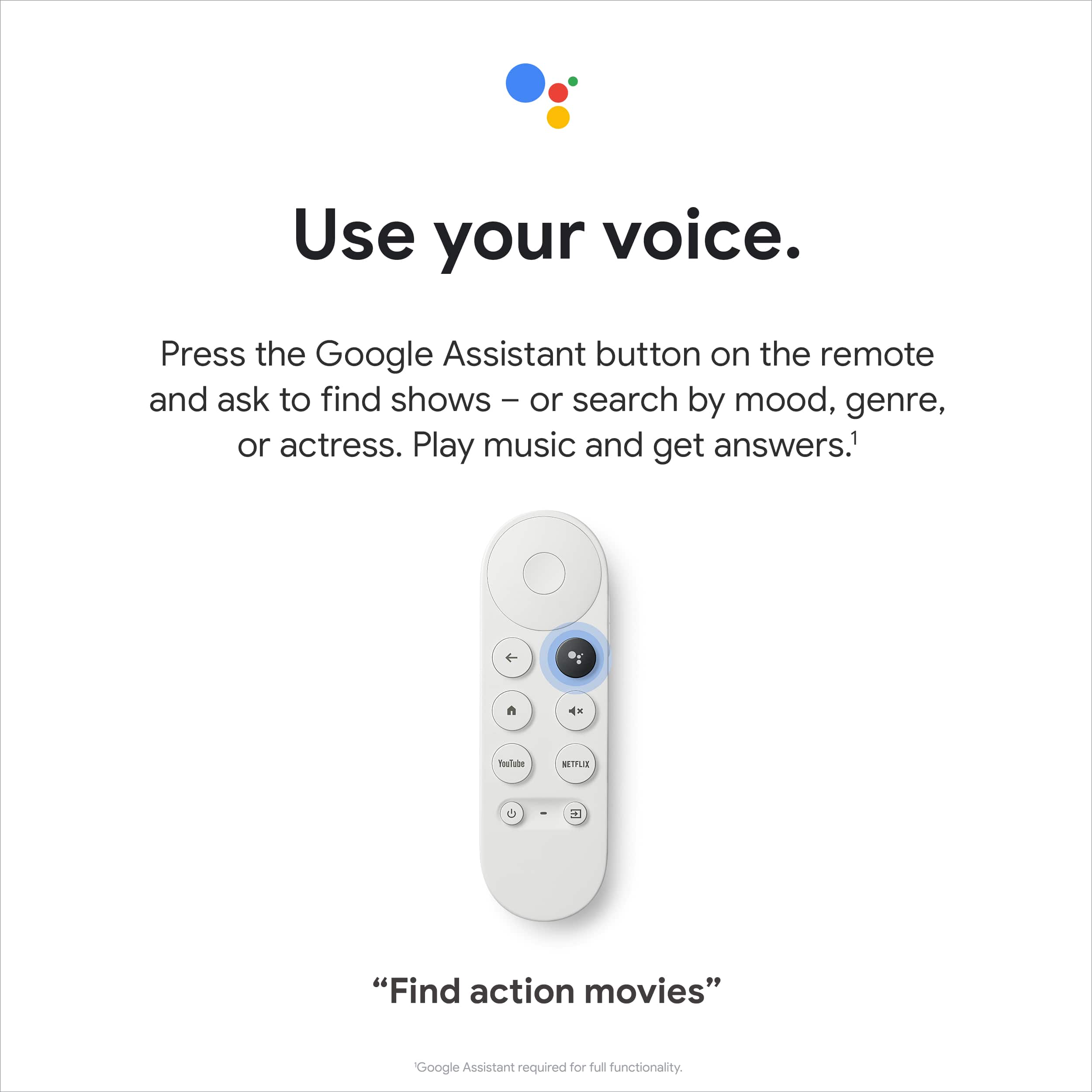
||Posted . Owned for 3 weeks when reviewed.This reviewer received promo considerations or sweepstakes entry for writing a review.Was pleasantly surprised to see HBO Max and Peacock already integrated. My favorite feature is using the voice remote to find a show or YouTube video easily and having it poop right on the screen, The TiVo button on the remote brings you back to the TiVo home page every time. I have also noticed it is learning my family’s viewing preferences and is recommending shows we would like as it did with the movie “Palm Springs”
I would recommend this to a friendGreat streaming device
||Posted . Owned for 1 week when reviewed.This reviewer received promo considerations or sweepstakes entry for writing a review.This item works well with my sony tv. The tv is older but this device gives it an updated streaming platform. The options for display coverage is amazing. Dont be affraid to try and fine tune your streaming system to match whatever tv you have.
I would recommend this to a friendThe Latest of Android TV
||Posted .This reviewer received promo considerations or sweepstakes entry for writing a review.Don't like the Remote, but Android TV is amazing. Allows sideloading of apps with nice interface.
I would recommend this to a friendAll Your Streaming Services, Anywhere, in 4K
||Posted . Owned for 2 weeks when reviewed.This reviewer received promo considerations or sweepstakes entry for writing a review.I'm a travel nurse and being able to pack the Chromecast dongle and remote with such little physical space occupied relative to the services offered is an incredible return on investment. Video quality is unbeatable for streaming services, looks great via HDMI, wireless connectivity and setup are easily completed using either Apple or Android/Windows products.
I would recommend this to a friendWorks Like a Charm
||Posted . Owned for 1 month when reviewed.This reviewer received promo considerations or sweepstakes entry for writing a review.It just works and has all the apps you could possibly need. I have 2 of these and 1 Roku Streaming Stik+ and I prefer the Chromecast. It just feels more intuitive. My only complaint is the shape of the remote (wish I could have deducted only 1/2 a star). That little sucker is slick and would often slide right out of my hand. Luckily there are now dozens of silicone covers being made that totally fix that issue.
I would recommend this to a friendUse it for everything
||Posted . Owned for 6 months when reviewed.This reviewer received promo considerations or sweepstakes entry for writing a review.I don't just stream movies and TV show's on it. Using my computer I stream games to it and playing using a Xbox controller I connect via blue-tooth. This thing has so much versatility there's not much I don't use it for.
I would recommend this to a friendOverall good buy
||Posted . Owned for 1.5 years when reviewed.This reviewer received promo considerations or sweepstakes entry for writing a review.Loved the 1080p update my tv is only capable of 720p so that was nice and love the different options of screensavers pre-installed my choice or from personal Google photos I actually bought it when I did because it was apple tv+ capable before my Vizio tv was
I would recommend this to a friendGoogle Chromecast 4K
||Posted . Owned for 3 months when reviewed.This reviewer received promo considerations or sweepstakes entry for writing a review.Excellent value for money for a 4k streaming device with the power of google
I would recommend this to a friendI'm a big fan!
||Posted . Owned for 3 weeks when reviewed.This reviewer received promo considerations or sweepstakes entry for writing a review.It's a great value for $50. I still slightly prefer the Apple TV 4k, but this is a close second and a no-brainer for the cost difference. The menu is straightforward and much less cluttered than FireTV and more modern looking than Roku. If you are a YouTube TV user, it's especially great with the integrated guide.
I would recommend this to a friendGreat Google-y Moogly!
||Posted . Owned for 7 months when reviewed.This reviewer received promo considerations or sweepstakes entry for writing a review.Google has a few features to add, but overall, it's my favorite of the streaming sticks.
I would recommend this to a friend