Customer Ratings & Reviews
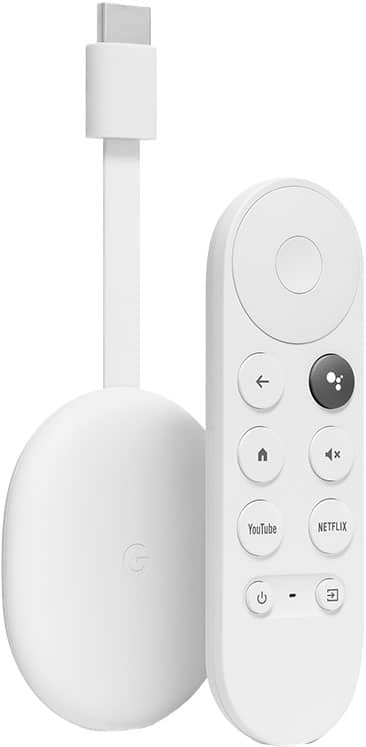
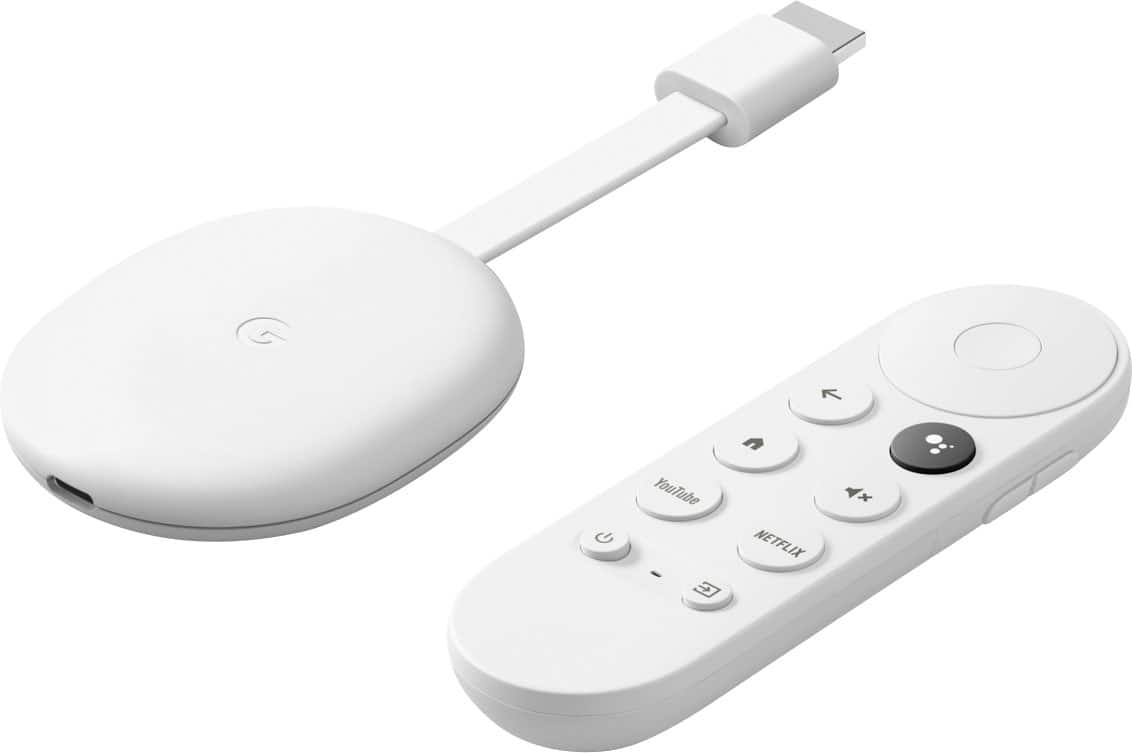
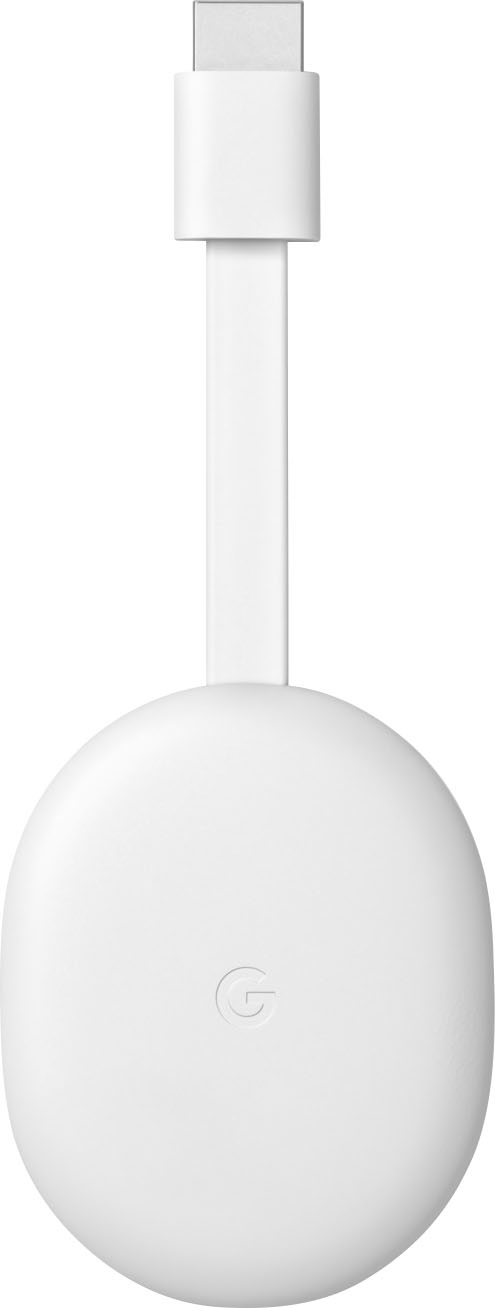
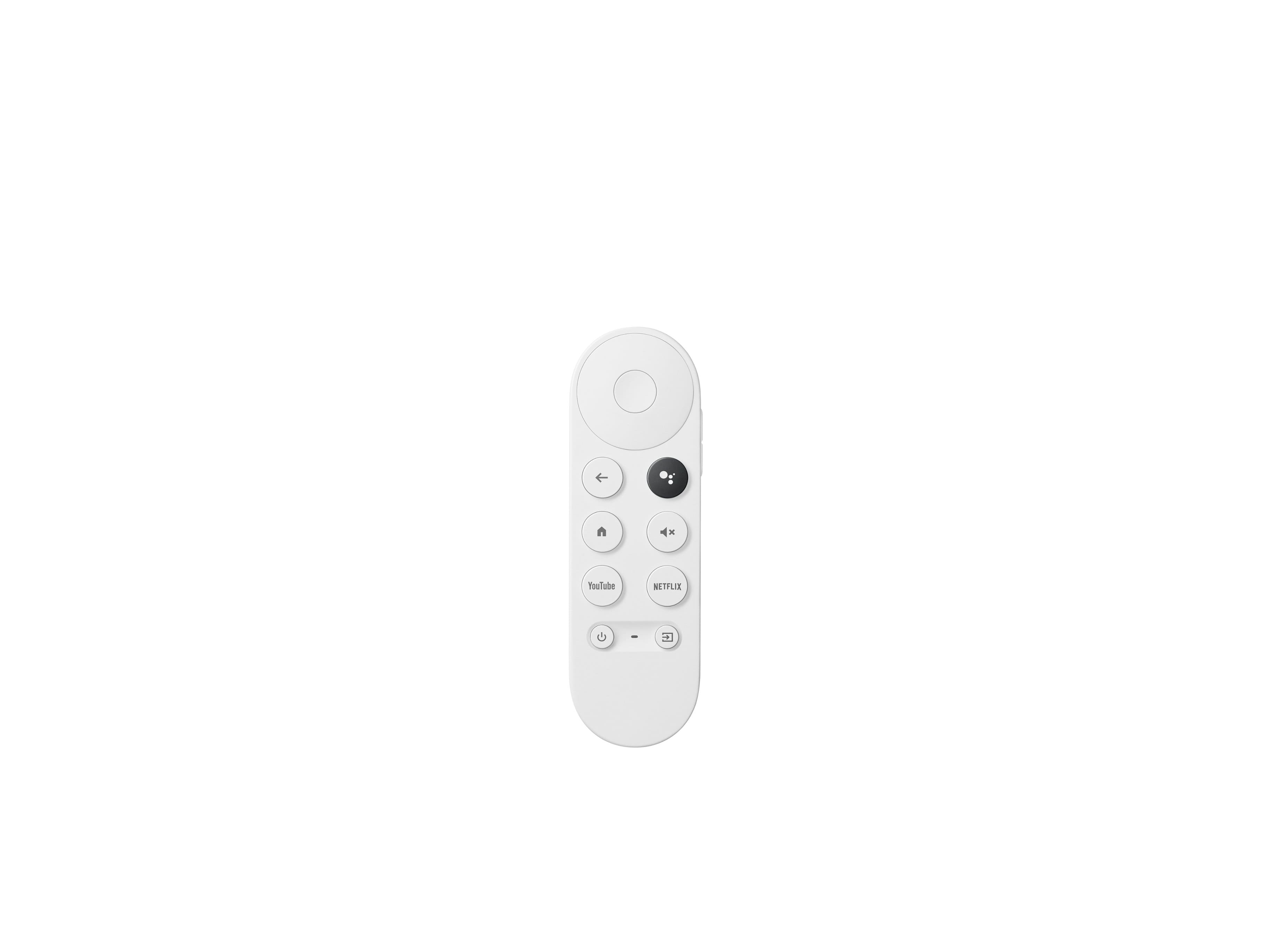


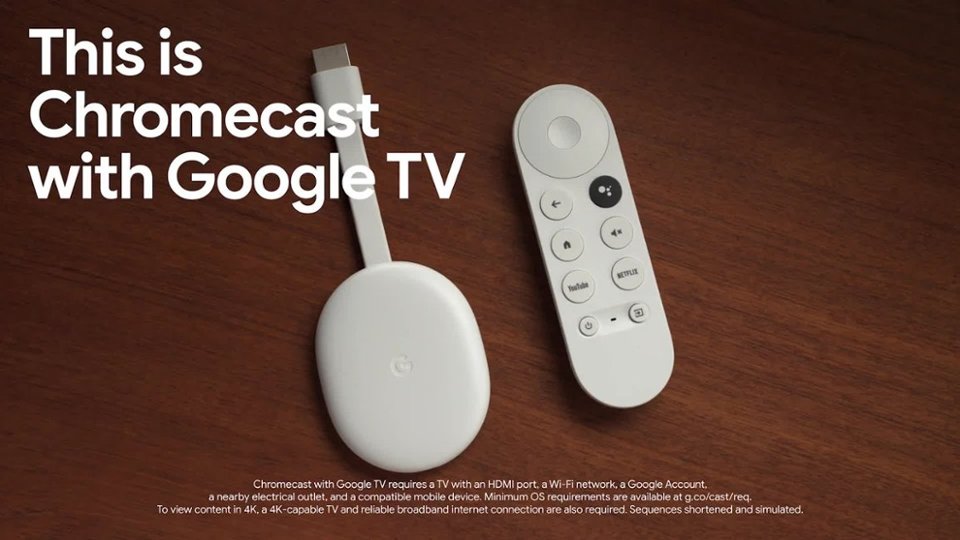
- Model:
- GA01919-US
- SKU:
- 12377596
Rating by feature
- Value
Rating 4.7 out of 5 stars
- Quality
Rating 4.7 out of 5 stars
- Ease of Use
Rating 4.7 out of 5 stars
to a friend
Not Great!
||Posted . Owned for 3 weeks when reviewed.This reviewer received promo considerations or sweepstakes entry for writing a review.not that great allot of problems not really worth the money. Casting and stream is not always great and you always have to reset it and re install it. I expected more from google but this is no better then their past Chrome cast, Example last night while watching a show it kept fading and pixelating, also I wish I could remove the YouTube this app I destroying kids and I don't like that I can not take it off or disable it. This product has issues I wish it was better and more dependable for the money.
No, I would not recommend this to a friendBrand response from Google Team
Posted .Hi MRMS, thanks for sharing your experience with us, and we're sorry to here that Chromecast with Google TV didn't meet your expectations. We'll take a note of your feedback and make sure to hand it over to the right team since we're always looking for ways to improve our products and services.
You may try customizing your video experience on your Chromecast with Google TV by adjusting your display settings. Here's how:
- Open your “Display & Sound” settings.
- Turn on your Chromecast > at the top right of your TV screen, select your profile > Settings.
- Select Display & Sound.
We care about your experience with our products and would love to help as much as we can. You can reach out to us anytime if you need further assistance with your Chromecast with Google TV. You can contact us here: https://support.google.com/chromecast/gethelp
Good Product
||Posted . Owned for 5 months when reviewed.This reviewer received promo considerations or sweepstakes entry for writing a review.Great product! Google has finally made a streaming device which can keep up with the competition.
I would recommend this to a friendGood, but probably not worth 50 bucks unless you..
||Posted . Owned for 1 month when reviewed.This reviewer received promo considerations or sweepstakes entry for writing a review....use the Chromecast feature. It can't run high quality 4k movies on Kodi, but everything else works fine. I would have rather bought a nice quality android box.
No, I would not recommend this to a friendBrand response from Google Team
Posted .Hi VincentJenei, thanks for taking the time to share your feedback. We're sorry to hear that you couldn't watch 4K videos using your Kodi app on Chromecast with Google TV.
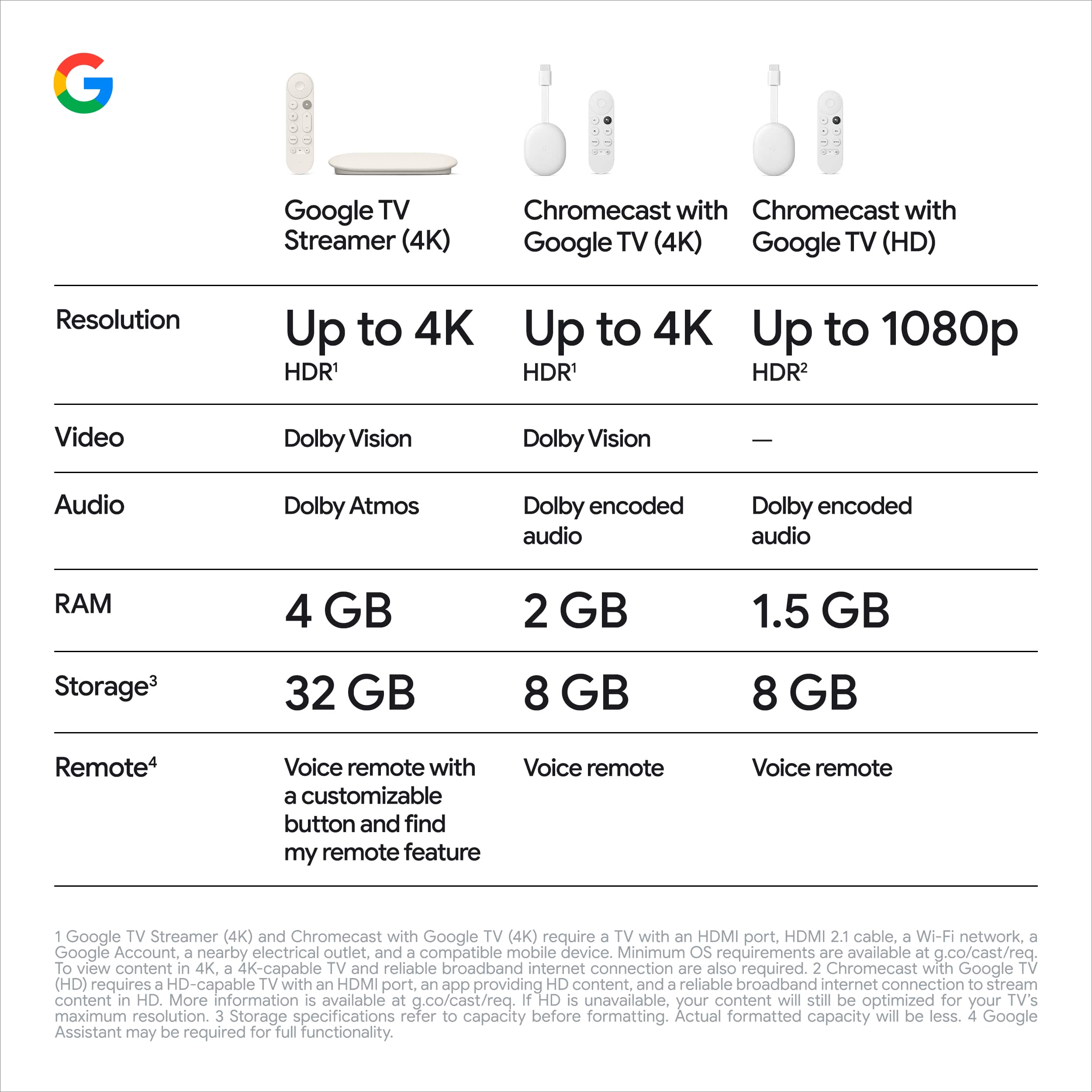
Your Chromecast with Google TV can support resolutions up to 4K Ultra HD and high dynamic range (HDR) for superior picture quality, in up to 60 fps. You can adjust your video settings on your Chromecast with Google TV by adjusting your display settings and see if this improves your experience. You can access these settings with this step by step guide:
- Turn on your Chromecast with Google TV.
- Then at the top right of your TV screen, select your profile and then Settings .
- Select Display & Sound.
From there you can change the your display settings, depending on the features available on your TV:
- Match content: Use this setting to allow your Chromecast to match the dynamic range to the source content you’re viewing.
- Allow game mode: Game mode reduces latency and allows a faster game response time. To adjust game mode, select Advanced display settings.
- Resolution & Frame Rate: Use this setting to adjust the screen resolution and frame rate. To adjust resolution, select Advanced display settings.
If you have any questions or need further assistance, you can always reach out to our team, and we'd be more than happy to help. Here's the link: https://support.google.com/chromecast/gethelp
Not used often
||Posted . Owned for more than 2 years when reviewed.This reviewer received promo considerations or sweepstakes entry for writing a review.Dont use often, not that easy to use at 1st, takes a bit figuring out at 1st.
I would recommend this to a friendBrand response from Google Team
Posted .Hi there, KarenS. Thank you for sharing your review on your Chromecast with Google TV (4K). We're sorry that your initial experience with the device was less than ideal. We appreciate you for sharing this with us and have taken note of your feedback. It's important to us that we provide you with the best help possible and improve your overall experience. Please don't hesitate to contact us on our Google Nest Help page for any technical support here: https://support.google.com/googlenest/gethelp
Don't buy if your wanting to watch 4k or ultra HD.
||Posted . Owned for 1.5 years when reviewed.This reviewer received promo considerations or sweepstakes entry for writing a review.Let's just start out saying this is a 4k device that should be able to display 4k on your 4k television. And it will frame by frame! If you like choppy playback this is for you! The only thing I did enjoy was the menu. Personally I switched to the built in Samsung app and no issues with displaying 4k content.
No, I would not recommend this to a friendBrand response from Google Team
Posted .Hello there, Waiting. Thank you for sharing your feedback on the Chromecast with Google TV (4K). It's disheartening to hear about your experience with choppy playback, especially on a 4K device designed for seamless content display. I understand that smooth playback is crucial for an enjoyable viewing experience, and your frustration is valid. We wanted to know about your concern, we recommend reaching out to our dedicated team of specialists on the Google Help Center here: https://support.google.com/googlenest/gethelp
Love and Hate
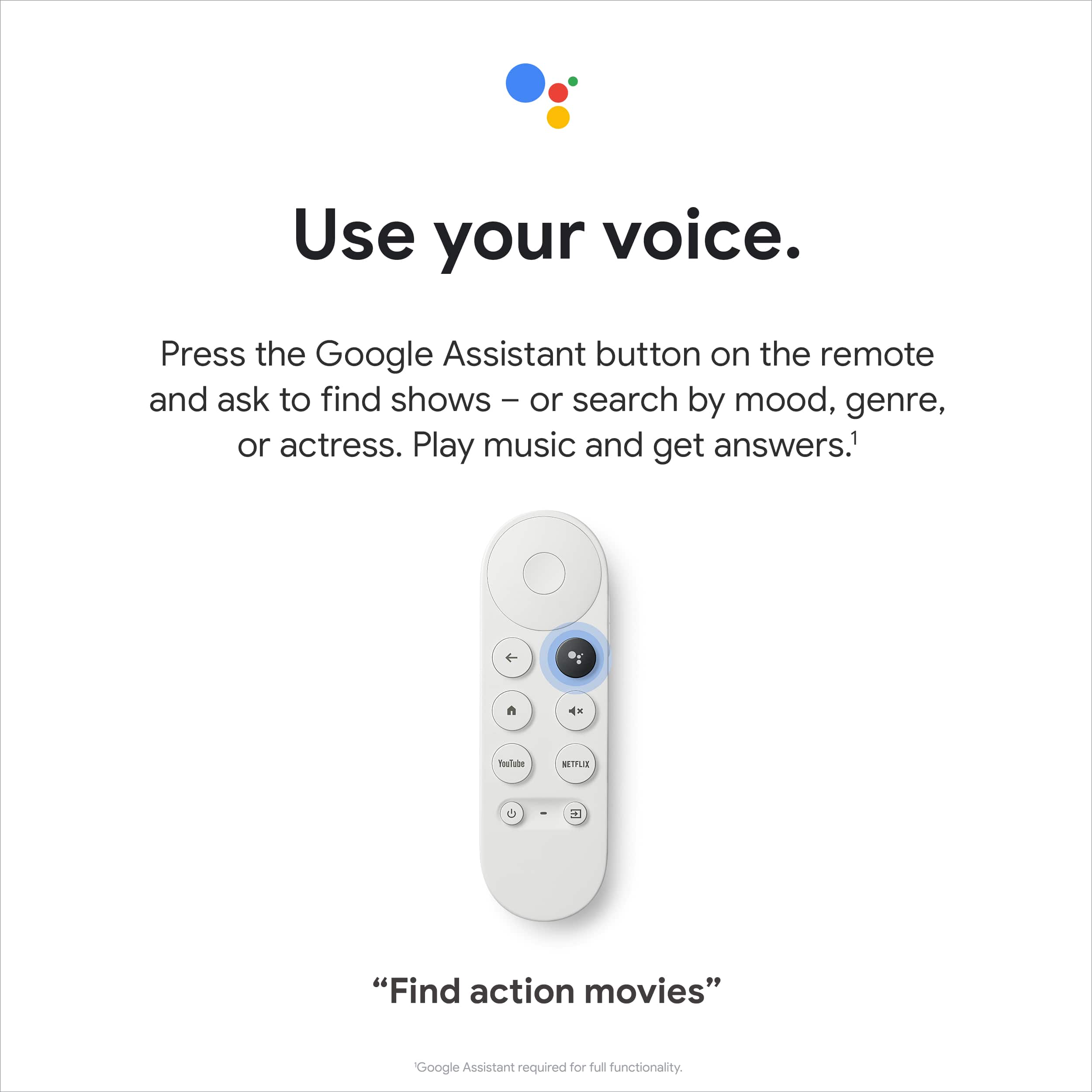
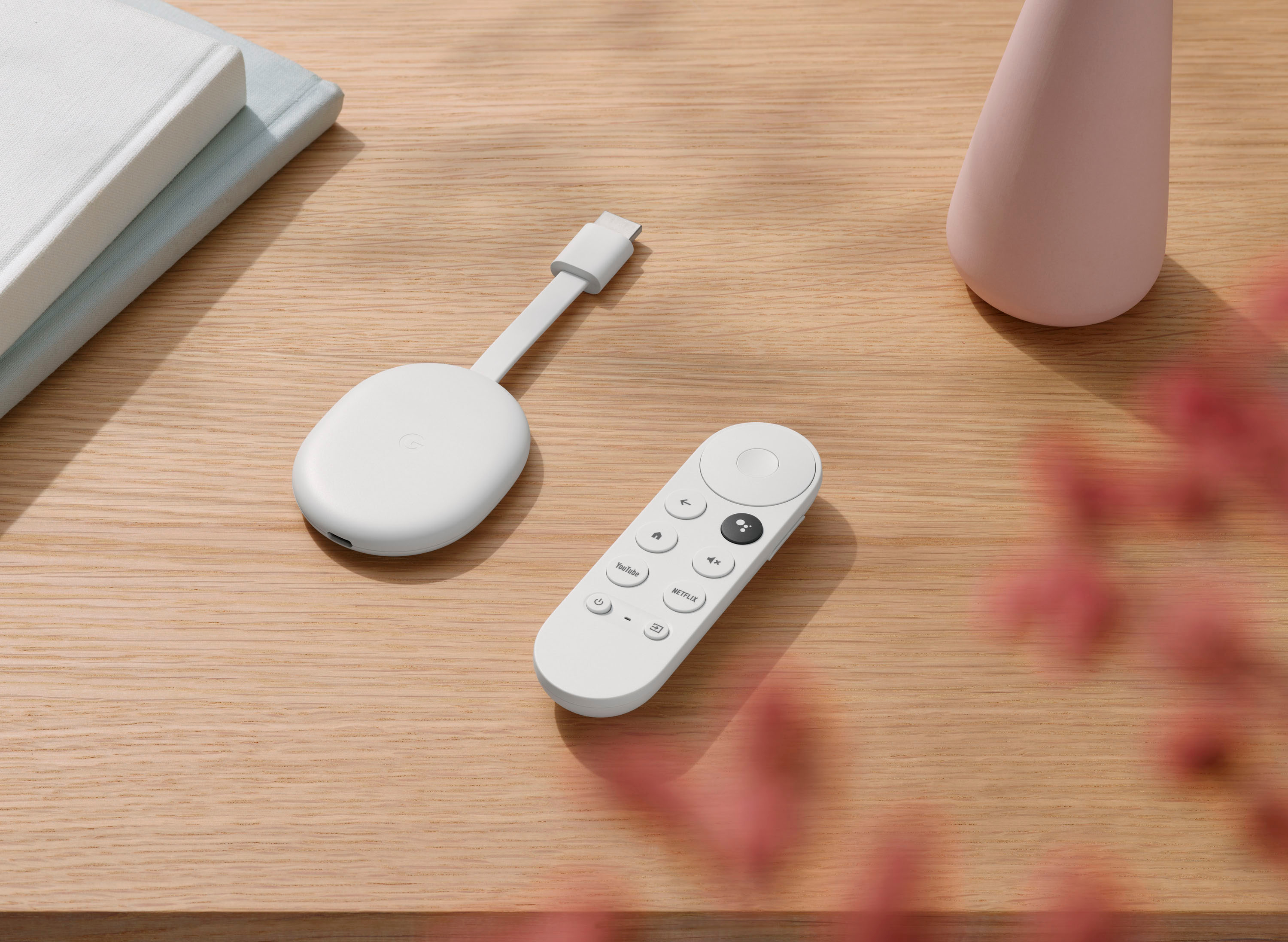
||Posted . Owned for 1 week when reviewed.This reviewer received promo considerations or sweepstakes entry for writing a review.So much faster then my Roku, Love the interface and Android TV and the ability to fast forward and rewind recordings with the voice control. But there is one huge negative and that is the slippery oddly shaped remote control. the wheel at the top is pretty design but functionally inept as the remote slips and you often miss your target. The volume control is on the slopping side of the remote is uncomfortable to use and hard to distinguish between up and down volume. So Google, fix the remote and you get 5 stars.
I would recommend this to a friendNeeds better audio compability with hbo max.
||Posted . Owned for 1 month when reviewed.This reviewer received promo considerations or sweepstakes entry for writing a review.Works pretty good. The one downside is that hbo max did not support dolby atmos In fact most movies in the hbo max app only output in stereo only for some strange reason.
I would recommend this to a friendBrand response from Google Team
Posted .Hi Travis,
We appreciate your feedback. Sorry to hear about HBO Max’s lack of support for Dolby Atmos in Chromecast with Google TV.
You may find these steps helpful to ensure that you’re using your preferred audio formats whenever the content you play supports it.
Other than setting up your receiver with the Chromecast, you may also adjust the sound format (surround sound and manual) settings to get surround sound. The steps below will help adjusting the sound format using your Voice Remote:
- Go to Settings.
- Select Display and Sound.
- Select Advanced sound settings.
- Select Format selection.
- Then select between Automatic, Never, or Manual to choose formats from available formats.
- Under the various sound settings range, toggle the buttons to either on or off. For example, Dolby Atmos in Dolby Digital Plus, AAC, Dolby Digital.
We'd love to hear more about your experience. Please feel free to reach out to us here: https://support.google.com/chromecast/gethelp
Narer2244
||Posted . Owned for 2 weeks when reviewed.This reviewer received promo considerations or sweepstakes entry for writing a review.It's ok but I really didn't care for it cause it was too much confusion for my TV and me
I would recommend this to a friendGreat product
||Posted .This reviewer received promo considerations or sweepstakes entry for writing a review.Great product! Works like a charm. Even sets up login to streaming accounts
I would recommend this to a friendIt's great, but not 4k ready.
||Posted . Owned for 3 months when reviewed.This reviewer received promo considerations or sweepstakes entry for writing a review.It's alright. I feel this thing struggles to play 4k movies on some apps so have to switch between this and my Samsung TV os, but when it works I prefer this product.
I would recommend this to a friendConnectivity issues
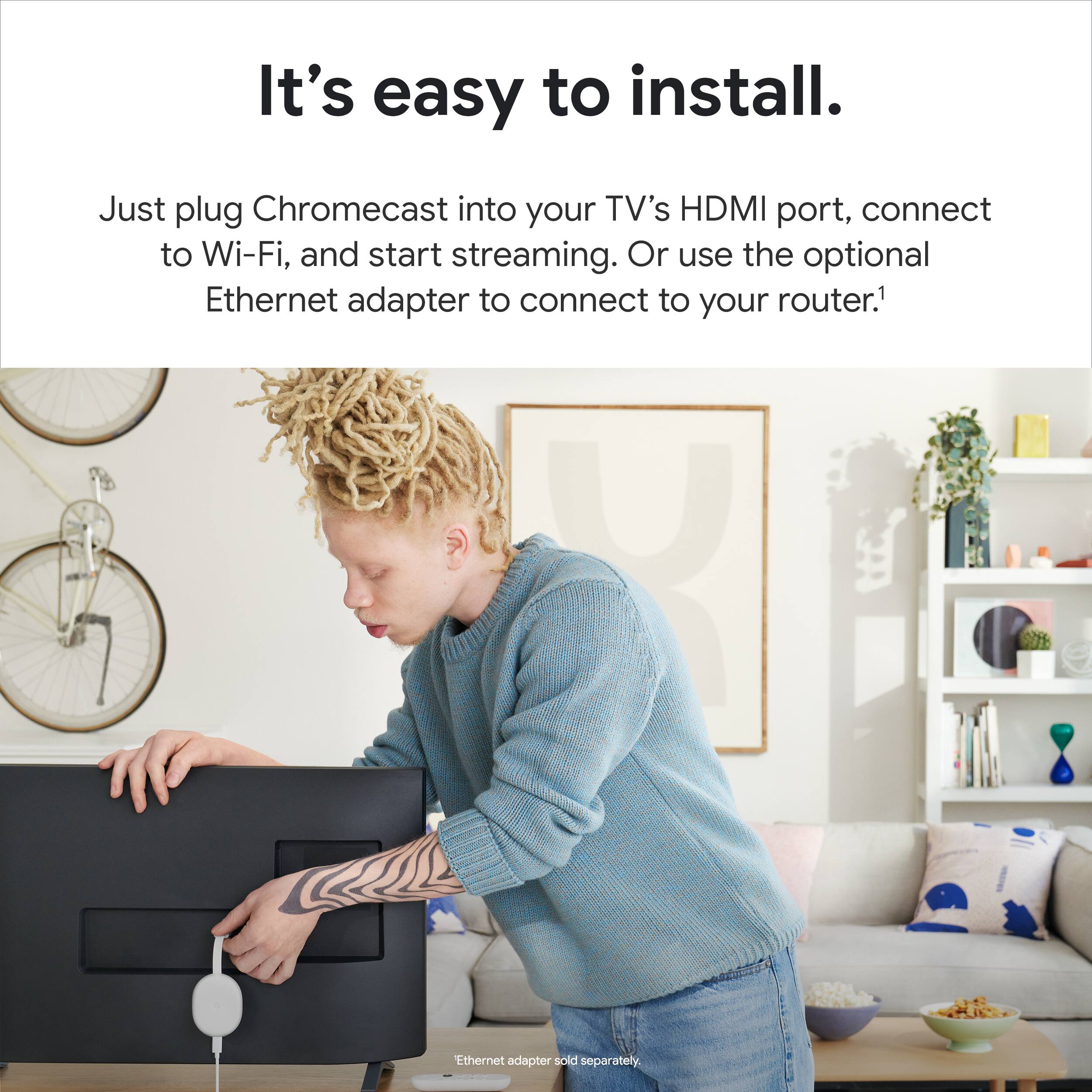
||Posted . Owned for 3 weeks when reviewed.This reviewer received promo considerations or sweepstakes entry for writing a review.Connecting to tv and sound bar was more difficult on this unit
I would recommend this to a friendBrand response from Google Team
Posted .Hi MesshechY,
We apologize for the connection difficulties you encountered. We strive to make our guides user-friendly. Now that you've completed the steps, you can enjoy your favorite streaming service. If you suddenly experience another inconvenience with your Chromecast, don't hesitate to contact us. support.google.com/googlenest/gethelp
Best android experience
||Posted . Owned for 8 months when reviewed.This reviewer received promo considerations or sweepstakes entry for writing a review.love this product and the best android experience. Crystal clear
I would recommend this to a friendNo AT&T TV
||Posted . Owned for less than 1 week when reviewed.This reviewer received promo considerations or sweepstakes entry for writing a review.No ATT&T TV app available along with several other desired apps. Otherwise nice functionality, but will not be a true competitor with Roku and Fire due to selection.
No, I would not recommend this to a friendWait for a update or two
||Posted . Owned for less than 1 week when reviewed.This reviewer received promo considerations or sweepstakes entry for writing a review.Would advise waiting till they add more apps to plateform. It’s a new android build and they are piecemeal on patching the things they overlooked in roll out. Other then the apps. Nice streamer. Can access google nest and best cameras through the tv with ease. As well as the google home app that actually lets you see camera feed in app compared to amazon and Alexa app that doesn’t which is stupid.
I would recommend this to a friendGood but still dumb
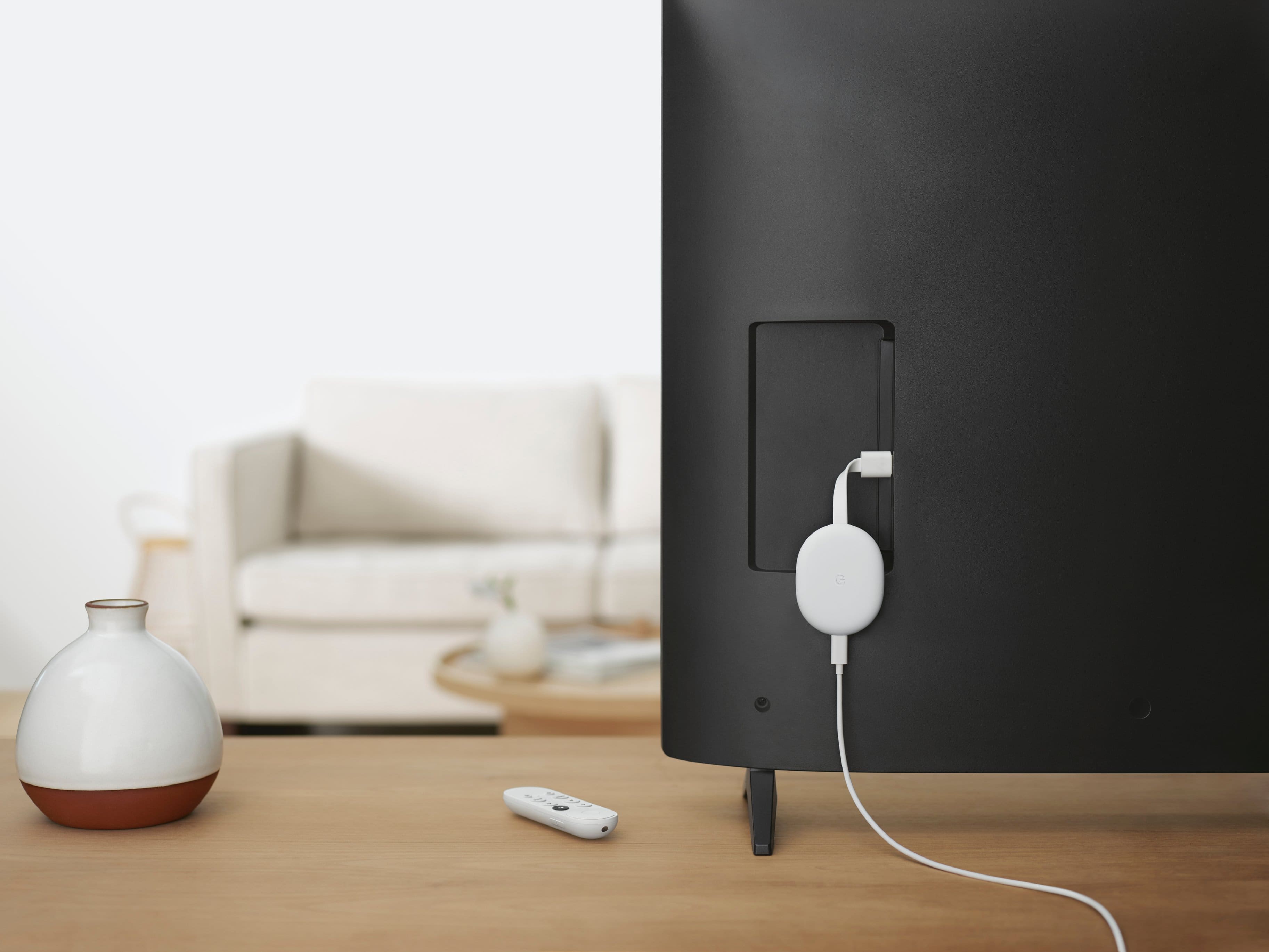
||Posted . Owned for 1 month when reviewed.This reviewer received promo considerations or sweepstakes entry for writing a review.Great design and UI. But needing to have it connected to a power outlet makes it hard to set up.
No, I would not recommend this to a friendBrand response from Google Team
Posted .Hello there, DanteAns. We're glad to hear that you like the fantastic design and user interface of the Chromecast with Google TV (4K). We do understand that hardwiring it to power can be challenging for some users. Please note that the installation is a one-time DIY project that typically takes around 30-40 minutes. If you find yourself uncomfortable with the installation process, we recommend considering the option of hiring an electrician to assist you. They can provide the necessary expertise to ensure a smooth installation.
Furthermore, if you require any additional assistance or have any further questions, our support team is ready to help and you may reach out to them here: https://support.google.com/googlenest/gethelp
Streaming
||Posted . Owned for 3 weeks when reviewed.This reviewer received promo considerations or sweepstakes entry for writing a review.Tried to update this device it never updated are would lock in I'm my wifi.I knew our wifi was working because my other tvs working on a different streaming device.
No, I would not recommend this to a friendBrand response from Google Team
Posted .Hi Rock,
Thanks for your feedback. We’re sorry to hear of the connectivity issue with your Chromecast with Google TV.
If you’re willing to try, we recommend connecting the Ethernet adapter for your Chromecast directly to your router, to see if you will get a connection.
You may also want to try some troubleshooting steps below to see if your Chromecast can connect via Wi-Fi connection:
- Move your router to within 20 feet of your Chromecast.
- Check for possible interference as thick walls and other connected devices may weaken the Wi-Fi signal from your router to the Chromecast device.
- Check for possible congestion with your Wi-Fi network.
We´re here to help, and we may need to have a look at the issue you have in order for us to come up with a resolution. Please feel free to reach out to our support team here:
https://support.google.com/chromecast/gethelp
Sad attempt by Google
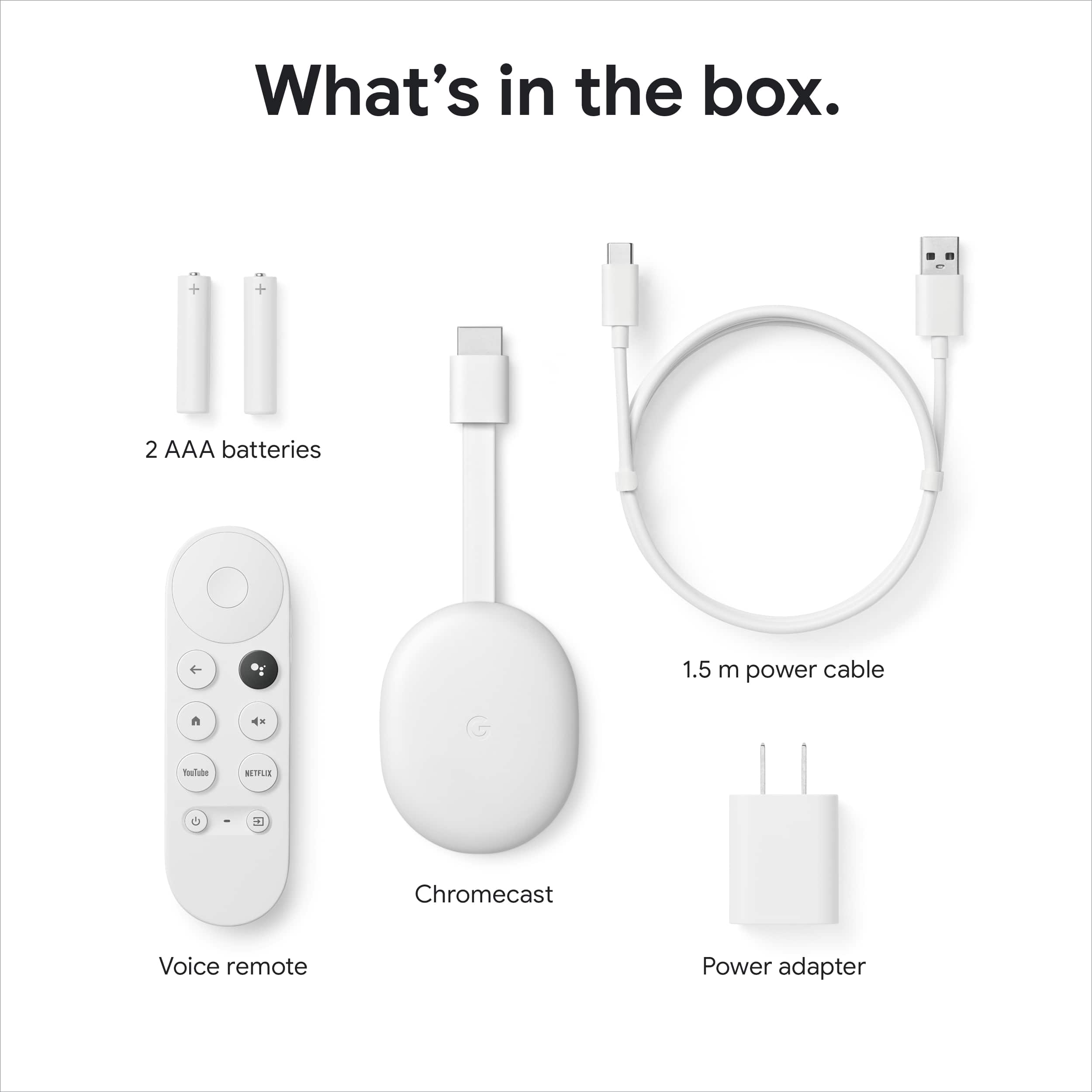
||Posted . Owned for 2 months when reviewed.This reviewer received promo considerations or sweepstakes entry for writing a review.Interface seems nice, but it doesn't help that the remote they ship is a piece of junk that stops working in short order. Really wanted to enjoy this, as I thought Google was finally upping their game to start competing with Roku and FireTV, but based on how cheap the components are, I'm surprised they didn't just stick with regular Chromecasts. In short, save yourself the trouble, and stick with a traditional Chromecast, or just go with a Roku, FireTV, or other Android TV box.
No, I would not recommend this to a friendBrand response from Google Team
Posted ."
Hi KingsleyZissou,
We're always appreciative of the feedback you provide us. We're sorry to hear that your Voice Remote stopped working after such a short time of using your Chromecast with Google TV.
We recommend resetting your Chromecast and Voice Remote to help fix the issue. You may follow the steps below to perform the reset.
With the Voice Remote:
- In the upper right of your TV screen, select your profile and then Settings .
- Select System and then About and then Factory Reset.
From the Chromecast device:
- While the Chromecast is plugged into the TV and powered, press and hold the button on the back of the Chromecast. The LED will start blinking yellow.
- When the LED light turns solid white, release the button and the Chromecast will then reset.
Your Chromecast with Google TV comes with a 1-year limited manufacturer warranty starting from the date of original purchase. Should you need further assistance, we'd be more than happy to improve your experience if you can contact us here: https://support.google.com/chromecast/gethelp
Google tv
||Posted . Owned for 1 month when reviewed.This reviewer received promo considerations or sweepstakes entry for writing a review.Easy to operate, remote is fast . Lacks storage space after downloading a few apps warning comes on about not having enough space to download the app.
I would recommend this to a friendBrand response from Google Team
Posted .Hi Artbartalotta, thanks for sharing your experience with us. We're glad to hear that you like your Chromecast with Google TV, and sorry to hear that its other features didn’t meet your needs.
Added storage capacity to your Chromecast with Google TV, will be a great addition to its features. We're always working to improve our products and services, and your feedback goes a long way.
If you have any questions you want us to answer, feel free to reach out to our support team. We’d be happy to help and improve your experience here: https://support.google.com/chromecast/gethelp
Overall, really good.
||Posted . Owned for 2 weeks when reviewed.This reviewer received promo considerations or sweepstakes entry for writing a review.Competitive with other streaming devices around its price point. It has access to all the major platforms that you would expect. I like the customizable screen saver and the integration with Google Assistant. My only real complaint is that the menu scrolling is not smooth at times making it feel a bit underpowered. If you’re in the Google ecosystem already this is a great fit.
I would recommend this to a friendBrand response from Google Team
Posted .Hi Sasquatch! Thanks for taking the time to share your feedback about your Chromecast with Google TV (4K). We're happy to know that you love the device and it's competitive enough because of its performance, functionality and price. Especially the remote control which is very handy indeed and integrated with Google Assistant to help you save time searching for your favorite shows, movies and other features. However, we do apologize if you’re experiencing some laggy performance issue when scrolling through the Google TV menu. Here are some recommend steps that might be helpful:
- Chromecast typically requires a high speed Internet connection of at least 20 Mbps and a reliable Wi-Fi network. We recommend checking if your current Internet bandwidth is possibly congested, or that it may not be enough to enable the best viewing experience with Chromecast. Removing some of your connected devices to free up some bandwidth space, and trying out Chromecast will help verify the issue. If you verify congestion, we suggest contacting your Internet service provider to check your connection and upgrade it if needed.
- If you have a lot of apps installed on Chromecast with Google TV (4K), we recommend removing some unused apps to free up some storage space. You may then check if the issue is still persistent.
- Lastly, you may also reset Chromecast to try and fix the issue. Keep in mind that this will erase all data on Chromecast and that you may need to set it up again. To reset, check out this link: https://support.google.com/chromecast/answer/6254654
If the issue is still persistent, you can reach out to our support team using this link: https://support.google.com/chromecast/gethelp
Design Problem
||Posted . Owned for 3 weeks when reviewed.This reviewer received promo considerations or sweepstakes entry for writing a review.I returned it because the select button blends with the outer ring. Perhaps if the select button were a bit higher above the ring, but ...
No, I would not recommend this to a friend