Customer Ratings & Reviews
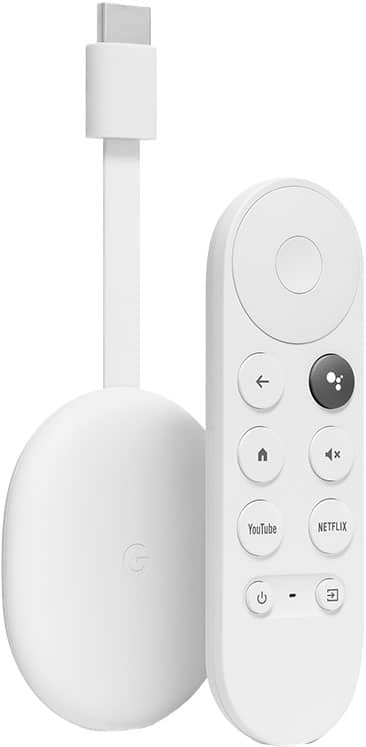
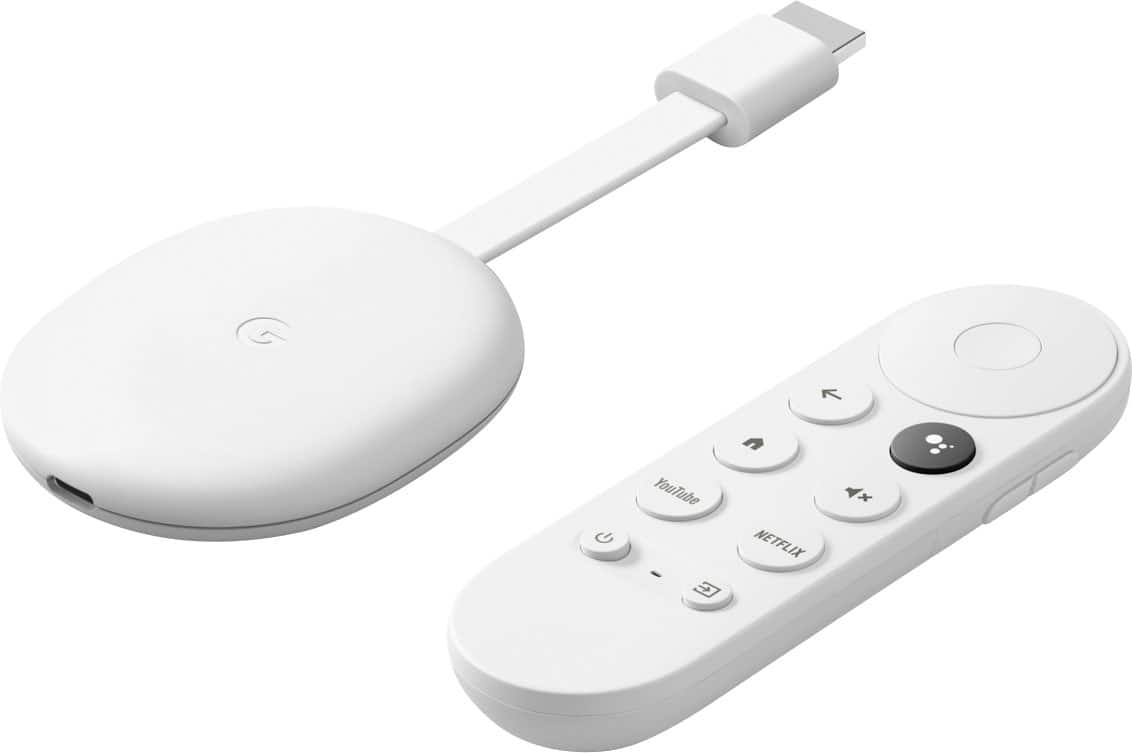
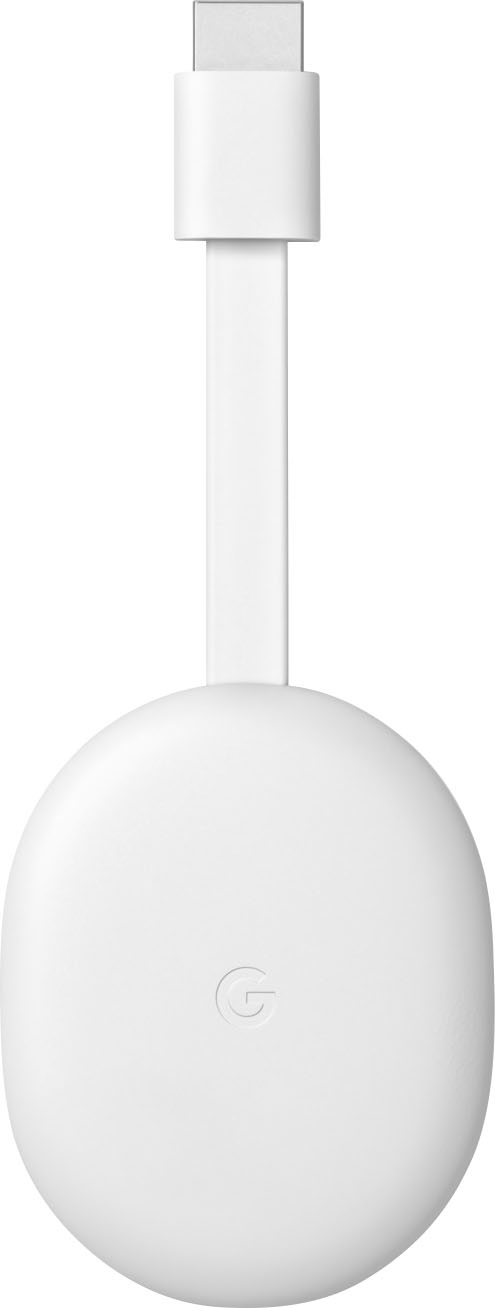
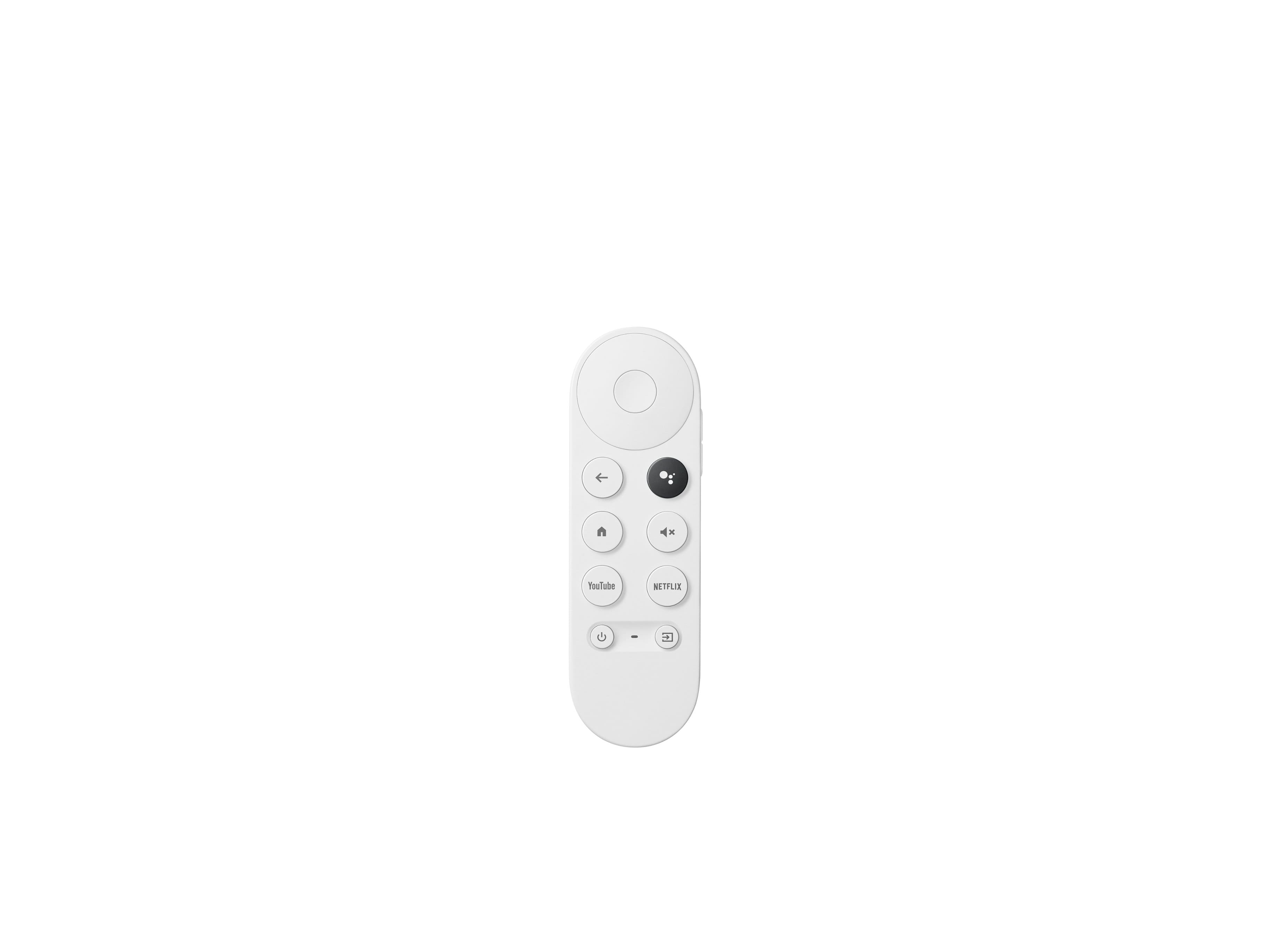


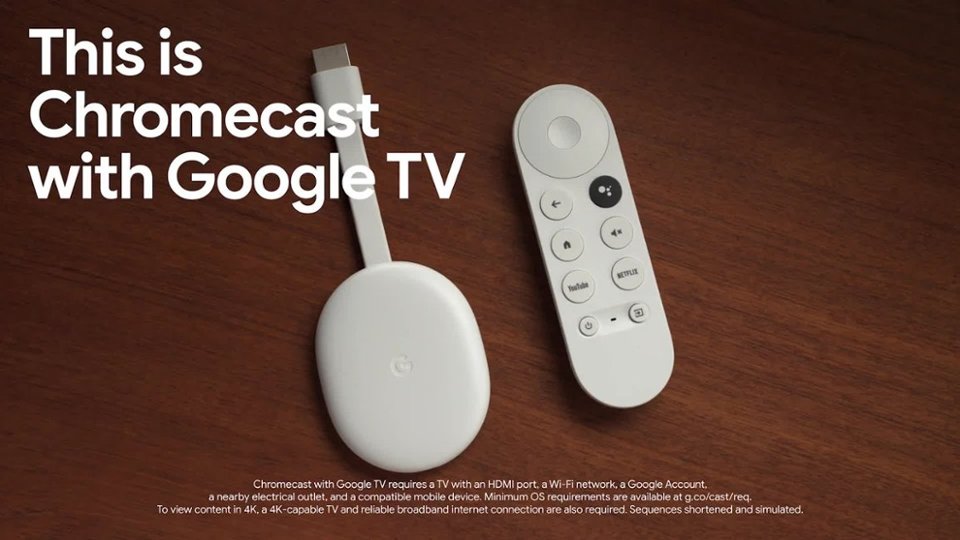
- Model:
- GA01919-US
- SKU:
- 12377596
Rating by feature
- Value
Rating 4.7 out of 5 stars
- Quality
Rating 4.7 out of 5 stars
- Ease of Use
Rating 4.7 out of 5 stars
to a friend
Worth the upgrade
||Posted . Owned for 1 month when reviewed.This reviewer received promo considerations or sweepstakes entry for writing a review.Finally decided to get the updated Chromecast. It was worth it.
I would recommend this to a friendGreat
||Posted . Owned for 3 weeks when reviewed.This reviewer received promo considerations or sweepstakes entry for writing a review.Works very well, very quick and responsive. The occasional buffering issue but that could be my wifi as well.
I would recommend this to a friendChromecast 4K
||Posted . Owned for 1 month when reviewed.This reviewer received promo considerations or sweepstakes entry for writing a review.Chromecast 4K working fine. Nice upgrade from previous version
I would recommend this to a friendSomewhat of a downgrade from the normal Chromecast
||Posted . Owned for 5 months when reviewed.This reviewer received promo considerations or sweepstakes entry for writing a review.I really don't like how this Chromecast went in the direction of a whole smartTV on a dongle. With my regular 1080p Chromecast it just displays basically a screensaver and then is super snappy when I cast content from my phone. With the smart TV features it seems like it adds a lot of bloat and decreases performance for actualling casting things, which is what I bought it for. Oh well.
No, I would not recommend this to a friendBrand response from Google Team
Posted .Hi TylerM, we really appreciate your feedback on Chromecast with Google TV (4k), and we’re sorry to hear of your poor experience with its performance when casting.
A range issue or wireless interference can cause your Chromecast to have performance issues. Sometimes it may pass the connection test during setup, but will struggle to stay connected if it’s just a bit too far away. You may also check for objects such as mirrors and refrigerators between the Chromecast and your router as these items could block the connection. For more help, read Troubleshooting wireless interference here: https://support.google.com/googlenest/answer/9276282
We also suggest clearing the app cache that might help as having a sizable amount of cache stored, would affect its performance. Here’s how:
- From the Google TV home screen, in the top right, go to the user profile icon and select Settings.
- Select Apps and choose the app you're having trouble with.
- If you can't find it, select See all apps.
- Select Clear cache and then Ok.
- If clearing the app cache didn't work, you can try to reset your Chromecast with Google TV by following the steps here: https://support.google.com/chromecast/answer/6254654
If the issue still persists, we’d like to have a closer look and guide you with further troubleshooting. You can communicate with our dedicated team through our support channels anytime at: https://support.google.com/googlenest/gethelp
Major dissapoiment due to basic feature.
||Posted .This reviewer received promo considerations or sweepstakes entry for writing a review.I'd give this zero stars if I could. You can't control the TVs volume via the HDMI??? This means no sound control via voice or your phone. Who decided to launch this with out this basic feature? Sad to say I'm returning the device simply because of this feature. Also at this price why not just add a mic so you can turn on the screen without the need of a Google speaker or your phone or remote.
No, I would not recommend this to a friendBrand response from Google Team
Posted .Hi ThyFonz,
Thank you for sharing your experience with us. You’ll be able to control the volume of Chromecast with Google TV in different ways including, voice control via Google Assistant app in your phone or tablet or using a Google/Nest speaker. Aside from that, you can use the Voice Remote Volume button and via touchscreen control, if you have a Google Assistant smart display.
Here's how:
- At the top right of your TV screen, select your profile and then Settings .
- Select Remotes & Accessories > Set up remote buttons > Volume control > Chromecast Volume.
Chromecast Voice Remote has a microphone that you can use to talk to Google, control your TV, search and more.
Although turning on Chromecast via voice control using the voice remote isn't supported, turning off your TV with voice command works. HDMI-CEC should be enabled in the TV settings to the devices to communicate with the TV via HDMI.
If you haven't returned your Chromecast with Google TV and if you need further help, you can reach out to us here: https://support.google.com/chromecast/contactflow
Works like it should
||Posted . Owned for 6 months when reviewed.This reviewer received promo considerations or sweepstakes entry for writing a review.Works as it should. No complaints here. I got it on sale too.
I would recommend this to a friendCool
||Posted . Owned for 7 months when reviewed.This reviewer received promo considerations or sweepstakes entry for writing a review.It's an amazing device and very easy to use. Amazing features.
I would recommend this to a friendIt was ok.
||Posted . Owned for 3 weeks when reviewed.This reviewer received promo considerations or sweepstakes entry for writing a review.Two out of five stars. The system was a little slow to work with.
No, I would not recommend this to a friendBrand response from Google Team
Posted .Hey there, Rafael. Thanks for sharing your feedback. We're sorry to hear about your experience with the Chromecast with Google TV (4K). It's disappointing when a device doesn't meet performance speed expectations. We suggest rebooting your device and checking any updates for your Chromecast. Software updates can often improve performance and address any lags you may be experiencing. If you already tried the suggested steps, we recommend reaching out to our dedicated team of specialists on the Google Help Center here: https://support.google.com/googlenest/gethelp
Chrome cast
||Posted . Owned for 1 month when reviewed.This reviewer received promo considerations or sweepstakes entry for writing a review.Great; every thing I expected. Try it you'll like it. I do.
I would recommend this to a friendNot as expected.
||Posted .This reviewer received promo considerations or sweepstakes entry for writing a review.Not up to par with the competition. System is ok, but has no match vs Amazon or other streaming platforms. Remote sucks.
No, I would not recommend this to a friendVery usful
||Posted . Owned for 2 weeks when reviewed.This reviewer received promo considerations or sweepstakes entry for writing a review.Love useing it snd having all mybaccounts readu to be watches
I would recommend this to a friendLook elsewhere.
||Posted . Owned for 1 month when reviewed.This reviewer received promo considerations or sweepstakes entry for writing a review.I am a Roku user but decided to try something new it was either going to be Chromecast or Amazon fire stick, I should have went with the Amazon fire stick. The Chromecast unit is constantly glitchy and always disconnecting from the internet. And the internet is not the issue because my 3 Roku boxes do not do this. Maybe I have a bad unit but I'm not willing to gamble my money away to find out. I do not like the fact that it's only WiFi, no Ethernet plug to directly plug into.
No, I would not recommend this to a friendBrand response from Google Team
Posted .Hi ReganGTX,
Thanks for letting us know how it went on your Chromecast with Google TV. We understand how frustrating it can be when your device randomly disconnects from the network and we’d like to help you right away.
We recommend trying these steps:
With the Chromecast Voice Remote:
- In the upper right of your TV screen, select your profile and then Settings .
- Select System and then About and then Factory Reset.
From the Chromecast device:
- While the Chromecast is plugged into the TV and powered, press and hold the button on the back of the Chromecast. The LED will start blinking yellow.
- When the LED light turns solid white, release the button and the Chromecast will then reset.
Although Chromecast with Google TV only connects via Wi-Fi by default, there's an Ethernet adapter for Chromecast with Google TV that allows you to plug an Ethernet cable directly to your Chromecast that’s available at the Google Store: https://store.google.com/us/product/chromecast_ethernet_adapter_gen_2
Please consider reaching out to us so we can take a closer look and understand what's causing the issue. This will allow us to help you in the best way possible and improve your experience. You can contact us here: https://support.google.com/chromecast/contactflow
Remote
||Posted . Owned for 1 month when reviewed.This reviewer received promo considerations or sweepstakes entry for writing a review.Very good helpful very good deal item was extremely gine
I would recommend this to a friendChromecast
||Posted . Owned for 3 weeks when reviewed.This reviewer received promo considerations or sweepstakes entry for writing a review.Great product! Makes a smart tv out of a not so smart tv
I would recommend this to a friendYeah, no....
||Posted . Owned for 2 months when reviewed.This reviewer received promo considerations or sweepstakes entry for writing a review.Supports the apps I was after. But the overall experience is terrible. The device drops wireless connection regularly (other devices in the same location have full signal, and zero issues), bought the power (network) adapter, and it seems to drop less, but still drops. Cheap network products all around. I would recommend literally any other device that supports the apps you need.
No, I would not recommend this to a friendBrand response from Google Team
Posted .Hi Sapientae,
Thanks for sharing your feedback with us. We are sorry to hear you ran into some connection issues with your Chromecast with Google TV.
We'd like to know more about this issue, so that we can work to isolate the issue and perform troubleshooting processes on your Chromecast with Google TV. We're currently available to assist you, please reach out to us here: https://support.google.com/chromecast/contactflow
Not that good
||Posted . Owned for 1 month when reviewed.This reviewer received promo considerations or sweepstakes entry for writing a review.Not as good as I thought it would be. Thought I could get my At&T Now app on this device, not available. I still have to use my phone to cast. Needs more apps.
No, I would not recommend this to a friendDon't buy
||Posted . Owned for 3 weeks when reviewed.This reviewer received promo considerations or sweepstakes entry for writing a review.Very unhappy, lots of buffering, hard to turn on, I don't know if the remote is the problem or the unit, but turning it on required pushing the on button twice then the home button, sometimes multiple times. We bought a firestick, no buffering, turns on first time every time and I can control my tv, receiver and firestick with the remote. Get the firestick.
No, I would not recommend this to a friendBrand response from Google Team
Posted .Hi Fred, thanks for sharing your feedback with us. We're sorry for any frustration this issue has caused you. When an app buffers, keeps on loading or becomes laggy, clearing the app cache might help you fix the issue. See this step by step guide here:
- From the Google TV home screen, in the top right, go to the user profile icon and select Settings.
- Select Apps and choose the app you're having trouble with.
- If you can't find it, select See all apps.
- Select Clear cache and then Ok.
- If clearing the app cache didn't work, you can try to reset your Chromecast with Google TV by following this step by step guide here: https://support.google.com/chromecast/answer/6254654
If the reset still did not work, we'd like to take a look at your Chromecast with Google TV and help you as best as we can. Please reach out to our support team here: https://support.google.com/chromecast/gethelp
the best
||Posted . Owned for 1.5 years when reviewed.This reviewer received promo considerations or sweepstakes entry for writing a review.much better than firestick and roku, suggestions are insanely good
I would recommend this to a friendGreat picture quality
||Posted . Owned for more than 2 years when reviewed.This reviewer received promo considerations or sweepstakes entry for writing a review.Chromecast with Google TV, very happy with my purchase.
I would recommend this to a friendQuick & Easy
||Posted . Owned for 1 month when reviewed.This reviewer received promo considerations or sweepstakes entry for writing a review.Simple install, easy navigation, as good as advertised
I would recommend this to a friend