Customer Ratings & Reviews








- Model:
- GA03131-US
- SKU:
- 11034426
Rating by feature
- Value
Rating 4.8 out of 5 stars
- Quality
Rating 4.7 out of 5 stars
- Ease of Use
Rating 4.7 out of 5 stars
to a friend
Works fine
||Posted . Owned for 2 months when reviewed.This reviewer received promo considerations or sweepstakes entry for writing a review.Great product and easy to work with. Downfall it took a while to get updated.
I would recommend this to a friendBrand response from Google Team
Posted .Hey there, Carst! Thanks for the review, and we appreciate that you like the Chromecast with Google TV (HD). We hear your concern about the time it took to get updated. Firmware updates are done in stages, and your device will usually download updates automatically. To manually download the latest update, follow the steps below:
- Go to the home screen of your Chromecast with Google TV.
- Choose Settings > System > About > System update.
We trust that all is well, and that you’re getting the most benefits out of its features after the update. For any support concerns, our dedicated team would be happy to help you here: https://support.google.com/googlenest/gethelp
Awesome
||Posted . Owned for 1 week when reviewed.This reviewer received promo considerations or sweepstakes entry for writing a review.Nice way to live tv and streams apps at a cheap price.
I would recommend this to a friendFantastic purchase
||Posted . Owned for 1 month when reviewed.This reviewer received promo considerations or sweepstakes entry for writing a review.What a Great purchase. I use the chrome cast every day. It does even more and better than I thought it would. I purchased it online and just picked it up from the geek store counter. It couldn't have been any earlier at a fantastic price.
I would recommend this to a friendReview
||Posted . Owned for 1 month when reviewed.This reviewer received promo considerations or sweepstakes entry for writing a review.Love that I looks so nice and slim very easy set up.
I would recommend this to a friendGreat
||Posted . Owned for 2 weeks when reviewed.This reviewer received promo considerations or sweepstakes entry for writing a review.Just what I need it to cast my oculus to my tv …..
I would recommend this to a friendRecommended for older TV's that cannot get Netflix
||Posted . Owned for 1 month when reviewed.This reviewer received promo considerations or sweepstakes entry for writing a review.Very useful device once operational and easy to initially attach to the TV ports indicated. But I found it difficult to figure out the subsequent internal settings on my 2013 Samsung TV to make it operational (it requires switching from HDMI1 [Direct TV] to HDMI3 on the TV settings, etc. to make it work).
I would recommend this to a friendBrand response from Google Team
Posted .Hi EMIP! We're glad to know you're having a good time with your Chromecast with Google TV (HD). For future reference, we recommend checking the ports of your TV before connecting your device, and ensuring the Chromecast fits securely.
Chromecast with Google TV (HD)
||Posted . Owned for 1 month when reviewed.This reviewer received promo considerations or sweepstakes entry for writing a review.This product gave me total connectivity to all main Online video providers. Was easy and safe to install. The wireless control works perfect with my Samsung screen. Very good ratio price vs value.
I would recommend this to a friendProduct Review
||Posted . Owned for 6 months when reviewed.This reviewer received promo considerations or sweepstakes entry for writing a review.Does what I wanted it to do, supplement my old Samsung TVs outdated software with new apps so I didn't have to spend 100's on a new TV just to watch Pluto, Twitch, Tubi, etc. Too bad my Chrome Extensions don't get applied to the device.
I would recommend this to a friendGreat Streaming Product
||Posted . Owned for 1 year when reviewed.This reviewer received promo considerations or sweepstakes entry for writing a review.Easy set up, easy to use, and works flawlessly. I highly recommend this
I would recommend this to a friendGreat
||Posted . Owned for 1 year when reviewed.This reviewer received promo considerations or sweepstakes entry for writing a review.Son uses it and seems thrilled with it, so that's all I need to know!
I would recommend this to a friendGreat Device
||Posted . Owned for 3 weeks when reviewed.This reviewer received promo considerations or sweepstakes entry for writing a review.Device works well and integrates with Google Home. Feature rich allowing for multiple streaming options. Multitudes of free viewing options including free movies offered by Google TV.
I would recommend this to a friendAdditional Chromecast
||Posted . Owned for 1 month when reviewed.This reviewer received promo considerations or sweepstakes entry for writing a review.Worked perfectly for what I needed. I needed an additional streaming device for watching the NCAA Tournament and this worked perfectly along with the other Chromecast devices I have in my house.
I would recommend this to a friendit's the best budget option rn
||Posted . Owned for 3 weeks when reviewed.This reviewer received promo considerations or sweepstakes entry for writing a review.only a tiny bit more laggy and annoying to use than an apple tv
I would recommend this to a friendBrand response from Google Team
Posted .Hi there, Chandler. Thanks for giving us feedback about the Chromecast with Google TV (HD), and we’re sorry to hear about your experience with its performance.
A range issue or wireless interference can affect the performance of your device and it may struggle to stay connected if it’s just a bit too far away from the router. For more troubleshooting tips, read Troubleshooting wireless interference here: https://support.google.com/chromecast/answer/7566322
We also suggest clearing the app cache that might help as having a sizable amount of cache stored, would affect its performance. Here’s how:
- From the Google TV home screen, in the top right, go to the user profile icon and select Settings.
- Select Apps and choose the app you're having trouble with.
- If you can't find it, select See all apps.
- Select Clear cache and then Ok.
- If clearing the app cache didn't work, you can try to reset your Chromecast with Google TV by following the steps here: https://support.google.com/chromecast/answer/6254654
You’re more than welcome to contact us at our Help Page if more help is needed.
Great for non smart TV
||Posted . Owned for 2 weeks when reviewed.This reviewer received promo considerations or sweepstakes entry for writing a review.You can make any TV to smart TV with this small one.
I would recommend this to a friendNice Upgrade from Old Version
||Posted . Owned for 1 month when reviewed.This reviewer received promo considerations or sweepstakes entry for writing a review.Works well with my older LG 60". This replaced an older version of the Chromecast. The small remote is nice but a little hard to manipulate with larger hands. Nice that you don't even need to use the chromebook to cast to the tv now.
I would recommend this to a friendJust what i needed
||Posted . Owned for 2 weeks when reviewed.This reviewer received promo considerations or sweepstakes entry for writing a review.It's simple but perfect. Turn any TV into a smart TV
I would recommend this to a friendMany new viewing options.
||Posted . Owned for 2 months when reviewed.This reviewer received promo considerations or sweepstakes entry for writing a review.Purchased this because my older "smart" TV could no longer access NetFlix. This Chromecast has not only renewed my access to NetFlix, but has opened up a plethora of additional viewing options, many of which are free of charge.
I would recommend this to a friend
Great performance and excellent app support
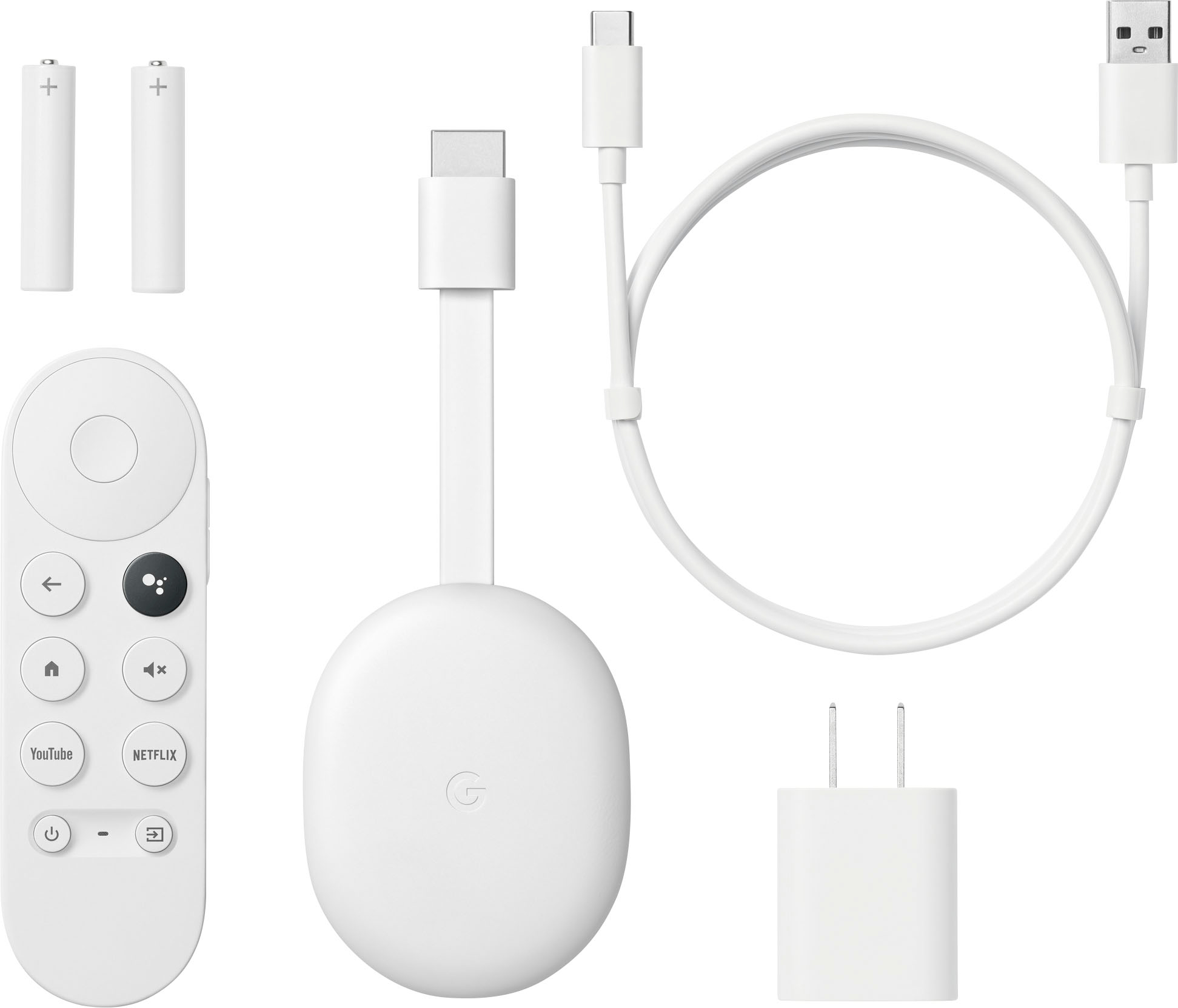
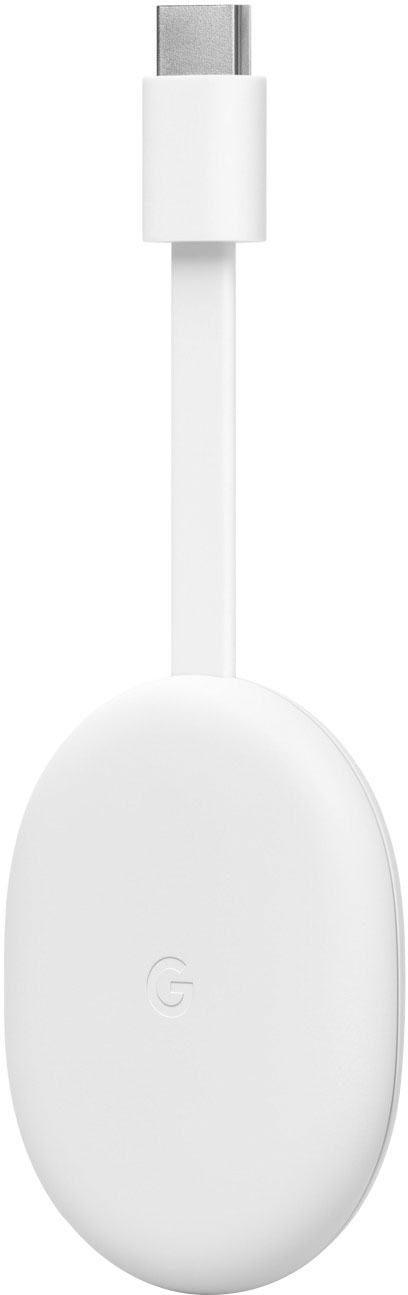
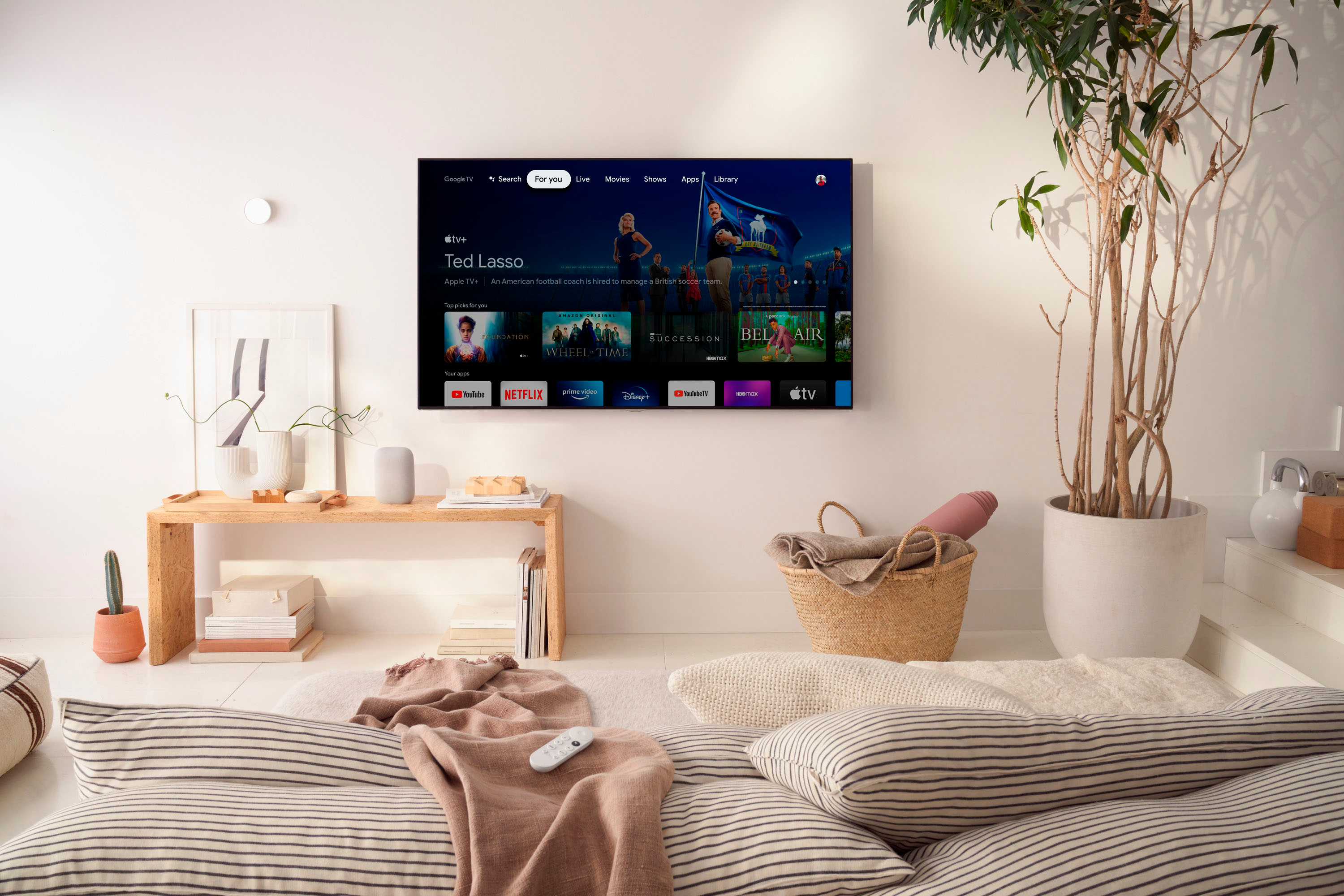
|Posted .This reviewer received promo considerations or sweepstakes entry for writing a review.The Chomecast with Google TV (HD) is a great value, performing very well and supporting a huge number of streaming services. Design It's a bit larger and heavier than I expected. I don't see it behind the TV and it isn't that heavy so it doesn't matter but that surprised me. The size probably helps improve radio signal. It requires that you plug it into the wall for power with the included adapter. I tried powering it off my TV USB port and it showed pictures on the screen with a line through plugging it into the TV and a picture of it plugged into the wall instead. After updates Android 12 is on it. By default the interface displays shows and movies that you can go straight into from different streaming services. You can also turn that off in the settings so that it only lists your streaming apps. I was surprised to see that option. To me it makes things a little cleaner. It does still show a large, changing, banner ad at the top of the screen but that's it and you have quick and easy access to your apps/streaming services. Setup I found it easy to setup. It uses the Google Home app on your phone for the setup and to configure the WiFi. After the setup it ran an update. I went into the settings and also found there was an update for the remote. That was easy to do. It has 4.7GB of space available total. After setting up seven streaming apps, using them a little, and installing a 600MB+ game, I have 1.6GB free. I used it on a TV, computer monitor, and a projector and it worked great with all three. Keep in mind if you use it with a computer monitor you'll probably need an external speaker unless your monitor has speakers built in. Video quality I tested a number of different types of video services with it. The video looks great! I'm very happy with the play back smoothness and image quality. One thing I noticed the most is video seems to start at the best quality or close to it. I'm used to video starting at a low quality and getting sharper as it plays. This does that much less than what I'm used to. Colors are bright and rich, contrast seems excellent too - as it should be since this support HDR. Remote The control is easy and comfortable for me to use. While it's smaller than most remotes it doesn't feel too small. The buttons are not too easily pressed but you also don't need to press hard to make them work. The remote has an IR transmitter, along with using Bluetooth, so it can turn on and off the TV. Volume control works fine. It takes two AAA batteries, which are included. The setup of the remote is pretty easy. You can select your TV manufacturer from a large list and then there's a quick setup. The "Input" button didn't work for me. I tried all the options it had. It would bring up the input menu on the TV, but it would not automatically select an input optoin after sitting on it for a while and the button on the Google TV remote would not select it either. Performance I've had a lot of different experiences with control of Smart TV/Streaming devices. Sometimes I've seen them be very slow to respond to key presses, slow to load apps, and slow to go back to the home screen. The Chromecast with Google TV HD works very well. I still get a few jerks here and there but it's much smoother than most, if not all, other smart TV systems I've used. It's pretty quick to load apps and fast going back to the home screen. I also tried an app on it that's a board game. That runs very well! I've tried it on a few different Android/Google TV devices and it runs great on here. The load time is not bad and, once loaded, the game runs very well. I've been impressed with the performance of the Chromecast with Google TV HD. Casting I was able to cast to it from Chrome on my Windows PC and from the YouTube app on my phone. When I tried to cast the screen from my phone it caused a problem with networking after a minute or less of use and not only did casting stop, but no video/networking worked on the Chromecast until I restarted it. I had this happen with two different Android phones. Probably not a big deal but fyi. I could see that being fixed by a software update. Summary Besides the input button not working fully on my TV, and the casting issues, which I think were minor issues, it works very well! In fact, I would say the Chromecast with Google TV is a great value, considering it works so well, includes a remote, and supports probably every streaming service that exists.
I would recommend this to a friendBrand response from Google Team
Posted .Hello hotice, thank you for sharing your review for Chromecast with Google TV. We're glad to hear that you're enjoying your experience with the device. We'd like to know more details about the casting issues you experienced so we can help identify the cause and provide you with troubleshooting tips that may enhance the performance of your Chromecast. Please reach out to our support specialists by visiting our Google Help page here: https://support.google.com/chromecast/gethelp
chrome Cast
||Posted . Owned for 1 month when reviewed.This reviewer received promo considerations or sweepstakes entry for writing a review.set up was simple, product works as advertised. like the ability to connect laptops to tvs
I would recommend this to a friendGreat additi
||Posted . Owned for 2 weeks when reviewed.This reviewer received promo considerations or sweepstakes entry for writing a review.Great addition to a non smart tv. Fast and reliable
I would recommend this to a friend